Compare commits
556 Commits
| Author | SHA1 | Date | |
|---|---|---|---|

|
1bcdaa5614 | ||

|
85dd67721f | ||
|
|
a25ee67cd3 | ||
|
|
67d48e7a79 | ||
|
|
49e69277af | ||
|
|
332284fec3 | ||
|
|
4897253932 | ||
|
|
6559c6b083 | ||
|
|
587d7da2cb | ||
|
|
7d55563556 | ||
|
|
53271966da | ||
|
|
ec4daf8e25 | ||
|
|
edd0842273 | ||
|
|
c1edc20462 | ||
|
|
ced7573241 | ||
|
|
24788fa894 | ||
|
|
dab98f4292 | ||
|
|
84cb775679 | ||
|
|
4e802f1dc5 | ||
|
|
b8efe6985f | ||
|
|
e047179ea0 | ||
|
|
197b3095b6 | ||
|
|
54c23079be | ||
|
|
a93dbde0c8 | ||
|
|
2a3d4f2670 | ||
|
|
e6ba4d8430 | ||
|
|
9284f101c8 | ||
|
|
685444655c | ||
|
|
027545f14c | ||
|
|
2e0322bc0e | ||
|
|
df7a4381c4 | ||
|
|
25dd1b9b0a | ||
|
|
a1a1631fd2 | ||
|
|
47f3ffef7b | ||
|
|
54b5583d1a | ||
|
|
30851a78e8 | ||
|
|
bc6b7b582e | ||
|
|
3927fb2a39 | ||
|
|
028f64a588 | ||
|
|
26ff496829 | ||
|
|
cb583f305c | ||
|
|
88b29d3183 | ||
|
|
02fdb27cc5 | ||
|
|
5fd53c1b2b | ||
|
|
696e3ae582 | ||
|
|
e7a29b7f1a | ||
|
|
e53120f3c2 | ||
|
|
3f463f4b73 | ||
|
|
83964026ec | ||
|
|
f79658a93c | ||
|
|
23fd37559e | ||
|
|
1fadc53743 | ||
|
|
0eaa898e15 | ||
|
|
0aeca76f63 | ||
|
|
8cf6c1fce3 | ||
|
|
736dd820a6 | ||
|
|
db73d1e45f | ||
|
|
6c31c1f2d8 | ||
|
|
fcce9b778b | ||
|
|
b309a55ed6 | ||
|
|
8b2b834818 | ||
|
|
9a63f5b2cc | ||
|
|
a7a116cb33 | ||
|
|
bc90fb1038 | ||
|
|
e307b6a8ac | ||
|
|
c9e8589689 | ||
|
|
e09682c219 | ||
|
|
967babbcb7 | ||
|
|
4973bf8cbe | ||
|
|
6421b74c66 | ||
|
|
463329a080 | ||
|
|
fd2144f8e9 | ||
|
|
18a579a204 | ||
|
|
58d5ea264f | ||
|
|
4b9d23cc3a | ||
|
|
f3e694d3d6 | ||
|
|
b9a0e516c6 | ||
|
|
198d421ab0 | ||
|
|
6caf34b17a | ||
|
|
f0a91b1579 | ||
|
|
c3e5663cf4 | ||
|
|
bcc6fcd2e7 | ||
|
|
3c3d681ca0 | ||
|
|
3e83c26cd5 | ||
|
|
ec841d5382 | ||
|
|
d2e4252487 | ||
|
|
7660dad4eb | ||
|
|
ddfa973c19 | ||

|
def0eb8586 | ||
|
|
c39ee82ac5 | ||
|
|
e1bde1971d | ||
|
|
79c90c5b97 | ||
|
|
06ffbaa2f4 | ||
|
|
63e7023342 | ||
|
|
88a0685097 | ||
|
|
ed3225ed84 | ||
|
|
96c997c38a | ||
|
|
c824d00986 | ||
|
|
c052796d52 | ||
|
|
1077204965 | ||
|
|
77476596f4 | ||
|
|
efd5443be4 | ||
|
|
8c88fbe10f | ||
|
|
06a67de14f | ||
|
|
8bb05406c8 | ||
|
|
3f31800158 | ||
|
|
f69489fc8f | ||
|
|
1f115dea92 | ||
|
|
f81424f1db | ||
|
|
1d09095ab9 | ||
|
|
bf6f25310c | ||
|
|
4c1e4fef7a | ||
|
|
ddd4824567 | ||
|
|
f31f58aa79 | ||
|
|
22bb143820 | ||
|
|
78b918087e | ||
|
|
91ce709d7b | ||
|
|
214ec0c5a5 | ||
|
|
0cb9254e63 | ||
|
|
4bbb339844 | ||
|
|
92b081c076 | ||
|
|
32ab0267fb | ||
|
|
8a0f190474 | ||
|
|
a189a4c754 | ||
|
|
b7b765c16e | ||
|
|
7713c6c21d | ||
|
|
c49184dcb1 | ||
|
|
fc3803991a | ||
|
|
f6011543c0 | ||
|
|
7390bb58c5 | ||
|
|
81482b47f4 | ||
|
|
6cb1dcaa43 | ||
|
|
78e4a4899c | ||
|
|
d15997cca0 | ||
|
|
1558f4ffe4 | ||
|
|
764cca73d1 | ||
|
|
1757eb5bec | ||
|
|
6cfac57162 | ||
|
|
d36d330244 | ||
|
|
4203de6d3f | ||
|
|
098e3c709a | ||
|
|
1a8e151efb | ||
|
|
6c8d22d396 | ||
|
|
a0ee1d886a | ||
|
|
bf6f1625ec | ||
|
|
3271377b7e | ||
|
|
f36bb65b45 | ||
|
|
c722982c39 | ||
|
|
e1109fff15 | ||
|
|
59c6567ff3 | ||
|
|
61f6901767 | ||
|
|
8277c80860 | ||
|
|
4093ba169c | ||
|
|
e3a9d253f7 | ||
|
|
80c67c8aa8 | ||
|
|
421969c3da | ||
|
|
e15b79750b | ||
|
|
37abe596c7 | ||
|
|
e6b44e1461 | ||
|
|
b9cb961da6 | ||
|
|
55c4b777fb | ||
|
|
2231727adb | ||
|
|
0a7e29d92f | ||
|
|
a105a42519 | ||
|
|
d20c2c786b | ||
|
|
14abed44a5 | ||
|
|
65fee64132 | ||
|
|
348688b5ce | ||
|
|
0cb84fc531 | ||
|
|
8a36c459d5 | ||
|
|
c7414ab070 | ||
|
|
d16f9e7ad8 | ||
|
|
3cbd2ed013 | ||
|
|
398f518b2f | ||
|
|
97a62def11 | ||
|
|
7ed49126a4 | ||
|
|
d976a34705 | ||
|
|
8b01c71819 | ||
|
|
1ee5e368f6 | ||
|
|
8fc71aae66 | ||
|
|
0589cc2f0c | ||
|
|
931a66498f | ||
|
|
8ec0a0289a | ||
|
|
2d8ce475f8 | ||
|
|
f8766722d4 | ||
|
|
1319e0b17b | ||
|
|
5e17bf0736 | ||
|
|
ca50bddc56 | ||
|
|
c78fc583b0 | ||
|
|
04cafc4181 | ||
|
|
f8300fa587 | ||
|
|
407ca567f1 | ||
|
|
320fd5c2dd | ||
|
|
e4c616245a | ||
|
|
5986130dfa | ||
|
|
19610479bd | ||
|
|
e3d2151bad | ||
|
|
89d205e946 | ||
|
|
15d13af7d5 | ||
|
|
3df8ed13a4 | ||
|
|
5a4a364250 | ||
|
|
00bee04c2c | ||
|
|
4475e8c24c | ||
|
|
5a49987338 | ||
|
|
76f1f1dcf3 | ||
|
|
0175cfbfb6 | ||
|
|
48483a5c99 | ||
|
|
71e4cc9413 | ||
|
|
a00c0117a2 | ||
|
|
c1bc81c664 | ||
|
|
1b7ef30a50 | ||
|
|
efad2b96db | ||
|
|
56a200499e | ||
|
|
1c58f1d623 | ||
|
|
6cdd56e22f | ||
|
|
53acb847bc | ||
|
|
2b006457c7 | ||
|
|
fbc1672e3d | ||
|
|
542123ce04 | ||
|
|
59eb7f7935 | ||
|
|
74482d6e2c | ||
|
|
529ac2f778 | ||
|
|
b73c3228e4 | ||
|
|
26f7c1f9d1 | ||
|
|
f078232499 | ||
|
|
8cd91f6df3 | ||
|
|
5670c0f975 | ||
|
|
99d4177e89 | ||
|
|
d07b1c86be | ||
|
|
fe494c52b1 | ||
|
|
bc50328006 | ||
|
|
90afe204b1 | ||
|
|
d981b77ed7 | ||
|
|
541a9a55b5 | ||
|
|
cd3fc15bcb | ||
|
|
4e50038b41 | ||
|
|
a8354ee38f | ||
|
|
c4907c8ce5 | ||
|
|
3c3c680b00 | ||
|
|
3a32f45334 | ||
|
|
8e1843f90b | ||
|
|
dc01de98dc | ||
|
|
971061d231 | ||
|
|
d04dd831e4 | ||
|
|
8dcfda9787 | ||
|
|
c938021bef | ||
|
|
3fcf0fb72a | ||
|
|
e99406fbe4 | ||
|
|
60073be993 | ||
|
|
d3df4c7020 | ||
|
|
adce92e312 | ||
|
|
4973545fe1 | ||
|
|
8425c97102 | ||
|
|
1876b8bdc7 | ||
|
|
99ff3a8e45 | ||
|
|
cae251905c | ||
|
|
f738ce90e0 | ||
|
|
2f2bb20550 | ||
|
|
591ede0507 | ||
|
|
09665fead3 | ||
|
|
60ee2f1c2b | ||
|
|
d6d8197869 | ||
|
|
b1da42b543 | ||
|
|
e874550d29 | ||
|
|
6cd9657446 | ||
|
|
2790c613aa | ||
|
|
7b868bc60b | ||
|
|
c1b3511c06 | ||
|
|
1e3c859ae0 | ||
|
|
faab67800f | ||
|
|
7f9d92cbe9 | ||
|
|
4e287a0231 | ||
|
|
8c9c331d7e | ||
|
|
37ce54051e | ||
|
|
f31b047671 | ||
|
|
aaff616332 | ||
|
|
cfc1b73c74 | ||
|
|
0d2967423b | ||
|
|
cb3681ffdd | ||
|
|
4c343c6f34 | ||
|
|
ff158add1f | ||
|
|
2c64cd5cce | ||
|
|
c43ab28fb0 | ||
|
|
dd00e1f55a | ||
|
|
2b3acee97c | ||
|
|
d96558c3df | ||
|
|
b8db557ffe | ||
|
|
300256b196 | ||
|
|
7ba1b316f7 | ||
|
|
822d41e885 | ||
|
|
0253572975 | ||
|
|
0328c1de81 | ||
|
|
c6ee9dedb9 | ||
|
|
88136811b9 | ||
|
|
7c816d0822 | ||
|
|
a5fe62e502 | ||
|
|
892be42988 | ||
|
|
c0eb98c3f9 | ||
|
|
1ddbd0aa4e | ||
|
|
4f1e505a7a | ||
|
|
dcec804681 | ||
|
|
a127f46a06 | ||
|
|
c8d277c51d | ||
|
|
42477d6893 | ||
|
|
4c1fb826be | ||
|
|
a0c29d1174 | ||
|
|
2f0b340fe0 | ||
|
|
cbe242bb94 | ||
|
|
a088c6dbd3 | ||
|
|
036aba2420 | ||
|
|
60269c7777 | ||
|
|
e90f561584 | ||
|
|
4bd18c1386 | ||
|
|
fe51185f74 | ||
|
|
a35395bd51 | ||
|
|
f1225b1ff3 | ||
|
|
63d727d5c5 | ||
|
|
46864ee23a | ||
|
|
46728d8bc3 | ||
|
|
daa9a7c012 | ||
|
|
0f595b8cbf | ||
|
|
26b001a5fc | ||
|
|
3704d2520d | ||
|
|
41e89605f0 | ||
|
|
065ea59114 | ||
|
|
64bb2ed101 | ||
|
|
c48c73909d | ||
|
|
68d113f335 | ||
|
|
8bb66b53e0 | ||
|
|
84c36f1789 | ||
|
|
2214c1dee3 | ||
|
|
150a3cf346 | ||
|
|
b31de185c5 | ||
|
|
477930bef9 | ||
|
|
03bbd6420e | ||
|
|
b21607cd77 | ||
|
|
6c6dadc4e7 | ||
|
|
08b8946429 | ||
|
|
23882df474 | ||
|
|
d8547d8f21 | ||
|
|
c6de101808 | ||
|
|
d0688be5cb | ||
|
|
35f37cc2d3 | ||
|
|
81ae310e3d | ||
|
|
3be890c63a | ||
|
|
64a08e1440 | ||
|
|
fe5c35d789 | ||
|
|
df391dfb6f | ||
|
|
f5ac4207e8 | ||

|
b8c54b53d9 | ||
|
|
6be9294e11 | ||
|
|
7676e6e3a1 | ||
|
|
9776ecbe60 | ||
|
|
a1632492ed | ||
|
|
8d74d4c4e5 | ||
|
|
e29ce3d0dd | ||
|
|
e6b952966c | ||
|
|
1ba139aed1 | ||
|
|
f136057484 | ||
|
|
47cd112e69 | ||
|
|
871a02c8b5 | ||
|
|
44ba1111af | ||
|
|
52b35f9232 | ||
|
|
f8a448f5e9 | ||
|
|
37da49f4f8 | ||
|
|
c0ae922264 | ||
|
|
91081cb86a | ||
|
|
af678802bb | ||
|
|
66068ec73c | ||
|
|
32e939c183 | ||
|
|
b610da16a9 | ||
|
|
5dfcba3c51 | ||
|
|
d48e05cd74 | ||
|
|
6f4cb46d94 | ||
|
|
5886d90d16 | ||
|
|
ade7160c20 | ||
|
|
0c22b322ae | ||
|
|
a5ba118393 | ||
|
|
7acf119c77 | ||
|
|
bd00ba7971 | ||
|
|
f94a811dd9 | ||
|
|
deb46eaf41 | ||
|
|
7812d1c37b | ||
|
|
c2d401723f | ||
|
|
142169ee42 | ||
|
|
55e884889c | ||
|
|
67e36fa38f | ||
|
|
3dbe024029 | ||
|
|
96b7aff3b6 | ||
|
|
1ad75adf87 | ||
|
|
423f84353d | ||
|
|
de3983e53f | ||
|
|
15bea93da8 | ||
|
|
f5f84ac346 | ||
|
|
d44e2d8eb0 | ||
|
|
39bcd5e83b | ||
|
|
3dd6dbbb37 | ||
|
|
5a5d2fb162 | ||
|
|
08b855e779 | ||
|
|
8a22259eba | ||
|
|
24d727dec8 | ||
|
|
93c4d1c2e3 | ||
|
|
66f9ace7bd | ||
|
|
f3788ef61a | ||
|
|
b9d801e8bc | ||
|
|
3a1c6cac95 | ||
|
|
8ff7040a0a | ||
|
|
118467e079 | ||
|
|
51f0c56b84 | ||
|
|
88a014807f | ||
|
|
7a5861f32f | ||
|
|
63a627e4d0 | ||
|
|
f0d87ff8c4 | ||
|
|
30c2aa144b | ||
|
|
bf4f24ceec | ||
|
|
3520499289 | ||
|
|
977becd5c9 | ||
|
|
fd4c4a3772 | ||
|
|
7c6a22d3e1 | ||
|
|
41360bb2c5 | ||
|
|
9b00feb286 | ||
|
|
f2681ba0b9 | ||
|
|
7c9548c668 | ||
|
|
7caa4575bd | ||
|
|
16a8fc3ad8 | ||
|
|
cd31cc1fc9 | ||
|
|
2f3c1e7f7f | ||
|
|
61404cfbec | ||
|
|
12ec87235f | ||
|
|
b822e2131a | ||
|
|
3b99a5401f | ||
|
|
5156928bdc | ||
|
|
20e7a66ded | ||
|
|
411f734aef | ||
|
|
2c898a91da | ||
|
|
28f8c82ccf | ||
|
|
54342178e0 | ||
|
|
11af0666ea | ||
|
|
a72ecb39e0 | ||
|
|
47c23c6828 | ||
|
|
00e2a1db31 | ||
|
|
36cc6f445a | ||
|
|
ad9ed8facf | ||
|
|
4a7eb831b8 | ||
|
|
28d51fdcf6 | ||
|
|
4ebb8a3b51 | ||
|
|
e76dcd4638 | ||
|
|
eaada667b3 | ||
|
|
5bc46dd720 | ||
|
|
fe6e0eeab5 | ||
|
|
7e075c5b3d | ||
|
|
86dfc2bf97 | ||
|
|
bda69c661f | ||
|
|
8f3fe14843 | ||
|
|
5c952169b3 | ||
|
|
371ba5c399 | ||
|
|
0f4649ab8d | ||
|
|
2b6f7e4868 | ||
|
|
2e3dc7f7a5 | ||
|
|
2d1af97590 | ||
|
|
1e813b0d4d | ||
|
|
cdbfb3977b | ||
|
|
e9d3684f87 | ||
|
|
021bcf0c97 | ||
|
|
fba6da8120 | ||
|
|
9dbfbd0dc3 | ||
|
|
5980bc1fcb | ||
|
|
b2aaf5c57f | ||
|
|
e17224184e | ||
|
|
042007d9ed | ||
|
|
c832a6cb6f | ||
|
|
3aed691cb8 | ||
|
|
7b92bd22e7 | ||
|
|
581badd101 | ||
|
|
c4bc0af58a | ||
|
|
f75dd5d4e3 | ||
|
|
a4544e35f6 | ||
|
|
56d705e253 | ||
|
|
43c177e04d | ||
|
|
5a2d0b7b0b | ||
|
|
43298dee1c | ||
|
|
26014ecb58 | ||
|
|
57dd06d774 | ||
|
|
e21eb72705 | ||
|
|
00b1dbdffa | ||
|
|
55f74a8244 | ||
|
|
db0c54b781 | ||
|
|
5c9cb7eece | ||
|
|
b2d816d20c | ||
|
|
5b832cea8b | ||
|
|
c1780230e9 | ||
|
|
b90953f65e | ||
|
|
44041863ad | ||
|
|
2692041329 | ||
|
|
4a8ea185e6 | ||
|
|
98861a6bbd | ||
|
|
135d947c39 | ||
|
|
f3cbbb8d81 | ||
|
|
3ecf172fb5 | ||
|
|
c9871a0079 | ||
|
|
744e5a251a | ||
|
|
e89198d9bb | ||
|
|
e61e0c018c | ||
|
|
b57763e688 | ||
|
|
3ccbb325b3 | ||
|
|
3ea345ee8f | ||
|
|
ed2c50daac | ||
|
|
f27d5ea08f | ||
|
|
35ab9ae202 | ||
|
|
bd99665d1c | ||
|
|
93bab299ec | ||
|
|
eb33f93322 | ||
|
|
d165b699f0 | ||
|
|
7817295d8e | ||
|
|
a986e531d9 | ||
|
|
8a3b652dcd | ||
|
|
efbea63154 | ||
|
|
61045fa548 | ||
|
|
da5e1f315d | ||
|
|
85c57ce027 | ||
|
|
6682c07eb6 | ||
|
|
4e887c3429 | ||
|
|
6435271be8 | ||
|
|
c9a77fa65d | ||
|
|
cc5399d36e | ||
|
|
ca1aa5675a | ||
|
|
e21bfbbd14 | ||
|
|
e948d598b0 | ||
|
|
0173d67a3b | ||
|
|
025547a3dc | ||
|
|
af830d603d | ||
|
|
669fd23868 | ||
|
|
4ff7fc079c | ||
|
|
7f24d6db5c | ||
|
|
8c8d01c29c | ||
|
|
d23e6bb60c | ||
|
|
87aa900bc6 | ||
|
|
e8e4cd22a1 | ||
|
|
780cf592e4 | ||
|
|
45db58a0b3 | ||
|
|
f5218bc582 | ||
|
|
c5e2e02415 | ||
|
|
e088772685 | ||
|
|
859daa3107 | ||
|
|
56c580fc80 | ||
|
|
7a9ee697ff | ||
|
|
c16a2f6441 | ||
|
|
b3c4385617 | ||
|
|
e92370bd05 | ||
|
|
da0d5231bf | ||
|
|
c1f6308795 | ||
|
|
54ab24fc0c | ||
|
|
d99efb9de4 | ||
|
|
0c9ed38eb7 | ||
|
|
ec801f1555 | ||
|
|
e0d8879961 |
1
.github/FUNDING.yml
vendored
Normal file
@@ -0,0 +1 @@
|
||||
ko_fi: veeso
|
||||
13
.github/ISSUE_TEMPLATE/bug_report.md
vendored
@@ -1,9 +1,9 @@
|
||||
---
|
||||
name: Bug report
|
||||
about: Create a report to help me improving TermSCP
|
||||
title: "[BUG]"
|
||||
about: Create a report of the bug you've encountered
|
||||
title: "[BUG] - ISSUE_TITLE"
|
||||
labels: bug
|
||||
assignees: ChristianVisintin
|
||||
assignees: veeso
|
||||
|
||||
---
|
||||
|
||||
@@ -24,10 +24,15 @@ A clear and concise description of what you expected to happen.
|
||||
- OS: [e.g. GNU/Linux Debian 10]
|
||||
- Architecture [Arm, x86_64, ...]
|
||||
- Rust version
|
||||
- TermSCP version
|
||||
- termscp version
|
||||
- Protocol used
|
||||
- Remote server version and name
|
||||
|
||||
## Log
|
||||
|
||||
Report the snippet of the log file containing the unexpected behaviour.
|
||||
If there is any information you consider to be confidential, shadow it.
|
||||
|
||||
## Additional information
|
||||
|
||||
Add any other context about the problem here.
|
||||
|
||||
35
.github/ISSUE_TEMPLATE/copy.md
vendored
Normal file
@@ -0,0 +1,35 @@
|
||||
---
|
||||
name: Copy
|
||||
about: Report a typo/error in a repository document
|
||||
title: "[COPY] - ISSUE_TITLE"
|
||||
labels: documentation
|
||||
assignees: veeso
|
||||
|
||||
---
|
||||
|
||||
## Report
|
||||
|
||||
### DOCUMENT NAME
|
||||
|
||||
This sentence at row ROW_NUMBER doesn't seem right:
|
||||
|
||||
> Write down here the wrong sentence
|
||||
|
||||
and I think it should be changed to:
|
||||
|
||||
> Write down here the correct sentence
|
||||
|
||||
`Copy paste the template above for all the sentences to fix`
|
||||
|
||||
---
|
||||
|
||||
`Copy paste the template above for all the documents to fix`
|
||||
|
||||
## Additional information
|
||||
|
||||
> ❗ Report LANGUAGE checks only if it concerns the documents above
|
||||
> ❗ If the documents concerns more than one language, copy paste the checks below for each check you want to report
|
||||
> ❗ The PR mention regards the indicated language. If you check the box, I may add you to a PR where I need to translate a new section of the user manual/README or other documents. I promise I won't stress you anyway.
|
||||
|
||||
- [ ] I am C1/C2 speaker for this language: LANGUAGE
|
||||
- [ ] You can mention me in a PR in case a review for translations is needed
|
||||
21
.github/ISSUE_TEMPLATE/feature_request.md
vendored
@@ -1,12 +1,23 @@
|
||||
---
|
||||
name: Feature request
|
||||
about: Suggest an idea for TermSCP
|
||||
title: "[Feature Request]"
|
||||
labels: enhancement
|
||||
assignees: ChristianVisintin
|
||||
about: Suggest an idea to improve termscp
|
||||
title: "[Feature Request] - FEATURE_TITLE"
|
||||
labels: "new feature"
|
||||
assignees: veeso
|
||||
|
||||
---
|
||||
|
||||
## Description
|
||||
|
||||
Describe the feature you'd like to be added
|
||||
Put here a brief introduction to your suggestion.
|
||||
|
||||
### Changes
|
||||
|
||||
The following changes to the application are expected
|
||||
|
||||
- ...
|
||||
|
||||
## Implementation
|
||||
|
||||
Provide any kind of suggestion you propose on how to implement the feature.
|
||||
If you have none, delete this section.
|
||||
|
||||
8
.github/ISSUE_TEMPLATE/question.md
vendored
Normal file
@@ -0,0 +1,8 @@
|
||||
---
|
||||
name: Question
|
||||
about: Ask what you want about the project
|
||||
title: "[QUESTION] - TITLE"
|
||||
labels: question
|
||||
assignees: veeso
|
||||
|
||||
---
|
||||
23
.github/ISSUE_TEMPLATE/security.md
vendored
Normal file
@@ -0,0 +1,23 @@
|
||||
---
|
||||
name: Security report
|
||||
about: Create a report of a security vulnerability
|
||||
title: "[SECURITY] - ISSUE_TITLE"
|
||||
labels: security
|
||||
assignees: veeso
|
||||
|
||||
---
|
||||
|
||||
## Description
|
||||
|
||||
Severity:
|
||||
|
||||
- [ ] **critical**
|
||||
- [ ] high
|
||||
- [ ] medium
|
||||
- [ ] low
|
||||
|
||||
A clear and concise description of the security vulnerability.
|
||||
|
||||
## Additional information
|
||||
|
||||
Add any other context about the problem here.
|
||||
15
.github/PULL_REQUEST_TEMPLATE.md
vendored
@@ -1,4 +1,4 @@
|
||||
# Pull Request Title
|
||||
# ISSUE _NUMBER_ - PULL_REQUEST_TITLE
|
||||
|
||||
Fixes # (issue)
|
||||
|
||||
@@ -25,7 +25,16 @@ Please select relevant options.
|
||||
- [ ] My code follows the contribution guidelines of this project
|
||||
- [ ] I have performed a self-review of my own code
|
||||
- [ ] I have commented my code, particularly in hard-to-understand areas
|
||||
- [ ] I have made corresponding changes to the documentation
|
||||
- [ ] My changes generate no new warnings
|
||||
- [ ] I formatted the code with `cargo fmt`
|
||||
- [ ] I checked my code using `cargo clippy` and reports no warnings
|
||||
- [ ] I have added tests that prove my fix is effective or that my feature works
|
||||
- [ ] Any dependent changes have been merged and published in downstream modules
|
||||
- [ ] I have introduced no new *C-bindings*
|
||||
- [ ] The changes I've made are Windows, MacOS, UNIX, Linux compatible (or I've handled them using `cfg target_os`)
|
||||
- [ ] I increased or maintained the code coverage for the project, compared to the previous commit
|
||||
|
||||
## Acceptance tests
|
||||
|
||||
wait for a *project maintainer* to fulfill this section...
|
||||
|
||||
- [ ] regression test: ...
|
||||
|
||||
15
.github/actions-rs/grcov.yml
vendored
Normal file
@@ -0,0 +1,15 @@
|
||||
branch: false
|
||||
ignore-not-existing: true
|
||||
llvm: true
|
||||
output-type: lcov
|
||||
ignore:
|
||||
- "/*"
|
||||
- "C:/*"
|
||||
- "../*"
|
||||
- src/main.rs
|
||||
- src/activity_manager.rs
|
||||
- src/support.rs
|
||||
- src/system/notifications.rs
|
||||
- "src/ui/activities/*"
|
||||
- src/ui/context.rs
|
||||
- src/ui/input.rs
|
||||
21
.github/workflows/aur-pub.yml
vendored
@@ -1,21 +0,0 @@
|
||||
name: aur-pub
|
||||
on:
|
||||
push:
|
||||
tags:
|
||||
- "*"
|
||||
jobs:
|
||||
aur-publish:
|
||||
runs-on: ubuntu-latest
|
||||
steps:
|
||||
- uses: actions/checkout@v2
|
||||
|
||||
- name: Publish AUR package
|
||||
uses: KSXGitHub/github-actions-deploy-aur@v2.2.3
|
||||
with:
|
||||
pkgname: termscp
|
||||
pkgbuild: ./dist/pkgs/arch/PKGBUILD
|
||||
commit_username: ${{ secrets.AUR_USERNAME }}
|
||||
commit_email: ${{ secrets.AUR_EMAIL }}
|
||||
ssh_private_key: ${{ secrets.AUR_KEY }}
|
||||
commit_message: Update AUR package
|
||||
ssh_keyscan_types: rsa,dsa,ecdsa,ed25519
|
||||
37
.github/workflows/coverage.yml
vendored
Normal file
@@ -0,0 +1,37 @@
|
||||
name: Coverage
|
||||
|
||||
on: [push, pull_request]
|
||||
|
||||
env:
|
||||
CARGO_TERM_COLOR: always
|
||||
|
||||
jobs:
|
||||
build:
|
||||
runs-on: ubuntu-latest
|
||||
|
||||
steps:
|
||||
- uses: actions/checkout@v2
|
||||
- name: Install dependencies
|
||||
run: sudo apt update && sudo apt install -y libdbus-1-dev libssh2-1-dev libssl-dev
|
||||
- name: Setup nightly toolchain
|
||||
uses: actions-rs/toolchain@v1
|
||||
with:
|
||||
toolchain: nightly
|
||||
override: true
|
||||
- name: Run tests (nightly)
|
||||
uses: actions-rs/cargo@v1
|
||||
with:
|
||||
command: test
|
||||
args: --no-default-features --features github-actions --no-fail-fast
|
||||
env:
|
||||
CARGO_INCREMENTAL: "0"
|
||||
RUSTFLAGS: "-Zprofile -Ccodegen-units=1 -Cinline-threshold=0 -Clink-dead-code -Coverflow-checks=off -Cpanic=abort -Zpanic_abort_tests"
|
||||
RUSTDOCFLAGS: "-Zprofile -Ccodegen-units=1 -Cinline-threshold=0 -Clink-dead-code -Coverflow-checks=off -Cpanic=abort -Zpanic_abort_tests"
|
||||
- name: Coverage with grcov
|
||||
id: coverage
|
||||
uses: actions-rs/grcov@v0.1
|
||||
- name: Coveralls
|
||||
uses: coverallsapp/github-action@v1.1.1
|
||||
with:
|
||||
github-token: ${{ secrets.GITHUB_TOKEN }}
|
||||
path-to-lcov: ${{ steps.coverage.outputs.report }}
|
||||
22
.github/workflows/freebsd.yml
vendored
Normal file
@@ -0,0 +1,22 @@
|
||||
name: FreeBSD
|
||||
|
||||
on: [push, pull_request]
|
||||
|
||||
jobs:
|
||||
build:
|
||||
runs-on: macos-latest
|
||||
steps:
|
||||
- uses: actions/checkout@v2
|
||||
- name: FreeBSD build
|
||||
id: test
|
||||
uses: vmactions/freebsd-vm@v0.1.4
|
||||
with:
|
||||
usesh: true
|
||||
prepare: pkg install -y curl wget libssh gcc vim dbus pkgconf
|
||||
run: |
|
||||
curl --proto '=https' --tlsv1.2 -sSf https://sh.rustup.rs > /tmp/rustup.sh && \
|
||||
chmod +x /tmp/rustup.sh && \
|
||||
/tmp/rustup.sh -y
|
||||
. $HOME/.cargo/env
|
||||
cargo build --no-default-features
|
||||
cargo test --no-default-features --verbose --features github-actions
|
||||
23
.github/workflows/linux.yml
vendored
@@ -11,24 +11,19 @@ jobs:
|
||||
|
||||
steps:
|
||||
- uses: actions/checkout@v2
|
||||
- name: Install dependencies
|
||||
run: sudo apt update && sudo apt install -y libdbus-1-dev libssh2-1-dev libssl-dev
|
||||
- uses: actions-rs/toolchain@v1
|
||||
with:
|
||||
toolchain: nightly
|
||||
toolchain: stable
|
||||
override: true
|
||||
components: rustfmt, clippy
|
||||
- uses: actions-rs/cargo@v1
|
||||
- name: Run tests
|
||||
uses: actions-rs/cargo@v1
|
||||
with:
|
||||
command: test
|
||||
args: --all-features --no-fail-fast
|
||||
env:
|
||||
CARGO_INCREMENTAL: "0"
|
||||
RUSTFLAGS: "-Zprofile -Ccodegen-units=1 -Cinline-threshold=0 -Clink-dead-code -Coverflow-checks=off -Cpanic=abort -Zpanic_abort_tests"
|
||||
RUSTDOCFLAGS: "-Zprofile -Ccodegen-units=1 -Cinline-threshold=0 -Clink-dead-code -Coverflow-checks=off -Cpanic=abort -Zpanic_abort_tests"
|
||||
args: --no-default-features --features github-actions --no-fail-fast
|
||||
- name: Format
|
||||
run: cargo fmt --all -- --check
|
||||
- name: Clippy
|
||||
run: cargo clippy
|
||||
- name: Coverage with grcov
|
||||
uses: actions-rs/grcov@v0.1
|
||||
- name: Upload to codecov.io
|
||||
uses: codecov/codecov-action@v1
|
||||
with:
|
||||
token: ${{ secrets.CODECOV_TOKEN }}
|
||||
run: cargo clippy -- -Dwarnings
|
||||
|
||||
6
.github/workflows/macos.yml
vendored
@@ -12,8 +12,8 @@ jobs:
|
||||
steps:
|
||||
- uses: actions/checkout@v2
|
||||
- name: Build
|
||||
run: cargo build --verbose
|
||||
run: cargo build
|
||||
- name: Run tests
|
||||
run: cargo test --verbose
|
||||
run: cargo test --verbose --features github-actions
|
||||
- name: Clippy
|
||||
run: cargo clippy
|
||||
run: cargo clippy -- -Dwarnings
|
||||
|
||||
6
.github/workflows/windows.yml
vendored
@@ -12,8 +12,8 @@ jobs:
|
||||
steps:
|
||||
- uses: actions/checkout@v2
|
||||
- name: Build
|
||||
run: cargo build --verbose
|
||||
run: cargo build
|
||||
- name: Run tests
|
||||
run: cargo test --verbose
|
||||
run: cargo test --verbose --features github-actions
|
||||
- name: Clippy
|
||||
run: cargo clippy
|
||||
run: cargo clippy -- -Dwarnings
|
||||
|
||||
2
.gitignore
vendored
@@ -21,3 +21,5 @@ dist/pkgs/arch/*.tar.gz
|
||||
|
||||
# Macos
|
||||
.DS_Store
|
||||
|
||||
dist/pkgs/
|
||||
|
||||
363
CHANGELOG.md
@@ -1,6 +1,17 @@
|
||||
# Changelog
|
||||
|
||||
- [Changelog](#changelog)
|
||||
- [0.8.0](#080)
|
||||
- [0.7.0](#070)
|
||||
- [0.6.1](#061)
|
||||
- [0.6.0](#060)
|
||||
- [0.5.1](#051)
|
||||
- [0.5.0](#050)
|
||||
- [0.4.2](#042)
|
||||
- [0.4.1](#041)
|
||||
- [0.4.0](#040)
|
||||
- [0.3.3](#033)
|
||||
- [0.3.2](#032)
|
||||
- [0.3.1](#031)
|
||||
- [0.3.0](#030)
|
||||
- [0.2.0](#020)
|
||||
@@ -11,6 +22,358 @@
|
||||
|
||||
---
|
||||
|
||||
## 0.8.0
|
||||
|
||||
Released on 06/01/2022
|
||||
|
||||
> ❄️ Winter update 2022 ⛄
|
||||
|
||||
- **Enhancements**:
|
||||
- **Synchronized browsing**:
|
||||
- From now on, if synchronized browsing is *enabled* and you try to enter a directory that doesn't exist on the other host, you will be asked whether you'd like to create the directory.
|
||||
- **Find** feature:
|
||||
- A "wait popup" will now be displayed while searching files
|
||||
- If find command doesn't return any result show an info dialog and not an empty explorer
|
||||
- It is now possible to keep navigating on the other explorer while "found tab" is open
|
||||
- ❗ It is not possible though to have the "found tab" on both explorers (otherwise you wouldn't be able to tell whether you're transferring files)
|
||||
- Files found from search are now displayed with their relative path from working directory
|
||||
- **Ui**:
|
||||
- Transfer abortion is now more responsive
|
||||
- Selected files will now be rendered with **Reversed, underlined and italic** text modifiers instead of being prepended with `*`.
|
||||
- Error popup message height is now calculated based on the content it must display.
|
||||
- **Midnight commander keys**
|
||||
- `<F1>`: Show help
|
||||
- `<F2>`: Save file as (actually I invented this)
|
||||
- `<F3>`: View file
|
||||
- `<F4>`: Open file (with text editor)
|
||||
- `<F5>`: Copy file
|
||||
- `<F6>`: Rename file
|
||||
- `<F7>`: Make directory
|
||||
- `<F8>`: Remove file
|
||||
- `<F10>`: Quit
|
||||
- Added footer with most used key bindings
|
||||
- ❗ `<TAB>` will now switch explorer tab (will do what `<LEFT>` and `<RIGHT>` currently do)
|
||||
- ❗ Use `<BACKTAB>` to switch between explorer tab and log tab. ❗ Backtab is `<SHIFT + TAB>`
|
||||
- **Tui-realm migration**:
|
||||
- migrated application to tui-realm 1.x
|
||||
- Improved application performance
|
||||
- Changed the buffer size to **65535** (was 65536) for transfer I/O
|
||||
- **Aws s3 connection parameters extension** 🦊:
|
||||
- Added `Access Key` to Aws-s3 connection parameters
|
||||
- Added `Security Access Key` to Aws-s3 connection parameters
|
||||
- Added `Security token` to Aws-s3 connection parameters
|
||||
- Added `Session token` to Aws-s3 connection parameters
|
||||
- **SSH Config**
|
||||
- Added `ssh config` parameter in configuration
|
||||
- It is now possible to specify the ssh configuration file to use
|
||||
- The supported parameters are described at <https://github.com/veeso/ssh2-config>.
|
||||
- If the field is left empty, **no file will be loaded**.
|
||||
- **By default, no file will be used**.
|
||||
- **Symlink command**:
|
||||
- You can now create symlinks, pressing `<K>` key on the file explorer.
|
||||
- **Less verbose logging**:
|
||||
- By default the log level is now set to `INFO`
|
||||
- It is now possible to enable the `TRACE` level with the `-D` CLI option.
|
||||
- Dependencies:
|
||||
- Added `unicode-width 0.1.8`
|
||||
- Updated `argh` to `0.1.7`
|
||||
- Updated `keyring` to `1.0.0`
|
||||
- Updated `magic-crypt` to `3.1.9`
|
||||
- Updated `open` to `2.0.2`
|
||||
- Updated `notify-rust` to `4.5.5`
|
||||
- Updated `self_update` to `0.28.0`
|
||||
- Updated `simplelog` to `0.11.1`
|
||||
- Updated `tempfile` to `3.2.0`
|
||||
- Updated `tui-realm` to `1.4.2`
|
||||
- Updated `tui-realm-stdlib` to `1.1.5`
|
||||
- Updated `whoami` to `1.2.1`
|
||||
- Updated `wildmatch` to `2.1.0`
|
||||
- Removed `rust-s3`, `ssh2`, `suppaftp`; replaced by `remotefs 0.2.0`, `remotefs-aws-s3 0.1.0`, `remotefs-ftp 0.1.0` and `remotefs-ssh 0.1.0`
|
||||
- Removed `crossterm` (since bridged by tui-realm)
|
||||
- Removed `textwrap` (unused)
|
||||
|
||||
## 0.7.0
|
||||
|
||||
Released on 12/10/2021
|
||||
|
||||
> 🍁 Autumn update 2021 🍇
|
||||
|
||||
- **Aws S3** 🪣
|
||||
- Added support for the aws-s3 protocol.
|
||||
- Operate on your bucket directly from the file explorer.
|
||||
- You can also save your buckets as bookmarks.
|
||||
- Aws s3 reads credentials directly from your credentials file at `$HOME/.aws/credentials` or from environment. Read more in the user manual.
|
||||
- **Auto update** ⬇️
|
||||
- Possibility to update termscp directly via GUI or CLI.
|
||||
- Install update via CLI running `(sudo) termscp --update`.
|
||||
- Install update via GUI from auth form: when the "new version message" is displayed press `<CTRL+R>`, then enter `YES` in the radio input asking whether to install the update.
|
||||
- **Notifications** 📫
|
||||
- termscp will now send Desktop notifications in these cases
|
||||
- on transfer completed (minimum transfer size can be specified in configuration; default 512MB)
|
||||
- on transfer error (same as above)
|
||||
- on update available
|
||||
- Added "notifications enabled" in configuration (Default enabled)
|
||||
- Added "Notifications: minimum transfer size": if transfer size is greater or equal than the specified value, notifications for transfer will be displayed.
|
||||
- **Prompt user when about to replace existing file on a file transfer** ❓
|
||||
- Whenever a file transfer is about to replace an existing file on local/remote host, you will be prompted if you're sure you really want to replace that file.
|
||||
- You may want to disable this option. You can go to configuration and set "Prompt when replacing existing files?" to "NO"
|
||||
- **❗ BREAKING CHANGES ❗**:
|
||||
- Added a new key in themes: `misc_info_dialog`: if your theme won't load, just reload it. If you're using a customised theme, you can add to it the missing key via a text editor. Just edit the `theme.toml` in your `$CONFIG_DIR/termscp/theme.toml` and add `misc_info_dialog` (Read more in manual at Themes).
|
||||
- Enhancements:
|
||||
- Reuse mounts in UI, in order to reduce executable size
|
||||
- File list can now be "rewinded", which means that moving with arrows will now allow you to go from top to bottom of the list pressing `<UP>` and viceversa pressing `<DOWN>`.
|
||||
- Bugfix:
|
||||
- Fixed [Issue 70](https://github.com/veeso/termscp/issues/70): Unable to type characters with `CTRL+ALT` (e.g. italian layout `CTRL+ALT+ò` => `@`) due to a crossterm issue. Fixed with tui-realm-stdlib `0.6.3`.
|
||||
- Dependencies:
|
||||
- Added `notify_rust 4.5.3`
|
||||
- Added `rust-s3 0.27-rc4`
|
||||
- Added `self_update 0.27.0`
|
||||
- Updated `argh` to `0.1.6`
|
||||
- Updated `dirs` to `4.0.0`
|
||||
- Updated `tui-realm-stdlib` to `0.6.3`
|
||||
- Removed `ureq`
|
||||
|
||||
## 0.6.1
|
||||
|
||||
Released on 31/08/2021
|
||||
|
||||
- Enhancements:
|
||||
- Now that tui-rs supports title alignment, UI has been improved
|
||||
- Added new `Directory already exists` variant for file transfer errors
|
||||
- Bugfix:
|
||||
- Fixed [Issue 58](https://github.com/veeso/termscp/issues/58):When uploading a directory, create directory only if it doesn't exist
|
||||
- Fixed [Issue 59](https://github.com/veeso/termscp/issues/59): When copying files with tricky copy, the upper progress bar shows no text
|
||||
- Dependencies:
|
||||
- Updated `bitflags` to `1.3.2`
|
||||
- Updated `bytesize` to `1.1.0`
|
||||
- Updated `crossterm` to `0.20`
|
||||
- Updated `open` to `2.0.1`
|
||||
- Added `tui-realm-stdlib 0.6.0`
|
||||
- Replaced `ftp4` with `suppaftp 4.1.2`
|
||||
- Updated `tui-realm` to `0.6.0`
|
||||
|
||||
## 0.6.0
|
||||
|
||||
Released on 23/07/2021
|
||||
|
||||
> 🍹 Summer update 2021 🍨
|
||||
|
||||
- **Open any file** in explorer:
|
||||
- Open file with default program for file type with `<V>`
|
||||
- Open file with a specific program with `<W>`
|
||||
- **Themes**:
|
||||
- You can now set colors for 26 elements in the application
|
||||
- Colors can be any RGB, also **CSS colors** syntax is supported (e.g. `aquamarine`)
|
||||
- Configure theme from settings or import from CLI using the `-t <theme file>` argument
|
||||
- You can find several themes in the `themes/` directory
|
||||
- **Keyring support for Linux**
|
||||
- From now on keyring will be available for Linux only
|
||||
- Read the manual to find out if your system supports the keyring and how you can enable it
|
||||
- libdbus is now a dependency
|
||||
- added `with-keyring` feature
|
||||
- **❗ BREAKING CHANGE ❗**: if you start using keyring on Linux, all the saved password will be lost
|
||||
- **In-app release notes**
|
||||
- Possibility to see the release note of the new available release whenever a new version is available
|
||||
- Just press `<CTRL+R>` when a new version is available from the auth activity to read the release notes
|
||||
- **Installation script**:
|
||||
- From now on, in case cargo is used to install termscp, all the cargo dependencies will be installed
|
||||
- **Start termscp from configuration**: Start termscp with `-c` or `--config` to start termscp from configuration page
|
||||
- Enhancements:
|
||||
- Show a "wait" message when deleting, copying and moving files and when executing commands
|
||||
- Replaced all `...` with `…` in texts
|
||||
- Check if remote host is valid in authentication form
|
||||
- Check if port number is valid in authentication form
|
||||
- From now on, if you try to leave setup without making any change, you won't be prompted whether to save configuration or not
|
||||
- Bugfix:
|
||||
- Fixed broken input cursor when typing UTF8 characters (tui-realm 0.3.2)
|
||||
- Fixed save bookmark dialog: you could switch out from dialog with `<TAB>`
|
||||
- Fixed transfer interruption: it was not possible to abort a transfer if the size of the file was less than 65k
|
||||
- Changed `Remote address` to `Remote host` in authentication form
|
||||
- Dependencies:
|
||||
- Added `argh 0.1.5`
|
||||
- Added `open 1.7.0`
|
||||
- Removed `getopts`
|
||||
- Updated `rand` to `0.8.4`
|
||||
- Updated `textwrap` to `0.14.2`
|
||||
- Updated `tui-realm` to `0.4.3`
|
||||
|
||||
## 0.5.1
|
||||
|
||||
Released on 21/06/2021
|
||||
|
||||
- Enhancements:
|
||||
- **CI now uses containers to test file transfers (SSH/FTP)**
|
||||
- Improved coverage
|
||||
- Found many bugs which has now been fixed
|
||||
- Build in CI won't fail due to test servers not responding
|
||||
- We're now able to test all the functionalities of the file transfers
|
||||
- **Status bar improvements**
|
||||
- "Show hidden files" in status bar
|
||||
- Status bar has now been splitted into two, one for each explorer tab
|
||||
- **Error message if terminal window is too small**
|
||||
- If the terminal window has less than 24 lines, then an error message is displayed in the auth activity
|
||||
- Changed auth layout to absolute sizes
|
||||
- Bugfix:
|
||||
- Fixed UI not showing connection errors
|
||||
- Fixed termscp on Windows dying whenever opening a file with text editor
|
||||
- Fixed broken input cursor when typing UTF8 characters (tui-realm 0.3.2)
|
||||
- Fixed [Issue 44](https://github.com/veeso/termscp/issues/44): Could not move files to other paths in FTP
|
||||
- Fixed [Issue 43](https://github.com/veeso/termscp/issues/43): Could not remove non-empty directories in FTP
|
||||
- Fixed [Issue 39](https://github.com/veeso/termscp/issues/39): Help panels as `ScrollTable` to allow displaying entire content on small screens
|
||||
- Fixed [Issue 38](https://github.com/veeso/termscp/issues/38): Transfer size was wrong when transferring "selected" files (with mark)
|
||||
- Fixed [Issue 37](https://github.com/veeso/termscp/issues/37): progress bar not visible when editing remote files
|
||||
- Dependencies:
|
||||
- Updated `textwrap` to `0.14.0`
|
||||
- Updated `tui-realm` to `0.4.2`
|
||||
|
||||
## 0.5.0
|
||||
|
||||
Released on 23/05/2021
|
||||
|
||||
> 🌸 Spring Update 2021 🌷
|
||||
|
||||
- **Synchronized browsing**:
|
||||
- Added the possibility to enabled the synchronized brower navigation
|
||||
- when you enter a directory, the same directory will be entered on the other tab
|
||||
- Enable sync browser with `<Y>`
|
||||
- Read more on manual: [Synchronized browsing](docs/man.md#Synchronized-browsing-)
|
||||
- **Remote and Local hosts file formatter**:
|
||||
- Added the possibility to set different formatters for local and remote hosts
|
||||
- **Work on multiple files**:
|
||||
- Added the possibility to work on **multiple files simultaneously**
|
||||
- Select a file with `<M>`, the file when selected will have a `*` prepended to its name
|
||||
- Select all files in the current directory with `<CTRL+A>`
|
||||
- Read more on manual: [Work on multiple files](docs/man.md#Work-on-multiple-files-)
|
||||
- **Logging**:
|
||||
- termscp now writes a log file, useful to debug and to contribute to fix issues.
|
||||
- Read more on [manual](docs/man.md)
|
||||
- **File transfer changes**
|
||||
- *SFTP*
|
||||
- Added **COPY** command to SFTP (Please note that Copy command is not supported by SFTP natively, so here it just uses the `cp` shell command as it does in SCP).
|
||||
- *FTP*
|
||||
- Added support for file copy (achieved through *tricky-copy*: the file is first downloaded, then uploaded with a different file name)
|
||||
- **Double progress bar**:
|
||||
- From now one two progress bar will be displayed:
|
||||
- the first, on top, displays the full transfer state (e.g. when downloading a directory of 10 files, the progress of the entire transfer)
|
||||
- the second, on bottom, displays the transfer of the individual file being written (as happened for the old versions)
|
||||
- changed the progress bar colour from `LightGreen` to `Green`
|
||||
- Enhancements
|
||||
- Added a status bar in the file explorer showing whether the sync browser is enabled and which file sorting mode is selected
|
||||
- Removed the goold old figlet title
|
||||
- Protocol input as first field in UI
|
||||
- Port is now updated to standard for selected protocol
|
||||
- when you change the protocol in the authentication form and the current port is standard (`< 1024`), the port will be automatically changed to default value for the selected protocol (e.g. current port: `123`, protocol changed to `FTP`, port becomes `21`)
|
||||
- Bugfix:
|
||||
- Fixed wrong text wrap in log box
|
||||
- Fixed empty bookmark name causing termscp to crash
|
||||
- Fixed error message not being shown after an upload failure
|
||||
- Fixed default protocol not being loaded from config
|
||||
- [Issue 23](https://github.com/veeso/termscp/issues/23): Remove created file if transfer failed or was abrupted
|
||||
- Dependencies:
|
||||
- Added `tui-realm 0.3.0`
|
||||
- Removed `tui` (as direct dependency)
|
||||
- Updated `regex` to `1.5.4`
|
||||
|
||||
## 0.4.2
|
||||
|
||||
Released on 13/04/2021
|
||||
|
||||
- Enhancements:
|
||||
- Use highlight symbol for logbox of `tui-rs` instead of adding a `Span`
|
||||
- Bugfix:
|
||||
- removed `eprintln!` in ftp transfer causing UI to break in Windows
|
||||
|
||||
## 0.4.1
|
||||
|
||||
Released on 07/04/2021
|
||||
|
||||
- Enhancements:
|
||||
- SCP file transfer:
|
||||
- Added possibility to stat directories.
|
||||
- Bugfix:
|
||||
- [Issue 18](https://github.com/veeso/termscp/issues/18): Set file transfer type to `Binary` for FTP
|
||||
- [Issue 17](https://github.com/veeso/termscp/issues/17)
|
||||
- SCP: fixed symlink not properly detected
|
||||
- FTP: added symlink support for Linux targets
|
||||
- [Issue 10](https://github.com/veeso/termscp/issues/10): Fixed port not being loaded from bookmarks into gui
|
||||
- [Issue 9](https://github.com/veeso/termscp/issues/9): Fixed issues related to paths on remote when using Windows
|
||||
- Dependencies:
|
||||
- Added `path-slash 0.1.4` (Windows only)
|
||||
- Added `thiserror 1.0.24`
|
||||
- Updated `edit` to `0.1.3`
|
||||
- Updated `magic-crypt` to `3.1.7`
|
||||
- Updated `rand` to `0.8.3`
|
||||
- Updated `regex` to `1.4.5`
|
||||
- Updated `textwrap` to `0.13.4`
|
||||
- Updated `ureq` to `2.1.0`
|
||||
- Updated `whoami` to `1.1.1`
|
||||
- Updated `wildmatch` to `2.0.0`
|
||||
|
||||
## 0.4.0
|
||||
|
||||
Released on 27/03/2021
|
||||
|
||||
> The UI refactoring update
|
||||
|
||||
- **New explorer features**:
|
||||
- **Execute** a command pressing `X`. This feature is supported on both local and remote hosts (only SFTP/SCP protocols support this feature).
|
||||
- **Find**: search for files pressing `F` using wild matches.
|
||||
- Enhancements:
|
||||
- Input fields will now support **"input keys"** (such as moving cursor, DEL, END, HOME, ...)
|
||||
- Improved performance regarding configuration I/O (config client is now shared in the activity context)
|
||||
- Fetch latest version from Github once; cache previous value in the Context Storage.
|
||||
- Bugfix:
|
||||
- Prevent resetting explorer index on remote tab after performing certain actions (list dir, exec, ...)
|
||||
- SCP file transfer: prevent infinite loops while performing `stat` on symbolic links pointing to themselves (e.g. `mylink -> mylink`)
|
||||
- Fixed a bug causing termscp to crash if removing a bookmark
|
||||
- Fixed file format cursor position in the GUI
|
||||
- Fixed a bug causing termscp to show two equal bookmarks when overwriting one.
|
||||
- Fixed system tests which deleted the termscp configuration when launched
|
||||
- **LICENSE**: changed license to MIT
|
||||
- Dependencies:
|
||||
- Removed `unicode-width`
|
||||
- Added `wildmatch 1.0.13`
|
||||
- For developers:
|
||||
- Activity refactoring
|
||||
- Developed an internal library used to create components, components are then nested inside a View
|
||||
- The new engine works through properties and states, then returns Messages. I was inspired by both React and Elm.
|
||||
|
||||
## 0.3.3
|
||||
|
||||
Released on 28/02/2021
|
||||
|
||||
- **Format key attributes**:
|
||||
- Added `EXTRA` and `LENGTH` parameters to format keys.
|
||||
- Now keys are provided with this syntax `{KEY_NAME[:LEN[:EXTRA]}`
|
||||
- **Check for updates**:
|
||||
- termscp will now check for updates on startup and will show in the main page if there is a new version available
|
||||
- This feature may be disabled from setup (Check for updates => No)
|
||||
- Enhancements:
|
||||
- Default choice for deleting file set to "NO" (way too easy to delete files by mistake)
|
||||
- Added CLI options to set starting workind directory on both local and remote hosts
|
||||
- Parse remote host now uses a Regex to gather parts (increased stability).
|
||||
- Now bookmarks and recents are sorted in the UI (bookmarks are sorted by name; recents are sorted by connection datetime)
|
||||
- Improved stability
|
||||
|
||||
## 0.3.2
|
||||
|
||||
Released on 24/01/2021
|
||||
|
||||
- **Explorer Formatter**:
|
||||
- Added possibility to customize the format when listing files in the explorers (Read more on README)
|
||||
- Added `file_fmt` key to configuration (if missing, default will be used).
|
||||
- Added the text input to the Settings view to set the value for `file_fmt`.
|
||||
- Bugfix:
|
||||
- Solved file index in explorer files at start of termscp, in case the first entry is an hidden file
|
||||
- SCP File transfer: when listing directory entries, check if a symlink points to a directory or to a file
|
||||
- Dependencies:
|
||||
- updated `crossterm` to `0.19.0`
|
||||
- updated `rand` to `0.8.2`
|
||||
- updated `rpassword` to `5.0.1`
|
||||
- updated `serde` to `1.0.121`
|
||||
- updated `tui` to `0.14.0`
|
||||
- updated `whoami` to `1.1.0`
|
||||
|
||||
## 0.3.1
|
||||
|
||||
Released on 18/01/2021
|
||||
|
||||
300
CONTRIBUTING.md
@@ -4,12 +4,102 @@ Before contributing to this repository, please first discuss the change you wish
|
||||
Please note we have a [code of conduct](CODE_OF_CONDUCT.md), please follow it in all your interactions with the project.
|
||||
|
||||
- [Contributing](#contributing)
|
||||
- [Project mission](#project-mission)
|
||||
- [Project goals](#project-goals)
|
||||
- [Open an issue](#open-an-issue)
|
||||
- [Questions](#questions)
|
||||
- [Bug reports](#bug-reports)
|
||||
- [Copy error](#copy-error)
|
||||
- [Feature requests](#feature-requests)
|
||||
- [Preferred contributions](#preferred-contributions)
|
||||
- [Pull Request Process](#pull-request-process)
|
||||
- [Software guidelines](#software-guidelines)
|
||||
- [Developer contributions guide](#developer-contributions-guide)
|
||||
- [How TermSCP works](#how-termscp-works)
|
||||
- [Activities](#activities)
|
||||
- [Implementing File Transfers](#implementing-file-transfers)
|
||||
|
||||
---
|
||||
|
||||
## Project mission
|
||||
|
||||
termscp was born because, as a terminal lover and Linux user, I wanted something like WinSCP on Linux and on terminal. I my previous job I used SFTP/SCP pratically everyday and that made me to desire an application like termscp so much, that eventually I started to work on it in the spare time. I saw there was a very cool library to create terminal user interface (`tui-rs`), so I started to code it. I wrote termscp as an experiment, I designed kinda nothing at the time. I just said
|
||||
|
||||
> Ok, there must be a `FileTransfer` trait somehow, I'll have more views, so I'll use something like Android activities, and there must be a module to interact with the local host".
|
||||
|
||||
And so in december 2020 I had the first version of termscp running and it worked, but was very simple, raw and minimal.
|
||||
A lot of things have changed since them, both the features the project provides and my personal view of this project.
|
||||
|
||||
Today I don't see termscp as a WinSCP clone anymore. I've also thought about changing the name as the time passed by, but I liked it and it would be hard to change the name on the registries, etc.
|
||||
|
||||
Right now I see termscp as a **rich-featured file transfer client for terminals**. All I want is to provide all the features users need to use it correctly, I want it to be **safe and reliable** and eventually I want people to consider termscp **the first choice as a file transfer client**.
|
||||
|
||||
### Project goals
|
||||
|
||||
- Have support for all the most used file transfer protocol
|
||||
- Provide all the features a file explorer requires
|
||||
- Have a well designed application
|
||||
- Make a reliable, safe and fast application
|
||||
|
||||
---
|
||||
|
||||
## Open an issue
|
||||
|
||||
Open an issue when:
|
||||
|
||||
- You have questions or concerns regarding the project or the application itself.
|
||||
- You have a bug to report.
|
||||
- You have a copy error to report. (Error in documentation; bad translation or sentence)
|
||||
- You have a feature or a suggestion to improve termscp to submit.
|
||||
|
||||
### Questions
|
||||
|
||||
If you have a question open an issue using the `Question` template.
|
||||
By default your question should already be labeled with the `question` label, if you need help with your installation, please also add the `help wanted` label.
|
||||
Check the issue is always assigned to `veeso`.
|
||||
|
||||
### Bug reports
|
||||
|
||||
If you want to report an issue or a bug you've encountered while using termscp, open an issue using the `Bug report` template.
|
||||
The `Bug` label should already be set and the issue should already be assigned to `veeso`.
|
||||
Don't set other labels to your issue, not even priority.
|
||||
|
||||
When you open a bug try to be the most precise as possible in describing your issue. I'm not saying you should always be that precise, since sometimes it's very easy for maintainers to understand what you're talking about. Just try to be reasonable to understand sometimes we might not know what you're talking about or we just don't have the technical knowledge you might think.
|
||||
Please always provide the environment you're working on and consider that we don't provide any support for older version of termscp, at least for those not classified as LTS (if we'll ever have them).
|
||||
If you can, provide the log file or the snippet involving your issue. You can find in the [user manual](docs/man.md) the location of the log file. Please, if you can, enable the **debug mode**, before submitting the log, in order to provide us with a better overview of the problem.
|
||||
Last but not least: the template I've written must be used. Full stop.
|
||||
|
||||
Maintainers will may add additional labels to your issue:
|
||||
|
||||
- **duplicate**: the issue is duplicated; the reference to the related issue will be added to your description. Your issue will be closed.
|
||||
- **priority**: this must be fixed asap
|
||||
- **sorcery**: it is not possible to find out what's causing your bug, nor is reproducible on our test environments.
|
||||
- **wontfix**: your bug has a very high ratio between the difficulty to fix it and the probability to encounter it, or it just isn't a bug, but a feature.
|
||||
|
||||
### Copy error
|
||||
|
||||
If you want to report a copy error, create an issue using the `copy` template.
|
||||
The `Documentation` label should already be set and the issue should already be assigned to `veeso`.
|
||||
|
||||
If you want to fix the copy by yourself you can fork the project and open a PR, otherwise I will fix it by myself.
|
||||
The copy issue is accepted **also if you're not a C1/C2 speaker**, but a speaker of that level in case the language is different from Italian/English is preferred.
|
||||
Please fullfil the form on the bottom of the template if you want.
|
||||
|
||||
### Feature requests
|
||||
|
||||
Whenever you have a good idea which chould improve the project, it is a good idea to submit it to the project owner.
|
||||
The first thing you should do though, is not starting to write the code, but is to become concern about how termscp works, what kind
|
||||
of contribution I appreciate and what kind of contribution I won't consider.
|
||||
Said so, follow these steps:
|
||||
|
||||
- Read the contributing guidelines, entirely
|
||||
- Think on whether your idea would fit in the project mission and guidelines or not
|
||||
- Think about the impact your idea would have on the project
|
||||
- Open an issue using the `feature request` template describing with accuracy your suggestion
|
||||
- Wait for the maintainer feedback on your idea
|
||||
|
||||
If you want to implement the feature by yourself and your suggestion gets approved, start writing the code. Remember that on [docs.rs](https://docs.rs/termscp) there is the documentation for the project. Open a PR related to your issue. See [Pull request process for more details](#pull-request-process)
|
||||
|
||||
It is very important to follow these steps, since it will prevent you from working on a feature that will be rejected and trust me, none of us wants to deal with this situation.
|
||||
|
||||
Always mind that your suggestion, may be rejected: I'll always provide a feedback on the reasons that brought me to reject your feature, just try not to get mad about that.
|
||||
|
||||
---
|
||||
|
||||
@@ -17,190 +107,44 @@ Please note we have a [code of conduct](CODE_OF_CONDUCT.md), please follow it in
|
||||
|
||||
At the moment, these kind of contributions are more appreciated and should be preferred:
|
||||
|
||||
- Fix for issues described in [Known Issues](./README.md#known-issues) or [issues reported by the community](https://github.com/veeso/termscp/issues)
|
||||
- New file transfers: for further details see [Implementing File Transfer](#implementing-file-transfers)
|
||||
- Code optimizations: any optimization to the code is welcome
|
||||
- Fix for issues described in [Known Issues](./README.md#known-issues-) or [issues reported by the community](https://github.com/veeso/termscp/issues)
|
||||
- **New file transfers**: for further details see [Implementing File Transfer](#implementing-file-transfers). ⚠️ this is going to be deprecated SOON! We're moving the file transfers into another library. Please see [remotefs-rs](https://github.com/veeso/remotefs-rs).
|
||||
- **Code optimizations**: any optimization to the code is welcome
|
||||
- See also features described in [Upcoming features](./README.md##upcoming-features-). Open an issue first though.
|
||||
- README/User manual **translations**: really appreciated atm. Please just add a folder into `docs/` with the language code. Language code with two characters is used in case the language is understandable by all the countries where this language is spoken (e.g. `it-CH`, `it-IT` are not really different, so I just created `it`, but there is a big difference from `zh-CN` and `zh-TW` for instance). Don't worry about flags in README, I will implement that part if it's too complicated.
|
||||
|
||||
For any other kind of contribution, especially for new features, please submit an issue first.
|
||||
For any other kind of contribution, especially for new features, please submit a new issue first.
|
||||
|
||||
## Pull Request Process
|
||||
|
||||
Let's make it simple and clear:
|
||||
|
||||
1. Open an issue with an **appropriate label** (e.g. bug, enhancement, ...).
|
||||
2. Write a **properly documentation** compliant with **rustdoc** standard.
|
||||
3. Write tests for your code. This doesn't apply necessarily for implementation regarding the user-interface module (`ui`) and (if a test server is not available) for file transfers.
|
||||
4. Report changes to the issue you opened, writing a report of what you changed and what you have introduced.
|
||||
5. Update the `CHANGELOG.md` file with details of changes to the application. In changelog report changes under a chapter called `PR{PULL_REQUEST_NUMBER}` (e.g. PR12).
|
||||
6. Request maintainers to merge your changes.
|
||||
1. Open a PR with an **appropriate label** (e.g. bug, enhancement, ...).
|
||||
2. Write a **properly documentation** for your software compliant with **rustdoc** standard.
|
||||
3. Write tests for your code. This doesn't apply necessarily for implementation regarding the user-interface module (`ui/activities`) and (if a test server is not available) for file transfers.
|
||||
4. Check your code with `cargo clippy`.
|
||||
5. Check if the CI for your commits reports three-green.
|
||||
6. Report changes to the PR you opened, writing a report of what you changed and what you have introduced.
|
||||
7. Update the `CHANGELOG.md` file with details of changes to the application. In changelog report changes under a chapter called `PR{PULL_REQUEST_NUMBER}` (e.g. PR12).
|
||||
8. Assign a maintainer to the reviewers.
|
||||
9. Wait for a maintainer to fullfil the acceptance tests
|
||||
10. Wait for a maintainer to complete the acceptance tests
|
||||
11. Request maintainers to merge your changes.
|
||||
|
||||
### Software guidelines
|
||||
|
||||
In addition to the process described for the PRs, I've also decided to introduce a list of guidelines to follow when writing the code, that should be followed:
|
||||
|
||||
1. **Let's stop the NPM apocalypse**: personally I'm against the abuse of dependencies we make in software projects and I think that NodeJS has opened the way to this drama (and has already gone too far). Nowadays nobody cares about adding hundreds of dependencies to their projects. Don't misunderstand me: I think that package managers are cool, but I'm totally against the abuse we're making of them. I think when we work on a project, we should try to use the minor quantity of dependencies as possible, especially because it's not hard to see how many libraries are getting abandoned right now, causing compatibility issues after a while. So please, when working on termscp, try not to add useless dependencies.
|
||||
2. **No C-bindings**: personally I think that Rust still relies too much on C. And that's bad, really bad. Many libraries in Rust are just wrappers to C libraries, which is a huge problem, especially considering this is a multiplatform project. Everytime you add a C-binding to your project, you're forcing your users to install additional libraries to their systems. Sometimes these libraries are already installed on their systems (as happens for libssh2 or openssl in this case), but sometimes not. So if you really have to add a dependency to this project, please AVOID completely adding C-bounded libraries.
|
||||
3. **Test units matter**: Whenever you implement something new to this project, always implement test units which cover the most cases as possible.
|
||||
4. **Comments are useful**: Many people say that the code should be that simple to talk by itself about what it does, and comments should then be useless. I personally don't agree. I'm not saying they're wrong, but I'm just saying that this approach has, in my personal opinion, many aspects which are underrated:
|
||||
1. What's obvious for me, might not be for the others.
|
||||
2. Our capacity to work on a code depends mostly on **time and experience**, not on complexity: I'm not denying complexity matter, but the most decisive factor when working on code is the experience we've acquired working on it and the time we've spent. As the author of the project, I know the project like the back of my hands, but if I didn't work on it for a year, then I would probably have some problems in working on it again as the same speed as before. And do you know what's really time-saving in these cases? Comments.
|
||||
|
||||
## Developer contributions guide
|
||||
|
||||
Welcome to the contributions guide for TermSCP. This chapter DOESN'T contain the documentation for TermSCP, which can instead be found on Rust Docs at <https://docs.rs/termscp>
|
||||
This chapter describes how TermSCP works and the guide lines to implement stuff such as file transfers and add features to the user interface.
|
||||
|
||||
### How TermSCP works
|
||||
|
||||
TermSCP is basically made up of 4 components:
|
||||
|
||||
- the **filetransfer**: the filetransfer takes care of managing the remote file system; it provides function to establish a connection with the remote, operating on the remote server file system (e.g. remove files, make directories, rename files, ...), read files and write files. The FileTransfer, as we'll see later, is actually a trait, and for each protocol a FileTransfer must be implement the trait.
|
||||
- the **host**: the host module provides functions to interact with the local host file system.
|
||||
- the **ui**: this module contains the implementation of the user interface, as we'll see in the next chapter, this is achieved through **activities**.
|
||||
- the **activity_manager**: the activity manager takes care of managing activities, basically it runs the activities of the user interface, and chooses, based on their state, when is the moment to terminate the current activity and which activity to run after the current one.
|
||||
|
||||
#### Activities
|
||||
|
||||
Just a little paragraph about activities. Really, read the code and the documentation to have a clear idea of how the ui works.
|
||||
I think there are many ways to implement a user interface; for termscp, I decided to go for a **Android-like** approach.
|
||||
Android works with Activity, each activity represents a view and there is a context shared between them, and so it works here.
|
||||
|
||||
Just a little note about activities, activities work with a `Context`, the context is a data holder for different data, which are shared and common between the activities.
|
||||
|
||||
I've implemented a Trait called `Activity`, which, is a very very reduced version of the Android activity of course.
|
||||
This trait provides only 3 methods:
|
||||
|
||||
- `on_create`: this method must initialize the activity; the context is passed to the activity, which will be the only owner of the Context, until the activity terminates.
|
||||
- `on_draw`: this method must be called each time you want to perform an update of the user interface. This is basically the run method of the activity. This method also cares about handling input events. The developer shouldn't draw the interface on each call of this method (consider that this method might be called hundreds of times per second), but only when actually something has changed (for example after an input event has been raised).
|
||||
- `on_destroy`: this method finalizes the activity and drops it; this method returns the Context to the caller (the activity manager).
|
||||
|
||||
---
|
||||
|
||||
### Implementing File Transfers
|
||||
|
||||
This chapter describes how to implement a file transfer in TermSCP. A file transfer is a module which implements the `FileTransfer` trait. The file transfer provides different modules to interact with a remote server, which in addition to the most obvious methods, used to download and upload files, provides also methods to list files, delete files, create directories etc.
|
||||
|
||||
In the following steps I will describe how to implement a new file transfer, in this case I will be implementing the SCP file transfer (which I'm actually implementing the moment I'm writing this lines).
|
||||
|
||||
1. Add the Scp protocol to the `FileTransferProtocol` enum.
|
||||
|
||||
Move to `src/filetransfer/mod.rs` and add `Scp` to the `FileTransferProtocol` enum
|
||||
|
||||
```rs
|
||||
/// ## FileTransferProtocol
|
||||
///
|
||||
/// This enum defines the different transfer protocol available in TermSCP
|
||||
#[derive(std::cmp::PartialEq, std::fmt::Debug, std::clone::Clone)]
|
||||
pub enum FileTransferProtocol {
|
||||
Sftp,
|
||||
Ftp(bool), // Bool is for secure (true => ftps)
|
||||
Scp, // <-- here
|
||||
}
|
||||
```
|
||||
|
||||
In this case Scp is a "plain" enum type. If you need particular options, follow the implementation of `Ftp` which uses a boolean flag for indicating if using FTPS or FTP.
|
||||
|
||||
2. Implement the FileTransfer struct
|
||||
|
||||
Create a file at `src/filetransfer/mytransfer.rs`
|
||||
|
||||
Declare your file transfer struct
|
||||
|
||||
```rs
|
||||
/// ## ScpFileTransfer
|
||||
///
|
||||
/// SFTP file transfer structure
|
||||
pub struct ScpFileTransfer {
|
||||
session: Option<Session>,
|
||||
sftp: Option<Sftp>,
|
||||
wrkdir: PathBuf,
|
||||
}
|
||||
```
|
||||
|
||||
3. Implement the `FileTransfer` trait for it
|
||||
|
||||
You'll have to implement the following methods for your file transfer:
|
||||
|
||||
- connect: connect to remote server
|
||||
- disconnect: disconnect from remote server
|
||||
- is_connected: returns whether the file transfer is connected to remote
|
||||
- pwd: get working directory
|
||||
- change_dir: change working directory.
|
||||
- list_dir: get files and directories at a certain path
|
||||
- mkdir: make a new directory. Return an error in case the directory already exists
|
||||
- remove: remove a file or a directory. In case the protocol doesn't support recursive removing of directories you MUST implement this through a recursive algorithm
|
||||
- rename: rename a file or a directory
|
||||
- stat: returns detail for a certain path
|
||||
- send_file: opens a stream to a remote path for write purposes (write a remote file)
|
||||
- recv_file: opens a stream to a remote path for read purposes (write a local file)
|
||||
- on_sent: finalize a stream when writing a remote file. In case it's not necessary just return `Ok(())`
|
||||
- on_recv: fianlize a stream when reading a remote file. In case it's not necessary just return `Ok(())`
|
||||
|
||||
In case the protocol you're working on doesn't support any of this features, just return `Err(FileTransferError::new(FileTransferErrorType::UnsupportedFeature))`
|
||||
|
||||
4. Add your transfer to filetransfers:
|
||||
|
||||
Move to `src/filetransfer/mod.rs` and declare your file transfer:
|
||||
|
||||
```rs
|
||||
// Transfers
|
||||
pub mod ftp_transfer;
|
||||
pub mod scp_transfer; // <-- here
|
||||
pub mod sftp_transfer;
|
||||
```
|
||||
|
||||
5. Handle FileTransfer in `FileTransferActivity::new`
|
||||
|
||||
Move to `src/ui/activities/filetransfer_activity/mod.rs` and add the new protocol to the client match
|
||||
|
||||
```rs
|
||||
client: match protocol {
|
||||
FileTransferProtocol::Sftp => Box::new(SftpFileTransfer::new()),
|
||||
FileTransferProtocol::Ftp(ftps) => Box::new(FtpFileTransfer::new(ftps)),
|
||||
FileTransferProtocol::Scp => Box::new(ScpFileTransfer::new()), // <--- here
|
||||
},
|
||||
```
|
||||
|
||||
6. Handle right/left input events in `AuthActivity`:
|
||||
|
||||
Move to `src/ui/activities/auth_activity.rs` and handle the new protocol in `handle_input_event_mode_text` for `KeyCode::Left` and `KeyCode::Right`.
|
||||
Consider that the order they "rotate" must match the way they will be drawned in the interface.
|
||||
For newer protocols, please put them always at the end of the list. In this list I won't, because Scp is more important than Ftp imo.
|
||||
|
||||
```rs
|
||||
KeyCode::Left => {
|
||||
// If current field is Protocol handle event... (move element left)
|
||||
if self.selected_field == InputField::Protocol {
|
||||
self.protocol = match self.protocol {
|
||||
FileTransferProtocol::Sftp => FileTransferProtocol::Ftp(true), // End of list (wrap)
|
||||
FileTransferProtocol::Scp => FileTransferProtocol::Sftp,
|
||||
FileTransferProtocol::Ftp(ftps) => match ftps {
|
||||
false => FileTransferProtocol::Scp,
|
||||
true => FileTransferProtocol::Ftp(false),
|
||||
}
|
||||
};
|
||||
}
|
||||
}
|
||||
KeyCode::Right => {
|
||||
// If current field is Protocol handle event... ( move element right )
|
||||
if self.selected_field == InputField::Protocol {
|
||||
self.protocol = match self.protocol {
|
||||
FileTransferProtocol::Sftp => FileTransferProtocol::Scp,
|
||||
FileTransferProtocol::Scp => FileTransferProtocol::Ftp(false),
|
||||
FileTransferProtocol::Ftp(ftps) => match ftps {
|
||||
false => FileTransferProtocol::Ftp(true),
|
||||
true => FileTransferProtocol::Sftp, // End of list (wrap)
|
||||
}
|
||||
};
|
||||
}
|
||||
}
|
||||
```
|
||||
|
||||
7. Add your new file transfer to the protocol input field
|
||||
|
||||
Move to `AuthActivity::draw_protocol_select` method.
|
||||
Here add your new protocol to the `Spans` vector and to the match case, which chooses which element to highlight.
|
||||
|
||||
```rs
|
||||
let protocols: Vec<Spans> = vec![Spans::from("SFTP"), Spans::from("SCP"), Spans::from("FTP"), Spans::from("FTPS")];
|
||||
let index: usize = match self.protocol {
|
||||
FileTransferProtocol::Sftp => 0,
|
||||
FileTransferProtocol::Scp => 1,
|
||||
FileTransferProtocol::Ftp(ftps) => match ftps {
|
||||
false => 2,
|
||||
true => 3,
|
||||
}
|
||||
};
|
||||
```
|
||||
You can view the developer guide [here](docs/developer.md).
|
||||
|
||||
---
|
||||
|
||||
|
||||
2396
Cargo.lock
generated
112
Cargo.toml
@@ -1,54 +1,17 @@
|
||||
[package]
|
||||
name = "termscp"
|
||||
version = "0.3.1"
|
||||
authors = ["Christian Visintin"]
|
||||
edition = "2018"
|
||||
license = "GPL-3.0"
|
||||
keywords = ["scp-client", "sftp-client", "ftp-client", "winscp", "command-line-utility"]
|
||||
categories = ["command-line-utilities"]
|
||||
description = "TermSCP is a SCP/SFTP/FTPS client for command line with an integrated UI to explore the remote file system. Basically WinSCP on a terminal."
|
||||
homepage = "https://github.com/veeso/termscp"
|
||||
repository = "https://github.com/veeso/termscp"
|
||||
description = "termscp is a feature rich terminal file transfer and explorer with support for SCP/SFTP/FTP/S3"
|
||||
documentation = "https://docs.rs/termscp"
|
||||
readme = "README.md"
|
||||
edition = "2021"
|
||||
homepage = "https://veeso.github.io/termscp/"
|
||||
include = ["src/**/*", "LICENSE", "README.md", "CHANGELOG.md"]
|
||||
|
||||
# See more keys and their definitions at https://doc.rust-lang.org/cargo/reference/manifest.html
|
||||
|
||||
[dependencies]
|
||||
bitflags = "1.2.1"
|
||||
bytesize = "1.0.1"
|
||||
chrono = "0.4.19"
|
||||
content_inspector = "0.2.4"
|
||||
crossterm = "0.18.2"
|
||||
dirs = "3.0.1"
|
||||
edit = "0.1.2"
|
||||
ftp4 = { version = "^4.0.2", features = ["secure"] }
|
||||
getopts = "0.2.21"
|
||||
hostname = "0.3.1"
|
||||
lazy_static = "1.4.0"
|
||||
magic-crypt = "3.1.6"
|
||||
rand = "0.8.0"
|
||||
regex = "1.4.2"
|
||||
rpassword = "5.0.0"
|
||||
serde = { version = "1.0.118", features = ["derive"] }
|
||||
ssh2 = "0.9.0"
|
||||
tempfile = "3.1.0"
|
||||
textwrap = "0.13.1"
|
||||
toml = "0.5.8"
|
||||
tui = { version = "0.13.0", features = ["crossterm"], default-features = false }
|
||||
unicode-width = "0.1.7"
|
||||
whoami = "1.0.1"
|
||||
|
||||
[target.'cfg(any(target_os = "unix", target_os = "macos", target_os = "linux"))'.dependencies]
|
||||
users = "0.11.0"
|
||||
|
||||
[target.'cfg(any(target_os = "windows", target_os = "macos"))'.dependencies]
|
||||
keyring = "0.10.1"
|
||||
|
||||
[[bin]]
|
||||
keywords = ["scp-client", "sftp-client", "ftp-client", "winscp", "command-line-utility"]
|
||||
license = "MIT"
|
||||
name = "termscp"
|
||||
path = "src/main.rs"
|
||||
readme = "README.md"
|
||||
repository = "https://github.com/veeso/termscp"
|
||||
version = "0.8.0"
|
||||
|
||||
[package.metadata.rpm]
|
||||
package = "termscp"
|
||||
@@ -58,3 +21,62 @@ buildflags = ["--release"]
|
||||
|
||||
[package.metadata.rpm.targets]
|
||||
termscp = { path = "/usr/bin/termscp" }
|
||||
|
||||
[package.metadata.deb]
|
||||
maintainer = "Christian Visintin <christian.visintin1997@gmail.com>"
|
||||
copyright = "2022, Christian Visintin <christian.visintin1997@gmail.com>"
|
||||
extended-description-file = "docs/misc/README.deb.txt"
|
||||
|
||||
[[bin]]
|
||||
name = "termscp"
|
||||
path = "src/main.rs"
|
||||
|
||||
[dependencies]
|
||||
argh = "0.1.7"
|
||||
bitflags = "1.3.2"
|
||||
bytesize = "1.1.0"
|
||||
chrono = "0.4.19"
|
||||
content_inspector = "0.2.4"
|
||||
dirs = "4.0.0"
|
||||
edit = "0.1.3"
|
||||
hostname = "0.3.1"
|
||||
keyring = { version = "1.0.0", optional = true }
|
||||
lazy_static = "1.4.0"
|
||||
log = "0.4.14"
|
||||
magic-crypt = "3.1.9"
|
||||
notify-rust = { version = "4.5.5", default-features = false, features = [ "d" ] }
|
||||
open = "2.0.2"
|
||||
rand = "0.8.4"
|
||||
regex = "1.5.4"
|
||||
remotefs = "^0.2.0"
|
||||
remotefs-aws-s3 = "^0.1.0"
|
||||
remotefs-ftp = { version = "^0.1.0", features = [ "secure" ] }
|
||||
remotefs-ssh = "^0.1.0"
|
||||
rpassword = "5.0.1"
|
||||
self_update = { version = "0.28.0", features = [ "archive-tar", "archive-zip", "compression-flate2", "compression-zip-deflate" ] }
|
||||
serde = { version = "^1.0.0", features = [ "derive" ] }
|
||||
simplelog = "0.11.1"
|
||||
tempfile = "3.2.0"
|
||||
thiserror = "^1.0.0"
|
||||
toml = "0.5.8"
|
||||
tui-realm-stdlib = "1.1.5"
|
||||
tuirealm = "1.4.2"
|
||||
unicode-width = "0.1.8"
|
||||
whoami = "1.2.1"
|
||||
wildmatch = "2.1.0"
|
||||
|
||||
[dev-dependencies]
|
||||
pretty_assertions = "0.7.2"
|
||||
serial_test = "^0.5.1"
|
||||
|
||||
[features]
|
||||
default = [ "with-keyring" ]
|
||||
github-actions = [ ]
|
||||
with-keyring = [ "keyring" ]
|
||||
|
||||
[target."cfg(target_family = \"unix\")"]
|
||||
[target."cfg(target_family = \"unix\")".dependencies]
|
||||
users = "0.11.0"
|
||||
|
||||
[profile.dev]
|
||||
incremental = true
|
||||
|
||||
695
LICENSE
@@ -1,674 +1,21 @@
|
||||
GNU GENERAL PUBLIC LICENSE
|
||||
Version 3, 29 June 2007
|
||||
|
||||
Copyright (C) 2007 Free Software Foundation, Inc. <https://fsf.org/>
|
||||
Everyone is permitted to copy and distribute verbatim copies
|
||||
of this license document, but changing it is not allowed.
|
||||
|
||||
Preamble
|
||||
|
||||
The GNU General Public License is a free, copyleft license for
|
||||
software and other kinds of works.
|
||||
|
||||
The licenses for most software and other practical works are designed
|
||||
to take away your freedom to share and change the works. By contrast,
|
||||
the GNU General Public License is intended to guarantee your freedom to
|
||||
share and change all versions of a program--to make sure it remains free
|
||||
software for all its users. We, the Free Software Foundation, use the
|
||||
GNU General Public License for most of our software; it applies also to
|
||||
any other work released this way by its authors. You can apply it to
|
||||
your programs, too.
|
||||
|
||||
When we speak of free software, we are referring to freedom, not
|
||||
price. Our General Public Licenses are designed to make sure that you
|
||||
have the freedom to distribute copies of free software (and charge for
|
||||
them if you wish), that you receive source code or can get it if you
|
||||
want it, that you can change the software or use pieces of it in new
|
||||
free programs, and that you know you can do these things.
|
||||
|
||||
To protect your rights, we need to prevent others from denying you
|
||||
these rights or asking you to surrender the rights. Therefore, you have
|
||||
certain responsibilities if you distribute copies of the software, or if
|
||||
you modify it: responsibilities to respect the freedom of others.
|
||||
|
||||
For example, if you distribute copies of such a program, whether
|
||||
gratis or for a fee, you must pass on to the recipients the same
|
||||
freedoms that you received. You must make sure that they, too, receive
|
||||
or can get the source code. And you must show them these terms so they
|
||||
know their rights.
|
||||
|
||||
Developers that use the GNU GPL protect your rights with two steps:
|
||||
(1) assert copyright on the software, and (2) offer you this License
|
||||
giving you legal permission to copy, distribute and/or modify it.
|
||||
|
||||
For the developers' and authors' protection, the GPL clearly explains
|
||||
that there is no warranty for this free software. For both users' and
|
||||
authors' sake, the GPL requires that modified versions be marked as
|
||||
changed, so that their problems will not be attributed erroneously to
|
||||
authors of previous versions.
|
||||
|
||||
Some devices are designed to deny users access to install or run
|
||||
modified versions of the software inside them, although the manufacturer
|
||||
can do so. This is fundamentally incompatible with the aim of
|
||||
protecting users' freedom to change the software. The systematic
|
||||
pattern of such abuse occurs in the area of products for individuals to
|
||||
use, which is precisely where it is most unacceptable. Therefore, we
|
||||
have designed this version of the GPL to prohibit the practice for those
|
||||
products. If such problems arise substantially in other domains, we
|
||||
stand ready to extend this provision to those domains in future versions
|
||||
of the GPL, as needed to protect the freedom of users.
|
||||
|
||||
Finally, every program is threatened constantly by software patents.
|
||||
States should not allow patents to restrict development and use of
|
||||
software on general-purpose computers, but in those that do, we wish to
|
||||
avoid the special danger that patents applied to a free program could
|
||||
make it effectively proprietary. To prevent this, the GPL assures that
|
||||
patents cannot be used to render the program non-free.
|
||||
|
||||
The precise terms and conditions for copying, distribution and
|
||||
modification follow.
|
||||
|
||||
TERMS AND CONDITIONS
|
||||
|
||||
0. Definitions.
|
||||
|
||||
"This License" refers to version 3 of the GNU General Public License.
|
||||
|
||||
"Copyright" also means copyright-like laws that apply to other kinds of
|
||||
works, such as semiconductor masks.
|
||||
|
||||
"The Program" refers to any copyrightable work licensed under this
|
||||
License. Each licensee is addressed as "you". "Licensees" and
|
||||
"recipients" may be individuals or organizations.
|
||||
|
||||
To "modify" a work means to copy from or adapt all or part of the work
|
||||
in a fashion requiring copyright permission, other than the making of an
|
||||
exact copy. The resulting work is called a "modified version" of the
|
||||
earlier work or a work "based on" the earlier work.
|
||||
|
||||
A "covered work" means either the unmodified Program or a work based
|
||||
on the Program.
|
||||
|
||||
To "propagate" a work means to do anything with it that, without
|
||||
permission, would make you directly or secondarily liable for
|
||||
infringement under applicable copyright law, except executing it on a
|
||||
computer or modifying a private copy. Propagation includes copying,
|
||||
distribution (with or without modification), making available to the
|
||||
public, and in some countries other activities as well.
|
||||
|
||||
To "convey" a work means any kind of propagation that enables other
|
||||
parties to make or receive copies. Mere interaction with a user through
|
||||
a computer network, with no transfer of a copy, is not conveying.
|
||||
|
||||
An interactive user interface displays "Appropriate Legal Notices"
|
||||
to the extent that it includes a convenient and prominently visible
|
||||
feature that (1) displays an appropriate copyright notice, and (2)
|
||||
tells the user that there is no warranty for the work (except to the
|
||||
extent that warranties are provided), that licensees may convey the
|
||||
work under this License, and how to view a copy of this License. If
|
||||
the interface presents a list of user commands or options, such as a
|
||||
menu, a prominent item in the list meets this criterion.
|
||||
|
||||
1. Source Code.
|
||||
|
||||
The "source code" for a work means the preferred form of the work
|
||||
for making modifications to it. "Object code" means any non-source
|
||||
form of a work.
|
||||
|
||||
A "Standard Interface" means an interface that either is an official
|
||||
standard defined by a recognized standards body, or, in the case of
|
||||
interfaces specified for a particular programming language, one that
|
||||
is widely used among developers working in that language.
|
||||
|
||||
The "System Libraries" of an executable work include anything, other
|
||||
than the work as a whole, that (a) is included in the normal form of
|
||||
packaging a Major Component, but which is not part of that Major
|
||||
Component, and (b) serves only to enable use of the work with that
|
||||
Major Component, or to implement a Standard Interface for which an
|
||||
implementation is available to the public in source code form. A
|
||||
"Major Component", in this context, means a major essential component
|
||||
(kernel, window system, and so on) of the specific operating system
|
||||
(if any) on which the executable work runs, or a compiler used to
|
||||
produce the work, or an object code interpreter used to run it.
|
||||
|
||||
The "Corresponding Source" for a work in object code form means all
|
||||
the source code needed to generate, install, and (for an executable
|
||||
work) run the object code and to modify the work, including scripts to
|
||||
control those activities. However, it does not include the work's
|
||||
System Libraries, or general-purpose tools or generally available free
|
||||
programs which are used unmodified in performing those activities but
|
||||
which are not part of the work. For example, Corresponding Source
|
||||
includes interface definition files associated with source files for
|
||||
the work, and the source code for shared libraries and dynamically
|
||||
linked subprograms that the work is specifically designed to require,
|
||||
such as by intimate data communication or control flow between those
|
||||
subprograms and other parts of the work.
|
||||
|
||||
The Corresponding Source need not include anything that users
|
||||
can regenerate automatically from other parts of the Corresponding
|
||||
Source.
|
||||
|
||||
The Corresponding Source for a work in source code form is that
|
||||
same work.
|
||||
|
||||
2. Basic Permissions.
|
||||
|
||||
All rights granted under this License are granted for the term of
|
||||
copyright on the Program, and are irrevocable provided the stated
|
||||
conditions are met. This License explicitly affirms your unlimited
|
||||
permission to run the unmodified Program. The output from running a
|
||||
covered work is covered by this License only if the output, given its
|
||||
content, constitutes a covered work. This License acknowledges your
|
||||
rights of fair use or other equivalent, as provided by copyright law.
|
||||
|
||||
You may make, run and propagate covered works that you do not
|
||||
convey, without conditions so long as your license otherwise remains
|
||||
in force. You may convey covered works to others for the sole purpose
|
||||
of having them make modifications exclusively for you, or provide you
|
||||
with facilities for running those works, provided that you comply with
|
||||
the terms of this License in conveying all material for which you do
|
||||
not control copyright. Those thus making or running the covered works
|
||||
for you must do so exclusively on your behalf, under your direction
|
||||
and control, on terms that prohibit them from making any copies of
|
||||
your copyrighted material outside their relationship with you.
|
||||
|
||||
Conveying under any other circumstances is permitted solely under
|
||||
the conditions stated below. Sublicensing is not allowed; section 10
|
||||
makes it unnecessary.
|
||||
|
||||
3. Protecting Users' Legal Rights From Anti-Circumvention Law.
|
||||
|
||||
No covered work shall be deemed part of an effective technological
|
||||
measure under any applicable law fulfilling obligations under article
|
||||
11 of the WIPO copyright treaty adopted on 20 December 1996, or
|
||||
similar laws prohibiting or restricting circumvention of such
|
||||
measures.
|
||||
|
||||
When you convey a covered work, you waive any legal power to forbid
|
||||
circumvention of technological measures to the extent such circumvention
|
||||
is effected by exercising rights under this License with respect to
|
||||
the covered work, and you disclaim any intention to limit operation or
|
||||
modification of the work as a means of enforcing, against the work's
|
||||
users, your or third parties' legal rights to forbid circumvention of
|
||||
technological measures.
|
||||
|
||||
4. Conveying Verbatim Copies.
|
||||
|
||||
You may convey verbatim copies of the Program's source code as you
|
||||
receive it, in any medium, provided that you conspicuously and
|
||||
appropriately publish on each copy an appropriate copyright notice;
|
||||
keep intact all notices stating that this License and any
|
||||
non-permissive terms added in accord with section 7 apply to the code;
|
||||
keep intact all notices of the absence of any warranty; and give all
|
||||
recipients a copy of this License along with the Program.
|
||||
|
||||
You may charge any price or no price for each copy that you convey,
|
||||
and you may offer support or warranty protection for a fee.
|
||||
|
||||
5. Conveying Modified Source Versions.
|
||||
|
||||
You may convey a work based on the Program, or the modifications to
|
||||
produce it from the Program, in the form of source code under the
|
||||
terms of section 4, provided that you also meet all of these conditions:
|
||||
|
||||
a) The work must carry prominent notices stating that you modified
|
||||
it, and giving a relevant date.
|
||||
|
||||
b) The work must carry prominent notices stating that it is
|
||||
released under this License and any conditions added under section
|
||||
7. This requirement modifies the requirement in section 4 to
|
||||
"keep intact all notices".
|
||||
|
||||
c) You must license the entire work, as a whole, under this
|
||||
License to anyone who comes into possession of a copy. This
|
||||
License will therefore apply, along with any applicable section 7
|
||||
additional terms, to the whole of the work, and all its parts,
|
||||
regardless of how they are packaged. This License gives no
|
||||
permission to license the work in any other way, but it does not
|
||||
invalidate such permission if you have separately received it.
|
||||
|
||||
d) If the work has interactive user interfaces, each must display
|
||||
Appropriate Legal Notices; however, if the Program has interactive
|
||||
interfaces that do not display Appropriate Legal Notices, your
|
||||
work need not make them do so.
|
||||
|
||||
A compilation of a covered work with other separate and independent
|
||||
works, which are not by their nature extensions of the covered work,
|
||||
and which are not combined with it such as to form a larger program,
|
||||
in or on a volume of a storage or distribution medium, is called an
|
||||
"aggregate" if the compilation and its resulting copyright are not
|
||||
used to limit the access or legal rights of the compilation's users
|
||||
beyond what the individual works permit. Inclusion of a covered work
|
||||
in an aggregate does not cause this License to apply to the other
|
||||
parts of the aggregate.
|
||||
|
||||
6. Conveying Non-Source Forms.
|
||||
|
||||
You may convey a covered work in object code form under the terms
|
||||
of sections 4 and 5, provided that you also convey the
|
||||
machine-readable Corresponding Source under the terms of this License,
|
||||
in one of these ways:
|
||||
|
||||
a) Convey the object code in, or embodied in, a physical product
|
||||
(including a physical distribution medium), accompanied by the
|
||||
Corresponding Source fixed on a durable physical medium
|
||||
customarily used for software interchange.
|
||||
|
||||
b) Convey the object code in, or embodied in, a physical product
|
||||
(including a physical distribution medium), accompanied by a
|
||||
written offer, valid for at least three years and valid for as
|
||||
long as you offer spare parts or customer support for that product
|
||||
model, to give anyone who possesses the object code either (1) a
|
||||
copy of the Corresponding Source for all the software in the
|
||||
product that is covered by this License, on a durable physical
|
||||
medium customarily used for software interchange, for a price no
|
||||
more than your reasonable cost of physically performing this
|
||||
conveying of source, or (2) access to copy the
|
||||
Corresponding Source from a network server at no charge.
|
||||
|
||||
c) Convey individual copies of the object code with a copy of the
|
||||
written offer to provide the Corresponding Source. This
|
||||
alternative is allowed only occasionally and noncommercially, and
|
||||
only if you received the object code with such an offer, in accord
|
||||
with subsection 6b.
|
||||
|
||||
d) Convey the object code by offering access from a designated
|
||||
place (gratis or for a charge), and offer equivalent access to the
|
||||
Corresponding Source in the same way through the same place at no
|
||||
further charge. You need not require recipients to copy the
|
||||
Corresponding Source along with the object code. If the place to
|
||||
copy the object code is a network server, the Corresponding Source
|
||||
may be on a different server (operated by you or a third party)
|
||||
that supports equivalent copying facilities, provided you maintain
|
||||
clear directions next to the object code saying where to find the
|
||||
Corresponding Source. Regardless of what server hosts the
|
||||
Corresponding Source, you remain obligated to ensure that it is
|
||||
available for as long as needed to satisfy these requirements.
|
||||
|
||||
e) Convey the object code using peer-to-peer transmission, provided
|
||||
you inform other peers where the object code and Corresponding
|
||||
Source of the work are being offered to the general public at no
|
||||
charge under subsection 6d.
|
||||
|
||||
A separable portion of the object code, whose source code is excluded
|
||||
from the Corresponding Source as a System Library, need not be
|
||||
included in conveying the object code work.
|
||||
|
||||
A "User Product" is either (1) a "consumer product", which means any
|
||||
tangible personal property which is normally used for personal, family,
|
||||
or household purposes, or (2) anything designed or sold for incorporation
|
||||
into a dwelling. In determining whether a product is a consumer product,
|
||||
doubtful cases shall be resolved in favor of coverage. For a particular
|
||||
product received by a particular user, "normally used" refers to a
|
||||
typical or common use of that class of product, regardless of the status
|
||||
of the particular user or of the way in which the particular user
|
||||
actually uses, or expects or is expected to use, the product. A product
|
||||
is a consumer product regardless of whether the product has substantial
|
||||
commercial, industrial or non-consumer uses, unless such uses represent
|
||||
the only significant mode of use of the product.
|
||||
|
||||
"Installation Information" for a User Product means any methods,
|
||||
procedures, authorization keys, or other information required to install
|
||||
and execute modified versions of a covered work in that User Product from
|
||||
a modified version of its Corresponding Source. The information must
|
||||
suffice to ensure that the continued functioning of the modified object
|
||||
code is in no case prevented or interfered with solely because
|
||||
modification has been made.
|
||||
|
||||
If you convey an object code work under this section in, or with, or
|
||||
specifically for use in, a User Product, and the conveying occurs as
|
||||
part of a transaction in which the right of possession and use of the
|
||||
User Product is transferred to the recipient in perpetuity or for a
|
||||
fixed term (regardless of how the transaction is characterized), the
|
||||
Corresponding Source conveyed under this section must be accompanied
|
||||
by the Installation Information. But this requirement does not apply
|
||||
if neither you nor any third party retains the ability to install
|
||||
modified object code on the User Product (for example, the work has
|
||||
been installed in ROM).
|
||||
|
||||
The requirement to provide Installation Information does not include a
|
||||
requirement to continue to provide support service, warranty, or updates
|
||||
for a work that has been modified or installed by the recipient, or for
|
||||
the User Product in which it has been modified or installed. Access to a
|
||||
network may be denied when the modification itself materially and
|
||||
adversely affects the operation of the network or violates the rules and
|
||||
protocols for communication across the network.
|
||||
|
||||
Corresponding Source conveyed, and Installation Information provided,
|
||||
in accord with this section must be in a format that is publicly
|
||||
documented (and with an implementation available to the public in
|
||||
source code form), and must require no special password or key for
|
||||
unpacking, reading or copying.
|
||||
|
||||
7. Additional Terms.
|
||||
|
||||
"Additional permissions" are terms that supplement the terms of this
|
||||
License by making exceptions from one or more of its conditions.
|
||||
Additional permissions that are applicable to the entire Program shall
|
||||
be treated as though they were included in this License, to the extent
|
||||
that they are valid under applicable law. If additional permissions
|
||||
apply only to part of the Program, that part may be used separately
|
||||
under those permissions, but the entire Program remains governed by
|
||||
this License without regard to the additional permissions.
|
||||
|
||||
When you convey a copy of a covered work, you may at your option
|
||||
remove any additional permissions from that copy, or from any part of
|
||||
it. (Additional permissions may be written to require their own
|
||||
removal in certain cases when you modify the work.) You may place
|
||||
additional permissions on material, added by you to a covered work,
|
||||
for which you have or can give appropriate copyright permission.
|
||||
|
||||
Notwithstanding any other provision of this License, for material you
|
||||
add to a covered work, you may (if authorized by the copyright holders of
|
||||
that material) supplement the terms of this License with terms:
|
||||
|
||||
a) Disclaiming warranty or limiting liability differently from the
|
||||
terms of sections 15 and 16 of this License; or
|
||||
|
||||
b) Requiring preservation of specified reasonable legal notices or
|
||||
author attributions in that material or in the Appropriate Legal
|
||||
Notices displayed by works containing it; or
|
||||
|
||||
c) Prohibiting misrepresentation of the origin of that material, or
|
||||
requiring that modified versions of such material be marked in
|
||||
reasonable ways as different from the original version; or
|
||||
|
||||
d) Limiting the use for publicity purposes of names of licensors or
|
||||
authors of the material; or
|
||||
|
||||
e) Declining to grant rights under trademark law for use of some
|
||||
trade names, trademarks, or service marks; or
|
||||
|
||||
f) Requiring indemnification of licensors and authors of that
|
||||
material by anyone who conveys the material (or modified versions of
|
||||
it) with contractual assumptions of liability to the recipient, for
|
||||
any liability that these contractual assumptions directly impose on
|
||||
those licensors and authors.
|
||||
|
||||
All other non-permissive additional terms are considered "further
|
||||
restrictions" within the meaning of section 10. If the Program as you
|
||||
received it, or any part of it, contains a notice stating that it is
|
||||
governed by this License along with a term that is a further
|
||||
restriction, you may remove that term. If a license document contains
|
||||
a further restriction but permits relicensing or conveying under this
|
||||
License, you may add to a covered work material governed by the terms
|
||||
of that license document, provided that the further restriction does
|
||||
not survive such relicensing or conveying.
|
||||
|
||||
If you add terms to a covered work in accord with this section, you
|
||||
must place, in the relevant source files, a statement of the
|
||||
additional terms that apply to those files, or a notice indicating
|
||||
where to find the applicable terms.
|
||||
|
||||
Additional terms, permissive or non-permissive, may be stated in the
|
||||
form of a separately written license, or stated as exceptions;
|
||||
the above requirements apply either way.
|
||||
|
||||
8. Termination.
|
||||
|
||||
You may not propagate or modify a covered work except as expressly
|
||||
provided under this License. Any attempt otherwise to propagate or
|
||||
modify it is void, and will automatically terminate your rights under
|
||||
this License (including any patent licenses granted under the third
|
||||
paragraph of section 11).
|
||||
|
||||
However, if you cease all violation of this License, then your
|
||||
license from a particular copyright holder is reinstated (a)
|
||||
provisionally, unless and until the copyright holder explicitly and
|
||||
finally terminates your license, and (b) permanently, if the copyright
|
||||
holder fails to notify you of the violation by some reasonable means
|
||||
prior to 60 days after the cessation.
|
||||
|
||||
Moreover, your license from a particular copyright holder is
|
||||
reinstated permanently if the copyright holder notifies you of the
|
||||
violation by some reasonable means, this is the first time you have
|
||||
received notice of violation of this License (for any work) from that
|
||||
copyright holder, and you cure the violation prior to 30 days after
|
||||
your receipt of the notice.
|
||||
|
||||
Termination of your rights under this section does not terminate the
|
||||
licenses of parties who have received copies or rights from you under
|
||||
this License. If your rights have been terminated and not permanently
|
||||
reinstated, you do not qualify to receive new licenses for the same
|
||||
material under section 10.
|
||||
|
||||
9. Acceptance Not Required for Having Copies.
|
||||
|
||||
You are not required to accept this License in order to receive or
|
||||
run a copy of the Program. Ancillary propagation of a covered work
|
||||
occurring solely as a consequence of using peer-to-peer transmission
|
||||
to receive a copy likewise does not require acceptance. However,
|
||||
nothing other than this License grants you permission to propagate or
|
||||
modify any covered work. These actions infringe copyright if you do
|
||||
not accept this License. Therefore, by modifying or propagating a
|
||||
covered work, you indicate your acceptance of this License to do so.
|
||||
|
||||
10. Automatic Licensing of Downstream Recipients.
|
||||
|
||||
Each time you convey a covered work, the recipient automatically
|
||||
receives a license from the original licensors, to run, modify and
|
||||
propagate that work, subject to this License. You are not responsible
|
||||
for enforcing compliance by third parties with this License.
|
||||
|
||||
An "entity transaction" is a transaction transferring control of an
|
||||
organization, or substantially all assets of one, or subdividing an
|
||||
organization, or merging organizations. If propagation of a covered
|
||||
work results from an entity transaction, each party to that
|
||||
transaction who receives a copy of the work also receives whatever
|
||||
licenses to the work the party's predecessor in interest had or could
|
||||
give under the previous paragraph, plus a right to possession of the
|
||||
Corresponding Source of the work from the predecessor in interest, if
|
||||
the predecessor has it or can get it with reasonable efforts.
|
||||
|
||||
You may not impose any further restrictions on the exercise of the
|
||||
rights granted or affirmed under this License. For example, you may
|
||||
not impose a license fee, royalty, or other charge for exercise of
|
||||
rights granted under this License, and you may not initiate litigation
|
||||
(including a cross-claim or counterclaim in a lawsuit) alleging that
|
||||
any patent claim is infringed by making, using, selling, offering for
|
||||
sale, or importing the Program or any portion of it.
|
||||
|
||||
11. Patents.
|
||||
|
||||
A "contributor" is a copyright holder who authorizes use under this
|
||||
License of the Program or a work on which the Program is based. The
|
||||
work thus licensed is called the contributor's "contributor version".
|
||||
|
||||
A contributor's "essential patent claims" are all patent claims
|
||||
owned or controlled by the contributor, whether already acquired or
|
||||
hereafter acquired, that would be infringed by some manner, permitted
|
||||
by this License, of making, using, or selling its contributor version,
|
||||
but do not include claims that would be infringed only as a
|
||||
consequence of further modification of the contributor version. For
|
||||
purposes of this definition, "control" includes the right to grant
|
||||
patent sublicenses in a manner consistent with the requirements of
|
||||
this License.
|
||||
|
||||
Each contributor grants you a non-exclusive, worldwide, royalty-free
|
||||
patent license under the contributor's essential patent claims, to
|
||||
make, use, sell, offer for sale, import and otherwise run, modify and
|
||||
propagate the contents of its contributor version.
|
||||
|
||||
In the following three paragraphs, a "patent license" is any express
|
||||
agreement or commitment, however denominated, not to enforce a patent
|
||||
(such as an express permission to practice a patent or covenant not to
|
||||
sue for patent infringement). To "grant" such a patent license to a
|
||||
party means to make such an agreement or commitment not to enforce a
|
||||
patent against the party.
|
||||
|
||||
If you convey a covered work, knowingly relying on a patent license,
|
||||
and the Corresponding Source of the work is not available for anyone
|
||||
to copy, free of charge and under the terms of this License, through a
|
||||
publicly available network server or other readily accessible means,
|
||||
then you must either (1) cause the Corresponding Source to be so
|
||||
available, or (2) arrange to deprive yourself of the benefit of the
|
||||
patent license for this particular work, or (3) arrange, in a manner
|
||||
consistent with the requirements of this License, to extend the patent
|
||||
license to downstream recipients. "Knowingly relying" means you have
|
||||
actual knowledge that, but for the patent license, your conveying the
|
||||
covered work in a country, or your recipient's use of the covered work
|
||||
in a country, would infringe one or more identifiable patents in that
|
||||
country that you have reason to believe are valid.
|
||||
|
||||
If, pursuant to or in connection with a single transaction or
|
||||
arrangement, you convey, or propagate by procuring conveyance of, a
|
||||
covered work, and grant a patent license to some of the parties
|
||||
receiving the covered work authorizing them to use, propagate, modify
|
||||
or convey a specific copy of the covered work, then the patent license
|
||||
you grant is automatically extended to all recipients of the covered
|
||||
work and works based on it.
|
||||
|
||||
A patent license is "discriminatory" if it does not include within
|
||||
the scope of its coverage, prohibits the exercise of, or is
|
||||
conditioned on the non-exercise of one or more of the rights that are
|
||||
specifically granted under this License. You may not convey a covered
|
||||
work if you are a party to an arrangement with a third party that is
|
||||
in the business of distributing software, under which you make payment
|
||||
to the third party based on the extent of your activity of conveying
|
||||
the work, and under which the third party grants, to any of the
|
||||
parties who would receive the covered work from you, a discriminatory
|
||||
patent license (a) in connection with copies of the covered work
|
||||
conveyed by you (or copies made from those copies), or (b) primarily
|
||||
for and in connection with specific products or compilations that
|
||||
contain the covered work, unless you entered into that arrangement,
|
||||
or that patent license was granted, prior to 28 March 2007.
|
||||
|
||||
Nothing in this License shall be construed as excluding or limiting
|
||||
any implied license or other defenses to infringement that may
|
||||
otherwise be available to you under applicable patent law.
|
||||
|
||||
12. No Surrender of Others' Freedom.
|
||||
|
||||
If conditions are imposed on you (whether by court order, agreement or
|
||||
otherwise) that contradict the conditions of this License, they do not
|
||||
excuse you from the conditions of this License. If you cannot convey a
|
||||
covered work so as to satisfy simultaneously your obligations under this
|
||||
License and any other pertinent obligations, then as a consequence you may
|
||||
not convey it at all. For example, if you agree to terms that obligate you
|
||||
to collect a royalty for further conveying from those to whom you convey
|
||||
the Program, the only way you could satisfy both those terms and this
|
||||
License would be to refrain entirely from conveying the Program.
|
||||
|
||||
13. Use with the GNU Affero General Public License.
|
||||
|
||||
Notwithstanding any other provision of this License, you have
|
||||
permission to link or combine any covered work with a work licensed
|
||||
under version 3 of the GNU Affero General Public License into a single
|
||||
combined work, and to convey the resulting work. The terms of this
|
||||
License will continue to apply to the part which is the covered work,
|
||||
but the special requirements of the GNU Affero General Public License,
|
||||
section 13, concerning interaction through a network will apply to the
|
||||
combination as such.
|
||||
|
||||
14. Revised Versions of this License.
|
||||
|
||||
The Free Software Foundation may publish revised and/or new versions of
|
||||
the GNU General Public License from time to time. Such new versions will
|
||||
be similar in spirit to the present version, but may differ in detail to
|
||||
address new problems or concerns.
|
||||
|
||||
Each version is given a distinguishing version number. If the
|
||||
Program specifies that a certain numbered version of the GNU General
|
||||
Public License "or any later version" applies to it, you have the
|
||||
option of following the terms and conditions either of that numbered
|
||||
version or of any later version published by the Free Software
|
||||
Foundation. If the Program does not specify a version number of the
|
||||
GNU General Public License, you may choose any version ever published
|
||||
by the Free Software Foundation.
|
||||
|
||||
If the Program specifies that a proxy can decide which future
|
||||
versions of the GNU General Public License can be used, that proxy's
|
||||
public statement of acceptance of a version permanently authorizes you
|
||||
to choose that version for the Program.
|
||||
|
||||
Later license versions may give you additional or different
|
||||
permissions. However, no additional obligations are imposed on any
|
||||
author or copyright holder as a result of your choosing to follow a
|
||||
later version.
|
||||
|
||||
15. Disclaimer of Warranty.
|
||||
|
||||
THERE IS NO WARRANTY FOR THE PROGRAM, TO THE EXTENT PERMITTED BY
|
||||
APPLICABLE LAW. EXCEPT WHEN OTHERWISE STATED IN WRITING THE COPYRIGHT
|
||||
HOLDERS AND/OR OTHER PARTIES PROVIDE THE PROGRAM "AS IS" WITHOUT WARRANTY
|
||||
OF ANY KIND, EITHER EXPRESSED OR IMPLIED, INCLUDING, BUT NOT LIMITED TO,
|
||||
THE IMPLIED WARRANTIES OF MERCHANTABILITY AND FITNESS FOR A PARTICULAR
|
||||
PURPOSE. THE ENTIRE RISK AS TO THE QUALITY AND PERFORMANCE OF THE PROGRAM
|
||||
IS WITH YOU. SHOULD THE PROGRAM PROVE DEFECTIVE, YOU ASSUME THE COST OF
|
||||
ALL NECESSARY SERVICING, REPAIR OR CORRECTION.
|
||||
|
||||
16. Limitation of Liability.
|
||||
|
||||
IN NO EVENT UNLESS REQUIRED BY APPLICABLE LAW OR AGREED TO IN WRITING
|
||||
WILL ANY COPYRIGHT HOLDER, OR ANY OTHER PARTY WHO MODIFIES AND/OR CONVEYS
|
||||
THE PROGRAM AS PERMITTED ABOVE, BE LIABLE TO YOU FOR DAMAGES, INCLUDING ANY
|
||||
GENERAL, SPECIAL, INCIDENTAL OR CONSEQUENTIAL DAMAGES ARISING OUT OF THE
|
||||
USE OR INABILITY TO USE THE PROGRAM (INCLUDING BUT NOT LIMITED TO LOSS OF
|
||||
DATA OR DATA BEING RENDERED INACCURATE OR LOSSES SUSTAINED BY YOU OR THIRD
|
||||
PARTIES OR A FAILURE OF THE PROGRAM TO OPERATE WITH ANY OTHER PROGRAMS),
|
||||
EVEN IF SUCH HOLDER OR OTHER PARTY HAS BEEN ADVISED OF THE POSSIBILITY OF
|
||||
SUCH DAMAGES.
|
||||
|
||||
17. Interpretation of Sections 15 and 16.
|
||||
|
||||
If the disclaimer of warranty and limitation of liability provided
|
||||
above cannot be given local legal effect according to their terms,
|
||||
reviewing courts shall apply local law that most closely approximates
|
||||
an absolute waiver of all civil liability in connection with the
|
||||
Program, unless a warranty or assumption of liability accompanies a
|
||||
copy of the Program in return for a fee.
|
||||
|
||||
END OF TERMS AND CONDITIONS
|
||||
|
||||
How to Apply These Terms to Your New Programs
|
||||
|
||||
If you develop a new program, and you want it to be of the greatest
|
||||
possible use to the public, the best way to achieve this is to make it
|
||||
free software which everyone can redistribute and change under these terms.
|
||||
|
||||
To do so, attach the following notices to the program. It is safest
|
||||
to attach them to the start of each source file to most effectively
|
||||
state the exclusion of warranty; and each file should have at least
|
||||
the "copyright" line and a pointer to where the full notice is found.
|
||||
|
||||
TermSCP
|
||||
Copyright (C) 2020-2021 Christian Visintin
|
||||
|
||||
This program is free software: you can redistribute it and/or modify
|
||||
it under the terms of the GNU General Public License as published by
|
||||
the Free Software Foundation, either version 3 of the License, or
|
||||
(at your option) any later version.
|
||||
|
||||
This program is distributed in the hope that it will be useful,
|
||||
but WITHOUT ANY WARRANTY; without even the implied warranty of
|
||||
MERCHANTABILITY or FITNESS FOR A PARTICULAR PURPOSE. See the
|
||||
GNU General Public License for more details.
|
||||
|
||||
You should have received a copy of the GNU General Public License
|
||||
along with this program. If not, see <https://www.gnu.org/licenses/>.
|
||||
|
||||
Also add information on how to contact you by electronic and paper mail.
|
||||
|
||||
If the program does terminal interaction, make it output a short
|
||||
notice like this when it starts in an interactive mode:
|
||||
|
||||
TermSCP Copyright (C) 2020-2021 Christian Visintin
|
||||
This program comes with ABSOLUTELY NO WARRANTY; for details type `show w'.
|
||||
This is free software, and you are welcome to redistribute it
|
||||
under certain conditions; type `show c' for details.
|
||||
|
||||
The hypothetical commands `show w' and `show c' should show the appropriate
|
||||
parts of the General Public License. Of course, your program's commands
|
||||
might be different; for a GUI interface, you would use an "about box".
|
||||
|
||||
You should also get your employer (if you work as a programmer) or school,
|
||||
if any, to sign a "copyright disclaimer" for the program, if necessary.
|
||||
For more information on this, and how to apply and follow the GNU GPL, see
|
||||
<https://www.gnu.org/licenses/>.
|
||||
|
||||
The GNU General Public License does not permit incorporating your program
|
||||
into proprietary programs. If your program is a subroutine library, you
|
||||
may consider it more useful to permit linking proprietary applications with
|
||||
the library. If this is what you want to do, use the GNU Lesser General
|
||||
Public License instead of this License. But first, please read
|
||||
<https://www.gnu.org/licenses/why-not-lgpl.html>.
|
||||
MIT License
|
||||
|
||||
Copyright (c) 2021 Christian Visintin
|
||||
|
||||
Permission is hereby granted, free of charge, to any person obtaining a copy
|
||||
of this software and associated documentation files (the "Software"), to deal
|
||||
in the Software without restriction, including without limitation the rights
|
||||
to use, copy, modify, merge, publish, distribute, sublicense, and/or sell
|
||||
copies of the Software, and to permit persons to whom the Software is
|
||||
furnished to do so, subject to the following conditions:
|
||||
|
||||
The above copyright notice and this permission notice shall be included in all
|
||||
copies or substantial portions of the Software.
|
||||
|
||||
THE SOFTWARE IS PROVIDED "AS IS", WITHOUT WARRANTY OF ANY KIND, EXPRESS OR
|
||||
IMPLIED, INCLUDING BUT NOT LIMITED TO THE WARRANTIES OF MERCHANTABILITY,
|
||||
FITNESS FOR A PARTICULAR PURPOSE AND NONINFRINGEMENT. IN NO EVENT SHALL THE
|
||||
AUTHORS OR COPYRIGHT HOLDERS BE LIABLE FOR ANY CLAIM, DAMAGES OR OTHER
|
||||
LIABILITY, WHETHER IN AN ACTION OF CONTRACT, TORT OR OTHERWISE, ARISING FROM,
|
||||
OUT OF OR IN CONNECTION WITH THE SOFTWARE OR THE USE OR OTHER DEALINGS IN THE
|
||||
SOFTWARE.
|
||||
|
||||
524
README.md
@@ -1,374 +1,292 @@
|
||||
# TermSCP
|
||||
# termscp
|
||||
|
||||
[](https://www.gnu.org/licenses/gpl-3.0) [](https://github.com/veeso/termscp) [](https://crates.io/crates/termscp) [](https://crates.io/crates/termscp) [](https://docs.rs/termscp)
|
||||
<p align="center">
|
||||
<img src="/assets/images/termscp.svg" width="256" height="256" />
|
||||
</p>
|
||||
|
||||
[](https://github.com/veeso/termscp/actions) [](https://github.com/veeso/termscp/actions) [](https://github.com/veeso/termscp/actions) [](https://codecov.io/gh/veeso/termscp)
|
||||
<p align="center">~ A feature rich terminal file transfer ~</p>
|
||||
<p align="center">
|
||||
<a href="https://veeso.github.io/termscp/" target="_blank">Website</a>
|
||||
·
|
||||
<a href="https://veeso.github.io/termscp/#get-started" target="_blank">Installation</a>
|
||||
·
|
||||
<a href="https://veeso.github.io/termscp/#user-manual" target="_blank">User manual</a>
|
||||
</p>
|
||||
|
||||
~ Basically, WinSCP on a terminal ~
|
||||
Developed by Christian Visintin
|
||||
Current version: 0.3.1 (18/01/2021)
|
||||
<p align="center">
|
||||
<a href="https://github.com/veeso/termscp"
|
||||
><img
|
||||
height="20"
|
||||
src="/assets/images/flags/us.png"
|
||||
alt="English"
|
||||
/></a>
|
||||
|
||||
<a
|
||||
href="/docs/de/README.md"
|
||||
><img
|
||||
height="20"
|
||||
src="/assets/images/flags/de.png"
|
||||
alt="Deutsch"
|
||||
/></a>
|
||||
|
||||
<a
|
||||
href="/docs/es/README.md"
|
||||
><img
|
||||
height="20"
|
||||
src="/assets/images/flags/es.png"
|
||||
alt="Español"
|
||||
/></a>
|
||||
|
||||
<a
|
||||
href="/docs/fr/README.md"
|
||||
><img
|
||||
height="20"
|
||||
src="/assets/images/flags/fr.png"
|
||||
alt="Français"
|
||||
/></a>
|
||||
|
||||
<a
|
||||
href="/docs/it/README.md"
|
||||
><img
|
||||
height="20"
|
||||
src="/assets/images/flags/it.png"
|
||||
alt="Italiano"
|
||||
/></a>
|
||||
|
||||
<a
|
||||
href="/docs/zh-CN/README.md"
|
||||
><img
|
||||
height="20"
|
||||
src="/assets/images/flags/cn.png"
|
||||
alt="简体中文"
|
||||
/></a>
|
||||
</p>
|
||||
|
||||
<p align="center">Developed by <a href="https://veeso.github.io/" target="_blank">@veeso</a></p>
|
||||
<p align="center">Current version: 0.8.0 (06/01/2022)</p>
|
||||
|
||||
<p align="center">
|
||||
<a href="https://opensource.org/licenses/MIT"
|
||||
><img
|
||||
src="https://img.shields.io/badge/License-MIT-teal.svg"
|
||||
alt="License-MIT"
|
||||
/></a>
|
||||
<a href="https://github.com/veeso/termscp/stargazers"
|
||||
><img
|
||||
src="https://img.shields.io/github/stars/veeso/termscp.svg"
|
||||
alt="Repo stars"
|
||||
/></a>
|
||||
<a href="https://crates.io/crates/termscp"
|
||||
><img
|
||||
src="https://img.shields.io/crates/d/termscp.svg"
|
||||
alt="Downloads counter"
|
||||
/></a>
|
||||
<a href="https://crates.io/crates/termscp"
|
||||
><img
|
||||
src="https://img.shields.io/crates/v/termscp.svg"
|
||||
alt="Latest version"
|
||||
/></a>
|
||||
<a href="https://ko-fi.com/veeso">
|
||||
<img
|
||||
src="https://img.shields.io/badge/donate-ko--fi-red"
|
||||
alt="Ko-fi"
|
||||
/></a>
|
||||
</p>
|
||||
<p align="center">
|
||||
<a href="https://github.com/veeso/termscp/actions"
|
||||
><img
|
||||
src="https://github.com/veeso/termscp/workflows/Linux/badge.svg"
|
||||
alt="Linux CI"
|
||||
/></a>
|
||||
<a href="https://github.com/veeso/termscp/actions"
|
||||
><img
|
||||
src="https://github.com/veeso/termscp/workflows/MacOS/badge.svg"
|
||||
alt="MacOS CI"
|
||||
/></a>
|
||||
<a href="https://github.com/veeso/termscp/actions"
|
||||
><img
|
||||
src="https://github.com/veeso/termscp/workflows/Windows/badge.svg"
|
||||
alt="Windows CI"
|
||||
/></a>
|
||||
<a href="https://github.com/veeso/termscp/actions"
|
||||
><img
|
||||
src="https://github.com/veeso/termscp/workflows/FreeBSD/badge.svg"
|
||||
alt="FreeBSD CI"
|
||||
/></a>
|
||||
<a href="https://coveralls.io/github/veeso/termscp"
|
||||
><img
|
||||
src="https://coveralls.io/repos/github/veeso/termscp/badge.svg"
|
||||
alt="Coveralls"
|
||||
/></a>
|
||||
<a href="https://docs.rs/termscp"
|
||||
><img
|
||||
src="https://docs.rs/termscp/badge.svg"
|
||||
alt="Docs"
|
||||
/></a>
|
||||
</p>
|
||||
|
||||
---
|
||||
|
||||
- [TermSCP](#termscp)
|
||||
- [About TermSCP 🖥](#about-termscp-)
|
||||
- [Why TermSCP 🤔](#why-termscp-)
|
||||
- [Features 🎁](#features-)
|
||||
- [Installation 🛠](#installation-)
|
||||
- [Cargo 🦀](#cargo-)
|
||||
- [Deb package 📦](#deb-package-)
|
||||
- [RPM package 📦](#rpm-package-)
|
||||
- [AUR Package 🔼](#aur-package-)
|
||||
- [Chocolatey 🍫](#chocolatey-)
|
||||
- [Brew 🍻](#brew-)
|
||||
- [Usage ❓](#usage-)
|
||||
- [Address argument 🌎](#address-argument-)
|
||||
- [How Password can be provided 🔐](#how-password-can-be-provided-)
|
||||
- [Bookmarks ⭐](#bookmarks-)
|
||||
- [Are my passwords Safe 😈](#are-my-passwords-safe-)
|
||||
- [Text Editor ✏](#text-editor-)
|
||||
- [How do I configure the text editor 🦥](#how-do-i-configure-the-text-editor-)
|
||||
- [Configuration ⚙️](#configuration-️)
|
||||
- [SSH Key Storage 🔐](#ssh-key-storage-)
|
||||
- [Keybindings ⌨](#keybindings-)
|
||||
- [Documentation 📚](#documentation-)
|
||||
- [Known issues 🧻](#known-issues-)
|
||||
- [Upcoming Features 🧪](#upcoming-features-)
|
||||
- [Contributions 🤝🏻](#contributions-)
|
||||
- [Changelog ⏳](#changelog-)
|
||||
- [Powered by 🚀](#powered-by-)
|
||||
- [Gallery 🎬](#gallery-)
|
||||
- [License 📃](#license-)
|
||||
## About termscp 🖥
|
||||
|
||||
---
|
||||
|
||||
## About TermSCP 🖥
|
||||
|
||||
TermSCP is basically a porting of WinSCP to terminal. So basically is a terminal utility with an TUI to connect to a remote server to retrieve and upload files and to interact with the local file system. It works both on **Linux**, **MacOS**, **BSD** and **Windows** and supports SFTP, SCP, FTP and FTPS.
|
||||
Termscp is a feature rich terminal file transfer and explorer, with support for SCP/SFTP/FTP/S3. So basically is a terminal utility with an TUI to connect to a remote server to retrieve and upload files and to interact with the local file system. It is **Linux**, **MacOS**, **FreeBSD** and **Windows** compatible.
|
||||
|
||||

|
||||
|
||||
---
|
||||
|
||||
### Why TermSCP 🤔
|
||||
|
||||
It happens quite often to me, when using SCP at work to forget the path of a file on a remote machine, which forces me then to connect through SSH, gather the file path and finally download it through SCP. I could use WinSCP, but I use Linux and I pratically use the terminal for everything, so I wanted something like WinSCP on my terminal. Yeah, I know there is midnight commander too, but actually I don't like it very much tbh (and hasn't a decent support for scp).
|
||||
|
||||
## Features 🎁
|
||||
|
||||
- Different communication protocols
|
||||
- SFTP
|
||||
- SCP
|
||||
- FTP and FTPS
|
||||
- Practical user interface to explore and operate on the remote and on the local machine file system
|
||||
- Bookmarks and recent connections can be saved to access quickly to your favourite hosts
|
||||
- Supports text editors to view and edit text files
|
||||
- Supports both SFTP/SCP authentication through SSH keys and username/password
|
||||
- User customization directly from the user interface
|
||||
- Compatible with Windows, Linux, BSD and MacOS
|
||||
- Written in Rust
|
||||
- Easy to extend with new file transfers protocols
|
||||
- Developed keeping an eye on performance
|
||||
- 📁 Different communication protocols
|
||||
- **SFTP**
|
||||
- **SCP**
|
||||
- **FTP** and **FTPS**
|
||||
- **Aws S3**
|
||||
- 🖥 Explore and operate on the remote and on the local machine file system with a handy UI
|
||||
- Create, remove, rename, search, view and edit files
|
||||
- ⭐ Connect to your favourite hosts through built-in bookmarks and recent connections
|
||||
- 📝 View and edit files with your favourite applications
|
||||
- 💁 SFTP/SCP authentication with SSH keys and username/password
|
||||
- 🐧 Compatible with Windows, Linux, FreeBSD and MacOS
|
||||
- 🎨 Make it yours!
|
||||
- Themes
|
||||
- Custom file explorer format
|
||||
- Customizable text editor
|
||||
- Customizable file sorting
|
||||
- and many other parameters...
|
||||
- 📫 Get notified via Desktop Notifications when a large file has been transferred
|
||||
- 🔐 Save your password in your operating system key vault
|
||||
- 🦀 Rust-powered
|
||||
- 👀 Developed keeping an eye on performance
|
||||
- 🦄 Frequent awesome updates
|
||||
|
||||
---
|
||||
|
||||
## Installation 🛠
|
||||
## Get started 🚀
|
||||
|
||||
If you're considering to install TermSCP I want to thank you 💛 ! I hope you will enjoy TermSCP!
|
||||
If you want to contribute to this project, don't forget to check out our contribute guide. [Read More](CONTRIBUTING.md)
|
||||
If you're considering to install termscp I want to thank you 💜 ! I hope you will enjoy termscp!
|
||||
If you want to contribute to this project, don't forget to check out our [contribute guide](CONTRIBUTING.md).
|
||||
|
||||
### Cargo 🦀
|
||||
If you are a Linux, a FreeBSD or a MacOS user this simple shell script will install termscp on your system with a single command:
|
||||
|
||||
```sh
|
||||
# Install termscp through cargo
|
||||
cargo install termscp
|
||||
curl --proto '=https' --tlsv1.2 -sSLf "https://git.io/JBhDb" | sh
|
||||
```
|
||||
|
||||
Requirements:
|
||||
|
||||
- Linux
|
||||
- pkg-config
|
||||
- libssh2
|
||||
- openssl
|
||||
|
||||
### Deb package 📦
|
||||
|
||||
Get `deb` package from [HERE](https://github.com/veeso/termscp/releases/latest/download/termscp_0.3.1_amd64.deb)
|
||||
or run `wget https://github.com/veeso/termscp/releases/latest/download/termscp_0.3.1_amd64.deb`
|
||||
|
||||
then install through dpkg:
|
||||
while if you're a Windows user, you can install termscp with [Chocolatey](https://chocolatey.org/):
|
||||
|
||||
```sh
|
||||
dpkg -i termscp_*.deb
|
||||
# Or even better with gdebi
|
||||
gdebi termscp_*.deb
|
||||
```
|
||||
|
||||
### RPM package 📦
|
||||
|
||||
Get `rpm` package from [HERE](https://github.com/veeso/termscp/releases/latest/download/termscp-0.3.1-1.x86_64.rpm)
|
||||
or run `wget https://github.com/veeso/termscp/releases/latest/download/termscp-0.3.1-1.x86_64.rpm`
|
||||
|
||||
then install through rpm:
|
||||
|
||||
```sh
|
||||
rpm -U termscp_*.rpm
|
||||
```
|
||||
|
||||
### AUR Package 🔼
|
||||
|
||||
On Arch Linux based distribution, you can install termscp using for example [yay](https://github.com/Jguer/yay), which I recommend to install AUR packages.
|
||||
|
||||
```sh
|
||||
yay -S termscp
|
||||
```
|
||||
|
||||
### Chocolatey 🍫
|
||||
|
||||
You can install TermSCP on Windows using [chocolatey](https://chocolatey.org/)
|
||||
|
||||
Start PowerShell as administrator and run
|
||||
|
||||
```ps
|
||||
choco install termscp
|
||||
```
|
||||
|
||||
Alternatively you can download the ZIP file from [HERE](https://github.com/veeso/termscp/releases/latest/download/termscp.0.3.1.nupkg)
|
||||
For more information or other platforms, please visit [veeso.github.io](https://veeso.github.io/termscp/#get-started) to view all installation methods.
|
||||
|
||||
and then with PowerShell started with administrator previleges, run:
|
||||
⚠️ If you're looking on how to update termscp just run termscp from CLI with: `(sudo) termscp --update` ⚠️
|
||||
|
||||
```ps
|
||||
choco install termscp -s .
|
||||
```
|
||||
### Requirements ❗
|
||||
|
||||
### Brew 🍻
|
||||
- **Linux** users:
|
||||
- libssh
|
||||
- libdbus-1
|
||||
- pkg-config
|
||||
- **FreeBSD** users:
|
||||
- libssh
|
||||
- dbus
|
||||
- pkgconf
|
||||
|
||||
You can install TermSCP on MacOS using [brew](https://brew.sh/)
|
||||
### Optional Requirements ✔️
|
||||
|
||||
From your terminal run
|
||||
These requirements are not forced required to run termscp, but to enjoy all of its features
|
||||
|
||||
```sh
|
||||
brew tap veeso/termscp
|
||||
brew install termscp
|
||||
```
|
||||
- **Linux/FreeBSD** users:
|
||||
- To **open** files via `V` (at least one of these)
|
||||
- *xdg-open*
|
||||
- *gio*
|
||||
- *gnome-open*
|
||||
- *kde-open*
|
||||
- **Linux** users:
|
||||
- A keyring manager: read more in the [User manual](docs/man.md#linux-keyring)
|
||||
- **WSL** users
|
||||
- To **open** files via `V` (at least one of these)
|
||||
- [wslu](https://github.com/wslutilities/wslu)
|
||||
|
||||
---
|
||||
|
||||
## Usage ❓
|
||||
## Support the developer ☕
|
||||
|
||||
TermSCP can be started with the following options:
|
||||
If you like termscp and you're grateful for the work I've done, please consider a little donation 🥳
|
||||
|
||||
- `-P, --password <password>` if address is provided, password will be this argument
|
||||
- `-v, --version` Print version info
|
||||
- `-h, --help` Print help page
|
||||
You can make a donation with one of these platforms:
|
||||
|
||||
TermSCP can be started in two different mode, if no extra arguments is provided, TermSCP will show the authentication form, where the user will be able to provide the parameters required to connect to the remote peer.
|
||||
|
||||
Alternatively, the user can provide an address as argument to skip the authentication form and starting directly the connection to the remote server.
|
||||
|
||||
### Address argument 🌎
|
||||
|
||||
The address argument has the following syntax:
|
||||
|
||||
```txt
|
||||
[protocol]://[username@]<address>[:port]
|
||||
```
|
||||
|
||||
Let's see some example of this particular syntax, since it's very comfortable and you'll probably going to use this instead of the other one...
|
||||
|
||||
- Connect using default protocol (*defined in configuration*) to 192.168.1.31, port is default for this protocol (22); username is current user's name
|
||||
|
||||
```sh
|
||||
termscp 192.168.1.31
|
||||
```
|
||||
|
||||
- Connect using default protocol (*defined in configuration*) to 192.168.1.31, port is default for this protocol (22); username is `root`
|
||||
|
||||
```sh
|
||||
termscp root@192.168.1.31
|
||||
```
|
||||
|
||||
- Connect using scp to 192.168.1.31, port is 4022; username is `omar`
|
||||
|
||||
```sh
|
||||
termscp scp://omar@192.168.1.31:4022
|
||||
```
|
||||
|
||||
#### How Password can be provided 🔐
|
||||
|
||||
You have probably noticed, that, when providing the address as argument, there's no way to provide the password.
|
||||
Password can be basically provided through 3 ways when address argument is provided:
|
||||
|
||||
- `-P, --password` option: just use this CLI option providing the password. I strongly unrecommend this method, since it's very unsecure (since you might keep the password in the shell history)
|
||||
- Via `sshpass`: you can provide password via `sshpass`, e.g. `sshpass -f ~/.ssh/topsecret.key termscp cvisintin@192.168.1.31`
|
||||
- You will be prompted for it: if you don't use any of the previous methods, you will be prompted for the password, as happens with the more classics tools such as `scp`, `ssh`, etc.
|
||||
[](https://ko-fi.com/veeso)
|
||||
[](https://www.paypal.me/chrisintin)
|
||||
|
||||
---
|
||||
|
||||
## Bookmarks ⭐
|
||||
## User manual and Documentation 📚
|
||||
|
||||
In TermSCP it is possible to save favourites hosts, which can be then loaded quickly from the main layout of termscp.
|
||||
TermSCP will also save the last 16 hosts you connected to.
|
||||
This feature allows you to load all the parameters required to connect to a certain remote, simply selecting the bookmark in the tab under the authentication form.
|
||||
|
||||
Bookmarks will be saved, if possible at:
|
||||
|
||||
- `$HOME/.config/termscp/` on Linux/BSD
|
||||
- `$HOME/Library/Application Support/termscp` on MacOs
|
||||
- `FOLDERID_RoamingAppData\termscp\` on Windows
|
||||
|
||||
For bookmarks only (this won't apply to recent hosts) it is also possible to save the password used to authenticate. The password is not saved by default and must be specified through the prompt when saving a new Bookmark.
|
||||
|
||||
> I was very undecided about storing passwords in termscp. The reason? Saving a password on your computer might give access to a hacker to any server you've registered. But I must admit by myself that for many machines typing the password everytime is really boring, also many times I have to work with machines in LAN, which wouldn't provide any advantage to an attacker, So I came out with a good compromise for passwords.
|
||||
|
||||
I warmly suggest you to follow these guidelines in order to decide whether you should or you shouldn't save passwords:
|
||||
|
||||
- **DON'T** save passwords for machines which are exposed on the internet, save passwords only for machines in LAN
|
||||
- Make sure your machine is protected by attackers. If possible encrypt your disk and don't leave your PC unlocked while you're away.
|
||||
- Preferably, save passwords only when a compromising of the target machine wouldn't be a problem.
|
||||
|
||||
To create a bookmark, just fulfill the authentication form and then input `CTRL+S`; you'll then be asked to give a name to your bookmark, and tadah, the bookmark has been created.
|
||||
If you go to [gallery](#gallery-), there is a GIF showing how bookmarks work 💪.
|
||||
|
||||
### Are my passwords Safe 😈
|
||||
|
||||
Well, kinda.
|
||||
As said before, bookmarks are saved in your configuration directory along with passwords. Passwords are obviously not plain text, they are encrypted with **AES-128**. Does this make them safe? Well, depends on your operating system:
|
||||
|
||||
On Windows and MacOS the passwords are (if possible, but should be) in respectively the Windows Vault and the Keychain. This is actually super-safe and is directly managed by your operating system.
|
||||
|
||||
On Linux and BSD, on the other hand the key used to encrypt your passwords is stored on your drive. So it's still possible to retrieve the key to decrypt passwords. Luckily, the location of the key guarantees your key can't be read by users different from yours, but yeah, I still wouldn't save the password for a server exposed on the internet 😉.
|
||||
Actually [keyring-rs](https://github.com/hwchen/keyring-rs), supports Linux, but for different reasons I preferred not to make it available for this configuration. If you want to read more about my decision read [this issue](https://github.com/veeso/termscp/issues/2), while if you think this might have been implemented differently feel free to open an issue with your proposal.
|
||||
|
||||
---
|
||||
|
||||
## Text Editor ✏
|
||||
|
||||
TermSCP has, as you might have noticed, many features, one of these is the possibility to view and edit text file. It doesn't matter if the file is located on the local host or on the remote host, termscp provides the possibility to open a file in your favourite text editor.
|
||||
In case the file is located on remote host, the file will be first downloaded into your temporary file directory and then, **only** if changes were made to the file, re-uploaded to the remote host. TermSCP checks if you made changes to the file verifying the last modification time of the file.
|
||||
|
||||
Just a reminder: **you can edit only textual file**; binary files are not supported.
|
||||
|
||||
### How do I configure the text editor 🦥
|
||||
|
||||
Text editor is automatically found using this [awesome crate](https://github.com/milkey-mouse/edit), if you want to change the text editor to use, change it in termscp configuration. [View more](#configuration-️)
|
||||
|
||||
---
|
||||
|
||||
## Configuration ⚙️
|
||||
|
||||
TermSCP supports some user defined parameters, which can be defined in the configuration.
|
||||
Underhood termscp has a TOML file and some other directories where all the parameters will be saved, but don't worry, you won't touch any of these files, since I made possible to configure termscp from its user interface entirely.
|
||||
|
||||
termscp, like for bookmarks, just requires to have these paths accessible:
|
||||
|
||||
- `$HOME/.config/termscp/` on Linux/BSD
|
||||
- `$HOME/Library/Application Support/termscp` on MacOs
|
||||
- `FOLDERID_RoamingAppData\termscp\` on Windows
|
||||
|
||||
To access configuration, you just have to press `<CTRL+C>` from the home of termscp.
|
||||
|
||||
These parameters can be changed:
|
||||
|
||||
- **Default Protocol**: the default protocol is the default value for the file transfer protocol to be used in termscp. This applies for the login page and for the address CLI argument.
|
||||
- **Text Editor**: the text editor to use. By default termscp will find the default editor for you; with this option you can force an editor to be used (e.g. `vim`). **Also GUI editors are supported**, unless they `nohup` from the parent process so if you ask: yes, you can use `notepad.exe`, and no: **Visual Studio Code doesn't work**.
|
||||
- **Show Hidden Files**: select whether hidden files shall be displayed by default. You will be able to decide whether to show or not hidden files at runtime pressing `A` anyway.
|
||||
- **Group Dirs**: select whether directories should be groupped or not in file explorers. If `Display first` is selected, directories will be sorted using the configured method but displayed before files, viceversa if `Display last` is selected.
|
||||
|
||||
### SSH Key Storage 🔐
|
||||
|
||||
Along with configuration, termscp provides also an **essential** feature for **SFTP/SCP clients**: the SSH key storage.
|
||||
|
||||
You can access the SSH key storage, from configuration moving to the `SSH Keys` tab, once there you can:
|
||||
|
||||
- **Add a new key**: just press `<CTRL+N>` and you will be prompted to create a new key. Provide the hostname/ip address and the username associated to the key and finally a text editor will open up: paste the **PRIVATE** ssh key into the text editor, save and quit.
|
||||
- **Remove an existing key**: just press `<DEL>` or `<CTRL+E>` on the key you want to remove, to delete persistently the key from termscp.
|
||||
- **Edit an existing key**: just press `<ENTER>` on the key you want to edit, to change the private key.
|
||||
|
||||
> Q: Wait, my private key is protected with password, can I use it?
|
||||
> A: Of course you can. The password provided for authentication in termscp, is valid both for username/password authentication and for RSA key authentication.
|
||||
|
||||
---
|
||||
|
||||
## Keybindings ⌨
|
||||
|
||||
| Key | Command | Reminder |
|
||||
|---------------|-------------------------------------------------------|-------------|
|
||||
| `<ESC>` | Disconnect from remote; return to authentication page | |
|
||||
| `<TAB>` | Switch between log tab and explorer | |
|
||||
| `<BACKSPACE>` | Go to previous directory in stack | |
|
||||
| `<RIGHT>` | Move to remote explorer tab | |
|
||||
| `<LEFT>` | Move to local explorer tab | |
|
||||
| `<UP>` | Move up in selected list | |
|
||||
| `<DOWN>` | Move down in selected list | |
|
||||
| `<PGUP>` | Move up in selected list by 8 rows | |
|
||||
| `<PGDOWN>` | Move down in selected list by 8 rows | |
|
||||
| `<ENTER>` | Enter directory | |
|
||||
| `<SPACE>` | Upload / download selected file | |
|
||||
| `<A>` | Toggle hidden files | All |
|
||||
| `<B>` | Sort files by | Bubblesort? |
|
||||
| `<C>` | Copy file/directory | Copy |
|
||||
| `<D>` | Make directory | Directory |
|
||||
| `<E>` | Delete file (Same as `DEL`) | Erase |
|
||||
| `<G>` | Go to supplied path | Go to |
|
||||
| `<H>` | Show help | Help |
|
||||
| `<I>` | Show info about selected file or directory | Info |
|
||||
| `<L>` | Reload current directory's content | List |
|
||||
| `<N>` | Create new file with provided name | New |
|
||||
| `<O>` | Edit file; see [Text editor](#text-editor-) | Open |
|
||||
| `<Q>` | Quit TermSCP | Quit |
|
||||
| `<R>` | Rename file | Rename |
|
||||
| `<U>` | Go to parent directory | Upper |
|
||||
| `<DEL>` | Delete file | |
|
||||
| `<CTRL+C>` | Abort file transfer process | |
|
||||
|
||||
---
|
||||
|
||||
## Documentation 📚
|
||||
The user manual can be found on the [termscp's website](https://veeso.github.io/termscp/#user-manual) or on [Github](docs/man.md).
|
||||
|
||||
The developer documentation can be found on Rust Docs at <https://docs.rs/termscp>
|
||||
|
||||
---
|
||||
|
||||
## Known issues 🧻
|
||||
|
||||
- `NoSuchFileOrDirectory` on connect (WSL): I know about this issue and it's a glitch of WSL I guess. Don't worry about it, just move the termscp executable into another PATH location, such as `/usr/bin`, or install it through the appropriate package format (e.g. deb).
|
||||
|
||||
---
|
||||
|
||||
## Upcoming Features 🧪
|
||||
|
||||
- **Custom explorer format**: possibility to customize the file line in the explorer directly from configuration, with the possibility to choose with information to display.
|
||||
- **Find command in explorer**: possibility to search for files in explorers.
|
||||
For **2022** there will be two major updates during the year.
|
||||
|
||||
Planned for *🍓 Spring update 2022 🌹*:
|
||||
|
||||
- **File system watcher 🔭**: The feature consists in the possibility to track some files in order to automatically sync them with remote host. For the implementation [notify](https://github.com/notify-rs/notify) will be used.
|
||||
|
||||
Planned for *future updates ⏲️*:
|
||||
|
||||
- **Translations 🌐**: The feature consists in the possibility for the user to install the language pack for the language he prefers in order to replace the default English interface. The following language will be provided along to English:
|
||||
- 🇨🇳 Chinese
|
||||
- 🇫🇷 French
|
||||
- 🇩🇪 German
|
||||
- 🇮🇹 Italian
|
||||
- 🇳🇱 Dutch
|
||||
- 🇪🇸 Spanish
|
||||
- **Configuration profile for bookmarks 📚**: Basically this feature adds the possibility to have a specific setup for a certain host, instead of having only one global configuration. (Maybe will be postponed to spring 2022).
|
||||
|
||||
Along to new features, termscp developments is now focused on UX and performance improvements, so if you have any suggestion, feel free to open an issue.
|
||||
|
||||
---
|
||||
|
||||
## Contributions 🤝🏻
|
||||
## Contributing and issues 🤝🏻
|
||||
|
||||
Contributions are welcome! 😉
|
||||
Contributions, bug reports, new features and questions are welcome! 😉
|
||||
If you have any question or concern, or you want to suggest a new feature, or you want just want to improve termscp, feel free to open an issue or a PR.
|
||||
|
||||
If you think you can contribute to TermSCP, please follow [TermSCP's contributions guide](CONTRIBUTING.md)
|
||||
An **appreciated** contribution would be a translation of the user manual and readme in **other languages**
|
||||
|
||||
Please follow [our contributing guidelines](CONTRIBUTING.md)
|
||||
|
||||
---
|
||||
|
||||
## Changelog ⏳
|
||||
|
||||
View TermSCP's changelog [HERE](CHANGELOG.md)
|
||||
View termscp's changelog [HERE](CHANGELOG.md)
|
||||
|
||||
---
|
||||
|
||||
## Powered by 🚀
|
||||
## Powered by 💪
|
||||
|
||||
TermSCP is powered by these aweseome projects:
|
||||
termscp is powered by these awesome projects:
|
||||
|
||||
- [bytesize](https://github.com/hyunsik/bytesize)
|
||||
- [crossterm](https://github.com/crossterm-rs/crossterm)
|
||||
- [edit](https://github.com/milkey-mouse/edit)
|
||||
- [keyring-rs](https://github.com/hwchen/keyring-rs)
|
||||
- [open-rs](https://github.com/Byron/open-rs)
|
||||
- [remotefs](https://github.com/veeso/remotefs-rs)
|
||||
- [rpassword](https://github.com/conradkleinespel/rpassword)
|
||||
- [rust-ftp](https://github.com/mattnenterprise/rust-ftp)
|
||||
- [ssh2-rs](https://github.com/alexcrichton/ssh2-rs)
|
||||
- [textwrap](https://github.com/mgeisler/textwrap)
|
||||
- [self_update](https://github.com/jaemk/self_update)
|
||||
- [tui-rs](https://github.com/fdehau/tui-rs)
|
||||
- [tui-realm](https://github.com/veeso/tui-realm)
|
||||
- [whoami](https://github.com/libcala/whoami)
|
||||
- [wildmatch](https://github.com/becheran/wildmatch)
|
||||
|
||||
---
|
||||
|
||||
@@ -394,10 +312,6 @@ TermSCP is powered by these aweseome projects:
|
||||
|
||||
## License 📃
|
||||
|
||||
Licensed under the GNU GPLv3 (the "License"); you may not use this file except in compliance with the License. You may obtain a copy of the License at
|
||||
|
||||
<http://www.gnu.org/licenses/gpl-3.0.txt>
|
||||
|
||||
Unless required by applicable law or agreed to in writing, software distributed under the License is distributed on an "AS IS" BASIS, WITHOUT WARRANTIES OR CONDITIONS OF ANY KIND, either express or implied. See the License for the specific language governing permissions and limitations under the License.
|
||||
termscp is licensed under the MIT license.
|
||||
|
||||
You can read the entire license [HERE](LICENSE)
|
||||
|
||||
10
SECURITY.md
Normal file
@@ -0,0 +1,10 @@
|
||||
# Security Policy
|
||||
|
||||
## Supported Versions
|
||||
|
||||
Only latst version of termscp has the latest security updates.
|
||||
Because of that, **you should always consider updating termscp to the latest version**.
|
||||
|
||||
## Reporting a Vulnerability
|
||||
|
||||
If you have any security vulnerability or concern to report, please open an issue using the `Security report` template.
|
||||

|
Before Width: | Height: | Size: 314 KiB After Width: | Height: | Size: 336 KiB |

|
Before Width: | Height: | Size: 292 KiB After Width: | Height: | Size: 231 KiB |

|
Before Width: | Height: | Size: 689 KiB After Width: | Height: | Size: 937 KiB |

|
Before Width: | Height: | Size: 635 KiB After Width: | Height: | Size: 3.2 MiB |
BIN
assets/images/flags/br.png
Normal file

|
After Width: | Height: | Size: 9.3 KiB |
BIN
assets/images/flags/cn.png
Normal file

|
After Width: | Height: | Size: 5.8 KiB |
BIN
assets/images/flags/de.png
Normal file

|
After Width: | Height: | Size: 5.1 KiB |
BIN
assets/images/flags/dk.png
Normal file

|
After Width: | Height: | Size: 5.9 KiB |
BIN
assets/images/flags/es.png
Normal file

|
After Width: | Height: | Size: 5.2 KiB |
BIN
assets/images/flags/fr.png
Normal file

|
After Width: | Height: | Size: 5.3 KiB |
BIN
assets/images/flags/it.png
Normal file

|
After Width: | Height: | Size: 5.1 KiB |
BIN
assets/images/flags/jp.png
Normal file

|
After Width: | Height: | Size: 6.2 KiB |
BIN
assets/images/flags/kr.png
Normal file

|
After Width: | Height: | Size: 8.7 KiB |
BIN
assets/images/flags/nl.png
Normal file

|
After Width: | Height: | Size: 5.2 KiB |
BIN
assets/images/flags/ru.png
Normal file

|
After Width: | Height: | Size: 5.1 KiB |
BIN
assets/images/flags/us.png
Normal file

|
After Width: | Height: | Size: 484 B |
BIN
assets/images/termscp-128.png
Normal file

|
After Width: | Height: | Size: 3.8 KiB |
BIN
assets/images/termscp-512.png
Normal file

|
After Width: | Height: | Size: 17 KiB |
BIN
assets/images/termscp-64.png
Normal file

|
After Width: | Height: | Size: 2.0 KiB |
BIN
assets/images/termscp-96.png
Normal file

|
After Width: | Height: | Size: 2.8 KiB |
1
assets/images/termscp.svg
Normal file

@@ -0,0 +1 @@
|
||||
<svg xmlns="http://www.w3.org/2000/svg" viewBox="0 0 500 500"><circle style="fill:#31363b" cx="250" cy="250" r="250"/><circle style="fill:#ea4444" cx="225" cy="40" r="7.344"/><circle style="fill:#eac944" cx="58.177" cy="22.745" r="7.344" transform="matrix(1, 0, 0, 1.031863, 191.822998, 16.530386)"/><circle style="fill:#34b938" cx="57.564" cy="22.269" r="7.344" transform="matrix(1, 0, 0, 1.031863, 217.43605, 17.021263)"/><polygon style="stroke:#000;fill:#f0f0f0" points="83.462 135.575 200 252.112 87.687 364.425 48.108 324.846 122.07 250.881 45.738 174.55"/><g transform="matrix(0.408921, 0, 0, 0.408921, 241.338654, 169.687912)"><polygon style="fill:#f0f0f0" points="196.4 0 292 49.2 388 98 292 147.2 196.4 196.4 100.8 147.2 4.8 98 100.8 49.2"/><polygon style="fill:#31363b" points="316 179.6 316 135.2 268 159.6 268 204 294.4 171.6"/><polygon style="fill:#f0f0f0" points="196.4 196.4 196.4 392.8 388 294.8 388 98 316 135.2 314.4 136 314.4 179.2 294.4 171.6 268 204 268 159.6"/><polygon style="fill:#f0f0f0" points="196.4 392.8 196.4 196.4 100.8 147.2 4.8 98 4.8 294.8"/><polygon style="fill:#31363b" points="76.8 61.2 268 159.6 314.4 136 316 135.2 124.8 36.8 100.8 49.2"/></g><rect style="fill:#f0f0f0" width="200" height="35.702" x="222.229" y="364.298" rx="10" ry="10"/></svg>
|
||||
|
After Width: | Height: | Size: 1.3 KiB |

|
Before Width: | Height: | Size: 1.8 MiB After Width: | Height: | Size: 1.6 MiB |
BIN
assets/images/themes.gif
Normal file

|
After Width: | Height: | Size: 224 KiB |
@@ -1,7 +0,0 @@
|
||||
ignore:
|
||||
- src/main.rs
|
||||
- src/lib.rs
|
||||
- src/activity_manager.rs
|
||||
- src/ui/
|
||||
fixes:
|
||||
- "/::"
|
||||
38
dist/build/deploy.sh
vendored
@@ -1,38 +0,0 @@
|
||||
#!/bin/bash
|
||||
|
||||
if [ -z "$1" ]; then
|
||||
echo "Usage: deploy.sh <version>"
|
||||
exit 1
|
||||
fi
|
||||
|
||||
VERSION=$1
|
||||
|
||||
# Create pkgs directory
|
||||
cd ..
|
||||
PKGS_DIR=$(pwd)/pkgs
|
||||
cd -
|
||||
mkdir -p ${PKGS_DIR}/
|
||||
# Build x86_64
|
||||
cd x86_64/
|
||||
docker build --tag termscp-${VERSION}-x86_64 .
|
||||
# Create container and get deb, rpm
|
||||
cd -
|
||||
mkdir -p ${PKGS_DIR}/deb/
|
||||
mkdir -p ${PKGS_DIR}/rpm/
|
||||
CONTAINER_NAME=$(docker create termscp-${VERSION}-x86_64 termscp-${VERSION}-x86_64)
|
||||
docker cp ${CONTAINER_NAME}:/usr/src/termscp/target/debian/termscp_${VERSION}_amd64.deb ${PKGS_DIR}/deb/
|
||||
docker cp ${CONTAINER_NAME}:/usr/src/termscp/target/release/rpmbuild/RPMS/x86_64/termscp-${VERSION}-1.x86_64.rpm ${PKGS_DIR}/rpm/
|
||||
# Build x86_64_archlinux
|
||||
cd x86_64_archlinux/
|
||||
docker build --tag termscp-${VERSION}-x86_64_archlinux .
|
||||
# Create container and get AUR pkg
|
||||
cd -
|
||||
mkdir -p ${PKGS_DIR}/arch/
|
||||
CONTAINER_NAME=$(docker create termscp-${VERSION}-x86_64_archlinux termscp-${VERSION}-x86_64_archlinux)
|
||||
docker cp ${CONTAINER_NAME}:/usr/src/termscp/termscp-${VERSION}-x86_64.tar.gz ${PKGS_DIR}/arch/
|
||||
docker cp ${CONTAINER_NAME}:/usr/src/termscp/PKGBUILD ${PKGS_DIR}/arch/
|
||||
docker cp ${CONTAINER_NAME}:/usr/src/termscp/.SRCINFO ${PKGS_DIR}/arch/
|
||||
# Replace termscp-bin with termscp in PKGBUILD
|
||||
sed -i 's/termscp-bin/termscp/g' ${PKGS_DIR}/arch/PKGBUILD
|
||||
|
||||
exit $?
|
||||
39
dist/build/docker.sh
vendored
Executable file
@@ -0,0 +1,39 @@
|
||||
#!/bin/bash
|
||||
|
||||
if [ -z "$1" ]; then
|
||||
echo "Usage: docker.sh <version>"
|
||||
exit 1
|
||||
fi
|
||||
|
||||
VERSION=$1
|
||||
|
||||
set -e # Don't fail
|
||||
|
||||
# Create pkgs directory
|
||||
cd ..
|
||||
PKGS_DIR=$(pwd)/pkgs
|
||||
cd -
|
||||
mkdir -p ${PKGS_DIR}/
|
||||
# Build x86_64_deb
|
||||
cd x86_64_debian9/
|
||||
docker build --build-arg branch=${VERSION} --tag termscp-${VERSION}-x86_64_debian9 .
|
||||
cd -
|
||||
mkdir -p ${PKGS_DIR}/deb/
|
||||
mkdir -p ${PKGS_DIR}/x86_64-unknown-linux-gnu/
|
||||
CONTAINER_NAME=$(docker create termscp-${VERSION}-x86_64_debian9 /bin/bash)
|
||||
docker cp ${CONTAINER_NAME}:/usr/src/termscp/target/debian/termscp_${VERSION}_amd64.deb ${PKGS_DIR}/deb/
|
||||
docker cp ${CONTAINER_NAME}:/usr/src/termscp/target/release/termscp ${PKGS_DIR}/x86_64-unknown-linux-gnu/
|
||||
# Make tar.gz
|
||||
cd ${PKGS_DIR}/x86_64-unknown-linux-gnu/
|
||||
tar cvzf termscp-v${VERSION}-x86_64-unknown-linux-gnu.tar.gz termscp
|
||||
rm termscp
|
||||
cd -
|
||||
# Build x86_64_centos7
|
||||
cd x86_64_centos7/
|
||||
docker build --build-arg branch=${VERSION} --tag termscp-${VERSION}-x86_64_centos7 .
|
||||
cd -
|
||||
mkdir -p ${PKGS_DIR}/rpm/
|
||||
CONTAINER_NAME=$(docker create termscp-${VERSION}-x86_64_centos7 /bin/bash)
|
||||
docker cp ${CONTAINER_NAME}:/usr/src/termscp/target/release/rpmbuild/RPMS/x86_64/termscp-${VERSION}-1.el7.x86_64.rpm ${PKGS_DIR}/rpm/termscp-${VERSION}-1.x86_64.rpm
|
||||
|
||||
exit $?
|
||||
53
dist/build/freebsd.sh
vendored
Executable file
@@ -0,0 +1,53 @@
|
||||
#!/bin/sh
|
||||
|
||||
if [ -z "$1" ]; then
|
||||
echo "Usage: freebsd.sh <version>"
|
||||
exit 1
|
||||
fi
|
||||
|
||||
VERSION=$1
|
||||
|
||||
set -e # Don't fail
|
||||
|
||||
# Go to root dir
|
||||
cd ../../
|
||||
# Check if in correct directory
|
||||
if [ ! -f Cargo.toml ]; then
|
||||
echo "Please start freebsd.sh from dist/build/ directory"
|
||||
exit 1
|
||||
fi
|
||||
|
||||
# Build release
|
||||
cargo build --release && cargo strip
|
||||
# Make pkg
|
||||
cd target/release/
|
||||
PKG="termscp-v${VERSION}-x86_64-unknown-freebsd.tar.gz"
|
||||
tar czf $PKG termscp
|
||||
sha256sum $PKG
|
||||
# Calc sha256 of exec and copy to path
|
||||
HASH=`sha256sum termscp | cut -d ' ' -f1`
|
||||
sudo cp termscp /usr/local/bin/termscp
|
||||
mkdir -p ../../dist/pkgs/freebsd/
|
||||
mv $PKG ../../dist/pkgs/freebsd/$PKG
|
||||
cd ../../dist/pkgs/freebsd/
|
||||
rm manifest
|
||||
echo -e "name: \"termscp\"" > manifest
|
||||
echo -e "version: $VERSION" >> manifest
|
||||
echo -e "origin: veeso/termscp" >> manifest
|
||||
echo -e "comment: \"A feature rich terminal UI file transfer and explorer with support for SCP/SFTP/FTP/S3\"" >> manifest
|
||||
echo -e "desc: <<EOD\n\
|
||||
A feature rich terminal UI file transfer and explorer with support for SCP/SFTP/FTP/S3\n\
|
||||
EOD\n\
|
||||
arch: \"amd64\"\n\
|
||||
www: \"https://veeso.github.io/termscp/\"\n\
|
||||
maintainer: \"christian.visintin1997@gmail.com\"\n\
|
||||
prefix: \"/usr/local/bin\"\n\
|
||||
deps: {\n\
|
||||
libssh: {origin: security/libssh, version: 0.9.5}\n\
|
||||
}\n\
|
||||
files: {\n\
|
||||
/usr/local/bin/termscp: \"$HASH\"\n\
|
||||
}\n\
|
||||
" >> manifest
|
||||
|
||||
exit $?
|
||||
30
dist/build/macos.sh
vendored
Executable file
@@ -0,0 +1,30 @@
|
||||
#!/bin/sh
|
||||
|
||||
if [ -z "$1" ]; then
|
||||
echo "Usage: macos.sh <version>"
|
||||
exit 1
|
||||
fi
|
||||
|
||||
VERSION=$1
|
||||
|
||||
set -e # Don't fail
|
||||
|
||||
# Go to root dir
|
||||
cd ../../
|
||||
# Check if in correct directory
|
||||
if [ ! -f Cargo.toml ]; then
|
||||
echo "Please start macos.sh from dist/build/ directory"
|
||||
exit 1
|
||||
fi
|
||||
|
||||
# Build release
|
||||
cargo build --release && cargo strip
|
||||
# Make pkg
|
||||
cd target/release/
|
||||
PKG="termscp-v${VERSION}-x86_64-apple-darwin.tar.gz"
|
||||
tar czf $PKG termscp
|
||||
sha256sum $PKG
|
||||
mkdir -p ../../dist/pkgs/macos/
|
||||
mv $PKG ../../dist/pkgs/macos/$PKG
|
||||
|
||||
exit $?
|
||||
20
dist/build/windows.ps1
vendored
Executable file
@@ -0,0 +1,20 @@
|
||||
$ErrorActionPreference = 'Stop';
|
||||
|
||||
if ($args.Count -eq 0) {
|
||||
Write-Output "Usage: windows.ps1 <version>"
|
||||
exit 1
|
||||
}
|
||||
|
||||
$version = $args[0]
|
||||
|
||||
# Go to root directory
|
||||
Set-Location ..\..\
|
||||
# Build
|
||||
cargo build --release
|
||||
# Make zip
|
||||
$zipName = "termscp-v$version-x86_64-pc-windows-msvc.zip"
|
||||
Set-Location .\target\release\
|
||||
Compress-Archive termscp.exe $zipName
|
||||
# Get checksum
|
||||
checksum.exe -t sha256 $zipName
|
||||
Move-Item $zipName .\..\..\dist\pkgs\windows\$zipName
|
||||
17
dist/build/x86_64/Dockerfile
vendored
@@ -1,19 +1,24 @@
|
||||
FROM rust:1.48.0 AS builder
|
||||
FROM rust:1.55.0 AS builder
|
||||
|
||||
WORKDIR /usr/src/
|
||||
# Add toolchains
|
||||
RUN rustup target add x86_64-unknown-linux-gnu
|
||||
# Install dependencies
|
||||
RUN apt update && apt install -y rpm
|
||||
RUN apt update && apt install -y \
|
||||
git \
|
||||
gcc \
|
||||
pkg-config \
|
||||
libssl-dev \
|
||||
libssh2-1-dev \
|
||||
libdbus-1-dev \
|
||||
curl
|
||||
# Clone repository
|
||||
RUN git clone https://github.com/veeso/termscp.git
|
||||
# Set workdir to termscp
|
||||
WORKDIR /usr/src/termscp/
|
||||
# Install cargo RPM/Deb
|
||||
RUN cargo install cargo-deb cargo-rpm
|
||||
RUN cargo install cargo-strip
|
||||
# Build for x86_64
|
||||
RUN cargo build --release --target x86_64-unknown-linux-gnu
|
||||
# Build pkgs
|
||||
RUN cargo deb && cargo rpm init && cargo rpm build
|
||||
RUN cargo build --release --target x86_64-unknown-linux-gnu && cargo strip
|
||||
|
||||
CMD ["sh"]
|
||||
|
||||
33
dist/build/x86_64_archlinux/Dockerfile
vendored
@@ -1,33 +0,0 @@
|
||||
FROM archlinux/archlinux:latest as builder
|
||||
|
||||
WORKDIR /usr/src/
|
||||
# Install dependencies
|
||||
RUN pacman -Syu --noconfirm \
|
||||
git \
|
||||
gcc \
|
||||
openssl \
|
||||
pkg-config \
|
||||
sudo
|
||||
# Create build user
|
||||
RUN useradd build -m && \
|
||||
passwd -d build && \
|
||||
mkdir -p termscp && \
|
||||
chown -R build.build termscp/
|
||||
# Install rust
|
||||
RUN curl --proto '=https' --tlsv1.2 -sSf https://sh.rustup.rs > /tmp/rust.sh && \
|
||||
chmod +x /tmp/rust.sh && \
|
||||
/tmp/rust.sh -y
|
||||
# Clone repository
|
||||
RUN git clone https://github.com/veeso/termscp.git
|
||||
# Set workdir to termscp
|
||||
WORKDIR /usr/src/termscp/
|
||||
# Install cargo arxch
|
||||
RUN source $HOME/.cargo/env && cargo install cargo-aur
|
||||
# Build for x86_64
|
||||
RUN source $HOME/.cargo/env && cargo build --release
|
||||
# Build pkgs
|
||||
RUN source $HOME/.cargo/env && cargo aur
|
||||
# Create SRCINFO
|
||||
RUN chown -R build.build ../termscp/ && sudo -u build bash -c 'makepkg --printsrcinfo > .SRCINFO'
|
||||
|
||||
CMD ["sh"]
|
||||
29
dist/build/x86_64_centos7/Dockerfile
vendored
Normal file
@@ -0,0 +1,29 @@
|
||||
FROM centos:centos7 as builder
|
||||
|
||||
ARG branch
|
||||
ENV branch=$branch
|
||||
WORKDIR /usr/src/
|
||||
# Install dependencies
|
||||
RUN yum -y install \
|
||||
git \
|
||||
gcc \
|
||||
openssl \
|
||||
pkgconfig \
|
||||
dbus-devel \
|
||||
openssl-devel \
|
||||
bash
|
||||
# Install rust
|
||||
RUN curl --proto '=https' --tlsv1.2 -sSf https://sh.rustup.rs > /tmp/rust.sh && \
|
||||
chmod +x /tmp/rust.sh && \
|
||||
/tmp/rust.sh -y
|
||||
# Clone repository
|
||||
RUN git clone --branch $branch https://github.com/veeso/termscp.git
|
||||
# Set workdir to termscp
|
||||
WORKDIR /usr/src/termscp/
|
||||
# Install cargo arxch
|
||||
RUN source $HOME/.cargo/env && cargo install cargo-rpm cargo-strip
|
||||
# Build for x86_64
|
||||
RUN source $HOME/.cargo/env && cargo build --release && cargo strip
|
||||
# Build pkgs
|
||||
RUN source $HOME/.cargo/env && yum -y install rpm-build && cargo rpm init && cargo rpm build
|
||||
CMD ["sh"]
|
||||
29
dist/build/x86_64_debian8/Dockerfile
vendored
Normal file
@@ -0,0 +1,29 @@
|
||||
FROM debian:jessie
|
||||
|
||||
WORKDIR /usr/src/
|
||||
# Install dependencies
|
||||
RUN apt update && apt install -y \
|
||||
git \
|
||||
gcc \
|
||||
pkg-config \
|
||||
libssl-dev \
|
||||
libssh2-1-dev \
|
||||
libdbus-1-dev \
|
||||
curl
|
||||
|
||||
# Install rust
|
||||
RUN curl --proto '=https' --tlsv1.2 -sSf https://sh.rustup.rs > /tmp/rust.sh && \
|
||||
chmod +x /tmp/rust.sh && \
|
||||
/tmp/rust.sh -y
|
||||
# Clone repository
|
||||
RUN git clone https://github.com/veeso/termscp.git
|
||||
# Set workdir to termscp
|
||||
WORKDIR /usr/src/termscp/
|
||||
# Install cargo deb
|
||||
RUN . $HOME/.cargo/env && cargo install cargo-deb cargo-strip
|
||||
# Build for x86_64
|
||||
RUN . $HOME/.cargo/env && cargo build --release && cargo strip
|
||||
# Build pkgs
|
||||
RUN . $HOME/.cargo/env && cargo deb
|
||||
|
||||
CMD ["sh"]
|
||||
32
dist/build/x86_64_debian9/Dockerfile
vendored
Normal file
@@ -0,0 +1,32 @@
|
||||
FROM debian:stretch
|
||||
|
||||
ARG branch
|
||||
ENV branch=$branch
|
||||
WORKDIR /usr/src/
|
||||
# Install dependencies
|
||||
RUN apt update && apt install -y \
|
||||
git \
|
||||
gcc \
|
||||
pkg-config \
|
||||
libssl-dev \
|
||||
libssh2-1-dev \
|
||||
libdbus-1-dev \
|
||||
bash \
|
||||
curl
|
||||
|
||||
# Install rust
|
||||
RUN curl --proto '=https' --tlsv1.2 -sSf https://sh.rustup.rs > /tmp/rust.sh && \
|
||||
chmod +x /tmp/rust.sh && \
|
||||
/tmp/rust.sh -y
|
||||
# Clone repository
|
||||
RUN git clone --branch $branch https://github.com/veeso/termscp.git
|
||||
# Set workdir to termscp
|
||||
WORKDIR /usr/src/termscp/
|
||||
# Install cargo deb
|
||||
RUN . $HOME/.cargo/env && cargo install cargo-deb cargo-strip
|
||||
# Build for x86_64
|
||||
RUN . $HOME/.cargo/env && cargo build --release && cargo strip
|
||||
# Build pkgs
|
||||
RUN . $HOME/.cargo/env && cargo deb
|
||||
|
||||
CMD ["bash"]
|
||||
14
dist/pkgs/arch/.SRCINFO
vendored
@@ -1,14 +0,0 @@
|
||||
pkgbase = termscp-bin
|
||||
pkgdesc = TermSCP is a SCP/SFTP/FTPS client for command line with an integrated UI to explore the remote file system. Basically WinSCP on a terminal.
|
||||
pkgver = 0.3.1
|
||||
pkgrel = 1
|
||||
url = https://github.com/veeso/termscp
|
||||
arch = x86_64
|
||||
license = GPL-3.0
|
||||
provides = termscp
|
||||
options = strip
|
||||
source = https://github.com/veeso/termscp/releases/download/v0.3.1/termscp-0.3.1-x86_64.tar.gz
|
||||
sha256sums = dd056531554737595cbe5ac9ff741fdabf5e386299bbc0c81ea9e0f00fbbe2d0
|
||||
|
||||
pkgname = termscp-bin
|
||||
|
||||
16
dist/pkgs/arch/PKGBUILD
vendored
@@ -1,16 +0,0 @@
|
||||
# Maintainer: Christian Visintin
|
||||
pkgname=termscp
|
||||
pkgver=0.3.1
|
||||
pkgrel=1
|
||||
pkgdesc="TermSCP is a SCP/SFTP/FTPS client for command line with an integrated UI to explore the remote file system. Basically WinSCP on a terminal."
|
||||
url="https://github.com/veeso/termscp"
|
||||
license=("GPL-3.0")
|
||||
arch=("x86_64")
|
||||
provides=("termscp")
|
||||
options=("strip")
|
||||
source=("https://github.com/veeso/termscp/releases/download/v$pkgver/termscp-$pkgver-x86_64.tar.gz")
|
||||
sha256sums=("dd056531554737595cbe5ac9ff741fdabf5e386299bbc0c81ea9e0f00fbbe2d0")
|
||||
|
||||
package() {
|
||||
install -Dm755 termscp -t "$pkgdir/usr/bin/"
|
||||
}
|
||||
294
docs/de/README.md
Normal file
@@ -0,0 +1,294 @@
|
||||
# termscp
|
||||
|
||||
<p align="center">
|
||||
<img src="/assets/images/termscp.svg" width="256" height="256" />
|
||||
</p>
|
||||
|
||||
<p align="center">~ Eine funktionsreiche Terminal-Dateiübertragung ~</p>
|
||||
<p align="center">
|
||||
<a href="https://veeso.github.io/termscp/" target="_blank">Webseite</a>
|
||||
·
|
||||
<a href="https://veeso.github.io/termscp/#get-started" target="_blank">Installation</a>
|
||||
·
|
||||
<a href="https://veeso.github.io/termscp/#user-manual" target="_blank">Benutzerhandbuch</a>
|
||||
</p>
|
||||
|
||||
<p align="center">
|
||||
<a href="https://github.com/veeso/termscp"
|
||||
><img
|
||||
height="20"
|
||||
src="/assets/images/flags/us.png"
|
||||
alt="English"
|
||||
/></a>
|
||||
|
||||
<a
|
||||
href="/docs/de/README.md"
|
||||
><img
|
||||
height="20"
|
||||
src="/assets/images/flags/de.png"
|
||||
alt="Deutsch"
|
||||
/></a>
|
||||
|
||||
<a
|
||||
href="/docs/es/README.md"
|
||||
><img
|
||||
height="20"
|
||||
src="/assets/images/flags/es.png"
|
||||
alt="Español"
|
||||
/></a>
|
||||
|
||||
<a
|
||||
href="/docs/fr/README.md"
|
||||
><img
|
||||
height="20"
|
||||
src="/assets/images/flags/fr.png"
|
||||
alt="Français"
|
||||
/></a>
|
||||
|
||||
<a
|
||||
href="/docs/it/README.md"
|
||||
><img
|
||||
height="20"
|
||||
src="/assets/images/flags/it.png"
|
||||
alt="Italiano"
|
||||
/></a>
|
||||
|
||||
<a
|
||||
href="/docs/zh-CN/README.md"
|
||||
><img
|
||||
height="20"
|
||||
src="/assets/images/flags/cn.png"
|
||||
alt="简体中文"
|
||||
/></a>
|
||||
</p>
|
||||
|
||||
<p align="center">Entwickelt von <a href="https://veeso.github.io/" target="_blank">@veeso</a></p>
|
||||
<p align="center">Aktuelle Version: 0.8.0 (06/01/2022)</p>
|
||||
|
||||
<p align="center">
|
||||
<a href="https://opensource.org/licenses/MIT"
|
||||
><img
|
||||
src="https://img.shields.io/badge/License-MIT-teal.svg"
|
||||
alt="License-MIT"
|
||||
/></a>
|
||||
<a href="https://github.com/veeso/termscp/stargazers"
|
||||
><img
|
||||
src="https://img.shields.io/github/stars/veeso/termscp.svg"
|
||||
alt="Repo stars"
|
||||
/></a>
|
||||
<a href="https://crates.io/crates/termscp"
|
||||
><img
|
||||
src="https://img.shields.io/crates/d/termscp.svg"
|
||||
alt="Downloads counter"
|
||||
/></a>
|
||||
<a href="https://crates.io/crates/termscp"
|
||||
><img
|
||||
src="https://img.shields.io/crates/v/termscp.svg"
|
||||
alt="Latest version"
|
||||
/></a>
|
||||
<a href="https://ko-fi.com/veeso">
|
||||
<img
|
||||
src="https://img.shields.io/badge/donate-ko--fi-red"
|
||||
alt="Ko-fi"
|
||||
/></a>
|
||||
</p>
|
||||
<p align="center">
|
||||
<a href="https://github.com/veeso/termscp/actions"
|
||||
><img
|
||||
src="https://github.com/veeso/termscp/workflows/Linux/badge.svg"
|
||||
alt="Linux CI"
|
||||
/></a>
|
||||
<a href="https://github.com/veeso/termscp/actions"
|
||||
><img
|
||||
src="https://github.com/veeso/termscp/workflows/MacOS/badge.svg"
|
||||
alt="MacOS CI"
|
||||
/></a>
|
||||
<a href="https://github.com/veeso/termscp/actions"
|
||||
><img
|
||||
src="https://github.com/veeso/termscp/workflows/Windows/badge.svg"
|
||||
alt="Windows CI"
|
||||
/></a>
|
||||
<a href="https://github.com/veeso/termscp/actions"
|
||||
><img
|
||||
src="https://github.com/veeso/termscp/workflows/FreeBSD/badge.svg"
|
||||
alt="FreeBSD CI"
|
||||
/></a>
|
||||
<a href="https://coveralls.io/github/veeso/termscp"
|
||||
><img
|
||||
src="https://coveralls.io/repos/github/veeso/termscp/badge.svg"
|
||||
alt="Coveralls"
|
||||
/></a>
|
||||
<a href="https://docs.rs/termscp"
|
||||
><img
|
||||
src="https://docs.rs/termscp/badge.svg"
|
||||
alt="Docs"
|
||||
/></a>
|
||||
</p>
|
||||
|
||||
---
|
||||
|
||||
## Über termscp 🖥
|
||||
|
||||
Termscp ist ein funktionsreicher Terminal-Dateitransfer und Explorer mit Unterstützung für SCP/SFTP/FTP/S3. Im Grunde handelt es sich also um ein Terminal-Dienstprogramm mit einer TUI, um eine Verbindung zu einem Remote-Server herzustellen, um Dateien abzurufen und hochzuladen und mit dem lokalen Dateisystem zu interagieren. Es ist **Linux**, **MacOS**, **FreeBSD** und **Windows** kompatibel.
|
||||
|
||||

|
||||
|
||||
---
|
||||
|
||||
## Features 🎁
|
||||
|
||||
- 📁 Verschiedene Kommunikationsprotokolle
|
||||
- **SFTP**
|
||||
- **SCP**
|
||||
- **FTP** und **FTPS**
|
||||
- **Aws S3**
|
||||
- 🖥 Erkunden und bedienen Sie das Dateisystem der Fernbedienung und des lokalen Computers mit einer praktischen Benutzeroberfläche
|
||||
- Erstellen, Entfernen, Umbenennen, Suchen, Anzeigen und Bearbeiten von Dateien
|
||||
- ⭐ Verbinden Sie sich über integrierte Lesezeichen und aktuelle Verbindungen mit Ihren Lieblingshosts
|
||||
- 📝 Anzeigen und Bearbeiten von Dateien mit Ihren bevorzugten Anwendungen
|
||||
- 💁 SFTP/SCP-Authentifizierung mit SSH-Schlüsseln und Benutzername/Passwort
|
||||
- 🐧 Kompatibel mit Windows, Linux, FreeBSD und MacOS
|
||||
- 🎨 Mach es zu deinem!
|
||||
- Themen
|
||||
- Benutzerdefiniertes Datei-Explorer-Format
|
||||
- Anpassbarer Texteditor
|
||||
- Anpassbare Dateisortierung
|
||||
- und viele andere Parameter...
|
||||
- 📫 Lassen Sie sich benachrichtigen, wenn eine große Datei übertragen wurde
|
||||
- 🔐 Speichern Sie Ihr Passwort in Ihrem Betriebssystem-Schlüsseltresor
|
||||
- 🦀 Rust-powered
|
||||
- 👀 Entwickelt, um die Leistung im Auge zu behalten
|
||||
- 🦄 Häufige tolle Updates
|
||||
|
||||
---
|
||||
|
||||
## Loslegen 🚀
|
||||
|
||||
Wenn Sie überlegen, termscp zu installieren, möchte ich Ihnen danken 💜 ! Ich hoffe, Sie werden Termscp genießen!
|
||||
Wenn Sie zu diesem Projekt beitragen möchten, vergessen Sie nicht, unseren [Beitragsleitfaden](../../CONTRIBUTING.md) zu lesen.
|
||||
|
||||
Wenn Sie ein Linux-, FreeBSD- oder MacOS-Benutzer sind, installiert dieses einfache Shell-Skript termscp mit einem einzigen Befehl auf Ihrem System:
|
||||
|
||||
```sh
|
||||
curl --proto '=https' --tlsv1.2 -sSLf "https://git.io/JBhDb" | sh
|
||||
```
|
||||
|
||||
Wenn Sie ein Windows-Benutzer sind, können Sie termscp mit [Chocolatey](https://chocolatey.org/) installieren:
|
||||
|
||||
```sh
|
||||
choco install termscp
|
||||
```
|
||||
|
||||
Für weitere Informationen oder andere Plattformen besuchen Sie bitte [veeso.github.io](https://veeso.github.io/termscp/#get-started), um alle Installationsmethoden anzuzeigen.
|
||||
|
||||
⚠️ Wenn Sie wissen möchten, wie Sie termscp aktualisieren können, führen Sie einfach termscp über die CLI aus mit: `(sudo) termscp --update` ⚠️
|
||||
|
||||
### Softwareanforderungen ❗
|
||||
|
||||
- **Linux** Benutzer:
|
||||
- libssh
|
||||
- libdbus-1
|
||||
- pkg-config
|
||||
- **FreeBSD** Benutzer:
|
||||
- libssh
|
||||
- dbus
|
||||
- pkgconf
|
||||
|
||||
### Optionale Softwareanforderungen ✔️
|
||||
|
||||
Diese Anforderungen sind nicht zwingend erforderlich, um termscp auszuführen, sondern um alle Funktionen nutzen zu können
|
||||
|
||||
- **Linux/FreeBSD** Benutzer:
|
||||
- Um Dateien mit `V` zu **öffnen** (mindestens eines davon)
|
||||
- *xdg-open*
|
||||
- *gio*
|
||||
- *gnome-open*
|
||||
- *kde-open*
|
||||
- **Linux** Benutzer:
|
||||
- Ein Keyring-manager: Lesen Sie mehr in der [Bedienungsanleitung](man.md#linux-keyring)
|
||||
- **WSL** Benutzer
|
||||
- Um Dateien mit `V` zu **öffnen** (mindestens eines davon)
|
||||
- [wslu](https://github.com/wslutilities/wslu)
|
||||
|
||||
---
|
||||
|
||||
## Unterstütze mich ☕
|
||||
|
||||
Wenn Ihnen termscp gefällt und Sie für die Arbeit, die ich geleistet habe, dankbar sind, denken Sie bitte über eine kleine Spende nach 🥳
|
||||
|
||||
Sie können mit einer dieser Plattformen spenden:
|
||||
|
||||
[](https://ko-fi.com/veeso)
|
||||
[](https://www.paypal.me/chrisintin)
|
||||
|
||||
---
|
||||
|
||||
## User manual and Documentation 📚
|
||||
|
||||
Das Benutzerhandbuch finden Sie auf der [termscp-Website](https://veeso.github.io/termscp/#user-manual) oder auf [Github](man.md).
|
||||
|
||||
Die Entwicklerdokumentation finden Sie in Rust Docs unter <https://docs.rs/termscp>
|
||||
|
||||
---
|
||||
|
||||
## Contributing and issues 🤝🏻
|
||||
|
||||
Beiträge, Fehlerberichte, neue Funktionen und Fragen sind willkommen! 😉
|
||||
Wenn Sie Fragen oder Bedenken haben, eine neue Funktion vorschlagen oder einfach nur die Bedingungen verbessern möchten, können Sie ein Problem oder eine PR erstellen.
|
||||
|
||||
Bitte befolgen Sie [unsere Beitragsrichtlinien](../../CONTRIBUTING.md)
|
||||
|
||||
---
|
||||
|
||||
## Changelog ⏳
|
||||
|
||||
Änderungsprotokoll von termscp ansehen [HIER](../../CHANGELOG.md)
|
||||
|
||||
---
|
||||
|
||||
## Powered by 💪
|
||||
|
||||
termscp wird von diesen großartigen Projekten unterstützt:
|
||||
|
||||
- [bytesize](https://github.com/hyunsik/bytesize)
|
||||
- [crossterm](https://github.com/crossterm-rs/crossterm)
|
||||
- [edit](https://github.com/milkey-mouse/edit)
|
||||
- [keyring-rs](https://github.com/hwchen/keyring-rs)
|
||||
- [open-rs](https://github.com/Byron/open-rs)
|
||||
- [rpassword](https://github.com/conradkleinespel/rpassword)
|
||||
- [rust-s3](https://github.com/durch/rust-s3)
|
||||
- [self_update](https://github.com/jaemk/self_update)
|
||||
- [ssh2-rs](https://github.com/alexcrichton/ssh2-rs)
|
||||
- [suppaftp](https://github.com/veeso/suppaftp)
|
||||
- [tui-rs](https://github.com/fdehau/tui-rs)
|
||||
- [tui-realm](https://github.com/veeso/tui-realm)
|
||||
- [whoami](https://github.com/libcala/whoami)
|
||||
- [wildmatch](https://github.com/becheran/wildmatch)
|
||||
|
||||
---
|
||||
|
||||
## Galerie 🎬
|
||||
|
||||
> Termscp Home
|
||||
|
||||

|
||||
|
||||
> Bookmarks
|
||||
|
||||

|
||||
|
||||
> Setup
|
||||
|
||||

|
||||
|
||||
> Text editor
|
||||
|
||||

|
||||
|
||||
---
|
||||
|
||||
## License 📃
|
||||
|
||||
termscp ist unter der MIT-Lizenz lizenziert.
|
||||
|
||||
Du kannst die gesamte Lizenz [HIER](../../LICENSE) lesen
|
||||
488
docs/de/man.md
Normal file
@@ -0,0 +1,488 @@
|
||||
# User manual 🎓
|
||||
|
||||
- [User manual 🎓](#user-manual-)
|
||||
- [Usage ❓](#usage-)
|
||||
- [Address argument 🌎](#address-argument-)
|
||||
- [AWS S3 address argument](#aws-s3-address-argument)
|
||||
- [How Password can be provided 🔐](#how-password-can-be-provided-)
|
||||
- [Aws S3 credentials 🦊](#aws-s3-credentials-)
|
||||
- [File explorer 📂](#file-explorer-)
|
||||
- [Keybindings ⌨](#keybindings-)
|
||||
- [Work on multiple files 🥷](#work-on-multiple-files-)
|
||||
- [Synchronized browsing ⏲️](#synchronized-browsing-️)
|
||||
- [Open and Open With 🚪](#open-and-open-with-)
|
||||
- [Bookmarks ⭐](#bookmarks-)
|
||||
- [Are my passwords Safe 😈](#are-my-passwords-safe-)
|
||||
- [Linux Keyring](#linux-keyring)
|
||||
- [KeepassXC setup for termscp](#keepassxc-setup-for-termscp)
|
||||
- [Configuration ⚙️](#configuration-️)
|
||||
- [SSH Key Storage 🔐](#ssh-key-storage-)
|
||||
- [File Explorer Format](#file-explorer-format)
|
||||
- [Themes 🎨](#themes-)
|
||||
- [My theme won't load 😱](#my-theme-wont-load-)
|
||||
- [Styles 💈](#styles-)
|
||||
- [Authentication page](#authentication-page)
|
||||
- [Transfer page](#transfer-page)
|
||||
- [Misc](#misc)
|
||||
- [Text Editor ✏](#text-editor-)
|
||||
- [Logging 🩺](#logging-)
|
||||
- [Notifications 📫](#notifications-)
|
||||
|
||||
> ❗ I need a help to translate this manual into German. If you want to contribute to the translations, please open a PR 🙏
|
||||
|
||||
## Usage ❓
|
||||
|
||||
termscp can be started with the following options:
|
||||
|
||||
`termscp [options]... [protocol://user@address:port:wrkdir] [local-wrkdir]`
|
||||
|
||||
- `-P, --password <password>` if address is provided, password will be this argument
|
||||
- `-c, --config` Open termscp starting from the configuration page
|
||||
- `-q, --quiet` Disable logging
|
||||
- `-t, --theme <path>` Import specified theme
|
||||
- `-u, --update` Update termscp to latest version
|
||||
- `-v, --version` Print version info
|
||||
- `-h, --help` Print help page
|
||||
|
||||
termscp can be started in two different mode, if no extra arguments is provided, termscp will show the authentication form, where the user will be able to provide the parameters required to connect to the remote peer.
|
||||
|
||||
Alternatively, the user can provide an address as argument to skip the authentication form and starting directly the connection to the remote server.
|
||||
|
||||
If address argument is provided you can also provide the start working directory for local host
|
||||
|
||||
### Address argument 🌎
|
||||
|
||||
The address argument has the following syntax:
|
||||
|
||||
```txt
|
||||
[protocol://][username@]<address>[:port][:wrkdir]
|
||||
```
|
||||
|
||||
Let's see some example of this particular syntax, since it's very comfortable and you'll probably going to use this instead of the other one...
|
||||
|
||||
- Connect using default protocol (*defined in configuration*) to 192.168.1.31, port if not provided is default for the selected protocol (in this case depends on your configuration); username is current user's name
|
||||
|
||||
```sh
|
||||
termscp 192.168.1.31
|
||||
```
|
||||
|
||||
- Connect using default protocol (*defined in configuration*) to 192.168.1.31; username is `root`
|
||||
|
||||
```sh
|
||||
termscp root@192.168.1.31
|
||||
```
|
||||
|
||||
- Connect using scp to 192.168.1.31, port is 4022; username is `omar`
|
||||
|
||||
```sh
|
||||
termscp scp://omar@192.168.1.31:4022
|
||||
```
|
||||
|
||||
- Connect using scp to 192.168.1.31, port is 4022; username is `omar`. You will start in directory `/tmp`
|
||||
|
||||
```sh
|
||||
termscp scp://omar@192.168.1.31:4022:/tmp
|
||||
```
|
||||
|
||||
#### AWS S3 address argument
|
||||
|
||||
Aws S3 has a different syntax for CLI address argument, for obvious reasons, but I managed to keep it the more similar as possible to the generic address argument:
|
||||
|
||||
```txt
|
||||
s3://<bucket-name>@<region>[:profile][:/wrkdir]
|
||||
```
|
||||
|
||||
e.g.
|
||||
|
||||
```txt
|
||||
s3://buckethead@eu-central-1:default:/assets
|
||||
```
|
||||
|
||||
#### How Password can be provided 🔐
|
||||
|
||||
You have probably noticed, that, when providing the address as argument, there's no way to provide the password.
|
||||
Password can be basically provided through 3 ways when address argument is provided:
|
||||
|
||||
- `-P, --password` option: just use this CLI option providing the password. I strongly unrecommend this method, since it's very unsecure (since you might keep the password in the shell history)
|
||||
- Via `sshpass`: you can provide password via `sshpass`, e.g. `sshpass -f ~/.ssh/topsecret.key termscp cvisintin@192.168.1.31`
|
||||
- You will be prompted for it: if you don't use any of the previous methods, you will be prompted for the password, as happens with the more classics tools such as `scp`, `ssh`, etc.
|
||||
|
||||
---
|
||||
|
||||
## Aws S3 credentials 🦊
|
||||
|
||||
In order to connect to an Aws S3 bucket you must obviously provide some credentials.
|
||||
There are basically three ways to achieve this.
|
||||
So these are the ways you can provide the credentials for s3:
|
||||
|
||||
1. Authentication form:
|
||||
1. You can provide the `access_key` (should be mandatory), the `secret_access_key` (should be mandatory), `security_token` and the `session_token`
|
||||
2. If you save the s3 connection as a bookmark, these credentials will be saved as an encrypted AES-256/BASE64 string in your bookmarks file (except for the security token and session token which are meant to be temporary credentials).
|
||||
2. Use your credentials file: just configure the AWS cli via `aws configure` and your credentials should already be located at `~/.aws/credentials`. In case you're using a profile different from `default`, just provide it in the profile field in the authentication form.
|
||||
3. **Environment variables**: you can always provide your credentials as environment variables. Keep in mind that these credentials **will always override** the credentials located in the `credentials` file. See how to configure the environment below:
|
||||
|
||||
These should always be mandatory:
|
||||
|
||||
- `AWS_ACCESS_KEY_ID`: aws access key ID (usually starts with `AKIA...`)
|
||||
- `AWS_SECRET_ACCESS_KEY`: the secret access key
|
||||
|
||||
In case you've configured a stronger security, you *may* require these too:
|
||||
|
||||
- `AWS_SECURITY_TOKEN`: security token
|
||||
- `AWS_SESSION_TOKEN`: session token
|
||||
|
||||
⚠️ Your credentials are safe: termscp won't manipulate these values directly! Your credentials are directly consumed by the **s3** crate.
|
||||
In case you've got some concern regarding security, please contact the library author on [Github](https://github.com/durch/rust-s3) ⚠️
|
||||
|
||||
---
|
||||
|
||||
## File explorer 📂
|
||||
|
||||
When we refer to file explorers in termscp, we refer to the panels you can see after establishing a connection with the remote.
|
||||
These panels are basically 3 (yes, three actually):
|
||||
|
||||
- Local explorer panel: it is displayed on the left of your screen and shows the current directory entries for localhost
|
||||
- Remote explorer panel: it is displayed on the right of your screen and shows the current directory entries for the remote host.
|
||||
- Find results panel: depending on where you're searching for files (local/remote) it will replace the local or the explorer panel. This panel shows the entries matching the search query you performed.
|
||||
|
||||
In order to change panel you need to type `<LEFT>` to move the remote explorer panel and `<RIGHT>` to move back to the local explorer panel. Whenever you are in the find results panel, you need to press `<ESC>` to exit panel and go back to the previous panel.
|
||||
|
||||
### Keybindings ⌨
|
||||
|
||||
| Key | Command | Reminder |
|
||||
|---------------|-------------------------------------------------------|-------------|
|
||||
| `<ESC>` | Disconnect from remote; return to authentication page | |
|
||||
| `<BACKSPACE>` | Go to previous directory in stack | |
|
||||
| `<TAB>` | Switch explorer tab | |
|
||||
| `<RIGHT>` | Move to remote explorer tab | |
|
||||
| `<LEFT>` | Move to local explorer tab | |
|
||||
| `<UP>` | Move up in selected list | |
|
||||
| `<DOWN>` | Move down in selected list | |
|
||||
| `<PGUP>` | Move up in selected list by 8 rows | |
|
||||
| `<PGDOWN>` | Move down in selected list by 8 rows | |
|
||||
| `<ENTER>` | Enter directory | |
|
||||
| `<SPACE>` | Upload / download selected file | |
|
||||
| `<BACKTAB>` | Switch between log tab and explorer | |
|
||||
| `<A>` | Toggle hidden files | All |
|
||||
| `<B>` | Sort files by | Bubblesort? |
|
||||
| `<C|F5>` | Copy file/directory | Copy |
|
||||
| `<D|F7>` | Make directory | Directory |
|
||||
| `<E|F8|DEL>` | Delete file | Erase |
|
||||
| `<F>` | Search for files (wild match is supported) | Find |
|
||||
| `<G>` | Go to supplied path | Go to |
|
||||
| `<H|F1>` | Show help | Help |
|
||||
| `<K>` | Create symlink pointing to the currently selected entry | symlinK |
|
||||
| `<I>` | Show info about selected file or directory | Info |
|
||||
| `<L>` | Reload current directory's content / Clear selection | List |
|
||||
| `<M>` | Select a file | Mark |
|
||||
| `<N>` | Create new file with provided name | New |
|
||||
| `<O|F4>` | Edit file; see Text editor | Open |
|
||||
| `<Q|F10>` | Quit termscp | Quit |
|
||||
| `<R|F6>` | Rename file | Rename |
|
||||
| `<S|F2>` | Save file as... | Save |
|
||||
| `<U>` | Go to parent directory | Upper |
|
||||
| `<V|F3>` | Open file with default program for filetype | View |
|
||||
| `<W>` | Open file with provided program | With |
|
||||
| `<X>` | Execute a command | eXecute |
|
||||
| `<Y>` | Toggle synchronized browsing | sYnc |
|
||||
| `<CTRL+A>` | Select all files | |
|
||||
| `<CTRL+C>` | Abort file transfer process | |
|
||||
|
||||
### Work on multiple files 🥷
|
||||
|
||||
You can opt to work on multiple files, selecting them pressing `<M>`, in order to select the current file, or pressing `<CTRL+A>`, which will select all the files in the working directory.
|
||||
Once a file is marked for selection, it will be displayed with a `*` on the left.
|
||||
When working on selection, only selected file will be processed for actions, while the current highlighted item will be ignored.
|
||||
It is possible to work on multiple files also when in the find result panel.
|
||||
All the actions are available when working with multiple files, but be aware that some actions work in a slightly different way. Let's dive in:
|
||||
|
||||
- *Copy*: whenever you copy a file, you'll be prompted to insert the destination name. When working with multiple file, this name refers to the destination directory where all these files will be copied.
|
||||
- *Rename*: same as copy, but will move files there.
|
||||
- *Save as*: same as copy, but will write them there.
|
||||
|
||||
### Synchronized browsing ⏲️
|
||||
|
||||
When enabled, synchronized browsing, will allow you to synchronize the navigation between the two panels.
|
||||
This means that whenever you'll change the working directory on one panel, the same action will be reproduced on the other panel. If you want to enable synchronized browsing just press `<Y>`; press twice to disable. While enabled, the synchronized browsing state will be reported on the status bar on `ON`.
|
||||
|
||||
### Open and Open With 🚪
|
||||
|
||||
Open and open with commands are powered by [open-rs](https://docs.rs/crate/open/1.7.0).
|
||||
When opening files with View command (`<V>`), the system default application for the file type will be used. To do so, the default operting system service will be used, so be sure to have at least one of these installed on your system:
|
||||
|
||||
- **Windows** users: you don't have to worry about it, since the crate will use the `start` command.
|
||||
- **MacOS** users: you don't have to worry either, since the crate will use `open`, which is already installed on your system.
|
||||
- **Linux** users: one of these should be installed
|
||||
- *xdg-open*
|
||||
- *gio*
|
||||
- *gnome-open*
|
||||
- *kde-open*
|
||||
- **WSL** users: *wslview* is required, you must install [wslu](https://github.com/wslutilities/wslu).
|
||||
|
||||
> Q: Can I edit remote files using the view command?
|
||||
> A: No, at least not directly from the "remote panel". You have to download it to a local directory first, that's due to the fact that when you open a remote file, the file is downloaded into a temporary directory, but there's no way to create a watcher for the file to check when the program you used to open it was closed, so termscp is not able to know when you're done editing the file.
|
||||
|
||||
---
|
||||
|
||||
## Bookmarks ⭐
|
||||
|
||||
In termscp it is possible to save favourites hosts, which can be then loaded quickly from the main layout of termscp.
|
||||
termscp will also save the last 16 hosts you connected to.
|
||||
This feature allows you to load all the parameters required to connect to a certain remote, simply selecting the bookmark in the tab under the authentication form.
|
||||
|
||||
Bookmarks will be saved, if possible at:
|
||||
|
||||
- `$HOME/.config/termscp/` on Linux/BSD
|
||||
- `$HOME/Library/Application Support/termscp` on MacOs
|
||||
- `FOLDERID_RoamingAppData\termscp\` on Windows
|
||||
|
||||
For bookmarks only (this won't apply to recent hosts) it is also possible to save the password used to authenticate. The password is not saved by default and must be specified through the prompt when saving a new Bookmark.
|
||||
If you're concerned about the security of the password saved for your bookmarks, please read the [chapter below 👀](#are-my-passwords-safe-).
|
||||
|
||||
In order to create a new bookmark, just follow these steps:
|
||||
|
||||
1. Type in the authentication form the parameters to connect to your remote server
|
||||
2. Press `<CTRL+S>`
|
||||
3. Type in the name you want to give to the bookmark
|
||||
4. Choose whether to remind the password or not
|
||||
5. Press `<ENTER>` to submit
|
||||
|
||||
whenever you want to use the previously saved connection, just press `<TAB>` to navigate to the bookmarks list and load the bookmark parameters into the form pressing `<ENTER>`.
|
||||
|
||||
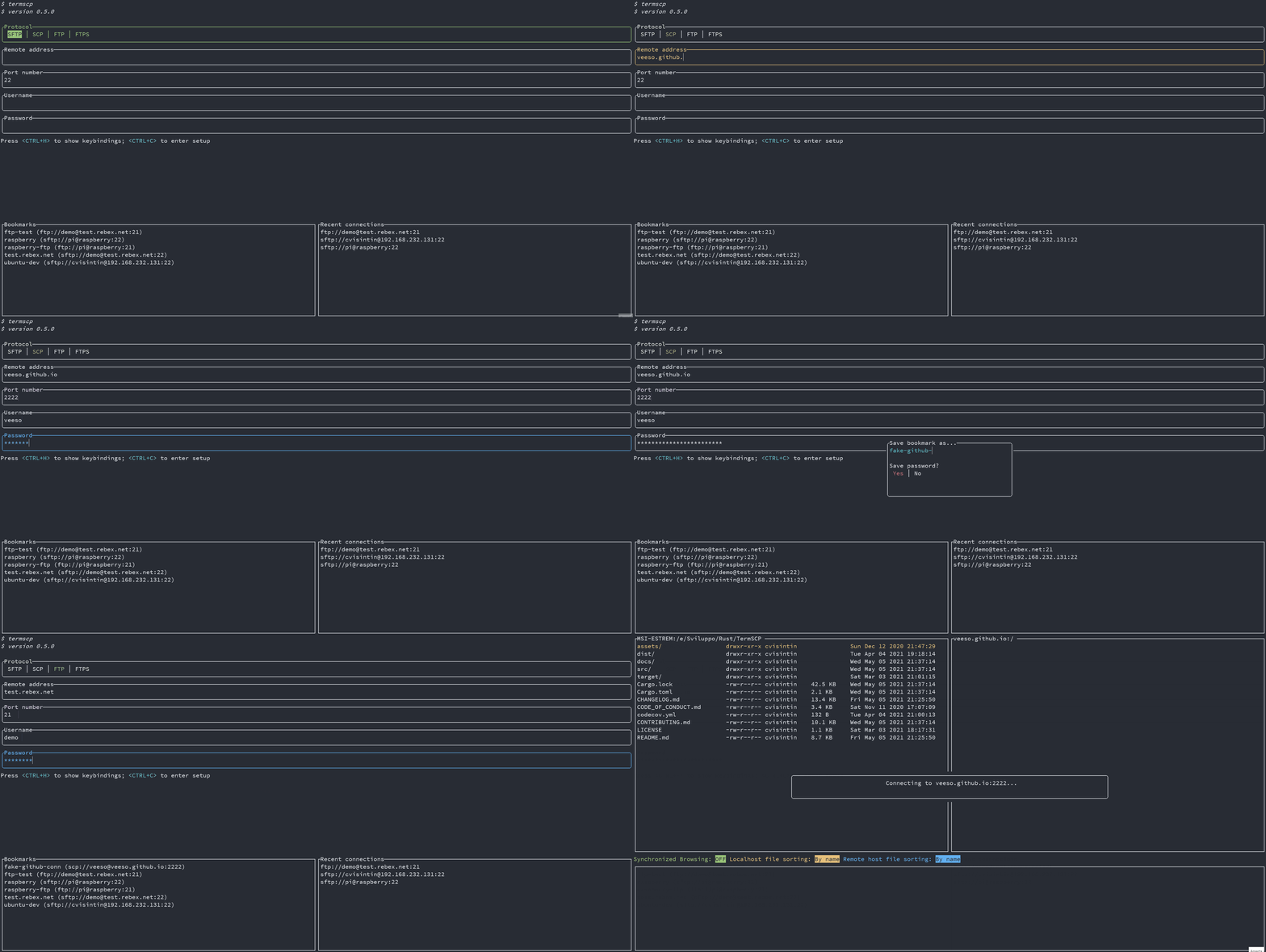
|
||||
|
||||
### Are my passwords Safe 😈
|
||||
|
||||
Sure 😉.
|
||||
As said before, bookmarks are saved in your configuration directory along with passwords. Passwords are obviously not plain text, they are encrypted with **AES-128**. Does this make them safe? Absolutely! (except for BSD and WSL users 😢)
|
||||
|
||||
On **Windows**, **Linux** and **MacOS** the key used to encrypt passwords is stored, if possible (but should be), respectively in the *Windows Vault*, in the *system keyring* and into the *Keychain*. This is actually super-safe and is directly managed by your operating system.
|
||||
|
||||
❗ Please, notice that if you're a Linux user, you'd better to read the [chapter below 👀](#linux-keyring), because the keyring might not be enabled or supported on your system!
|
||||
|
||||
On *BSD* and *WSL*, on the other hand, the key used to encrypt your passwords is stored on your drive (at $HOME/.config/termscp). It is then, still possible to retrieve the key to decrypt passwords. Luckily, the location of the key guarantees your key can't be read by users different from yours, but yeah, I still wouldn't save the password for a server exposed on the internet 😉.
|
||||
|
||||
#### Linux Keyring
|
||||
|
||||
We all love Linux thanks to the freedom it gives to the users. You can basically do anything you want as a Linux user, but this has also some cons, such as the fact that often there is no standard applications across different distributions. And this involves keyring too.
|
||||
This means that on Linux there might be no keyring installed on your system. Unfortunately the library we use to work with the key storage requires a service which exposes `org.freedesktop.secrets` on D-BUS and the worst fact is that there only two services exposing it.
|
||||
|
||||
- ❗ If you use GNOME as desktop environment (e.g. ubuntu users), you should already be fine, since keyring is already provided by `gnome-keyring` and everything should already be working.
|
||||
- ❗ For other desktop environment users there is a nice program you can use to get a keyring which is [KeepassXC](https://keepassxc.org/), which I use on my Manjaro installation (with KDE) and works fine. The only problem is that you have to setup it to be used along with termscp (but it's quite simple). To get started with KeepassXC read more [here](#keepassxc-setup-for-termscp).
|
||||
- ❗ What about you don't want to install any of these services? Well, there's no problem! **termscp will keep working as usual**, but it will save the key in a file, as it usually does for BSD and WSL.
|
||||
|
||||
##### KeepassXC setup for termscp
|
||||
|
||||
Follow these steps in order to setup keepassXC for termscp:
|
||||
|
||||
1. Install KeepassXC
|
||||
2. Go to "tools" > "settings" in toolbar
|
||||
3. Select "Secret service integration" and toggle "Enable KeepassXC freedesktop.org secret service integration"
|
||||
4. Create a database, if you don't have one yet: from toolbar "Database" > "New database"
|
||||
5. From toolbar: "Database" > "Database settings"
|
||||
6. Select "Secret service integration" and toggle "Expose entries under this group"
|
||||
7. Select the group in the list where you want the termscp secret to be kept. Remember that this group might be used by any other application to store secrets via DBUS.
|
||||
|
||||
---
|
||||
|
||||
## Configuration ⚙️
|
||||
|
||||
termscp supports some user defined parameters, which can be defined in the configuration.
|
||||
Underhood termscp has a TOML file and some other directories where all the parameters will be saved, but don't worry, you won't touch any of these files manually, since I made possible to configure termscp from its user interface entirely.
|
||||
|
||||
termscp, like for bookmarks, just requires to have these paths accessible:
|
||||
|
||||
- `$HOME/.config/termscp/` on Linux/BSD
|
||||
- `$HOME/Library/Application Support/termscp` on MacOs
|
||||
- `FOLDERID_RoamingAppData\termscp\` on Windows
|
||||
|
||||
To access configuration, you just have to press `<CTRL+C>` from the home of termscp.
|
||||
|
||||
These parameters can be changed:
|
||||
|
||||
- **Text Editor**: the text editor to use. By default termscp will find the default editor for you; with this option you can force an editor to be used (e.g. `vim`). **Also GUI editors are supported**, unless they `nohup` from the parent process so if you ask: yes, you can use `notepad.exe`, and no: **Visual Studio Code doesn't work**.
|
||||
- **Default Protocol**: the default protocol is the default value for the file transfer protocol to be used in termscp. This applies for the login page and for the address CLI argument.
|
||||
- **Show Hidden Files**: select whether hidden files shall be displayed by default. You will be able to decide whether to show or not hidden files at runtime pressing `A` anyway.
|
||||
- **Check for updates**: if set to `yes`, termscp will fetch the Github API to check if there is a new version of termscp available.
|
||||
- **Prompt when replacing existing files?**: If set to `yes`, termscp will prompt for confirmation you whenever a file transfer would cause an existing file on target host to be replaced.
|
||||
- **Group Dirs**: select whether directories should be groupped or not in file explorers. If `Display first` is selected, directories will be sorted using the configured method but displayed before files, viceversa if `Display last` is selected.
|
||||
- **Remote File formatter syntax**: syntax to display file info for each file in the remote explorer. See [File explorer format](#file-explorer-format)
|
||||
- **Local File formatter syntax**: syntax to display file info for each file in the local explorer. See [File explorer format](#file-explorer-format)
|
||||
- **Enable notifications?**: If set to `Yes`, notifications will be displayed.
|
||||
- **Notifications: minimum transfer size**: if transfer size is greater or equal than the specified value, notifications for transfer will be displayed. The accepted values are in format `{UNSIGNED} B/KB/MB/GB/TB/PB`
|
||||
- **SSH configuration path**: Set SSH configuration file to use when connecting to a SCP/SFTP server. If unset (empty) no file will be used. You can specify a path starting with `~` to indicate the home path (e.g. `~/.ssh/config`)
|
||||
|
||||
### SSH Key Storage 🔐
|
||||
|
||||
Along with configuration, termscp provides also an **essential** feature for **SFTP/SCP clients**: the SSH key storage.
|
||||
|
||||
You can access the SSH key storage, from configuration moving to the `SSH Keys` tab, once there you can:
|
||||
|
||||
- **Add a new key**: just press `<CTRL+N>` and you will be prompted to create a new key. Provide the hostname/ip address and the username associated to the key and finally a text editor will open up: paste the **PRIVATE** ssh key into the text editor, save and quit.
|
||||
- **Remove an existing key**: just press `<DEL>` or `<CTRL+E>` on the key you want to remove, to delete persistently the key from termscp.
|
||||
- **Edit an existing key**: just press `<ENTER>` on the key you want to edit, to change the private key.
|
||||
|
||||
> Q: Wait, my private key is protected with password, can I use it?
|
||||
> A: Of course you can. The password provided for authentication in termscp, is valid both for username/password authentication and for RSA key authentication.
|
||||
|
||||
### File Explorer Format
|
||||
|
||||
It is possible through configuration to define a custom format for the file explorer. This is possible both for local and remote host, so you can have two different syntax in use. These fields, with name `File formatter syntax (local)` and `File formatter syntax (remote)` will define how the file entries will be displayed in the file explorer.
|
||||
The syntax for the formatter is the following `{KEY1}... {KEY2:LENGTH}... {KEY3:LENGTH:EXTRA} {KEYn}...`.
|
||||
Each key in bracket will be replaced with the related attribute, while everything outside brackets will be left unchanged.
|
||||
|
||||
- The key name is mandatory and must be one of the keys below
|
||||
- The length describes the length reserved to display the field. Static attributes doesn't support this (GROUP, PEX, SIZE, USER)
|
||||
- Extra is supported only by some parameters and is an additional options. See keys to check if extra is supported.
|
||||
|
||||
These are the keys supported by the formatter:
|
||||
|
||||
- `ATIME`: Last access time (with default syntax `%b %d %Y %H:%M`); Extra might be provided as the time syntax (e.g. `{ATIME:8:%H:%M}`)
|
||||
- `CTIME`: Creation time (with syntax `%b %d %Y %H:%M`); Extra might be provided as the time syntax (e.g. `{CTIME:8:%H:%M}`)
|
||||
- `GROUP`: Owner group
|
||||
- `MTIME`: Last change time (with syntax `%b %d %Y %H:%M`); Extra might be provided as the time syntax (e.g. `{MTIME:8:%H:%M}`)
|
||||
- `NAME`: File name (Elided if longer than LENGTH)
|
||||
- `PATH`: File absolute path (Elided if longer than LENGHT)
|
||||
- `PEX`: File permissions (UNIX format)
|
||||
- `SIZE`: File size (omitted for directories)
|
||||
- `SYMLINK`: Symlink (if any `-> {FILE_PATH}`)
|
||||
- `USER`: Owner user
|
||||
|
||||
If left empty, the default formatter syntax will be used: `{NAME:24} {PEX} {USER} {SIZE} {MTIME:17:%b %d %Y %H:%M}`
|
||||
|
||||
---
|
||||
|
||||
## Themes 🎨
|
||||
|
||||
Termscp provides you with an awesome feature: the possibility to set the colors for several components in the application.
|
||||
If you want to customize termscp there are two available ways to do so:
|
||||
|
||||
- From the **configuration menu**
|
||||
- Importing a **theme file**
|
||||
|
||||
In order to create your own customization from termscp, all you have to do so is to enter the configuration from the auth activity, pressing `<CTRL+C>` and then `<TAB>` twice. You should have now moved to the `themes` panel.
|
||||
|
||||
Here you can move with `<UP>` and `<DOWN>` to change the style you want to change, as shown in the gif below:
|
||||
|
||||
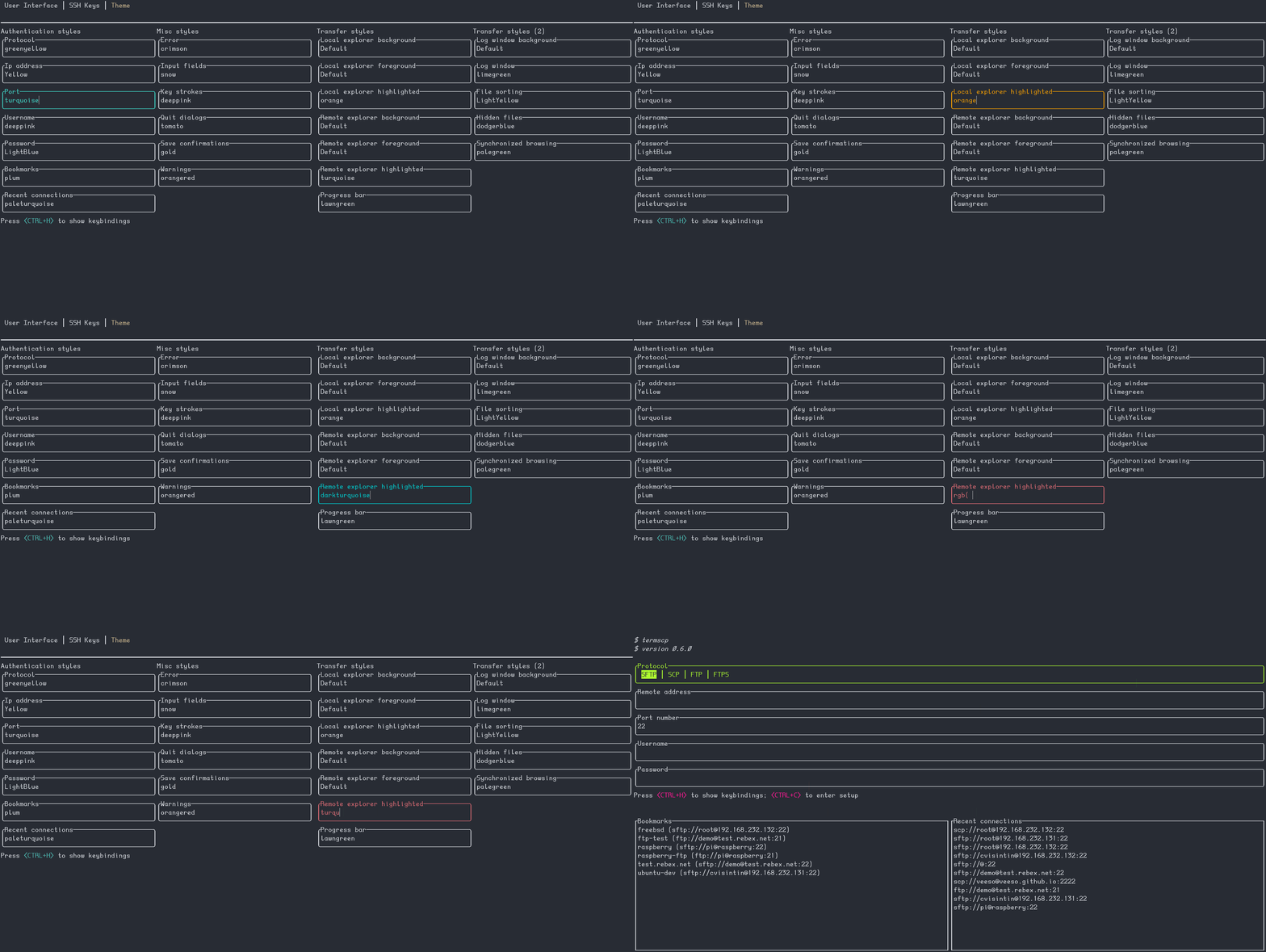
|
||||
|
||||
termscp supports both the traditional explicit hex (`#rrggbb`) and rgb `rgb(r, g, b)` syntax to provide colors, but also **[css colors](https://www.w3schools.com/cssref/css_colors.asp)** (such as `crimson`) are accepted 😉. There is also a special keywork which is `Default`. Default means that the color used will be the default foreground or background color based on the situation (foreground for texts and lines, background for well, guess what).
|
||||
|
||||
As said before, you can also import theme files. You can take inspiration from or directly use one of the themes provided along with termscp, located in the `themes/` directory of this repository and import them running termscp as `termscp -t <theme_file>`. If everything was fine, it should tell you the theme has successfully been imported.
|
||||
|
||||
### My theme won't load 😱
|
||||
|
||||
This is probably due to a recent update which has broken the theme. Whenever I add a new key to themes, the saved theme won't load. To fix this issues there are two really quick-fix solutions:
|
||||
|
||||
1. Reload theme: whenever I release an update I will also patch the "official" themes, so you just have to download it from the repository again and re-import the theme via `-t` option
|
||||
|
||||
```sh
|
||||
termscp -t <theme.toml>
|
||||
```
|
||||
|
||||
2. Fix your theme: If you're using a custom theme, then you can edit via `vim` and add the missing key. The theme is located at `$CONFIG_DIR/termscp/theme.toml` where `$CONFIG_DIR` is:
|
||||
|
||||
- FreeBSD/GNU-Linux: `$HOME/.config/`
|
||||
- MacOs: `$HOME/Library/Application Support`
|
||||
- Windows: `%appdata%`
|
||||
|
||||
❗ Missing keys are reported in the CHANGELOG under `BREAKING CHANGES` for the version you've just installed.
|
||||
|
||||
### Styles 💈
|
||||
|
||||
You can find in the table below, the description for each style field.
|
||||
Please, notice that **styles won't apply to configuration page**, in order to make it always accessible in case you mess everything up
|
||||
|
||||
#### Authentication page
|
||||
|
||||
| Key | Description |
|
||||
|----------------|------------------------------------------|
|
||||
| auth_address | Color of the input field for IP address |
|
||||
| auth_bookmarks | Color of the bookmarks panel |
|
||||
| auth_password | Color of the input field for password |
|
||||
| auth_port | Color of the input field for port number |
|
||||
| auth_protocol | Color of the radio group for protocol |
|
||||
| auth_recents | Color of the recents panel |
|
||||
| auth_username | Color of the input field for username |
|
||||
|
||||
#### Transfer page
|
||||
|
||||
| Key | Description |
|
||||
|--------------------------------------|---------------------------------------------------------------------------|
|
||||
| transfer_local_explorer_background | Background color of localhost explorer |
|
||||
| transfer_local_explorer_foreground | Foreground coloor of localhost explorer |
|
||||
| transfer_local_explorer_highlighted | Border and highlighted color for localhost explorer |
|
||||
| transfer_remote_explorer_background | Background color of remote explorer |
|
||||
| transfer_remote_explorer_foreground | Foreground coloor of remote explorer |
|
||||
| transfer_remote_explorer_highlighted | Border and highlighted color for remote explorer |
|
||||
| transfer_log_background | Background color for log panel |
|
||||
| transfer_log_window | Window color for log panel |
|
||||
| transfer_progress_bar_partial | Partial progress bar color |
|
||||
| transfer_progress_bar_total | Total progress bar color |
|
||||
| transfer_status_hidden | Color for status bar "hidden" label |
|
||||
| transfer_status_sorting | Color for status bar "sorting" label; applies also to file sorting dialog |
|
||||
| transfer_status_sync_browsing | Color for status bar "sync browsing" label |
|
||||
|
||||
#### Misc
|
||||
|
||||
These styles applie to different part of the application.
|
||||
|
||||
| Key | Description |
|
||||
|-------------------|---------------------------------------------|
|
||||
| misc_error_dialog | Color for error messages |
|
||||
| misc_info_dialog | Color for info dialogs |
|
||||
| misc_input_dialog | Color for input dialogs (such as copy file) |
|
||||
| misc_keys | Color of text for key strokes |
|
||||
| misc_quit_dialog | Color for quit dialogs |
|
||||
| misc_save_dialog | Color for save dialogs |
|
||||
| misc_warn_dialog | Color for warn dialogs |
|
||||
|
||||
---
|
||||
|
||||
## Text Editor ✏
|
||||
|
||||
termscp has, as you might have noticed, many features, one of these is the possibility to view and edit text file. It doesn't matter if the file is located on the local host or on the remote host, termscp provides the possibility to open a file in your favourite text editor.
|
||||
In case the file is located on remote host, the file will be first downloaded into your temporary file directory and then, **only** if changes were made to the file, re-uploaded to the remote host. termscp checks if you made changes to the file verifying the last modification time of the file.
|
||||
|
||||
Just a reminder: **you can edit only textual file**; binary files are not supported.
|
||||
|
||||
---
|
||||
|
||||
## Logging 🩺
|
||||
|
||||
termscp writes a log file for each session, which is written at
|
||||
|
||||
- `$HOME/.config/termscp/termscp.log` on Linux/BSD
|
||||
- `$HOME/Library/Application Support/termscp/termscp.log` on MacOs
|
||||
- `FOLDERID_RoamingAppData\termscp\termscp.log` on Windows
|
||||
|
||||
the log won't be rotated, but will just be truncated after each launch of termscp, so if you want to report an issue and you want to attach your log file, keep in mind to save the log file in a safe place before using termscp again.
|
||||
The logging by default reports in *INFO* level, so it is not very verbose.
|
||||
|
||||
If you want to submit an issue, please, if you can, reproduce the issue with the level set to `TRACE`, to do so, launch termscp with
|
||||
the `-D` CLI option.
|
||||
|
||||
I know you might have some questions regarding log files, so I made a kind of a Q/A:
|
||||
|
||||
> I don't want logging, can I turn it off?
|
||||
|
||||
Yes, you can. Just start termscp with `-q or --quiet` option. You can alias termscp to make it persistent. Remember that logging is used to diagnose issues, so since behind every open source project, there should always be this kind of mutual help, keeping log files might be your way to support the project 😉. I don't want you to feel guilty, but just to say.
|
||||
|
||||
> Is logging safe?
|
||||
|
||||
If you're concerned about security, the log file doesn't contain any plain password, so don't worry and exposes the same information the sibling file `bookmarks` reports.
|
||||
|
||||
## Notifications 📫
|
||||
|
||||
Termscp will send Desktop notifications for these kind of events:
|
||||
|
||||
- on **Transfer completed**: The notification will be sent once a transfer has been successfully completed.
|
||||
- ❗ The notification will be displayed only if the transfer total size is at least the specified `Notifications: minimum transfer size` in the configuration.
|
||||
- on **Transfer failed**: The notification will be sent once a transfer has failed due to an error.
|
||||
- ❗ The notification will be displayed only if the transfer total size is at least the specified `Notifications: minimum transfer size` in the configuration.
|
||||
- on **Update available**: Whenever a new version of termscp is available, a notification will be displayed.
|
||||
- on **Update installed**: Whenever a new version of termscp has been installed, a notification will be displayed.
|
||||
- on **Update failed**: Whenever the installation of the update fails, a notification will be displayed.
|
||||
|
||||
❗ If you prefer to keep notifications turned off, you can just enter setup and set `Enable notifications?` to `No` 😉.
|
||||
❗ If you want to change the minimum transfer size to display notifications, you can change the value in the configuration with key `Notifications: minimum transfer size` and set it to whatever suits better for you 🙂.
|
||||
73
docs/developer.md
Normal file
@@ -0,0 +1,73 @@
|
||||
# Developer Manual
|
||||
|
||||
Document audience: developers
|
||||
Revision: 2022-01-05
|
||||
|
||||
- [Developer Manual](#developer-manual)
|
||||
- [How termscp works](#how-termscp-works)
|
||||
- [Activities](#activities)
|
||||
- [The Context](#the-context)
|
||||
- [Achieving an abstract file transfer client](#achieving-an-abstract-file-transfer-client)
|
||||
|
||||
Welcome to the developer manual for termscp. This chapter DOESN'T contain the documentation for termscp modules, which can instead be found on Rust Docs at <https://docs.rs/termscp>
|
||||
This chapter describes how termscp works and the guide lines to implement stuff such as file transfers and add features to the user interface.
|
||||
|
||||
---
|
||||
|
||||
## How termscp works
|
||||
|
||||
termscp is basically made up of 3 core modules:
|
||||
|
||||
- the **host**: the host module provides functions to interact with the local host file system.
|
||||
- the **ui**: this module contains the implementation of the user interface, as we'll see in the next chapter, this is achieved through **activities**.
|
||||
- the **activity_manager**: the activity manager takes care of managing activities, basically it runs the activities of the user interface, and chooses, based on their state, when is the moment to terminate the current activity and which activity to run after the current one.
|
||||
|
||||
In addition to the 3 core modules, other have been added through the time:
|
||||
|
||||
- **config**: this module provides the configuration schema and serialization methods for it.
|
||||
- **explorer**: this modules exposes the explorer structures, which are used to handle the file explorer in the ui. So, basically they store the current directory model and the view states (e.g. sorting, whether to display hidden files, ...).
|
||||
- **system**: the system module provides a way to interact with the configuration, with the ssh key storage and with the bookmarks.
|
||||
- **utils**: contains the utilities used by pretty much all of the project.
|
||||
|
||||
## Activities
|
||||
|
||||
Just a little paragraph about activities. Really, read the code and the documentation to have a clear idea of how the ui works.
|
||||
I think there are many ways to implement a user interface and I've worked with different languages and frameworks in my career, so for this project I've decided to get what I like the most from different frameworks to implement it.
|
||||
|
||||
My approach was this:
|
||||
|
||||
- **Activities on top**: each "view" is an Activity and an `Activity Manager` handles them. I got inspired by Android for this case. I think that's a good way to implement the ui in case like this, where you have different views, each one with their view, their components and their logic. Activities work with the `Context`, which is a data holder to share data between the activities.
|
||||
- **Activities display Applications**: Each activity can show different **Applications**. An application, contains a **View** is basically a list of **components**, each one with its properties. The view is a facade to the components and also handles the focus, which is the current active component. You cannot have more than one component active, so you need to handle this; but at the same time you also have to give focus to the previously active component if the current one is destroyed. So basically **Application** takes care of all this stuff. If you're interested on how this works, you can read more on <https://github.com/veeso/tui-realm>.
|
||||
- **Components**: I've decided to write around `tui` in order to re-use widgets. To do so I've implemented the `Component` trait. To implement traits I got inspired by [React](https://reactjs.org/). Each component has its *Properties* and can have its *States*. Then each component must be able to handle input events and to be updated with new properties. Last but not least, each component must provide a method to **render** itself. At the beginning this was implemented inside of termscp, but now this has been moved to [tui-realm](https://github.com/veeso/tui-realm).
|
||||
- **Messages: an Elm based approach**: I was really satisfied with my implementation choices; the problem at this point was solving one of the biggest teardrops I've ever had with this project: **events**. Input events were really a pain to handle, since I had to handle states in the activity to handle which component was enabled etc. To solve this I got inspired by a wonderful language I had recently studied, which is [Elm](https://elm-lang.org/). Basically in Elm you implement your ui using three basic functions: **update**, **view** and **init**. View and init were pretty much already implemented here, but at this point I decided to implement also something like the **elm update function**. I came out with a huge match case to handle messages inside a recursive function, which you can basically find in the `update.rs` file inside each activity. This match case handles the messages produced by the components in front of an incoming input event. It matches the messages causing the activity to change its states *et voilà*.
|
||||
|
||||
I've implemented a Trait called `Activity`, which, is a very very reduced version of the Android activity of course.
|
||||
This trait provides only 3 methods:
|
||||
|
||||
- `on_create`: this method must initialize the activity; the context is passed to the activity, which will be the only owner of the Context, until the activity terminates.
|
||||
- `on_draw`: this method must be called each time you want to perform an update of the user interface. This is basically the run method of the activity. This method also cares about handling input events. The developer shouldn't draw the interface on each call of this method (consider that this method might be called hundreds of times per second), but only when actually something has changed (for example after an input event has been raised).
|
||||
- `will_umount`: this method was added in 0.4.0 and returns whethere the activity should be destroyed. If so returns an ExitReason, which indicates why the activity should be terminated. Based on the reason, the activity manager chooses whether to stop the execution of termscp or to start a new activity and which one.
|
||||
- `on_destroy`: this method finalizes the activity and drops it; this method returns the Context to the caller (the activity manager).
|
||||
|
||||
### The Context
|
||||
|
||||
The context is a structure which holds data which must be shared between activities. Everytime an Activity starts, the Context is taken by the activity, until it is destroyed, where finally the context is returned to the activity manager.
|
||||
The context basically holds the following data:
|
||||
|
||||
- The **Localhost**: the local host structure
|
||||
- The **File Transfer Params**: the current parameters set to connect to the remote
|
||||
- The **Config Client**: the configuration client is a structure which provides functions to access the user configuration
|
||||
- The **Store**: the store is a key-value storage which can hold any kind of data. This can be used to store states to share between activities or to keep persistence for heavy/slow tasks (such as checking for updates).
|
||||
- The **Terminal**: the terminal is used to view the tui on the terminal
|
||||
|
||||
---
|
||||
|
||||
## Achieving an abstract file transfer client
|
||||
|
||||
When I started to implement termscp, in december 2020, the file transfer was at the core of my implementation focus, since, for obvious reasons, it is at the heart of termscp.
|
||||
The first implementation consisted of a `filetransfer` module, which exposed a trait called `FileTransfer`, which exposed different methods to generically interact with the remote file system.
|
||||
This thing has changed over the last year, since different users has asked me to implement a dedicated library to implement this.
|
||||
So in the last quarter of 2021, I dedicated part of my time in implementing an abstract library to work with remote device file systems, and this is how [remotefs](https://github.com/veeso/remotefs-rs) was born.
|
||||
Remotefs provides a `RemoteFs` trait which exposes all of the core file-system functionalities and this has since 0.8.0 version, replaced the `FileTransfer` trait.
|
||||
|
||||
The file transfer module, still exists though, but its only task is to create a builder from the "file transfer parameters" into the `RemoteFs` client implementation.
|
||||
@@ -1 +0,0 @@
|
||||
<mxfile host="Electron" modified="2020-11-21T19:08:13.709Z" agent="5.0 (Windows NT 10.0; Win64; x64) AppleWebKit/537.36 (KHTML, like Gecko) draw.io/13.3.1 Chrome/83.0.4103.119 Electron/9.0.5 Safari/537.36" etag="CH09h_mpCNwCuwQp3CzT" version="13.3.1" type="device" pages="2"><diagram id="SlpWaeKyUTlHltKKkHdB" name="ScpActivity">7ZlRk5owEMc/DY/HABGEx2rv2pnWmXaczj3nJEKmgdAQD+yn7wJBoOhUrbbcTHwx2SSb5L+/4EoMtEzKDwJn8YqHhBmOFZYGem84ju26FnxVln1j8QO3MUSChqpTZ1jTn0QZ1bhoR0OSDzpKzpmk2dC44WlKNnJgw0LwYthty9lw1gxHZGRYbzAbW59pKGO1C2fe2T8SGsXtzLYXNC0JbjurneQxDnnRM6FHAy0F57IpJeWSsEq8Vpdm3NOJ1sPCBEnlOQOyRbEsv31ixSv+vi6c588r9vXBaby8YrZTG1aLlftWAcF3aUgqJ5aBFkVMJVlneFO1FhBzsMUyYVCzobiljC054wLqKU+h00LNQIQk5cml2wdBgCTCEyLFHrqoAchEqBmzH9JRdCFBgWd6KipxLyJopvpiRUJ0cN+JBQWl1wXaoTeh3azl77R0M8s6pptj+t6dpJsdkc5jMPPiBQqRrLfeGLYc9tkX1fux423DQ14/MN5BB9Ck7BpbL1+qU6g8wUobZ8MJwNyb9MYBxIxGKVQZ2crbxBMo9/58Fo4E1L3XOXB1MK8/nO60YumNYvlEGUlxQkBVnFQapS95Vu/e+semGo8b+seS3nZbGREJzXPK0/w6H7xIiahTIb7L3gC+o2fR/Bi/8Os9GyPs3QvhuUZYI3x1ejQFgn1NsCb4fILNwA96H3+YUaAJAB1ooDXQl2QVbh/o+RDoYAJAt3m6JloT/ddEH/7N/VeibU20JvqStNm0+p/f3klNIeuwxy+3NdIa6bNflE8i0RhfMmiGNcOnGbaHqcYUM43x5c+K5Hl1D+tYL7y8m8wbEBGi2Vw2rJV/u603N8+Oe6NAmEEwkB55Y+l92zUteyz94clzgfZQ7a6S67behTx6/AU=</diagram><diagram id="SK1VvSCf6-f5suE94Ksw" name="AuthActivity">5ZfRbpswFIafhstIAQNtL1OarlI1qUq6RdrNZLADnowPs00ge/qZYCA0ldZOSiqVK+z/2Mec/zuWwEFRXn+RuMi+AqHc8eakdtCd43luEMzNo1H2rXJ9E7RCKhmxiwZhzf5QK9p9ackIVaOFGoBrVozFBISgiR5pWEqoxsu2wMenFjilJ8I6wfxU3TCiM1uFdzXoD5SlWXeyG960kRx3i20lKsMEqiMJLR0USQDdjvI6orwxr/Pl8ennZvUQzVZ3uwXDz8pfPaNZm+z+PVv6EiQV+r9Tb/ax+q59lCz5D/5rN4sf0z71DvPS+mVr1fvOQAmlILRJMnfQbZUxTdcFTppoZVrGaJnOuZm5ZrhlnEfAQZq5AEEbCYS2beEFZo45S4WZcLo1xdzaF6BS0/oFsX+U6/YMTPNSyKmWe7PP9qlvqVXH0K2WHQFHXaNi22hpn2ow0wysn+/w1jvxdlHqzNTEEqwZiKk5HZ7LaPRKE4dcW0dGHoe/S+gCM3XwamEWuH5RD0EzSu3zkCXuhAUhkip12NOGzPvGL5cbrT23kz8HZnf+Rs7+uTj7l+L8BFJPFPJbL/PZIAcXgyxBQwK83aQob74+Jkj8+qOJh5ci/k1RKXBOp3m1++/YDwN9dbGrjZWqQJIWNM4bJiJWxRjyZMCH5wNvpsMP0CF29BuJln8B</diagram></mxfile>
|
||||
294
docs/es/README.md
Normal file
@@ -0,0 +1,294 @@
|
||||
# termscp
|
||||
|
||||
<p align="center">
|
||||
<img src="/assets/images/termscp.svg" width="256" height="256" />
|
||||
</p>
|
||||
|
||||
<p align="center">~ Una transferencia de archivos de terminal rica en funciones ~</p>
|
||||
<p align="center">
|
||||
<a href="https://veeso.github.io/termscp/" target="_blank">Sitio Web</a>
|
||||
·
|
||||
<a href="https://veeso.github.io/termscp/#get-started" target="_blank">Instalación</a>
|
||||
·
|
||||
<a href="https://veeso.github.io/termscp/#user-manual" target="_blank">Manual de usuario</a>
|
||||
</p>
|
||||
|
||||
<p align="center">
|
||||
<a href="https://github.com/veeso/termscp"
|
||||
><img
|
||||
height="20"
|
||||
src="/assets/images/flags/us.png"
|
||||
alt="English"
|
||||
/></a>
|
||||
|
||||
<a
|
||||
href="/docs/de/README.md"
|
||||
><img
|
||||
height="20"
|
||||
src="/assets/images/flags/de.png"
|
||||
alt="Deutsch"
|
||||
/></a>
|
||||
|
||||
<a
|
||||
href="/docs/es/README.md"
|
||||
><img
|
||||
height="20"
|
||||
src="/assets/images/flags/es.png"
|
||||
alt="Español"
|
||||
/></a>
|
||||
|
||||
<a
|
||||
href="/docs/fr/README.md"
|
||||
><img
|
||||
height="20"
|
||||
src="/assets/images/flags/fr.png"
|
||||
alt="Français"
|
||||
/></a>
|
||||
|
||||
<a
|
||||
href="/docs/it/README.md"
|
||||
><img
|
||||
height="20"
|
||||
src="/assets/images/flags/it.png"
|
||||
alt="Italiano"
|
||||
/></a>
|
||||
|
||||
<a
|
||||
href="/docs/zh-CN/README.md"
|
||||
><img
|
||||
height="20"
|
||||
src="/assets/images/flags/cn.png"
|
||||
alt="简体中文"
|
||||
/></a>
|
||||
</p>
|
||||
|
||||
<p align="center">Desarrollado por <a href="https://veeso.github.io/" target="_blank">@veeso</a></p>
|
||||
<p align="center">Versión actual: 0.8.0 (06/01/2022)</p>
|
||||
|
||||
<p align="center">
|
||||
<a href="https://opensource.org/licenses/MIT"
|
||||
><img
|
||||
src="https://img.shields.io/badge/License-MIT-teal.svg"
|
||||
alt="License-MIT"
|
||||
/></a>
|
||||
<a href="https://github.com/veeso/termscp/stargazers"
|
||||
><img
|
||||
src="https://img.shields.io/github/stars/veeso/termscp.svg"
|
||||
alt="Repo stars"
|
||||
/></a>
|
||||
<a href="https://crates.io/crates/termscp"
|
||||
><img
|
||||
src="https://img.shields.io/crates/d/termscp.svg"
|
||||
alt="Downloads counter"
|
||||
/></a>
|
||||
<a href="https://crates.io/crates/termscp"
|
||||
><img
|
||||
src="https://img.shields.io/crates/v/termscp.svg"
|
||||
alt="Latest version"
|
||||
/></a>
|
||||
<a href="https://ko-fi.com/veeso">
|
||||
<img
|
||||
src="https://img.shields.io/badge/donate-ko--fi-red"
|
||||
alt="Ko-fi"
|
||||
/></a>
|
||||
</p>
|
||||
<p align="center">
|
||||
<a href="https://github.com/veeso/termscp/actions"
|
||||
><img
|
||||
src="https://github.com/veeso/termscp/workflows/Linux/badge.svg"
|
||||
alt="Linux CI"
|
||||
/></a>
|
||||
<a href="https://github.com/veeso/termscp/actions"
|
||||
><img
|
||||
src="https://github.com/veeso/termscp/workflows/MacOS/badge.svg"
|
||||
alt="MacOS CI"
|
||||
/></a>
|
||||
<a href="https://github.com/veeso/termscp/actions"
|
||||
><img
|
||||
src="https://github.com/veeso/termscp/workflows/Windows/badge.svg"
|
||||
alt="Windows CI"
|
||||
/></a>
|
||||
<a href="https://github.com/veeso/termscp/actions"
|
||||
><img
|
||||
src="https://github.com/veeso/termscp/workflows/FreeBSD/badge.svg"
|
||||
alt="FreeBSD CI"
|
||||
/></a>
|
||||
<a href="https://coveralls.io/github/veeso/termscp"
|
||||
><img
|
||||
src="https://coveralls.io/repos/github/veeso/termscp/badge.svg"
|
||||
alt="Coveralls"
|
||||
/></a>
|
||||
<a href="https://docs.rs/termscp"
|
||||
><img
|
||||
src="https://docs.rs/termscp/badge.svg"
|
||||
alt="Docs"
|
||||
/></a>
|
||||
</p>
|
||||
|
||||
---
|
||||
|
||||
## Sobre termscp 🖥
|
||||
|
||||
Termscp es un explorador y transferencia de archivos de terminal rico en funciones, con apoyo para SCP/SFTP/FTP/S3. Básicamente, es una utilidad de terminal con una TUI para conectarse a un servidor remoto para recuperar y cargar archivos e interactuar con el sistema de archivos local. Es compatible con **Linux**, **MacOS**, **FreeBSD** y **Windows**.
|
||||
|
||||

|
||||
|
||||
---
|
||||
|
||||
## Características 🎁
|
||||
|
||||
- 📁 Diferentes protocolos de comunicación
|
||||
- **SFTP**
|
||||
- **SCP**
|
||||
- **FTP** y **FTPS**
|
||||
- **Aws S3**
|
||||
- 🖥 Explore y opere en el sistema de archivos de la máquina local y remota con una interfaz de usuario práctica
|
||||
- Cree, elimine, cambie el nombre, busque, vea y edite archivos
|
||||
- ⭐ Conéctese a sus hosts favoritos y conexiones recientes
|
||||
- 📝 Ver y editar archivos con sus aplicaciones favoritas
|
||||
- 💁 Autenticación SFTP / SCP con claves SSH y nombre de usuario / contraseña
|
||||
- 🐧 compatible con Linux, MacOS, FreeBSD y Windows
|
||||
- 🎨 Haz lo tuyo!
|
||||
- Temas
|
||||
- Formato de explorador de archivos personalizado
|
||||
- Editor de texto personalizable
|
||||
- Clasificación de archivos personalizable
|
||||
- y muchos otros parámetros ...
|
||||
- 📫 Reciba una notificación cuando se haya transferido un archivo grande
|
||||
- 🔐 Guarde su contraseña en el almacén de claves de su sistema operativo
|
||||
- 🦀 Rust-powered
|
||||
- 👀 Desarrollado sin perder de vista el rendimiento
|
||||
- 🦄 Actualizaciones frecuentes
|
||||
|
||||
---
|
||||
|
||||
## Para iniciar 🚀
|
||||
|
||||
Si estás considerando instalar termscp, ¡quiero darte las gracias 💜! ¡Espero que disfrutes de termscp!
|
||||
Si desea contribuir a este proyecto, no olvide consultar nuestra [guía de contribución](../../CONTRIBUTING.md).
|
||||
|
||||
Si tu eres un usuario de Linux, FreeBSD o MacOS, este sencillo script de shell instalará termscp en tu sistema con un solo comando:
|
||||
|
||||
```sh
|
||||
curl --proto '=https' --tlsv1.2 -sSLf "https://git.io/JBhDb" | sh
|
||||
```
|
||||
|
||||
mientras que si eres un usuario de Windows, puedes instalar termscp con [Chocolatey](https://chocolatey.org/):
|
||||
|
||||
```sh
|
||||
choco install termscp
|
||||
```
|
||||
|
||||
Para obtener más información u otras plataformas, visite [veeso.github.io](https://veeso.github.io/termscp/#get-started) para ver todos los métodos de instalación.
|
||||
|
||||
⚠️ Si estás buscando cómo actualizar termscp, simplemente ejecute termscp desde CLI con:: `(sudo) termscp --update` ⚠️
|
||||
|
||||
### Requisitos ❗
|
||||
|
||||
- Usuarios **Linux**:
|
||||
- libssh
|
||||
- libdbus-1
|
||||
- pkg-config
|
||||
- Usuarios **FreeBSD**:
|
||||
- libssh
|
||||
- dbus
|
||||
- pkgconf
|
||||
|
||||
### Requisitos opcionales ✔️
|
||||
|
||||
These requirements are not forced required to run termscp, but to enjoy all of its features
|
||||
|
||||
- Usuarios **Linux/FreeBSD**:
|
||||
- Para **abrir** archivos con `V` (al menos uno de estos)
|
||||
- *xdg-open*
|
||||
- *gio*
|
||||
- *gnome-open*
|
||||
- *kde-open*
|
||||
- Usuarios **Linux**:
|
||||
- Un keyring manager: leer más en el [manual de usuario](man.md#linux-keyring)
|
||||
- Usuarios **WSL**
|
||||
- Para **abrir** archivos con `V` (al menos uno de estos)
|
||||
- [wslu](https://github.com/wslutilities/wslu)
|
||||
|
||||
---
|
||||
|
||||
## Apoyame ☕
|
||||
|
||||
Si te gusta termscp y te encantaría que el proyecto crezca y mejore, considera una pequeña donación para apoyarme 🥳
|
||||
|
||||
Puedes hacer una donación con una de estas plataformas:
|
||||
|
||||
[](https://ko-fi.com/veeso)
|
||||
[](https://www.paypal.me/chrisintin)
|
||||
|
||||
---
|
||||
|
||||
## Manual de usuario y documentación 📚
|
||||
|
||||
El manual del usuario se puede encontrar en el [sitio web de termscp](https://veeso.github.io/termscp/#user-manual) o en [Github](man.md).
|
||||
|
||||
La documentación para desarrolladores se puede encontrar en Rust Docs en <https://docs.rs/termscp>
|
||||
|
||||
---
|
||||
|
||||
## Contribuir y problemas 🤝🏻
|
||||
|
||||
¡Las contribuciones, los informes de errores, las nuevas funciones y las preguntas son bienvenidas! 😉
|
||||
Si tiene alguna pregunta o inquietud, o si desea sugerir una nueva función, o simplemente desea mejorar termscp, no dude en abrir un problema o un PR.
|
||||
|
||||
Sigue [nuestras pautas de contribución](../../CONTRIBUTING.md)
|
||||
|
||||
---
|
||||
|
||||
## Changelog ⏳
|
||||
|
||||
Ver registro de cambios de termscp [AQUÍ](../../CHANGELOG.md)
|
||||
|
||||
---
|
||||
|
||||
## Powered by 💪
|
||||
|
||||
termscp funciona con estos increíbles proyectos:
|
||||
|
||||
- [bytesize](https://github.com/hyunsik/bytesize)
|
||||
- [crossterm](https://github.com/crossterm-rs/crossterm)
|
||||
- [edit](https://github.com/milkey-mouse/edit)
|
||||
- [keyring-rs](https://github.com/hwchen/keyring-rs)
|
||||
- [open-rs](https://github.com/Byron/open-rs)
|
||||
- [rpassword](https://github.com/conradkleinespel/rpassword)
|
||||
- [rust-s3](https://github.com/durch/rust-s3)
|
||||
- [self_update](https://github.com/jaemk/self_update)
|
||||
- [ssh2-rs](https://github.com/alexcrichton/ssh2-rs)
|
||||
- [suppaftp](https://github.com/veeso/suppaftp)
|
||||
- [tui-rs](https://github.com/fdehau/tui-rs)
|
||||
- [tui-realm](https://github.com/veeso/tui-realm)
|
||||
- [whoami](https://github.com/libcala/whoami)
|
||||
- [wildmatch](https://github.com/becheran/wildmatch)
|
||||
|
||||
---
|
||||
|
||||
## Galería 🎬
|
||||
|
||||
> Termscp Home
|
||||
|
||||

|
||||
|
||||
> Bookmarks
|
||||
|
||||

|
||||
|
||||
> Setup
|
||||
|
||||

|
||||
|
||||
> Text editor
|
||||
|
||||

|
||||
|
||||
---
|
||||
|
||||
## Licencia 📃
|
||||
|
||||
termscp tiene la licencia MIT.
|
||||
|
||||
Puede leer la licencia completa [AQUÍ](../../LICENSE)
|
||||
487
docs/es/man.md
Normal file
@@ -0,0 +1,487 @@
|
||||
# User manual 🎓
|
||||
|
||||
- [User manual 🎓](#user-manual-)
|
||||
- [Uso ❓](#uso-)
|
||||
- [Argumento dirección 🌎](#argumento-dirección-)
|
||||
- [Argumento dirección por AWS S3](#argumento-dirección-por-aws-s3)
|
||||
- [Cómo se puede proporcionar la contraseña 🔐](#cómo-se-puede-proporcionar-la-contraseña-)
|
||||
- [Credenciales de AWS S3 🦊](#credenciales-de-aws-s3-)
|
||||
- [Explorador de archivos 📂](#explorador-de-archivos-)
|
||||
- [Keybindings ⌨](#keybindings-)
|
||||
- [Trabaja en varios archivos 🥷](#trabaja-en-varios-archivos-)
|
||||
- [Navegación sincronizada ⏲️](#navegación-sincronizada-️)
|
||||
- [Abierta y abierta con 🚪](#abierta-y-abierta-con-)
|
||||
- [Marcadores ⭐](#marcadores-)
|
||||
- [¿Son seguras mis contraseñas? 😈](#son-seguras-mis-contraseñas-)
|
||||
- [Linux Keyring](#linux-keyring)
|
||||
- [KeepassXC setup por termscp](#keepassxc-setup-por-termscp)
|
||||
- [Configuración ⚙️](#configuración--️)
|
||||
- [SSH Key Storage 🔐](#ssh-key-storage-)
|
||||
- [Formato del explorador de archivos](#formato-del-explorador-de-archivos)
|
||||
- [Temas 🎨](#temas-)
|
||||
- [Mi tema no se carga 😱](#mi-tema-no-se-carga-)
|
||||
- [Estilos 💈](#estilos-)
|
||||
- [Authentication page](#authentication-page)
|
||||
- [Transfer page](#transfer-page)
|
||||
- [Misc](#misc)
|
||||
- [Text Editor ✏](#text-editor-)
|
||||
- [Logging 🩺](#logging-)
|
||||
- [Notificaciones 📫](#notificaciones-)
|
||||
|
||||
> ❗ Este documento ha sido traducido con Google Translator (y luego lo he revisado a grandes rasgos, pero no puedo hablar el idioma muy bien). Si habla l'idioma, abra un [issue](https://github.com/veeso/termscp/issues/new/choose) utilizando la label COPY o abra un PR 🙏
|
||||
|
||||
## Uso ❓
|
||||
|
||||
termscp se puede iniciar con las siguientes opciones:
|
||||
|
||||
`termscp [options]... [protocol://user@address:port:wrkdir] [local-wrkdir]`
|
||||
|
||||
- `-P, --password <password>` si se proporciona la dirección, la contraseña será este argumento
|
||||
- `-c, --config` Abrir termscp comenzando desde la página de configuración
|
||||
- `-q, --quiet` Deshabilitar el registro
|
||||
- `-t, --theme <path>` Importar tema especificado
|
||||
- `-u, --update` Actualizar termscp a la última versión
|
||||
- `-v, --version` Imprimir información de la versión
|
||||
- `-h, --help` Imprimir página de ayuda
|
||||
|
||||
termscp se puede iniciar en dos modos diferentes, si no se proporcionan argumentos adicionales, termscp mostrará el formulario de autenticación, donde el usuario podrá proporcionar los parámetros necesarios para conectarse al par remoto.
|
||||
|
||||
Alternativamente, el usuario puede proporcionar una dirección como argumento para omitir el formulario de autenticación e iniciar directamente la conexión al servidor remoto.
|
||||
|
||||
Si se proporciona un argumento de dirección, también puede proporcionar el directorio de inicio de trabajo para el host local
|
||||
|
||||
### Argumento dirección 🌎
|
||||
|
||||
El argumento dirección tiene la siguiente sintaxis:
|
||||
|
||||
```txt
|
||||
[protocol://][username@]<address>[:port][:wrkdir]
|
||||
```
|
||||
|
||||
Veamos algún ejemplo de esta sintaxis en particular, ya que es muy cómoda y probablemente usarás esta en lugar de la otra ...
|
||||
|
||||
- Conéctese usando el protocolo predeterminado (*definido en la configuración*) a 192.168.1.31, el puerto, si no se proporciona, es el predeterminado para el protocolo seleccionado (en este caso, depende de su configuración); nombre de usuario es el nombre del usuario actual
|
||||
|
||||
```sh
|
||||
termscp 192.168.1.31
|
||||
```
|
||||
|
||||
- Conéctese usando el protocolo predeterminado (*definido en la configuración*) a 192.168.1.31; el nombre de usuario es `root`
|
||||
|
||||
```sh
|
||||
termscp root@192.168.1.31
|
||||
```
|
||||
|
||||
- Conéctese usando scp a 192.168.1.31, el puerto es 4022; nombre de usuario es `omar`
|
||||
|
||||
```sh
|
||||
termscp scp://omar@192.168.1.31:4022
|
||||
```
|
||||
|
||||
- Conéctese usando scp a 192.168.1.31, el puerto es 4022; El nombre de usuario es `omar`. Comenzará en el directorio `/ tmp`
|
||||
|
||||
```sh
|
||||
termscp scp://omar@192.168.1.31:4022:/tmp
|
||||
```
|
||||
|
||||
#### Argumento dirección por AWS S3
|
||||
|
||||
Aws S3 tiene una sintaxis diferente para el argumento de la dirección CLI, por razones obvias, pero logré mantenerlo lo más similar posible al argumento de la dirección genérica:
|
||||
|
||||
```txt
|
||||
s3://<bucket-name>@<region>[:profile][:/wrkdir]
|
||||
```
|
||||
|
||||
por ejemplo
|
||||
|
||||
```txt
|
||||
s3://buckethead@eu-central-1:default:/assets
|
||||
```
|
||||
|
||||
#### Cómo se puede proporcionar la contraseña 🔐
|
||||
|
||||
Probablemente haya notado que, al proporcionar la dirección como argumento, no hay forma de proporcionar la contraseña.
|
||||
La contraseña se puede proporcionar básicamente a través de 3 formas cuando se proporciona un argumento de dirección:
|
||||
|
||||
- `-P, --password` opción: simplemente use esta opción CLI proporcionando la contraseña. No recomiendo este método, ya que es muy inseguro (ya que puede mantener la contraseña en el historial de shell)
|
||||
- Con `sshpass`: puede proporcionar la contraseña a través de `sshpass`, p. ej. `sshpass -f ~/.ssh/topsecret.key termscp cvisintin@192.168.1.31`
|
||||
- Se te pedirá que ingreses: si no utilizas ninguno de los métodos anteriores, se te pedirá la contraseña, como ocurre con las herramientas más clásicas como `scp`, `ssh`, etc.
|
||||
|
||||
---
|
||||
|
||||
## Credenciales de AWS S3 🦊
|
||||
|
||||
Para conectarse a un bucket de Aws S3, obviamente debe proporcionar algunas credenciales.
|
||||
Básicamente, hay tres formas de lograr esto.
|
||||
Entonces, estas son las formas en que puede proporcionar las credenciales para s3:
|
||||
|
||||
1. Authentication form:
|
||||
1. Puede proporcionar la `access_key` (debería ser obligatoria), la `secret_access_kedy` (debería ser obligatoria), el `security_token` y el `session_token`
|
||||
2. Si guarda la conexión s3 como marcador, estas credenciales se guardarán como una cadena AES-256 / BASE64 cifrada en su archivo de marcadores (excepto el token de seguridad y el token de sesión, que deben ser credenciales temporales).
|
||||
2. Use su archivo de credenciales: simplemente configure la cli de AWS a través de `aws configure` y sus credenciales ya deberían estar ubicadas en`~/.aws/credentials`. En caso de que esté usando un perfil diferente al "predeterminado", simplemente proporciónelo en el campo de perfil en el formulario de autenticación.
|
||||
3. **Variables de entorno**: siempre puede proporcionar sus credenciales como variables de entorno. Tenga en cuenta que estas credenciales **siempre anularán** las credenciales ubicadas en el archivo `credentials`. Vea cómo configurar el entorno a continuación:
|
||||
|
||||
Estos siempre deben ser obligatorios:
|
||||
|
||||
- `AWS_ACCESS_KEY_ID`: aws access key ID (generalmente comienza con `AKIA...`)
|
||||
- `AWS_SECRET_ACCESS_KEY`: la secret access key
|
||||
|
||||
En caso de que haya configurado una seguridad más fuerte, *puede* requerir estos también:
|
||||
|
||||
- `AWS_SECURITY_TOKEN`: security token
|
||||
- `AWS_SESSION_TOKEN`: session token
|
||||
|
||||
⚠️ Sus credenciales están seguras: ¡termscp no manipulará estos valores directamente! Sus credenciales son consumidas directamente por la caja **s3**.
|
||||
En caso de que tenga alguna inquietud con respecto a la seguridad, comuníquese con el autor de la biblioteca en [Github](https://github.com/durch/rust-s3) ⚠️
|
||||
|
||||
---
|
||||
|
||||
## Explorador de archivos 📂
|
||||
|
||||
Cuando nos referimos a exploradores de archivos en termscp, nos referimos a los paneles que puede ver después de establecer una conexión con el control remoto.
|
||||
Estos paneles son básicamente 3:
|
||||
|
||||
- Panel del explorador local: se muestra a la izquierda de la pantalla y muestra las entradas del directorio actual para localhost
|
||||
- Panel del explorador remoto: se muestra a la derecha de la pantalla y muestra las entradas del directorio actual para el host remoto.
|
||||
- Panel de resultados de búsqueda: dependiendo de dónde esté buscando archivos (local / remoto), reemplazará el panel local o del explorador. Este panel muestra las entradas que coinciden con la consulta de búsqueda que realizó.
|
||||
|
||||
Para cambiar de panel, debe escribir `<LEFT>` para mover el panel del explorador remoto y `<RIGHT>` para volver al panel del explorador local. Siempre que se encuentre en el panel de resultados de búsqueda, debe presionar `<ESC>` para salir del panel y volver al panel anterior.
|
||||
|
||||
### Keybindings ⌨
|
||||
|
||||
| Key | Command | Reminder |
|
||||
|---------------|----------------------------------------------------------------------------|-------------|
|
||||
| `<ESC>` | Desconecte; volver a la página de autenticación | |
|
||||
| `<BACKSPACE>` | Ir al directorio anterior en la pila | |
|
||||
| `<TAB>` | Cambiar pestaña del explorador | |
|
||||
| `<RIGHT>` | Mover a la pestaña del explorador remoto | |
|
||||
| `<LEFT>` | Mover a la pestaña del explorador local | |
|
||||
| `<UP>` | Subir en la lista seleccionada | |
|
||||
| `<DOWN>` | Bajar en la lista seleccionada | |
|
||||
| `<PGUP>` | Subir 8 filas en la lista seleccionada | |
|
||||
| `<PGDOWN>` | Bajar 8 filas en la lista seleccionada | |
|
||||
| `<ENTER>` | Entrar directorio | |
|
||||
| `<SPACE>` | Cargar / descargar el archivo seleccionado | |
|
||||
| `<BACKTAB>` | Cambiar entre la pestaña de registro y el explorador | |
|
||||
| `<A>` | Alternar archivos ocultos | All |
|
||||
| `<B>` | Ordenar archivos por | Bubblesort? |
|
||||
| `<C|F5>` | Copiar archivo / directorio | Copy |
|
||||
| `<D|F7>` | Hacer directorio | Directory |
|
||||
| `<E|F8|DEL>` | Eliminar archivo | Erase |
|
||||
| `<F>` | Búsqueda de archivos | Find |
|
||||
| `<G>` | Ir a la ruta proporcionada | Go to |
|
||||
| `<H|F1>` | Mostrar ayuda | Help |
|
||||
| `<I>` | Mostrar información sobre el archivo | Info |
|
||||
| `<K>` | Crear un enlace simbólico que apunte a la entrada seleccionada actualmente | symlinK |
|
||||
| `<L>` | Recargar contenido del directorio / Borrar selección | List |
|
||||
| `<M>` | Seleccione un archivo | Mark |
|
||||
| `<N>` | Crear un nuevo archivo con el nombre proporcionado | New |
|
||||
| `<O|F4>` | Editar archivo | Open |
|
||||
| `<Q|F10>` | Salir de termscp | Quit |
|
||||
| `<R|F6>` | Renombrar archivo | Rename |
|
||||
| `<S|F2>` | Guardar archivo como... | Save |
|
||||
| `<U>` | Ir al directorio principal | Upper |
|
||||
| `<V|F3>` | Abrir archivo con el programa predeterminado | View |
|
||||
| `<W>` | Abrir archivo con el programa proporcionado | With |
|
||||
| `<X>` | Ejecutar un comando | eXecute |
|
||||
| `<Y>` | Alternar navegación sincronizada | sYnc |
|
||||
| `<CTRL+A>` | Seleccionar todos los archivos | |
|
||||
| `<CTRL+C>` | Abortar el proceso de transferencia de archivos | |
|
||||
|
||||
### Trabaja en varios archivos 🥷
|
||||
|
||||
Puede optar por trabajar en varios archivos, seleccionándolos presionando `<M>`, para seleccionar el archivo actual, o presionando `<CTRL + A>`, que seleccionará todos los archivos en el directorio de trabajo.
|
||||
Una vez que un archivo está marcado para su selección, se mostrará con un `*` a la izquierda.
|
||||
Al trabajar en la selección, solo se procesará el archivo seleccionado para las acciones, mientras que el elemento resaltado actual se ignorará.
|
||||
También es posible trabajar en varios archivos desde el panel de resultados de búsqueda.
|
||||
Todas las acciones están disponibles cuando se trabaja con varios archivos, pero tenga en cuenta que algunas acciones funcionan de forma ligeramente diferente. Vamos a sumergirnos en:
|
||||
|
||||
- *Copy*: cada vez que copie un archivo, se le pedirá que inserte el nombre de destino. Cuando se trabaja con varios archivos, este nombre se refiere al directorio de destino donde se copiarán todos estos archivos.
|
||||
- *Rename*: igual que copiar, pero moverá archivos allí.
|
||||
- *Save as*: igual que copiar, pero los escribirá allí.
|
||||
|
||||
### Navegación sincronizada ⏲️
|
||||
|
||||
Cuando está habilitada, la navegación sincronizada le permitirá sincronizar la navegación entre los dos paneles.
|
||||
Esto significa que siempre que cambie el directorio de trabajo en un panel, la misma acción se reproducirá en el otro panel. Si desea habilitar la navegación sincronizada, simplemente presione `<Y>`; presione dos veces para deshabilitar. Mientras está habilitado, el estado de navegación sincronizada se informará en la barra de estado en "ON".
|
||||
|
||||
### Abierta y abierta con 🚪
|
||||
|
||||
Al abrir archivos con el comando Ver (`<V>`), se utilizará la aplicación predeterminada del sistema para el tipo de archivo. Para hacerlo, se utilizará el servicio del sistema operativo predeterminado, así que asegúrese de tener al menos uno de estos instalado en su sistema:
|
||||
|
||||
- Usuarios **Windows**: no tiene que preocuparse por eso, ya que la caja usará el comando `start`.
|
||||
- Usuarios **MacOS**: tampoco tiene que preocuparse, ya que la caja usará `open`, que ya está instalado en su sistema.
|
||||
- Usuarios **Linux**: uno de estos debe estar instalado
|
||||
- *xdg-open*
|
||||
- *gio*
|
||||
- *gnome-open*
|
||||
- *kde-open*
|
||||
- Usuarios **WSL**: *wslview* es obligatorio, debe instalar [wslu](https://github.com/wslutilities/wslu).
|
||||
|
||||
> Q: ¿Puedo editar archivos remotos usando el comando de vista?
|
||||
> A: No, al menos no directamente desde el "panel remoto". Primero debe descargarlo en un directorio local, eso se debe al hecho de que cuando abre un archivo remoto, el archivo se descarga en un directorio temporal, pero no hay forma de crear un observador para que el archivo verifique cuándo el programa utilizado para abrirlo estaba cerrado, por lo que termscp no puede saber cuándo ha terminado de editar el archivo.
|
||||
|
||||
---
|
||||
|
||||
## Marcadores ⭐
|
||||
|
||||
En termscp es posible guardar hosts favoritos, que luego se pueden cargar rápidamente desde el diseño principal de termscp.
|
||||
termscp también guardará los últimos 16 hosts a los que se conectó.
|
||||
Esta función le permite cargar todos los parámetros necesarios para conectarse a un determinado control remoto, simplemente seleccionando el marcador en la pestaña debajo del formulario de autenticación.
|
||||
|
||||
Los marcadores se guardarán, si es posible, en:
|
||||
|
||||
- `$HOME/.config/termscp/` en Linux/BSD
|
||||
- `$HOME/Library/Application Support/termscp` en MacOs
|
||||
- `FOLDERID_RoamingAppData\termscp\` en Windows
|
||||
|
||||
Solo para marcadores (esto no se aplicará a hosts recientes) también es posible guardar la contraseña utilizada para autenticarse. La contraseña no se guarda de forma predeterminada y debe especificarse a través del indicador al guardar un nuevo marcador.
|
||||
Si le preocupa la seguridad de la contraseña guardada para sus marcadores, lea el [capítulo siguiente 👀](#are-my-passwords-safe-).
|
||||
|
||||
Para crear un nuevo marcador, simplemente siga estos pasos:
|
||||
|
||||
1. Escriba en el formulario de autenticación los parámetros para conectarse a su servidor remoto
|
||||
2. Presionar `<CTRL + S>`
|
||||
3. Escriba el nombre que desea darle al marcador
|
||||
4. Elija si recordar la contraseña o no
|
||||
5. Presionar `<ENTER>`
|
||||
|
||||
siempre que desee utilizar la conexión previamente guardada, simplemente presione `<TAB>` para navegar a la lista de marcadores y cargue los parámetros del marcador en el formulario presionando `<ENTER>`.
|
||||
|
||||

|
||||
|
||||
### ¿Son seguras mis contraseñas? 😈
|
||||
|
||||
Seguro 😉.
|
||||
Como se dijo antes, los marcadores se guardan en su directorio de configuración junto con las contraseñas. Las contraseñas obviamente no son texto sin formato, están encriptadas con **AES-128**. ¿Esto los hace seguros? ¡Absolutamente! (excepto para usuarios de BSD y WSL 😢)
|
||||
|
||||
En **Windows**, **Linux** y **MacOS**, la clave utilizada para cifrar las contraseñas se almacena, si es posible (pero debería estar), respectivamente, en *Windows Vault*, en el *anillo de claves del sistema* y en el *Llavero*. Esto es realmente muy seguro y lo administra directamente su sistema operativo.
|
||||
|
||||
❗ Por favor, tenga en cuenta que si es un usuario de Linux, es mejor que lea el [capítulo siguiente 👀](#linux-keyring), ¡porque es posible que el llavero no esté habilitado o no sea compatible con su sistema!
|
||||
|
||||
En *BSD* y *WSL*, por otro lado, la clave utilizada para cifrar sus contraseñas se almacena en su disco (en `$HOME/.config/ termscp`). Entonces, todavía es posible recuperar la clave para descifrar las contraseñas. Afortunadamente, la ubicación de la clave garantiza que su clave no pueda ser leída por usuarios diferentes al suyo, pero sí, todavía no guardaría la contraseña para un servidor expuesto en Internet 😉.
|
||||
|
||||
#### Linux Keyring
|
||||
|
||||
A todos nos encanta Linux gracias a la libertad que ofrece a los usuarios. Básicamente, puede hacer lo que quiera como usuario de Linux, pero esto también tiene algunas desventajas, como el hecho de que a menudo no hay aplicaciones estándar en las diferentes distribuciones. Y esto también implica el llavero.
|
||||
Esto significa que en Linux puede que no haya un llavero instalado en su sistema. Desafortunadamente, la biblioteca que usamos para trabajar con el almacenamiento de claves requiere un servicio que exponga `org.freedesktop.secrets` en D-BUS y el peor hecho es que solo hay dos servicios que lo exponen.
|
||||
|
||||
- ❗ Si usa GNOME como entorno de escritorio (por ejemplo, usuarios de ubuntu), ya debería estar bien, ya que `gnome-keyring` ya proporciona el llavero y todo debería estar funcionando.
|
||||
- ❗ Para otros usuarios de entornos de escritorio, hay un buen programa que pueden usar para obtener un llavero que es [KeepassXC](https://keepassxc.org/), que utilizo en mi instalación de Manjaro (con KDE) y funciona bien. El único problema es que debe configurarlo para que se use junto con termscp (pero es bastante simple). Para comenzar con KeepassXC, lea más [aquí](#keepassxc-setup-por-termscp).
|
||||
- ❗ ¿Qué pasa si no desea instalar ninguno de estos servicios? Bueno, ¡no hay problema! **termscp seguirá funcionando como de costumbre**, pero guardará la clave en un archivo, como suele hacer para BSD y WSL.
|
||||
|
||||
##### KeepassXC setup por termscp
|
||||
|
||||
Siga estos pasos para configurar keepassXC para termscp:
|
||||
|
||||
1. Instalar KeepassXC
|
||||
2. Vaya a "tools" > "settings" en la barra de herramientas
|
||||
3. Seleccione "Secret service integration" y abilita "Enable KeepassXC freedesktop.org secret service integration"
|
||||
4. Cree una base de datos, si aún no tiene una: desde la barra de herramientas "Database" > "New database"
|
||||
5. Desde la barra de herramientas: "Database" > "Database settings"
|
||||
6. Seleccione "Secret service integration" y abilita "Expose entries under this group"
|
||||
7. Seleccione el grupo de la lista donde desea que se mantenga el secreto de termscp. Recuerde que este grupo puede ser utilizado por cualquier otra aplicación para almacenar secretos a través de DBUS.
|
||||
|
||||
---
|
||||
|
||||
## Configuración ⚙️
|
||||
|
||||
termscp admite algunos parámetros definidos por el usuario, que se pueden definir en la configuración.
|
||||
Underhood termscp tiene un archivo TOML y algunos otros directorios donde se guardarán todos los parámetros, pero no se preocupe, no tocará ninguno de estos archivos manualmente, ya que hice posible configurar termscp desde su interfaz de usuario por completo.
|
||||
|
||||
termscp, al igual que para los marcadores, solo requiere tener estas rutas accesibles:
|
||||
|
||||
- `$HOME/.config/termscp/` en Linux/BSD
|
||||
- `$HOME/Library/Application Support/termscp` en MacOs
|
||||
- `FOLDERID_RoamingAppData\termscp\` en Windows
|
||||
|
||||
Para acceder a la configuración, solo tiene que presionar `<CTRL + C>` desde el inicio de termscp.
|
||||
|
||||
Estos parámetros se pueden cambiar:
|
||||
|
||||
- **Text Editor**: l editor de texto a utilizar. Por defecto, termscp encontrará el editor predeterminado para usted; con esta opción puede forzar el uso de un editor (por ejemplo, `vim`). **También se admiten los editores de GUI**, a menos que hagan "nohup" del proceso principal.
|
||||
- **Default Protocol**: el protocolo predeterminado es el valor predeterminado para el protocolo de transferencia de archivos que se utilizará en termscp. Esto se aplica a la página de inicio de sesión y al argumento de la CLI de la dirección.
|
||||
- **Show Hidden Files**: seleccione si los archivos ocultos se mostrarán de forma predeterminada. Podrás decidir si mostrar o no archivos ocultos en tiempo de ejecución presionando "A" de todos modos.
|
||||
- **Check for updates**: si se establece en `yes`, termscp buscará la API de Github para comprobar si hay una nueva versión de termscp disponible.
|
||||
- **Prompt when replacing existing files?**: Si se establece en "sí", termscp le pedirá confirmación cada vez que una transferencia de archivo provoque la sustitución de un archivo existente en el host de destino.
|
||||
- **Group Dirs**: seleccione si los directorios deben agruparse o no en los exploradores de archivos. Si se selecciona `Display first`, los directorios se ordenarán usando el método configurado pero se mostrarán antes de los archivos, y viceversa si se selecciona`Display last`.
|
||||
- **Remote File formatter syntax**: sintaxis para mostrar información de archivo para cada archivo en el explorador remoto. Consulte [Formato del explorador de archivos](#formato-del-explorador-de-archivos).
|
||||
- **Local File formatter syntax**: sintaxis para mostrar información de archivo para cada archivo en el explorador local. Consulte [Formato del explorador de archivos](#formato-del-explorador-de-archivos).
|
||||
- **Enable notifications?**: Si se establece en "Sí", se mostrarán las notificaciones.
|
||||
- **Notifications: minimum transfer size**: si el tamaño de la transferencia es mayor o igual que el valor especificado, se mostrarán notificaciones de transferencia. Los valores aceptados están en formato `{UNSIGNED} B/KB/MB/GB/TB/PB`
|
||||
- **SSH configuration path**: Configure el archivo de configuración SSH para usar al conectarse a un servidor SCP / SFTP. Si no se configura (está vacío), no se utilizará ningún archivo. Puede especificar una ruta que comience con `~` para indicar la ruta de inicio (por ejemplo, `~/.ssh/config`)
|
||||
|
||||
### SSH Key Storage 🔐
|
||||
|
||||
Junto con la configuración, termscp también proporciona una característica **esencial** para **clientes SFTP / SCP**: el almacenamiento de claves SSH.
|
||||
|
||||
Puede acceder al almacenamiento de claves SSH, desde la configuración pasando a la pestaña `Claves SSH`, una vez allí puede:
|
||||
|
||||
- **Agregar una nueva clave**: simplemente presione `<CTRL + N>` y se le pedirá que cree una nueva clave. Proporcione el nombre de host / dirección IP y el nombre de usuario asociado a la clave y finalmente se abrirá un editor de texto: pegue la clave ssh **PRIVATE** en el editor de texto, guarde y salga.
|
||||
- **Eliminar una clave existente**: simplemente presione `<DEL>` o `<CTRL + E>` en la clave que desea eliminar, para eliminar persistentemente la clave de termscp.
|
||||
- **Editar una clave existente**: simplemente presione `<ENTER>` en la clave que desea editar, para cambiar la clave privada.
|
||||
|
||||
> Q: Mi clave privada está protegida con contraseña, ¿puedo usarla?
|
||||
> A: Por supuesto que puede. La contraseña proporcionada para la autenticación en termscp es válida tanto para la autenticación de nombre de usuario / contraseña como para la autenticación de clave RSA.
|
||||
|
||||
### Formato del explorador de archivos
|
||||
|
||||
Es posible a través de la configuración definir un formato personalizado para el explorador de archivos. Esto es posible tanto para el host local como para el remoto, por lo que puede tener dos sintaxis diferentes en uso. Estos campos, con el nombre `File formatter syntax (local)` y `File formatter syntax (remote)` definirán cómo se mostrarán las entradas del archivo en el explorador de archivos.
|
||||
La sintaxis del formateador es la siguiente `{KEY1} ... {KEY2:LENGTH} ... {KEY3:LENGTH:EXTRA} {KEYn} ...`.
|
||||
Cada clave entre corchetes se reemplazará con el atributo relacionado, mientras que todo lo que esté fuera de los corchetes se dejará sin cambios.
|
||||
|
||||
- El nombre de la clave es obligatorio y debe ser una de las claves siguientes
|
||||
- La longitud describe la longitud reservada para mostrar el campo. Los atributos estáticos no admiten esto (GROUP, PEX, SIZE, USER)
|
||||
- Extra es compatible solo con algunos parámetros y es una opción adicional. Consulte las claves para comprobar si se admite extra.
|
||||
|
||||
Estas son las claves admitidas por el formateador:
|
||||
|
||||
- `ATIME`: Hora del último acceso (con la sintaxis predeterminada`%b %d %Y %H:%M`); Se puede proporcionar un extra como la sintaxis de tiempo (por ejemplo, "{ATIME: 8:% H:% M}")
|
||||
- `CTIME`: Hora de creación (con sintaxis`%b %d %Y %H:%M`); Se puede proporcionar un extra como sintaxis de tiempo (p. Ej., `{CTIME:8:%H:%M}`)
|
||||
- `GROUP`: Grupo propietario
|
||||
- `MTIME`: Hora del último cambio (con sintaxis`%b %d %Y %H:%M`); Se puede proporcionar extra como sintaxis de tiempo (p. Ej., `{MTIME: 8:% H:% M}`)
|
||||
- `NAME`: nombre de archivo (Las carpetas entre la raíz y los primeros antepasados se eliminan si es más largo que LENGTH)
|
||||
- `PATH`: Percorso completo de archivo (Las carpetas entre la raíz y los primeros antepasados se eliminan si es màs largo que LENGHT)
|
||||
- `PEX`: permisos de archivo (formato UNIX)
|
||||
- `SIZE`: Tamaño del archivo (se omite para directorios)
|
||||
- `SYMLINK`: Symlink (si existe` -> {FILE_PATH} `)
|
||||
- `USER`: Usuario propietario
|
||||
|
||||
Si se deja vacío, se utilizará la sintaxis del formateador predeterminada: `{NAME:24} {PEX} {USER} {SIZE} {MTIME:17:%b %d %Y %H:%M}`
|
||||
|
||||
---
|
||||
|
||||
## Temas 🎨
|
||||
|
||||
Termscp le ofrece una característica asombrosa: la posibilidad de configurar los colores para varios componentes de la aplicación.
|
||||
Si desea personalizar termscp, hay dos formas disponibles de hacerlo:
|
||||
|
||||
- Desde el **menú de configuración**
|
||||
- Importando un **archivo de tema**
|
||||
|
||||
Para crear su propia personalización desde termscp, todo lo que tiene que hacer es ingresar a la configuración desde la actividad de autenticación, presionando `<CTRL + C>` y luego `<TAB>` dos veces. Deberías haberte movido ahora al panel de `temas`.
|
||||
|
||||
Aquí puede moverse con `<UP>` y `<DOWN>` para cambiar el estilo que desea cambiar, como se muestra en el siguiente gif:
|
||||
|
||||

|
||||
|
||||
termscp admite la sintaxis tradicional hexadecimal explícita (`#rrggbb`) y rgb `rgb(r, g, b)` para proporcionar colores, pero se aceptan también **[colores css](https://www.w3schools.com/cssref/css_colors.asp)** (como `crimson`) 😉. También hay un teclado especial que es `Default`. Predeterminado significa que el color utilizado será el color de primer plano o de fondo predeterminado según la situación (primer plano para textos y líneas, fondo para bien, adivinen qué).
|
||||
|
||||
Como se dijo antes, también puede importar archivos de temas. Puede inspirarse o utilizar directamente uno de los temas proporcionados junto con termscp, ubicado en el directorio `themes/` de este repositorio e importarlos ejecutando termscp como `termscp -t <theme_file>`. Si todo estuvo bien, debería decirle que el tema se ha importado correctamente.
|
||||
|
||||
### Mi tema no se carga 😱
|
||||
|
||||
Esto probablemente se deba a una actualización reciente que ha roto el tema. Siempre que agrego una nueva clave a los temas, el tema guardado no se carga. Para solucionar este problema, existen dos soluciones realmente rápidas:
|
||||
|
||||
1. Recargar tema: cada vez que publique una actualización, también parchearé los temas "oficiales", por lo que solo tiene que descargarlo del repositorio nuevamente y volver a importar el tema a través de la opción `-t`
|
||||
|
||||
```sh
|
||||
termscp -t <theme.toml>
|
||||
```
|
||||
|
||||
2. Corrija su tema: si está utilizando un tema personalizado, puede editarlo a través de `vim` y agregar la clave que falta. El tema se encuentra en `$CONFIG_DIR/termscp/theme.toml` donde `$CONFIG_DIR` es:
|
||||
|
||||
- FreeBSD/GNU-Linux: `$HOME/.config/`
|
||||
- MacOs: `$HOME/Library/Application Support`
|
||||
- Windows: `%appdata%`
|
||||
|
||||
❗ Las claves que faltan se informan en el CAMBIO en `BREAKING CHANGES` para la versión que acaba de instalar.
|
||||
|
||||
### Estilos 💈
|
||||
|
||||
Puede encontrar en la tabla siguiente la descripción de cada campo de estilo.
|
||||
Tenga en cuenta que **los estilos no se aplicarán a la página de configuración**, para que sea siempre accesible en caso de que lo estropee todo
|
||||
|
||||
#### Authentication page
|
||||
|
||||
| Key | Description |
|
||||
|----------------|------------------------------------------|
|
||||
| auth_address | Color of the input field for IP address |
|
||||
| auth_bookmarks | Color of the bookmarks panel |
|
||||
| auth_password | Color of the input field for password |
|
||||
| auth_port | Color of the input field for port number |
|
||||
| auth_protocol | Color of the radio group for protocol |
|
||||
| auth_recents | Color of the recents panel |
|
||||
| auth_username | Color of the input field for username |
|
||||
|
||||
#### Transfer page
|
||||
|
||||
| Key | Description |
|
||||
|--------------------------------------|---------------------------------------------------------------------------|
|
||||
| transfer_local_explorer_background | Background color of localhost explorer |
|
||||
| transfer_local_explorer_foreground | Foreground coloor of localhost explorer |
|
||||
| transfer_local_explorer_highlighted | Border and highlighted color for localhost explorer |
|
||||
| transfer_remote_explorer_background | Background color of remote explorer |
|
||||
| transfer_remote_explorer_foreground | Foreground coloor of remote explorer |
|
||||
| transfer_remote_explorer_highlighted | Border and highlighted color for remote explorer |
|
||||
| transfer_log_background | Background color for log panel |
|
||||
| transfer_log_window | Window color for log panel |
|
||||
| transfer_progress_bar_partial | Partial progress bar color |
|
||||
| transfer_progress_bar_total | Total progress bar color |
|
||||
| transfer_status_hidden | Color for status bar "hidden" label |
|
||||
| transfer_status_sorting | Color for status bar "sorting" label; applies also to file sorting dialog |
|
||||
| transfer_status_sync_browsing | Color for status bar "sync browsing" label |
|
||||
|
||||
#### Misc
|
||||
|
||||
These styles applie to different part of the application.
|
||||
|
||||
| Key | Description |
|
||||
|-------------------|---------------------------------------------|
|
||||
| misc_error_dialog | Color for error messages |
|
||||
| misc_info_dialog | Color for info dialogs |
|
||||
| misc_input_dialog | Color for input dialogs (such as copy file) |
|
||||
| misc_keys | Color of text for key strokes |
|
||||
| misc_quit_dialog | Color for quit dialogs |
|
||||
| misc_save_dialog | Color for save dialogs |
|
||||
| misc_warn_dialog | Color for warn dialogs |
|
||||
|
||||
---
|
||||
|
||||
## Text Editor ✏
|
||||
|
||||
termscp tiene, como habrás notado, muchas características, una de ellas es la posibilidad de ver y editar archivos de texto. No importa si el archivo está ubicado en el host local o en el host remoto, termscp brinda la posibilidad de abrir un archivo en su editor de texto favorito.
|
||||
En caso de que el archivo esté ubicado en un host remoto, el archivo se descargará primero en su directorio de archivos temporales y luego, **solo** si se realizaron cambios en el archivo, se volverá a cargar en el host remoto. termscp comprueba si realizó cambios en el archivo verificando la última hora de modificación del archivo.
|
||||
|
||||
> ❗ Just a reminder: **you can edit only textual file**; binary files are not supported.
|
||||
|
||||
---
|
||||
|
||||
## Logging 🩺
|
||||
|
||||
termscp escribe un archivo de registro para cada sesión, que se escribe en
|
||||
|
||||
- `$HOME/.config/termscp/termscp.log` en Linux/BSD
|
||||
- `$HOME/Library/Application Support/termscp/termscp.log` en MacOs
|
||||
- `FOLDERID_RoamingAppData\termscp\termscp.log` en Windows
|
||||
|
||||
el registro no se rotará, sino que se truncará después de cada lanzamiento de termscp, por lo que si desea informar un problema y desea adjuntar su archivo de registro, recuerde guardar el archivo de registro en un lugar seguro antes de usar termscp de nuevo.
|
||||
El registro por defecto informa en el nivel *INFO*, por lo que no es muy detallado.
|
||||
|
||||
Si desea enviar un problema, por favor, si puede, reproduzca el problema con el nivel establecido en "TRACE", para hacerlo, inicie termscp con
|
||||
la opción CLI `-D`.
|
||||
|
||||
Sé que es posible que tenga algunas preguntas sobre los archivos de registro, así que hice una especie de Q/A:
|
||||
|
||||
> No quiero el registro, ¿puedo apagarlo?
|
||||
|
||||
Sí tu puedes. Simplemente inicie termscp con la opción `-q o --quiet`. Puede alias termscp para que sea persistente. Recuerde que el registro se usa para diagnosticar problemas, por lo que, dado que detrás de cada proyecto de código abierto, siempre debe haber este tipo de ayuda mutua, mantener los archivos de registro puede ser su forma de respaldar el proyecto 😉.
|
||||
|
||||
> ¿Es seguro el registro?
|
||||
|
||||
Si le preocupa la seguridad, el archivo de registro no contiene ninguna contraseña simple, así que no se preocupe y expone la misma información que informa el archivo hermano `marcadores`.
|
||||
|
||||
## Notificaciones 📫
|
||||
|
||||
Termscp enviará notificaciones de escritorio para este tipo de eventos:
|
||||
|
||||
- en **Transferencia completada**: la notificación se enviará una vez que la transferencia se haya completado con éxito.
|
||||
- ❗ La notificación se mostrará solo si el tamaño total de la transferencia es al menos el `Notifications: minimum transfer size` especificado en la configuración.
|
||||
- en **Transferencia fallida**: la notificación se enviará una vez que la transferencia haya fallado debido a un error.
|
||||
- ❗ La notificación se mostrará solo si el tamaño total de la transferencia es al menos el `Notifications: minimum transfer size` especificado en la configuración.
|
||||
- en **Actualización disponible**: siempre que haya una nueva versión de termscp disponible, se mostrará una notificación.
|
||||
- en **Actualización instalada**: siempre que se haya instalado una nueva versión de termscp, se mostrará una notificación.
|
||||
- en **Actualización fallida**: siempre que falle la instalación de la actualización, se mostrará una notificación.
|
||||
|
||||
❗ Si prefiere mantener las notificaciones desactivadas, puede simplemente ingresar a la configuración y configurar `Enable notifications?` En `No` 😉.
|
||||
❗ Si desea cambiar el tamaño mínimo de transferencia para mostrar notificaciones, puede cambiar el valor en la configuración con la tecla `Notifications: minimum transfer size` y configurarlo como mejor le convenga 🙂.
|
||||
294
docs/fr/README.md
Normal file
@@ -0,0 +1,294 @@
|
||||
# termscp
|
||||
|
||||
<p align="center">
|
||||
<img src="/assets/images/termscp.svg" width="256" height="256" />
|
||||
</p>
|
||||
|
||||
<p align="center">~ Un file transfer de terminal riche en fonctionnalités ~</p>
|
||||
<p align="center">
|
||||
<a href="https://veeso.github.io/termscp/" target="_blank">Site internet</a>
|
||||
·
|
||||
<a href="https://veeso.github.io/termscp/#get-started" target="_blank">Installation</a>
|
||||
·
|
||||
<a href="https://veeso.github.io/termscp/#user-manual" target="_blank">Manuel de l'Utilisateur</a>
|
||||
</p>
|
||||
|
||||
<p align="center">
|
||||
<a href="https://github.com/veeso/termscp"
|
||||
><img
|
||||
height="20"
|
||||
src="/assets/images/flags/us.png"
|
||||
alt="English"
|
||||
/></a>
|
||||
|
||||
<a
|
||||
href="/docs/de/README.md"
|
||||
><img
|
||||
height="20"
|
||||
src="/assets/images/flags/de.png"
|
||||
alt="Deutsch"
|
||||
/></a>
|
||||
|
||||
<a
|
||||
href="/docs/es/README.md"
|
||||
><img
|
||||
height="20"
|
||||
src="/assets/images/flags/es.png"
|
||||
alt="Español"
|
||||
/></a>
|
||||
|
||||
<a
|
||||
href="/docs/fr/README.md"
|
||||
><img
|
||||
height="20"
|
||||
src="/assets/images/flags/fr.png"
|
||||
alt="Français"
|
||||
/></a>
|
||||
|
||||
<a
|
||||
href="/docs/it/README.md"
|
||||
><img
|
||||
height="20"
|
||||
src="/assets/images/flags/it.png"
|
||||
alt="Italiano"
|
||||
/></a>
|
||||
|
||||
<a
|
||||
href="/docs/zh-CN/README.md"
|
||||
><img
|
||||
height="20"
|
||||
src="/assets/images/flags/cn.png"
|
||||
alt="简体中文"
|
||||
/></a>
|
||||
</p>
|
||||
|
||||
<p align="center">Développé par <a href="https://veeso.github.io/" target="_blank">@veeso</a></p>
|
||||
<p align="center">Version actuelle: 0.8.0 (06/01/2022)</p>
|
||||
|
||||
<p align="center">
|
||||
<a href="https://opensource.org/licenses/MIT"
|
||||
><img
|
||||
src="https://img.shields.io/badge/License-MIT-teal.svg"
|
||||
alt="License-MIT"
|
||||
/></a>
|
||||
<a href="https://github.com/veeso/termscp/stargazers"
|
||||
><img
|
||||
src="https://img.shields.io/github/stars/veeso/termscp.svg"
|
||||
alt="Repo stars"
|
||||
/></a>
|
||||
<a href="https://crates.io/crates/termscp"
|
||||
><img
|
||||
src="https://img.shields.io/crates/d/termscp.svg"
|
||||
alt="Downloads counter"
|
||||
/></a>
|
||||
<a href="https://crates.io/crates/termscp"
|
||||
><img
|
||||
src="https://img.shields.io/crates/v/termscp.svg"
|
||||
alt="Latest version"
|
||||
/></a>
|
||||
<a href="https://ko-fi.com/veeso">
|
||||
<img
|
||||
src="https://img.shields.io/badge/donate-ko--fi-red"
|
||||
alt="Ko-fi"
|
||||
/></a>
|
||||
</p>
|
||||
<p align="center">
|
||||
<a href="https://github.com/veeso/termscp/actions"
|
||||
><img
|
||||
src="https://github.com/veeso/termscp/workflows/Linux/badge.svg"
|
||||
alt="Linux CI"
|
||||
/></a>
|
||||
<a href="https://github.com/veeso/termscp/actions"
|
||||
><img
|
||||
src="https://github.com/veeso/termscp/workflows/MacOS/badge.svg"
|
||||
alt="MacOS CI"
|
||||
/></a>
|
||||
<a href="https://github.com/veeso/termscp/actions"
|
||||
><img
|
||||
src="https://github.com/veeso/termscp/workflows/Windows/badge.svg"
|
||||
alt="Windows CI"
|
||||
/></a>
|
||||
<a href="https://github.com/veeso/termscp/actions"
|
||||
><img
|
||||
src="https://github.com/veeso/termscp/workflows/FreeBSD/badge.svg"
|
||||
alt="FreeBSD CI"
|
||||
/></a>
|
||||
<a href="https://coveralls.io/github/veeso/termscp"
|
||||
><img
|
||||
src="https://coveralls.io/repos/github/veeso/termscp/badge.svg"
|
||||
alt="Coveralls"
|
||||
/></a>
|
||||
<a href="https://docs.rs/termscp"
|
||||
><img
|
||||
src="https://docs.rs/termscp/badge.svg"
|
||||
alt="Docs"
|
||||
/></a>
|
||||
</p>
|
||||
|
||||
---
|
||||
|
||||
## À propos des termscp 🖥
|
||||
|
||||
Termscp est un file transfer et explorateur de fichiers de terminal riche en fonctionnalités, avec support pour SCP/SFTP/FTP/S3. Essentiellement c'est une utilitaire terminal avec une TUI pour se connecter à un serveur distant pour télécharger de fichiers et interagir avec le système de fichiers local. Il est compatible avec **Linux**, **MacOS**, **FreeBSD** et **Windows**.
|
||||
|
||||

|
||||
|
||||
---
|
||||
|
||||
## Fonctionnalités 🎁
|
||||
|
||||
- 📁 Différents protocoles de communication
|
||||
- **SFTP**
|
||||
- **SCP**
|
||||
- **FTP** et **FTPS**
|
||||
- **Aws S3**
|
||||
- 🖥 Explorer et opérer sur le système de fichiers distant et local avec une interface utilisateur pratique.
|
||||
- Créer, supprimer, renommer, rechercher, afficher et modifier des fichiers
|
||||
- ⭐ Connectez-vous à vos hôtes préférés via des signets et des connexions récentes.
|
||||
- 📝 Affichez et modifiez des fichiers avec vos applications préférées
|
||||
- 💁 Authentication SFTP/SCP avec des clés SSH et nom/mot de passe
|
||||
- 🐧 Compatible avec Windows, Linux, FreeBSD et MacOS
|
||||
- 🎨 Faites en vôtre !
|
||||
- thèmes
|
||||
- format d'explorateur de fichiers personnalisé
|
||||
- éditeur de texte personnalisable
|
||||
- tri de fichiers personallisable
|
||||
- et bien d'autres paramètres...
|
||||
- 📫 Recevez une notification quande un gros fichier est télécharger.
|
||||
- 🔐 Enregistre tes mots de passe dans le key vault du systeme.
|
||||
- 🦀 Rust-powered
|
||||
- 👀 Développé en gardant un œil sur les performances
|
||||
- 🦄 Mises à jour fréquentes
|
||||
|
||||
---
|
||||
|
||||
## Pour commencer 🚀
|
||||
|
||||
Si tu envisage d'installer termscp, je veux te remercier 💜 ! J'espère que tu vas apprécier termscp !
|
||||
Si tu veux contribuer à ce projet, n'oublié pas de consulter notre [guide de contribution](../../CONTRIBUTING.md).
|
||||
|
||||
Si tu es un utilisateur Linux, FreeBSD ou MacOS ce simple shell script installera termscp sur te système en un seule commande:
|
||||
|
||||
```sh
|
||||
curl --proto '=https' --tlsv1.2 -sSLf "https://git.io/JBhDb" | sh
|
||||
```
|
||||
|
||||
tandis que si tu es un utilisateur Windows, tu peux installer termscp avec [Chocolatey](https://chocolatey.org/):
|
||||
|
||||
```sh
|
||||
choco install termscp
|
||||
```
|
||||
|
||||
Pour plus d'informations sur les autres méthodes d'installation, veuillez visiter [veeso.github.io](https://veeso.github.io/termscp/#get-started).
|
||||
|
||||
⚠️ Si tu cherche comme de mettre à jour termscp, tu dois exécuter cette commande dans le terminal: `(sudo) termscp --update` ⚠️
|
||||
|
||||
### Requis ❗
|
||||
|
||||
- utilisateurs **Linux**:
|
||||
- libssh
|
||||
- libdbus-1
|
||||
- pkg-config
|
||||
- utilisateurs **FreeBSD**:
|
||||
- libssh
|
||||
- dbus
|
||||
- pkgconf
|
||||
|
||||
### Requis facultatives ✔️
|
||||
|
||||
Ces requis ne sont pas obligatoires d'exécuter termscp, mais seulement à toutes ses fonctionnalités
|
||||
|
||||
- utilisateurs **Linux/FreeBSD**:
|
||||
- Pour **ouvrir** les fichiers via `V` (au moins un de ces)
|
||||
- *xdg-open*
|
||||
- *gio*
|
||||
- *gnome-open*
|
||||
- *kde-open*
|
||||
- utilisateurs **Linux**:
|
||||
- Un keyring manager: lire plus dans le [manuel d'utilisateur](man.md#linux-keyring)
|
||||
- utilisateurs **WSL**
|
||||
- Pour **ouvrir** les fichiers via `V` (au moins un de ces)
|
||||
- [wslu](https://github.com/wslutilities/wslu)
|
||||
|
||||
---
|
||||
|
||||
## Me soutenir ☕
|
||||
|
||||
Si tu aime termscp et que tu aimerais voir le projet grandir et s'améliorer, voudrais considérer un petit don pour me soutenir
|
||||
|
||||
Tu peux faire un don avec l'une de ces plateformes:
|
||||
|
||||
[](https://ko-fi.com/veeso)
|
||||
[](https://www.paypal.me/chrisintin)
|
||||
|
||||
---
|
||||
|
||||
## Manuel d'utilisateur et Documentation 📚
|
||||
|
||||
Le manuel d'utilisateur peut être trouvé sur le [site de termscp](https://veeso.github.io/termscp/#user-manual) ou sur [Github](man.md).
|
||||
|
||||
La documentation peut être trouvé sur Rust Docs <https://docs.rs/termscp>
|
||||
|
||||
---
|
||||
|
||||
## Contribution et enjeux 🤝🏻
|
||||
|
||||
Les contributions, les rapports de bugs, les nouvelles fonctionnalités et les questions sont les bienvenus ! 😉
|
||||
Si tu ai des questions ou des préoccupations, ou si tu souhaite suggérer une nouvelle fonctionnalité, ou si tu souhaite simplement améliorer les conditions de termscp, n'hésite pas à ouvrir un problème ou un PR.
|
||||
|
||||
Veuillez suivre [nos directives de contribution](../../CONTRIBUTING.md)
|
||||
|
||||
---
|
||||
|
||||
## Journal des modifications ⏳
|
||||
|
||||
Afficher le journal des modifications [ICI](../../CHANGELOG.md)
|
||||
|
||||
---
|
||||
|
||||
## Powered by 💪
|
||||
|
||||
termscp est soutenu par ces projets impressionnants:
|
||||
|
||||
- [bytesize](https://github.com/hyunsik/bytesize)
|
||||
- [crossterm](https://github.com/crossterm-rs/crossterm)
|
||||
- [edit](https://github.com/milkey-mouse/edit)
|
||||
- [keyring-rs](https://github.com/hwchen/keyring-rs)
|
||||
- [open-rs](https://github.com/Byron/open-rs)
|
||||
- [rpassword](https://github.com/conradkleinespel/rpassword)
|
||||
- [rust-s3](https://github.com/durch/rust-s3)
|
||||
- [self_update](https://github.com/jaemk/self_update)
|
||||
- [ssh2-rs](https://github.com/alexcrichton/ssh2-rs)
|
||||
- [suppaftp](https://github.com/veeso/suppaftp)
|
||||
- [tui-rs](https://github.com/fdehau/tui-rs)
|
||||
- [tui-realm](https://github.com/veeso/tui-realm)
|
||||
- [whoami](https://github.com/libcala/whoami)
|
||||
- [wildmatch](https://github.com/becheran/wildmatch)
|
||||
|
||||
---
|
||||
|
||||
## Gallerie 🎬
|
||||
|
||||
> Termscp Home
|
||||
|
||||

|
||||
|
||||
> Bookmarks
|
||||
|
||||

|
||||
|
||||
> Setup
|
||||
|
||||

|
||||
|
||||
> Text editor
|
||||
|
||||

|
||||
|
||||
---
|
||||
|
||||
## Licence 📃
|
||||
|
||||
termscp est sous licence MIT.
|
||||
|
||||
Vous pouvez lire l'intégralité de la licence [ICI](../../LICENSE)
|
||||
486
docs/fr/man.md
Normal file
@@ -0,0 +1,486 @@
|
||||
# User manual 🎓
|
||||
|
||||
- [User manual 🎓](#user-manual-)
|
||||
- [Usage ❓](#usage-)
|
||||
- [Argument d'adresse 🌎](#argument-dadresse-)
|
||||
- [Argument d'adresse AWS S3](#argument-dadresse-aws-s3)
|
||||
- [Comment le mot de passe peut être fourni 🔐](#comment-le-mot-de-passe-peut-être-fourni-)
|
||||
- [Identifiants AWS S3 🦊](#identifiants-aws-s3-)
|
||||
- [Explorateur de fichiers 📂](#explorateur-de-fichiers-)
|
||||
- [Raccourcis clavier ⌨](#raccourcis-clavier-)
|
||||
- [Travailler sur plusieurs fichiers 🥷](#travailler-sur-plusieurs-fichiers-)
|
||||
- [Navigation synchronisée ⏲️](#navigation-synchronisée-️)
|
||||
- [Ouvrir et ouvrir avec 🚪](#ouvrir-et-ouvrir-avec-)
|
||||
- [Signets ⭐](#signets-)
|
||||
- [Mes mots de passe sont-ils sûrs 😈](#mes-mots-de-passe-sont-ils-sûrs-)
|
||||
- [Linux Keyring](#linux-keyring)
|
||||
- [Configuration de KeepassXC pour termscp](#configuration-de-keepassxc-pour-termscp)
|
||||
- [Configuration ⚙️](#configuration-️)
|
||||
- [SSH Key Storage 🔐](#ssh-key-storage-)
|
||||
- [Format de l'explorateur de fichiers](#format-de-lexplorateur-de-fichiers)
|
||||
- [Thèmes 🎨](#thèmes-)
|
||||
- [Mon thème ne se charge pas 😱](#mon-thème-ne-se-charge-pas-)
|
||||
- [Modes 💈](#modes-)
|
||||
- [Authentication page](#authentication-page)
|
||||
- [Transfer page](#transfer-page)
|
||||
- [Misc](#misc)
|
||||
- [Éditeur de texte ✏](#éditeur-de-texte-)
|
||||
- [Fichier Journal 🩺](#fichier-journal-)
|
||||
- [Notifications 📫](#notifications-)
|
||||
|
||||
## Usage ❓
|
||||
|
||||
termscp peut être démarré avec les options suivantes :
|
||||
|
||||
`termscp [options]... [protocol://user@address:port:wrkdir] [local-wrkdir]`
|
||||
|
||||
- `-P, --password <password>` si l'adresse est fournie, le mot de passe sera cet argument
|
||||
- `-c, --config` Ouvrir termscp à partir de la page de configuration
|
||||
- `-q, --quiet` Désactiver la journalisation
|
||||
- `-t, --theme <path>` Importer le thème spécifié
|
||||
- `-u, --update` Mettre à jour termscp vers la dernière version
|
||||
- `-v, --version` Imprimer les informations sur la version
|
||||
- `-h, --help` Imprimer la page d'aide
|
||||
|
||||
termscp peut être démarré dans deux modes différents, si aucun argument supplémentaire n'est fourni, termscp affichera le formulaire d'authentification, où l'utilisateur pourra fournir les paramètres requis pour se connecter au pair distant.
|
||||
|
||||
Alternativement, l'utilisateur peut fournir une adresse comme argument pour ignorer le formulaire d'authentification et démarrer directement la connexion au serveur distant.
|
||||
|
||||
Si l'argument d'adresse est fourni, vous pouvez également fournir le répertoire de démarrage de l'hôte local
|
||||
|
||||
### Argument d'adresse 🌎
|
||||
|
||||
L'argument adresse a la syntaxe suivante :
|
||||
|
||||
```txt
|
||||
[protocole://][nom-utilisateur@]<adresse>[:port][:wrkdir]
|
||||
```
|
||||
|
||||
Voyons un exemple de cette syntaxe particulière, car elle est très confortable et vous allez probablement l'utiliser à la place de l'autre...
|
||||
|
||||
- Se connecter en utilisant le protocole par défaut (*défini dans la configuration*) à 192.168.1.31, le port s'il n'est pas fourni est par défaut pour le protocole sélectionné (dans ce cas dépend de votre configuration) ; nom d'utilisateur est le nom de l'utilisateur actuel
|
||||
|
||||
```sh
|
||||
termscp 192.168.1.31
|
||||
```
|
||||
|
||||
- Se connecter en utilisant le protocole par défaut (*défini dans la configuration*) à 192.168.1.31 ; le nom d'utilisateur est "root"
|
||||
|
||||
```sh
|
||||
termscp root@192.168.1.31
|
||||
```
|
||||
|
||||
- Se connecter en utilisant scp à 192.168.1.31, le port est 4022 ; le nom d'utilisateur est "omar"
|
||||
|
||||
```sh
|
||||
termscp scp://omar@192.168.1.31:4022
|
||||
```
|
||||
|
||||
- Se connecter en utilisant scp à 192.168.1.31, le port est 4022 ; le nom d'utilisateur est "omar". Vous commencerez dans le répertoire `/tmp`
|
||||
|
||||
```sh
|
||||
termscp scp://omar@192.168.1.31:4022:/tmp
|
||||
```
|
||||
|
||||
#### Argument d'adresse AWS S3
|
||||
|
||||
Aws S3 a une syntaxe différente pour l'argument d'adresse CLI, pour des raisons évidentes, mais j'ai réussi à le garder le plus similaire possible à l'argument d'adresse générique :
|
||||
|
||||
```txt
|
||||
s3://<bucket-name>@<region>[:profile][:/wrkdir]
|
||||
```
|
||||
|
||||
e.g.
|
||||
|
||||
```txt
|
||||
s3://buckethead@eu-central-1:default:/assets
|
||||
```
|
||||
|
||||
#### Comment le mot de passe peut être fourni 🔐
|
||||
|
||||
Vous avez probablement remarqué que, lorsque vous fournissez l'adresse comme argument, il n'y a aucun moyen de fournir le mot de passe.
|
||||
Le mot de passe peut être fourni de 3 manières lorsque l'argument d'adresse est fourni :
|
||||
|
||||
- `-P, --password` option : utilisez simplement cette option CLI en fournissant le mot de passe. Je déconseille fortement cette méthode, car elle n'est pas sécurisée (puisque vous pouvez conserver le mot de passe dans l'historique du shell)
|
||||
- Avec `sshpass`: vous pouvez fournir un mot de passe via `sshpass`, par ex. `sshpass -f ~/.ssh/topsecret.key termscp cvisintin@192.168.1.31`
|
||||
- Il vous sera demandé : si vous n'utilisez aucune des méthodes précédentes, le mot de passe vous sera demandé, comme c'est le cas avec les outils plus classiques tels que `scp`, `ssh`, etc.
|
||||
|
||||
---
|
||||
|
||||
## Identifiants AWS S3 🦊
|
||||
|
||||
Afin de vous connecter à un compartiment Aws S3, vous devez évidemment fournir des informations d'identification.
|
||||
Il existe essentiellement trois manières d'y parvenir.
|
||||
Voici donc les moyens de fournir les informations d'identification pour s3 :
|
||||
|
||||
1. Authentication form:
|
||||
1. Vous pouvez fournir le `access_key` (devrait être obligatoire), le `secret_access_key` (devrait être obligatoire), `security_token` et le `session_token`
|
||||
2. Si vous enregistrez la connexion s3 en tant que signet, ces informations d'identification seront enregistrées en tant que chaîne AES-256/BASE64 cryptée dans votre fichier de signets (à l'exception du jeton de sécurité et du jeton de session qui sont censés être des informations d'identification temporaires).
|
||||
2. Utilisez votre fichier d'informations d'identification : configurez simplement l'AWS cli via `aws configure` et vos informations d'identification doivent déjà se trouver dans `~/.aws/credentials`. Si vous utilisez un profil différent de "default", fournissez-le simplement dans le champ profile du formulaire d'authentification.
|
||||
3. **Variables d'environnement** : vous pouvez toujours fournir vos informations d'identification en tant que variables d'environnement. Gardez à l'esprit que ces informations d'identification **remplaceront toujours** les informations d'identification situées dans le fichier « credentials ». Voir comment configurer l'environnement ci-dessous :
|
||||
|
||||
Ceux-ci devraient toujours être obligatoires:
|
||||
|
||||
- `AWS_ACCESS_KEY_ID`: aws access key ID (commence généralement par `AKIA...`)
|
||||
- `AWS_SECRET_ACCESS_KEY`: la secret access key
|
||||
|
||||
Au cas où vous auriez configuré une sécurité renforcée, vous *pourriez* également en avoir besoin :
|
||||
|
||||
- `AWS_SECURITY_TOKEN`: security token
|
||||
- `AWS_SESSION_TOKEN`: session token
|
||||
|
||||
⚠️ Vos identifiants sont en sécurité : les termscp ne manipuleront pas ces valeurs directement ! Vos identifiants sont directement consommés par la caisse **s3**.
|
||||
Si vous avez des inquiétudes concernant la sécurité, veuillez contacter l'auteur de la bibliothèque sur [Github](https://github.com/durch/rust-s3) ⚠️
|
||||
|
||||
---
|
||||
|
||||
## Explorateur de fichiers 📂
|
||||
|
||||
Lorsque nous nous référons aux explorateurs de fichiers en termscp, nous nous référons aux panneaux que vous pouvez voir après avoir établi une connexion avec la télécommande.
|
||||
Ces panneaux sont essentiellement 3 (oui, trois en fait):
|
||||
|
||||
- Panneau de l'explorateur local : il s'affiche sur la gauche de votre écran et affiche les entrées du répertoire en cours pour localhost
|
||||
- Panneau de l'explorateur distant : il s'affiche à droite de votre écran et affiche les entrées du répertoire en cours pour l'hôte distant.
|
||||
- Panneau de résultats de recherche : selon l'endroit où vous recherchez des fichiers (local/distant), il remplacera le panneau local ou l'explorateur. Ce panneau affiche les entrées correspondant à la requête de recherche que vous avez effectuée.
|
||||
|
||||
Pour changer de panneau, vous devez taper `<LEFT>` pour déplacer le panneau de l'explorateur distant et `<RIGHT>` pour revenir au panneau de l'explorateur local. Chaque fois que vous êtes dans le panneau des résultats de recherche, vous devez appuyer sur `<ESC>` pour quitter le panneau et revenir au panneau précédent.
|
||||
|
||||
### Raccourcis clavier ⌨
|
||||
|
||||
| Key | Command | Reminder |
|
||||
|---------------|---------------------------------------------------------------------------|-------------|
|
||||
| `<ESC>` | Se Déconnecter de le serveur; retour à la page d'authentification | |
|
||||
| `<BACKSPACE>` | Aller au répertoire précédent dans la pile | |
|
||||
| `<TAB>` | Changer d'onglet explorateur | |
|
||||
| `<RIGHT>` | Déplacer vers l'onglet explorateur distant | |
|
||||
| `<LEFT>` | Déplacer vers l'onglet explorateur local | |
|
||||
| `<UP>` | Remonter dans la liste sélectionnée | |
|
||||
| `<DOWN>` | Descendre dans la liste sélectionnée | |
|
||||
| `<PGUP>` | Remonter dans la liste sélectionnée de 8 lignes | |
|
||||
| `<PGDOWN>` | Descendre dans la liste sélectionnée de 8 lignes | |
|
||||
| `<ENTER>` | Entrer dans le directoire | |
|
||||
| `<SPACE>` | Télécharger le fichier sélectionné | |
|
||||
| `<BACKTAB>` | Basculer entre l'onglet journal et l'explorateur | |
|
||||
| `<A>` | Basculer les fichiers cachés | All |
|
||||
| `<B>` | Trier les fichiers par | Bubblesort? |
|
||||
| `<C|F5>` | Copier le fichier/répertoire | Copy |
|
||||
| `<D|F7>` | Créer un dossier | Directory |
|
||||
| `<E|F8|DEL>` | Supprimer le fichier (Identique à `DEL`) | Erase |
|
||||
| `<F>` | Rechercher des fichiers | Find |
|
||||
| `<G>` | Aller au chemin fourni | Go to |
|
||||
| `<H|F1>` | Afficher l'aide | Help |
|
||||
| `<I>` | Afficher les informations sur le fichier ou le dossier sélectionné | Info |
|
||||
| `<K>` | Créer un lien symbolique pointant vers l'entrée actuellement sélectionnée | symlinK |
|
||||
| `<L>` | Recharger le contenu du répertoire actuel / Effacer la sélection | List |
|
||||
| `<M>` | Sélectionner un fichier | Mark |
|
||||
| `<N>` | Créer un nouveau fichier avec le nom fourni | New |
|
||||
| `<O|F4>` | Modifier le fichier | Open |
|
||||
| `<Q|F10>` | Quitter termscp | Quit |
|
||||
| `<R|F6>` | Renommer le fichier | Rename |
|
||||
| `<S|F2>` | Enregistrer le fichier sous... | Save |
|
||||
| `<U>` | Aller dans le répertoire parent | Upper |
|
||||
| `<V|F3>` | Ouvrir le fichier avec le programme défaut pour le type de fichier | View |
|
||||
| `<W>` | Ouvrir le fichier avec le programme spécifié | With |
|
||||
| `<X>` | Exécuter une commande | eXecute |
|
||||
| `<Y>` | Basculer la navigation synchronisée | sYnc |
|
||||
| `<CTRL+A>` | Sélectionner tous les fichiers | |
|
||||
| `<CTRL+C>` | Abandonner le processus de transfert de fichiers | |
|
||||
|
||||
### Travailler sur plusieurs fichiers 🥷
|
||||
|
||||
Vous pouvez choisir de travailler sur plusieurs fichiers, en les sélectionnant en appuyant sur `<M>`, afin de sélectionner le fichier actuel, ou en appuyant sur `<CTRL+A>`, ce qui sélectionnera tous les fichiers dans le répertoire de travail.
|
||||
Une fois qu'un fichier est marqué pour la sélection, il sera affiché avec un `*` sur la gauche.
|
||||
Lorsque vous travaillez sur la sélection, seul le fichier sélectionné sera traité pour les actions, tandis que l'élément en surbrillance actuel sera ignoré.
|
||||
Il est également possible de travailler sur plusieurs fichiers dans le panneau des résultats de recherche.
|
||||
Toutes les actions sont disponibles lorsque vous travaillez avec plusieurs fichiers, mais sachez que certaines actions fonctionnent de manière légèrement différente. Plongeons dans:
|
||||
|
||||
- *Copy*: chaque fois que vous copiez un fichier, vous serez invité à insérer le nom de destination. Lorsque vous travaillez avec plusieurs fichiers, ce nom fait référence au répertoire de destination où tous ces fichiers seront copiés.
|
||||
- *Rename*: identique à la copie, mais y déplacera les fichiers.
|
||||
- *Save as*: identique à la copie, mais les y écrira.
|
||||
|
||||
### Navigation synchronisée ⏲️
|
||||
|
||||
Lorsqu'elle est activée, la navigation synchronisée vous permettra de synchroniser la navigation entre les deux panneaux.
|
||||
Cela signifie que chaque fois que vous changerez de répertoire de travail sur un panneau, la même action sera reproduite sur l'autre panneau. Si vous souhaitez activer la navigation synchronisée, appuyez simplement sur `<Y>` ; appuyez deux fois pour désactiver. Lorsqu'il est activé, l'état de navigation synchronisé sera signalé dans la barre d'état sur `ON`
|
||||
|
||||
### Ouvrir et ouvrir avec 🚪
|
||||
|
||||
Lors de l'ouverture de fichiers avec la commande Afficher (`<V>`), l'application par défaut du système pour le type de fichier sera utilisée. Pour ce faire, le service du système d'exploitation par défaut sera utilisé, alors assurez-vous d'avoir au moins l'un de ceux-ci installé sur votre système :
|
||||
|
||||
- Utilisateurs **Windows** : vous n'avez pas à vous en soucier, puisque la caisse utilisera la commande `start`.
|
||||
- Utilisateurs **MacOS** : vous n'avez pas à vous inquiéter non plus, puisque le crate utilisera `open`, qui est déjà installé sur votre système.
|
||||
- Utilisateurs **Linux** : l'un d'eux doit être installé
|
||||
- *xdg-open*
|
||||
- *gio*
|
||||
- *gnome-open*
|
||||
- *kde-open*
|
||||
- Utilisateurs **WSL** : *wslview* est requis, vous devez installer [wslu](https://github.com/wslutilities/wslu).
|
||||
|
||||
> Q: Puis-je modifier des fichiers distants à l'aide de la commande view ?
|
||||
> A: Non, du moins pas directement depuis le "panneau distant". Vous devez d'abord le télécharger dans un répertoire local, cela est dû au fait que lorsque vous ouvrez un fichier distant, le fichier est téléchargé dans un répertoire temporaire, mais il n'y a aucun moyen de créer un observateur pour que le fichier vérifie quand le programme que vous utilisé pour l'ouvrir était fermé, donc termscp n'est pas en mesure de savoir quand vous avez fini de modifier le fichier.
|
||||
|
||||
---
|
||||
|
||||
## Signets ⭐
|
||||
|
||||
Dans termscp, il est possible de sauvegarder les hôtes favoris, qui peuvent ensuite être chargés rapidement à partir de la mise en page principale de termscp.
|
||||
termscp enregistrera également les 16 derniers hôtes auxquels vous vous êtes connecté.
|
||||
Cette fonctionnalité vous permet de charger tous les paramètres nécessaires pour vous connecter à une certaine télécommande, en sélectionnant simplement le signet dans l'onglet sous le formulaire d'authentification.
|
||||
|
||||
Les signets seront enregistrés, si possible à l'adresse :
|
||||
|
||||
- `$HOME/.config/termscp/` sous Linux/BSD
|
||||
- `$HOME/Library/Application Support/termscp` sous MacOs
|
||||
- `FOLDERID_RoamingAppData\termscp\` sous Windows
|
||||
|
||||
Pour les signets uniquement (cela ne s'appliquera pas aux hôtes récents), il est également possible de sauvegarder le mot de passe utilisé pour s'authentifier. Le mot de passe n'est pas enregistré par défaut et doit être spécifié via l'invite lors de l'enregistrement d'un nouveau signet.
|
||||
Si vous êtes préoccupé par la sécurité du mot de passe enregistré pour vos favoris, veuillez lire le [chapitre ci-dessous 👀](#mes-mots-de-passe-sont-ils-sûrs-).
|
||||
|
||||
Pour créer un nouveau signet, suivez simplement ces étapes :
|
||||
|
||||
1. Tapez dans le formulaire d'authentification les paramètres pour vous connecter à votre serveur distant
|
||||
2. Appuyez sur `<CTRL+S>`
|
||||
3. Tapez le nom que vous souhaitez donner au signet
|
||||
4. Choisissez de rappeler ou non le mot de passe
|
||||
5. Appuyez sur `<ENTER>` pour soumettre
|
||||
|
||||
chaque fois que vous souhaitez utiliser la connexion précédemment enregistrée, appuyez simplement sur `<TAB>` pour accéder à la liste des signets et chargez les paramètres des signets dans le formulaire en appuyant sur `<ENTER>`.
|
||||
|
||||

|
||||
|
||||
### Mes mots de passe sont-ils sûrs 😈
|
||||
|
||||
Bien sûr 😉.
|
||||
Comme dit précédemment, les signets sont enregistrés dans votre répertoire de configuration avec les mots de passe. Les mots de passe ne sont évidemment pas en texte brut, ils sont cryptés avec **AES-128**. Est-ce que cela les sécurise ? Absolument! (sauf pour les utilisateurs BSD et WSL 😢)
|
||||
|
||||
Sous **Windows**, **Linux** et **MacOS**, la clé utilisée pour crypter les mots de passe est stockée, si possible (mais devrait l'être), respectivement dans le *Windows Vault*, dans le *porte-clés système* et dans le *Porte-clés*. Ceci est en fait super sûr et est directement géré par votre système d'exploitation.
|
||||
|
||||
❗ Veuillez noter que si vous êtes un utilisateur Linux, vous feriez mieux de lire le [chapitre ci-dessous 👀](#linux-keyring), car le trousseau peut ne pas être activé ou pris en charge sur votre système !
|
||||
|
||||
Sur *BSD* et *WSL*, en revanche, la clé utilisée pour crypter vos mots de passe est stockée sur votre disque (dans $HOME/.config/termscp). Il est alors, toujours possible de récupérer la clé pour déchiffrer les mots de passe. Heureusement, l'emplacement de la clé garantit que votre clé ne peut pas être lue par des utilisateurs différents du vôtre, mais oui, je n'enregistrerais toujours pas le mot de passe pour un serveur exposé sur Internet 😉.
|
||||
|
||||
#### Linux Keyring
|
||||
|
||||
Nous aimons tous Linux grâce à la liberté qu'il donne aux utilisateurs. En tant qu'utilisateur Linux, vous pouvez essentiellement faire tout ce que vous voulez, mais cela présente également des inconvénients, tels que le fait qu'il n'y a souvent pas d'applications standard dans différentes distributions. Et cela implique aussi un porte-clés.
|
||||
Cela signifie que sous Linux, aucun trousseau de clés n'est peut-être installé sur votre système. Malheureusement, la bibliothèque que nous utilisons pour travailler avec le stockage des clés nécessite un service qui expose `org.freedesktop.secrets` sur D-BUS et le pire est qu'il n'y a que deux services qui l'exposent.
|
||||
|
||||
- ❗ Si vous utilisez GNOME comme environnement de bureau (par exemple, les utilisateurs d'ubuntu), ça devrait déjà aller, car le trousseau de clés est déjà fourni par `gnome-keyring` et tout devrait déjà fonctionner.
|
||||
- ❗ Pour les autres utilisateurs d'environnement de bureau, il existe un programme sympa que vous pouvez utiliser pour obtenir un trousseau de clés qui est [KeepassXC](https://keepassxc.org/), que j'utilise sur mon installation Manjaro (avec KDE) et qui fonctionne bien. Le seul problème est que vous devez le configurer pour qu'il soit utilisé avec termscp (mais c'est assez simple). Pour commencer avec KeepassXC, lisez la suite [ici](#configuration-de-keepassxc-pour-termscp).
|
||||
- ❗ Et si vous ne souhaitez installer aucun de ces services ? Eh bien, il n'y a pas de problème ! **termscp continuera à fonctionner comme d'habitude**, mais il enregistrera la clé dans un fichier, comme il le fait habituellement pour BSD et WSL.
|
||||
|
||||
##### Configuration de KeepassXC pour termscp
|
||||
|
||||
Suivez ces étapes afin de configurer keepassXC pour termscp :
|
||||
|
||||
1. Installer KeepassXC
|
||||
2. Allez dans "outils" > "paramètres" dans la barre d'outils
|
||||
3. Selectioner "Secret service integration" et basculer "Enable KeepassXC freedesktop.org secret service integration"
|
||||
4. Creer une base de données, si vous n'en avez pas encore : à partir de la barre d'outils "Database" > "New database"
|
||||
5. De la barre d'outils: "Database" > "Database settings"
|
||||
6. Selectioner "Secret service integration" et basculer "Expose entries under this group"
|
||||
7. Sélectionnez le groupe dans la liste où vous souhaitez conserver le secret du termscp. N'oubliez pas que ce groupe peut être utilisé par toute autre application pour stocker des secrets via DBUS.
|
||||
|
||||
---
|
||||
|
||||
## Configuration ⚙️
|
||||
|
||||
termscp prend en charge certains paramètres définis par l'utilisateur, qui peuvent être définis dans la configuration.
|
||||
Underhood termscp a un fichier TOML et quelques autres répertoires où tous les paramètres seront enregistrés, mais ne vous inquiétez pas, vous ne toucherez à aucun de ces fichiers manuellement, car j'ai rendu possible la configuration complète de termscp à partir de son interface utilisateur.
|
||||
|
||||
termscp, comme pour les signets, nécessite juste d'avoir ces chemins accessibles :
|
||||
|
||||
- `$HOME/.config/termscp/` sous Linux/BSD
|
||||
- `$HOME/Library/Application Support/termscp` sous MacOs
|
||||
- `FOLDERID_RoamingAppData\termscp\` sous Windows
|
||||
|
||||
Pour accéder à la configuration, il vous suffit d'appuyer sur `<CTRL+C>` depuis l'accueil de termscp.
|
||||
|
||||
Ces paramètres peuvent être modifiés :
|
||||
|
||||
- **Text Editor**: l'éditeur de texte à utiliser. Par défaut, termscp trouvera l'éditeur par défaut pour vous ; avec cette option, vous pouvez forcer l'utilisation d'un éditeur (par exemple `vim`). **Les éditeurs d'interface graphique sont également pris en charge**, à moins qu'ils ne soient `nohup` à partir du processus parent.
|
||||
- **Default Protocol**: le protocole par défaut est la valeur par défaut du protocole de transfert de fichiers à utiliser dans termscp. Cela s'applique à la page de connexion et à l'argument de l'adresse CLI.
|
||||
- **Show Hidden Files**: sélectionnez si les fichiers cachés doivent être affichés par défaut. Vous pourrez décider d'afficher ou non les fichiers cachés au moment de l'exécution en appuyant sur `A` de toute façon.
|
||||
- **Check for updates**: s'il est défini sur `yes`, Termscp récupère l'API Github pour vérifier si une nouvelle version de Termscp est disponible.
|
||||
- **Prompt when replacing existing files?**: S'il est défini sur `yes`, Termscp vous demandera une confirmation chaque fois qu'un transfert de fichier entraînera le remplacement d'un fichier existant sur l'hôte cible.
|
||||
- **Group Dirs**: sélectionnez si les répertoires doivent être regroupés ou non dans les explorateurs de fichiers. Si `Display first` est sélectionné, les répertoires seront triés en utilisant la méthode configurée mais affichés avant les fichiers, vice-versa si `Display last` est sélectionné.
|
||||
- **Remote File formatter syntax**: syntaxe pour afficher les informations de fichier pour chaque fichier dans l'explorateur distant. Voir [File explorer format](#format-de-lexplorateur-de-fichiers)
|
||||
- **Local File formatter syntax**: syntaxe pour afficher les informations de fichier pour chaque fichier dans l'explorateur local. Voir [File explorer format](#format-de-lexplorateur-de-fichiers)
|
||||
- **Enable notifications?**: S'il est défini sur `Yes`, les notifications seront affichées.
|
||||
- **Notifications: minimum transfer size**: si la taille du transfert est supérieure ou égale à la valeur spécifiée, les notifications de transfert seront affichées. Les valeurs acceptées sont au format `{UNSIGNED} B/KB/MB/GB/TB/PB`
|
||||
- **SSH configuration path** : définissez le fichier de configuration SSH à utiliser lors de la connexion à un serveur SCP/SFTP. S'il n'est pas défini (vide), aucun fichier ne sera utilisé. Vous pouvez spécifier un chemin commençant par `~` pour indiquer le chemin d'accueil (par exemple `~/.ssh/config`)
|
||||
|
||||
### SSH Key Storage 🔐
|
||||
|
||||
n plus de la configuration, termscp fournit également une fonctionnalité **essentielle** pour les **clients SFTP/SCP** : le stockage de clés SSH.
|
||||
|
||||
Vous pouvez accéder au stockage des clés SSH, de la configuration à l'onglet « Clés SSH », une fois là-bas, vous pouvez :
|
||||
|
||||
- **Ajouter une neuf clé SSH**: appuyez simplement sur `<CTRL+N>` et vous serez invité à créer une nouvelle clé. Fournissez le nom d'hôte/l'adresse IP et le nom d'utilisateur associé à la clé et enfin un éditeur de texte s'ouvrira : collez la clé ssh **PRIVÉE** dans l'éditeur de texte, enregistrez et quittez.
|
||||
- **Supprimer une clé existante**: appuyez simplement sur `<DEL>` ou `<CTRL+E>` sur la clé que vous souhaitez supprimer, pour supprimer de manière persistante la clé de termscp.
|
||||
- **Modifier une clé existante**: appuyez simplement sur `<ENTER>` sur la clé que vous souhaitez modifier, pour changer la clé privée.
|
||||
|
||||
> Q: Ma clé privée est protégée par mot de passe, puis-je l'utiliser ?
|
||||
> A: Bien sûr vous pouvez. Le mot de passe fourni pour l'authentification dans termscp est valide à la fois pour l'authentification par nom d'utilisateur/mot de passe et pour l'authentification par clé RSA.
|
||||
|
||||
### Format de l'explorateur de fichiers
|
||||
|
||||
Il est possible via la configuration de définir un format personnalisé pour l'explorateur de fichiers. Ceci est possible à la fois pour l'hôte local et distant, vous pouvez donc utiliser deux syntaxes différentes. Ces champs, nommés `File formatter syntax (local)` et `File formatter syntax (remote)` définiront comment les entrées de fichier seront affichées dans l'explorateur de fichiers.
|
||||
La syntaxe du formateur est la suivante `{KEY1}... {KEY2:LENGTH}... {KEY3:LENGTH:EXTRA} {KEYn}...`.
|
||||
Chaque clé entre crochets sera remplacée par l'attribut associé, tandis que tout ce qui se trouve en dehors des crochets restera inchangé.
|
||||
|
||||
- Le nom de la clé est obligatoire et doit être l'une des clés ci-dessous
|
||||
- La longueur décrit la longueur réservée pour afficher le champ. Les attributs statiques ne prennent pas en charge cela (GROUP, PEX, SIZE, USER)
|
||||
- Extra n'est pris en charge que par certains paramètres et constitue une option supplémentaire. Voir les touches pour vérifier si les extras sont pris en charge.
|
||||
|
||||
Voici les clés prises en charge par le formateur :
|
||||
|
||||
- `ATIME`: Heure du dernier accès (avec la syntaxe par défaut `%b %d %Y %H:%M`) ; Un supplément peut être fourni comme syntaxe de l'heure (par exemple, `{ATIME:8:%H:%M}`)
|
||||
- `CTIME`: Heure de création (avec la syntaxe `%b %d %Y %H:%M`); Un supplément peut être fourni comme syntaxe de l'heure (par exemple, `{CTIME:8:%H:%M}`)
|
||||
- `GROUP`: Groupe de propriétaires
|
||||
- `MTIME`: Heure du dernier changement (avec la syntaxe `%b %d %Y %H:%M`); Un supplément peut être fourni comme syntaxe de l'heure (par exemple, `{MTIME:8:%H:%M}`)
|
||||
- `NAME`: Nom du fichier (élidé si plus long que LENGTH)
|
||||
- `PATH`: Chemin absolu du fichier (les dossiers entre la racine et les premiers ancêtres sont éludés s'ils sont plus longs que LENGTH)
|
||||
- `PEX`: Autorisations de fichiers (format UNIX)
|
||||
- `SIZE`: Taille du fichier (omis pour les répertoires)
|
||||
- `SYMLINK`: Lien symbolique (le cas échéant `-> {FILE_PATH}`)
|
||||
- `USER`: Utilisateur propriétaire
|
||||
|
||||
Si elle est laissée vide, la syntaxe par défaut du formateur sera utilisée : `{NAME:24} {PEX} {USER} {SIZE} {MTIME:17:%b %d %Y %H:%M}`
|
||||
|
||||
---
|
||||
|
||||
## Thèmes 🎨
|
||||
|
||||
Termscp vous offre une fonctionnalité géniale : la possibilité de définir les couleurs de plusieurs composants de l'application.
|
||||
Si vous souhaitez personnaliser termscp, il existe deux manières de le faire :
|
||||
|
||||
- Depuis le **menu de configuration**
|
||||
- Importation d'un **fichier de thème**
|
||||
|
||||
Afin de créer votre propre personnalisation à partir de termscp, il vous suffit de saisir la configuration à partir de l'activité d'authentification, en appuyant sur `<CTRL+C>` puis sur `<TAB>` deux fois. Vous devriez être maintenant passé au panneau `thèmes`.
|
||||
|
||||
Ici, vous pouvez vous déplacer avec `<UP>` et `<DOWN>` pour changer le style que vous souhaitez modifier, comme indiqué dans le gif ci-dessous :
|
||||
|
||||

|
||||
|
||||
termscp prend en charge à la fois la syntaxe hexadécimale explicite traditionnelle (`#rrggbb`) et rgb `rgb(r, g, b)` pour fournir des couleurs, mais aussi **[couleurs css](https://www.w3schools.com/cssref/css_colors.asp)** (comme `crimson`) sont acceptés 😉. Il y a aussi un keywork spécial qui est `Default`. Par défaut signifie que la couleur utilisée sera la couleur de premier plan ou d'arrière-plan par défaut en fonction de la situation (premier plan pour les textes et les lignes, arrière-plan pour bien, devinez quoi)
|
||||
|
||||
Comme dit précédemment, vous pouvez également importer des fichiers de thème. Vous pouvez vous inspirer de ou utiliser directement l'un des thèmes fournis avec termscp, situé dans le répertoire `themes/` de ce référentiel et les importer en exécutant termscp en tant que `termscp -t <theme_file>`. Si tout allait bien, cela devrait vous dire que le thème a été importé avec succès.
|
||||
|
||||
### Mon thème ne se charge pas 😱
|
||||
|
||||
Cela est probablement dû à une mise à jour récente qui a cassé le thème. Chaque fois que j'ajoute une nouvelle clé aux thèmes, le thème enregistré ne se charge pas. Pour résoudre ces problèmes, il existe deux solutions vraiment rapides :
|
||||
|
||||
1. Recharger le thème : chaque fois que je publie une mise à jour, je corrige également les thèmes "officiels", il vous suffit donc de le télécharger à nouveau depuis le référentiel et de réimporter le thème via l'option `-t`
|
||||
|
||||
```sh
|
||||
termscp -t <theme.toml>
|
||||
```
|
||||
|
||||
2. Corrigez votre thème : si vous utilisez un thème personnalisé, vous pouvez le modifier via `vim` et ajouter la clé manquante. Le thème est situé dans `$CONFIG_DIR/termscp/theme.toml` où `$CONFIG_DIR` est :
|
||||
|
||||
- FreeBSD/GNU-Linux: `$HOME/.config/`
|
||||
- MacOs: `$HOME/Library/Application Support`
|
||||
- Windows: `%appdata%`
|
||||
|
||||
❗ Les clés manquantes sont signalées dans le CHANGELOG sous `BREAKING CHANGES` pour la version que vous venez d'installer.
|
||||
|
||||
### Modes 💈
|
||||
|
||||
Vous pouvez trouver dans le tableau ci-dessous, la description de chaque champ de style.
|
||||
Veuillez noter que **les styles ne s'appliqueront pas à la page de configuration**, afin de la rendre toujours accessible au cas où vous gâcheriez tout
|
||||
|
||||
#### Authentication page
|
||||
|
||||
| Key | Description |
|
||||
|----------------|------------------------------------------|
|
||||
| auth_address | Couleur du champ pour adresse IP |
|
||||
| auth_bookmarks | Couleur du panneau des signets |
|
||||
| auth_password | Couleur du champ pour mot de passe |
|
||||
| auth_port | Couleur du champ pour nombre de port |
|
||||
| auth_protocol | Couleur du groupe radio pour protocole |
|
||||
| auth_recents | Couleur du panneau récent |
|
||||
| auth_username | Couleur du champ pour nom d'utilisateur |
|
||||
|
||||
#### Transfer page
|
||||
|
||||
| Key | Description |
|
||||
|--------------------------------------|---------------------------------------------------------------------------|
|
||||
| transfer_local_explorer_background | Couleur d'arrière-plan de l'explorateur localhost |
|
||||
| transfer_local_explorer_foreground | Couleur de premier plan de l'explorateur localhost |
|
||||
| transfer_local_explorer_highlighted | Bordure et couleur surlignée pour l'explorateur localhost |
|
||||
| transfer_remote_explorer_background | Couleur d'arrière-plan de l'explorateur distant |
|
||||
| transfer_remote_explorer_foreground | Couleur de premier plan de l'explorateur distant |
|
||||
| transfer_remote_explorer_highlighted | Bordure et couleur en surbrillance pour l'explorateur distant |
|
||||
| transfer_log_background | Couleur d'arrière-plan du panneau de journal |
|
||||
| transfer_log_window | Couleur de la fenêtre du panneau de journal |
|
||||
| transfer_progress_bar_partial | Couleur de la barre de progression partielle |
|
||||
| transfer_progress_bar_total | Couleur de la barre de progression totale |
|
||||
| transfer_status_hidden | Couleur de l'étiquette "hidden" de la barre d'état |
|
||||
| transfer_status_sorting | Couleur de l'étiquette "sorting" de la barre d'état |
|
||||
| transfer_status_sync_browsing | Couleur de l'étiquette "sync browsing" de la barre d'état |
|
||||
|
||||
#### Misc
|
||||
|
||||
These styles applie to different part of the application.
|
||||
|
||||
| Key | Description |
|
||||
|-------------------|---------------------------------------------|
|
||||
| misc_error_dialog | Couleur des messages d'erreur |
|
||||
| misc_info_dialog | Couleur des messages d'info |
|
||||
| misc_input_dialog | Couleur des messages de input |
|
||||
| misc_keys | Couleur du texte pour les frappes de touches|
|
||||
| misc_quit_dialog | Couleur des messages de quit |
|
||||
| misc_save_dialog | Couleur des messages d'enregistrement |
|
||||
| misc_warn_dialog | Couleur des messages de attention |
|
||||
|
||||
---
|
||||
|
||||
## Éditeur de texte ✏
|
||||
|
||||
termscp a, comme vous l'avez peut-être remarqué, de nombreuses fonctionnalités, l'une d'entre elles est la possibilité de visualiser et de modifier un fichier texte. Peu importe que le fichier se trouve sur l'hôte local ou sur l'hôte distant, termscp offre la possibilité d'ouvrir un fichier dans votre éditeur de texte préféré.
|
||||
Si le fichier se trouve sur l'hôte distant, le fichier sera d'abord téléchargé dans votre répertoire de fichiers temporaires, puis **uniquement** si des modifications ont été apportées au fichier, rechargé sur l'hôte distant. termscp vérifie si vous avez apporté des modifications au fichier en vérifiant l'heure de la dernière modification du fichier.
|
||||
|
||||
> ❗ Juste un rappel : **vous ne pouvez éditer que des fichiers texte** ; les fichiers binaires ne sont pas pris en charge.
|
||||
|
||||
---
|
||||
|
||||
## Fichier Journal 🩺
|
||||
|
||||
termscp écrit un fichier journal pour chaque session, qui est écrit à
|
||||
|
||||
- `$HOME/.config/termscp/termscp.log` sous Linux/BSD
|
||||
- `$HOME/Library/Application Support/termscp/termscp.log` sous MacOs
|
||||
- `FOLDERID_RoamingAppData\termscp\termscp.log` sous Windows
|
||||
|
||||
le journal ne sera pas tourné, mais sera simplement tronqué après chaque lancement de termscp, donc si vous souhaitez signaler un problème et que vous souhaitez joindre votre fichier journal, n'oubliez pas de sauvegarder le fichier journal dans un endroit sûr avant de l'utiliser termescp à nouveau.
|
||||
|
||||
La journalisation par défaut se rapporte au niveau *INFO*, elle n'est donc pas très détaillée.
|
||||
|
||||
Si vous souhaitez soumettre un problème, veuillez, si vous le pouvez, reproduire le problème avec le niveau défini sur `TRACE`, pour ce faire, lancez termscp avec
|
||||
l'option CLI `-D`.
|
||||
|
||||
Je sais que vous pourriez avoir des questions concernant les fichiers journaux, alors j'ai fait une sorte de Q/R :
|
||||
|
||||
> Je ne veux pas me connecter, puis-je le désactiver ?
|
||||
|
||||
Oui, vous pouvez. Démarrez simplement termscp avec l'option `-q ou --quiet`. Vous pouvez créer un alias termcp pour le rendre persistant. N'oubliez pas que la journalisation est utilisée pour diagnostiquer les problèmes, donc puisque derrière chaque projet open source, il devrait toujours y avoir ce genre d'aide mutuelle, la conservation des fichiers journaux peut être votre moyen de soutenir le projet 😉. Je ne veux pas que tu te sentes coupable, mais juste pour dire.
|
||||
|
||||
> La journalisation est-elle sûre ?
|
||||
|
||||
Si vous êtes préoccupé par la sécurité, le fichier journal ne contient aucun mot de passe simple, alors ne vous inquiétez pas et expose les mêmes informations que le fichier frère "signets".
|
||||
|
||||
## Notifications 📫
|
||||
|
||||
Termscp enverra des notifications de bureau pour ce type d'événements :
|
||||
|
||||
- sur **Transfert terminé** : La notification sera envoyée une fois le transfert terminé avec succès.
|
||||
- ❗ La notification ne s'affichera que si la taille totale du transfert est au moins la `Notifications: minimum transfer size` spécifiée dans la configuration.
|
||||
- sur **Transfert échoué** : La notification sera envoyée une fois qu'un transfert a échoué en raison d'une erreur.
|
||||
- ❗ La notification ne s'affichera que si la taille totale du transfert est au moins la `Notifications: minimum transfer size` spécifiée dans la configuration.
|
||||
- sur **Mise à jour disponible** : chaque fois qu'une nouvelle version de Termscp est disponible, une notification s'affiche.
|
||||
- sur **Mise à jour installée** : chaque fois qu'une nouvelle version de Termscp est installée, une notification s'affiche.
|
||||
- sur **Échec de la mise à jour** : chaque fois que l'installation de la mise à jour échoue, une notification s'affiche.
|
||||
|
||||
❗ Si vous préférez désactiver les notifications, vous pouvez simplement accéder à la configuration et définir `Enable notifications?` sur `No` 😉.
|
||||
❗ Si vous souhaitez modifier la taille de transfert minimale pour afficher les notifications, vous pouvez modifier la valeur dans la configuration avec la touche `Notifications: minimum transfer size` et la définir sur ce qui vous convient le mieux 🙂.
|
||||
294
docs/it/README.md
Normal file
@@ -0,0 +1,294 @@
|
||||
# termscp
|
||||
|
||||
<p align="center">
|
||||
<img src="/assets/images/termscp.svg" width="256" height="256" />
|
||||
</p>
|
||||
|
||||
<p align="center">~ Un file transfer ricco di funzionalità ~</p>
|
||||
<p align="center">
|
||||
<a href="https://veeso.github.io/termscp/" target="_blank">Sito</a>
|
||||
·
|
||||
<a href="https://veeso.github.io/termscp/#get-started" target="_blank">Installazione</a>
|
||||
·
|
||||
<a href="https://veeso.github.io/termscp/#user-manual" target="_blank">Manuale utente</a>
|
||||
</p>
|
||||
|
||||
<p align="center">
|
||||
<a href="https://github.com/veeso/termscp"
|
||||
><img
|
||||
height="20"
|
||||
src="/assets/images/flags/us.png"
|
||||
alt="English"
|
||||
/></a>
|
||||
|
||||
<a
|
||||
href="https://github.com/veeso/termscp/blob/main/docs/de/README.md"
|
||||
><img
|
||||
height="20"
|
||||
src="/assets/images/flags/de.png"
|
||||
alt="Deutsch"
|
||||
/></a>
|
||||
|
||||
<a
|
||||
href="https://github.com/veeso/termscp/blob/main/docs/es/README.md"
|
||||
><img
|
||||
height="20"
|
||||
src="/assets/images/flags/es.png"
|
||||
alt="Español"
|
||||
/></a>
|
||||
|
||||
<a
|
||||
href="https://github.com/veeso/termscp/blob/main/docs/fr/README.md"
|
||||
><img
|
||||
height="20"
|
||||
src="/assets/images/flags/fr.png"
|
||||
alt="Français"
|
||||
/></a>
|
||||
|
||||
<a
|
||||
href="https://github.com/veeso/termscp/blob/main/docs/it/README.md"
|
||||
><img
|
||||
height="20"
|
||||
src="/assets/images/flags/it.png"
|
||||
alt="Italiano"
|
||||
/></a>
|
||||
|
||||
<a
|
||||
href="https://github.com/veeso/termscp/blob/main/docs/zh-CN/README.md"
|
||||
><img
|
||||
height="20"
|
||||
src="/assets/images/flags/cn.png"
|
||||
alt="简体中文"
|
||||
/></a>
|
||||
</p>
|
||||
|
||||
<p align="center">Sviluppato da <a href="https://veeso.github.io/" target="_blank">@veeso</a></p>
|
||||
<p align="center">Versione corrente: 0.8.0 (06/01/2022)</p>
|
||||
|
||||
<p align="center">
|
||||
<a href="https://opensource.org/licenses/MIT"
|
||||
><img
|
||||
src="https://img.shields.io/badge/License-MIT-teal.svg"
|
||||
alt="License-MIT"
|
||||
/></a>
|
||||
<a href="https://github.com/veeso/termscp/stargazers"
|
||||
><img
|
||||
src="https://img.shields.io/github/stars/veeso/termscp.svg"
|
||||
alt="Repo stars"
|
||||
/></a>
|
||||
<a href="https://crates.io/crates/termscp"
|
||||
><img
|
||||
src="https://img.shields.io/crates/d/termscp.svg"
|
||||
alt="Downloads counter"
|
||||
/></a>
|
||||
<a href="https://crates.io/crates/termscp"
|
||||
><img
|
||||
src="https://img.shields.io/crates/v/termscp.svg"
|
||||
alt="Latest version"
|
||||
/></a>
|
||||
<a href="https://ko-fi.com/veeso">
|
||||
<img
|
||||
src="https://img.shields.io/badge/donate-ko--fi-red"
|
||||
alt="Ko-fi"
|
||||
/></a>
|
||||
</p>
|
||||
<p align="center">
|
||||
<a href="https://github.com/veeso/termscp/actions"
|
||||
><img
|
||||
src="https://github.com/veeso/termscp/workflows/Linux/badge.svg"
|
||||
alt="Linux CI"
|
||||
/></a>
|
||||
<a href="https://github.com/veeso/termscp/actions"
|
||||
><img
|
||||
src="https://github.com/veeso/termscp/workflows/MacOS/badge.svg"
|
||||
alt="MacOS CI"
|
||||
/></a>
|
||||
<a href="https://github.com/veeso/termscp/actions"
|
||||
><img
|
||||
src="https://github.com/veeso/termscp/workflows/Windows/badge.svg"
|
||||
alt="Windows CI"
|
||||
/></a>
|
||||
<a href="https://github.com/veeso/termscp/actions"
|
||||
><img
|
||||
src="https://github.com/veeso/termscp/workflows/FreeBSD/badge.svg"
|
||||
alt="FreeBSD CI"
|
||||
/></a>
|
||||
<a href="https://coveralls.io/github/veeso/termscp"
|
||||
><img
|
||||
src="https://coveralls.io/repos/github/veeso/termscp/badge.svg"
|
||||
alt="Coveralls"
|
||||
/></a>
|
||||
<a href="https://docs.rs/termscp"
|
||||
><img
|
||||
src="https://docs.rs/termscp/badge.svg"
|
||||
alt="Docs"
|
||||
/></a>
|
||||
</p>
|
||||
|
||||
---
|
||||
|
||||
## Riguardo a termscp 🖥
|
||||
|
||||
Termscp è un file transfer ed explorer ricco di funzionalità, con supporto a SCP/SFTP/FTP/S3. In pratica è un utility su terminale con una terminal user-interface per connettersi a server remoti per scambiare file ed interagire con il file system sia locale che remoto. È compatibile con **Linux**, **MacOS**, **FreeBSD** e **Windows**.
|
||||
|
||||

|
||||
|
||||
---
|
||||
|
||||
## Funzionalità 🎁
|
||||
|
||||
- 📁 Diversi protocolli di comunicazione
|
||||
- **SFTP**
|
||||
- **SCP**
|
||||
- **FTP** and **FTPS**
|
||||
- **Aws S3**
|
||||
- 🖥 Esplora e opera sia sul file system locale che su quello remoto con una UI di facile utilizzo.
|
||||
- Crea, rimuove, rinomina, cerca, visualizza e modifica file
|
||||
- ⭐ Connettiti ai tuoi host preferiti tramite la funzionalità integrata dei segnalibri e delle connessioni recenti.
|
||||
- 📝 Visualizza e modifica i file tramite le tue applicazioni preferite.
|
||||
- 💁 Autenticazione su server SFTP/SCP tramite chiavi SSH e/o username/password
|
||||
- 🐧 Compatibile con Windows, Linux, FreeBSD e MacOS
|
||||
- 🎨 Customizzalo!
|
||||
- Temi
|
||||
- Formattazione dell'explorer
|
||||
- Impostazione del text editor predefinito
|
||||
- Imposta l'ordinamento di file e cartelle
|
||||
- e tanto altro...
|
||||
- 📫 Ricevi notifiche desktop quando un file di cospicue dimensioni è stato trasferito
|
||||
- 🔐 Salva le password degli host remoti nel keyring predefinito dal tuo sistema operativo
|
||||
- 🦀 Rust-powered
|
||||
- 👀 Progettato tenendo conto delle performance
|
||||
- 🦄 Aggiornamenti frequenti con nuove funzionalità
|
||||
|
||||
---
|
||||
|
||||
## Per iniziare 🚀
|
||||
|
||||
Intanto se stai considerando di installare termscp, ti voglio ringraziare 💜 e spero che termscp ti piacerà!
|
||||
Se vuoi contribuire al progetto, non dimenticarti di leggere la [contribute guide](../../CONTRIBUTING.md).
|
||||
|
||||
Se sei un utente che utilizza Linux, FreeBSD o MacOS, questo shell script installerà termscp sul tuo sistema con un comando secco:
|
||||
|
||||
```sh
|
||||
curl --proto '=https' --tlsv1.2 -sSLf "https://git.io/JBhDb" | sh
|
||||
```
|
||||
|
||||
mentre se sei un utente Windows, puoi installare termscp con [Chocolatey](https://chocolatey.org/):
|
||||
|
||||
```sh
|
||||
choco install termscp
|
||||
```
|
||||
|
||||
Per ulteriori informazioni sui metodi di installazione su altre piattaforme, visita [veeso.github.io](https://veeso.github.io/termscp/#get-started).
|
||||
|
||||
⚠️ Se stavi cercando come aggiornare la tua versione di termscp, puoi semplicemente lanciare termscp con questi argomenti: `(sudo) termscp --update` ⚠️
|
||||
|
||||
### Requisiti ❗
|
||||
|
||||
- Utenti **Linux**:
|
||||
- libssh
|
||||
- libdbus-1
|
||||
- pkg-config
|
||||
- Utenti **FreeBSD**:
|
||||
- libssh
|
||||
- dbus
|
||||
- pkgconf
|
||||
|
||||
### Requisiti opzionali ✔️
|
||||
|
||||
Questi requisiti non sono per forza necessari, ma lo sono per sfruttare tutte le sue funzionalità:
|
||||
|
||||
- Utenti **Linux/FreeBSD**:
|
||||
- Per **aprire** i file con `V` (almeno uno di questi)
|
||||
- *xdg-open*
|
||||
- *gio*
|
||||
- *gnome-open*
|
||||
- *kde-open*
|
||||
- Utenti **Linux**:
|
||||
- Un keyring manager: Approfondisci nel [Manuale](man.md#linux-keyring)
|
||||
- Utenti **WSL**
|
||||
- Per **aprire** i file con `V` (almeno uno di questi)
|
||||
- [wslu](https://github.com/wslutilities/wslu)
|
||||
|
||||
---
|
||||
|
||||
## Supporta lo sviluppatore ☕
|
||||
|
||||
Se ti piace termscp e ti piacerebbe vedere il progetto crescere e migliorare, considera una piccola donazione 🥳.
|
||||
|
||||
Puoi fare una donazione tramite una di queste piattaforme:
|
||||
|
||||
[](https://ko-fi.com/veeso)
|
||||
[](https://www.paypal.me/chrisintin)
|
||||
|
||||
---
|
||||
|
||||
## Manuale e documentazione 📚
|
||||
|
||||
Il manuale utente lo puoi trovare sul [sito di termscp](https://veeso.github.io/termscp/#user-manual) o su [Github](man.md).
|
||||
|
||||
La documentazione per sviluppatori la puoi trovare su Rust Docs <https://docs.rs/termscp>.
|
||||
|
||||
---
|
||||
|
||||
## Contributi e issues 🤝🏻
|
||||
|
||||
Contributi, report di bug, nuove funzionalità e domande sono i benvenuti! 😉
|
||||
Se hai qualche domanda o dubbio o vuoi suggerire una nuova funzionalità, sentiti libero di aprire un issue o una PR.
|
||||
|
||||
Per favore segui le nostre [contributing guidelines](../../CONTRIBUTING.md)
|
||||
|
||||
---
|
||||
|
||||
## Changelog ⏳
|
||||
|
||||
Visualizza [Qui](../../CHANGELOG.md) il changelog
|
||||
|
||||
---
|
||||
|
||||
## Un grazie a questi progetti 💪
|
||||
|
||||
se termscp esiste, è anche grazie a questi fantastici progetti:
|
||||
|
||||
- [bytesize](https://github.com/hyunsik/bytesize)
|
||||
- [crossterm](https://github.com/crossterm-rs/crossterm)
|
||||
- [edit](https://github.com/milkey-mouse/edit)
|
||||
- [keyring-rs](https://github.com/hwchen/keyring-rs)
|
||||
- [open-rs](https://github.com/Byron/open-rs)
|
||||
- [rpassword](https://github.com/conradkleinespel/rpassword)
|
||||
- [rust-s3](https://github.com/durch/rust-s3)
|
||||
- [self_update](https://github.com/jaemk/self_update)
|
||||
- [ssh2-rs](https://github.com/alexcrichton/ssh2-rs)
|
||||
- [suppaftp](https://github.com/veeso/suppaftp)
|
||||
- [tui-rs](https://github.com/fdehau/tui-rs)
|
||||
- [tui-realm](https://github.com/veeso/tui-realm)
|
||||
- [whoami](https://github.com/libcala/whoami)
|
||||
- [wildmatch](https://github.com/becheran/wildmatch)
|
||||
|
||||
---
|
||||
|
||||
## Galleria 🎬
|
||||
|
||||
> Termscp Home
|
||||
|
||||

|
||||
|
||||
> Bookmarks
|
||||
|
||||

|
||||
|
||||
> Configurazione
|
||||
|
||||

|
||||
|
||||
> Text editor
|
||||
|
||||

|
||||
|
||||
---
|
||||
|
||||
## Licenza 📃
|
||||
|
||||
termscp è fornito sotto licenza MIT.
|
||||
|
||||
Puoi leggere l'intero documento di licenza [Qui](../../LICENSE)
|
||||
484
docs/it/man.md
Normal file
@@ -0,0 +1,484 @@
|
||||
# Manuale utente 🎓
|
||||
|
||||
- [Manuale utente 🎓](#manuale-utente-)
|
||||
- [Argomenti da linea di comando ❓](#argomenti-da-linea-di-comando-)
|
||||
- [Argomento indirizzo 🌎](#argomento-indirizzo-)
|
||||
- [Argomento indirizzo per AWS S3](#argomento-indirizzo-per-aws-s3)
|
||||
- [Come fornire la password 🔐](#come-fornire-la-password-)
|
||||
- [Credenziali Aws S3 🦊](#credenziali-aws-s3-)
|
||||
- [File explorer 📂](#file-explorer-)
|
||||
- [Abbinamento tasti ⌨](#abbinamento-tasti-)
|
||||
- [Lavora su più file 🥷](#lavora-su-più-file-)
|
||||
- [Synchronized browsing ⏲️](#synchronized-browsing-️)
|
||||
- [Apri e apri con 🚪](#apri-e-apri-con-)
|
||||
- [Segnalibri ⭐](#segnalibri-)
|
||||
- [Le mie password sono al sicuro 😈](#le-mie-password-sono-al-sicuro-)
|
||||
- [Linux Keyring](#linux-keyring)
|
||||
- [KeepassXC setup per termscp](#keepassxc-setup-per-termscp)
|
||||
- [Configurazione ⚙️](#configurazione-️)
|
||||
- [SSH Key Storage 🔐](#ssh-key-storage-)
|
||||
- [File Explorer Format](#file-explorer-format)
|
||||
- [Temi 🎨](#temi-)
|
||||
- [Il tema non carica 😱](#il-tema-non-carica-)
|
||||
- [Stili 💈](#stili-)
|
||||
- [Pagina autenticazione](#pagina-autenticazione)
|
||||
- [Pagina explorer e trasferimento](#pagina-explorer-e-trasferimento)
|
||||
- [Misc](#misc)
|
||||
- [Editor di testo ✏](#editor-di-testo-)
|
||||
- [Logging 🩺](#logging-)
|
||||
- [Notifiche 📫](#notifiche-)
|
||||
|
||||
## Argomenti da linea di comando ❓
|
||||
|
||||
termscp può essere lanciato con questi argomenti:
|
||||
|
||||
`termscp [options]... [protocol://user@address:port:wrkdir] [local-wrkdir]`
|
||||
|
||||
- `-P, --password <password>` Se viene fornito l'argomento indirizzo, questa sarà la password utilizzata per autenticarsi
|
||||
- `-c, --config` Apri la configurazione di termscp
|
||||
- `-q, --quiet` Disabilita i log
|
||||
- `-t, --theme <path>` Importa il tema al percorso fornito
|
||||
- `-u, --update` Aggiorna termscp all'ultima versione
|
||||
- `-v, --version` Mostra a video le informazioni sulla versione attualmente installata
|
||||
- `-h, --help` Mostra la pagina di aiuto.
|
||||
|
||||
termscp può venire lanciato in due modalità diverse. Se nessun argomento posizionale viene fornito, termscp mostrerà il form di autenticazione, dove l'utente potrà fornire i parametri di connessione necessari.
|
||||
Alternativamente, l'utente può fornire l'argomento posizionale "indirizzo" per connettersi direttamente all'host fornito.
|
||||
Se viene fornito anche il secondo argomento posizionale, ovvero la directory locale, termscp avvierà l'explorer locale sul percorso fornito.
|
||||
|
||||
### Argomento indirizzo 🌎
|
||||
|
||||
L'argomento indirizzo ha la sintassi seguente:
|
||||
|
||||
```txt
|
||||
[protocollo://][username@]<indirizzo>[:porta][:wrkdir]
|
||||
```
|
||||
|
||||
Vediamo qualche esempio per questa sintassi, dal momento che risulta molto comodo connettersi tramite questa modalità:
|
||||
|
||||
- Connessione utilizzando il protocollo di default (definito in configurazione) a 192.168.1.31, la porta sarà quella di default per il protocollo di default. Il nome utente è quello attualmente attivo sulla propria macchina:
|
||||
|
||||
```sh
|
||||
termscp 192.168.1.31
|
||||
```
|
||||
|
||||
- Connessione con protocollo di default a 192.168.1.31, utente è `root`:
|
||||
|
||||
```sh
|
||||
termscp root@192.168.1.31
|
||||
```
|
||||
|
||||
- Connessione usando `scp`, la porta è 4022, l'utente è `omar`:
|
||||
|
||||
```sh
|
||||
termscp scp://omar@192.168.1.31:4022
|
||||
```
|
||||
|
||||
- Connessione via `scp`, porta 4022, utente `omar`, l'explorer si avvierà in `/tmp`:
|
||||
|
||||
```sh
|
||||
termscp scp://omar@192.168.1.31:4022:/tmp
|
||||
```
|
||||
|
||||
#### Argomento indirizzo per AWS S3
|
||||
|
||||
Aws S3 ha una sintassi differente dal classico argomento indirizzo, per ovvie ragioni, in quanto S3 non ha la porta o l'host o l'utente. Ho deciso però di mantenere una sintassi il più simile possibile a quella "tradizionale":
|
||||
|
||||
```txt
|
||||
s3://<bucket-name>@<region>[:profile][:/wrkdir]
|
||||
```
|
||||
|
||||
e.g.
|
||||
|
||||
```txt
|
||||
s3://buckethead@eu-central-1:default:/assets
|
||||
```
|
||||
|
||||
#### Come fornire la password 🔐
|
||||
|
||||
Quando si usa l'argomento indirizzo non è possibile fornire la password direttamente nell'argomento, esistono però altri metodi per farlo:
|
||||
|
||||
- Argomento `-P, --password <password>`: Passa direttamente la password nell'argomento. Non lo consiglio particolarmente questo metodo, in quanto la password rimarrebbe nella history della shell in chiaro.
|
||||
- Tramite `sshpass`: puoi fornire la password tramite l'applicazione GNU/Linux sshpass `sshpass -f ~/.ssh/topsecret.key termscp cvisintin@192.168.1.31`
|
||||
- Forniscila quando richiesta: se non la fornisci tramite nessun metodo precedente, alla connessione ti verrà richiesto di fornirla in un prompt che la oscurerà (come avviene con sudo tipo).
|
||||
|
||||
---
|
||||
|
||||
## Credenziali Aws S3 🦊
|
||||
|
||||
Per connettersi ad un bucket S3 devi come già saprai fornire le credenziali fornite da AWS.
|
||||
Ci sono tre modi per passare queste credenziali a termscp.
|
||||
Questi sono quindi i tre modi per passare le chiavi:
|
||||
|
||||
1. Form di autenticazione:
|
||||
1. Puoi fornire la `access_key` (dovrebbe essere obbligatoria), la `secret_access_key` (dovrebbe essere obbligatoria), il `security_token` ed il `session_token`
|
||||
2. Se salvi la connessione s3 come segnalibro e decidi di salvare la password, questi parametri verranno salvati nel file dei segnalibri criptati con AES-256/BASE64; ad eccezion fatta per i due token, che dovrebbero essere credenziali temporanee, quindi inutili da salvare.
|
||||
2. Utilizza il file delle credenziali s3: configurando aws via `aws configure` le tue credenziali dovrebbero già venir salvate in `~/.aws/credentials`. Nel caso tu debba usare un profile diverso da `default`, puoi fornire un profilo diverso nell'authentication form.
|
||||
3. **Variabili d'ambiente**: nel caso il primo metodo non sia utilizzabile, puoi comunque fornirle come variabili d'ambiente. Considera però che queste variabili sovrascriveranno sempre le credenziali situate nel file credentials. Vediamo come impostarle:
|
||||
|
||||
Queste sono sempre obbligatorie:
|
||||
|
||||
- `AWS_ACCESS_KEY_ID`: aws access key ID (di solito inizia per `AKIA...`)
|
||||
- `AWS_SECRET_ACCESS_KEY`: la secret access key
|
||||
|
||||
nel caso tu abbia impostato un maggiore livello di sicurezza, potrebbero servirti anche queste:
|
||||
|
||||
- `AWS_SECURITY_TOKEN`: security token
|
||||
- `AWS_SESSION_TOKEN`: session token
|
||||
|
||||
⚠️ le tue credenziali sono al sicuro: termscp non manipola direttamente questi dati! Le credenziali sono direttamente lette dal crate di **s3**. Nel caso tu abbia dei dubbi sulla sicurezza, puoi contattare l'autore della libreria su [Github](https://github.com/durch/rust-s3) ⚠️
|
||||
|
||||
---
|
||||
|
||||
## File explorer 📂
|
||||
|
||||
Quando ci riferiamo al file explorer in termscp, intendiamo i pannelli che puoi vedere quando stabilisci una connessione con il server remoto.
|
||||
Questi pannelli sono 3 (e non 2 come sembra):
|
||||
|
||||
- Pannello locale: viene visualizzato sulla sinistra del tuo schermo e mostra la cartella sul file system locale.
|
||||
- Pannello remoto: viene visualizzato sulla destra del tuo schermo e mostra la cartella sul file system remoto.
|
||||
- Pannello di ricerca: viene visualizzato a destra o a sinistra in base a dove stai cercando dei file. Questo pannello mostra i file che matchano al pattern cercato sull'host.
|
||||
|
||||
Per cambiare pannello ti puoi muovere con le frecce, `<LEFT>` per andare sul pannello locale e `<RIGHT>` per andare su quello remoto. Attenzione che quando è attivo il pannello ricerca non puoi spostarti sugli altri pannelli e devi prima chiuderlo con `<ESC>`.
|
||||
|
||||
### Abbinamento tasti ⌨
|
||||
|
||||
| Key | Command | Reminder |
|
||||
|---------------|-------------------------------------------------------|-------------|
|
||||
| `<ESC>` | Disconnettiti; chiudi popup | |
|
||||
| `<BACKSPACE>` | Vai alla directory precedente | |
|
||||
| `<TAB>` | Cambia pannello remoto | |
|
||||
| `<RIGHT>` | Vai al pannello remoto | |
|
||||
| `<LEFT>` | Vai al pannello locale | |
|
||||
| `<UP>` | Muovi il cursore verso l'alto | |
|
||||
| `<DOWN>` | Muovi il cursore verso il basso | |
|
||||
| `<PGUP>` | Muovi il cursore verso l'alto di 8 | |
|
||||
| `<PGDOWN>` | Muovi il cursore verso il basso di 8 | |
|
||||
| `<ENTER>` | Entra nella directory | |
|
||||
| `<SPACE>` | Upload / download file selezionato/i | |
|
||||
| `<BACKTAB>` | Cambia tra explorer e pannello di log | |
|
||||
| `<A>` | Mostra/nascondi file nascosti | All |
|
||||
| `<B>` | Ordina file per | Bubblesort? |
|
||||
| `<C|F5>` | Copia file/directory | Copy |
|
||||
| `<D|F7>` | Crea directory | Directory |
|
||||
| `<E|F8|DEL>` | Elimina file | Erase |
|
||||
| `<F>` | Cerca file (wild match supportato) | Find |
|
||||
| `<G>` | Vai al percorso indicato | Go to |
|
||||
| `<H|F1>` | Mostra help | Help |
|
||||
| `<I>` | Mostra informazioni per il file selezionato | Info |
|
||||
| `<K>` | Crea un link simbolico che punta al file selezionato | symlinK |
|
||||
| `<L>` | Ricarica posizione corrente / pulisci selezione file | List |
|
||||
| `<M>` | Seleziona file | Mark |
|
||||
| `<N>` | Crea nuovo file con il nome fornito | New |
|
||||
| `<O|F4>` | Modifica file; Vedi text editor | Open |
|
||||
| `<Q|F10>` | Termina termscp | Quit |
|
||||
| `<R|F6>` | Rinomina file | Rename |
|
||||
| `<S|F2>` | Salva file con nome | Save |
|
||||
| `<U>` | Vai alla directory padre | Upper |
|
||||
| `<V|F3>` | Apri il file con il programma definito dal sistema | View |
|
||||
| `<W>` | Apri il file con il programma specificato | With |
|
||||
| `<X>` | Esegui comando shell | eXecute |
|
||||
| `<Y>` | Abilita/disabilita Sync-Browsing | sYnc |
|
||||
| `<CTRL+A>` | Seleziona tutti i file | |
|
||||
| `<CTRL+C>` | Annulla trasferimento file | |
|
||||
|
||||
### Lavora su più file 🥷
|
||||
|
||||
Puoi lavorare su una selezione di file, marcandoli come selezionati tramite `<M>`, per selezionare il file corrente o con `<CTRL+A` per selezionarli tutti.
|
||||
Una volta che un file è marcato, sarà visualizzato con un `*` prima del nome.
|
||||
Quando lavori con una selezioni, solo i file selezionati saranno presi in considerazione (l'eventuale file evidenziato sarà ignorato).
|
||||
È possibile operare su più file anche nel pannello di ricerca.
|
||||
Tutte le azioni sono disponibili quando si lavora sulle selezioni, ma occhio, che alcune azioni si comporteranno in maniera leggermente differente. Vediamo quali e come:
|
||||
|
||||
- *Copia*: Se copi un file, ti verrà richiesto di inserire il nome delle destinazione, ma quando lavori con la selezione, il nome si riferisce alla directory di destinazione, mentre il nome del file rimarrà inviariato.
|
||||
- *Rinomina*: Come il copia, ma li sposterà.
|
||||
- *Salva con nome*: Come il copia, ma li trasferirà.
|
||||
|
||||
### Synchronized browsing ⏲️
|
||||
|
||||
Quando abilitato, ti permetterà di sincronizzare la navigazione tra i due pannelli.
|
||||
Ciò comporta che quando cambierai directory in uno dei due pannelli, lo stesso verrà fatto nell'altro. Per abilitare la modalità è sufficiente premere `<Y>`; fai lo stesso per disabilitarlo. Mentre abilitato, sull'interfaccia dovrebbe essere visualizzato `Sync Browsing: ON` nella barra di stato.
|
||||
|
||||
### Apri e apri con 🚪
|
||||
|
||||
I comandi "apri" e "apri con" sono forniti da [open-rs](https://docs.rs/crate/open/2.1.0).
|
||||
Quando apri un file (`<V>`), l'applicazione predefinita di sistema sarà utilizzata per aprire il file. Per fare ciò, sul tuo sistema dovrà essere usato il servizio di default del sistema.
|
||||
|
||||
- **Windows**: non devi installare niente, è già presente sul sistema.
|
||||
- **MacOS**: non devi installare niente, è già presente sul sistema.
|
||||
- **Linux**: uno di questi dev'essere presente (potrebbe già esserlo):
|
||||
- *xdg-open*
|
||||
- *gio*
|
||||
- *gnome-open*
|
||||
- *kde-open*
|
||||
- **WSL**: *wslview* è richiesto, lo puoi installare tramite questa suite [wslu](https://github.com/wslutilities/wslu).
|
||||
|
||||
> Q: Posso modificare i file su remoto tramite la funzionalità "apri" / "apri con"?
|
||||
> A: No, almeno non direttamente dal pannello remoto. Devi prima scaricarlo in locale, modificarlo e poi ricaricarlo. Questo perché il file remoto viene scaricato come file temporaneo in locale, ma non esiste poi un modo per sapere quando è stato modificato e quando l'utente ha effettivamente finito di lavorarci.
|
||||
|
||||
---
|
||||
|
||||
## Segnalibri ⭐
|
||||
|
||||
In termscp è possibile salvare i tuoi host preferiti tramite i segnalibri al fine di connettersi velocemente ad essi.
|
||||
Termscp salverà anche gli ultimi 16 host ai quali ti sei connesso.
|
||||
Questa funzionalità ti permette di caricare tutti i parametri necessari per connettersi ad un certo host, semplicemente selezioandolo dal tab dei preferiti nel form di autenticazione.
|
||||
|
||||
I preferiti saranno salvati se possibile presso:
|
||||
|
||||
- `$HOME/.config/termscp/` su Linux/BSD
|
||||
- `$HOME/Library/Application Support/termscp` su MacOs
|
||||
- `FOLDERID_RoamingAppData\termscp\` su Windows
|
||||
|
||||
Per i segnalibri (ma non per le connessioni recenti), è anche possibile salvare la password. La password non viene salvata di default e deve essere specificato tramite apposita opzione, al momento della creazione del segnalibro stesso.
|
||||
Se sei preoccupato riguardo alla sicurezza della password per i segnalibri, dai un'occhiata al capitolo qui sotto 👀.
|
||||
|
||||
Per creare un segnalibro, segui questa procedura:
|
||||
|
||||
1. Inserisci i parametri per connetterti all'host che vuoi inserire come segnalibro nell'authentication form.
|
||||
2. Premi `<CTRL+S>`
|
||||
3. Inserisci il nome che vuoi dare al bookmark
|
||||
4. Seleziona nel radio button se salvare la password
|
||||
5. Premi `<ENTER>` per salvare
|
||||
|
||||
Quando vuoi caricare un segnalibro, premi `<TAB>` e naviga nella lista dei segnalibri fino al segnalibro che vuoi caricare, quindi premi `<ENTER>`.
|
||||
|
||||

|
||||
|
||||
### Le mie password sono al sicuro 😈
|
||||
|
||||
Certo 😉.
|
||||
Come detto in precedenza, i segnalibri sono salvati nella cartella delle configurazioni insieme alle password. Le password però non sono in chiaro, ma bensì sono criptate con **AES-128**. Questo le rende sicure? Sì! Does this make them safe? (salvo che per gli utenti di FreeBSD e WSL 😢)
|
||||
|
||||
In **Windows**, **Linux** and **MacOS** la chiave per criptare le password è salvata, se possibile, rispettivamente nel *Windows Vault*, nel *system keyring* e nel *Keychain*. Questo sistema è super-sicuro, in quanto garantito direttamente dal tuo sistema operativo.
|
||||
|
||||
❗ Attenzione che se sei un utente Linux, dovresti leggere il capitolo qui sotto riguardante il linux keyring 👀, questo perché il keyring potrebbe non essere ancora presente sul tuo sistema.
|
||||
|
||||
Su *FreeBSD* e *WSL*, d'altro canto, la chiave utilizzata per criptare le password è salvata su file presso (at $HOME/.config/termscp). È quindi possibile per un malintenzionato ottenere la chiave. Per fortuna essendo sotto la tua home, non dovrebbe essere possibile accedere al file, se non con il tuo utente, ma comunque per sicurezza ti consiglio di non salvare dati sensibili 😉.
|
||||
|
||||
#### Linux Keyring
|
||||
|
||||
Tutti gli amanti di Linux lo preferiscono per la libertà che questo dà agli utenti nella personalizzazione. Allo stesso tempo però questo spesso comporta degli effetti collaterali, tra cui la mancanza spesso di un'imposizione da parte dei creatori delle distro di standard e applicazioni e questo fatto coinvolge anche la questione del keyring.
|
||||
Su alcuni sistemi di default, non c'è nessun provider di keyring, perché la distro dà all'utente la possibilità di sceglierne uno.
|
||||
termscp richiede un servizio D-BUS che fornisce `org.freedesktop.secrets` e purtroppo ci sono ad oggi solo due servizi mantenuti che lo supportano.
|
||||
|
||||
- ❗ Se usi GNOME come Desktop environment (come gli utenti Ubuntu), dovresti già averne uno installato sul sistema, chiamato `gnome-keyring` e quindi dovrebbe già funzionare tutto.
|
||||
- ❗ Se invece usi un altro DE, dovresti installare [KeepassXC](https://keepassxc.org/), che io per esempio utilizzo sul mio Manjaro Linux (con KDE) e funziona piuttosto bene. L'unico problema è che dovrai fare il setup per farlo funzionare. Per farlo puoi leggere il tutorial [qui](#keepassxc-setup-per-termscp)
|
||||
- ❗ Se non volessi installare uno di questi servizi, termscp funzionerà come sempre, l'unica differenza sarà che salverà la chiave di crittazione su un file, come fa per FreeBSD e WSL.
|
||||
|
||||
##### KeepassXC setup per termscp
|
||||
|
||||
Questo tutorial spiega come impostare KeepassXC per termscp.
|
||||
|
||||
1. Installa KeepassXC dal sito ufficiale <https://keepassxc.org/>
|
||||
2. Una volta avviato, vai su "strumenti" > "impostazioni" nella toolbar
|
||||
3. Seleziona "Secret service integration" e abilita "Enable KeepassXC freedesktop.org secret service integration"
|
||||
4. Crea un database se non ne hai già uno: dalla toolbar "Database" > "Nuovo database"
|
||||
5. Dalla toolbar: "Database" > "Impostazioni database"
|
||||
6. Seleziona "Secret service integration" e abilita "Expose entries under this group"
|
||||
7. Seleziona il gruppo in cui vuoi salvare le chiavi di termscp. Attenzione che questo gruppo sarà utilizzato da tutte le altre eventuali applicazioni che salvano le password via D-BUS.
|
||||
|
||||
---
|
||||
|
||||
## Configurazione ⚙️
|
||||
|
||||
termscp supporta diversi parametri definiti dall'utente, che possono essere impostati nella configurazione.
|
||||
termscp usa un file TOML e altre directory per salvare tutti i parametri, ma non preoccuparti, tutto può essere comodamente configurato da interfaccia grafica.
|
||||
|
||||
Per la configurazione, termscp richiede che i seguenti percorsi siano accessibili (termscp proverà a crearli per te):
|
||||
|
||||
- `$HOME/.config/termscp/` su Linux/BSD
|
||||
- `$HOME/Library/Application Support/termscp` su MacOs
|
||||
- `FOLDERID_RoamingAppData\termscp\` su Windows
|
||||
|
||||
Per accedere alla configurazione è sufficiente premere `<CTRL+C>` dall'authentication form.
|
||||
|
||||
Questi parametri possono essere impostati:
|
||||
|
||||
- **Text Editor**: l'editor di testo da utilizzare per aprire i file. Di default termscp userà quello definito nella variabile `EDITOR` od il primo che troverà installato tra quelli più popolari. Puoi tuttavia definire quello che vuoi (ad esempio `vim`). **Anche gli editor GUI sono supportati**, a meno che loro non partano in `nohup` dal processo padre.
|
||||
- **Default Protocol**: il protocollo di default da visualizzare come prima opzione nell'authentication form. Questa opzione sarà anche utilizzata quando si usa l'argomento indirizzo da CLI e non si specifica un protocollo.
|
||||
- **Show Hidden Files**: seleziona se mostrare di default i file nascosti. A runtime potrai comunque scegliere se visualizzarli o meno premendo `<A>`.
|
||||
- **Check for updates**: se impostato a `YES` all'avvio termscp controllerà l'eventuale presenza di aggiornamenti. Per farlo utilizzerà una chiamata GET all'API di Github.
|
||||
- **Prompt when replacing existing files?**: se impostato a `yes`, termscp ti chiederà una conferma prima di sovrascrivere un file a seguito di un download/upload.
|
||||
- **Group Dirs**: seleziona se e come raggruppare le cartelle negli explorer. Se `Display first` è impostato, le directory verranno ordinate secondo quanto stabilito nel `sort by`, ma verranno messe prima dei file, viceversa se `Display last` è utilizzato. Se invece metti `no`, le cartelle verrano messe in ordine assieme ad i file.
|
||||
- **Remote File formatter syntax**: La formattazione da usare per formattare i file sull'explorer remoto. Vedi [File explorer format](#file-explorer-format)
|
||||
- **Local File formatter syntax**: La formattazione da usare per formattare i file sull'explorer locale. Vedi [File explorer format](#file-explorer-format)
|
||||
- **Enable notifications?**: Se impostato a `yes`, le notifiche desktop saranno abilitate.
|
||||
- **Notifications: minimum transfer size**: se la dimensione di un trasferimento supera o è uguale al valore impostato, al termine del trasferimento riceverai una notifica desktop (se queste sono abilitate). Il formato del valore dev'essere `{UNSIGNED} B/KB/MB/GB/TB/PB`
|
||||
- **SSH configuration path**: Imposta il percorso del file di configurazione per SSH, per quando ci si connette ad un server SFTP/SCP. Se lasciato vuoto, nessun file verrà usato. Il percorso può anche iniziare con `~` per indicare il percorso della home dell'utente attuale (e.s. `~/.ssh/config`).
|
||||
|
||||
### SSH Key Storage 🔐
|
||||
|
||||
Assieme alla configurazione termscp supporta anche una feature essenziale per i client **SFTP/SCP**: lo storage di chiavi SSH.
|
||||
|
||||
Puoi accedere allo storage muovendoti nel tab delle chiavi SSH tramite `<TAB>` dalla configurazione.
|
||||
|
||||
- **Aggiungere chiavi**: premi `<CTRL+N>` e ti verrà chiesto di creare una nuova chiave. Inserisci l'hostname/indirizzo ed il nome utente, infine una volta che premerai invio, ti si aprirà l'editor di testo: incolla la chiave SSH **PRIVATA**, salva ed esci.
|
||||
- **Rimuovi una chiave esistente**: premi `<DEL>` o `<CTRL+E>` selezionando la chiave da rimuovere.
|
||||
- **Aggiorna una chiave esistente**: premi `<ENTER>` sulla chiave che vuoi modificare.
|
||||
|
||||
> Q: Se la mia chiave è protetta da password, posso comunque usarla?
|
||||
> A: Sì, certo. In questo caso dovrai fornire la password come faresti per autenticarti con utente/password, ma in questo caso la password sarà usata per decrittare la chiave.
|
||||
|
||||
### File Explorer Format
|
||||
|
||||
È possibile dalla configurazione impostare la formattazione dei file sull'explorer. È possibile sia farlo per il pannello locale, che per quello remoto; quindi puoi avere due sintassi diverse. Questi campi, con nome `File formatter syntax (local)` and `File formatter syntax (remote)` definiranno come i file devono essere formattati sull'explorer.
|
||||
La sintassi è la seguente `{KEY1}... {KEY2:LENGTH}... {KEY3:LENGTH:EXTRA} {KEYn}...`.
|
||||
Ogni chiave sarà rimpiazzata dal formatter con il relativo attributo, mentre tutto ciò che è fuori dalle parentesi graffe rimarrà inviariato (quindi puoi metterci del testo arbitratio).
|
||||
|
||||
- Il nome della chiave è obbligatorio e dev'essere uno di quelli sotto.
|
||||
- La lunghezza descrive quanto spazio in caratteri riservare al campo. Attributi con dimensione statico (GROUP, PEX, SIZE, USER) non supportano la lunghezza.
|
||||
- L'extra serve a definire degli attributi in più. Solo alcuni lo supportano.
|
||||
|
||||
These are the keys supported by the formatter:
|
||||
|
||||
- `ATIME`: Last access time (con sintassi di default `%b %d %Y %H:%M`); Extra definisce il formato data (e.g. `{ATIME:8:%H:%M}`)
|
||||
- `CTIME`: Creation time (con sintassi di default `%b %d %Y %H:%M`); Extra definisce il formato data (e.g. `{CTIME:8:%H:%M}`)
|
||||
- `GROUP`: Owner group
|
||||
- `MTIME`: Last change time (con sintassi di default `%b %d %Y %H:%M`); Extra definisce il formato data (e.g. `{MTIME:8:%H:%M}`)
|
||||
- `NAME`: Nome file (Le cartelle comprese tra la root ed il genitore del file sono omessi se la lunghezza è maggiore di LENGTH)
|
||||
- `PATH`: Percorso assoluto del file (Le cartelle comprese tra la root ed il genitore del file sono omessi se la lunghezza è maggiore di LENGHT)
|
||||
- `PEX`: Permessi utente (formato UNIX)
|
||||
- `SIZE`: Dimensione file (omesso per le directory)
|
||||
- `SYMLINK`: Link simbolico (se presente `-> {FILE_PATH}`)
|
||||
- `USER`: Owner user
|
||||
|
||||
Se lasciata vuota, la sintassi di default sarà utilizzata: `{NAME:24} {PEX} {USER} {SIZE} {MTIME:17:%b %d %Y %H:%M}`
|
||||
|
||||
---
|
||||
|
||||
## Temi 🎨
|
||||
|
||||
termscp fornisce anche una funzionalità strafiga: la possibilità di impostare i colori per tutta l'interfaccia.
|
||||
Se vuoi impostare i colori, ci sono due modi per farlo:
|
||||
|
||||
- dal **menù di configurazione**
|
||||
- importando un **tema** da file
|
||||
|
||||
Per personalizzare i colori dovrai andare nella configurazione temi, partendo dal menù di autenticazione, premendo `<CTRL+C>` e premendo due volte `<TAB>`. Dovresti essere quindi in configurazione nel tab `themes`.
|
||||
|
||||
Da qui puoi spostarti con le frecce per cambiare lo stile che vuoi, come mostrato nella GIF qua sotto:
|
||||
|
||||

|
||||
|
||||
termscp supporta diverse sintassi per i colori, sia il formato hex (`#rrggbb`) che rgb `rgb(r, g, b)`, ma anche i **[colori CSS](https://www.w3schools.com/cssref/css_colors.asp)** (tipo `crimson`) 😉. C'è anche una chiave speciale `Default`. Default significa che per il colore verrà usato il default in base al tipo di elemento (foreground per i testi e linee, background per gli sfondi e i riempimenti).
|
||||
|
||||
Come detto già in precedenza, puoi anche importare i temi da file. Volendo puoi anche creare un tema prendendo ispirazione da quelli situati nella cartella `themes/` del repository ed importarli su termscp con `termscp -t <theme_file>`. Se l'operazione va a buon fine dovrebbe dirti che l'ha importato con successo.
|
||||
|
||||
### Il tema non carica 😱
|
||||
|
||||
Probabilmente è dovuto ad un aggiornamento che ha rotto il tema. Se viene aggiunta una nuova chiave nel tema (ma questo accade molto raramente), il tema non verrà più caricato. Ci sono diverse soluzioni veloci per questo problema.
|
||||
|
||||
1. Ricarica il tema: se stai usando un tema "ufficiale" fornito nel repository, basterà ricaricarlo, perché li aggiorno sempre quando modifico i temi:
|
||||
|
||||
```sh
|
||||
termscp -t <theme.toml>
|
||||
```
|
||||
|
||||
2. Sistema il tuo tema a mano: puoi modificare il tuo tema con un editor di testo tipo `vim` e aggiungere la chiave mancante. Il il tema si trova in `$CONFIG_DIR/termscp/theme.toml` dove `$CONFIG_DIR` è:
|
||||
|
||||
- FreeBSD/GNU-Linux: `$HOME/.config/`
|
||||
- MacOs: `$HOME/Library/Application Support`
|
||||
- Windows: `%appdata%`
|
||||
|
||||
❗ Le chiavi mancanti vengono riportate nel CHANGELOG sotto `BREAKING CHANGES` per la versione installata.
|
||||
|
||||
### Stili 💈
|
||||
|
||||
Puoi trovare qui sotto la definizione per ogni chiave.
|
||||
Attenzione che gli stili **non coinvolgono la pagina di configurazione**, per renderla sempre accessibile nel caso gli stili siano inutilizzabili.
|
||||
|
||||
#### Pagina autenticazione
|
||||
|
||||
| Key | Description |
|
||||
|----------------|------------------------------------|
|
||||
| auth_address | Colore del campo indirizzo IP |
|
||||
| auth_bookmarks | Colore del pannello segnalibri |
|
||||
| auth_password | Colore del campo password |
|
||||
| auth_port | Colore del campo numero porta |
|
||||
| auth_protocol | Colore del selettore di protocollo |
|
||||
| auth_recents | Colore del pannello recenti |
|
||||
| auth_username | Colore del campo nome utente |
|
||||
|
||||
#### Pagina explorer e trasferimento
|
||||
|
||||
| Key | Description |
|
||||
|--------------------------------------|---------------------------------------------------------------------------|
|
||||
| transfer_local_explorer_background | Sfondo explorer locale |
|
||||
| transfer_local_explorer_foreground | Foreground explorer locale |
|
||||
| transfer_local_explorer_highlighted | Colore bordo e file selezionato explorer locale |
|
||||
| transfer_remote_explorer_background | Sfondo explorer remoto |
|
||||
| transfer_remote_explorer_foreground | Foreground explorer remoto |
|
||||
| transfer_remote_explorer_highlighted | Colore bordo e file selezionato explorer remoto |
|
||||
| transfer_log_background | Sfondo pannello di log |
|
||||
| transfer_log_window | Colore bordi e testo log |
|
||||
| transfer_progress_bar_partial | Colore barra progresso parziale |
|
||||
| transfer_progress_bar_total | Colore barra progresso totale |
|
||||
| transfer_status_hidden | Colore status bar file nascosti |
|
||||
| transfer_status_sorting | Colore status bar ordinamento file; si applica anche al popup ordinamento |
|
||||
| transfer_status_sync_browsing | Colore status bar per sync browsing |
|
||||
|
||||
#### Misc
|
||||
|
||||
Questi stili si applicano a varie componenti dell'applicazione.
|
||||
|
||||
| Key | Description |
|
||||
|-------------------|---------------------------------------------|
|
||||
| misc_error_dialog | Colore dialoghi errore |
|
||||
| misc_info_dialog | Colore per dialoghi informazioni |
|
||||
| misc_input_dialog | Colore per dialoghi input (tipo copia file) |
|
||||
| misc_keys | Colore per abbinamento tasti |
|
||||
| misc_quit_dialog | Colore per dialogo quit |
|
||||
| misc_save_dialog | Colore per dialogo salva |
|
||||
| misc_warn_dialog | Colore per dialoghi avvertimento |
|
||||
|
||||
---
|
||||
|
||||
## Editor di testo ✏
|
||||
|
||||
Con termscp puoi anche modificare i file di testo direttamente da terminale, utilizzando il tuo editor preferito.
|
||||
Non importa se il file si trova in locale od in remoto, termscp ti consente di modificare e sincronizzare le modifiche per entrambi.
|
||||
Nel caso il file si trovi su host remoto, il file verrà prima scaricato temporaneamente in locale, modificato e poi nel caso ci siano state modifiche, reinviato in remoto.
|
||||
|
||||
> ❗ Ricorda: **puoi modificare solo i file testuali**; non puoi modificare i file binari.
|
||||
|
||||
---
|
||||
|
||||
## Logging 🩺
|
||||
|
||||
termscp scrive un file di log per ogni sessione, nel percorso seguente:
|
||||
|
||||
- `$HOME/.config/termscp/termscp.log` su Linux/BSD
|
||||
- `$HOME/Library/Application Support/termscp/termscp.log` su MacOs
|
||||
- `FOLDERID_RoamingAppData\termscp\termscp.log` su Windows
|
||||
|
||||
Il log non viene ruotato, ma viene troncato ad ogni lancio di termscp, quindi se devi riportare un issue, non avviare termscp fino a che non avrai salvato il file di log.
|
||||
I log sono di default riportati a livello *INFO*, quindi non sono particolarmente parlanti.
|
||||
|
||||
Se vuoi riportare un problema, se riesci, riproduci l'errore lanciando termscp in modalità di debug, in modo da fornire un log più dettagliato.
|
||||
Per farlo, lancia termscp con l'opzione `-D`.
|
||||
|
||||
Ho scritto questo FAQ sui log, visto che potresti avere qualche dubbio:
|
||||
|
||||
> Non voglio il log, posso disabilitarlo?
|
||||
|
||||
Sì, puoi. Basta lanciare termscp con `-q or --quiet` come opzione. Puoi mantenerlo persistente salvandolo come alias nella tua shell. Ricorda che i log vengono usati per diagnosticare problemi e considerando che questo è un progetto open-source è anche un modo per contribuire al progetto 😉. Non voglio far sentire in colpa nessuno, ma tanto per dire.
|
||||
|
||||
> Il log è sicuro?
|
||||
|
||||
Se ti chiedi se il log espone dati sensibili, il log non espone nessuna password o dato sensibile.
|
||||
|
||||
## Notifiche 📫
|
||||
|
||||
termscp invierà notifiche destkop per i seguenti eventi:
|
||||
|
||||
- a **Transferimento completato**: La notifica verrà inviata a seguito di un trasferimento completato.
|
||||
- ❗ La notifica verrà mostrata solo se la dimensione totale del trasferimento è uguale o maggiore al parametro `Notifications: minimum transfer size` definito in configurazione.
|
||||
- a **Transferimento fallito**: La notifica verrà inviata a seguito di un trasferimento fallito.
|
||||
- ❗ La notifica verrà mostrata solo se la dimensione totale del trasferimento è uguale o maggiore al parametro `Notifications: minimum transfer size` definito in configurazione.
|
||||
- ad **Aggiornamento disponibile**: Ogni volta che una nuova versione di termscp è disponibile, verrà mostrata una notifica.
|
||||
- ad **Aggiornamento installato**: Al termine dell'installazione di un aggiornamento, verrà mostrata una notifica.
|
||||
- ad **Aggiornamento fallito**: Al fallimento dell'installazione di un aggiornamento, verrà mostrata una notifica.
|
||||
|
||||
❗ Se vuoi disabilitare le notifiche, è sufficiente andare in configurazione ed impostare `Enable notifications?` a `No` 😉.
|
||||
❗ Se vuoi modificare la soglia minima per le notifiche dei trasferimenti, puoi impostare il valore di `Notifications: minimum transfer size` in configurazione 🙂.
|
||||
486
docs/man.md
Normal file
@@ -0,0 +1,486 @@
|
||||
# User manual 🎓
|
||||
|
||||
- [User manual 🎓](#user-manual-)
|
||||
- [Usage ❓](#usage-)
|
||||
- [Address argument 🌎](#address-argument-)
|
||||
- [AWS S3 address argument](#aws-s3-address-argument)
|
||||
- [How Password can be provided 🔐](#how-password-can-be-provided-)
|
||||
- [Aws S3 credentials 🦊](#aws-s3-credentials-)
|
||||
- [File explorer 📂](#file-explorer-)
|
||||
- [Keybindings ⌨](#keybindings-)
|
||||
- [Work on multiple files 🥷](#work-on-multiple-files-)
|
||||
- [Synchronized browsing ⏲️](#synchronized-browsing-️)
|
||||
- [Open and Open With 🚪](#open-and-open-with-)
|
||||
- [Bookmarks ⭐](#bookmarks-)
|
||||
- [Are my passwords Safe 😈](#are-my-passwords-safe-)
|
||||
- [Linux Keyring](#linux-keyring)
|
||||
- [KeepassXC setup for termscp](#keepassxc-setup-for-termscp)
|
||||
- [Configuration ⚙️](#configuration-️)
|
||||
- [SSH Key Storage 🔐](#ssh-key-storage-)
|
||||
- [File Explorer Format](#file-explorer-format)
|
||||
- [Themes 🎨](#themes-)
|
||||
- [My theme won't load 😱](#my-theme-wont-load-)
|
||||
- [Styles 💈](#styles-)
|
||||
- [Authentication page](#authentication-page)
|
||||
- [Transfer page](#transfer-page)
|
||||
- [Misc](#misc)
|
||||
- [Text Editor ✏](#text-editor-)
|
||||
- [Logging 🩺](#logging-)
|
||||
- [Notifications 📫](#notifications-)
|
||||
|
||||
## Usage ❓
|
||||
|
||||
termscp can be started with the following options:
|
||||
|
||||
`termscp [options]... [protocol://user@address:port:wrkdir] [local-wrkdir]`
|
||||
|
||||
- `-P, --password <password>` if address is provided, password will be this argument
|
||||
- `-c, --config` Open termscp starting from the configuration page
|
||||
- `-q, --quiet` Disable logging
|
||||
- `-t, --theme <path>` Import specified theme
|
||||
- `-u, --update` Update termscp to latest version
|
||||
- `-v, --version` Print version info
|
||||
- `-h, --help` Print help page
|
||||
|
||||
termscp can be started in two different mode, if no extra arguments is provided, termscp will show the authentication form, where the user will be able to provide the parameters required to connect to the remote peer.
|
||||
|
||||
Alternatively, the user can provide an address as argument to skip the authentication form and starting directly the connection to the remote server.
|
||||
|
||||
If address argument is provided you can also provide the start working directory for local host
|
||||
|
||||
### Address argument 🌎
|
||||
|
||||
The address argument has the following syntax:
|
||||
|
||||
```txt
|
||||
[protocol://][username@]<address>[:port][:wrkdir]
|
||||
```
|
||||
|
||||
Let's see some example of this particular syntax, since it's very comfortable and you'll probably going to use this instead of the other one...
|
||||
|
||||
- Connect using default protocol (*defined in configuration*) to 192.168.1.31, port if not provided is default for the selected protocol (in this case depends on your configuration); username is current user's name
|
||||
|
||||
```sh
|
||||
termscp 192.168.1.31
|
||||
```
|
||||
|
||||
- Connect using default protocol (*defined in configuration*) to 192.168.1.31; username is `root`
|
||||
|
||||
```sh
|
||||
termscp root@192.168.1.31
|
||||
```
|
||||
|
||||
- Connect using scp to 192.168.1.31, port is 4022; username is `omar`
|
||||
|
||||
```sh
|
||||
termscp scp://omar@192.168.1.31:4022
|
||||
```
|
||||
|
||||
- Connect using scp to 192.168.1.31, port is 4022; username is `omar`. You will start in directory `/tmp`
|
||||
|
||||
```sh
|
||||
termscp scp://omar@192.168.1.31:4022:/tmp
|
||||
```
|
||||
|
||||
#### AWS S3 address argument
|
||||
|
||||
Aws S3 has a different syntax for CLI address argument, for obvious reasons, but I managed to keep it the more similar as possible to the generic address argument:
|
||||
|
||||
```txt
|
||||
s3://<bucket-name>@<region>[:profile][:/wrkdir]
|
||||
```
|
||||
|
||||
e.g.
|
||||
|
||||
```txt
|
||||
s3://buckethead@eu-central-1:default:/assets
|
||||
```
|
||||
|
||||
#### How Password can be provided 🔐
|
||||
|
||||
You have probably noticed, that, when providing the address as argument, there's no way to provide the password.
|
||||
Password can be basically provided through 3 ways when address argument is provided:
|
||||
|
||||
- `-P, --password` option: just use this CLI option providing the password. I strongly unrecommend this method, since it's very insecure (since you might keep the password in the shell history)
|
||||
- Via `sshpass`: you can provide password via `sshpass`, e.g. `sshpass -f ~/.ssh/topsecret.key termscp cvisintin@192.168.1.31`
|
||||
- You will be prompted for it: if you don't use any of the previous methods, you will be prompted for the password, as happens with the more classics tools such as `scp`, `ssh`, etc.
|
||||
|
||||
---
|
||||
|
||||
## Aws S3 credentials 🦊
|
||||
|
||||
In order to connect to an Aws S3 bucket you must obviously provide some credentials.
|
||||
There are basically three ways to achieve this:
|
||||
So these are the ways you can provide the credentials for s3:
|
||||
|
||||
1. Authentication form:
|
||||
1. You can provide the `access_key` (should be mandatory), the `secret_access_key` (should be mandatory), `security_token` and the `session_token`
|
||||
2. If you save the s3 connection as a bookmark, these credentials will be saved as an encrypted AES-256/BASE64 string in your bookmarks file (except for the security token and session token which are meant to be temporary credentials).
|
||||
2. Use your credentials file: just configure the AWS cli via `aws configure` and your credentials should already be located at `~/.aws/credentials`. In case you're using a profile different from `default`, just provide it in the profile field in the authentication form.
|
||||
3. **Environment variables**: you can always provide your credentials as environment variables. Keep in mind that these credentials **will always override** the credentials located in the `credentials` file. See how to configure the environment below:
|
||||
|
||||
These should always be mandatory:
|
||||
|
||||
- `AWS_ACCESS_KEY_ID`: aws access key ID (usually starts with `AKIA...`)
|
||||
- `AWS_SECRET_ACCESS_KEY`: the secret access key
|
||||
|
||||
In case you've configured a stronger security, you *may* require these too:
|
||||
|
||||
- `AWS_SECURITY_TOKEN`: security token
|
||||
- `AWS_SESSION_TOKEN`: session token
|
||||
|
||||
⚠️ Your credentials are safe: termscp won't manipulate these values directly! Your credentials are directly consumed by the **s3** crate.
|
||||
In case you've got some concern regarding security, please contact the library author on [Github](https://github.com/durch/rust-s3) ⚠️
|
||||
|
||||
---
|
||||
|
||||
## File explorer 📂
|
||||
|
||||
When we refer to file explorers in termscp, we refer to the panels you can see after establishing a connection with the remote.
|
||||
These panels are basically 3 (yes, three actually):
|
||||
|
||||
- Local explorer panel: it is displayed on the left of your screen and shows the current directory entries for localhost
|
||||
- Remote explorer panel: it is displayed on the right of your screen and shows the current directory entries for the remote host.
|
||||
- Find results panel: depending on where you're searching for files (local/remote) it will replace the local or the explorer panel. This panel shows the entries matching the search query you performed.
|
||||
|
||||
In order to change panel you need to type `<LEFT>` to move the remote explorer panel and `<RIGHT>` to move back to the local explorer panel. Whenever you are in the find results panel, you need to press `<ESC>` to exit panel and go back to the previous panel.
|
||||
|
||||
### Keybindings ⌨
|
||||
|
||||
| Key | Command | Reminder |
|
||||
|---------------|---------------------------------------------------------|-------------|
|
||||
| `<ESC>` | Disconnect from remote; return to authentication page | |
|
||||
| `<BACKSPACE>` | Go to previous directory in stack | |
|
||||
| `<TAB>` | Switch explorer tab | |
|
||||
| `<RIGHT>` | Move to remote explorer tab | |
|
||||
| `<LEFT>` | Move to local explorer tab | |
|
||||
| `<UP>` | Move up in selected list | |
|
||||
| `<DOWN>` | Move down in selected list | |
|
||||
| `<PGUP>` | Move up in selected list by 8 rows | |
|
||||
| `<PGDOWN>` | Move down in selected list by 8 rows | |
|
||||
| `<ENTER>` | Enter directory | |
|
||||
| `<SPACE>` | Upload / download selected file | |
|
||||
| `<BACKTAB>` | Switch between log tab and explorer | |
|
||||
| `<A>` | Toggle hidden files | All |
|
||||
| `<B>` | Sort files by | Bubblesort? |
|
||||
| `<C|F5>` | Copy file/directory | Copy |
|
||||
| `<D|F7>` | Make directory | Directory |
|
||||
| `<E|F8|DEL>` | Delete file | Erase |
|
||||
| `<F>` | Search for files (wild match is supported) | Find |
|
||||
| `<G>` | Go to supplied path | Go to |
|
||||
| `<H|F1>` | Show help | Help |
|
||||
| `<I>` | Show info about selected file or directory | Info |
|
||||
| `<K>` | Create symlink pointing to the currently selected entry | symlinK |
|
||||
| `<L>` | Reload current directory's content / Clear selection | List |
|
||||
| `<M>` | Select a file | Mark |
|
||||
| `<N>` | Create new file with provided name | New |
|
||||
| `<O|F4>` | Edit file; see Text editor | Open |
|
||||
| `<Q|F10>` | Quit termscp | Quit |
|
||||
| `<R|F6>` | Rename file | Rename |
|
||||
| `<S|F2>` | Save file as... | Save |
|
||||
| `<U>` | Go to parent directory | Up |
|
||||
| `<V|F3>` | Open file with default program for filetype | View |
|
||||
| `<W>` | Open file with provided program | With |
|
||||
| `<X>` | Execute a command | eXecute |
|
||||
| `<Y>` | Toggle synchronized browsing | sYnc |
|
||||
| `<CTRL+A>` | Select all files | |
|
||||
| `<CTRL+C>` | Abort file transfer process | |
|
||||
|
||||
### Work on multiple files 🥷
|
||||
|
||||
You can opt to work on multiple files, selecting them pressing `<M>`, in order to select the current file, or pressing `<CTRL+A>`, which will select all the files in the working directory.
|
||||
Once a file is marked for selection, it will be displayed with a `*` on the left.
|
||||
When working on selection, only selected file will be processed for actions, while the current highlighted item will be ignored.
|
||||
It is possible to work on multiple files also when in the find result panel.
|
||||
All the actions are available when working with multiple files, but be aware that some actions work in a slightly different way. Let's dive in:
|
||||
|
||||
- *Copy*: whenever you copy a file, you'll be prompted to insert the destination name. When working with multiple file, this name refers to the destination directory where all these files will be copied.
|
||||
- *Rename*: same as copy, but will move files there.
|
||||
- *Save as*: same as copy, but will write them there.
|
||||
|
||||
### Synchronized browsing ⏲️
|
||||
|
||||
When enabled, synchronized browsing, will allow you to synchronize the navigation between the two panels.
|
||||
This means that whenever you'll change the working directory on one panel, the same action will be reproduced on the other panel. If you want to enable synchronized browsing just press `<Y>`; press twice to disable. While enabled, the synchronized browsing state will be reported on the status bar on `ON`.
|
||||
|
||||
### Open and Open With 🚪
|
||||
|
||||
Open and open with commands are powered by [open-rs](https://docs.rs/crate/open/1.7.0).
|
||||
When opening files with View command (`<V>`), the system default application for the file type will be used. To do so, the default operting system service will be used, so be sure to have at least one of these installed on your system:
|
||||
|
||||
- **Windows** users: you don't have to worry about it, since the crate will use the `start` command.
|
||||
- **MacOS** users: you don't have to worry either, since the crate will use `open`, which is already installed on your system.
|
||||
- **Linux** users: one of these should be installed
|
||||
- *xdg-open*
|
||||
- *gio*
|
||||
- *gnome-open*
|
||||
- *kde-open*
|
||||
- **WSL** users: *wslview* is required, you must install [wslu](https://github.com/wslutilities/wslu).
|
||||
|
||||
> Q: Can I edit remote files using the view command?
|
||||
> A: No, at least not directly from the "remote panel". You have to download it to a local directory first, that's due to the fact that when you open a remote file, the file is downloaded into a temporary directory, but there's no way to create a watcher for the file to check when the program you used to open it was closed, so termscp is not able to know when you're done editing the file.
|
||||
|
||||
---
|
||||
|
||||
## Bookmarks ⭐
|
||||
|
||||
In termscp it is possible to save favourites hosts, which can be then loaded quickly from the main layout of termscp.
|
||||
termscp will also save the last 16 hosts you connected to.
|
||||
This feature allows you to load all the parameters required to connect to a certain remote, simply selecting the bookmark in the tab under the authentication form.
|
||||
|
||||
Bookmarks will be saved, if possible at:
|
||||
|
||||
- `$HOME/.config/termscp/` on Linux/BSD
|
||||
- `$HOME/Library/Application Support/termscp` on MacOs
|
||||
- `FOLDERID_RoamingAppData\termscp\` on Windows
|
||||
|
||||
For bookmarks only (this won't apply to recent hosts) it is also possible to save the password used to authenticate. The password is not saved by default and must be specified through the prompt when saving a new Bookmark.
|
||||
If you're concerned about the security of the password saved for your bookmarks, please read the [chapter below 👀](#are-my-passwords-safe-).
|
||||
|
||||
In order to create a new bookmark, just follow these steps:
|
||||
|
||||
1. Type in the authentication form the parameters to connect to your remote server
|
||||
2. Press `<CTRL+S>`
|
||||
3. Type in the name you want to give to the bookmark
|
||||
4. Choose whether to remind the password or not
|
||||
5. Press `<ENTER>` to submit
|
||||
|
||||
whenever you want to use the previously saved connection, just press `<TAB>` to navigate to the bookmarks list and load the bookmark parameters into the form pressing `<ENTER>`.
|
||||
|
||||

|
||||
|
||||
### Are my passwords Safe 😈
|
||||
|
||||
Sure 😉.
|
||||
As said before, bookmarks are saved in your configuration directory along with passwords. Passwords are obviously not plain text, they are encrypted with **AES-128**. Does this make them safe? Absolutely! (except for BSD and WSL users 😢)
|
||||
|
||||
On **Windows**, **Linux** and **MacOS** the key used to encrypt passwords is stored, if possible (but should be), respectively in the *Windows Vault*, in the *system keyring* and into the *Keychain*. This is actually super-safe and is directly managed by your operating system.
|
||||
|
||||
❗ Please, notice that if you're a Linux user, you'd better to read the [chapter below 👀](#linux-keyring), because the keyring might not be enabled or supported on your system!
|
||||
|
||||
On *BSD* and *WSL*, on the other hand, the key used to encrypt your passwords is stored on your drive (at $HOME/.config/termscp). It is then, still possible to retrieve the key to decrypt passwords. Luckily, the location of the key guarantees your key can't be read by users different from yours, but yeah, I still wouldn't save the password for a server exposed on the internet 😉.
|
||||
|
||||
#### Linux Keyring
|
||||
|
||||
We all love Linux thanks to the freedom it gives to the users. You can basically do anything you want as a Linux user, but this has also some cons, such as the fact that often there is no standard applications across different distributions. And this involves keyring too.
|
||||
This means that on Linux there might be no keyring installed on your system. Unfortunately the library we use to work with the key storage requires a service which exposes `org.freedesktop.secrets` on D-BUS and the worst fact is that there only two services exposing it.
|
||||
|
||||
- ❗ If you use GNOME as desktop environment (e.g. ubuntu users), you should already be fine, since keyring is already provided by `gnome-keyring` and everything should already be working.
|
||||
- ❗ For other desktop environment users there is a nice program you can use to get a keyring which is [KeepassXC](https://keepassxc.org/), which I use on my Manjaro installation (with KDE) and works fine. The only problem is that you have to setup it to be used along with termscp (but it's quite simple). To get started with KeepassXC read more [here](#keepassxc-setup-for-termscp).
|
||||
- ❗ What about you don't want to install any of these services? Well, there's no problem! **termscp will keep working as usual**, but it will save the key in a file, as it usually does for BSD and WSL.
|
||||
|
||||
##### KeepassXC setup for termscp
|
||||
|
||||
Follow these steps in order to setup keepassXC for termscp:
|
||||
|
||||
1. Install KeepassXC
|
||||
2. Go to "tools" > "settings" in toolbar
|
||||
3. Select "Secret service integration" and toggle "Enable KeepassXC freedesktop.org secret service integration"
|
||||
4. Create a database, if you don't have one yet: from toolbar "Database" > "New database"
|
||||
5. From toolbar: "Database" > "Database settings"
|
||||
6. Select "Secret service integration" and toggle "Expose entries under this group"
|
||||
7. Select the group in the list where you want the termscp secret to be kept. Remember that this group might be used by any other application to store secrets via DBUS.
|
||||
|
||||
---
|
||||
|
||||
## Configuration ⚙️
|
||||
|
||||
termscp supports some user defined parameters, which can be defined in the configuration.
|
||||
Underhood termscp has a TOML file and some other directories where all the parameters will be saved, but don't worry, you won't touch any of these files manually, since I made possible to configure termscp from its user interface entirely.
|
||||
|
||||
termscp, like for bookmarks, just requires to have these paths accessible:
|
||||
|
||||
- `$HOME/.config/termscp/` on Linux/BSD
|
||||
- `$HOME/Library/Application Support/termscp` on MacOs
|
||||
- `FOLDERID_RoamingAppData\termscp\` on Windows
|
||||
|
||||
To access configuration, you just have to press `<CTRL+C>` from the home of termscp.
|
||||
|
||||
These parameters can be changed:
|
||||
|
||||
- **Text Editor**: the text editor to use. By default termscp will find the default editor for you; with this option you can force an editor to be used (e.g. `vim`). **Also GUI editors are supported**, unless they `nohup` from the parent process.
|
||||
- **Default Protocol**: the default protocol is the default value for the file transfer protocol to be used in termscp. This applies for the login page and for the address CLI argument.
|
||||
- **Show Hidden Files**: select whether hidden files shall be displayed by default. You will be able to decide whether to show or not hidden files at runtime pressing `A` anyway.
|
||||
- **Check for updates**: if set to `yes`, termscp will fetch the Github API to check if there is a new version of termscp available.
|
||||
- **Prompt when replacing existing files?**: If set to `yes`, termscp will prompt for confirmation you whenever a file transfer would cause an existing file on target host to be replaced.
|
||||
- **Group Dirs**: select whether directories should be groupped or not in file explorers. If `Display first` is selected, directories will be sorted using the configured method but displayed before files, viceversa if `Display last` is selected.
|
||||
- **Remote File formatter syntax**: syntax to display file info for each file in the remote explorer. See [File explorer format](#file-explorer-format)
|
||||
- **Local File formatter syntax**: syntax to display file info for each file in the local explorer. See [File explorer format](#file-explorer-format)
|
||||
- **Enable notifications?**: If set to `Yes`, notifications will be displayed.
|
||||
- **Notifications: minimum transfer size**: if transfer size is greater or equal than the specified value, notifications for transfer will be displayed. The accepted values are in format `{UNSIGNED} B/KB/MB/GB/TB/PB`
|
||||
- **SSH configuration path**: Set SSH configuration file to use when connecting to a SCP/SFTP server. If unset (empty) no file will be used. You can specify a path starting with `~` to indicate the home path (e.g. `~/.ssh/config`)
|
||||
|
||||
### SSH Key Storage 🔐
|
||||
|
||||
Along with configuration, termscp provides also an **essential** feature for **SFTP/SCP clients**: the SSH key storage.
|
||||
|
||||
You can access the SSH key storage, from configuration moving to the `SSH Keys` tab, once there you can:
|
||||
|
||||
- **Add a new key**: just press `<CTRL+N>` and you will be prompted to create a new key. Provide the hostname/ip address and the username associated to the key and finally a text editor will open up: paste the **PRIVATE** ssh key into the text editor, save and quit.
|
||||
- **Remove an existing key**: just press `<DEL>` or `<CTRL+E>` on the key you want to remove, to delete persistently the key from termscp.
|
||||
- **Edit an existing key**: just press `<ENTER>` on the key you want to edit, to change the private key.
|
||||
|
||||
> Q: Wait, my private key is protected with password, can I use it?
|
||||
> A: Of course you can. The password provided for authentication in termscp, is valid both for username/password authentication and for RSA key authentication.
|
||||
|
||||
### File Explorer Format
|
||||
|
||||
It is possible through configuration to define a custom format for the file explorer. This is possible both for local and remote host, so you can have two different syntax in use. These fields, with name `File formatter syntax (local)` and `File formatter syntax (remote)` will define how the file entries will be displayed in the file explorer.
|
||||
The syntax for the formatter is the following `{KEY1}... {KEY2:LENGTH}... {KEY3:LENGTH:EXTRA} {KEYn}...`.
|
||||
Each key in bracket will be replaced with the related attribute, while everything outside brackets will be left unchanged.
|
||||
|
||||
- The key name is mandatory and must be one of the keys below
|
||||
- The length describes the length reserved to display the field. Static attributes doesn't support this (GROUP, PEX, SIZE, USER)
|
||||
- Extra is supported only by some parameters and is an additional options. See keys to check if extra is supported.
|
||||
|
||||
These are the keys supported by the formatter:
|
||||
|
||||
- `ATIME`: Last access time (with default syntax `%b %d %Y %H:%M`); Extra might be provided as the time syntax (e.g. `{ATIME:8:%H:%M}`)
|
||||
- `CTIME`: Creation time (with syntax `%b %d %Y %H:%M`); Extra might be provided as the time syntax (e.g. `{CTIME:8:%H:%M}`)
|
||||
- `GROUP`: Owner group
|
||||
- `MTIME`: Last change time (with syntax `%b %d %Y %H:%M`); Extra might be provided as the time syntax (e.g. `{MTIME:8:%H:%M}`)
|
||||
- `NAME`: File name (Folders between root and first ancestors are elided if longer than LENGTH)
|
||||
- `PATH`: File absolute path (Folders between root and first ancestors are elided if longer than LENGHT)
|
||||
- `PEX`: File permissions (UNIX format)
|
||||
- `SIZE`: File size (omitted for directories)
|
||||
- `SYMLINK`: Symlink (if any `-> {FILE_PATH}`)
|
||||
- `USER`: Owner user
|
||||
|
||||
If left empty, the default formatter syntax will be used: `{NAME:24} {PEX} {USER} {SIZE} {MTIME:17:%b %d %Y %H:%M}`
|
||||
|
||||
---
|
||||
|
||||
## Themes 🎨
|
||||
|
||||
Termscp provides you with an awesome feature: the possibility to set the colors for several components in the application.
|
||||
If you want to customize termscp there are two available ways to do so:
|
||||
|
||||
- From the **configuration menu**
|
||||
- Importing a **theme file**
|
||||
|
||||
In order to create your own customization from termscp, all you have to do so is to enter the configuration from the auth activity, pressing `<CTRL+C>` and then `<TAB>` twice. You should have now moved to the `themes` panel.
|
||||
|
||||
Here you can move with `<UP>` and `<DOWN>` to change the style you want to change, as shown in the gif below:
|
||||
|
||||

|
||||
|
||||
termscp supports both the traditional explicit hex (`#rrggbb`) and rgb `rgb(r, g, b)` syntax to provide colors, but also **[css colors](https://www.w3schools.com/cssref/css_colors.asp)** (such as `crimson`) are accepted 😉. There is also a special keywork which is `Default`. Default means that the color used will be the default foreground or background color based on the situation (foreground for texts and lines, background for well, guess what).
|
||||
|
||||
As said before, you can also import theme files. You can take inspiration from or directly use one of the themes provided along with termscp, located in the `themes/` directory of this repository and import them running termscp as `termscp -t <theme_file>`. If everything was fine, it should tell you the theme has successfully been imported.
|
||||
|
||||
### My theme won't load 😱
|
||||
|
||||
This is probably due to a recent update which has broken the theme. Whenever I add a new key to themes, the saved theme won't load. To fix this issues there are two really quick-fix solutions:
|
||||
|
||||
1. Reload theme: whenever I release an update I will also patch the "official" themes, so you just have to download it from the repository again and re-import the theme via `-t` option
|
||||
|
||||
```sh
|
||||
termscp -t <theme.toml>
|
||||
```
|
||||
|
||||
2. Fix your theme: If you're using a custom theme, then you can edit via `vim` and add the missing key. The theme is located at `$CONFIG_DIR/termscp/theme.toml` where `$CONFIG_DIR` is:
|
||||
|
||||
- FreeBSD/GNU-Linux: `$HOME/.config/`
|
||||
- MacOs: `$HOME/Library/Application Support`
|
||||
- Windows: `%appdata%`
|
||||
|
||||
❗ Missing keys are reported in the CHANGELOG under `BREAKING CHANGES` for the version you've just installed.
|
||||
|
||||
### Styles 💈
|
||||
|
||||
You can find in the table below, the description for each style field.
|
||||
Please, notice that **styles won't apply to configuration page**, in order to make it always accessible in case you mess everything up
|
||||
|
||||
#### Authentication page
|
||||
|
||||
| Key | Description |
|
||||
|----------------|------------------------------------------|
|
||||
| auth_address | Color of the input field for IP address |
|
||||
| auth_bookmarks | Color of the bookmarks panel |
|
||||
| auth_password | Color of the input field for password |
|
||||
| auth_port | Color of the input field for port number |
|
||||
| auth_protocol | Color of the radio group for protocol |
|
||||
| auth_recents | Color of the recents panel |
|
||||
| auth_username | Color of the input field for username |
|
||||
|
||||
#### Transfer page
|
||||
|
||||
| Key | Description |
|
||||
|--------------------------------------|---------------------------------------------------------------------------|
|
||||
| transfer_local_explorer_background | Background color of localhost explorer |
|
||||
| transfer_local_explorer_foreground | Foreground color of localhost explorer |
|
||||
| transfer_local_explorer_highlighted | Border and highlighted color for localhost explorer |
|
||||
| transfer_remote_explorer_background | Background color of remote explorer |
|
||||
| transfer_remote_explorer_foreground | Foreground color of remote explorer |
|
||||
| transfer_remote_explorer_highlighted | Border and highlighted color for remote explorer |
|
||||
| transfer_log_background | Background color for log panel |
|
||||
| transfer_log_window | Window color for log panel |
|
||||
| transfer_progress_bar_partial | Partial progress bar color |
|
||||
| transfer_progress_bar_total | Total progress bar color |
|
||||
| transfer_status_hidden | Color for status bar "hidden" label |
|
||||
| transfer_status_sorting | Color for status bar "sorting" label; applies also to file sorting dialog |
|
||||
| transfer_status_sync_browsing | Color for status bar "sync browsing" label |
|
||||
|
||||
#### Misc
|
||||
|
||||
These styles applie to different part of the application.
|
||||
|
||||
| Key | Description |
|
||||
|-------------------|---------------------------------------------|
|
||||
| misc_error_dialog | Color for error messages |
|
||||
| misc_info_dialog | Color for info dialogs |
|
||||
| misc_input_dialog | Color for input dialogs (such as copy file) |
|
||||
| misc_keys | Color of text for key strokes |
|
||||
| misc_quit_dialog | Color for quit dialogs |
|
||||
| misc_save_dialog | Color for save dialogs |
|
||||
| misc_warn_dialog | Color for warn dialogs |
|
||||
|
||||
---
|
||||
|
||||
## Text Editor ✏
|
||||
|
||||
termscp has, as you might have noticed, many features, one of these is the possibility to view and edit text file. It doesn't matter if the file is located on the local host or on the remote host, termscp provides the possibility to open a file in your favourite text editor.
|
||||
In case the file is located on remote host, the file will be first downloaded into your temporary file directory and then, **only** if changes were made to the file, re-uploaded to the remote host. termscp checks if you made changes to the file verifying the last modification time of the file.
|
||||
|
||||
> ❗ Just a reminder: **you can edit only textual file**; binary files are not supported.
|
||||
|
||||
---
|
||||
|
||||
## Logging 🩺
|
||||
|
||||
termscp writes a log file for each session, which is written at
|
||||
|
||||
- `$HOME/.config/termscp/termscp.log` on Linux/BSD
|
||||
- `$HOME/Library/Application Support/termscp/termscp.log` on MacOs
|
||||
- `FOLDERID_RoamingAppData\termscp\termscp.log` on Windows
|
||||
|
||||
the log won't be rotated, but will just be truncated after each launch of termscp, so if you want to report an issue and you want to attach your log file, keep in mind to save the log file in a safe place before using termscp again.
|
||||
The logging by default reports in *INFO* level, so it is not very verbose.
|
||||
|
||||
If you want to submit an issue, please, if you can, reproduce the issue with the level set to `TRACE`, to do so, launch termscp with
|
||||
the `-D` CLI option.
|
||||
|
||||
I know you might have some questions regarding log files, so I made a kind of a Q/A:
|
||||
|
||||
> I don't want logging, can I turn it off?
|
||||
|
||||
Yes, you can. Just start termscp with `-q or --quiet` option. You can alias termscp to make it persistent. Remember that logging is used to diagnose issues, so since behind every open source project, there should always be this kind of mutual help, keeping log files might be your way to support the project 😉. I don't want you to feel guilty, but just to say.
|
||||
|
||||
> Is logging safe?
|
||||
|
||||
If you're concerned about security, the log file doesn't contain any plain password, so don't worry and exposes the same information the sibling file `bookmarks` reports.
|
||||
|
||||
## Notifications 📫
|
||||
|
||||
Termscp will send Desktop notifications for these kind of events:
|
||||
|
||||
- on **Transfer completed**: The notification will be sent once a transfer has been successfully completed.
|
||||
- ❗ The notification will be displayed only if the transfer total size is at least the specified `Notifications: minimum transfer size` in the configuration.
|
||||
- on **Transfer failed**: The notification will be sent once a transfer has failed due to an error.
|
||||
- ❗ The notification will be displayed only if the transfer total size is at least the specified `Notifications: minimum transfer size` in the configuration.
|
||||
- on **Update available**: Whenever a new version of termscp is available, a notification will be displayed.
|
||||
- on **Update installed**: Whenever a new version of termscp has been installed, a notification will be displayed.
|
||||
- on **Update failed**: Whenever the installation of the update fails, a notification will be displayed.
|
||||
|
||||
❗ If you prefer to keep notifications turned off, you can just enter setup and set `Enable notifications?` to `No` 😉.
|
||||
❗ If you want to change the minimum transfer size to display notifications, you can change the value in the configuration with key `Notifications: minimum transfer size` and set it to whatever suits better for you 🙂.
|
||||
28
docs/misc/README.deb.txt
Normal file
@@ -0,0 +1,28 @@
|
||||
Termscp is a feature rich terminal file transfer and explorer, with support for SCP/SFTP/FTP/S3.
|
||||
Basically is a terminal utility with an TUI to connect to a remote server to retrieve and upload files and
|
||||
to interact with the local file system.
|
||||
|
||||
Features:
|
||||
|
||||
- 📁 Different communication protocols
|
||||
- SFTP
|
||||
- SCP
|
||||
- FTP and FTPS
|
||||
- Aws S3
|
||||
- 🖥 Explore and operate on the remote and on the local machine file system with a handy UI
|
||||
- Create, remove, rename, search, view and edit files
|
||||
- ⭐ Connect to your favourite hosts through built-in bookmarks and recent connections
|
||||
- 📝 View and edit files with your favourite applications
|
||||
- 💁 SFTP/SCP authentication with SSH keys and username/password
|
||||
- 🐧 Compatible with Windows, Linux, FreeBSD and MacOS
|
||||
- 🎨 Make it yours!
|
||||
- Themes
|
||||
- Custom file explorer format
|
||||
- Customizable text editor
|
||||
- Customizable file sorting
|
||||
- and many other parameters...
|
||||
- 📫 Get notified via Desktop Notifications when a large file has been transferred
|
||||
- 🔐 Save your password in your operating system key vault
|
||||
- 🦀 Rust-powered
|
||||
- 👀 Developed keeping an eye on performance
|
||||
- 🦄 Frequent awesome updates
|
||||
296
docs/zh-CN/README.md
Normal file
@@ -0,0 +1,296 @@
|
||||
# termscp
|
||||
|
||||
<p align="center">
|
||||
<img src="/assets/images/termscp.svg" width="256" height="256" />
|
||||
</p>
|
||||
|
||||
<p align="center">~ 功能丰富的终端文件传输 ~</p>
|
||||
<p align="center">
|
||||
<a href="https://veeso.github.io/termscp/" target="_blank">网站</a>
|
||||
·
|
||||
<a href="https://veeso.github.io/termscp/#get-started" target="_blank">安装</a>
|
||||
·
|
||||
<a href="https://veeso.github.io/termscp/#user-manual" target="_blank">用户手册</a>
|
||||
</p>
|
||||
|
||||
<p align="center">
|
||||
<a href="https://github.com/veeso/termscp"
|
||||
><img
|
||||
height="20"
|
||||
src="/assets/images/flags/us.png"
|
||||
alt="English"
|
||||
/></a>
|
||||
|
||||
<a
|
||||
href="https://github.com/veeso/termscp/blob/main/docs/de/README.md"
|
||||
><img
|
||||
height="20"
|
||||
src="/assets/images/flags/de.png"
|
||||
alt="Deutsch"
|
||||
/></a>
|
||||
|
||||
<a
|
||||
href="https://github.com/veeso/termscp/blob/main/docs/es/README.md"
|
||||
><img
|
||||
height="20"
|
||||
src="/assets/images/flags/es.png"
|
||||
alt="Español"
|
||||
/></a>
|
||||
|
||||
<a
|
||||
href="https://github.com/veeso/termscp/blob/main/docs/fr/README.md"
|
||||
><img
|
||||
height="20"
|
||||
src="/assets/images/flags/fr.png"
|
||||
alt="Français"
|
||||
/></a>
|
||||
|
||||
<a
|
||||
href="https://github.com/veeso/termscp/blob/main/docs/it/README.md"
|
||||
><img
|
||||
height="20"
|
||||
src="/assets/images/flags/it.png"
|
||||
alt="Italiano"
|
||||
/></a>
|
||||
|
||||
<a
|
||||
href="https://github.com/veeso/termscp/blob/main/docs/zh-CN/README.md"
|
||||
><img
|
||||
height="20"
|
||||
src="/assets/images/flags/cn.png"
|
||||
alt="简体中文"
|
||||
/></a>
|
||||
</p>
|
||||
|
||||
<p align="center">由 <a href="https://veeso.github.io/" target="_blank">@veeso</a> 开发</p>
|
||||
<p align="center">当前版本: 0.8.0 (06/01/2022)</p>
|
||||
|
||||
<p align="center">
|
||||
<a href="https://opensource.org/licenses/MIT"
|
||||
><img
|
||||
src="https://img.shields.io/badge/License-MIT-teal.svg"
|
||||
alt="License-MIT"
|
||||
/></a>
|
||||
<a href="https://github.com/veeso/termscp/stargazers"
|
||||
><img
|
||||
src="https://img.shields.io/github/stars/veeso/termscp.svg"
|
||||
alt="Repo stars"
|
||||
/></a>
|
||||
<a href="https://crates.io/crates/termscp"
|
||||
><img
|
||||
src="https://img.shields.io/crates/d/termscp.svg"
|
||||
alt="Downloads counter"
|
||||
/></a>
|
||||
<a href="https://crates.io/crates/termscp"
|
||||
><img
|
||||
src="https://img.shields.io/crates/v/termscp.svg"
|
||||
alt="Latest version"
|
||||
/></a>
|
||||
<a href="https://ko-fi.com/veeso">
|
||||
<img
|
||||
src="https://img.shields.io/badge/donate-ko--fi-red"
|
||||
alt="Ko-fi"
|
||||
/></a>
|
||||
</p>
|
||||
<p align="center">
|
||||
<a href="https://github.com/veeso/termscp/actions"
|
||||
><img
|
||||
src="https://github.com/veeso/termscp/workflows/Linux/badge.svg"
|
||||
alt="Linux CI"
|
||||
/></a>
|
||||
<a href="https://github.com/veeso/termscp/actions"
|
||||
><img
|
||||
src="https://github.com/veeso/termscp/workflows/MacOS/badge.svg"
|
||||
alt="MacOS CI"
|
||||
/></a>
|
||||
<a href="https://github.com/veeso/termscp/actions"
|
||||
><img
|
||||
src="https://github.com/veeso/termscp/workflows/Windows/badge.svg"
|
||||
alt="Windows CI"
|
||||
/></a>
|
||||
<a href="https://github.com/veeso/termscp/actions"
|
||||
><img
|
||||
src="https://github.com/veeso/termscp/workflows/FreeBSD/badge.svg"
|
||||
alt="FreeBSD CI"
|
||||
/></a>
|
||||
<a href="https://coveralls.io/github/veeso/termscp"
|
||||
><img
|
||||
src="https://coveralls.io/repos/github/veeso/termscp/badge.svg"
|
||||
alt="Coveralls"
|
||||
/></a>
|
||||
<a href="https://docs.rs/termscp"
|
||||
><img
|
||||
src="https://docs.rs/termscp/badge.svg"
|
||||
alt="Docs"
|
||||
/></a>
|
||||
</p>
|
||||
|
||||
---
|
||||
|
||||
## 关于 termscp 🖥
|
||||
|
||||
termscp 是一个功能丰富的终端文件传输和浏览器,支持 SCP/SFTP/FTP/S3。 所以基本上是一个带有 TUI 的终端实用程序,用于连接到远程服务器以检索和上传文件并与本地文件系统进行交互。
|
||||
它与 **Linux**、**MacOS**、**FreeBSD** 和 **Windows** 兼容。
|
||||
|
||||

|
||||
|
||||
---
|
||||
|
||||
## 特征 🎁
|
||||
|
||||
- 📁 不同的通讯协议
|
||||
- **SFTP**
|
||||
- **SCP**
|
||||
- **FTP** and **FTPS**
|
||||
- **Aws S3**
|
||||
- 🖥 使用方便的 UI 在远程和本地机器文件系统上探索和操作
|
||||
- 创建、删除、重命名、搜索、查看和编辑文件
|
||||
- ⭐ 通过内置书签和最近的连接连接到您最喜欢的主机
|
||||
- 📝 使用您喜欢的应用程序查看和编辑文件
|
||||
- 💁 使用 SSH 密钥和用户名/密码进行 SFTP/SCP 身份验证
|
||||
- 🐧 与 Windows、Linux、FreeBSD 和 MacOS 兼容
|
||||
- 🎨 让它成为你的!
|
||||
- 主题
|
||||
- 自定义文件浏览器格式
|
||||
- 可定制的文本编辑器
|
||||
- 可定制的文件排序
|
||||
- 和许多其他参数...
|
||||
- 📫 传输大文件时通过桌面通知获得通知
|
||||
- 🔐 将密码保存在操作系统密钥保管库中
|
||||
- 🦀 Rust 动力
|
||||
- 👀 开发时注意性能
|
||||
- 🦄 频繁的精彩更新
|
||||
|
||||
---
|
||||
|
||||
## 开始 🚀
|
||||
|
||||
如果您正在考虑安装termscp,我要感谢您💜! 我希望你会喜欢termscp!
|
||||
如果您想为此项目做出贡献,请不要忘记查看我们的贡献指南。 [阅读更多](../../CONTRIBUTING.md)
|
||||
|
||||
如果您是 Linux、FreeBSD 或 MacOS 用户,这个简单的 shell 脚本将使用单个命令在您的系统上安装 termscp:
|
||||
|
||||
```sh
|
||||
curl --proto '=https' --tlsv1.2 -sSLf "https://git.io/JBhDb" | sh
|
||||
```
|
||||
|
||||
如果您是 Windows 用户,则可以使用 [Chocolatey](https://chocolatey.org/) 安装 termscp:
|
||||
|
||||
```sh
|
||||
choco install termscp
|
||||
```
|
||||
|
||||
如需更多信息或其他平台,请访问 [veeso.github.io](https://veeso.github.io/termscp/#get-started) 查看所有安装方法。
|
||||
|
||||
⚠️ 如果您正在寻找如何更新 termscp 只需从 CLI 运行 termscp : `(sudo) termscp --update` ⚠️
|
||||
|
||||
### 要求 ❗
|
||||
|
||||
- **Linux** 用户:
|
||||
- libssh
|
||||
- libdbus-1
|
||||
- pkg-config
|
||||
- **FreeBSD** 用户:
|
||||
- libssh
|
||||
- dbus
|
||||
- pkgconf
|
||||
|
||||
### 可选要求 ✔️
|
||||
|
||||
这些要求不是运行 termscp 的强制要求,而是要享受它的所有功能
|
||||
|
||||
- **Linux/FreeBSD** 用户:
|
||||
- 用 `V` **打开** 文件(至少其中之一)
|
||||
- *xdg-open*
|
||||
- *gio*
|
||||
- *gnome-open*
|
||||
- *kde-open*
|
||||
- **Linux** 用户:
|
||||
- keyring manager: [在用户手册中阅读更多内容](man.md#linux-keyring)
|
||||
- **WSL** 用户
|
||||
- 用 `V` **打开** 文件(至少其中之一)
|
||||
- [wslu](https://github.com/wslutilities/wslu)
|
||||
|
||||
---
|
||||
|
||||
## 支持我 ☕
|
||||
|
||||
如果您喜欢 termscp 并且希望看到该项目不断发展和改进,请考虑在 **Buy me a coffee** 上捐款以支持我🥳
|
||||
|
||||
[](https://ko-fi.com/veeso)
|
||||
|
||||
或者,如果您愿意,您也可以在 PayPal 上捐款:
|
||||
|
||||
[](https://www.paypal.me/chrisintin)
|
||||
|
||||
---
|
||||
|
||||
## 用户手册和文档 📚
|
||||
|
||||
用户手册可以在[termscp的网站](https://veeso.github.io/termscp/#user-manual)上找到 或者在[Github](man.md)上。
|
||||
|
||||
开发者文档可以在 <https://docs.rs/termscp> 的 Rust Docs 上找到。
|
||||
|
||||
---
|
||||
|
||||
## 贡献和问题 🤝🏻
|
||||
|
||||
欢迎贡献、错误报告、新功能和问题! 😉
|
||||
如果您有任何问题或疑虑,或者您想建议新功能,或者您只想改进termscp,请随时打开问题或 PR。
|
||||
|
||||
请遵循 [我们的贡献指南](../../CONTRIBUTING.md)
|
||||
|
||||
---
|
||||
|
||||
## 变更日志 ⏳
|
||||
|
||||
查看termscp的更新日志 [这里](../../CHANGELOG.md)
|
||||
|
||||
---
|
||||
|
||||
## 供电 💪
|
||||
|
||||
termscp 由这些很棒的项目提供支持:
|
||||
|
||||
- [bytesize](https://github.com/hyunsik/bytesize)
|
||||
- [crossterm](https://github.com/crossterm-rs/crossterm)
|
||||
- [edit](https://github.com/milkey-mouse/edit)
|
||||
- [keyring-rs](https://github.com/hwchen/keyring-rs)
|
||||
- [open-rs](https://github.com/Byron/open-rs)
|
||||
- [rpassword](https://github.com/conradkleinespel/rpassword)
|
||||
- [rust-s3](https://github.com/durch/rust-s3)
|
||||
- [self_update](https://github.com/jaemk/self_update)
|
||||
- [ssh2-rs](https://github.com/alexcrichton/ssh2-rs)
|
||||
- [suppaftp](https://github.com/veeso/suppaftp)
|
||||
- [tui-rs](https://github.com/fdehau/tui-rs)
|
||||
- [tui-realm](https://github.com/veeso/tui-realm)
|
||||
- [whoami](https://github.com/libcala/whoami)
|
||||
- [wildmatch](https://github.com/becheran/wildmatch)
|
||||
|
||||
---
|
||||
|
||||
## 画廊 🎬
|
||||
|
||||
> 家
|
||||
|
||||

|
||||
|
||||
> 书签
|
||||
|
||||

|
||||
|
||||
> 设置
|
||||
|
||||

|
||||
|
||||
> 文本编辑器
|
||||
|
||||

|
||||
|
||||
---
|
||||
|
||||
## 执照 📃
|
||||
|
||||
“termscp”在 MIT 许可下获得许可。
|
||||
|
||||
您可以阅读整个许可证 [这里](../../LICENSE)
|
||||
478
docs/zh-CN/man.md
Normal file
@@ -0,0 +1,478 @@
|
||||
# 操作指南 🎓
|
||||
|
||||
- [操作指南 🎓](#操作指南-)
|
||||
- [用法](#用法)
|
||||
- [地址参数](#地址参数)
|
||||
- [AWS S3 地址参数](#aws-s3-地址参数)
|
||||
- [如何输入密码](#如何输入密码)
|
||||
- [Aws S3 凭证](#aws-s3-凭证)
|
||||
- [文件浏览](#文件浏览)
|
||||
- [快捷键](#快捷键)
|
||||
- [处理多个文件](#处理多个文件)
|
||||
- [同步浏览](#同步浏览)
|
||||
- [打开/打开方式](#打开打开方式)
|
||||
- [书签](#书签)
|
||||
- [我的密码安全吗?](#我的密码安全吗)
|
||||
- [Linux Keyring](#linux-keyring)
|
||||
- [用于 termscp 的 KeepassXC 设置](#用于-termscp-的-keepassxc-设置)
|
||||
- [配置](#配置)
|
||||
- [SSH Key Storage](#ssh-key-storage)
|
||||
- [资源管理器格式](#资源管理器格式)
|
||||
- [主题](#主题)
|
||||
- [样式](#样式)
|
||||
- [我的主题无法加载](#我的主题无法加载)
|
||||
- [登录页](#登录页)
|
||||
- [文件传输页](#文件传输页)
|
||||
- [Misc](#misc)
|
||||
- [文本编辑器](#文本编辑器)
|
||||
- [日志](#日志)
|
||||
- [通知](#通知)
|
||||
|
||||
## 用法
|
||||
|
||||
termscp启动时可以使用以下选项:
|
||||
|
||||
`termscp [options]... [protocol://user@address:port:wrkdir] [local-wrkdir]`
|
||||
|
||||
- `-P, --password <password>` 登陆密码
|
||||
- `-c, --config` 打开termscp时打开配置页面
|
||||
- `-q, --quiet` 禁用日志
|
||||
- `-t, --theme <path>` 导入自定义主题
|
||||
- `-v, --version` 打印版本信息
|
||||
- `-h, --help` 打开帮助
|
||||
|
||||
termscp有两种不同的启动模式,不带参数时,termscp将显示登录表单页,用户可以填写连接到远程服务端所需的参数。
|
||||
|
||||
或者,用户可以提供一个url作为参数,跳过认证页,直接与远程服务器进行连接。
|
||||
|
||||
如果提供了url参数,你也可以提供本地主机的起始工作目录。
|
||||
|
||||
### 地址参数
|
||||
|
||||
地址参数的格式如下:
|
||||
|
||||
```txt
|
||||
[protocol://][username@]<address>[:port][:wrkdir]
|
||||
```
|
||||
|
||||
让我们通过一些例子熟悉这个特殊语法,它很好上手,你会很快习惯并且替代其他工具......
|
||||
|
||||
- 使用默认协议(*在配置中定义*)连接到192.168.1.31,如果没有提供端口,则为所选协议的默认端口(取决于你的配置);用户名是系统当前用户名
|
||||
|
||||
```sh
|
||||
termscp 192.168.1.31
|
||||
```
|
||||
|
||||
- 使用默认协议(*在配置中定义*)连接到192.168.1.31,用户名为`root`
|
||||
|
||||
```sh
|
||||
termscp root@192.168.1.31
|
||||
```
|
||||
|
||||
- 使用scp连接到192.168.1.31, 端口号为4022; 用户名为 `omar`
|
||||
|
||||
```sh
|
||||
termscp scp://omar@192.168.1.31:4022
|
||||
```
|
||||
|
||||
- 使用scp连接到192.168.1.31, 端口号为4022; 用户名为 `omar`。工作目录为 `/tmp`
|
||||
|
||||
```sh
|
||||
termscp scp://omar@192.168.1.31:4022:/tmp
|
||||
```
|
||||
|
||||
#### AWS S3 地址参数
|
||||
|
||||
出于显而易见的原因,Aws S3 对 CLI 地址参数有不同的语法,但我设法使其与通用地址参数尽可能相似:
|
||||
|
||||
```txt
|
||||
s3://<bucket-name>@<region>[:profile][:/wrkdir]
|
||||
```
|
||||
|
||||
例如
|
||||
|
||||
```txt
|
||||
s3://buckethead@eu-central-1:default:/assets
|
||||
```
|
||||
|
||||
#### 如何输入密码
|
||||
|
||||
你可能已经注意到,url参数中没有办法直接附加密码,你可以通过以下三种方式提供密码:
|
||||
|
||||
- `-P, --password` 不推荐:直接在参数中填写明文密码。强烈不推荐这种方法,因为它非常不安全(因为你可能会把密码保留在shell历史记录中)。
|
||||
- 通过 `sshpass`: 你可以通过 `sshpass` 传入密码, 例如: `sshpass -f ~/.ssh/topsecret.key termscp cvisintin@192.168.1.31`
|
||||
- 提示输入密码:如果你不使用前面的任何方法,你会被提示输入密码,就像 `scp`、`ssh` 等比较经典的工具上一样。
|
||||
|
||||
---
|
||||
|
||||
## Aws S3 凭证
|
||||
|
||||
为了连接到 Aws S3 存储桶,您显然必须提供一些凭据。
|
||||
因此,您可以通过以下方式为 s3 提供凭据:
|
||||
|
||||
1. 认证形式:
|
||||
1. 您可以提供 `access_key`(应该是强制性的)、`secret_access_key`(应该是强制性的)、`security_token` 和`session_token`
|
||||
2. 如果您将 s3 连接保存为书签,这些凭据将在您的书签文件中保存为加密的 AES-256/BASE64 字符串(安全令牌和会话令牌除外,它们是临时凭据)。.
|
||||
2. 使用您的凭证文件:只需通过`aws configure` 配置AWS cli,您的凭证应该已经位于`~/.aws/credentials`。 如果您使用的配置文件不同于“默认”,只需在身份验证表单的配置文件字段中提供它。
|
||||
3. **环境变量**: 您始终可以将您的凭据作为环境变量提供。 请记住,这些凭据**将始终覆盖**位于 `credentials` 文件中的凭据。 下面看看如何配置环境:
|
||||
|
||||
这些应该始终是强制性的:
|
||||
|
||||
- `AWS_ACCESS_KEY_ID`: aws 访问密钥 ID(通常以 `AKIA...` 开头)
|
||||
- `AWS_SECRET_ACCESS_KEY`: 秘密访问密钥
|
||||
|
||||
如果您配置了更强的安全性,您*可能*也需要这些:
|
||||
|
||||
- `AWS_SECURITY_TOKEN`: 安全令牌
|
||||
- `AWS_SESSION_TOKEN`: 会话令牌
|
||||
|
||||
⚠️ 您的凭据是安全的:termscp 不会直接操作这些值! 您的凭据直接由 **s3** crate 使用。
|
||||
如果您对安全有一些担忧,请联系 [Github](https://github.com/durch/rust-s3) 上的库作者 ⚠️
|
||||
|
||||
---
|
||||
|
||||
## 文件浏览
|
||||
|
||||
termscp中的文件资源管理器是指你与远程建立连接后可以看到的面板。
|
||||
面板由3个部分组成(是的,就这三个):
|
||||
|
||||
- 本地资源管理器面板:它显示在你的屏幕左侧,显示localhost的当前目录文件列表。
|
||||
- 远程资源管理器面板:它显示在你屏幕的右边,显示远程主机的当前目录文件列表。
|
||||
- 查找结果面板:根据你搜索文件的位置(本地/远程),它将取代对应资源管理器面板。这个面板显示与你执行的搜索查询相匹配的条目。
|
||||
|
||||
为了切换面板,你需要输入 `<LEFT>` 来移动远程资源管理器面板,`<RIGHT>` 来移动回本地资源管理器面板。当在查找结果面板时,你需要按`<ESC>`来退出面板,回到前一个面板。
|
||||
|
||||
### 快捷键
|
||||
|
||||
| 按键 | 命令 | 助记词 |
|
||||
|---------------|-------------------------------------------------------|-------------|
|
||||
| `<ESC>` | 断开远程连接;回到登录页 | |
|
||||
| `<BACKSPACE>` | 返回上一次目录 | |
|
||||
| `<TAB>` | 切换资源管理器选项卡 | |
|
||||
| `<RIGHT>` | 切换到远程管理器面板 | |
|
||||
| `<LEFT>` | 切换到本地管理器面板 | |
|
||||
| `<UP>` | 在当前列表中向上移动光标 | |
|
||||
| `<DOWN>` | 在当前列表中向下移动光标 | |
|
||||
| `<PGUP>` | 在当前列表中光标上移8行 | |
|
||||
| `<PGDOWN>` | 在当前列表中光标下移8行 | |
|
||||
| `<ENTER>` | 进入文件夹 | |
|
||||
| `<SPACE>` | 上传 / 下载选中文件 | |
|
||||
| `<BACKTAB>` | 在日志面板和管理器面板之间切换 | |
|
||||
| `<A>` | 是否显示隐藏文件 | All |
|
||||
| `<B>` | 按..排序 | Bubblesort? |
|
||||
| `<C|F5>` | 复制文件(夹) | Copy |
|
||||
| `<D|F7>` | 创建文件夹 | Directory |
|
||||
| `<E|F8|DEL>` | 删除文件 | Erase |
|
||||
| `<F>` | 文件搜索 (支持通配符) | Find |
|
||||
| `<G>` | 跳转到指定路径 | Go to |
|
||||
| `<H|F1>` | 显示帮助 | Help |
|
||||
| `<I>` | 显示选中文件(夹)信息 | Info |
|
||||
| `<K>` | 创建指向当前选定条目的符号链接 | symlinK |
|
||||
| `<L>` | 刷新当前目录列表 / 清除选中状态 | List |
|
||||
| `<M>` | 选中文件 | Mark |
|
||||
| `<N>` | 使用键入的名称新建文件 | New |
|
||||
| `<O|F4>` | 编辑文件;参考文本编辑器文档 | Open |
|
||||
| `<Q|F10>` | 退出termscp | Quit |
|
||||
| `<R|F7>` | 重命名文件 | Rename |
|
||||
| `<S|F2>` | 另存为... | Save |
|
||||
| `<U>` | 进入上层目录 | Upper |
|
||||
| `<V|F3>` | 使用默认方式打开文件 | View |
|
||||
| `<W>` | 使用指定程序打开文件 | With |
|
||||
| `<X>` | 运行命令 | eXecute |
|
||||
| `<Y>` | 是否开启同步浏览 | sYnc |
|
||||
| `<CTRL+A>` | 选中所有文件 | |
|
||||
| `<CTRL+C>` | 终止文件传输 | |
|
||||
|
||||
### 处理多个文件
|
||||
|
||||
你可以同时操作多个文件,按`<M>`选定它们,或者按`<CTRL+A>` 全选当前工作目录中的所有文件。一旦一个文件被标记为选择,它将在左边显示一个 "*"。在这种模式下,只有选定的文件会被处理,而当前光标高亮显示的项目会被忽略。在查找结果面板中,也可以对多个文件进行处理。
|
||||
在处理多个文件时,所有的操作都是可用的,但请注意,有些操作的工作方式略有不同。让我们深入了解一下:
|
||||
|
||||
- *复制*: 当你复制一个文件时,你会被提示输入完整目标路径名。当处理多个文件时,这个名称指的是所有这些文件将被复制到的目标目录。
|
||||
- *重命名*: 和复制操作类似, 但是会移动文件到目标路径。
|
||||
- *保存为*: 和复制操作类似, 但是会写入文件到目标路径。
|
||||
|
||||
### 同步浏览
|
||||
|
||||
启用时,同步浏览将允许你在两个面板之间同步导航操作。这意味着,每当你在一个面板上改变工作目录时,同样的动作会在另一个面板上重现。如果你想启用同步浏览,只需按下`<Y>`;按两次就可以禁用。当启用时,同步浏览的状态将在状态栏上显示为`ON`。
|
||||
|
||||
### 打开/打开方式
|
||||
|
||||
打开和打开方式的功能是由 [open-rs](https://docs.rs/crate/open/2.1.0)提供的。
|
||||
执行视图命令(`<V>`)时,关联该文件类型的系统默认应用程序会被调用以打开当前文件。这依赖于操作系统默认的服务,所以要确保你的系统中至少安装了一个这样的服务:
|
||||
|
||||
- **Windows** 用户: 无需额外操作,程序内部会调用 `start` 命令。
|
||||
- **MacOS** 用户: 同样无需额外操作,程序内部会调用系统内置的 `open` 命令。
|
||||
- **Linux** 用户: 以下程序之一需要被安装:
|
||||
- *xdg-open*
|
||||
- *gio*
|
||||
- *gnome-open*
|
||||
- *kde-open*
|
||||
- **WSL** 用户: *wslview* 是必要的,你需要安装 [wslu](https://github.com/wslutilities/wslu).
|
||||
|
||||
> Q: 我可以使用V命令编辑远程文件吗?
|
||||
> A: 不可以,至少不能在 "远程管理面板 "上直接操作。你必须先把它下载到本地目录,这是由于当你打开一个远程文件时,该文件会被下载到一个临时目录中,但没有办法监控这个文件的状态,同时也无法得知你用来打开它的程序何时被关闭。也就是说,termscp无法获知你何时完成对该文件的编辑。
|
||||
|
||||
---
|
||||
|
||||
## 书签
|
||||
|
||||
在termscp中,你可以保存常用的服务器,随后可以从termscp的主界面中快速连接到这些服务器。termscp也会在历史记录中保存你最后连接的16个主机。这个功能保留了连接到某个远程服务器的所有参数,只需在登录页下方的Tab中选中书签即可。
|
||||
|
||||
书签会尝试被保存在以下路径:
|
||||
|
||||
- `$HOME/.config/termscp/` -- Linux/BSD
|
||||
- `$HOME/Library/Application Support/termscp` -- MacOs
|
||||
- `FOLDERID_RoamingAppData\termscp\` -- Windows
|
||||
|
||||
对于书签(不包括服务器连接历史记录)而言,也可以保存用于验证的密码。注意默认情况下不保存密码,必须在保存新书签时通过提示指定密码。
|
||||
|
||||
如果您担心为您的书签保存的密码的安全性,请阅读[以下章节](#我的密码安全吗?)👀
|
||||
|
||||
请按照以下步骤新建书签:
|
||||
|
||||
1. 在认证页中输入待连接服务器的参数
|
||||
2. 按 `<CTRL+S>`
|
||||
3. 输入书签名称
|
||||
4. 选择是否保留密码
|
||||
5. 按 `<ENTER>` 提交
|
||||
|
||||
无论何时你想使用以前保存的连接,只需按下`<TAB>`导航到书签列表,然后按`<ENTER>`将书签参数加载到表格中。
|
||||
|
||||

|
||||
|
||||
### 我的密码安全吗?
|
||||
|
||||
这是当然 😉。
|
||||
如前所述,书签与密码一起保存在你的配置目录中。密码显然不是纯文本,它们是用**AES-128**加密的。这够不够安全?绝对够 (BSD和WSL用户除外😢)
|
||||
|
||||
在**Windows**、**Linux**和**MacOS**上,如果可能的话(但应该是),密码会被分别存储在*Windows Vault*、*系统钥匙串*和*Keychain*中。这实际上是超级安全的,并且是由你的操作系统直接管理的。
|
||||
|
||||
❗请注意,如果你是一个Linux用户,你真的应该阅读[下面的章节👀](#linux-keyring),因为你的系统可能没有启用或支持钥匙串功能
|
||||
|
||||
另一方面,在*BSD*和*WSL*上,用于加密密码的密钥是存储在你的驱动器上的(在$HOME/.config/termscp)。那么,仍然有可能检索到密钥来解密密码。幸运的是,密钥的位置保证了你的密钥不能被与你不同的用户读取,但是,是的,我仍然不会为暴露在互联网上的服务器保存密码😉。
|
||||
|
||||
#### Linux Keyring
|
||||
|
||||
我们都喜欢Linux,因为它给了用户自由。作为一个Linux用户,你基本上可以做任何你想做的事情,但这也有一些缺点,比如说,不同的发行版之间往往没有标准的应用程序。这也涉及到钥匙串。
|
||||
这意味着,在Linux上,你的系统可能没有安装钥匙串。不幸的是,我们用来处理钥匙存储的库需要一个在D-BUS上公开`org.freedesktop.secrets`的服务,而最糟糕的事实是,只有两个服务在公开它。
|
||||
|
||||
- ❗ 如果你使用GNOME作为桌面环境(例如ubuntu用户),那么你是幸运的,因为钥匙串已经由`gnome-keyring`提供,一切都应该已经准备就绪了。
|
||||
- ❗对于其他桌面环境的用户,有一个很好的程序,你可以用它来获得钥匙串,这就是[KeepassXC](https://keepassxc.org/),我在我的Manjaro中使用它(带KDE),一切都很正常。唯一的问题是,你必须设置它与termscp一起使用(但这很简单)。要开始使用KeepassXC,请阅读更多[这里](#keepassxc-setup-for-termscp)。
|
||||
- ❗如果你不想安装任何这些服务呢?好吧,这没有问题! **termscp依然能正常工作**,但它会将密钥保存在一个文件中,就像它通常为BSD和WSL做的那样。
|
||||
|
||||
##### 用于 termscp 的 KeepassXC 设置
|
||||
|
||||
参照以下步骤,为termscp配置keepassXC:
|
||||
|
||||
1. 安装KeepassXC
|
||||
2. 进入工具栏的 "工具">"设置"。
|
||||
3. 选择 "秘密服务集成 "并切换 "启用KeepassXC freedesktop.org secret服务集成"
|
||||
4. 创建一个数据库,如果你还没有:在工具栏的 "数据库">"新数据库"
|
||||
5. 从工具条上 "数据库" > "数据库设置"
|
||||
6. 选择 "secret服务集成 "并切换 "在此组下暴露条目"
|
||||
7. 7.在列表中选择你希望termscp secret保存到的组。记住,这个组可能被任何其他应用程序通过DBUS存储密钥。
|
||||
|
||||
---
|
||||
|
||||
## 配置
|
||||
|
||||
termscp支持一些用户定义参数,这些参数可以通过配置来修改。
|
||||
termscp有一个TOML文件和一些其他的目录,所有的参数都会被保存在这些目录中,但是不用担心,你不必手动编辑这些文件,因为我为termscp制作了可交互的用户界面。
|
||||
|
||||
termscp和书签一样,只需要保证这些路径是可访问的:
|
||||
|
||||
- `$HOME/.config/termscp/` -- Linux/BSD
|
||||
- `$HOME/Library/Application Support/termscp` -- MacOs
|
||||
- `FOLDERID_RoamingAppData\termscp\` -- Windows
|
||||
|
||||
要访问配置,你只需在termscp的主界面上按`<CTRL+C>`。
|
||||
|
||||
这些参数可以自定义:
|
||||
|
||||
- **Text Editor**:使用的文本编辑器。默认情况下,termscp将为你找到默认的编辑器;通过这个选项,你可以强制使用一个编辑器(如`vim`)。**也支持GUI编辑器**,除非它们从父进程中`nohup`。所以,如果这是你的问题:是的,你可以使用`notepad.exe`,然而,**Visual Studio Code不工作**。
|
||||
- **Default Protocol**:默认协议是termscp中默认使用的文件传输协议。这适用于登录页和地址中的CLI参数。
|
||||
- **Show Hidden Files**:选择是否应默认显示隐藏文件。你可以在运行时按 `A` 来切换是否显示隐藏的文件。
|
||||
- **Check for updates**:如果设置为 `yes`,termscp将通过Github API检查是否有新版本的termscp。
|
||||
- **Prompt when replacing existing files?**: 如果设置为 `yes`,则在文件传输会导致目标主机上的现有文件被替换时,termscp 将提示您确认。
|
||||
- **Group Dirs**:选择在文件浏览器中是否对文件夹进行分组。如果选择 `Display first`,目录将根据设置的方法排序,但仍显示在文件之前;如果选择 `Display last`,则正好相反。
|
||||
- **Remote File formatter syntax**:在远程资源管理器中为每个文件显示文件信息的语法。参见[资源管理器格式](#资源管理器格式)
|
||||
- **Local File formatter syntax**:在本地资源管理器中显示每个文件的文件信息的语法。参见[资源管理器格式](#资源管理器格式)
|
||||
- **Enable notifications?**: 如果设置为 `Yes`,则会显示通知。
|
||||
- **Notifications: minimum transfer size**: 如果传输大小大于或等于指定值,将显示传输通知。 接受的值格式为 `{UNSIGNED} B/KB/MB/GB/TB/PB`
|
||||
- **SSH Configuration path**:设置连接到 SCP/SFTP 服务器时使用的 SSH 配置文件。 如果未设置(空),则不会使用任何文件。 你可以指定一个以 `~` 开头的路径来表示主路径(例如 `~/.ssh/config`)
|
||||
|
||||
### SSH Key Storage
|
||||
|
||||
配置选项还包括termscp为**SFTP/SCP客户端**提供的一个**必要**功能:SSH密钥存储。
|
||||
|
||||
你可以从配置中切换到到 `SSH Keys` tab页来访问SSH密钥存储,在那里你可以:
|
||||
|
||||
- **添加新密钥**:只需按下`<CTRL+N>`,你将被提示创建一个新的密钥。提供主机名/ip地址和与该钥匙关联的用户名,最后会打开一个文本编辑器:将**PRIVATE** SSH key粘贴到文本编辑器中,保存并退出。
|
||||
- **删除现有密钥**:只要在你想删除的密钥上按下`<DEL>`或`<CTRL+E>`,就可以从 termscp 中永久删除该密钥。
|
||||
- **编辑现有密钥**:只需在你想编辑的密钥上按下`<ENTER>`,就可以修改私钥。
|
||||
|
||||
> 问:等等,我的私钥受密码保护,也是可以用的吗?
|
||||
> 答:当然可以。termscp中提供的认证密码,对用户名/密码认证和RSA密钥认证都有效。
|
||||
|
||||
### 资源管理器格式
|
||||
|
||||
可以为文件浏览器配置自定义的格式,本地和远程主机允许进行单独设定,所以你可以使用两种不同的语法。这些字段的名称为 `File formatter syntax (local)` 和 `File formatter syntax (remote)`,将定义文件条目如何在文件资源管理器中显示。
|
||||
格式化的语法如下 `{KEY1}... {KEY2:LENGTH}... {KEY3:LENGTH:EXTRA} {KEYn}...`。
|
||||
花括号内的每个键将被替换成相关的属性,而括号外的所有内容将保持不变。
|
||||
|
||||
- 键名是固定的,必须是下面的关键字之一
|
||||
- 长度指定了为显示该字段而保留的长度。静态属性不支持这个参数(GROUP、PEX、SIZE、USER)。
|
||||
- Extra只被一些特定字段支持,也是可选的。请看各字段详细描述来判断是否支持Extra参数。
|
||||
|
||||
以下是自定义格式支持的键名:
|
||||
|
||||
- `ATIME`: 最后访问时间(默认语法为`%b %d %Y %H:%M`);Extra参数可以指定时间显示语法(例如:`{ATIME:8:%H:%M}`)
|
||||
- `CTIME`: 创建时间(语法为`%b %d %Y %H:%M`);Extra参数可以指定时间显示语法(例如:`{CTIME:8:%H:%M}`)
|
||||
- `GROUP`: 所属组
|
||||
- `MTIME`: 最后修改时间(语法为`%b %d %Y %H:%M`);Extra参数可以指定时间显示语法(例如:`{MTIME:8:%H:%M}`)
|
||||
- `NAME`: 文件名(超过 LENGTH 个字符的部分会被省略)
|
||||
- `PATH`:文件绝对路径(如果长于 LENGTH,则根目录和第一个祖先之间的文件夹将被排除)
|
||||
- `PEX`: 文件权限(UNIX格式)
|
||||
- `SIZE`: 文件大小(目录不显示)
|
||||
- `SYMLINK`: 超链接(如果存在的话`-> {FILE_PATH}`)。
|
||||
- `USER`: 所属用户
|
||||
|
||||
如果留空,将使用默认的格式化语法。`{NAME:24} {PEX} {USER} {SIZE} {MTIME:17:%b %d %Y %H:%M}`。
|
||||
|
||||
---
|
||||
|
||||
## 主题
|
||||
|
||||
Termscp为你提供了一个很棒的功能:可以为应用程序中的几个组件配置颜色。
|
||||
如果你想自定义termscp,有两种可用的途径:
|
||||
|
||||
- 从**配置菜单**
|
||||
- 导入一个**配置文件**
|
||||
|
||||
为了从termscp创建你的私人定制,你所要做的就是从auth活动页进入配置,按`<CTRL+C>`,然后`<TAB>`两次。你现在应该已经移到了 `themes` 面板。
|
||||
|
||||
在这里你可以用`<UP>`和`<DOWN>`移动来选择你想改变的样式,如下图所示:
|
||||
|
||||

|
||||
|
||||
termscp支持传统的十六进制(`#rrggbb`)和RGB`rgb(r, g, b)`语法来表示颜色,但也接受 **[css颜色](https://www.w3schools.com/cssref/css_colors.asp)**(如`crimson`)😉。还有一个特殊的关键词是`Default`,意味着使用的颜色将是基于情景的默认前景或背景颜色(文本和线条的前景色,以及容器的背景色,你猜是什么)。
|
||||
|
||||
如前所述,你也可以导入主题文件。你可以从themscp提供的主题中获取灵感或直接使用其中的一个,位于这个代码仓库的`themes/`目录下,运行themscp以导入它们 `termscp -t <theme_file>`。最后,如果一切正常,它应该提示你主题已经成功导入。
|
||||
|
||||
### 样式
|
||||
|
||||
你可以在下面的表格中找到每个样式字段的描述。
|
||||
请注意,**样式在配置页面不起作用**,以保证它总是可以访问,以防你把一切都弄乱了。
|
||||
|
||||
### 我的主题无法加载
|
||||
|
||||
这可能是由于最近的更新破坏了主题。 每当我向主题添加新密钥时,保存的主题都不会加载。 要解决此问题,有两个真正的快速修复解决方案:
|
||||
|
||||
1. 重新加载主题:每当我发布更新时,我也会修补“官方”主题,因此您只需再次从存储库下载它并通过 `-t` 选项重新导入主题
|
||||
|
||||
```sh
|
||||
termscp -t <theme.toml>
|
||||
```
|
||||
|
||||
2. 修复您的主题:如果您使用自定义主题,那么您可以通过 `vim` 进行编辑并添加缺少的键。 主题位于 `$CONFIG_DIR/termscp/theme.toml`,其中 `$CONFIG_DIR` 是:
|
||||
|
||||
- FreeBSD/GNU-Linux: `$HOME/.config/`
|
||||
- MacOs: `$HOME/Library/Application Support`
|
||||
- Windows: `%appdata%`
|
||||
|
||||
❗ 对于您刚刚安装的版本,在 `BREAKING CHANGES` 下的 `CHANGELOG` 中报告了丢失的键。
|
||||
|
||||
#### 登录页
|
||||
|
||||
| 字段 | 描述 |
|
||||
|----------------|------------------------------------------|
|
||||
| auth_address | IP地址输入框的颜色 |
|
||||
| auth_bookmarks | 书签面板的颜色 |
|
||||
| auth_password | 密码输入框的颜色 |
|
||||
| auth_port | 端口输入框的颜色 |
|
||||
| auth_protocol | 协议选项组的颜色 |
|
||||
| auth_recents | 历史记录面板的颜色 |
|
||||
| auth_username | 用户名输入框的颜色 |
|
||||
|
||||
#### 文件传输页
|
||||
|
||||
| 字段 | 描述 |
|
||||
|--------------------------------------|---------------------------------------------------------------------------|
|
||||
| transfer_local_explorer_background | 本地资源浏览器的背景色 |
|
||||
| transfer_local_explorer_foreground | 本地资源浏览器的前景色 |
|
||||
| transfer_local_explorer_highlighted | 本地资源浏览器的边框和高亮色 |
|
||||
| transfer_remote_explorer_background | 远程资源浏览器的背景色 |
|
||||
| transfer_remote_explorer_foreground | 远程资源浏览器的前景色 |
|
||||
| transfer_remote_explorer_highlighted | 远程资源浏览器的边框和高亮色 |
|
||||
| transfer_log_background | 日志面板的背景色 |
|
||||
| transfer_log_window | 日志面板的窗口颜色 |
|
||||
| transfer_progress_bar_partial | 进度条完成部分颜色 |
|
||||
| transfer_progress_bar_total | 进度条背景色颜色 |
|
||||
| transfer_status_hidden | 状态栏 "hidden" 标签的颜色 |
|
||||
| transfer_status_sorting | 状态栏 "sorting" 标签的颜色;同时适用于文件排序对话框 |
|
||||
| transfer_status_sync_browsing | 状态栏 "sync browsing" 标签的颜色 |
|
||||
|
||||
#### Misc
|
||||
|
||||
以下这些样式会在程序不同的位置起作用:
|
||||
|
||||
| 字段 | 描述 |
|
||||
|-------------------|---------------------------------------------|
|
||||
| misc_error_dialog | 报错信息的颜色 |
|
||||
| misc_info_dialog | 信息对话框的颜色 |
|
||||
| misc_input_dialog | 输入对话框的颜色(比如拷贝文件时) |
|
||||
| misc_keys | 键盘输入文字的颜色 |
|
||||
| misc_quit_dialog | 退出窗口的颜色 |
|
||||
| misc_save_dialog | 保存窗口的颜色 |
|
||||
| misc_warn_dialog | 警告窗口的颜色 |
|
||||
|
||||
---
|
||||
|
||||
## 文本编辑器
|
||||
|
||||
Termscp有很多功能,你可能已经注意到了,其中之一就是可以查看和编辑文本文件。不管文件是在本地主机还是在远程主机上,termscp都提供了在你喜欢的文本编辑器中打开文件的功能。
|
||||
如果文件位于远程主机上,该文件将首先被下载到你的临时文件目录中,然后,**只有**在对该文件进行了修改的情况下,才会重新上传至远程主机上。
|
||||
|
||||
> ❗ 多说一句,**你只能编辑文本文件**;二进制文件是不可以的。
|
||||
|
||||
---
|
||||
|
||||
## 日志
|
||||
|
||||
termscp会为每个会话创建一个日志文件,该文件在
|
||||
|
||||
- `$HOME/.config/termscp/termscp.log` -- Linux/BSD
|
||||
- `$HOME/Library/Application Support/termscp/termscp.log` -- MacOs
|
||||
- `FOLDERID_RoamingAppData\termscp\termscp.log` -- Windows
|
||||
|
||||
日志不会被轮换,但只会在每次启动 termcp 后被截断,因此如果您想报告问题并希望附加您的日志文件,请记住在使用前将日志文件保存在安全的地方 再次termscp。
|
||||
默认情况下,日志记录在 *INFO* 级别报告,因此它不是很详细。
|
||||
|
||||
如果你想提交一个问题,如果可以的话,请在级别设置为`TRACE`的情况下重现问题,为此,启动termscp
|
||||
`-D` CLI 选项。
|
||||
|
||||
我知道您可能对日志文件有一些疑问,所以我做了一个问答:
|
||||
|
||||
> 我不希望有日志记录,我可以把它关掉吗?
|
||||
|
||||
可以的。只要用`-q or --quiet`选项启动termscp。你可以用别名来启动termscp从而使这个选项一直生效。记住,日志是用来诊断故障的,所以在每个开源项目的背后,都应该有这样的互动反馈,保留日志文件可能是你支持项目的途径😉。我不想让你感到内疚,只是想提一句。
|
||||
|
||||
> 日志是安全的吗?
|
||||
|
||||
如果你担心安全问题,日志文件不包含任何普通的密码,所以不用担心,它暴露的信息与同级文件 `书签` 报告的信息相同。
|
||||
|
||||
## 通知
|
||||
|
||||
termscp 将针对这些类型的事件发送桌面通知:
|
||||
|
||||
- **传输完成**: 传输成功完成后将发送通知。
|
||||
- ❗ 仅当传输总大小至少为配置中指定的 `Notifications: minimum transfer size` 时才会显示通知。
|
||||
- **传输失败**:一旦传输因错误而失败,将发送通知。
|
||||
- ❗ 仅当传输总大小至少为配置中指定的 `Notifications: minimum transfer size` 时才会显示通知。
|
||||
- **更新可用**:每当有新版本的termscp 可用时,都会显示通知。
|
||||
- **更新已安装**:每当安装了新版本的termscp 时,都会显示通知。
|
||||
- **更新失败**:每当更新安装失败时,都会显示通知。
|
||||
|
||||
❗ 如果您希望保持关闭通知,您只需进入设置并将 `Enable notifications?` 设置为 `No`😉。
|
||||
❗ 如果您想更改最小传输大小以显示通知,您可以使用键 `Notifications: minimum transfer size` 更改配置中的值,并将其设置为更适合您的任何值🙂。
|
||||
462
install.sh
Executable file
@@ -0,0 +1,462 @@
|
||||
#!/usr/bin/env sh
|
||||
|
||||
# Options
|
||||
#
|
||||
# -V, --verbose
|
||||
# Enable verbose output for the installer
|
||||
#
|
||||
# -f, -y, --force, --yes
|
||||
# Skip the confirmation prompt during installation
|
||||
|
||||
TERMSCP_VERSION="0.8.0"
|
||||
GITHUB_URL="https://github.com/veeso/termscp/releases/download/v${TERMSCP_VERSION}"
|
||||
DEB_URL="${GITHUB_URL}/termscp_${TERMSCP_VERSION}_amd64.deb"
|
||||
RPM_URL="${GITHUB_URL}/termscp-${TERMSCP_VERSION}-1.x86_64.rpm"
|
||||
|
||||
set -eu
|
||||
printf "\n"
|
||||
|
||||
BOLD="$(tput bold 2>/dev/null || printf '')"
|
||||
GREY="$(tput setaf 0 2>/dev/null || printf '')"
|
||||
UNDERLINE="$(tput smul 2>/dev/null || printf '')"
|
||||
RED="$(tput setaf 1 2>/dev/null || printf '')"
|
||||
GREEN="$(tput setaf 2 2>/dev/null || printf '')"
|
||||
YELLOW="$(tput setaf 3 2>/dev/null || printf '')"
|
||||
BLUE="$(tput setaf 4 2>/dev/null || printf '')"
|
||||
MAGENTA="$(tput setaf 5 2>/dev/null || printf '')"
|
||||
NO_COLOR="$(tput sgr0 2>/dev/null || printf '')"
|
||||
|
||||
# Functions
|
||||
|
||||
info() {
|
||||
printf '%s\n' "${BOLD}${GREY}>${NO_COLOR} $*"
|
||||
}
|
||||
|
||||
warn() {
|
||||
printf '%s\n' "${YELLOW}! $*${NO_COLOR}"
|
||||
}
|
||||
|
||||
error() {
|
||||
printf '%s\n' "${RED}x $*${NO_COLOR}" >&2
|
||||
}
|
||||
|
||||
completed() {
|
||||
printf '%s\n' "${GREEN}✓${NO_COLOR} $*"
|
||||
}
|
||||
|
||||
has() {
|
||||
command -v "$1" 1>/dev/null 2>&1
|
||||
}
|
||||
|
||||
get_tmpfile() {
|
||||
local suffix
|
||||
suffix="$1"
|
||||
if has mktemp; then
|
||||
printf "%s.%s" "$(mktemp)" "${suffix}"
|
||||
else
|
||||
# No really good options here--let's pick a default + hope
|
||||
printf "/tmp/termscp.%s" "${suffix}"
|
||||
fi
|
||||
}
|
||||
|
||||
download() {
|
||||
output="$1"
|
||||
url="$2"
|
||||
|
||||
if has curl; then
|
||||
cmd="curl --fail --silent --location --output $output $url"
|
||||
elif has wget; then
|
||||
cmd="wget --quiet --output-document=$output $url"
|
||||
elif has fetch; then
|
||||
cmd="fetch --quiet --output=$output $url"
|
||||
else
|
||||
error "No HTTP download program (curl, wget, fetch) found, exiting…"
|
||||
return 1
|
||||
fi
|
||||
$cmd && return 0 || rc=$?
|
||||
|
||||
error "Command failed (exit code $rc): ${BLUE}${cmd}${NO_COLOR}"
|
||||
warn "If you believe this is a bug, please report immediately an issue to <https://github.com/veeso/termscp/issues/new>"
|
||||
return $rc
|
||||
}
|
||||
|
||||
test_writeable() {
|
||||
local path
|
||||
path="${1:-}/test.txt"
|
||||
if touch "${path}" 2>/dev/null; then
|
||||
rm "${path}"
|
||||
return 0
|
||||
else
|
||||
return 1
|
||||
fi
|
||||
}
|
||||
|
||||
elevate_priv() {
|
||||
if ! has sudo; then
|
||||
error 'Could not find the command "sudo", needed to install termscp on your system.'
|
||||
info "If you are on Windows, please run your shell as an administrator, then"
|
||||
info "rerun this script. Otherwise, please run this script as root, or install"
|
||||
info "sudo."
|
||||
exit 1
|
||||
fi
|
||||
if ! sudo -v; then
|
||||
error "Superuser not granted, aborting installation"
|
||||
exit 1
|
||||
fi
|
||||
}
|
||||
|
||||
elevate_priv_ex() {
|
||||
check_dir="$1"
|
||||
if test_writeable "$check_dir"; then
|
||||
sudo=""
|
||||
else
|
||||
warn "Root permissions are required to install dependecies"
|
||||
elevate_priv
|
||||
sudo="sudo"
|
||||
fi
|
||||
echo $sudo
|
||||
}
|
||||
|
||||
# Currently supporting:
|
||||
# - macos
|
||||
# - linux
|
||||
# - freebsd
|
||||
detect_platform() {
|
||||
local platform
|
||||
platform="$(uname -s | tr '[:upper:]' '[:lower:]')"
|
||||
|
||||
case "${platform}" in
|
||||
linux) platform="linux" ;;
|
||||
darwin) platform="macos" ;;
|
||||
freebsd) platform="freebsd" ;;
|
||||
esac
|
||||
|
||||
printf '%s' "${platform}"
|
||||
}
|
||||
|
||||
# Currently supporting:
|
||||
# - x86_64
|
||||
detect_arch() {
|
||||
local arch
|
||||
arch="$(uname -m | tr '[:upper:]' '[:lower:]')"
|
||||
|
||||
case "${arch}" in
|
||||
amd64) arch="x86_64" ;;
|
||||
armv*) arch="arm" ;;
|
||||
arm64) arch="aarch64" ;;
|
||||
esac
|
||||
|
||||
# `uname -m` in some cases mis-reports 32-bit OS as 64-bit, so double check
|
||||
if [ "${arch}" = "x86_64" ] && [ "$(getconf LONG_BIT)" -eq 32 ]; then
|
||||
arch="i686"
|
||||
elif [ "${arch}" = "aarch64" ] && [ "$(getconf LONG_BIT)" -eq 32 ]; then
|
||||
arch="arm"
|
||||
fi
|
||||
|
||||
if [ "${arch}" != "x86_64" ]; then
|
||||
error "Unsupported arch ${arch}"
|
||||
return 1
|
||||
fi
|
||||
|
||||
printf '%s' "${arch}"
|
||||
}
|
||||
|
||||
confirm() {
|
||||
if [ -z "${FORCE-}" ]; then
|
||||
printf "%s " "${MAGENTA}?${NO_COLOR} $* ${BOLD}[y/N]${NO_COLOR}"
|
||||
set +e
|
||||
read -r yn </dev/tty
|
||||
rc=$?
|
||||
set -e
|
||||
if [ $rc -ne 0 ]; then
|
||||
error "Error reading from prompt (please re-run with the '--yes' option)"
|
||||
exit 1
|
||||
fi
|
||||
if [ "$yn" != "y" ] && [ "$yn" != "yes" ]; then
|
||||
error 'Aborting (please answer "yes" to continue)'
|
||||
exit 1
|
||||
fi
|
||||
fi
|
||||
}
|
||||
|
||||
# Installers
|
||||
|
||||
install_on_bsd() {
|
||||
try_with_cargo "packages for freeBSD are distribuited no more. Only cargo installations are supported."
|
||||
}
|
||||
|
||||
install_on_arch_linux() {
|
||||
pkg="$1"
|
||||
info "Detected ${YELLOW}${pkg}${NO_COLOR} on your system"
|
||||
# check if rust is already installed
|
||||
has cargo
|
||||
CARGO=$?
|
||||
if [ $CARGO -ne 0 ]; then
|
||||
confirm "${YELLOW}rust${NO_COLOR} is required to install ${GREEN}termscp${NO_COLOR}; would you like to proceed?"
|
||||
$pkg -S rust
|
||||
fi
|
||||
info "Installing ${GREEN}termscp${NO_COLOR} AUR package…"
|
||||
$pkg -S termscp
|
||||
}
|
||||
|
||||
install_on_linux() {
|
||||
local msg
|
||||
local sudo
|
||||
local archive
|
||||
if has yay; then
|
||||
install_on_arch_linux yay
|
||||
elif has pakku; then
|
||||
install_on_arch_linux pakku
|
||||
elif has paru; then
|
||||
install_on_arch_linux paru
|
||||
elif has aurutils; then
|
||||
install_on_arch_linux aurutils
|
||||
elif has pamac; then
|
||||
install_on_arch_linux pamac
|
||||
elif has pikaur; then
|
||||
install_on_arch_linux pikaur
|
||||
elif has dpkg; then
|
||||
if [ "${ARCH}" != "x86_64" ]; then # It's okay on AUR; not on other distros
|
||||
try_with_cargo "we don't distribute packages for ${ARCH} at the moment"
|
||||
else
|
||||
info "Detected dpkg on your system"
|
||||
info "Installing ${GREEN}termscp${NO_COLOR} via Debian package"
|
||||
archive=$(get_tmpfile "deb")
|
||||
download "${archive}" "${DEB_URL}"
|
||||
info "Downloaded debian package to ${archive}"
|
||||
if test_writeable "/usr/bin"; then
|
||||
sudo=""
|
||||
msg="Installing ${GREEN}termscp${NO_COLOR}, please wait…"
|
||||
else
|
||||
warn "Root permissions are required to install ${GREEN}termscp${NO_COLOR}…"
|
||||
elevate_priv
|
||||
sudo="sudo"
|
||||
msg="Installing ${GREEN}termscp${NO_COLOR} as root, please wait…"
|
||||
fi
|
||||
info "$msg"
|
||||
$sudo dpkg -i "${archive}"
|
||||
rm -f ${archive}
|
||||
fi
|
||||
elif has rpm; then
|
||||
if [ "${ARCH}" != "x86_64" ]; then # It's okay on AUR; not on other distros
|
||||
try_with_cargo "we don't distribute packages for ${ARCH} at the moment"
|
||||
else
|
||||
info "Detected rpm on your system"
|
||||
info "Installing ${GREEN}termscp${NO_COLOR} via RPM package"
|
||||
archive=$(get_tmpfile "rpm")
|
||||
download "${archive}" "${RPM_URL}"
|
||||
info "Downloaded rpm package to ${archive}"
|
||||
if test_writeable "/usr/bin"; then
|
||||
sudo=""
|
||||
msg="Installing ${GREEN}termscp${NO_COLOR}, please wait…"
|
||||
else
|
||||
warn "Root permissions are required to install ${GREEN}termscp${NO_COLOR}…"
|
||||
elevate_priv
|
||||
sudo="sudo"
|
||||
msg="Installing ${GREEN}termscp${NO_COLOR} as root, please wait…"
|
||||
fi
|
||||
info "$msg"
|
||||
$sudo rpm -U "${archive}"
|
||||
rm -f ${archive}
|
||||
fi
|
||||
else
|
||||
try_with_cargo "No suitable installation method found for your Linux distribution; if you're running on Arch linux, please install an AUR package manager (such as yay). Currently only Arch, Debian based and Red Hat based distros are supported"
|
||||
fi
|
||||
}
|
||||
|
||||
install_on_macos() {
|
||||
if has brew; then
|
||||
if has termscp; then
|
||||
info "Upgrading ${GREEN}termscp${NO_COLOR}…"
|
||||
# The OR is used since someone could have installed via cargo previously
|
||||
brew update && brew upgrade termscp || brew install veeso/termscp/termscp
|
||||
else
|
||||
info "Installing ${GREEN}termscp${NO_COLOR}…"
|
||||
brew install veeso/termscp/termscp
|
||||
fi
|
||||
else
|
||||
try_with_cargo "brew is missing on your system; please install it from <https://brew.sh/>"
|
||||
fi
|
||||
}
|
||||
|
||||
# -- cargo installation
|
||||
|
||||
install_bsd_cargo_deps() {
|
||||
set -e
|
||||
confirm "${YELLOW}libssh, gcc${NO_COLOR} are required to install ${GREEN}termscp${NO_COLOR}; would you like to proceed?"
|
||||
sudo="$(elevate_priv_ex /usr/local/bin)"
|
||||
$sudo pkg install -y curl wget libssh gcc dbus pkgconf
|
||||
info "Dependencies installed successfully"
|
||||
}
|
||||
|
||||
install_linux_cargo_deps() {
|
||||
local debian_deps="gcc pkg-config libssl-dev libssh2-1-dev libdbus-1-dev"
|
||||
local rpm_deps="gcc openssl pkgconfig libdbus-devel openssl-devel"
|
||||
local arch_deps="gcc openssl pkg-config dbus"
|
||||
local deps_cmd=""
|
||||
# Get pkg manager
|
||||
if has apt; then
|
||||
deps_cmd="apt install -y $debian_deps"
|
||||
elif has apt-get; then
|
||||
deps_cmd="apt-get install -y $debian_deps"
|
||||
elif has yum; then
|
||||
deps_cmd="yum -y install $rpm_deps"
|
||||
elif has dnf; then
|
||||
deps_cmd="dnf -y install $rpm_deps"
|
||||
elif has pacman; then
|
||||
deps_cmd="pacman -S --noconfirm $arch_deps"
|
||||
else
|
||||
error "Could not find any suitable package manager for your linux distro 🙄"
|
||||
error "Supported package manager are: 'apt', 'apt-get', 'yum', 'dnf', 'pacman'"
|
||||
exit 1
|
||||
fi
|
||||
set -e
|
||||
confirm "${YELLOW}libssh, gcc, openssl, pkg-config, libdbus${NO_COLOR} are required to install ${GREEN}termscp${NO_COLOR}. The following command will be used to install the dependencies: '${BOLD}${YELLOW}${deps_cmd}${NO_COLOR}'. Would you like to proceed?"
|
||||
sudo="$(elevate_priv_ex /usr/local/bin)"
|
||||
$sudo $deps_cmd
|
||||
info "Dependencies installed successfully"
|
||||
}
|
||||
|
||||
install_cargo() {
|
||||
if has cargo; then
|
||||
return 0
|
||||
fi
|
||||
cargo_env="$HOME/.cargo/env"
|
||||
# Check if cargo is already installed (actually), but not loaded
|
||||
if [ -f $cargo_env ]; then
|
||||
. $cargo_env
|
||||
fi
|
||||
# Check again cargo
|
||||
if has cargo; then
|
||||
return 0
|
||||
else
|
||||
confirm "${YELLOW}rust${NO_COLOR} is required to build termscp with cargo; would you like to install it now?"
|
||||
set -e
|
||||
rustup=$(get_tmpfile "sh")
|
||||
info "Downloading rustup.sh…"
|
||||
download "${rustup}" "https://sh.rustup.rs"
|
||||
chmod +x $rustup
|
||||
$rustup -y
|
||||
rm -f ${archive}
|
||||
info "Rust installed with success"
|
||||
. $cargo_env
|
||||
fi
|
||||
|
||||
}
|
||||
|
||||
try_with_cargo() {
|
||||
err="$1"
|
||||
# Install cargo
|
||||
install_cargo
|
||||
if has cargo; then
|
||||
info "Installing ${GREEN}termscp${NO_COLOR} via Cargo…"
|
||||
case $PLATFORM in
|
||||
"freebsd")
|
||||
install_bsd_cargo_deps
|
||||
cargo install --locked --no-default-features termscp
|
||||
;;
|
||||
|
||||
"linux")
|
||||
install_linux_cargo_deps
|
||||
cargo install --locked termscp
|
||||
;;
|
||||
|
||||
*)
|
||||
cargo install --locked termscp
|
||||
;;
|
||||
|
||||
esac
|
||||
else
|
||||
error "$err"
|
||||
error "Alternatively you can opt for installing Cargo <https://www.rust-lang.org/tools/install>"
|
||||
return 1
|
||||
fi
|
||||
}
|
||||
|
||||
# defaults
|
||||
if [ -z "${PLATFORM-}" ]; then
|
||||
PLATFORM="$(detect_platform)"
|
||||
fi
|
||||
|
||||
if [ -z "${BIN_DIR-}" ]; then
|
||||
BIN_DIR=/usr/local/bin
|
||||
fi
|
||||
|
||||
if [ -z "${ARCH-}" ]; then
|
||||
ARCH="$(detect_arch)"
|
||||
fi
|
||||
|
||||
if [ -z "${BASE_URL-}" ]; then
|
||||
BASE_URL="https://github.com/starship/starship/releases"
|
||||
fi
|
||||
|
||||
# parse argv variables
|
||||
while [ "$#" -gt 0 ]; do
|
||||
case "$1" in
|
||||
|
||||
-V | --verbose)
|
||||
VERBOSE=1
|
||||
shift 1
|
||||
;;
|
||||
-f | -y | --force | --yes)
|
||||
FORCE=1
|
||||
shift 1
|
||||
;;
|
||||
-V=* | --verbose=*)
|
||||
VERBOSE="${1#*=}"
|
||||
shift 1
|
||||
;;
|
||||
-f=* | -y=* | --force=* | --yes=*)
|
||||
FORCE="${1#*=}"
|
||||
shift 1
|
||||
;;
|
||||
|
||||
*)
|
||||
error "Unknown option: $1"
|
||||
exit 1
|
||||
;;
|
||||
esac
|
||||
done
|
||||
|
||||
printf " %s\n" "${UNDERLINE}Termscp configuration${NO_COLOR}"
|
||||
info "${BOLD}Platform${NO_COLOR}: ${GREEN}${PLATFORM}${NO_COLOR}"
|
||||
info "${BOLD}Arch${NO_COLOR}: ${GREEN}${ARCH}${NO_COLOR}"
|
||||
|
||||
# non-empty VERBOSE enables verbose untarring
|
||||
if [ -n "${VERBOSE-}" ]; then
|
||||
VERBOSE=v
|
||||
info "${BOLD}Verbose${NO_COLOR}: yes"
|
||||
else
|
||||
VERBOSE=
|
||||
fi
|
||||
|
||||
printf "\n"
|
||||
|
||||
confirm "Install ${GREEN}termscp ${TERMSCP_VERSION}${NO_COLOR}?"
|
||||
|
||||
# Installation based on arch
|
||||
case $PLATFORM in
|
||||
"freebsd")
|
||||
install_on_bsd
|
||||
;;
|
||||
"linux")
|
||||
install_on_linux
|
||||
;;
|
||||
"macos")
|
||||
install_on_macos
|
||||
;;
|
||||
*)
|
||||
error "${PLATFORM} is not supported by this installer"
|
||||
exit 1
|
||||
;;
|
||||
esac
|
||||
|
||||
completed "Congratulations! Termscp has successfully been installed on your system!"
|
||||
info "If you're a new user, you might be interested in reading the user manual <https://veeso.github.io/termscp/#user-manual>"
|
||||
info "While if you've just updated your termscp version, you can find the changelog at this link <https://veeso.github.io/termscp/#changelog>"
|
||||
info "Remember that if you encounter any issue, you can report them on Github <https://github.com/veeso/termscp/issues/new>"
|
||||
info "Feel free to open an issue also if you have an idea which could improve the project"
|
||||
info "If you want to support the project, please, consider a little donation <https://www.buymeacoffee.com/veeso>"
|
||||
info "I hope you'll enjoy using termscp :D"
|
||||
|
||||
exit 0
|
||||
@@ -2,45 +2,48 @@
|
||||
//!
|
||||
//! `activity_manager` is the module which provides run methods and handling for activities
|
||||
|
||||
/*
|
||||
*
|
||||
* Copyright (C) 2020-2021 Christian Visintin - christian.visintin1997@gmail.com
|
||||
*
|
||||
* This file is part of "TermSCP"
|
||||
*
|
||||
* TermSCP is free software: you can redistribute it and/or modify
|
||||
* it under the terms of the GNU General Public License as published by
|
||||
* the Free Software Foundation, either version 3 of the License, or
|
||||
* (at your option) any later version.
|
||||
*
|
||||
* TermSCP is distributed in the hope that it will be useful,
|
||||
* but WITHOUT ANY WARRANTY; without even the implied warranty of
|
||||
* MERCHANTABILITY or FITNESS FOR A PARTICULAR PURPOSE. See the
|
||||
* GNU General Public License for more details.
|
||||
*
|
||||
* You should have received a copy of the GNU General Public License
|
||||
* along with TermSCP. If not, see <http://www.gnu.org/licenses/>.
|
||||
*
|
||||
*/
|
||||
|
||||
use std::path::PathBuf;
|
||||
|
||||
/**
|
||||
* MIT License
|
||||
*
|
||||
* termscp - Copyright (c) 2021 Christian Visintin
|
||||
*
|
||||
* Permission is hereby granted, free of charge, to any person obtaining a copy
|
||||
* of this software and associated documentation files (the "Software"), to deal
|
||||
* in the Software without restriction, including without limitation the rights
|
||||
* to use, copy, modify, merge, publish, distribute, sublicense, and/or sell
|
||||
* copies of the Software, and to permit persons to whom the Software is
|
||||
* furnished to do so, subject to the following conditions:
|
||||
*
|
||||
* The above copyright notice and this permission notice shall be included in all
|
||||
* copies or substantial portions of the Software.
|
||||
*
|
||||
* THE SOFTWARE IS PROVIDED "AS IS", WITHOUT WARRANTY OF ANY KIND, EXPRESS OR
|
||||
* IMPLIED, INCLUDING BUT NOT LIMITED TO THE WARRANTIES OF MERCHANTABILITY,
|
||||
* FITNESS FOR A PARTICULAR PURPOSE AND NONINFRINGEMENT. IN NO EVENT SHALL THE
|
||||
* AUTHORS OR COPYRIGHT HOLDERS BE LIABLE FOR ANY CLAIM, DAMAGES OR OTHER
|
||||
* LIABILITY, WHETHER IN AN ACTION OF CONTRACT, TORT OR OTHERWISE, ARISING FROM,
|
||||
* OUT OF OR IN CONNECTION WITH THE SOFTWARE OR THE USE OR OTHER DEALINGS IN THE
|
||||
* SOFTWARE.
|
||||
*/
|
||||
// Deps
|
||||
use crate::filetransfer::FileTransferProtocol;
|
||||
use crate::filetransfer::FileTransferParams;
|
||||
use crate::host::{HostError, Localhost};
|
||||
use crate::system::config_client::ConfigClient;
|
||||
use crate::system::environment;
|
||||
use crate::system::theme_provider::ThemeProvider;
|
||||
use crate::ui::activities::{
|
||||
auth_activity::AuthActivity, filetransfer_activity::FileTransferActivity,
|
||||
filetransfer_activity::FileTransferParams, setup_activity::SetupActivity, Activity,
|
||||
auth::AuthActivity, filetransfer::FileTransferActivity, setup::SetupActivity, Activity,
|
||||
ExitReason,
|
||||
};
|
||||
use crate::ui::context::Context;
|
||||
|
||||
// Namespaces
|
||||
use std::thread::sleep;
|
||||
use std::path::{Path, PathBuf};
|
||||
use std::time::Duration;
|
||||
|
||||
/// ### NextActivity
|
||||
///
|
||||
/// NextActivity identified the next identity to run once the current has ended
|
||||
/// NextActivity identifies the next identity to run once the current has ended
|
||||
pub enum NextActivity {
|
||||
Authentication,
|
||||
FileTransfer,
|
||||
@@ -52,50 +55,38 @@ pub enum NextActivity {
|
||||
/// The activity manager takes care of running activities and handling them until the application has ended
|
||||
pub struct ActivityManager {
|
||||
context: Option<Context>,
|
||||
ftparams: Option<FileTransferParams>,
|
||||
interval: Duration,
|
||||
ticks: Duration,
|
||||
local_dir: PathBuf,
|
||||
}
|
||||
|
||||
impl ActivityManager {
|
||||
/// ### new
|
||||
///
|
||||
/// Initializes a new Activity Manager
|
||||
pub fn new(local_dir: &PathBuf, interval: Duration) -> Result<ActivityManager, HostError> {
|
||||
pub fn new(local_dir: &Path, ticks: Duration) -> Result<ActivityManager, HostError> {
|
||||
// Prepare Context
|
||||
let host: Localhost = match Localhost::new(local_dir.clone()) {
|
||||
Ok(h) => h,
|
||||
Err(e) => return Err(e),
|
||||
};
|
||||
let ctx: Context = Context::new(host);
|
||||
// Initialize configuration client
|
||||
let (config_client, error): (ConfigClient, Option<String>) =
|
||||
match Self::init_config_client() {
|
||||
Ok(cli) => (cli, None),
|
||||
Err(err) => {
|
||||
error!("Failed to initialize config client: {}", err);
|
||||
(ConfigClient::degraded(), Some(err))
|
||||
}
|
||||
};
|
||||
let theme_provider: ThemeProvider = Self::init_theme_provider();
|
||||
let ctx: Context = Context::new(config_client, theme_provider, error);
|
||||
Ok(ActivityManager {
|
||||
context: Some(ctx),
|
||||
ftparams: None,
|
||||
interval,
|
||||
local_dir: local_dir.to_path_buf(),
|
||||
ticks,
|
||||
})
|
||||
}
|
||||
|
||||
/// ### set_filetransfer_params
|
||||
///
|
||||
/// Set file transfer params
|
||||
pub fn set_filetransfer_params(
|
||||
&mut self,
|
||||
address: String,
|
||||
port: u16,
|
||||
protocol: FileTransferProtocol,
|
||||
username: Option<String>,
|
||||
password: Option<String>,
|
||||
) {
|
||||
self.ftparams = Some(FileTransferParams {
|
||||
address,
|
||||
port,
|
||||
protocol,
|
||||
username,
|
||||
password,
|
||||
});
|
||||
pub fn set_filetransfer_params(&mut self, params: FileTransferParams) {
|
||||
// Put params into the context
|
||||
self.context.as_mut().unwrap().set_ftparams(params);
|
||||
}
|
||||
|
||||
/// ### run
|
||||
///
|
||||
///
|
||||
/// Loop for activity manager. You need to provide the activity to start with
|
||||
/// Returns the exitcode
|
||||
@@ -115,22 +106,24 @@ impl ActivityManager {
|
||||
drop(self.context.take());
|
||||
}
|
||||
|
||||
// Loops
|
||||
// -- Activity Loops
|
||||
|
||||
/// ### run_authentication
|
||||
///
|
||||
/// Loop for Authentication activity.
|
||||
/// Returns when activity terminates.
|
||||
/// Returns the next activity to run
|
||||
fn run_authentication(&mut self) -> Option<NextActivity> {
|
||||
info!("Starting AuthActivity...");
|
||||
// Prepare activity
|
||||
let mut activity: AuthActivity = AuthActivity::default();
|
||||
let mut activity: AuthActivity = AuthActivity::new(self.ticks);
|
||||
// Prepare result
|
||||
let result: Option<NextActivity>;
|
||||
// Get context
|
||||
let ctx: Context = match self.context.take() {
|
||||
Some(ctx) => ctx,
|
||||
None => return None,
|
||||
None => {
|
||||
error!("Failed to start AuthActivity: context is None");
|
||||
return None;
|
||||
}
|
||||
};
|
||||
// Create activity
|
||||
activity.on_create(ctx);
|
||||
@@ -138,98 +131,111 @@ impl ActivityManager {
|
||||
// Draw activity
|
||||
activity.on_draw();
|
||||
// Check if has to be terminated
|
||||
if activity.quit {
|
||||
// Quit activities
|
||||
result = None;
|
||||
break;
|
||||
if let Some(exit_reason) = activity.will_umount() {
|
||||
match exit_reason {
|
||||
ExitReason::Quit => {
|
||||
info!("AuthActivity terminated due to 'Quit'");
|
||||
result = None;
|
||||
break;
|
||||
}
|
||||
ExitReason::EnterSetup => {
|
||||
// User requested activity
|
||||
info!("AuthActivity terminated due to 'EnterSetup'");
|
||||
result = Some(NextActivity::SetupActivity);
|
||||
break;
|
||||
}
|
||||
ExitReason::Connect => {
|
||||
// User submitted, set next activity
|
||||
info!("AuthActivity terminated due to 'Connect'");
|
||||
result = Some(NextActivity::FileTransfer);
|
||||
break;
|
||||
}
|
||||
_ => { /* Nothing to do */ }
|
||||
}
|
||||
}
|
||||
if activity.setup {
|
||||
// User requested activity
|
||||
result = Some(NextActivity::SetupActivity);
|
||||
break;
|
||||
}
|
||||
if activity.submit {
|
||||
// User submitted, set next activity
|
||||
result = Some(NextActivity::FileTransfer);
|
||||
// Get params
|
||||
self.ftparams = Some(FileTransferParams {
|
||||
address: activity.address.clone(),
|
||||
port: activity.port.parse::<u16>().ok().unwrap(),
|
||||
username: match activity.username.len() {
|
||||
0 => None,
|
||||
_ => Some(activity.username.clone()),
|
||||
},
|
||||
password: match activity.password.len() {
|
||||
0 => None,
|
||||
_ => Some(activity.password.clone()),
|
||||
},
|
||||
protocol: activity.protocol,
|
||||
});
|
||||
break;
|
||||
}
|
||||
// Sleep for ticks
|
||||
sleep(self.interval);
|
||||
}
|
||||
// Destroy activity
|
||||
self.context = activity.on_destroy();
|
||||
info!("AuthActivity destroyed");
|
||||
result
|
||||
}
|
||||
|
||||
/// ### run_filetransfer
|
||||
///
|
||||
/// Loop for FileTransfer activity.
|
||||
/// Returns when activity terminates.
|
||||
/// Returns the next activity to run
|
||||
fn run_filetransfer(&mut self) -> Option<NextActivity> {
|
||||
if self.ftparams.is_none() {
|
||||
return Some(NextActivity::Authentication);
|
||||
}
|
||||
info!("Starting FileTransferActivity");
|
||||
// Get context
|
||||
let mut ctx: Context = match self.context.take() {
|
||||
Some(ctx) => ctx,
|
||||
None => {
|
||||
error!("Failed to start FileTransferActivity: context is None");
|
||||
return None;
|
||||
}
|
||||
};
|
||||
// If ft params is None, return None
|
||||
let ft_params: &FileTransferParams = match ctx.ft_params() {
|
||||
Some(ft_params) => ft_params,
|
||||
None => {
|
||||
error!("Failed to start FileTransferActivity: file transfer params is None");
|
||||
return None;
|
||||
}
|
||||
};
|
||||
// Prepare activity
|
||||
let host: Localhost = match Localhost::new(self.local_dir.clone()) {
|
||||
Ok(host) => host,
|
||||
Err(err) => {
|
||||
// Set error in context
|
||||
error!("Failed to initialize localhost: {}", err);
|
||||
ctx.set_error(format!("Could not initialize localhost: {}", err));
|
||||
return None;
|
||||
}
|
||||
};
|
||||
let mut activity: FileTransferActivity =
|
||||
FileTransferActivity::new(self.ftparams.take().unwrap());
|
||||
FileTransferActivity::new(host, ft_params, self.ticks);
|
||||
// Prepare result
|
||||
let result: Option<NextActivity>;
|
||||
// Get context
|
||||
let ctx: Context = match self.context.take() {
|
||||
Some(ctx) => ctx,
|
||||
None => return None,
|
||||
};
|
||||
// Create activity
|
||||
activity.on_create(ctx);
|
||||
loop {
|
||||
// Draw activity
|
||||
activity.on_draw();
|
||||
// Check if has to be terminated
|
||||
if activity.quit {
|
||||
// Quit activities
|
||||
result = None;
|
||||
break;
|
||||
if let Some(exit_reason) = activity.will_umount() {
|
||||
match exit_reason {
|
||||
ExitReason::Quit => {
|
||||
info!("FileTransferActivity terminated due to 'Quit'");
|
||||
result = None;
|
||||
break;
|
||||
}
|
||||
ExitReason::Disconnect => {
|
||||
// User disconnected, set next activity to authentication
|
||||
info!("FileTransferActivity terminated due to 'Authentication'");
|
||||
result = Some(NextActivity::Authentication);
|
||||
break;
|
||||
}
|
||||
_ => { /* Nothing to do */ }
|
||||
}
|
||||
}
|
||||
if activity.disconnected {
|
||||
// User disconnected, set next activity to authentication
|
||||
result = Some(NextActivity::Authentication);
|
||||
break;
|
||||
}
|
||||
// Sleep for ticks
|
||||
sleep(self.interval);
|
||||
}
|
||||
// Destroy activity
|
||||
self.context = activity.on_destroy();
|
||||
result
|
||||
}
|
||||
|
||||
/// ### run_setup
|
||||
///
|
||||
/// `SetupActivity` run loop.
|
||||
/// Returns when activity terminates.
|
||||
/// Returns the next activity to run
|
||||
fn run_setup(&mut self) -> Option<NextActivity> {
|
||||
// Prepare activity
|
||||
let mut activity: SetupActivity = SetupActivity::default();
|
||||
let mut activity: SetupActivity = SetupActivity::new(self.ticks);
|
||||
// Get context
|
||||
let ctx: Context = match self.context.take() {
|
||||
Some(ctx) => ctx,
|
||||
None => return None,
|
||||
None => {
|
||||
error!("Failed to start SetupActivity: context is None");
|
||||
return None;
|
||||
}
|
||||
};
|
||||
// Create activity
|
||||
activity.on_create(ctx);
|
||||
@@ -237,15 +243,71 @@ impl ActivityManager {
|
||||
// Draw activity
|
||||
activity.on_draw();
|
||||
// Check if activity has terminated
|
||||
if activity.quit {
|
||||
if let Some(ExitReason::Quit) = activity.will_umount() {
|
||||
info!("SetupActivity terminated due to 'Quit'");
|
||||
break;
|
||||
}
|
||||
// Sleep for ticks
|
||||
sleep(self.interval);
|
||||
}
|
||||
// Destroy activity
|
||||
self.context = activity.on_destroy();
|
||||
// This activity always returns to AuthActivity
|
||||
Some(NextActivity::Authentication)
|
||||
}
|
||||
|
||||
// -- misc
|
||||
|
||||
/// Initialize configuration client
|
||||
fn init_config_client() -> Result<ConfigClient, String> {
|
||||
// Get config dir
|
||||
match environment::init_config_dir() {
|
||||
Ok(config_dir) => {
|
||||
match config_dir {
|
||||
Some(config_dir) => {
|
||||
// Get config client paths
|
||||
let (config_path, ssh_dir): (PathBuf, PathBuf) =
|
||||
environment::get_config_paths(config_dir.as_path());
|
||||
match ConfigClient::new(config_path.as_path(), ssh_dir.as_path()) {
|
||||
Ok(cli) => Ok(cli),
|
||||
Err(err) => Err(format!("Could not read configuration: {}", err)),
|
||||
}
|
||||
}
|
||||
None => Err(String::from(
|
||||
"Your system doesn't provide a configuration directory",
|
||||
)),
|
||||
}
|
||||
}
|
||||
Err(err) => Err(format!(
|
||||
"Could not initialize configuration directory: {}",
|
||||
err
|
||||
)),
|
||||
}
|
||||
}
|
||||
|
||||
fn init_theme_provider() -> ThemeProvider {
|
||||
match environment::init_config_dir() {
|
||||
Ok(config_dir) => {
|
||||
match config_dir {
|
||||
Some(config_dir) => {
|
||||
// Get config client paths
|
||||
let theme_path: PathBuf = environment::get_theme_path(config_dir.as_path());
|
||||
match ThemeProvider::new(theme_path.as_path()) {
|
||||
Ok(provider) => provider,
|
||||
Err(err) => {
|
||||
error!("Could not initialize theme provider with file '{}': {}; using theme provider in degraded mode", theme_path.display(), err);
|
||||
ThemeProvider::degraded()
|
||||
}
|
||||
}
|
||||
}
|
||||
None => {
|
||||
error!("This system doesn't provide a configuration directory; using theme provider in degraded mode");
|
||||
ThemeProvider::degraded()
|
||||
}
|
||||
}
|
||||
}
|
||||
Err(err) => {
|
||||
error!("Could not initialize configuration directory: {}; using theme provider in degraded mode", err);
|
||||
ThemeProvider::degraded()
|
||||
}
|
||||
}
|
||||
}
|
||||
}
|
||||
|
||||
@@ -1,197 +0,0 @@
|
||||
//! ## Bookmarks
|
||||
//!
|
||||
//! `bookmarks` is the module which provides data types and de/serializer for bookmarks
|
||||
|
||||
/*
|
||||
*
|
||||
* Copyright (C) 2020-2021 Christian Visintin - christian.visintin1997@gmail.com
|
||||
*
|
||||
* This file is part of "TermSCP"
|
||||
*
|
||||
* TermSCP is free software: you can redistribute it and/or modify
|
||||
* it under the terms of the GNU General Public License as published by
|
||||
* the Free Software Foundation, either version 3 of the License, or
|
||||
* (at your option) any later version.
|
||||
*
|
||||
* TermSCP is distributed in the hope that it will be useful,
|
||||
* but WITHOUT ANY WARRANTY; without even the implied warranty of
|
||||
* MERCHANTABILITY or FITNESS FOR A PARTICULAR PURPOSE. See the
|
||||
* GNU General Public License for more details.
|
||||
*
|
||||
* You should have received a copy of the GNU General Public License
|
||||
* along with TermSCP. If not, see <http://www.gnu.org/licenses/>.
|
||||
*
|
||||
*/
|
||||
|
||||
pub mod serializer;
|
||||
|
||||
use serde::{Deserialize, Serialize};
|
||||
use std::collections::HashMap;
|
||||
|
||||
#[derive(Deserialize, Serialize, std::fmt::Debug)]
|
||||
/// ## UserHosts
|
||||
///
|
||||
/// UserHosts contains all the hosts saved by the user in the data storage
|
||||
/// It contains both `Bookmark`
|
||||
pub struct UserHosts {
|
||||
pub bookmarks: HashMap<String, Bookmark>,
|
||||
pub recents: HashMap<String, Bookmark>,
|
||||
}
|
||||
|
||||
#[derive(Deserialize, Serialize, std::fmt::Debug, PartialEq)]
|
||||
/// ## Bookmark
|
||||
///
|
||||
/// Bookmark describes a single bookmark entry in the user hosts storage
|
||||
pub struct Bookmark {
|
||||
pub address: String,
|
||||
pub port: u16,
|
||||
pub protocol: String,
|
||||
pub username: String,
|
||||
pub password: Option<String>, // Password is optional; base64, aes-128 encrypted password
|
||||
}
|
||||
|
||||
// Errors
|
||||
|
||||
/// ## SerializerError
|
||||
///
|
||||
/// Contains the error for serializer/deserializer
|
||||
#[derive(std::fmt::Debug)]
|
||||
pub struct SerializerError {
|
||||
kind: SerializerErrorKind,
|
||||
msg: Option<String>,
|
||||
}
|
||||
|
||||
/// ## SerializerErrorKind
|
||||
///
|
||||
/// Describes the kind of error for the serializer/deserializer
|
||||
#[derive(std::fmt::Debug, PartialEq)]
|
||||
pub enum SerializerErrorKind {
|
||||
IoError,
|
||||
SerializationError,
|
||||
SyntaxError,
|
||||
}
|
||||
|
||||
impl Default for UserHosts {
|
||||
fn default() -> Self {
|
||||
UserHosts {
|
||||
bookmarks: HashMap::new(),
|
||||
recents: HashMap::new(),
|
||||
}
|
||||
}
|
||||
}
|
||||
|
||||
impl SerializerError {
|
||||
/// ### new
|
||||
///
|
||||
/// Instantiate a new `SerializerError`
|
||||
pub fn new(kind: SerializerErrorKind) -> SerializerError {
|
||||
SerializerError { kind, msg: None }
|
||||
}
|
||||
|
||||
/// ### new_ex
|
||||
///
|
||||
/// Instantiates a new `SerializerError` with description message
|
||||
pub fn new_ex(kind: SerializerErrorKind, msg: String) -> SerializerError {
|
||||
let mut err: SerializerError = SerializerError::new(kind);
|
||||
err.msg = Some(msg);
|
||||
err
|
||||
}
|
||||
}
|
||||
|
||||
impl std::fmt::Display for SerializerError {
|
||||
fn fmt(&self, f: &mut std::fmt::Formatter) -> std::fmt::Result {
|
||||
let err: String = match &self.kind {
|
||||
SerializerErrorKind::IoError => String::from("IO error"),
|
||||
SerializerErrorKind::SerializationError => String::from("Serialization error"),
|
||||
SerializerErrorKind::SyntaxError => String::from("Syntax error"),
|
||||
};
|
||||
match &self.msg {
|
||||
Some(msg) => write!(f, "{} ({})", err, msg),
|
||||
None => write!(f, "{}", err),
|
||||
}
|
||||
}
|
||||
}
|
||||
|
||||
// Tests
|
||||
|
||||
#[cfg(test)]
|
||||
mod tests {
|
||||
|
||||
use super::*;
|
||||
|
||||
#[test]
|
||||
fn test_bookmarks_bookmark_new() {
|
||||
let bookmark: Bookmark = Bookmark {
|
||||
address: String::from("192.168.1.1"),
|
||||
port: 22,
|
||||
protocol: String::from("SFTP"),
|
||||
username: String::from("root"),
|
||||
password: Some(String::from("password")),
|
||||
};
|
||||
let recent: Bookmark = Bookmark {
|
||||
address: String::from("192.168.1.2"),
|
||||
port: 22,
|
||||
protocol: String::from("SCP"),
|
||||
username: String::from("admin"),
|
||||
password: Some(String::from("password")),
|
||||
};
|
||||
let mut bookmarks: HashMap<String, Bookmark> = HashMap::with_capacity(1);
|
||||
bookmarks.insert(String::from("test"), bookmark);
|
||||
let mut recents: HashMap<String, Bookmark> = HashMap::with_capacity(1);
|
||||
recents.insert(String::from("ISO20201218T181432"), recent);
|
||||
let hosts: UserHosts = UserHosts {
|
||||
bookmarks: bookmarks,
|
||||
recents: recents,
|
||||
};
|
||||
// Verify
|
||||
let bookmark: &Bookmark = hosts.bookmarks.get(&String::from("test")).unwrap();
|
||||
assert_eq!(bookmark.address, String::from("192.168.1.1"));
|
||||
assert_eq!(bookmark.port, 22);
|
||||
assert_eq!(bookmark.protocol, String::from("SFTP"));
|
||||
assert_eq!(bookmark.username, String::from("root"));
|
||||
assert_eq!(
|
||||
*bookmark.password.as_ref().unwrap(),
|
||||
String::from("password")
|
||||
);
|
||||
let bookmark: &Bookmark = hosts
|
||||
.recents
|
||||
.get(&String::from("ISO20201218T181432"))
|
||||
.unwrap();
|
||||
assert_eq!(bookmark.address, String::from("192.168.1.2"));
|
||||
assert_eq!(bookmark.port, 22);
|
||||
assert_eq!(bookmark.protocol, String::from("SCP"));
|
||||
assert_eq!(bookmark.username, String::from("admin"));
|
||||
assert_eq!(
|
||||
*bookmark.password.as_ref().unwrap(),
|
||||
String::from("password")
|
||||
);
|
||||
}
|
||||
|
||||
#[test]
|
||||
fn test_bookmarks_bookmark_errors() {
|
||||
let error: SerializerError = SerializerError::new(SerializerErrorKind::SyntaxError);
|
||||
assert_eq!(error.kind, SerializerErrorKind::SyntaxError);
|
||||
assert!(error.msg.is_none());
|
||||
assert_eq!(format!("{}", error), String::from("Syntax error"));
|
||||
let error: SerializerError =
|
||||
SerializerError::new_ex(SerializerErrorKind::SyntaxError, String::from("bad syntax"));
|
||||
assert_eq!(error.kind, SerializerErrorKind::SyntaxError);
|
||||
assert!(error.msg.is_some());
|
||||
assert_eq!(
|
||||
format!("{}", error),
|
||||
String::from("Syntax error (bad syntax)")
|
||||
);
|
||||
// Fmt
|
||||
assert_eq!(
|
||||
format!("{}", SerializerError::new(SerializerErrorKind::IoError)),
|
||||
String::from("IO error")
|
||||
);
|
||||
assert_eq!(
|
||||
format!(
|
||||
"{}",
|
||||
SerializerError::new(SerializerErrorKind::SerializationError)
|
||||
),
|
||||
String::from("Serialization error")
|
||||
);
|
||||
}
|
||||
}
|
||||
@@ -1,220 +0,0 @@
|
||||
//! ## Serializer
|
||||
//!
|
||||
//! `serializer` is the module which provides the serializer/deserializer for bookmarks
|
||||
|
||||
/*
|
||||
*
|
||||
* Copyright (C) 2020-2021 Christian Visintin - christian.visintin1997@gmail.com
|
||||
*
|
||||
* This file is part of "TermSCP"
|
||||
*
|
||||
* TermSCP is free software: you can redistribute it and/or modify
|
||||
* it under the terms of the GNU General Public License as published by
|
||||
* the Free Software Foundation, either version 3 of the License, or
|
||||
* (at your option) any later version.
|
||||
*
|
||||
* TermSCP is distributed in the hope that it will be useful,
|
||||
* but WITHOUT ANY WARRANTY; without even the implied warranty of
|
||||
* MERCHANTABILITY or FITNESS FOR A PARTICULAR PURPOSE. See the
|
||||
* GNU General Public License for more details.
|
||||
*
|
||||
* You should have received a copy of the GNU General Public License
|
||||
* along with TermSCP. If not, see <http://www.gnu.org/licenses/>.
|
||||
*
|
||||
*/
|
||||
|
||||
use super::{SerializerError, SerializerErrorKind, UserHosts};
|
||||
|
||||
use std::io::{Read, Write};
|
||||
|
||||
pub struct BookmarkSerializer {}
|
||||
|
||||
impl BookmarkSerializer {
|
||||
/// ### serialize
|
||||
///
|
||||
/// Serialize `UserHosts` into TOML and write content to writable
|
||||
pub fn serialize(
|
||||
&self,
|
||||
mut writable: Box<dyn Write>,
|
||||
hosts: &UserHosts,
|
||||
) -> Result<(), SerializerError> {
|
||||
// Serialize content
|
||||
let data: String = match toml::ser::to_string(hosts) {
|
||||
Ok(dt) => dt,
|
||||
Err(err) => {
|
||||
return Err(SerializerError::new_ex(
|
||||
SerializerErrorKind::SerializationError,
|
||||
err.to_string(),
|
||||
))
|
||||
}
|
||||
};
|
||||
// Write file
|
||||
match writable.write_all(data.as_bytes()) {
|
||||
Ok(_) => Ok(()),
|
||||
Err(err) => Err(SerializerError::new_ex(
|
||||
SerializerErrorKind::IoError,
|
||||
err.to_string(),
|
||||
)),
|
||||
}
|
||||
}
|
||||
|
||||
/// ### deserialize
|
||||
///
|
||||
/// Read data from readable and deserialize its content as TOML
|
||||
pub fn deserialize(&self, mut readable: Box<dyn Read>) -> Result<UserHosts, SerializerError> {
|
||||
// Read file content
|
||||
let mut data: String = String::new();
|
||||
if let Err(err) = readable.read_to_string(&mut data) {
|
||||
return Err(SerializerError::new_ex(
|
||||
SerializerErrorKind::IoError,
|
||||
err.to_string(),
|
||||
));
|
||||
}
|
||||
// Deserialize
|
||||
match toml::de::from_str(data.as_str()) {
|
||||
Ok(hosts) => Ok(hosts),
|
||||
Err(err) => Err(SerializerError::new_ex(
|
||||
SerializerErrorKind::SyntaxError,
|
||||
err.to_string(),
|
||||
)),
|
||||
}
|
||||
}
|
||||
}
|
||||
|
||||
// Tests
|
||||
|
||||
#[cfg(test)]
|
||||
mod tests {
|
||||
|
||||
use super::super::Bookmark;
|
||||
use super::*;
|
||||
|
||||
use std::collections::HashMap;
|
||||
use std::io::{Seek, SeekFrom};
|
||||
|
||||
#[test]
|
||||
fn test_bookmarks_serializer_deserialize_ok() {
|
||||
let toml_file: tempfile::NamedTempFile = create_good_toml();
|
||||
toml_file.as_file().sync_all().unwrap();
|
||||
toml_file.as_file().seek(SeekFrom::Start(0)).unwrap();
|
||||
// Parse
|
||||
let deserializer: BookmarkSerializer = BookmarkSerializer {};
|
||||
let hosts = deserializer.deserialize(Box::new(toml_file));
|
||||
assert!(hosts.is_ok());
|
||||
let hosts: UserHosts = hosts.ok().unwrap();
|
||||
// Verify hosts
|
||||
// Verify recents
|
||||
assert_eq!(hosts.recents.len(), 1);
|
||||
let host: &Bookmark = hosts.recents.get("ISO20201215T094000Z").unwrap();
|
||||
assert_eq!(host.address, String::from("172.16.104.10"));
|
||||
assert_eq!(host.port, 22);
|
||||
assert_eq!(host.protocol, String::from("SCP"));
|
||||
assert_eq!(host.username, String::from("root"));
|
||||
assert_eq!(host.password, None);
|
||||
// Verify bookmarks
|
||||
assert_eq!(hosts.bookmarks.len(), 3);
|
||||
let host: &Bookmark = hosts.bookmarks.get("raspberrypi2").unwrap();
|
||||
assert_eq!(host.address, String::from("192.168.1.31"));
|
||||
assert_eq!(host.port, 22);
|
||||
assert_eq!(host.protocol, String::from("SFTP"));
|
||||
assert_eq!(host.username, String::from("root"));
|
||||
assert_eq!(*host.password.as_ref().unwrap(), String::from("mypassword"));
|
||||
let host: &Bookmark = hosts.bookmarks.get("msi-estrem").unwrap();
|
||||
assert_eq!(host.address, String::from("192.168.1.30"));
|
||||
assert_eq!(host.port, 22);
|
||||
assert_eq!(host.protocol, String::from("SFTP"));
|
||||
assert_eq!(host.username, String::from("cvisintin"));
|
||||
assert_eq!(*host.password.as_ref().unwrap(), String::from("mysecret"));
|
||||
let host: &Bookmark = hosts.bookmarks.get("aws-server-prod1").unwrap();
|
||||
assert_eq!(host.address, String::from("51.23.67.12"));
|
||||
assert_eq!(host.port, 21);
|
||||
assert_eq!(host.protocol, String::from("FTPS"));
|
||||
assert_eq!(host.username, String::from("aws001"));
|
||||
assert_eq!(host.password, None);
|
||||
}
|
||||
|
||||
#[test]
|
||||
fn test_bookmarks_serializer_deserialize_nok() {
|
||||
let toml_file: tempfile::NamedTempFile = create_bad_toml();
|
||||
toml_file.as_file().sync_all().unwrap();
|
||||
toml_file.as_file().seek(SeekFrom::Start(0)).unwrap();
|
||||
// Parse
|
||||
let deserializer: BookmarkSerializer = BookmarkSerializer {};
|
||||
assert!(deserializer.deserialize(Box::new(toml_file)).is_err());
|
||||
}
|
||||
|
||||
#[test]
|
||||
fn test_bookmarks_serializer_serialize() {
|
||||
let mut bookmarks: HashMap<String, Bookmark> = HashMap::with_capacity(2);
|
||||
// Push two samples
|
||||
bookmarks.insert(
|
||||
String::from("raspberrypi2"),
|
||||
Bookmark {
|
||||
address: String::from("192.168.1.31"),
|
||||
port: 22,
|
||||
protocol: String::from("SFTP"),
|
||||
username: String::from("root"),
|
||||
password: None,
|
||||
},
|
||||
);
|
||||
bookmarks.insert(
|
||||
String::from("msi-estrem"),
|
||||
Bookmark {
|
||||
address: String::from("192.168.1.30"),
|
||||
port: 4022,
|
||||
protocol: String::from("SFTP"),
|
||||
username: String::from("cvisintin"),
|
||||
password: Some(String::from("password")),
|
||||
},
|
||||
);
|
||||
let mut recents: HashMap<String, Bookmark> = HashMap::with_capacity(1);
|
||||
recents.insert(
|
||||
String::from("ISO20201215T094000Z"),
|
||||
Bookmark {
|
||||
address: String::from("192.168.1.254"),
|
||||
port: 3022,
|
||||
protocol: String::from("SCP"),
|
||||
username: String::from("omar"),
|
||||
password: Some(String::from("aaa")),
|
||||
},
|
||||
);
|
||||
let tmpfile: tempfile::NamedTempFile = tempfile::NamedTempFile::new().unwrap();
|
||||
// Serialize
|
||||
let deserializer: BookmarkSerializer = BookmarkSerializer {};
|
||||
let hosts: UserHosts = UserHosts { bookmarks, recents };
|
||||
assert!(deserializer.serialize(Box::new(tmpfile), &hosts).is_ok());
|
||||
}
|
||||
|
||||
fn create_good_toml() -> tempfile::NamedTempFile {
|
||||
// Write
|
||||
let mut tmpfile: tempfile::NamedTempFile = tempfile::NamedTempFile::new().unwrap();
|
||||
let file_content: &str = r#"
|
||||
[bookmarks]
|
||||
raspberrypi2 = { address = "192.168.1.31", port = 22, protocol = "SFTP", username = "root", password = "mypassword" }
|
||||
msi-estrem = { address = "192.168.1.30", port = 22, protocol = "SFTP", username = "cvisintin", password = "mysecret" }
|
||||
aws-server-prod1 = { address = "51.23.67.12", port = 21, protocol = "FTPS", username = "aws001" }
|
||||
|
||||
[recents]
|
||||
ISO20201215T094000Z = { address = "172.16.104.10", port = 22, protocol = "SCP", username = "root" }
|
||||
"#;
|
||||
tmpfile.write_all(file_content.as_bytes()).unwrap();
|
||||
//write!(tmpfile, "[bookmarks]\nraspberrypi2 = {{ address = \"192.168.1.31\", port = 22, protocol = \"SFTP\", username = \"root\" }}\nmsi-estrem = {{ address = \"192.168.1.30\", port = 22, protocol = \"SFTP\", username = \"cvisintin\" }}\naws-server-prod1 = {{ address = \"51.23.67.12\", port = 21, protocol = \"FTPS\", username = \"aws001\" }}\n\n[recents]\nISO20201215T094000Z = {{ address = \"172.16.104.10\", port = 22, protocol = \"SCP\", username = \"root\" }}\n");
|
||||
tmpfile
|
||||
}
|
||||
|
||||
fn create_bad_toml() -> tempfile::NamedTempFile {
|
||||
// Write
|
||||
let mut tmpfile: tempfile::NamedTempFile = tempfile::NamedTempFile::new().unwrap();
|
||||
let file_content: &str = r#"
|
||||
[bookmarks]
|
||||
raspberrypi2 = { address = "192.168.1.31", port = 22, protocol = "SFTP", username = "root"}
|
||||
msi-estrem = { address = "192.168.1.30", port = 22, protocol = "SFTP" }
|
||||
aws-server-prod1 = { address = "51.23.67.12", port = 21, protocol = "FTPS", username = "aws001" }
|
||||
|
||||
[recents]
|
||||
ISO20201215T094000Z = { address = "172.16.104.10", protocol = "SCP", username = "root", port = 22 }
|
||||
"#;
|
||||
tmpfile.write_all(file_content.as_bytes()).unwrap();
|
||||
tmpfile
|
||||
}
|
||||
}
|
||||
301
src/config/bookmarks.rs
Normal file
@@ -0,0 +1,301 @@
|
||||
//! ## Bookmarks
|
||||
//!
|
||||
//! `bookmarks` is the module which provides data types and de/serializer for bookmarks
|
||||
|
||||
/**
|
||||
* MIT License
|
||||
*
|
||||
* termscp - Copyright (c) 2021 Christian Visintin
|
||||
*
|
||||
* Permission is hereby granted, free of charge, to any person obtaining a copy
|
||||
* of this software and associated documentation files (the "Software"), to deal
|
||||
* in the Software without restriction, including without limitation the rights
|
||||
* to use, copy, modify, merge, publish, distribute, sublicense, and/or sell
|
||||
* copies of the Software, and to permit persons to whom the Software is
|
||||
* furnished to do so, subject to the following conditions:
|
||||
*
|
||||
* The above copyright notice and this permission notice shall be included in all
|
||||
* copies or substantial portions of the Software.
|
||||
*
|
||||
* THE SOFTWARE IS PROVIDED "AS IS", WITHOUT WARRANTY OF ANY KIND, EXPRESS OR
|
||||
* IMPLIED, INCLUDING BUT NOT LIMITED TO THE WARRANTIES OF MERCHANTABILITY,
|
||||
* FITNESS FOR A PARTICULAR PURPOSE AND NONINFRINGEMENT. IN NO EVENT SHALL THE
|
||||
* AUTHORS OR COPYRIGHT HOLDERS BE LIABLE FOR ANY CLAIM, DAMAGES OR OTHER
|
||||
* LIABILITY, WHETHER IN AN ACTION OF CONTRACT, TORT OR OTHERWISE, ARISING FROM,
|
||||
* OUT OF OR IN CONNECTION WITH THE SOFTWARE OR THE USE OR OTHER DEALINGS IN THE
|
||||
* SOFTWARE.
|
||||
*/
|
||||
use crate::filetransfer::params::{AwsS3Params, GenericProtocolParams, ProtocolParams};
|
||||
use crate::filetransfer::{FileTransferParams, FileTransferProtocol};
|
||||
|
||||
use serde::{de::Error as DeError, Deserialize, Deserializer, Serialize, Serializer};
|
||||
use std::collections::HashMap;
|
||||
use std::str::FromStr;
|
||||
|
||||
/// UserHosts contains all the hosts saved by the user in the data storage
|
||||
/// It contains both `Bookmark`
|
||||
#[derive(Deserialize, Serialize, Debug, Default)]
|
||||
pub struct UserHosts {
|
||||
pub bookmarks: HashMap<String, Bookmark>,
|
||||
pub recents: HashMap<String, Bookmark>,
|
||||
}
|
||||
|
||||
/// Bookmark describes a single bookmark entry in the user hosts storage
|
||||
#[derive(Clone, Deserialize, Serialize, Debug, PartialEq)]
|
||||
pub struct Bookmark {
|
||||
#[serde(
|
||||
deserialize_with = "deserialize_protocol",
|
||||
serialize_with = "serialize_protocol"
|
||||
)]
|
||||
pub protocol: FileTransferProtocol,
|
||||
/// Address for generic parameters
|
||||
pub address: Option<String>,
|
||||
/// Port number for generic parameters
|
||||
pub port: Option<u16>,
|
||||
/// Username for generic parameters
|
||||
pub username: Option<String>,
|
||||
/// Password is optional; base64, aes-128 encrypted password
|
||||
pub password: Option<String>,
|
||||
/// S3 params; optional. When used other fields are empty for sure
|
||||
pub s3: Option<S3Params>,
|
||||
}
|
||||
|
||||
/// Connection parameters for Aws s3 protocol
|
||||
#[derive(Clone, Deserialize, Serialize, Debug, PartialEq, Default)]
|
||||
pub struct S3Params {
|
||||
pub bucket: String,
|
||||
pub region: String,
|
||||
pub profile: Option<String>,
|
||||
pub access_key: Option<String>,
|
||||
pub secret_access_key: Option<String>,
|
||||
}
|
||||
|
||||
// -- impls
|
||||
|
||||
impl From<FileTransferParams> for Bookmark {
|
||||
fn from(params: FileTransferParams) -> Self {
|
||||
let protocol: FileTransferProtocol = params.protocol;
|
||||
// Create generic or others
|
||||
match params.params {
|
||||
ProtocolParams::Generic(params) => Self {
|
||||
protocol,
|
||||
address: Some(params.address),
|
||||
port: Some(params.port),
|
||||
username: params.username,
|
||||
password: params.password,
|
||||
s3: None,
|
||||
},
|
||||
ProtocolParams::AwsS3(params) => Self {
|
||||
protocol,
|
||||
address: None,
|
||||
port: None,
|
||||
username: None,
|
||||
password: None,
|
||||
s3: Some(S3Params::from(params)),
|
||||
},
|
||||
}
|
||||
}
|
||||
}
|
||||
|
||||
impl From<Bookmark> for FileTransferParams {
|
||||
fn from(bookmark: Bookmark) -> Self {
|
||||
// Create generic or others based on protocol
|
||||
match bookmark.protocol {
|
||||
FileTransferProtocol::AwsS3 => {
|
||||
let params = bookmark.s3.unwrap_or_default();
|
||||
let params = AwsS3Params::from(params);
|
||||
Self::new(FileTransferProtocol::AwsS3, ProtocolParams::AwsS3(params))
|
||||
}
|
||||
protocol => {
|
||||
let params = GenericProtocolParams::default()
|
||||
.address(bookmark.address.unwrap_or_default())
|
||||
.port(bookmark.port.unwrap_or(22))
|
||||
.username(bookmark.username)
|
||||
.password(bookmark.password);
|
||||
Self::new(protocol, ProtocolParams::Generic(params))
|
||||
}
|
||||
}
|
||||
}
|
||||
}
|
||||
|
||||
impl From<AwsS3Params> for S3Params {
|
||||
fn from(params: AwsS3Params) -> Self {
|
||||
S3Params {
|
||||
bucket: params.bucket_name,
|
||||
region: params.region,
|
||||
profile: params.profile,
|
||||
access_key: params.access_key,
|
||||
secret_access_key: params.secret_access_key,
|
||||
}
|
||||
}
|
||||
}
|
||||
|
||||
impl From<S3Params> for AwsS3Params {
|
||||
fn from(params: S3Params) -> Self {
|
||||
AwsS3Params::new(params.bucket, params.region, params.profile)
|
||||
.access_key(params.access_key)
|
||||
.secret_access_key(params.secret_access_key)
|
||||
}
|
||||
}
|
||||
|
||||
fn deserialize_protocol<'de, D>(deserializer: D) -> Result<FileTransferProtocol, D::Error>
|
||||
where
|
||||
D: Deserializer<'de>,
|
||||
{
|
||||
let s: &str = Deserialize::deserialize(deserializer)?;
|
||||
// Parse color
|
||||
match FileTransferProtocol::from_str(s) {
|
||||
Err(err) => Err(DeError::custom(err)),
|
||||
Ok(protocol) => Ok(protocol),
|
||||
}
|
||||
}
|
||||
|
||||
fn serialize_protocol<S>(protocol: &FileTransferProtocol, serializer: S) -> Result<S::Ok, S::Error>
|
||||
where
|
||||
S: Serializer,
|
||||
{
|
||||
serializer.serialize_str(protocol.to_string().as_str())
|
||||
}
|
||||
|
||||
// Tests
|
||||
|
||||
#[cfg(test)]
|
||||
mod tests {
|
||||
|
||||
use super::*;
|
||||
use pretty_assertions::assert_eq;
|
||||
|
||||
#[test]
|
||||
fn test_bookmarks_default() {
|
||||
let bookmarks: UserHosts = UserHosts::default();
|
||||
assert_eq!(bookmarks.bookmarks.len(), 0);
|
||||
assert_eq!(bookmarks.recents.len(), 0);
|
||||
}
|
||||
|
||||
#[test]
|
||||
fn test_bookmarks_bookmark_new() {
|
||||
let bookmark: Bookmark = Bookmark {
|
||||
address: Some(String::from("192.168.1.1")),
|
||||
port: Some(22),
|
||||
protocol: FileTransferProtocol::Sftp,
|
||||
username: Some(String::from("root")),
|
||||
password: Some(String::from("password")),
|
||||
s3: None,
|
||||
};
|
||||
let recent: Bookmark = Bookmark {
|
||||
address: Some(String::from("192.168.1.2")),
|
||||
port: Some(22),
|
||||
protocol: FileTransferProtocol::Scp,
|
||||
username: Some(String::from("admin")),
|
||||
password: Some(String::from("password")),
|
||||
s3: None,
|
||||
};
|
||||
let mut bookmarks: HashMap<String, Bookmark> = HashMap::with_capacity(1);
|
||||
bookmarks.insert(String::from("test"), bookmark);
|
||||
let mut recents: HashMap<String, Bookmark> = HashMap::with_capacity(1);
|
||||
recents.insert(String::from("ISO20201218T181432"), recent);
|
||||
let hosts: UserHosts = UserHosts { bookmarks, recents };
|
||||
// Verify
|
||||
let bookmark: &Bookmark = hosts.bookmarks.get(&String::from("test")).unwrap();
|
||||
assert_eq!(bookmark.address.as_deref().unwrap(), "192.168.1.1");
|
||||
assert_eq!(bookmark.port.unwrap(), 22);
|
||||
assert_eq!(bookmark.protocol, FileTransferProtocol::Sftp);
|
||||
assert_eq!(bookmark.username.as_deref().unwrap(), "root");
|
||||
assert_eq!(bookmark.password.as_deref().unwrap(), "password");
|
||||
let bookmark: &Bookmark = hosts
|
||||
.recents
|
||||
.get(&String::from("ISO20201218T181432"))
|
||||
.unwrap();
|
||||
assert_eq!(bookmark.address.as_deref().unwrap(), "192.168.1.2");
|
||||
assert_eq!(bookmark.port.unwrap(), 22);
|
||||
assert_eq!(bookmark.protocol, FileTransferProtocol::Scp);
|
||||
assert_eq!(bookmark.username.as_deref().unwrap(), "admin");
|
||||
assert_eq!(bookmark.password.as_deref().unwrap(), "password");
|
||||
}
|
||||
|
||||
#[test]
|
||||
fn bookmark_from_generic_ftparams() {
|
||||
let params = ProtocolParams::Generic(GenericProtocolParams {
|
||||
address: "127.0.0.1".to_string(),
|
||||
port: 10222,
|
||||
username: Some(String::from("root")),
|
||||
password: Some(String::from("omar")),
|
||||
});
|
||||
let params: FileTransferParams = FileTransferParams::new(FileTransferProtocol::Scp, params);
|
||||
let bookmark = Bookmark::from(params);
|
||||
assert_eq!(bookmark.protocol, FileTransferProtocol::Scp);
|
||||
assert_eq!(bookmark.address.as_deref().unwrap(), "127.0.0.1");
|
||||
assert_eq!(bookmark.port.unwrap(), 10222);
|
||||
assert_eq!(bookmark.username.as_deref().unwrap(), "root");
|
||||
assert_eq!(bookmark.password.as_deref().unwrap(), "omar");
|
||||
assert!(bookmark.s3.is_none());
|
||||
}
|
||||
|
||||
#[test]
|
||||
fn bookmark_from_s3_ftparams() {
|
||||
let params = ProtocolParams::AwsS3(
|
||||
AwsS3Params::new("omar", "eu-west-1", Some("test"))
|
||||
.access_key(Some("pippo"))
|
||||
.secret_access_key(Some("pluto")),
|
||||
);
|
||||
let params: FileTransferParams =
|
||||
FileTransferParams::new(FileTransferProtocol::AwsS3, params);
|
||||
let bookmark = Bookmark::from(params);
|
||||
assert_eq!(bookmark.protocol, FileTransferProtocol::AwsS3);
|
||||
assert!(bookmark.address.is_none());
|
||||
assert!(bookmark.port.is_none());
|
||||
assert!(bookmark.username.is_none());
|
||||
assert!(bookmark.password.is_none());
|
||||
let s3: &S3Params = bookmark.s3.as_ref().unwrap();
|
||||
assert_eq!(s3.bucket.as_str(), "omar");
|
||||
assert_eq!(s3.region.as_str(), "eu-west-1");
|
||||
assert_eq!(s3.profile.as_deref().unwrap(), "test");
|
||||
assert_eq!(s3.access_key.as_deref().unwrap(), "pippo");
|
||||
assert_eq!(s3.secret_access_key.as_deref().unwrap(), "pluto");
|
||||
}
|
||||
|
||||
#[test]
|
||||
fn ftparams_from_generic_bookmark() {
|
||||
let bookmark: Bookmark = Bookmark {
|
||||
address: Some(String::from("192.168.1.1")),
|
||||
port: Some(22),
|
||||
protocol: FileTransferProtocol::Sftp,
|
||||
username: Some(String::from("root")),
|
||||
password: Some(String::from("password")),
|
||||
s3: None,
|
||||
};
|
||||
let params = FileTransferParams::from(bookmark);
|
||||
assert_eq!(params.protocol, FileTransferProtocol::Sftp);
|
||||
let gparams = params.params.generic_params().unwrap();
|
||||
assert_eq!(gparams.address.as_str(), "192.168.1.1");
|
||||
assert_eq!(gparams.port, 22);
|
||||
assert_eq!(gparams.username.as_deref().unwrap(), "root");
|
||||
assert_eq!(gparams.password.as_deref().unwrap(), "password");
|
||||
}
|
||||
|
||||
#[test]
|
||||
fn ftparams_from_s3_bookmark() {
|
||||
let bookmark: Bookmark = Bookmark {
|
||||
protocol: FileTransferProtocol::AwsS3,
|
||||
address: None,
|
||||
port: None,
|
||||
username: None,
|
||||
password: None,
|
||||
s3: Some(S3Params {
|
||||
bucket: String::from("veeso"),
|
||||
region: String::from("eu-west-1"),
|
||||
profile: Some(String::from("default")),
|
||||
access_key: Some(String::from("pippo")),
|
||||
secret_access_key: Some(String::from("pluto")),
|
||||
}),
|
||||
};
|
||||
let params = FileTransferParams::from(bookmark);
|
||||
assert_eq!(params.protocol, FileTransferProtocol::AwsS3);
|
||||
let gparams = params.params.s3_params().unwrap();
|
||||
assert_eq!(gparams.bucket_name.as_str(), "veeso");
|
||||
assert_eq!(gparams.region.as_str(), "eu-west-1");
|
||||
assert_eq!(gparams.profile.as_deref().unwrap(), "default");
|
||||
assert_eq!(gparams.access_key.as_deref().unwrap(), "pippo");
|
||||
assert_eq!(gparams.secret_access_key.as_deref().unwrap(), "pluto");
|
||||
}
|
||||
}
|
||||
@@ -1,230 +1,34 @@
|
||||
//! ## Config
|
||||
//!
|
||||
//! `config` is the module which provides access to termscp configuration
|
||||
//! `config` is the module which provides access to all the termscp configurations
|
||||
|
||||
/*
|
||||
*
|
||||
* Copyright (C) 2020-2021 Christian Visintin - christian.visintin1997@gmail.com
|
||||
*
|
||||
* This file is part of "TermSCP"
|
||||
*
|
||||
* TermSCP is free software: you can redistribute it and/or modify
|
||||
* it under the terms of the GNU General Public License as published by
|
||||
* the Free Software Foundation, either version 3 of the License, or
|
||||
* (at your option) any later version.
|
||||
*
|
||||
* TermSCP is distributed in the hope that it will be useful,
|
||||
* but WITHOUT ANY WARRANTY; without even the implied warranty of
|
||||
* MERCHANTABILITY or FITNESS FOR A PARTICULAR PURPOSE. See the
|
||||
* GNU General Public License for more details.
|
||||
*
|
||||
* You should have received a copy of the GNU General Public License
|
||||
* along with TermSCP. If not, see <http://www.gnu.org/licenses/>.
|
||||
*
|
||||
*/
|
||||
/**
|
||||
* MIT License
|
||||
*
|
||||
* termscp - Copyright (c) 2021 Christian Visintin
|
||||
*
|
||||
* Permission is hereby granted, free of charge, to any person obtaining a copy
|
||||
* of this software and associated documentation files (the "Software"), to deal
|
||||
* in the Software without restriction, including without limitation the rights
|
||||
* to use, copy, modify, merge, publish, distribute, sublicense, and/or sell
|
||||
* copies of the Software, and to permit persons to whom the Software is
|
||||
* furnished to do so, subject to the following conditions:
|
||||
*
|
||||
* The above copyright notice and this permission notice shall be included in all
|
||||
* copies or substantial portions of the Software.
|
||||
*
|
||||
* THE SOFTWARE IS PROVIDED "AS IS", WITHOUT WARRANTY OF ANY KIND, EXPRESS OR
|
||||
* IMPLIED, INCLUDING BUT NOT LIMITED TO THE WARRANTIES OF MERCHANTABILITY,
|
||||
* FITNESS FOR A PARTICULAR PURPOSE AND NONINFRINGEMENT. IN NO EVENT SHALL THE
|
||||
* AUTHORS OR COPYRIGHT HOLDERS BE LIABLE FOR ANY CLAIM, DAMAGES OR OTHER
|
||||
* LIABILITY, WHETHER IN AN ACTION OF CONTRACT, TORT OR OTHERWISE, ARISING FROM,
|
||||
* OUT OF OR IN CONNECTION WITH THE SOFTWARE OR THE USE OR OTHER DEALINGS IN THE
|
||||
* SOFTWARE.
|
||||
*/
|
||||
// export
|
||||
pub use params::*;
|
||||
|
||||
// Modules
|
||||
pub mod serializer;
|
||||
|
||||
// Deps
|
||||
extern crate edit;
|
||||
|
||||
// Locals
|
||||
use crate::filetransfer::FileTransferProtocol;
|
||||
|
||||
// Ext
|
||||
use serde::{Deserialize, Serialize};
|
||||
use std::collections::HashMap;
|
||||
use std::path::PathBuf;
|
||||
|
||||
#[derive(Deserialize, Serialize, std::fmt::Debug)]
|
||||
/// ## UserConfig
|
||||
///
|
||||
/// UserConfig contains all the configurations for the user,
|
||||
/// supported by termscp
|
||||
pub struct UserConfig {
|
||||
pub user_interface: UserInterfaceConfig,
|
||||
pub remote: RemoteConfig,
|
||||
}
|
||||
|
||||
#[derive(Deserialize, Serialize, std::fmt::Debug)]
|
||||
/// ## UserInterfaceConfig
|
||||
///
|
||||
/// UserInterfaceConfig provides all the keys to configure the user interface
|
||||
pub struct UserInterfaceConfig {
|
||||
pub text_editor: PathBuf,
|
||||
pub default_protocol: String,
|
||||
pub show_hidden_files: bool,
|
||||
pub group_dirs: Option<String>,
|
||||
}
|
||||
|
||||
#[derive(Deserialize, Serialize, std::fmt::Debug)]
|
||||
/// ## RemoteConfig
|
||||
///
|
||||
/// Contains configuratio related to remote hosts
|
||||
pub struct RemoteConfig {
|
||||
pub ssh_keys: HashMap<String, PathBuf>, // Association between host name and path to private key
|
||||
}
|
||||
|
||||
impl Default for UserConfig {
|
||||
fn default() -> Self {
|
||||
UserConfig {
|
||||
user_interface: UserInterfaceConfig::default(),
|
||||
remote: RemoteConfig::default(),
|
||||
}
|
||||
}
|
||||
}
|
||||
|
||||
impl Default for UserInterfaceConfig {
|
||||
fn default() -> Self {
|
||||
UserInterfaceConfig {
|
||||
text_editor: match edit::get_editor() {
|
||||
Ok(p) => p,
|
||||
Err(_) => PathBuf::from("nano"), // Default to nano
|
||||
},
|
||||
default_protocol: FileTransferProtocol::Sftp.to_string(),
|
||||
show_hidden_files: false,
|
||||
group_dirs: None,
|
||||
}
|
||||
}
|
||||
}
|
||||
|
||||
impl Default for RemoteConfig {
|
||||
fn default() -> Self {
|
||||
RemoteConfig {
|
||||
ssh_keys: HashMap::new(),
|
||||
}
|
||||
}
|
||||
}
|
||||
|
||||
// Errors
|
||||
|
||||
/// ## SerializerError
|
||||
///
|
||||
/// Contains the error for serializer/deserializer
|
||||
#[derive(std::fmt::Debug)]
|
||||
pub struct SerializerError {
|
||||
kind: SerializerErrorKind,
|
||||
msg: Option<String>,
|
||||
}
|
||||
|
||||
/// ## SerializerErrorKind
|
||||
///
|
||||
/// Describes the kind of error for the serializer/deserializer
|
||||
#[derive(std::fmt::Debug, PartialEq)]
|
||||
pub enum SerializerErrorKind {
|
||||
IoError,
|
||||
SerializationError,
|
||||
SyntaxError,
|
||||
}
|
||||
|
||||
impl SerializerError {
|
||||
/// ### new
|
||||
///
|
||||
/// Instantiate a new `SerializerError`
|
||||
pub fn new(kind: SerializerErrorKind) -> SerializerError {
|
||||
SerializerError { kind, msg: None }
|
||||
}
|
||||
|
||||
/// ### new_ex
|
||||
///
|
||||
/// Instantiates a new `SerializerError` with description message
|
||||
pub fn new_ex(kind: SerializerErrorKind, msg: String) -> SerializerError {
|
||||
let mut err: SerializerError = SerializerError::new(kind);
|
||||
err.msg = Some(msg);
|
||||
err
|
||||
}
|
||||
}
|
||||
|
||||
impl std::fmt::Display for SerializerError {
|
||||
fn fmt(&self, f: &mut std::fmt::Formatter) -> std::fmt::Result {
|
||||
let err: String = match &self.kind {
|
||||
SerializerErrorKind::IoError => String::from("IO error"),
|
||||
SerializerErrorKind::SerializationError => String::from("Serialization error"),
|
||||
SerializerErrorKind::SyntaxError => String::from("Syntax error"),
|
||||
};
|
||||
match &self.msg {
|
||||
Some(msg) => write!(f, "{} ({})", err, msg),
|
||||
None => write!(f, "{}", err),
|
||||
}
|
||||
}
|
||||
}
|
||||
|
||||
// Tests
|
||||
|
||||
#[cfg(test)]
|
||||
mod tests {
|
||||
|
||||
use super::*;
|
||||
use std::env;
|
||||
|
||||
#[test]
|
||||
fn test_config_mod_new() {
|
||||
let mut keys: HashMap<String, PathBuf> = HashMap::with_capacity(1);
|
||||
keys.insert(
|
||||
String::from("192.168.1.31"),
|
||||
PathBuf::from("/tmp/private.key"),
|
||||
);
|
||||
let remote: RemoteConfig = RemoteConfig { ssh_keys: keys };
|
||||
let ui: UserInterfaceConfig = UserInterfaceConfig {
|
||||
default_protocol: String::from("SFTP"),
|
||||
text_editor: PathBuf::from("nano"),
|
||||
show_hidden_files: true,
|
||||
group_dirs: Some(String::from("first")),
|
||||
};
|
||||
let cfg: UserConfig = UserConfig {
|
||||
user_interface: ui,
|
||||
remote: remote,
|
||||
};
|
||||
assert_eq!(
|
||||
*cfg.remote
|
||||
.ssh_keys
|
||||
.get(&String::from("192.168.1.31"))
|
||||
.unwrap(),
|
||||
PathBuf::from("/tmp/private.key")
|
||||
);
|
||||
assert_eq!(cfg.user_interface.default_protocol, String::from("SFTP"));
|
||||
assert_eq!(cfg.user_interface.text_editor, PathBuf::from("nano"));
|
||||
assert_eq!(cfg.user_interface.show_hidden_files, true);
|
||||
assert_eq!(cfg.user_interface.group_dirs, Some(String::from("first")));
|
||||
}
|
||||
|
||||
#[test]
|
||||
fn test_config_mod_new_default() {
|
||||
// Force vim editor
|
||||
env::set_var(String::from("EDITOR"), String::from("vim"));
|
||||
// Get default
|
||||
let cfg: UserConfig = UserConfig::default();
|
||||
assert_eq!(cfg.user_interface.default_protocol, String::from("SFTP"));
|
||||
assert_eq!(cfg.user_interface.text_editor, PathBuf::from("vim"));
|
||||
assert_eq!(cfg.remote.ssh_keys.len(), 0);
|
||||
}
|
||||
|
||||
#[test]
|
||||
fn test_config_mod_errors() {
|
||||
let error: SerializerError = SerializerError::new(SerializerErrorKind::SyntaxError);
|
||||
assert_eq!(error.kind, SerializerErrorKind::SyntaxError);
|
||||
assert!(error.msg.is_none());
|
||||
assert_eq!(format!("{}", error), String::from("Syntax error"));
|
||||
let error: SerializerError =
|
||||
SerializerError::new_ex(SerializerErrorKind::SyntaxError, String::from("bad syntax"));
|
||||
assert_eq!(error.kind, SerializerErrorKind::SyntaxError);
|
||||
assert!(error.msg.is_some());
|
||||
assert_eq!(
|
||||
format!("{}", error),
|
||||
String::from("Syntax error (bad syntax)")
|
||||
);
|
||||
// Fmt
|
||||
assert_eq!(
|
||||
format!("{}", SerializerError::new(SerializerErrorKind::IoError)),
|
||||
String::from("IO error")
|
||||
);
|
||||
assert_eq!(
|
||||
format!(
|
||||
"{}",
|
||||
SerializerError::new(SerializerErrorKind::SerializationError)
|
||||
),
|
||||
String::from("Serialization error")
|
||||
);
|
||||
}
|
||||
}
|
||||
pub mod bookmarks;
|
||||
pub mod params;
|
||||
pub mod serialization;
|
||||
pub mod themes;
|
||||
|
||||
162
src/config/params.rs
Normal file
@@ -0,0 +1,162 @@
|
||||
//! ## Config
|
||||
//!
|
||||
//! `config` is the module which provides access to termscp configuration
|
||||
|
||||
/**
|
||||
* MIT License
|
||||
*
|
||||
* termscp - Copyright (c) 2021 Christian Visintin
|
||||
*
|
||||
* Permission is hereby granted, free of charge, to any person obtaining a copy
|
||||
* of this software and associated documentation files (the "Software"), to deal
|
||||
* in the Software without restriction, including without limitation the rights
|
||||
* to use, copy, modify, merge, publish, distribute, sublicense, and/or sell
|
||||
* copies of the Software, and to permit persons to whom the Software is
|
||||
* furnished to do so, subject to the following conditions:
|
||||
*
|
||||
* The above copyright notice and this permission notice shall be included in all
|
||||
* copies or substantial portions of the Software.
|
||||
*
|
||||
* THE SOFTWARE IS PROVIDED "AS IS", WITHOUT WARRANTY OF ANY KIND, EXPRESS OR
|
||||
* IMPLIED, INCLUDING BUT NOT LIMITED TO THE WARRANTIES OF MERCHANTABILITY,
|
||||
* FITNESS FOR A PARTICULAR PURPOSE AND NONINFRINGEMENT. IN NO EVENT SHALL THE
|
||||
* AUTHORS OR COPYRIGHT HOLDERS BE LIABLE FOR ANY CLAIM, DAMAGES OR OTHER
|
||||
* LIABILITY, WHETHER IN AN ACTION OF CONTRACT, TORT OR OTHERWISE, ARISING FROM,
|
||||
* OUT OF OR IN CONNECTION WITH THE SOFTWARE OR THE USE OR OTHER DEALINGS IN THE
|
||||
* SOFTWARE.
|
||||
*/
|
||||
// Locals
|
||||
use crate::filetransfer::FileTransferProtocol;
|
||||
|
||||
// Ext
|
||||
use serde::{Deserialize, Serialize};
|
||||
use std::collections::HashMap;
|
||||
use std::path::PathBuf;
|
||||
|
||||
pub const DEFAULT_NOTIFICATION_TRANSFER_THRESHOLD: u64 = 536870912; // 512MB
|
||||
|
||||
#[derive(Deserialize, Serialize, Debug, Default)]
|
||||
/// UserConfig contains all the configurations for the user,
|
||||
/// supported by termscp
|
||||
pub struct UserConfig {
|
||||
pub user_interface: UserInterfaceConfig,
|
||||
pub remote: RemoteConfig,
|
||||
}
|
||||
|
||||
#[derive(Deserialize, Serialize, Debug)]
|
||||
/// UserInterfaceConfig provides all the keys to configure the user interface
|
||||
pub struct UserInterfaceConfig {
|
||||
pub text_editor: PathBuf,
|
||||
pub default_protocol: String,
|
||||
pub show_hidden_files: bool,
|
||||
pub check_for_updates: Option<bool>, // @! Since 0.3.3
|
||||
pub prompt_on_file_replace: Option<bool>, // @! Since 0.7.0; Default True
|
||||
pub group_dirs: Option<String>,
|
||||
/// file fmt. Refers to local host (for backward compatibility)
|
||||
pub file_fmt: Option<String>,
|
||||
pub remote_file_fmt: Option<String>, // @! Since 0.5.0
|
||||
pub notifications: Option<bool>, // @! Since 0.7.0; Default true
|
||||
pub notification_threshold: Option<u64>, // @! Since 0.7.0; Default 512MB
|
||||
}
|
||||
|
||||
#[derive(Deserialize, Serialize, Debug, Default)]
|
||||
/// Contains configuratio related to remote hosts
|
||||
pub struct RemoteConfig {
|
||||
/// Ssh configuration path. If NONE, won't be read
|
||||
pub ssh_config: Option<String>,
|
||||
/// Association between host name and path to private key
|
||||
/// NOTE: this parameter must stay as last: <https://github.com/alexcrichton/toml-rs/issues/142>
|
||||
pub ssh_keys: HashMap<String, PathBuf>,
|
||||
}
|
||||
|
||||
impl Default for UserInterfaceConfig {
|
||||
fn default() -> Self {
|
||||
UserInterfaceConfig {
|
||||
text_editor: match edit::get_editor() {
|
||||
Ok(p) => p,
|
||||
Err(_) => PathBuf::from("nano"), // Default to nano
|
||||
},
|
||||
default_protocol: FileTransferProtocol::Sftp.to_string(),
|
||||
show_hidden_files: false,
|
||||
check_for_updates: Some(true),
|
||||
prompt_on_file_replace: Some(true),
|
||||
group_dirs: None,
|
||||
file_fmt: None,
|
||||
remote_file_fmt: None,
|
||||
notifications: Some(true),
|
||||
notification_threshold: Some(DEFAULT_NOTIFICATION_TRANSFER_THRESHOLD),
|
||||
}
|
||||
}
|
||||
}
|
||||
|
||||
// Tests
|
||||
|
||||
#[cfg(test)]
|
||||
mod tests {
|
||||
|
||||
use super::*;
|
||||
use pretty_assertions::assert_eq;
|
||||
|
||||
#[test]
|
||||
fn test_config_mod_new() {
|
||||
let mut keys: HashMap<String, PathBuf> = HashMap::with_capacity(1);
|
||||
keys.insert(
|
||||
String::from("192.168.1.31"),
|
||||
PathBuf::from("/tmp/private.key"),
|
||||
);
|
||||
let remote: RemoteConfig = RemoteConfig {
|
||||
ssh_keys: keys,
|
||||
ssh_config: Some(String::from("~/.ssh/config")),
|
||||
};
|
||||
let ui: UserInterfaceConfig = UserInterfaceConfig {
|
||||
default_protocol: String::from("SFTP"),
|
||||
text_editor: PathBuf::from("nano"),
|
||||
show_hidden_files: true,
|
||||
check_for_updates: Some(true),
|
||||
prompt_on_file_replace: Some(true),
|
||||
group_dirs: Some(String::from("first")),
|
||||
file_fmt: Some(String::from("{NAME}")),
|
||||
remote_file_fmt: Some(String::from("{USER}")),
|
||||
notifications: Some(true),
|
||||
notification_threshold: Some(DEFAULT_NOTIFICATION_TRANSFER_THRESHOLD),
|
||||
};
|
||||
assert_eq!(ui.default_protocol, String::from("SFTP"));
|
||||
assert_eq!(ui.text_editor, PathBuf::from("nano"));
|
||||
assert_eq!(ui.show_hidden_files, true);
|
||||
assert_eq!(ui.check_for_updates, Some(true));
|
||||
assert_eq!(ui.prompt_on_file_replace, Some(true));
|
||||
assert_eq!(ui.group_dirs, Some(String::from("first")));
|
||||
assert_eq!(ui.file_fmt, Some(String::from("{NAME}")));
|
||||
let cfg: UserConfig = UserConfig {
|
||||
user_interface: ui,
|
||||
remote: remote,
|
||||
};
|
||||
assert_eq!(
|
||||
*cfg.remote
|
||||
.ssh_keys
|
||||
.get(&String::from("192.168.1.31"))
|
||||
.unwrap(),
|
||||
PathBuf::from("/tmp/private.key")
|
||||
);
|
||||
assert_eq!(
|
||||
cfg.remote.ssh_config.as_deref().unwrap(),
|
||||
String::from("~/.ssh/config")
|
||||
);
|
||||
assert_eq!(cfg.user_interface.default_protocol, String::from("SFTP"));
|
||||
assert_eq!(cfg.user_interface.text_editor, PathBuf::from("nano"));
|
||||
assert_eq!(cfg.user_interface.show_hidden_files, true);
|
||||
assert_eq!(cfg.user_interface.check_for_updates, Some(true));
|
||||
assert_eq!(cfg.user_interface.prompt_on_file_replace, Some(true));
|
||||
assert_eq!(cfg.user_interface.group_dirs, Some(String::from("first")));
|
||||
assert_eq!(cfg.user_interface.file_fmt, Some(String::from("{NAME}")));
|
||||
assert_eq!(
|
||||
cfg.user_interface.remote_file_fmt,
|
||||
Some(String::from("{USER}"))
|
||||
);
|
||||
assert_eq!(cfg.user_interface.notifications, Some(true));
|
||||
assert_eq!(
|
||||
cfg.user_interface.notification_threshold,
|
||||
Some(DEFAULT_NOTIFICATION_TRANSFER_THRESHOLD)
|
||||
);
|
||||
}
|
||||
}
|
||||
628
src/config/serialization.rs
Normal file
@@ -0,0 +1,628 @@
|
||||
//! ## Serialization
|
||||
//!
|
||||
//! `serialization` provides serialization and deserialization for configurations
|
||||
|
||||
/**
|
||||
* MIT License
|
||||
*
|
||||
* termscp - Copyright (c) 2021 Christian Visintin
|
||||
*
|
||||
* Permission is hereby granted, free of charge, to any person obtaining a copy
|
||||
* of this software and associated documentation files (the "Software"), to deal
|
||||
* in the Software without restriction, including without limitation the rights
|
||||
* to use, copy, modify, merge, publish, distribute, sublicense, and/or sell
|
||||
* copies of the Software, and to permit persons to whom the Software is
|
||||
* furnished to do so, subject to the following conditions:
|
||||
*
|
||||
* The above copyright notice and this permission notice shall be included in all
|
||||
* copies or substantial portions of the Software.
|
||||
*
|
||||
* THE SOFTWARE IS PROVIDED "AS IS", WITHOUT WARRANTY OF ANY KIND, EXPRESS OR
|
||||
* IMPLIED, INCLUDING BUT NOT LIMITED TO THE WARRANTIES OF MERCHANTABILITY,
|
||||
* FITNESS FOR A PARTICULAR PURPOSE AND NONINFRINGEMENT. IN NO EVENT SHALL THE
|
||||
* AUTHORS OR COPYRIGHT HOLDERS BE LIABLE FOR ANY CLAIM, DAMAGES OR OTHER
|
||||
* LIABILITY, WHETHER IN AN ACTION OF CONTRACT, TORT OR OTHERWISE, ARISING FROM,
|
||||
* OUT OF OR IN CONNECTION WITH THE SOFTWARE OR THE USE OR OTHER DEALINGS IN THE
|
||||
* SOFTWARE.
|
||||
*/
|
||||
use serde::{de::DeserializeOwned, Serialize};
|
||||
use std::io::{Read, Write};
|
||||
use thiserror::Error;
|
||||
|
||||
/// Contains the error for serializer/deserializer
|
||||
#[derive(std::fmt::Debug)]
|
||||
pub struct SerializerError {
|
||||
kind: SerializerErrorKind,
|
||||
msg: Option<String>,
|
||||
}
|
||||
|
||||
/// Describes the kind of error for the serializer/deserializer
|
||||
#[derive(Error, Debug)]
|
||||
pub enum SerializerErrorKind {
|
||||
#[error("Operation failed")]
|
||||
Generic,
|
||||
#[error("IO error")]
|
||||
Io,
|
||||
#[error("Serialization error")]
|
||||
Serialization,
|
||||
#[error("Syntax error")]
|
||||
Syntax,
|
||||
}
|
||||
|
||||
impl SerializerError {
|
||||
/// Instantiate a new `SerializerError`
|
||||
pub fn new(kind: SerializerErrorKind) -> SerializerError {
|
||||
SerializerError { kind, msg: None }
|
||||
}
|
||||
|
||||
/// Instantiates a new `SerializerError` with description message
|
||||
pub fn new_ex(kind: SerializerErrorKind, msg: String) -> SerializerError {
|
||||
let mut err: SerializerError = SerializerError::new(kind);
|
||||
err.msg = Some(msg);
|
||||
err
|
||||
}
|
||||
}
|
||||
|
||||
impl std::fmt::Display for SerializerError {
|
||||
fn fmt(&self, f: &mut std::fmt::Formatter) -> std::fmt::Result {
|
||||
match &self.msg {
|
||||
Some(msg) => write!(f, "{} ({})", self.kind, msg),
|
||||
None => write!(f, "{}", self.kind),
|
||||
}
|
||||
}
|
||||
}
|
||||
|
||||
/// ### serialize
|
||||
///
|
||||
/// Serialize `UserHosts` into TOML and write content to writable
|
||||
pub fn serialize<S>(serializable: &S, mut writable: Box<dyn Write>) -> Result<(), SerializerError>
|
||||
where
|
||||
S: Serialize + Sized,
|
||||
{
|
||||
// Serialize content
|
||||
let data: String = match toml::ser::to_string(serializable) {
|
||||
Ok(dt) => dt,
|
||||
Err(err) => {
|
||||
return Err(SerializerError::new_ex(
|
||||
SerializerErrorKind::Serialization,
|
||||
err.to_string(),
|
||||
))
|
||||
}
|
||||
};
|
||||
trace!("Serialized new bookmarks data: {}", data);
|
||||
// Write file
|
||||
match writable.write_all(data.as_bytes()) {
|
||||
Ok(_) => Ok(()),
|
||||
Err(err) => Err(SerializerError::new_ex(
|
||||
SerializerErrorKind::Io,
|
||||
err.to_string(),
|
||||
)),
|
||||
}
|
||||
}
|
||||
|
||||
/// ### deserialize
|
||||
///
|
||||
/// Read data from readable and deserialize its content as TOML
|
||||
pub fn deserialize<S>(mut readable: Box<dyn Read>) -> Result<S, SerializerError>
|
||||
where
|
||||
S: DeserializeOwned + Sized + std::fmt::Debug,
|
||||
{
|
||||
// Read file content
|
||||
let mut data: String = String::new();
|
||||
if let Err(err) = readable.read_to_string(&mut data) {
|
||||
return Err(SerializerError::new_ex(
|
||||
SerializerErrorKind::Io,
|
||||
err.to_string(),
|
||||
));
|
||||
}
|
||||
trace!("Read bookmarks from file: {}", data);
|
||||
// Deserialize
|
||||
match toml::de::from_str(data.as_str()) {
|
||||
Ok(deserialized) => {
|
||||
debug!("Read bookmarks from file {:?}", deserialized);
|
||||
Ok(deserialized)
|
||||
}
|
||||
Err(err) => Err(SerializerError::new_ex(
|
||||
SerializerErrorKind::Syntax,
|
||||
err.to_string(),
|
||||
)),
|
||||
}
|
||||
}
|
||||
|
||||
#[cfg(test)]
|
||||
mod tests {
|
||||
|
||||
use super::*;
|
||||
|
||||
use crate::config::bookmarks::{Bookmark, S3Params, UserHosts};
|
||||
use crate::config::params::UserConfig;
|
||||
use crate::config::themes::Theme;
|
||||
use crate::filetransfer::FileTransferProtocol;
|
||||
use crate::utils::test_helpers::create_file_ioers;
|
||||
|
||||
use pretty_assertions::assert_eq;
|
||||
use std::collections::HashMap;
|
||||
use std::io::{Seek, SeekFrom};
|
||||
use std::path::PathBuf;
|
||||
use tuirealm::tui::style::Color;
|
||||
|
||||
#[test]
|
||||
fn test_config_serialization_errors() {
|
||||
let error: SerializerError = SerializerError::new(SerializerErrorKind::Syntax);
|
||||
assert!(error.msg.is_none());
|
||||
assert_eq!(format!("{}", error), String::from("Syntax error"));
|
||||
let error: SerializerError =
|
||||
SerializerError::new_ex(SerializerErrorKind::Syntax, String::from("bad syntax"));
|
||||
assert!(error.msg.is_some());
|
||||
assert_eq!(
|
||||
format!("{}", error),
|
||||
String::from("Syntax error (bad syntax)")
|
||||
);
|
||||
// Fmt
|
||||
assert_eq!(
|
||||
format!("{}", SerializerError::new(SerializerErrorKind::Generic)),
|
||||
String::from("Operation failed")
|
||||
);
|
||||
assert_eq!(
|
||||
format!("{}", SerializerError::new(SerializerErrorKind::Io)),
|
||||
String::from("IO error")
|
||||
);
|
||||
assert_eq!(
|
||||
format!(
|
||||
"{}",
|
||||
SerializerError::new(SerializerErrorKind::Serialization)
|
||||
),
|
||||
String::from("Serialization error")
|
||||
);
|
||||
}
|
||||
|
||||
// -- Serialization of params
|
||||
|
||||
#[test]
|
||||
fn test_config_serialization_params_deserialize_ok() {
|
||||
let toml_file: tempfile::NamedTempFile = create_good_toml_bookmarks_params();
|
||||
toml_file.as_file().sync_all().unwrap();
|
||||
toml_file.as_file().seek(SeekFrom::Start(0)).unwrap();
|
||||
// Parse
|
||||
let cfg = deserialize(Box::new(toml_file));
|
||||
assert!(cfg.is_ok());
|
||||
let cfg: UserConfig = cfg.ok().unwrap();
|
||||
// Verify configuration
|
||||
// Verify ui
|
||||
assert_eq!(cfg.user_interface.default_protocol, String::from("SCP"));
|
||||
assert_eq!(cfg.user_interface.text_editor, PathBuf::from("vim"));
|
||||
assert_eq!(cfg.user_interface.show_hidden_files, true);
|
||||
assert_eq!(cfg.user_interface.check_for_updates.unwrap(), true);
|
||||
assert_eq!(cfg.user_interface.prompt_on_file_replace.unwrap(), false);
|
||||
assert_eq!(cfg.user_interface.notifications.unwrap(), false);
|
||||
assert_eq!(cfg.user_interface.notification_threshold.unwrap(), 1024);
|
||||
assert_eq!(cfg.user_interface.group_dirs, Some(String::from("last")));
|
||||
// Remote
|
||||
assert_eq!(
|
||||
cfg.remote.ssh_config.as_deref(),
|
||||
Some("/home/omar/.ssh/config")
|
||||
);
|
||||
assert_eq!(
|
||||
cfg.user_interface.file_fmt,
|
||||
Some(String::from("{NAME} {PEX}"))
|
||||
);
|
||||
assert_eq!(
|
||||
cfg.user_interface.remote_file_fmt,
|
||||
Some(String::from("{NAME} {USER}")),
|
||||
);
|
||||
// Verify keys
|
||||
assert_eq!(
|
||||
*cfg.remote
|
||||
.ssh_keys
|
||||
.get(&String::from("192.168.1.31"))
|
||||
.unwrap(),
|
||||
PathBuf::from("/home/omar/.ssh/raspberry.key")
|
||||
);
|
||||
assert_eq!(
|
||||
*cfg.remote
|
||||
.ssh_keys
|
||||
.get(&String::from("192.168.1.32"))
|
||||
.unwrap(),
|
||||
PathBuf::from("/home/omar/.ssh/beaglebone.key")
|
||||
);
|
||||
assert!(cfg.remote.ssh_keys.get(&String::from("1.1.1.1")).is_none());
|
||||
}
|
||||
|
||||
#[test]
|
||||
fn test_config_serialization_params_deserialize_ok_no_opts() {
|
||||
let toml_file: tempfile::NamedTempFile = create_good_toml_bookmarks_params_no_opts();
|
||||
toml_file.as_file().sync_all().unwrap();
|
||||
toml_file.as_file().seek(SeekFrom::Start(0)).unwrap();
|
||||
// Parse
|
||||
let cfg = deserialize(Box::new(toml_file));
|
||||
assert!(cfg.is_ok());
|
||||
let cfg: UserConfig = cfg.ok().unwrap();
|
||||
// Verify configuration
|
||||
// Verify ui
|
||||
assert_eq!(cfg.user_interface.default_protocol, String::from("SCP"));
|
||||
assert_eq!(cfg.user_interface.text_editor, PathBuf::from("vim"));
|
||||
assert_eq!(cfg.user_interface.show_hidden_files, true);
|
||||
assert_eq!(cfg.user_interface.group_dirs, None);
|
||||
assert!(cfg.user_interface.check_for_updates.is_none());
|
||||
assert!(cfg.user_interface.prompt_on_file_replace.is_none());
|
||||
assert!(cfg.user_interface.file_fmt.is_none());
|
||||
assert!(cfg.user_interface.remote_file_fmt.is_none());
|
||||
assert!(cfg.user_interface.notifications.is_none());
|
||||
assert!(cfg.user_interface.notification_threshold.is_none());
|
||||
assert!(cfg.remote.ssh_config.is_none());
|
||||
// Verify keys
|
||||
assert_eq!(
|
||||
*cfg.remote
|
||||
.ssh_keys
|
||||
.get(&String::from("192.168.1.31"))
|
||||
.unwrap(),
|
||||
PathBuf::from("/home/omar/.ssh/raspberry.key")
|
||||
);
|
||||
assert_eq!(
|
||||
*cfg.remote
|
||||
.ssh_keys
|
||||
.get(&String::from("192.168.1.32"))
|
||||
.unwrap(),
|
||||
PathBuf::from("/home/omar/.ssh/beaglebone.key")
|
||||
);
|
||||
assert!(cfg.remote.ssh_keys.get(&String::from("1.1.1.1")).is_none());
|
||||
}
|
||||
|
||||
#[test]
|
||||
fn test_config_serialization_params_deserialize_nok() {
|
||||
let toml_file: tempfile::NamedTempFile = create_bad_toml_bookmarks_params();
|
||||
toml_file.as_file().sync_all().unwrap();
|
||||
toml_file.as_file().seek(SeekFrom::Start(0)).unwrap();
|
||||
// Parse
|
||||
assert!(deserialize::<UserConfig>(Box::new(toml_file)).is_err());
|
||||
}
|
||||
|
||||
#[test]
|
||||
fn test_config_serialization_params_serialize() {
|
||||
let mut cfg: UserConfig = UserConfig::default();
|
||||
let toml_file: tempfile::NamedTempFile = tempfile::NamedTempFile::new().ok().unwrap();
|
||||
// Insert key
|
||||
cfg.remote.ssh_keys.insert(
|
||||
String::from("192.168.1.31"),
|
||||
PathBuf::from("/home/omar/.ssh/id_rsa"),
|
||||
);
|
||||
// Serialize
|
||||
let writer: Box<dyn Write> = Box::new(std::fs::File::create(toml_file.path()).unwrap());
|
||||
assert!(serialize(&cfg, writer).is_ok());
|
||||
// Reload configuration and check if it's ok
|
||||
toml_file.as_file().sync_all().unwrap();
|
||||
toml_file.as_file().seek(SeekFrom::Start(0)).unwrap();
|
||||
assert!(deserialize::<UserConfig>(Box::new(toml_file)).is_ok());
|
||||
}
|
||||
|
||||
#[test]
|
||||
fn test_config_serialization_params_fail_write() {
|
||||
let toml_file: tempfile::NamedTempFile = tempfile::NamedTempFile::new().ok().unwrap();
|
||||
let writer: Box<dyn Write> = Box::new(std::fs::File::open(toml_file.path()).unwrap());
|
||||
// Try to write unexisting file
|
||||
let cfg: UserConfig = UserConfig::default();
|
||||
assert!(serialize(&cfg, writer).is_err());
|
||||
}
|
||||
|
||||
#[test]
|
||||
fn test_config_serialization_params_fail_read() {
|
||||
let toml_file: tempfile::NamedTempFile = tempfile::NamedTempFile::new().ok().unwrap();
|
||||
let reader: Box<dyn Read> = Box::new(std::fs::File::open(toml_file.path()).unwrap());
|
||||
// Try to write unexisting file
|
||||
assert!(deserialize::<UserConfig>(reader).is_err());
|
||||
}
|
||||
|
||||
fn create_good_toml_bookmarks_params() -> tempfile::NamedTempFile {
|
||||
// Write
|
||||
let mut tmpfile: tempfile::NamedTempFile = tempfile::NamedTempFile::new().unwrap();
|
||||
let file_content: &str = r#"
|
||||
[user_interface]
|
||||
default_protocol = "SCP"
|
||||
text_editor = "vim"
|
||||
show_hidden_files = true
|
||||
check_for_updates = true
|
||||
prompt_on_file_replace = false
|
||||
group_dirs = "last"
|
||||
file_fmt = "{NAME} {PEX}"
|
||||
remote_file_fmt = "{NAME} {USER}"
|
||||
notifications = false
|
||||
notification_threshold = 1024
|
||||
|
||||
[remote]
|
||||
ssh_config = "/home/omar/.ssh/config"
|
||||
|
||||
[remote.ssh_keys]
|
||||
"192.168.1.31" = "/home/omar/.ssh/raspberry.key"
|
||||
"192.168.1.32" = "/home/omar/.ssh/beaglebone.key"
|
||||
"#;
|
||||
tmpfile.write_all(file_content.as_bytes()).unwrap();
|
||||
tmpfile
|
||||
}
|
||||
|
||||
fn create_good_toml_bookmarks_params_no_opts() -> tempfile::NamedTempFile {
|
||||
// Write
|
||||
let mut tmpfile: tempfile::NamedTempFile = tempfile::NamedTempFile::new().unwrap();
|
||||
let file_content: &str = r#"
|
||||
[user_interface]
|
||||
default_protocol = "SCP"
|
||||
text_editor = "vim"
|
||||
show_hidden_files = true
|
||||
|
||||
[remote.ssh_keys]
|
||||
"192.168.1.31" = "/home/omar/.ssh/raspberry.key"
|
||||
"192.168.1.32" = "/home/omar/.ssh/beaglebone.key"
|
||||
"#;
|
||||
tmpfile.write_all(file_content.as_bytes()).unwrap();
|
||||
tmpfile
|
||||
}
|
||||
|
||||
fn create_bad_toml_bookmarks_params() -> tempfile::NamedTempFile {
|
||||
// Write
|
||||
let mut tmpfile: tempfile::NamedTempFile = tempfile::NamedTempFile::new().unwrap();
|
||||
let file_content: &str = r#"
|
||||
[user_interface]
|
||||
default_protocol = "SFTP"
|
||||
|
||||
[remote.ssh_keys]
|
||||
"192.168.1.31" = "/home/omar/.ssh/raspberry.key"
|
||||
"#;
|
||||
tmpfile.write_all(file_content.as_bytes()).unwrap();
|
||||
tmpfile
|
||||
}
|
||||
|
||||
// -- bookmarks
|
||||
|
||||
#[test]
|
||||
fn test_config_serializer_bookmarks_serializer_deserialize_ok() {
|
||||
let toml_file: tempfile::NamedTempFile = create_good_toml_bookmarks();
|
||||
toml_file.as_file().sync_all().unwrap();
|
||||
toml_file.as_file().seek(SeekFrom::Start(0)).unwrap();
|
||||
// Parse
|
||||
let hosts = deserialize(Box::new(toml_file));
|
||||
assert!(hosts.is_ok());
|
||||
let hosts: UserHosts = hosts.ok().unwrap();
|
||||
// Verify hosts
|
||||
// Verify recents
|
||||
assert_eq!(hosts.recents.len(), 1);
|
||||
let host: &Bookmark = hosts.recents.get("ISO20201215T094000Z").unwrap();
|
||||
assert_eq!(host.address.as_deref().unwrap(), "172.16.104.10");
|
||||
assert_eq!(host.port.unwrap(), 22);
|
||||
assert_eq!(host.protocol, FileTransferProtocol::Scp);
|
||||
assert_eq!(host.username.as_deref().unwrap(), "root");
|
||||
assert_eq!(host.password, None);
|
||||
// Verify bookmarks
|
||||
assert_eq!(hosts.bookmarks.len(), 4);
|
||||
let host: &Bookmark = hosts.bookmarks.get("raspberrypi2").unwrap();
|
||||
assert_eq!(host.address.as_deref().unwrap(), "192.168.1.31");
|
||||
assert_eq!(host.port.unwrap(), 22);
|
||||
assert_eq!(host.protocol, FileTransferProtocol::Sftp);
|
||||
assert_eq!(host.username.as_deref().unwrap(), "root");
|
||||
assert_eq!(host.password.as_deref().unwrap(), "mypassword");
|
||||
let host: &Bookmark = hosts.bookmarks.get("msi-estrem").unwrap();
|
||||
assert_eq!(host.address.as_deref().unwrap(), "192.168.1.30");
|
||||
assert_eq!(host.port.unwrap(), 22);
|
||||
assert_eq!(host.protocol, FileTransferProtocol::Sftp);
|
||||
assert_eq!(host.username.as_deref().unwrap(), "cvisintin");
|
||||
assert_eq!(host.password.as_deref().unwrap(), "mysecret");
|
||||
let host: &Bookmark = hosts.bookmarks.get("aws-server-prod1").unwrap();
|
||||
assert_eq!(host.address.as_deref().unwrap(), "51.23.67.12");
|
||||
assert_eq!(host.port.unwrap(), 21);
|
||||
assert_eq!(host.protocol, FileTransferProtocol::Ftp(true));
|
||||
assert_eq!(host.username.as_deref().unwrap(), "aws001");
|
||||
assert_eq!(host.password, None);
|
||||
// Aws s3 bucket
|
||||
let host: &Bookmark = hosts.bookmarks.get("my-bucket").unwrap();
|
||||
assert_eq!(host.address, None);
|
||||
assert_eq!(host.port, None);
|
||||
assert_eq!(host.username, None);
|
||||
assert_eq!(host.password, None);
|
||||
assert_eq!(host.protocol, FileTransferProtocol::AwsS3);
|
||||
let s3 = host.s3.as_ref().unwrap();
|
||||
assert_eq!(s3.bucket.as_str(), "veeso");
|
||||
assert_eq!(s3.region.as_str(), "eu-west-1");
|
||||
assert_eq!(s3.profile.as_deref().unwrap(), "default");
|
||||
assert_eq!(s3.access_key.as_deref().unwrap(), "pippo");
|
||||
assert_eq!(s3.secret_access_key.as_deref().unwrap(), "pluto");
|
||||
}
|
||||
|
||||
#[test]
|
||||
fn test_config_serializer_bookmarks_serializer_deserialize_nok() {
|
||||
let toml_file: tempfile::NamedTempFile = create_bad_toml_bookmarks();
|
||||
toml_file.as_file().sync_all().unwrap();
|
||||
toml_file.as_file().seek(SeekFrom::Start(0)).unwrap();
|
||||
// Parse
|
||||
assert!(deserialize::<UserHosts>(Box::new(toml_file)).is_err());
|
||||
}
|
||||
|
||||
#[test]
|
||||
fn test_config_serializer_bookmarks_serializer_serialize() {
|
||||
let mut bookmarks: HashMap<String, Bookmark> = HashMap::with_capacity(2);
|
||||
// Push two samples
|
||||
bookmarks.insert(
|
||||
String::from("raspberrypi2"),
|
||||
Bookmark {
|
||||
address: Some(String::from("192.168.1.31")),
|
||||
port: Some(22),
|
||||
protocol: FileTransferProtocol::Sftp,
|
||||
username: Some(String::from("root")),
|
||||
password: None,
|
||||
s3: None,
|
||||
},
|
||||
);
|
||||
bookmarks.insert(
|
||||
String::from("msi-estrem"),
|
||||
Bookmark {
|
||||
address: Some(String::from("192.168.1.30")),
|
||||
port: Some(4022),
|
||||
protocol: FileTransferProtocol::Sftp,
|
||||
username: Some(String::from("cvisintin")),
|
||||
password: Some(String::from("password")),
|
||||
s3: None,
|
||||
},
|
||||
);
|
||||
bookmarks.insert(
|
||||
String::from("my-bucket"),
|
||||
Bookmark {
|
||||
address: None,
|
||||
port: None,
|
||||
protocol: FileTransferProtocol::AwsS3,
|
||||
username: None,
|
||||
password: None,
|
||||
s3: Some(S3Params {
|
||||
bucket: "veeso".to_string(),
|
||||
region: "eu-west-1".to_string(),
|
||||
profile: None,
|
||||
access_key: None,
|
||||
secret_access_key: None,
|
||||
}),
|
||||
},
|
||||
);
|
||||
let mut recents: HashMap<String, Bookmark> = HashMap::with_capacity(1);
|
||||
recents.insert(
|
||||
String::from("ISO20201215T094000Z"),
|
||||
Bookmark {
|
||||
address: Some(String::from("192.168.1.254")),
|
||||
port: Some(3022),
|
||||
protocol: FileTransferProtocol::Scp,
|
||||
username: Some(String::from("omar")),
|
||||
password: Some(String::from("aaa")),
|
||||
s3: None,
|
||||
},
|
||||
);
|
||||
let tmpfile: tempfile::NamedTempFile = tempfile::NamedTempFile::new().unwrap();
|
||||
// Serialize
|
||||
let hosts: UserHosts = UserHosts { bookmarks, recents };
|
||||
assert!(serialize(&hosts, Box::new(tmpfile)).is_ok());
|
||||
}
|
||||
|
||||
#[test]
|
||||
fn test_config_serialization_theme_serialize() {
|
||||
let mut theme: Theme = Theme::default();
|
||||
theme.auth_address = Color::Rgb(240, 240, 240);
|
||||
let tmpfile: tempfile::NamedTempFile = tempfile::NamedTempFile::new().unwrap();
|
||||
let (reader, writer) = create_file_ioers(tmpfile.path());
|
||||
assert!(serialize(&theme, Box::new(writer)).is_ok());
|
||||
// Try to deserialize
|
||||
let deserialized_theme: Theme = deserialize(Box::new(reader)).ok().unwrap();
|
||||
assert_eq!(theme, deserialized_theme);
|
||||
}
|
||||
|
||||
#[test]
|
||||
fn test_config_serialization_theme_deserialize() {
|
||||
let toml_file = create_good_toml_theme();
|
||||
toml_file.as_file().sync_all().unwrap();
|
||||
toml_file.as_file().seek(SeekFrom::Start(0)).unwrap();
|
||||
assert!(deserialize::<Theme>(Box::new(toml_file)).is_ok());
|
||||
let toml_file = create_bad_toml_theme();
|
||||
toml_file.as_file().sync_all().unwrap();
|
||||
toml_file.as_file().seek(SeekFrom::Start(0)).unwrap();
|
||||
assert!(deserialize::<Theme>(Box::new(toml_file)).is_err());
|
||||
}
|
||||
|
||||
fn create_good_toml_bookmarks() -> tempfile::NamedTempFile {
|
||||
// Write
|
||||
let mut tmpfile: tempfile::NamedTempFile = tempfile::NamedTempFile::new().unwrap();
|
||||
let file_content: &str = r#"
|
||||
[bookmarks]
|
||||
raspberrypi2 = { address = "192.168.1.31", port = 22, protocol = "SFTP", username = "root", password = "mypassword" }
|
||||
msi-estrem = { address = "192.168.1.30", port = 22, protocol = "SFTP", username = "cvisintin", password = "mysecret" }
|
||||
aws-server-prod1 = { address = "51.23.67.12", port = 21, protocol = "FTPS", username = "aws001" }
|
||||
|
||||
[bookmarks.my-bucket]
|
||||
protocol = "S3"
|
||||
|
||||
[bookmarks.my-bucket.s3]
|
||||
bucket = "veeso"
|
||||
region = "eu-west-1"
|
||||
profile = "default"
|
||||
access_key = "pippo"
|
||||
secret_access_key = "pluto"
|
||||
|
||||
[recents]
|
||||
ISO20201215T094000Z = { address = "172.16.104.10", port = 22, protocol = "SCP", username = "root" }
|
||||
"#;
|
||||
tmpfile.write_all(file_content.as_bytes()).unwrap();
|
||||
//write!(tmpfile, "[bookmarks]\nraspberrypi2 = {{ address = \"192.168.1.31\", port = 22, protocol = \"SFTP\", username = \"root\" }}\nmsi-estrem = {{ address = \"192.168.1.30\", port = 22, protocol = \"SFTP\", username = \"cvisintin\" }}\naws-server-prod1 = {{ address = \"51.23.67.12\", port = 21, protocol = \"FTPS\", username = \"aws001\" }}\n\n[recents]\nISO20201215T094000Z = {{ address = \"172.16.104.10\", port = 22, protocol = \"SCP\", username = \"root\" }}\n");
|
||||
tmpfile
|
||||
}
|
||||
|
||||
fn create_bad_toml_bookmarks() -> tempfile::NamedTempFile {
|
||||
// Write
|
||||
let mut tmpfile: tempfile::NamedTempFile = tempfile::NamedTempFile::new().unwrap();
|
||||
let file_content: &str = r#"
|
||||
[bookmarks]
|
||||
raspberrypi2 = { address = "192.168.1.31", port = 22, protocol = "SFTP", username = "root"}
|
||||
msi-estrem = { address = "192.168.1.30", port = 22 }
|
||||
aws-server-prod1 = { address = "51.23.67.12", port = 21, protocol = "FTPS", username = "aws001" }
|
||||
|
||||
[recents]
|
||||
ISO20201215T094000Z = { address = "172.16.104.10", protocol = "SCP", username = "root", port = 22 }
|
||||
"#;
|
||||
tmpfile.write_all(file_content.as_bytes()).unwrap();
|
||||
tmpfile
|
||||
}
|
||||
|
||||
fn create_good_toml_theme() -> tempfile::NamedTempFile {
|
||||
let mut tmpfile: tempfile::NamedTempFile = tempfile::NamedTempFile::new().unwrap();
|
||||
let file_content: &str = r##"auth_address = "Yellow"
|
||||
auth_bookmarks = "LightGreen"
|
||||
auth_password = "LightBlue"
|
||||
auth_port = "LightCyan"
|
||||
auth_protocol = "LightGreen"
|
||||
auth_recents = "LightBlue"
|
||||
auth_username = "LightMagenta"
|
||||
misc_error_dialog = "Red"
|
||||
misc_info_dialog = "LightYellow"
|
||||
misc_input_dialog = "240,240,240"
|
||||
misc_keys = "Cyan"
|
||||
misc_quit_dialog = "Yellow"
|
||||
misc_save_dialog = "Cyan"
|
||||
misc_warn_dialog = "LightRed"
|
||||
transfer_local_explorer_background = "rgb(240, 240, 240)"
|
||||
transfer_local_explorer_foreground = "rgb(60, 60, 60)"
|
||||
transfer_local_explorer_highlighted = "Yellow"
|
||||
transfer_log_background = "255, 255, 255"
|
||||
transfer_log_window = "LightGreen"
|
||||
transfer_progress_bar_full = "forestgreen"
|
||||
transfer_progress_bar_partial = "Green"
|
||||
transfer_remote_explorer_background = "#f0f0f0"
|
||||
transfer_remote_explorer_foreground = "rgb(40, 40, 40)"
|
||||
transfer_remote_explorer_highlighted = "LightBlue"
|
||||
transfer_status_hidden = "LightBlue"
|
||||
transfer_status_sorting = "LightYellow"
|
||||
transfer_status_sync_browsing = "LightGreen"
|
||||
"##;
|
||||
tmpfile.write_all(file_content.as_bytes()).unwrap();
|
||||
tmpfile
|
||||
}
|
||||
|
||||
fn create_bad_toml_theme() -> tempfile::NamedTempFile {
|
||||
let mut tmpfile: tempfile::NamedTempFile = tempfile::NamedTempFile::new().unwrap();
|
||||
let file_content: &str = r#"
|
||||
auth_address = "Yellow"
|
||||
auth_bookmarks = "LightGreen"
|
||||
auth_password = "LightBlue"
|
||||
auth_port = "LightCyan"
|
||||
auth_protocol = "LightGreen"
|
||||
auth_recents = "LightBlue"
|
||||
auth_username = "LightMagenta"
|
||||
misc_error_dialog = "Red"
|
||||
misc_input_dialog = "240,240,240"
|
||||
misc_keys = "Cyan"
|
||||
misc_quit_dialog = "Yellow"
|
||||
misc_warn_dialog = "LightRed"
|
||||
transfer_local_explorer_text = "rgb(240, 240, 240)"
|
||||
transfer_local_explorer_window = "Yellow"
|
||||
transfer_log_text = "255, 255, 255"
|
||||
transfer_log_window = "LightGreen"
|
||||
transfer_progress_bar = "Green"
|
||||
transfer_remote_explorer_text = "verdazzurro"
|
||||
transfer_remote_explorer_window = "LightBlue"
|
||||
transfer_status_hidden = "LightBlue"
|
||||
transfer_status_sorting = "LightYellow"
|
||||
transfer_status_sync_browsing = "LightGreen"
|
||||
"#;
|
||||
tmpfile.write_all(file_content.as_bytes()).unwrap();
|
||||
tmpfile
|
||||
}
|
||||
}
|
||||
@@ -1,241 +0,0 @@
|
||||
//! ## Serializer
|
||||
//!
|
||||
//! `serializer` is the module which provides the serializer/deserializer for configuration
|
||||
|
||||
/*
|
||||
*
|
||||
* Copyright (C) 2020-2021 Christian Visintin - christian.visintin1997@gmail.com
|
||||
*
|
||||
* This file is part of "TermSCP"
|
||||
*
|
||||
* TermSCP is free software: you can redistribute it and/or modify
|
||||
* it under the terms of the GNU General Public License as published by
|
||||
* the Free Software Foundation, either version 3 of the License, or
|
||||
* (at your option) any later version.
|
||||
*
|
||||
* TermSCP is distributed in the hope that it will be useful,
|
||||
* but WITHOUT ANY WARRANTY; without even the implied warranty of
|
||||
* MERCHANTABILITY or FITNESS FOR A PARTICULAR PURPOSE. See the
|
||||
* GNU General Public License for more details.
|
||||
*
|
||||
* You should have received a copy of the GNU General Public License
|
||||
* along with TermSCP. If not, see <http://www.gnu.org/licenses/>.
|
||||
*
|
||||
*/
|
||||
|
||||
use super::{SerializerError, SerializerErrorKind, UserConfig};
|
||||
|
||||
use std::io::{Read, Write};
|
||||
|
||||
pub struct ConfigSerializer {}
|
||||
|
||||
impl ConfigSerializer {
|
||||
/// ### serialize
|
||||
///
|
||||
/// Serialize `UserConfig` into TOML and write content to writable
|
||||
pub fn serialize(
|
||||
&self,
|
||||
mut writable: Box<dyn Write>,
|
||||
cfg: &UserConfig,
|
||||
) -> Result<(), SerializerError> {
|
||||
// Serialize content
|
||||
let data: String = match toml::ser::to_string(cfg) {
|
||||
Ok(dt) => dt,
|
||||
Err(err) => {
|
||||
return Err(SerializerError::new_ex(
|
||||
SerializerErrorKind::SerializationError,
|
||||
err.to_string(),
|
||||
))
|
||||
}
|
||||
};
|
||||
// Write file
|
||||
match writable.write_all(data.as_bytes()) {
|
||||
Ok(_) => Ok(()),
|
||||
Err(err) => Err(SerializerError::new_ex(
|
||||
SerializerErrorKind::IoError,
|
||||
err.to_string(),
|
||||
)),
|
||||
}
|
||||
}
|
||||
|
||||
/// ### deserialize
|
||||
///
|
||||
/// Read data from readable and deserialize its content as TOML
|
||||
pub fn deserialize(&self, mut readable: Box<dyn Read>) -> Result<UserConfig, SerializerError> {
|
||||
// Read file content
|
||||
let mut data: String = String::new();
|
||||
if let Err(err) = readable.read_to_string(&mut data) {
|
||||
return Err(SerializerError::new_ex(
|
||||
SerializerErrorKind::IoError,
|
||||
err.to_string(),
|
||||
));
|
||||
}
|
||||
// Deserialize
|
||||
match toml::de::from_str(data.as_str()) {
|
||||
Ok(hosts) => Ok(hosts),
|
||||
Err(err) => Err(SerializerError::new_ex(
|
||||
SerializerErrorKind::SyntaxError,
|
||||
err.to_string(),
|
||||
)),
|
||||
}
|
||||
}
|
||||
}
|
||||
|
||||
// Tests
|
||||
|
||||
#[cfg(test)]
|
||||
mod tests {
|
||||
|
||||
use super::*;
|
||||
|
||||
use std::io::{Seek, SeekFrom};
|
||||
use std::path::PathBuf;
|
||||
|
||||
#[test]
|
||||
fn test_config_serializer_deserialize_ok() {
|
||||
let toml_file: tempfile::NamedTempFile = create_good_toml();
|
||||
toml_file.as_file().sync_all().unwrap();
|
||||
toml_file.as_file().seek(SeekFrom::Start(0)).unwrap();
|
||||
// Parse
|
||||
let deserializer: ConfigSerializer = ConfigSerializer {};
|
||||
let cfg = deserializer.deserialize(Box::new(toml_file));
|
||||
println!("{:?}", cfg);
|
||||
assert!(cfg.is_ok());
|
||||
let cfg: UserConfig = cfg.ok().unwrap();
|
||||
// Verify configuration
|
||||
// Verify ui
|
||||
assert_eq!(cfg.user_interface.default_protocol, String::from("SCP"));
|
||||
assert_eq!(cfg.user_interface.text_editor, PathBuf::from("vim"));
|
||||
assert_eq!(cfg.user_interface.show_hidden_files, true);
|
||||
assert_eq!(cfg.user_interface.group_dirs, Some(String::from("last")));
|
||||
// Verify keys
|
||||
assert_eq!(
|
||||
*cfg.remote
|
||||
.ssh_keys
|
||||
.get(&String::from("192.168.1.31"))
|
||||
.unwrap(),
|
||||
PathBuf::from("/home/omar/.ssh/raspberry.key")
|
||||
);
|
||||
assert_eq!(
|
||||
*cfg.remote
|
||||
.ssh_keys
|
||||
.get(&String::from("192.168.1.32"))
|
||||
.unwrap(),
|
||||
PathBuf::from("/home/omar/.ssh/beaglebone.key")
|
||||
);
|
||||
assert!(cfg.remote.ssh_keys.get(&String::from("1.1.1.1")).is_none());
|
||||
}
|
||||
|
||||
#[test]
|
||||
fn test_config_serializer_deserialize_ok_no_opts() {
|
||||
let toml_file: tempfile::NamedTempFile = create_good_toml_no_opts();
|
||||
toml_file.as_file().sync_all().unwrap();
|
||||
toml_file.as_file().seek(SeekFrom::Start(0)).unwrap();
|
||||
// Parse
|
||||
let deserializer: ConfigSerializer = ConfigSerializer {};
|
||||
let cfg = deserializer.deserialize(Box::new(toml_file));
|
||||
println!("{:?}", cfg);
|
||||
assert!(cfg.is_ok());
|
||||
let cfg: UserConfig = cfg.ok().unwrap();
|
||||
// Verify configuration
|
||||
// Verify ui
|
||||
assert_eq!(cfg.user_interface.default_protocol, String::from("SCP"));
|
||||
assert_eq!(cfg.user_interface.text_editor, PathBuf::from("vim"));
|
||||
assert_eq!(cfg.user_interface.show_hidden_files, true);
|
||||
assert_eq!(cfg.user_interface.group_dirs, None);
|
||||
// Verify keys
|
||||
assert_eq!(
|
||||
*cfg.remote
|
||||
.ssh_keys
|
||||
.get(&String::from("192.168.1.31"))
|
||||
.unwrap(),
|
||||
PathBuf::from("/home/omar/.ssh/raspberry.key")
|
||||
);
|
||||
assert_eq!(
|
||||
*cfg.remote
|
||||
.ssh_keys
|
||||
.get(&String::from("192.168.1.32"))
|
||||
.unwrap(),
|
||||
PathBuf::from("/home/omar/.ssh/beaglebone.key")
|
||||
);
|
||||
assert!(cfg.remote.ssh_keys.get(&String::from("1.1.1.1")).is_none());
|
||||
}
|
||||
|
||||
#[test]
|
||||
fn test_config_serializer_deserialize_nok() {
|
||||
let toml_file: tempfile::NamedTempFile = create_bad_toml();
|
||||
toml_file.as_file().sync_all().unwrap();
|
||||
toml_file.as_file().seek(SeekFrom::Start(0)).unwrap();
|
||||
// Parse
|
||||
let deserializer: ConfigSerializer = ConfigSerializer {};
|
||||
assert!(deserializer.deserialize(Box::new(toml_file)).is_err());
|
||||
}
|
||||
|
||||
#[test]
|
||||
fn test_config_serializer_serialize() {
|
||||
let mut cfg: UserConfig = UserConfig::default();
|
||||
let toml_file: tempfile::NamedTempFile = tempfile::NamedTempFile::new().ok().unwrap();
|
||||
// Insert key
|
||||
cfg.remote.ssh_keys.insert(
|
||||
String::from("192.168.1.31"),
|
||||
PathBuf::from("/home/omar/.ssh/id_rsa"),
|
||||
);
|
||||
// Serialize
|
||||
let serializer: ConfigSerializer = ConfigSerializer {};
|
||||
let writer: Box<dyn Write> = Box::new(std::fs::File::create(toml_file.path()).unwrap());
|
||||
assert!(serializer.serialize(writer, &cfg).is_ok());
|
||||
// Reload configuration and check if it's ok
|
||||
toml_file.as_file().sync_all().unwrap();
|
||||
toml_file.as_file().seek(SeekFrom::Start(0)).unwrap();
|
||||
assert!(serializer.deserialize(Box::new(toml_file)).is_ok());
|
||||
}
|
||||
|
||||
fn create_good_toml() -> tempfile::NamedTempFile {
|
||||
// Write
|
||||
let mut tmpfile: tempfile::NamedTempFile = tempfile::NamedTempFile::new().unwrap();
|
||||
let file_content: &str = r#"
|
||||
[user_interface]
|
||||
default_protocol = "SCP"
|
||||
text_editor = "vim"
|
||||
show_hidden_files = true
|
||||
group_dirs = "last"
|
||||
|
||||
[remote.ssh_keys]
|
||||
"192.168.1.31" = "/home/omar/.ssh/raspberry.key"
|
||||
"192.168.1.32" = "/home/omar/.ssh/beaglebone.key"
|
||||
"#;
|
||||
tmpfile.write_all(file_content.as_bytes()).unwrap();
|
||||
tmpfile
|
||||
}
|
||||
|
||||
fn create_good_toml_no_opts() -> tempfile::NamedTempFile {
|
||||
// Write
|
||||
let mut tmpfile: tempfile::NamedTempFile = tempfile::NamedTempFile::new().unwrap();
|
||||
let file_content: &str = r#"
|
||||
[user_interface]
|
||||
default_protocol = "SCP"
|
||||
text_editor = "vim"
|
||||
show_hidden_files = true
|
||||
|
||||
[remote.ssh_keys]
|
||||
"192.168.1.31" = "/home/omar/.ssh/raspberry.key"
|
||||
"192.168.1.32" = "/home/omar/.ssh/beaglebone.key"
|
||||
"#;
|
||||
tmpfile.write_all(file_content.as_bytes()).unwrap();
|
||||
tmpfile
|
||||
}
|
||||
|
||||
fn create_bad_toml() -> tempfile::NamedTempFile {
|
||||
// Write
|
||||
let mut tmpfile: tempfile::NamedTempFile = tempfile::NamedTempFile::new().unwrap();
|
||||
let file_content: &str = r#"
|
||||
[user_interface]
|
||||
default_protocol = "SFTP"
|
||||
|
||||
[remote.ssh_keys]
|
||||
"192.168.1.31" = "/home/omar/.ssh/raspberry.key"
|
||||
"#;
|
||||
tmpfile.write_all(file_content.as_bytes()).unwrap();
|
||||
tmpfile
|
||||
}
|
||||
}
|
||||
274
src/config/themes.rs
Normal file
@@ -0,0 +1,274 @@
|
||||
//! ## Themes
|
||||
//!
|
||||
//! `themes` is the module which provides the themes configurations and the serializers
|
||||
|
||||
/**
|
||||
* MIT License
|
||||
*
|
||||
* termscp - Copyright (c) 2021 Christian Visintin
|
||||
*
|
||||
* Permission is hereby granted, free of charge, to any person obtaining a copy
|
||||
* of this software and associated documentation files (the "Software"), to deal
|
||||
* in the Software without restriction, including without limitation the rights
|
||||
* to use, copy, modify, merge, publish, distribute, sublicense, and/or sell
|
||||
* copies of the Software, and to permit persons to whom the Software is
|
||||
* furnished to do so, subject to the following conditions:
|
||||
*
|
||||
* The above copyright notice and this permission notice shall be included in all
|
||||
* copies or substantial portions of the Software.
|
||||
*
|
||||
* THE SOFTWARE IS PROVIDED "AS IS", WITHOUT WARRANTY OF ANY KIND, EXPRESS OR
|
||||
* IMPLIED, INCLUDING BUT NOT LIMITED TO THE WARRANTIES OF MERCHANTABILITY,
|
||||
* FITNESS FOR A PARTICULAR PURPOSE AND NONINFRINGEMENT. IN NO EVENT SHALL THE
|
||||
* AUTHORS OR COPYRIGHT HOLDERS BE LIABLE FOR ANY CLAIM, DAMAGES OR OTHER
|
||||
* LIABILITY, WHETHER IN AN ACTION OF CONTRACT, TORT OR OTHERWISE, ARISING FROM,
|
||||
* OUT OF OR IN CONNECTION WITH THE SOFTWARE OR THE USE OR OTHER DEALINGS IN THE
|
||||
* SOFTWARE.
|
||||
*/
|
||||
// locals
|
||||
use crate::utils::fmt::fmt_color;
|
||||
use crate::utils::parser::parse_color;
|
||||
// ext
|
||||
use serde::{de::Error as DeError, Deserialize, Deserializer, Serialize, Serializer};
|
||||
use tuirealm::tui::style::Color;
|
||||
|
||||
/// ### Theme
|
||||
///
|
||||
/// Theme contains all the colors lookup table for termscp
|
||||
#[derive(Clone, Debug, Deserialize, PartialEq, Serialize)]
|
||||
pub struct Theme {
|
||||
// -- auth
|
||||
#[serde(
|
||||
deserialize_with = "deserialize_color",
|
||||
serialize_with = "serialize_color"
|
||||
)]
|
||||
pub auth_address: Color,
|
||||
#[serde(
|
||||
deserialize_with = "deserialize_color",
|
||||
serialize_with = "serialize_color"
|
||||
)]
|
||||
pub auth_bookmarks: Color,
|
||||
#[serde(
|
||||
deserialize_with = "deserialize_color",
|
||||
serialize_with = "serialize_color"
|
||||
)]
|
||||
pub auth_password: Color,
|
||||
#[serde(
|
||||
deserialize_with = "deserialize_color",
|
||||
serialize_with = "serialize_color"
|
||||
)]
|
||||
pub auth_port: Color,
|
||||
#[serde(
|
||||
deserialize_with = "deserialize_color",
|
||||
serialize_with = "serialize_color"
|
||||
)]
|
||||
pub auth_protocol: Color,
|
||||
#[serde(
|
||||
deserialize_with = "deserialize_color",
|
||||
serialize_with = "serialize_color"
|
||||
)]
|
||||
pub auth_recents: Color,
|
||||
#[serde(
|
||||
deserialize_with = "deserialize_color",
|
||||
serialize_with = "serialize_color"
|
||||
)]
|
||||
pub auth_username: Color,
|
||||
// -- misc
|
||||
#[serde(
|
||||
deserialize_with = "deserialize_color",
|
||||
serialize_with = "serialize_color"
|
||||
)]
|
||||
pub misc_error_dialog: Color,
|
||||
#[serde(
|
||||
deserialize_with = "deserialize_color",
|
||||
serialize_with = "serialize_color"
|
||||
)]
|
||||
pub misc_info_dialog: Color,
|
||||
#[serde(
|
||||
deserialize_with = "deserialize_color",
|
||||
serialize_with = "serialize_color"
|
||||
)]
|
||||
pub misc_input_dialog: Color,
|
||||
#[serde(
|
||||
deserialize_with = "deserialize_color",
|
||||
serialize_with = "serialize_color"
|
||||
)]
|
||||
pub misc_keys: Color,
|
||||
#[serde(
|
||||
deserialize_with = "deserialize_color",
|
||||
serialize_with = "serialize_color"
|
||||
)]
|
||||
pub misc_quit_dialog: Color,
|
||||
#[serde(
|
||||
deserialize_with = "deserialize_color",
|
||||
serialize_with = "serialize_color"
|
||||
)]
|
||||
pub misc_save_dialog: Color,
|
||||
#[serde(
|
||||
deserialize_with = "deserialize_color",
|
||||
serialize_with = "serialize_color"
|
||||
)]
|
||||
pub misc_warn_dialog: Color,
|
||||
// -- transfer
|
||||
#[serde(
|
||||
deserialize_with = "deserialize_color",
|
||||
serialize_with = "serialize_color"
|
||||
)]
|
||||
pub transfer_local_explorer_background: Color,
|
||||
#[serde(
|
||||
deserialize_with = "deserialize_color",
|
||||
serialize_with = "serialize_color"
|
||||
)]
|
||||
pub transfer_local_explorer_foreground: Color,
|
||||
#[serde(
|
||||
deserialize_with = "deserialize_color",
|
||||
serialize_with = "serialize_color"
|
||||
)]
|
||||
pub transfer_local_explorer_highlighted: Color,
|
||||
#[serde(
|
||||
deserialize_with = "deserialize_color",
|
||||
serialize_with = "serialize_color"
|
||||
)]
|
||||
pub transfer_log_background: Color,
|
||||
#[serde(
|
||||
deserialize_with = "deserialize_color",
|
||||
serialize_with = "serialize_color"
|
||||
)]
|
||||
pub transfer_log_window: Color,
|
||||
#[serde(
|
||||
deserialize_with = "deserialize_color",
|
||||
serialize_with = "serialize_color"
|
||||
)]
|
||||
pub transfer_progress_bar_full: Color,
|
||||
#[serde(
|
||||
deserialize_with = "deserialize_color",
|
||||
serialize_with = "serialize_color"
|
||||
)]
|
||||
pub transfer_progress_bar_partial: Color,
|
||||
#[serde(
|
||||
deserialize_with = "deserialize_color",
|
||||
serialize_with = "serialize_color"
|
||||
)]
|
||||
pub transfer_remote_explorer_background: Color,
|
||||
#[serde(
|
||||
deserialize_with = "deserialize_color",
|
||||
serialize_with = "serialize_color"
|
||||
)]
|
||||
pub transfer_remote_explorer_foreground: Color,
|
||||
#[serde(
|
||||
deserialize_with = "deserialize_color",
|
||||
serialize_with = "serialize_color"
|
||||
)]
|
||||
pub transfer_remote_explorer_highlighted: Color,
|
||||
#[serde(
|
||||
deserialize_with = "deserialize_color",
|
||||
serialize_with = "serialize_color"
|
||||
)]
|
||||
pub transfer_status_hidden: Color,
|
||||
#[serde(
|
||||
deserialize_with = "deserialize_color",
|
||||
serialize_with = "serialize_color"
|
||||
)]
|
||||
pub transfer_status_sorting: Color,
|
||||
#[serde(
|
||||
deserialize_with = "deserialize_color",
|
||||
serialize_with = "serialize_color"
|
||||
)]
|
||||
pub transfer_status_sync_browsing: Color,
|
||||
}
|
||||
|
||||
impl Default for Theme {
|
||||
fn default() -> Self {
|
||||
Self {
|
||||
auth_address: Color::Yellow,
|
||||
auth_bookmarks: Color::LightGreen,
|
||||
auth_password: Color::LightBlue,
|
||||
auth_port: Color::LightCyan,
|
||||
auth_protocol: Color::LightGreen,
|
||||
auth_recents: Color::LightBlue,
|
||||
auth_username: Color::LightMagenta,
|
||||
misc_error_dialog: Color::Red,
|
||||
misc_info_dialog: Color::LightYellow,
|
||||
misc_input_dialog: Color::Reset,
|
||||
misc_keys: Color::Cyan,
|
||||
misc_quit_dialog: Color::Yellow,
|
||||
misc_save_dialog: Color::LightCyan,
|
||||
misc_warn_dialog: Color::LightRed,
|
||||
transfer_local_explorer_background: Color::Reset,
|
||||
transfer_local_explorer_foreground: Color::Reset,
|
||||
transfer_local_explorer_highlighted: Color::Yellow,
|
||||
transfer_log_background: Color::Reset,
|
||||
transfer_log_window: Color::LightGreen,
|
||||
transfer_progress_bar_partial: Color::Green,
|
||||
transfer_progress_bar_full: Color::Green,
|
||||
transfer_remote_explorer_background: Color::Reset,
|
||||
transfer_remote_explorer_foreground: Color::Reset,
|
||||
transfer_remote_explorer_highlighted: Color::LightBlue,
|
||||
transfer_status_hidden: Color::LightBlue,
|
||||
transfer_status_sorting: Color::LightYellow,
|
||||
transfer_status_sync_browsing: Color::LightGreen,
|
||||
}
|
||||
}
|
||||
}
|
||||
|
||||
// -- deserializer
|
||||
|
||||
fn deserialize_color<'de, D>(deserializer: D) -> Result<Color, D::Error>
|
||||
where
|
||||
D: Deserializer<'de>,
|
||||
{
|
||||
let s: &str = Deserialize::deserialize(deserializer)?;
|
||||
// Parse color
|
||||
match parse_color(s) {
|
||||
None => Err(DeError::custom("Invalid color")),
|
||||
Some(color) => Ok(color),
|
||||
}
|
||||
}
|
||||
|
||||
fn serialize_color<S>(color: &Color, serializer: S) -> Result<S::Ok, S::Error>
|
||||
where
|
||||
S: Serializer,
|
||||
{
|
||||
// Convert color to string
|
||||
let s: String = fmt_color(color);
|
||||
serializer.serialize_str(s.as_str())
|
||||
}
|
||||
|
||||
#[cfg(test)]
|
||||
mod test {
|
||||
use super::*;
|
||||
|
||||
use pretty_assertions::assert_eq;
|
||||
|
||||
#[test]
|
||||
fn test_config_themes_default() {
|
||||
let theme: Theme = Theme::default();
|
||||
assert_eq!(theme.auth_address, Color::Yellow);
|
||||
assert_eq!(theme.auth_bookmarks, Color::LightGreen);
|
||||
assert_eq!(theme.auth_password, Color::LightBlue);
|
||||
assert_eq!(theme.auth_port, Color::LightCyan);
|
||||
assert_eq!(theme.auth_protocol, Color::LightGreen);
|
||||
assert_eq!(theme.auth_recents, Color::LightBlue);
|
||||
assert_eq!(theme.auth_username, Color::LightMagenta);
|
||||
assert_eq!(theme.misc_error_dialog, Color::Red);
|
||||
assert_eq!(theme.misc_info_dialog, Color::LightYellow);
|
||||
assert_eq!(theme.misc_input_dialog, Color::Reset);
|
||||
assert_eq!(theme.misc_keys, Color::Cyan);
|
||||
assert_eq!(theme.misc_quit_dialog, Color::Yellow);
|
||||
assert_eq!(theme.misc_save_dialog, Color::LightCyan);
|
||||
assert_eq!(theme.misc_warn_dialog, Color::LightRed);
|
||||
assert_eq!(theme.transfer_local_explorer_background, Color::Reset);
|
||||
assert_eq!(theme.transfer_local_explorer_foreground, Color::Reset);
|
||||
assert_eq!(theme.transfer_local_explorer_highlighted, Color::Yellow);
|
||||
assert_eq!(theme.transfer_log_background, Color::Reset);
|
||||
assert_eq!(theme.transfer_log_window, Color::LightGreen);
|
||||
assert_eq!(theme.transfer_progress_bar_full, Color::Green);
|
||||
assert_eq!(theme.transfer_progress_bar_partial, Color::Green);
|
||||
assert_eq!(theme.transfer_remote_explorer_background, Color::Reset);
|
||||
assert_eq!(theme.transfer_remote_explorer_foreground, Color::Reset);
|
||||
assert_eq!(theme.transfer_remote_explorer_highlighted, Color::LightBlue);
|
||||
assert_eq!(theme.transfer_status_hidden, Color::LightBlue);
|
||||
assert_eq!(theme.transfer_status_sorting, Color::LightYellow);
|
||||
assert_eq!(theme.transfer_status_sync_browsing, Color::LightGreen);
|
||||
}
|
||||
}
|
||||
@@ -2,42 +2,41 @@
|
||||
//!
|
||||
//! `builder` is the module which provides a builder for FileExplorer
|
||||
|
||||
/*
|
||||
*
|
||||
* Copyright (C) 2020-2021 Christian Visintin - christian.visintin1997@gmail.com
|
||||
*
|
||||
* This file is part of "TermSCP"
|
||||
*
|
||||
* TermSCP is free software: you can redistribute it and/or modify
|
||||
* it under the terms of the GNU General Public License as published by
|
||||
* the Free Software Foundation, either version 3 of the License, or
|
||||
* (at your option) any later version.
|
||||
*
|
||||
* TermSCP is distributed in the hope that it will be useful,
|
||||
* but WITHOUT ANY WARRANTY; without even the implied warranty of
|
||||
* MERCHANTABILITY or FITNESS FOR A PARTICULAR PURPOSE. See the
|
||||
* GNU General Public License for more details.
|
||||
*
|
||||
* You should have received a copy of the GNU General Public License
|
||||
* along with TermSCP. If not, see <http://www.gnu.org/licenses/>.
|
||||
*
|
||||
*/
|
||||
|
||||
/**
|
||||
* MIT License
|
||||
*
|
||||
* termscp - Copyright (c) 2021 Christian Visintin
|
||||
*
|
||||
* Permission is hereby granted, free of charge, to any person obtaining a copy
|
||||
* of this software and associated documentation files (the "Software"), to deal
|
||||
* in the Software without restriction, including without limitation the rights
|
||||
* to use, copy, modify, merge, publish, distribute, sublicense, and/or sell
|
||||
* copies of the Software, and to permit persons to whom the Software is
|
||||
* furnished to do so, subject to the following conditions:
|
||||
*
|
||||
* The above copyright notice and this permission notice shall be included in all
|
||||
* copies or substantial portions of the Software.
|
||||
*
|
||||
* THE SOFTWARE IS PROVIDED "AS IS", WITHOUT WARRANTY OF ANY KIND, EXPRESS OR
|
||||
* IMPLIED, INCLUDING BUT NOT LIMITED TO THE WARRANTIES OF MERCHANTABILITY,
|
||||
* FITNESS FOR A PARTICULAR PURPOSE AND NONINFRINGEMENT. IN NO EVENT SHALL THE
|
||||
* AUTHORS OR COPYRIGHT HOLDERS BE LIABLE FOR ANY CLAIM, DAMAGES OR OTHER
|
||||
* LIABILITY, WHETHER IN AN ACTION OF CONTRACT, TORT OR OTHERWISE, ARISING FROM,
|
||||
* OUT OF OR IN CONNECTION WITH THE SOFTWARE OR THE USE OR OTHER DEALINGS IN THE
|
||||
* SOFTWARE.
|
||||
*/
|
||||
// Locals
|
||||
use super::formatter::Formatter;
|
||||
use super::{ExplorerOpts, FileExplorer, FileSorting, GroupDirs};
|
||||
// Ext
|
||||
use std::collections::VecDeque;
|
||||
|
||||
/// ## FileExplorerBuilder
|
||||
///
|
||||
/// Struct used to create a `FileExplorer`
|
||||
pub struct FileExplorerBuilder {
|
||||
explorer: Option<FileExplorer>,
|
||||
}
|
||||
|
||||
impl FileExplorerBuilder {
|
||||
/// ### new
|
||||
///
|
||||
/// Build a new `FileExplorerBuilder`
|
||||
pub fn new() -> Self {
|
||||
FileExplorerBuilder {
|
||||
@@ -45,15 +44,11 @@ impl FileExplorerBuilder {
|
||||
}
|
||||
}
|
||||
|
||||
/// ### build
|
||||
///
|
||||
/// Take FileExplorer out of builder
|
||||
pub fn build(&mut self) -> FileExplorer {
|
||||
self.explorer.take().unwrap()
|
||||
}
|
||||
|
||||
/// ### with_hidden_files
|
||||
///
|
||||
/// Enable HIDDEN_FILES option
|
||||
pub fn with_hidden_files(&mut self, val: bool) -> &mut FileExplorerBuilder {
|
||||
if let Some(e) = self.explorer.as_mut() {
|
||||
@@ -65,8 +60,6 @@ impl FileExplorerBuilder {
|
||||
self
|
||||
}
|
||||
|
||||
/// ### with_file_sorting
|
||||
///
|
||||
/// Set sorting method
|
||||
pub fn with_file_sorting(&mut self, sorting: FileSorting) -> &mut FileExplorerBuilder {
|
||||
if let Some(e) = self.explorer.as_mut() {
|
||||
@@ -75,8 +68,6 @@ impl FileExplorerBuilder {
|
||||
self
|
||||
}
|
||||
|
||||
/// ### with_dirs_first
|
||||
///
|
||||
/// Enable DIRS_FIRST option
|
||||
pub fn with_group_dirs(&mut self, group_dirs: Option<GroupDirs>) -> &mut FileExplorerBuilder {
|
||||
if let Some(e) = self.explorer.as_mut() {
|
||||
@@ -85,8 +76,6 @@ impl FileExplorerBuilder {
|
||||
self
|
||||
}
|
||||
|
||||
/// ### with_stack_size
|
||||
///
|
||||
/// Set stack size for FileExplorer
|
||||
pub fn with_stack_size(&mut self, sz: usize) -> &mut FileExplorerBuilder {
|
||||
if let Some(e) = self.explorer.as_mut() {
|
||||
@@ -95,6 +84,16 @@ impl FileExplorerBuilder {
|
||||
}
|
||||
self
|
||||
}
|
||||
|
||||
/// Set formatter for FileExplorer
|
||||
pub fn with_formatter(&mut self, fmt_str: Option<&str>) -> &mut FileExplorerBuilder {
|
||||
if let Some(e) = self.explorer.as_mut() {
|
||||
if let Some(fmt_str) = fmt_str {
|
||||
e.fmt = Formatter::new(fmt_str);
|
||||
}
|
||||
}
|
||||
self
|
||||
}
|
||||
}
|
||||
|
||||
#[cfg(test)]
|
||||
@@ -102,12 +101,14 @@ mod tests {
|
||||
|
||||
use super::*;
|
||||
|
||||
use pretty_assertions::assert_eq;
|
||||
|
||||
#[test]
|
||||
fn test_fs_explorer_builder_new_default() {
|
||||
let explorer: FileExplorer = FileExplorerBuilder::new().build();
|
||||
// Verify
|
||||
assert!(!explorer.opts.intersects(ExplorerOpts::SHOW_HIDDEN_FILES));
|
||||
assert_eq!(explorer.file_sorting, FileSorting::ByName); // Default
|
||||
assert_eq!(explorer.file_sorting, FileSorting::Name); // Default
|
||||
assert_eq!(explorer.group_dirs, None);
|
||||
assert_eq!(explorer.stack_size, 16);
|
||||
}
|
||||
@@ -115,14 +116,15 @@ mod tests {
|
||||
#[test]
|
||||
fn test_fs_explorer_builder_new_all() {
|
||||
let explorer: FileExplorer = FileExplorerBuilder::new()
|
||||
.with_file_sorting(FileSorting::ByModifyTime)
|
||||
.with_file_sorting(FileSorting::ModifyTime)
|
||||
.with_group_dirs(Some(GroupDirs::First))
|
||||
.with_hidden_files(true)
|
||||
.with_stack_size(24)
|
||||
.with_formatter(Some("{NAME}"))
|
||||
.build();
|
||||
// Verify
|
||||
assert!(explorer.opts.intersects(ExplorerOpts::SHOW_HIDDEN_FILES));
|
||||
assert_eq!(explorer.file_sorting, FileSorting::ByModifyTime); // Default
|
||||
assert_eq!(explorer.file_sorting, FileSorting::ModifyTime); // Default
|
||||
assert_eq!(explorer.group_dirs, Some(GroupDirs::First));
|
||||
assert_eq!(explorer.stack_size, 24);
|
||||
}
|
||||
930
src/explorer/formatter.rs
Normal file
@@ -0,0 +1,930 @@
|
||||
//! ## Formatter
|
||||
//!
|
||||
//! `formatter` is the module which provides formatting utilities for `FileExplorer`
|
||||
|
||||
/**
|
||||
* MIT License
|
||||
*
|
||||
* termscp - Copyright (c) 2021 Christian Visintin
|
||||
*
|
||||
* Permission is hereby granted, free of charge, to any person obtaining a copy
|
||||
* of this software and associated documentation files (the "Software"), to deal
|
||||
* in the Software without restriction, including without limitation the rights
|
||||
* to use, copy, modify, merge, publish, distribute, sublicense, and/or sell
|
||||
* copies of the Software, and to permit persons to whom the Software is
|
||||
* furnished to do so, subject to the following conditions:
|
||||
*
|
||||
* The above copyright notice and this permission notice shall be included in all
|
||||
* copies or substantial portions of the Software.
|
||||
*
|
||||
* THE SOFTWARE IS PROVIDED "AS IS", WITHOUT WARRANTY OF ANY KIND, EXPRESS OR
|
||||
* IMPLIED, INCLUDING BUT NOT LIMITED TO THE WARRANTIES OF MERCHANTABILITY,
|
||||
* FITNESS FOR A PARTICULAR PURPOSE AND NONINFRINGEMENT. IN NO EVENT SHALL THE
|
||||
* AUTHORS OR COPYRIGHT HOLDERS BE LIABLE FOR ANY CLAIM, DAMAGES OR OTHER
|
||||
* LIABILITY, WHETHER IN AN ACTION OF CONTRACT, TORT OR OTHERWISE, ARISING FROM,
|
||||
* OUT OF OR IN CONNECTION WITH THE SOFTWARE OR THE USE OR OTHER DEALINGS IN THE
|
||||
* SOFTWARE.
|
||||
*/
|
||||
// Locals
|
||||
use crate::utils::fmt::{fmt_path_elide, fmt_pex, fmt_time};
|
||||
use crate::utils::path::diff_paths;
|
||||
// Ext
|
||||
use bytesize::ByteSize;
|
||||
use regex::Regex;
|
||||
use remotefs::File;
|
||||
use std::path::PathBuf;
|
||||
use std::time::UNIX_EPOCH;
|
||||
#[cfg(target_family = "unix")]
|
||||
use users::{get_group_by_gid, get_user_by_uid};
|
||||
// Types
|
||||
// FmtCallback: Formatter, fsentry: &File, cur_str, prefix, length, extra
|
||||
type FmtCallback = fn(&Formatter, &File, &str, &str, Option<&usize>, Option<&String>) -> String;
|
||||
|
||||
// Keys
|
||||
const FMT_KEY_ATIME: &str = "ATIME";
|
||||
const FMT_KEY_CTIME: &str = "CTIME";
|
||||
const FMT_KEY_GROUP: &str = "GROUP";
|
||||
const FMT_KEY_MTIME: &str = "MTIME";
|
||||
const FMT_KEY_NAME: &str = "NAME";
|
||||
const FMT_KEY_PATH: &str = "PATH";
|
||||
const FMT_KEY_PEX: &str = "PEX";
|
||||
const FMT_KEY_SIZE: &str = "SIZE";
|
||||
const FMT_KEY_SYMLINK: &str = "SYMLINK";
|
||||
const FMT_KEY_USER: &str = "USER";
|
||||
// Default
|
||||
const FMT_DEFAULT_STX: &str = "{NAME} {PEX} {USER} {SIZE} {MTIME}";
|
||||
// Regex
|
||||
lazy_static! {
|
||||
/**
|
||||
* Regex matches:
|
||||
* - group 0: KEY NAME
|
||||
* - group 1?: LENGTH
|
||||
* - group 2?: EXTRA
|
||||
*/
|
||||
static ref FMT_KEY_REGEX: Regex = Regex::new(r"\{(.*?)\}").ok().unwrap();
|
||||
static ref FMT_ATTR_REGEX: Regex = Regex::new(r"(?:([A-Z]+))(:?([0-9]+))?(:?(.+))?").ok().unwrap();
|
||||
}
|
||||
|
||||
/// Call Chain block is a block in a chain of functions which are called in order to format the File.
|
||||
/// A callChain is instantiated starting from the Formatter syntax and the regex, once the groups are found
|
||||
/// a chain of function is made using the Formatters method.
|
||||
/// This method provides an extremely fast way to format fs entries
|
||||
struct CallChainBlock {
|
||||
/// The function to call to format current item
|
||||
func: FmtCallback,
|
||||
/// All the content which is between two `{KEY}` items
|
||||
prefix: String,
|
||||
/// The fmt len, specied for key as `{KEY:LEN}`
|
||||
fmt_len: Option<usize>,
|
||||
/// The extra argument for formatting, specified for key as `{KEY:LEN:EXTRA}`
|
||||
fmt_extra: Option<String>,
|
||||
/// The next block to format
|
||||
next_block: Option<Box<CallChainBlock>>,
|
||||
}
|
||||
|
||||
impl CallChainBlock {
|
||||
/// Create a new `CallChainBlock`
|
||||
pub fn new(
|
||||
func: FmtCallback,
|
||||
prefix: String,
|
||||
fmt_len: Option<usize>,
|
||||
fmt_extra: Option<String>,
|
||||
) -> Self {
|
||||
CallChainBlock {
|
||||
func,
|
||||
prefix,
|
||||
fmt_len,
|
||||
fmt_extra,
|
||||
next_block: None,
|
||||
}
|
||||
}
|
||||
|
||||
/// Call next callback in the CallChain
|
||||
pub fn next(&self, fmt: &Formatter, fsentry: &File, cur_str: &str) -> String {
|
||||
// Call func
|
||||
let new_str: String = (self.func)(
|
||||
fmt,
|
||||
fsentry,
|
||||
cur_str,
|
||||
self.prefix.as_str(),
|
||||
self.fmt_len.as_ref(),
|
||||
self.fmt_extra.as_ref(),
|
||||
);
|
||||
// If next is some, call next, otherwise (END OF CHAIN) return new_str
|
||||
match &self.next_block {
|
||||
Some(block) => block.next(fmt, fsentry, new_str.as_str()),
|
||||
None => new_str,
|
||||
}
|
||||
}
|
||||
|
||||
/// Push func to the last element in the Call chain
|
||||
pub fn push(
|
||||
&mut self,
|
||||
func: FmtCallback,
|
||||
prefix: String,
|
||||
fmt_len: Option<usize>,
|
||||
fmt_extra: Option<String>,
|
||||
) {
|
||||
// Call recursively until an element with next_block equal to None is found
|
||||
match &mut self.next_block {
|
||||
None => {
|
||||
self.next_block = Some(Box::new(CallChainBlock::new(
|
||||
func, prefix, fmt_len, fmt_extra,
|
||||
)))
|
||||
}
|
||||
Some(block) => block.push(func, prefix, fmt_len, fmt_extra),
|
||||
}
|
||||
}
|
||||
}
|
||||
|
||||
/// Formatter takes care of formatting FsEntries according to the provided keys.
|
||||
/// Formatting is performed using the `CallChainBlock`, which composed makes a Call Chain. This method is extremely fast compared to match the format groups
|
||||
/// at each fmt call.
|
||||
pub struct Formatter {
|
||||
call_chain: CallChainBlock,
|
||||
}
|
||||
|
||||
impl Default for Formatter {
|
||||
/// Instantiates a Formatter with the default fmt syntax
|
||||
fn default() -> Self {
|
||||
Formatter {
|
||||
call_chain: Self::make_callchain(FMT_DEFAULT_STX),
|
||||
}
|
||||
}
|
||||
}
|
||||
|
||||
impl Formatter {
|
||||
/// Instantiates a new `Formatter` with the provided format string
|
||||
pub fn new(fmt_str: &str) -> Self {
|
||||
Formatter {
|
||||
call_chain: Self::make_callchain(fmt_str),
|
||||
}
|
||||
}
|
||||
|
||||
/// Format fsentry
|
||||
pub fn fmt(&self, fsentry: &File) -> String {
|
||||
// Execute callchain blocks
|
||||
self.call_chain.next(self, fsentry, "")
|
||||
}
|
||||
|
||||
// Fmt methods
|
||||
|
||||
/// Format last access time
|
||||
fn fmt_atime(
|
||||
&self,
|
||||
fsentry: &File,
|
||||
cur_str: &str,
|
||||
prefix: &str,
|
||||
fmt_len: Option<&usize>,
|
||||
fmt_extra: Option<&String>,
|
||||
) -> String {
|
||||
// Get date (use extra args as format or default "%b %d %Y %H:%M")
|
||||
let datetime: String = fmt_time(
|
||||
fsentry.metadata().accessed.unwrap_or(UNIX_EPOCH),
|
||||
match fmt_extra {
|
||||
Some(fmt) => fmt.as_ref(),
|
||||
None => "%b %d %Y %H:%M",
|
||||
},
|
||||
);
|
||||
// Add to cur str, prefix and the key value
|
||||
format!(
|
||||
"{}{}{:0width$}",
|
||||
cur_str,
|
||||
prefix,
|
||||
datetime,
|
||||
width = fmt_len.unwrap_or(&17)
|
||||
)
|
||||
}
|
||||
|
||||
/// Format creation time
|
||||
fn fmt_ctime(
|
||||
&self,
|
||||
fsentry: &File,
|
||||
cur_str: &str,
|
||||
prefix: &str,
|
||||
fmt_len: Option<&usize>,
|
||||
fmt_extra: Option<&String>,
|
||||
) -> String {
|
||||
// Get date
|
||||
let datetime: String = fmt_time(
|
||||
fsentry.metadata().created.unwrap_or(UNIX_EPOCH),
|
||||
match fmt_extra {
|
||||
Some(fmt) => fmt.as_ref(),
|
||||
None => "%b %d %Y %H:%M",
|
||||
},
|
||||
);
|
||||
// Add to cur str, prefix and the key value
|
||||
format!(
|
||||
"{}{}{:0width$}",
|
||||
cur_str,
|
||||
prefix,
|
||||
datetime,
|
||||
width = fmt_len.unwrap_or(&17)
|
||||
)
|
||||
}
|
||||
|
||||
/// Format owner group
|
||||
fn fmt_group(
|
||||
&self,
|
||||
fsentry: &File,
|
||||
cur_str: &str,
|
||||
prefix: &str,
|
||||
fmt_len: Option<&usize>,
|
||||
_fmt_extra: Option<&String>,
|
||||
) -> String {
|
||||
// Get username
|
||||
#[cfg(target_family = "unix")]
|
||||
let group: String = match fsentry.metadata().gid {
|
||||
Some(gid) => match get_group_by_gid(gid) {
|
||||
Some(user) => user.name().to_string_lossy().to_string(),
|
||||
None => gid.to_string(),
|
||||
},
|
||||
None => 0.to_string(),
|
||||
};
|
||||
#[cfg(target_os = "windows")]
|
||||
let group: String = match fsentry.metadata().gid {
|
||||
Some(gid) => gid.to_string(),
|
||||
None => 0.to_string(),
|
||||
};
|
||||
// Add to cur str, prefix and the key value
|
||||
format!(
|
||||
"{}{}{:0width$}",
|
||||
cur_str,
|
||||
prefix,
|
||||
group,
|
||||
width = fmt_len.unwrap_or(&12)
|
||||
)
|
||||
}
|
||||
|
||||
/// Format last change time
|
||||
fn fmt_mtime(
|
||||
&self,
|
||||
fsentry: &File,
|
||||
cur_str: &str,
|
||||
prefix: &str,
|
||||
fmt_len: Option<&usize>,
|
||||
fmt_extra: Option<&String>,
|
||||
) -> String {
|
||||
// Get date
|
||||
let datetime: String = fmt_time(
|
||||
fsentry.metadata().modified.unwrap_or(UNIX_EPOCH),
|
||||
match fmt_extra {
|
||||
Some(fmt) => fmt.as_ref(),
|
||||
None => "%b %d %Y %H:%M",
|
||||
},
|
||||
);
|
||||
// Add to cur str, prefix and the key value
|
||||
format!(
|
||||
"{}{}{:0width$}",
|
||||
cur_str,
|
||||
prefix,
|
||||
datetime,
|
||||
width = fmt_len.unwrap_or(&17)
|
||||
)
|
||||
}
|
||||
|
||||
/// Format file name
|
||||
fn fmt_name(
|
||||
&self,
|
||||
fsentry: &File,
|
||||
cur_str: &str,
|
||||
prefix: &str,
|
||||
fmt_len: Option<&usize>,
|
||||
_fmt_extra: Option<&String>,
|
||||
) -> String {
|
||||
// Get file name (or elide if too long)
|
||||
let file_len: usize = match fmt_len {
|
||||
Some(l) => *l,
|
||||
None => 24,
|
||||
};
|
||||
let name = fsentry.name();
|
||||
let last_idx: usize = match fsentry.is_dir() {
|
||||
// NOTE: For directories is l - 2, since we push '/' to name
|
||||
true => file_len - 2,
|
||||
false => file_len - 1,
|
||||
};
|
||||
let mut name: String = match name.len() >= file_len {
|
||||
false => name,
|
||||
true => format!("{}…", &name[0..last_idx]),
|
||||
};
|
||||
if fsentry.is_dir() {
|
||||
name.push('/');
|
||||
}
|
||||
// Add to cur str, prefix and the key value
|
||||
format!("{}{}{:0width$}", cur_str, prefix, name, width = file_len)
|
||||
}
|
||||
|
||||
/// Format path
|
||||
fn fmt_path(
|
||||
&self,
|
||||
fsentry: &File,
|
||||
cur_str: &str,
|
||||
prefix: &str,
|
||||
fmt_len: Option<&usize>,
|
||||
fmt_extra: Option<&String>,
|
||||
) -> String {
|
||||
let p = match fmt_extra {
|
||||
None => fsentry.path().to_path_buf(),
|
||||
Some(rel) => diff_paths(fsentry.path(), PathBuf::from(rel.as_str()).as_path())
|
||||
.unwrap_or_else(|| fsentry.path().to_path_buf()),
|
||||
};
|
||||
format!(
|
||||
"{}{}{}",
|
||||
cur_str,
|
||||
prefix,
|
||||
match fmt_len {
|
||||
None => p.display().to_string(),
|
||||
Some(len) => fmt_path_elide(p.as_path(), *len),
|
||||
}
|
||||
)
|
||||
}
|
||||
|
||||
/// Format file permissions
|
||||
fn fmt_pex(
|
||||
&self,
|
||||
fsentry: &File,
|
||||
cur_str: &str,
|
||||
prefix: &str,
|
||||
_fmt_len: Option<&usize>,
|
||||
_fmt_extra: Option<&String>,
|
||||
) -> String {
|
||||
// Create mode string
|
||||
let mut pex: String = String::with_capacity(10);
|
||||
let file_type: char = match fsentry.metadata().symlink.is_some() {
|
||||
true => 'l',
|
||||
false => match fsentry.is_dir() {
|
||||
true => 'd',
|
||||
false => '-',
|
||||
},
|
||||
};
|
||||
pex.push(file_type);
|
||||
match fsentry.metadata().mode {
|
||||
None => pex.push_str("?????????"),
|
||||
Some(mode) => pex.push_str(
|
||||
format!(
|
||||
"{}{}{}",
|
||||
fmt_pex(mode.user()),
|
||||
fmt_pex(mode.group()),
|
||||
fmt_pex(mode.others())
|
||||
)
|
||||
.as_str(),
|
||||
),
|
||||
}
|
||||
// Add to cur str, prefix and the key value
|
||||
format!("{}{}{:10}", cur_str, prefix, pex)
|
||||
}
|
||||
|
||||
/// Format file size
|
||||
fn fmt_size(
|
||||
&self,
|
||||
fsentry: &File,
|
||||
cur_str: &str,
|
||||
prefix: &str,
|
||||
_fmt_len: Option<&usize>,
|
||||
_fmt_extra: Option<&String>,
|
||||
) -> String {
|
||||
if fsentry.is_file() {
|
||||
// Get byte size
|
||||
let size: ByteSize = ByteSize(fsentry.metadata().size);
|
||||
// Add to cur str, prefix and the key value
|
||||
format!("{}{}{:10}", cur_str, prefix, size.to_string())
|
||||
} else if fsentry.metadata().symlink.is_some() {
|
||||
let size = ByteSize(
|
||||
fsentry
|
||||
.metadata()
|
||||
.symlink
|
||||
.as_ref()
|
||||
.unwrap()
|
||||
.to_string_lossy()
|
||||
.len() as u64,
|
||||
);
|
||||
format!("{}{}{:10}", cur_str, prefix, size.to_string())
|
||||
} else {
|
||||
// Add to cur str, prefix and the key value
|
||||
format!("{}{} ", cur_str, prefix)
|
||||
}
|
||||
}
|
||||
|
||||
/// Format file symlink (if any)
|
||||
fn fmt_symlink(
|
||||
&self,
|
||||
fsentry: &File,
|
||||
cur_str: &str,
|
||||
prefix: &str,
|
||||
fmt_len: Option<&usize>,
|
||||
_fmt_extra: Option<&String>,
|
||||
) -> String {
|
||||
// Get file name (or elide if too long)
|
||||
let file_len: usize = match fmt_len {
|
||||
Some(l) => *l,
|
||||
None => 21,
|
||||
};
|
||||
// Replace `FMT_KEY_NAME` with name
|
||||
match fsentry.metadata().symlink.as_deref() {
|
||||
None => format!("{}{} ", cur_str, prefix),
|
||||
Some(p) => format!(
|
||||
"{}{}-> {:0width$}",
|
||||
cur_str,
|
||||
prefix,
|
||||
fmt_path_elide(p, file_len - 1),
|
||||
width = file_len
|
||||
),
|
||||
}
|
||||
}
|
||||
|
||||
/// Format owner user
|
||||
fn fmt_user(
|
||||
&self,
|
||||
fsentry: &File,
|
||||
cur_str: &str,
|
||||
prefix: &str,
|
||||
_fmt_len: Option<&usize>,
|
||||
_fmt_extra: Option<&String>,
|
||||
) -> String {
|
||||
// Get username
|
||||
#[cfg(target_family = "unix")]
|
||||
let username: String = match fsentry.metadata().uid {
|
||||
Some(uid) => match get_user_by_uid(uid) {
|
||||
Some(user) => user.name().to_string_lossy().to_string(),
|
||||
None => uid.to_string(),
|
||||
},
|
||||
None => 0.to_string(),
|
||||
};
|
||||
#[cfg(target_os = "windows")]
|
||||
let username: String = match fsentry.metadata().uid {
|
||||
Some(uid) => uid.to_string(),
|
||||
None => 0.to_string(),
|
||||
};
|
||||
// Add to cur str, prefix and the key value
|
||||
format!("{}{}{:12}", cur_str, prefix, username)
|
||||
}
|
||||
|
||||
/// Fallback function in case the format key is unknown
|
||||
/// It does nothing, just returns cur_str
|
||||
fn fmt_fallback(
|
||||
&self,
|
||||
_fsentry: &File,
|
||||
cur_str: &str,
|
||||
prefix: &str,
|
||||
_fmt_len: Option<&usize>,
|
||||
_fmt_extra: Option<&String>,
|
||||
) -> String {
|
||||
// Add to cur str and prefix
|
||||
format!("{}{}", cur_str, prefix)
|
||||
}
|
||||
|
||||
// Static
|
||||
|
||||
/// Make a callchain starting from the fmt str
|
||||
fn make_callchain(fmt_str: &str) -> CallChainBlock {
|
||||
// Init chain block
|
||||
let mut callchain: Option<CallChainBlock> = None;
|
||||
// Track index of the last match found, to get the prefix for each token
|
||||
let mut last_index: usize = 0;
|
||||
// Match fmt str against regex
|
||||
for regex_match in FMT_KEY_REGEX.captures_iter(fmt_str) {
|
||||
// Get match index (unwrap is safe, since always exists)
|
||||
let index: usize = fmt_str.find(®ex_match[0]).unwrap();
|
||||
// Get prefix
|
||||
let prefix: String = String::from(&fmt_str[last_index..index]);
|
||||
// Increment last index (sum prefix lenght and the length of the key)
|
||||
last_index += prefix.len() + regex_match[0].len();
|
||||
// Match attributes
|
||||
match FMT_ATTR_REGEX.captures(®ex_match[1]) {
|
||||
Some(regex_match) => {
|
||||
// Match group 0 (which is name)
|
||||
let callback: FmtCallback = match ®ex_match.get(1) {
|
||||
Some(key) => match key.as_str() {
|
||||
FMT_KEY_ATIME => Self::fmt_atime,
|
||||
FMT_KEY_CTIME => Self::fmt_ctime,
|
||||
FMT_KEY_GROUP => Self::fmt_group,
|
||||
FMT_KEY_MTIME => Self::fmt_mtime,
|
||||
FMT_KEY_NAME => Self::fmt_name,
|
||||
FMT_KEY_PATH => Self::fmt_path,
|
||||
FMT_KEY_PEX => Self::fmt_pex,
|
||||
FMT_KEY_SIZE => Self::fmt_size,
|
||||
FMT_KEY_SYMLINK => Self::fmt_symlink,
|
||||
FMT_KEY_USER => Self::fmt_user,
|
||||
_ => Self::fmt_fallback,
|
||||
},
|
||||
None => Self::fmt_fallback,
|
||||
};
|
||||
// Match format length: group 3
|
||||
let fmt_len: Option<usize> = match ®ex_match.get(3) {
|
||||
Some(len) => match len.as_str().parse::<usize>() {
|
||||
Ok(len) => Some(len),
|
||||
Err(_) => None,
|
||||
},
|
||||
None => None,
|
||||
};
|
||||
// Match format extra: group 2 + 1
|
||||
let fmt_extra: Option<String> = regex_match
|
||||
.get(5)
|
||||
.as_ref()
|
||||
.map(|extra| extra.as_str().to_string());
|
||||
// Create a callchain or push new element to its back
|
||||
match callchain.as_mut() {
|
||||
None => {
|
||||
callchain =
|
||||
Some(CallChainBlock::new(callback, prefix, fmt_len, fmt_extra))
|
||||
}
|
||||
Some(chain_block) => chain_block.push(callback, prefix, fmt_len, fmt_extra),
|
||||
}
|
||||
}
|
||||
None => continue,
|
||||
}
|
||||
}
|
||||
// Finalize and return
|
||||
match callchain {
|
||||
Some(callchain) => callchain,
|
||||
None => CallChainBlock::new(Self::fmt_fallback, String::new(), None, None),
|
||||
}
|
||||
}
|
||||
}
|
||||
|
||||
#[cfg(test)]
|
||||
mod tests {
|
||||
|
||||
use super::*;
|
||||
|
||||
use pretty_assertions::assert_eq;
|
||||
use remotefs::fs::{File, FileType, Metadata, UnixPex};
|
||||
use std::path::PathBuf;
|
||||
use std::time::SystemTime;
|
||||
|
||||
#[test]
|
||||
fn test_fs_explorer_formatter_callchain() {
|
||||
// Make a dummy formatter
|
||||
let dummy_formatter: Formatter = Formatter::new("");
|
||||
// Make a dummy entry
|
||||
let t: SystemTime = SystemTime::now();
|
||||
let dummy_entry = File {
|
||||
path: PathBuf::from("/bar.txt"),
|
||||
metadata: Metadata {
|
||||
accessed: Some(t),
|
||||
created: Some(t),
|
||||
modified: Some(t),
|
||||
file_type: FileType::File,
|
||||
size: 8192,
|
||||
symlink: None,
|
||||
uid: Some(0),
|
||||
gid: Some(0),
|
||||
mode: Some(UnixPex::from(0o644)),
|
||||
},
|
||||
};
|
||||
let prefix: String = String::from("h");
|
||||
let mut callchain: CallChainBlock = CallChainBlock::new(dummy_fmt, prefix, None, None);
|
||||
assert!(callchain.next_block.is_none());
|
||||
assert_eq!(callchain.prefix, String::from("h"));
|
||||
// Execute
|
||||
assert_eq!(
|
||||
callchain.next(&dummy_formatter, &dummy_entry, ""),
|
||||
String::from("hA")
|
||||
);
|
||||
// Push 4 new blocks
|
||||
callchain.push(dummy_fmt, String::from("h"), None, None);
|
||||
callchain.push(dummy_fmt, String::from("h"), None, None);
|
||||
callchain.push(dummy_fmt, String::from("h"), None, None);
|
||||
callchain.push(dummy_fmt, String::from("h"), None, None);
|
||||
// Verify
|
||||
assert_eq!(
|
||||
callchain.next(&dummy_formatter, &dummy_entry, ""),
|
||||
String::from("hAhAhAhAhA")
|
||||
);
|
||||
}
|
||||
|
||||
#[test]
|
||||
fn test_fs_explorer_formatter_format_files() {
|
||||
// Make default
|
||||
let formatter: Formatter = Formatter::default();
|
||||
// Experiments :D
|
||||
let t: SystemTime = SystemTime::now();
|
||||
let entry = File {
|
||||
path: PathBuf::from("/bar.txt"),
|
||||
metadata: Metadata {
|
||||
accessed: Some(t),
|
||||
created: Some(t),
|
||||
modified: Some(t),
|
||||
file_type: FileType::File,
|
||||
size: 8192,
|
||||
symlink: None,
|
||||
uid: Some(0),
|
||||
gid: Some(0),
|
||||
mode: Some(UnixPex::from(0o644)),
|
||||
},
|
||||
};
|
||||
#[cfg(target_family = "unix")]
|
||||
assert_eq!(
|
||||
formatter.fmt(&entry),
|
||||
format!(
|
||||
"bar.txt -rw-r--r-- root 8.2 KB {}",
|
||||
fmt_time(t, "%b %d %Y %H:%M")
|
||||
)
|
||||
);
|
||||
#[cfg(target_os = "windows")]
|
||||
assert_eq!(
|
||||
formatter.fmt(&entry),
|
||||
format!(
|
||||
"bar.txt -rw-r--r-- 0 8.2 KB {}",
|
||||
fmt_time(t, "%b %d %Y %H:%M")
|
||||
)
|
||||
);
|
||||
// Elide name
|
||||
let entry = File {
|
||||
path: PathBuf::from("/piroparoporoperoperupupu.txt"),
|
||||
metadata: Metadata {
|
||||
accessed: Some(t),
|
||||
created: Some(t),
|
||||
modified: Some(t),
|
||||
file_type: FileType::File,
|
||||
size: 8192,
|
||||
symlink: None,
|
||||
uid: Some(0),
|
||||
gid: Some(0),
|
||||
mode: Some(UnixPex::from(0o644)),
|
||||
},
|
||||
};
|
||||
#[cfg(target_family = "unix")]
|
||||
assert_eq!(
|
||||
formatter.fmt(&entry),
|
||||
format!(
|
||||
"piroparoporoperoperupup… -rw-r--r-- root 8.2 KB {}",
|
||||
fmt_time(t, "%b %d %Y %H:%M")
|
||||
)
|
||||
);
|
||||
#[cfg(target_os = "windows")]
|
||||
assert_eq!(
|
||||
formatter.fmt(&entry),
|
||||
format!(
|
||||
"piroparoporoperoperupup… -rw-r--r-- 0 8.2 KB {}",
|
||||
fmt_time(t, "%b %d %Y %H:%M")
|
||||
)
|
||||
);
|
||||
// No pex
|
||||
let entry = File {
|
||||
path: PathBuf::from("/bar.txt"),
|
||||
metadata: Metadata {
|
||||
accessed: Some(t),
|
||||
created: Some(t),
|
||||
modified: Some(t),
|
||||
file_type: FileType::File,
|
||||
size: 8192,
|
||||
symlink: None,
|
||||
uid: Some(0),
|
||||
gid: Some(0),
|
||||
mode: None,
|
||||
},
|
||||
};
|
||||
#[cfg(target_family = "unix")]
|
||||
assert_eq!(
|
||||
formatter.fmt(&entry),
|
||||
format!(
|
||||
"bar.txt -????????? root 8.2 KB {}",
|
||||
fmt_time(t, "%b %d %Y %H:%M")
|
||||
)
|
||||
);
|
||||
#[cfg(target_os = "windows")]
|
||||
assert_eq!(
|
||||
formatter.fmt(&entry),
|
||||
format!(
|
||||
"bar.txt -????????? 0 8.2 KB {}",
|
||||
fmt_time(t, "%b %d %Y %H:%M")
|
||||
)
|
||||
);
|
||||
// No user
|
||||
let entry = File {
|
||||
path: PathBuf::from("/bar.txt"),
|
||||
metadata: Metadata {
|
||||
accessed: Some(t),
|
||||
created: Some(t),
|
||||
modified: Some(t),
|
||||
file_type: FileType::File,
|
||||
size: 8192,
|
||||
symlink: None,
|
||||
uid: None,
|
||||
gid: Some(0),
|
||||
mode: None,
|
||||
},
|
||||
};
|
||||
#[cfg(target_family = "unix")]
|
||||
assert_eq!(
|
||||
formatter.fmt(&entry),
|
||||
format!(
|
||||
"bar.txt -????????? 0 8.2 KB {}",
|
||||
fmt_time(t, "%b %d %Y %H:%M")
|
||||
)
|
||||
);
|
||||
#[cfg(target_os = "windows")]
|
||||
assert_eq!(
|
||||
formatter.fmt(&entry),
|
||||
format!(
|
||||
"bar.txt -????????? 0 8.2 KB {}",
|
||||
fmt_time(t, "%b %d %Y %H:%M")
|
||||
)
|
||||
);
|
||||
}
|
||||
|
||||
#[test]
|
||||
fn test_fs_explorer_formatter_format_dirs() {
|
||||
// Make default
|
||||
let formatter: Formatter = Formatter::default();
|
||||
// Experiments :D
|
||||
let t: SystemTime = SystemTime::now();
|
||||
let entry = File {
|
||||
path: PathBuf::from("/home/cvisintin/projects"),
|
||||
metadata: Metadata {
|
||||
accessed: Some(t),
|
||||
created: Some(t),
|
||||
modified: Some(t),
|
||||
file_type: FileType::Directory,
|
||||
size: 4096,
|
||||
symlink: None,
|
||||
uid: Some(0),
|
||||
gid: Some(0),
|
||||
mode: Some(UnixPex::from(0o755)),
|
||||
},
|
||||
};
|
||||
#[cfg(target_family = "unix")]
|
||||
assert_eq!(
|
||||
formatter.fmt(&entry),
|
||||
format!(
|
||||
"projects/ drwxr-xr-x root {}",
|
||||
fmt_time(t, "%b %d %Y %H:%M")
|
||||
)
|
||||
);
|
||||
#[cfg(target_os = "windows")]
|
||||
assert_eq!(
|
||||
formatter.fmt(&entry),
|
||||
format!(
|
||||
"projects/ drwxr-xr-x 0 {}",
|
||||
fmt_time(t, "%b %d %Y %H:%M")
|
||||
)
|
||||
);
|
||||
// No pex, no user
|
||||
let entry = File {
|
||||
path: PathBuf::from("/home/cvisintin/projects"),
|
||||
metadata: Metadata {
|
||||
accessed: Some(t),
|
||||
created: Some(t),
|
||||
modified: Some(t),
|
||||
file_type: FileType::Directory,
|
||||
size: 4096,
|
||||
symlink: None,
|
||||
uid: None,
|
||||
gid: Some(0),
|
||||
mode: None,
|
||||
},
|
||||
};
|
||||
#[cfg(target_family = "unix")]
|
||||
assert_eq!(
|
||||
formatter.fmt(&entry),
|
||||
format!(
|
||||
"projects/ d????????? 0 {}",
|
||||
fmt_time(t, "%b %d %Y %H:%M")
|
||||
)
|
||||
);
|
||||
#[cfg(target_os = "windows")]
|
||||
assert_eq!(
|
||||
formatter.fmt(&entry),
|
||||
format!(
|
||||
"projects/ d????????? 0 {}",
|
||||
fmt_time(t, "%b %d %Y %H:%M")
|
||||
)
|
||||
);
|
||||
}
|
||||
|
||||
#[test]
|
||||
fn test_fs_explorer_formatter_all_together_now() {
|
||||
let formatter: Formatter =
|
||||
Formatter::new("{NAME:16} {SYMLINK:12} {GROUP} {USER} {PEX} {SIZE} {ATIME:20:%a %b %d %Y %H:%M} {CTIME:20:%a %b %d %Y %H:%M} {MTIME:20:%a %b %d %Y %H:%M}");
|
||||
// Directory (with symlink)
|
||||
let t: SystemTime = SystemTime::now();
|
||||
let entry = File {
|
||||
path: PathBuf::from("/home/cvisintin/projects"),
|
||||
metadata: Metadata {
|
||||
accessed: Some(t),
|
||||
created: Some(t),
|
||||
modified: Some(t),
|
||||
file_type: FileType::Symlink,
|
||||
size: 4096,
|
||||
symlink: Some(PathBuf::from("project.info")),
|
||||
uid: None,
|
||||
gid: None,
|
||||
mode: Some(UnixPex::from(0o755)),
|
||||
},
|
||||
};
|
||||
assert_eq!(formatter.fmt(&entry), format!(
|
||||
"projects -> project.info 0 0 lrwxr-xr-x 12 B {} {} {}",
|
||||
fmt_time(t, "%a %b %d %Y %H:%M"),
|
||||
fmt_time(t, "%a %b %d %Y %H:%M"),
|
||||
fmt_time(t, "%a %b %d %Y %H:%M"),
|
||||
));
|
||||
// Directory without symlink
|
||||
let entry = File {
|
||||
path: PathBuf::from("/home/cvisintin/projects"),
|
||||
metadata: Metadata {
|
||||
accessed: Some(t),
|
||||
created: Some(t),
|
||||
modified: Some(t),
|
||||
file_type: FileType::Directory,
|
||||
size: 4096,
|
||||
symlink: None,
|
||||
uid: None,
|
||||
gid: None,
|
||||
mode: Some(UnixPex::from(0o755)),
|
||||
},
|
||||
};
|
||||
assert_eq!(formatter.fmt(&entry), format!(
|
||||
"projects/ 0 0 drwxr-xr-x {} {} {}",
|
||||
fmt_time(t, "%a %b %d %Y %H:%M"),
|
||||
fmt_time(t, "%a %b %d %Y %H:%M"),
|
||||
fmt_time(t, "%a %b %d %Y %H:%M"),
|
||||
));
|
||||
// File with symlink
|
||||
let entry = File {
|
||||
path: PathBuf::from("/bar.txt"),
|
||||
metadata: Metadata {
|
||||
accessed: Some(t),
|
||||
created: Some(t),
|
||||
modified: Some(t),
|
||||
file_type: FileType::Symlink,
|
||||
size: 8192,
|
||||
symlink: Some(PathBuf::from("project.info")),
|
||||
uid: None,
|
||||
gid: None,
|
||||
mode: Some(UnixPex::from(0o644)),
|
||||
},
|
||||
};
|
||||
assert_eq!(formatter.fmt(&entry), format!(
|
||||
"bar.txt -> project.info 0 0 lrw-r--r-- 12 B {} {} {}",
|
||||
fmt_time(t, "%a %b %d %Y %H:%M"),
|
||||
fmt_time(t, "%a %b %d %Y %H:%M"),
|
||||
fmt_time(t, "%a %b %d %Y %H:%M"),
|
||||
));
|
||||
// File without symlink
|
||||
let entry = File {
|
||||
path: PathBuf::from("/bar.txt"),
|
||||
metadata: Metadata {
|
||||
accessed: Some(t),
|
||||
created: Some(t),
|
||||
modified: Some(t),
|
||||
file_type: FileType::File,
|
||||
size: 8192,
|
||||
symlink: None,
|
||||
uid: None,
|
||||
gid: None,
|
||||
mode: Some(UnixPex::from(0o644)),
|
||||
},
|
||||
};
|
||||
assert_eq!(formatter.fmt(&entry), format!(
|
||||
"bar.txt 0 0 -rw-r--r-- 8.2 KB {} {} {}",
|
||||
fmt_time(t, "%a %b %d %Y %H:%M"),
|
||||
fmt_time(t, "%a %b %d %Y %H:%M"),
|
||||
fmt_time(t, "%a %b %d %Y %H:%M"),
|
||||
));
|
||||
}
|
||||
|
||||
#[test]
|
||||
#[cfg(target_family = "unix")]
|
||||
fn should_fmt_path() {
|
||||
let t: SystemTime = SystemTime::now();
|
||||
let entry = File {
|
||||
path: PathBuf::from("/tmp/a/b/c/bar.txt"),
|
||||
metadata: Metadata {
|
||||
accessed: Some(t),
|
||||
created: Some(t),
|
||||
modified: Some(t),
|
||||
file_type: FileType::Symlink,
|
||||
size: 8192,
|
||||
symlink: Some(PathBuf::from("project.info")),
|
||||
uid: None,
|
||||
gid: None,
|
||||
mode: Some(UnixPex::from(0o644)),
|
||||
},
|
||||
};
|
||||
let formatter: Formatter = Formatter::new("File path: {PATH}");
|
||||
assert_eq!(
|
||||
formatter.fmt(&entry).as_str(),
|
||||
"File path: /tmp/a/b/c/bar.txt"
|
||||
);
|
||||
let formatter: Formatter = Formatter::new("File path: {PATH:8}");
|
||||
assert_eq!(
|
||||
formatter.fmt(&entry).as_str(),
|
||||
"File path: /tmp/…/c/bar.txt"
|
||||
);
|
||||
let formatter: Formatter = Formatter::new("File path: {PATH:128:/tmp/a/b}");
|
||||
assert_eq!(formatter.fmt(&entry).as_str(), "File path: c/bar.txt");
|
||||
}
|
||||
|
||||
/// Dummy formatter, just yelds an 'A' at the end of the current string
|
||||
fn dummy_fmt(
|
||||
_fmt: &Formatter,
|
||||
_entry: &File,
|
||||
cur_str: &str,
|
||||
prefix: &str,
|
||||
_fmt_len: Option<&usize>,
|
||||
_fmt_extra: Option<&String>,
|
||||
) -> String {
|
||||
format!("{}{}A", cur_str, prefix)
|
||||
}
|
||||
}
|
||||
650
src/explorer/mod.rs
Normal file
@@ -0,0 +1,650 @@
|
||||
//! ## Explorer
|
||||
//!
|
||||
//! `explorer` is the module which provides an Helper in handling Directory status through
|
||||
|
||||
/**
|
||||
* MIT License
|
||||
*
|
||||
* termscp - Copyright (c) 2021 Christian Visintin
|
||||
*
|
||||
* Permission is hereby granted, free of charge, to any person obtaining a copy
|
||||
* of this software and associated documentation files (the "Software"), to deal
|
||||
* in the Software without restriction, including without limitation the rights
|
||||
* to use, copy, modify, merge, publish, distribute, sublicense, and/or sell
|
||||
* copies of the Software, and to permit persons to whom the Software is
|
||||
* furnished to do so, subject to the following conditions:
|
||||
*
|
||||
* The above copyright notice and this permission notice shall be included in all
|
||||
* copies or substantial portions of the Software.
|
||||
*
|
||||
* THE SOFTWARE IS PROVIDED "AS IS", WITHOUT WARRANTY OF ANY KIND, EXPRESS OR
|
||||
* IMPLIED, INCLUDING BUT NOT LIMITED TO THE WARRANTIES OF MERCHANTABILITY,
|
||||
* FITNESS FOR A PARTICULAR PURPOSE AND NONINFRINGEMENT. IN NO EVENT SHALL THE
|
||||
* AUTHORS OR COPYRIGHT HOLDERS BE LIABLE FOR ANY CLAIM, DAMAGES OR OTHER
|
||||
* LIABILITY, WHETHER IN AN ACTION OF CONTRACT, TORT OR OTHERWISE, ARISING FROM,
|
||||
* OUT OF OR IN CONNECTION WITH THE SOFTWARE OR THE USE OR OTHER DEALINGS IN THE
|
||||
* SOFTWARE.
|
||||
*/
|
||||
// Mods
|
||||
pub(crate) mod builder;
|
||||
mod formatter;
|
||||
// Locals
|
||||
use formatter::Formatter;
|
||||
// Ext
|
||||
use remotefs::fs::File;
|
||||
use std::cmp::Reverse;
|
||||
use std::collections::VecDeque;
|
||||
use std::path::{Path, PathBuf};
|
||||
use std::str::FromStr;
|
||||
use std::string::ToString;
|
||||
|
||||
bitflags! {
|
||||
/// ## ExplorerOpts
|
||||
///
|
||||
/// ExplorerOpts are bit options which provides different behaviours to `FileExplorer`
|
||||
pub(crate) struct ExplorerOpts: u32 {
|
||||
const SHOW_HIDDEN_FILES = 0b00000001;
|
||||
}
|
||||
}
|
||||
|
||||
/// FileSorting defines the criteria for sorting files
|
||||
#[derive(Copy, Clone, PartialEq, std::fmt::Debug)]
|
||||
pub enum FileSorting {
|
||||
Name,
|
||||
ModifyTime,
|
||||
CreationTime,
|
||||
Size,
|
||||
}
|
||||
|
||||
/// GroupDirs defines how directories should be grouped in sorting files
|
||||
#[derive(PartialEq, std::fmt::Debug)]
|
||||
pub enum GroupDirs {
|
||||
First,
|
||||
Last,
|
||||
}
|
||||
|
||||
/// File explorer states
|
||||
pub struct FileExplorer {
|
||||
pub wrkdir: PathBuf, // Current directory
|
||||
pub(crate) dirstack: VecDeque<PathBuf>, // Stack of visited directory (max 16)
|
||||
pub(crate) stack_size: usize, // Directory stack size
|
||||
pub(crate) file_sorting: FileSorting, // File sorting criteria
|
||||
pub(crate) group_dirs: Option<GroupDirs>, // If Some, defines how to group directories
|
||||
pub(crate) opts: ExplorerOpts, // Explorer options
|
||||
pub(crate) fmt: Formatter, // File formatter
|
||||
files: Vec<File>, // Files in directory
|
||||
}
|
||||
|
||||
impl Default for FileExplorer {
|
||||
fn default() -> Self {
|
||||
FileExplorer {
|
||||
wrkdir: PathBuf::from("/"),
|
||||
dirstack: VecDeque::with_capacity(16),
|
||||
stack_size: 16,
|
||||
file_sorting: FileSorting::Name,
|
||||
group_dirs: None,
|
||||
opts: ExplorerOpts::empty(),
|
||||
fmt: Formatter::default(),
|
||||
files: Vec::new(),
|
||||
}
|
||||
}
|
||||
}
|
||||
|
||||
impl FileExplorer {
|
||||
/// push directory to stack
|
||||
pub fn pushd(&mut self, dir: &Path) {
|
||||
// Check if stack would overflow the size
|
||||
while self.dirstack.len() >= self.stack_size {
|
||||
self.dirstack.pop_front(); // Start cleaning events from back
|
||||
}
|
||||
// Eventually push front the new record
|
||||
self.dirstack.push_back(PathBuf::from(dir));
|
||||
}
|
||||
|
||||
/// Pop directory from the stack and return the directory
|
||||
pub fn popd(&mut self) -> Option<PathBuf> {
|
||||
self.dirstack.pop_back()
|
||||
}
|
||||
|
||||
/// Set Explorer files
|
||||
/// This method will also sort entries based on current options
|
||||
/// Once all sorting have been performed, index is moved to first valid entry.
|
||||
pub fn set_files(&mut self, files: Vec<File>) {
|
||||
self.files = files;
|
||||
// Sort
|
||||
self.sort();
|
||||
}
|
||||
|
||||
/// Delete file at provided index
|
||||
pub fn del_entry(&mut self, idx: usize) {
|
||||
if self.files.len() > idx {
|
||||
self.files.remove(idx);
|
||||
}
|
||||
}
|
||||
|
||||
/*
|
||||
/// Return amount of files
|
||||
pub fn count(&self) -> usize {
|
||||
self.files.len()
|
||||
}
|
||||
*/
|
||||
|
||||
/// Iterate over files
|
||||
/// Filters are applied based on current options (e.g. hidden files not returned)
|
||||
pub fn iter_files(&self) -> impl Iterator<Item = &File> + '_ {
|
||||
// Filter
|
||||
let opts: ExplorerOpts = self.opts;
|
||||
Box::new(self.files.iter().filter(move |x| {
|
||||
// If true, element IS NOT filtered
|
||||
let mut pass: bool = true;
|
||||
// If hidden files SHOULDN'T be shown, AND pass with not hidden
|
||||
if !opts.intersects(ExplorerOpts::SHOW_HIDDEN_FILES) {
|
||||
pass &= !x.is_hidden();
|
||||
}
|
||||
pass
|
||||
}))
|
||||
}
|
||||
|
||||
/// Iterate all files; doesn't care about options
|
||||
pub fn iter_files_all(&self) -> impl Iterator<Item = &File> + '_ {
|
||||
Box::new(self.files.iter())
|
||||
}
|
||||
|
||||
/// Get file at relative index
|
||||
pub fn get(&self, idx: usize) -> Option<&File> {
|
||||
let opts: ExplorerOpts = self.opts;
|
||||
let filtered = self
|
||||
.files
|
||||
.iter()
|
||||
.filter(move |x| {
|
||||
// If true, element IS NOT filtered
|
||||
let mut pass: bool = true;
|
||||
// If hidden files SHOULDN'T be shown, AND pass with not hidden
|
||||
if !opts.intersects(ExplorerOpts::SHOW_HIDDEN_FILES) {
|
||||
pass &= !x.is_hidden();
|
||||
}
|
||||
pass
|
||||
})
|
||||
.collect::<Vec<_>>();
|
||||
filtered.get(idx).copied()
|
||||
}
|
||||
|
||||
// Formatting
|
||||
|
||||
/// Format a file entry
|
||||
pub fn fmt_file(&self, entry: &File) -> String {
|
||||
self.fmt.fmt(entry)
|
||||
}
|
||||
|
||||
// Sorting
|
||||
|
||||
/// Choose sorting method; then sort files
|
||||
pub fn sort_by(&mut self, sorting: FileSorting) {
|
||||
// If method HAS ACTUALLY CHANGED, sort (performance!)
|
||||
if self.file_sorting != sorting {
|
||||
self.file_sorting = sorting;
|
||||
self.sort();
|
||||
}
|
||||
}
|
||||
|
||||
/// Get current file sorting method
|
||||
pub fn get_file_sorting(&self) -> FileSorting {
|
||||
self.file_sorting
|
||||
}
|
||||
|
||||
/// Choose group dirs method; then sort files
|
||||
pub fn group_dirs_by(&mut self, group_dirs: Option<GroupDirs>) {
|
||||
// If method HAS ACTUALLY CHANGED, sort (performance!)
|
||||
if self.group_dirs != group_dirs {
|
||||
self.group_dirs = group_dirs;
|
||||
self.sort();
|
||||
}
|
||||
}
|
||||
|
||||
/// Sort files based on Explorer options.
|
||||
fn sort(&mut self) {
|
||||
// Choose sorting method
|
||||
match &self.file_sorting {
|
||||
FileSorting::Name => self.sort_files_by_name(),
|
||||
FileSorting::CreationTime => self.sort_files_by_creation_time(),
|
||||
FileSorting::ModifyTime => self.sort_files_by_mtime(),
|
||||
FileSorting::Size => self.sort_files_by_size(),
|
||||
}
|
||||
// Directories first (NOTE: MUST COME AFTER OTHER SORTING)
|
||||
// Group directories if necessary
|
||||
if let Some(group_dirs) = &self.group_dirs {
|
||||
match group_dirs {
|
||||
GroupDirs::First => self.sort_files_directories_first(),
|
||||
GroupDirs::Last => self.sort_files_directories_last(),
|
||||
}
|
||||
}
|
||||
}
|
||||
|
||||
/// Sort explorer files by their name. All names are converted to lowercase
|
||||
fn sort_files_by_name(&mut self) {
|
||||
self.files.sort_by_key(|x: &File| x.name().to_lowercase());
|
||||
}
|
||||
|
||||
/// Sort files by mtime; the newest comes first
|
||||
fn sort_files_by_mtime(&mut self) {
|
||||
self.files
|
||||
.sort_by_key(|b: &File| Reverse(b.metadata().modified));
|
||||
}
|
||||
|
||||
/// Sort files by creation time; the newest comes first
|
||||
fn sort_files_by_creation_time(&mut self) {
|
||||
self.files
|
||||
.sort_by_key(|b: &File| Reverse(b.metadata().created));
|
||||
}
|
||||
|
||||
/// Sort files by size
|
||||
fn sort_files_by_size(&mut self) {
|
||||
self.files
|
||||
.sort_by_key(|b: &File| Reverse(b.metadata().size));
|
||||
}
|
||||
|
||||
/// Sort files; directories come first
|
||||
fn sort_files_directories_first(&mut self) {
|
||||
self.files.sort_by_key(|x: &File| !x.is_dir());
|
||||
}
|
||||
|
||||
/// Sort files; directories come last
|
||||
fn sort_files_directories_last(&mut self) {
|
||||
self.files.sort_by_key(|x: &File| x.is_dir());
|
||||
}
|
||||
|
||||
/// Enable/disable hidden files
|
||||
pub fn toggle_hidden_files(&mut self) {
|
||||
self.opts.toggle(ExplorerOpts::SHOW_HIDDEN_FILES);
|
||||
}
|
||||
|
||||
/// Returns whether hidden files are visible
|
||||
pub fn hidden_files_visible(&self) -> bool {
|
||||
self.opts.intersects(ExplorerOpts::SHOW_HIDDEN_FILES)
|
||||
}
|
||||
}
|
||||
|
||||
// Traits
|
||||
|
||||
impl ToString for FileSorting {
|
||||
fn to_string(&self) -> String {
|
||||
String::from(match self {
|
||||
FileSorting::CreationTime => "by_creation_time",
|
||||
FileSorting::ModifyTime => "by_mtime",
|
||||
FileSorting::Name => "by_name",
|
||||
FileSorting::Size => "by_size",
|
||||
})
|
||||
}
|
||||
}
|
||||
|
||||
impl FromStr for FileSorting {
|
||||
type Err = ();
|
||||
fn from_str(s: &str) -> Result<Self, Self::Err> {
|
||||
match s.to_ascii_lowercase().as_str() {
|
||||
"by_creation_time" => Ok(FileSorting::CreationTime),
|
||||
"by_mtime" => Ok(FileSorting::ModifyTime),
|
||||
"by_name" => Ok(FileSorting::Name),
|
||||
"by_size" => Ok(FileSorting::Size),
|
||||
_ => Err(()),
|
||||
}
|
||||
}
|
||||
}
|
||||
|
||||
impl ToString for GroupDirs {
|
||||
fn to_string(&self) -> String {
|
||||
String::from(match self {
|
||||
GroupDirs::First => "first",
|
||||
GroupDirs::Last => "last",
|
||||
})
|
||||
}
|
||||
}
|
||||
|
||||
impl FromStr for GroupDirs {
|
||||
type Err = ();
|
||||
fn from_str(s: &str) -> Result<Self, Self::Err> {
|
||||
match s.to_ascii_lowercase().as_str() {
|
||||
"first" => Ok(GroupDirs::First),
|
||||
"last" => Ok(GroupDirs::Last),
|
||||
_ => Err(()),
|
||||
}
|
||||
}
|
||||
}
|
||||
|
||||
#[cfg(test)]
|
||||
mod tests {
|
||||
|
||||
use super::*;
|
||||
use crate::utils::fmt::fmt_time;
|
||||
|
||||
use pretty_assertions::assert_eq;
|
||||
use remotefs::fs::{File, FileType, Metadata, UnixPex};
|
||||
use std::thread::sleep;
|
||||
use std::time::{Duration, SystemTime};
|
||||
|
||||
#[test]
|
||||
fn test_fs_explorer_new() {
|
||||
let explorer: FileExplorer = FileExplorer::default();
|
||||
// Verify
|
||||
assert_eq!(explorer.dirstack.len(), 0);
|
||||
assert_eq!(explorer.files.len(), 0);
|
||||
assert_eq!(explorer.opts, ExplorerOpts::empty());
|
||||
assert_eq!(explorer.wrkdir, PathBuf::from("/"));
|
||||
assert_eq!(explorer.stack_size, 16);
|
||||
assert_eq!(explorer.group_dirs, None);
|
||||
assert_eq!(explorer.file_sorting, FileSorting::Name);
|
||||
assert_eq!(explorer.get_file_sorting(), FileSorting::Name);
|
||||
}
|
||||
|
||||
#[test]
|
||||
fn test_fs_explorer_stack() {
|
||||
let mut explorer: FileExplorer = FileExplorer::default();
|
||||
explorer.stack_size = 2;
|
||||
explorer.dirstack = VecDeque::with_capacity(2);
|
||||
// Push dir
|
||||
explorer.pushd(&Path::new("/tmp"));
|
||||
explorer.pushd(&Path::new("/home/omar"));
|
||||
// Pop
|
||||
assert_eq!(explorer.popd().unwrap(), PathBuf::from("/home/omar"));
|
||||
assert_eq!(explorer.dirstack.len(), 1);
|
||||
assert_eq!(explorer.popd().unwrap(), PathBuf::from("/tmp"));
|
||||
assert_eq!(explorer.dirstack.len(), 0);
|
||||
// Dirstack is empty now
|
||||
assert!(explorer.popd().is_none());
|
||||
// Exceed limit
|
||||
explorer.pushd(&Path::new("/tmp"));
|
||||
explorer.pushd(&Path::new("/home/omar"));
|
||||
explorer.pushd(&Path::new("/dev"));
|
||||
assert_eq!(explorer.dirstack.len(), 2);
|
||||
assert_eq!(*explorer.dirstack.get(1).unwrap(), PathBuf::from("/dev"));
|
||||
assert_eq!(
|
||||
*explorer.dirstack.get(0).unwrap(),
|
||||
PathBuf::from("/home/omar")
|
||||
);
|
||||
}
|
||||
|
||||
#[test]
|
||||
fn test_fs_explorer_files() {
|
||||
let mut explorer: FileExplorer = FileExplorer::default();
|
||||
// Don't show hidden files
|
||||
explorer.opts.remove(ExplorerOpts::SHOW_HIDDEN_FILES);
|
||||
assert_eq!(explorer.hidden_files_visible(), false);
|
||||
// Create files
|
||||
explorer.set_files(vec![
|
||||
make_fs_entry("README.md", false),
|
||||
make_fs_entry("src", true),
|
||||
make_fs_entry(".git", true),
|
||||
make_fs_entry("CONTRIBUTING.md", false),
|
||||
make_fs_entry("codecov.yml", false),
|
||||
make_fs_entry(".gitignore", false),
|
||||
]);
|
||||
assert!(explorer.get(0).is_some());
|
||||
assert!(explorer.get(100).is_none());
|
||||
//assert_eq!(explorer.count(), 6);
|
||||
// Verify (files are sorted by name)
|
||||
assert_eq!(explorer.files.get(0).unwrap().name(), ".git");
|
||||
// Iter files (all)
|
||||
assert_eq!(explorer.iter_files_all().count(), 6);
|
||||
// Iter files (hidden excluded) (.git, .gitignore are hidden)
|
||||
assert_eq!(explorer.iter_files().count(), 4);
|
||||
// Toggle hidden
|
||||
explorer.toggle_hidden_files();
|
||||
assert_eq!(explorer.hidden_files_visible(), true);
|
||||
assert_eq!(explorer.iter_files().count(), 6); // All files are returned now
|
||||
}
|
||||
|
||||
#[test]
|
||||
fn test_fs_explorer_sort_by_name() {
|
||||
let mut explorer: FileExplorer = FileExplorer::default();
|
||||
// Create files (files are then sorted by name)
|
||||
explorer.set_files(vec![
|
||||
make_fs_entry("README.md", false),
|
||||
make_fs_entry("src", true),
|
||||
make_fs_entry("CONTRIBUTING.md", false),
|
||||
make_fs_entry("CODE_OF_CONDUCT.md", false),
|
||||
make_fs_entry("CHANGELOG.md", false),
|
||||
make_fs_entry("LICENSE", false),
|
||||
make_fs_entry("Cargo.toml", false),
|
||||
make_fs_entry("Cargo.lock", false),
|
||||
make_fs_entry("codecov.yml", false),
|
||||
]);
|
||||
explorer.sort_by(FileSorting::Name);
|
||||
// First entry should be "Cargo.lock"
|
||||
assert_eq!(explorer.files.get(0).unwrap().name(), "Cargo.lock");
|
||||
// Last should be "src"
|
||||
assert_eq!(explorer.files.get(8).unwrap().name(), "src");
|
||||
}
|
||||
|
||||
#[test]
|
||||
fn test_fs_explorer_sort_by_mtime() {
|
||||
let mut explorer: FileExplorer = FileExplorer::default();
|
||||
let entry1: File = make_fs_entry("README.md", false);
|
||||
// Wait 1 sec
|
||||
sleep(Duration::from_secs(1));
|
||||
let entry2: File = make_fs_entry("CODE_OF_CONDUCT.md", false);
|
||||
// Create files (files are then sorted by name)
|
||||
explorer.set_files(vec![entry1, entry2]);
|
||||
explorer.sort_by(FileSorting::ModifyTime);
|
||||
// First entry should be "CODE_OF_CONDUCT.md"
|
||||
assert_eq!(explorer.files.get(0).unwrap().name(), "CODE_OF_CONDUCT.md");
|
||||
// Last should be "src"
|
||||
assert_eq!(explorer.files.get(1).unwrap().name(), "README.md");
|
||||
}
|
||||
|
||||
#[test]
|
||||
fn test_fs_explorer_sort_by_creation_time() {
|
||||
let mut explorer: FileExplorer = FileExplorer::default();
|
||||
let entry1: File = make_fs_entry("README.md", false);
|
||||
// Wait 1 sec
|
||||
sleep(Duration::from_secs(1));
|
||||
let entry2: File = make_fs_entry("CODE_OF_CONDUCT.md", false);
|
||||
// Create files (files are then sorted by name)
|
||||
explorer.set_files(vec![entry1, entry2]);
|
||||
explorer.sort_by(FileSorting::CreationTime);
|
||||
// First entry should be "CODE_OF_CONDUCT.md"
|
||||
assert_eq!(explorer.files.get(0).unwrap().name(), "CODE_OF_CONDUCT.md");
|
||||
// Last should be "src"
|
||||
assert_eq!(explorer.files.get(1).unwrap().name(), "README.md");
|
||||
}
|
||||
|
||||
#[test]
|
||||
fn test_fs_explorer_sort_by_size() {
|
||||
let mut explorer: FileExplorer = FileExplorer::default();
|
||||
// Create files (files are then sorted by name)
|
||||
explorer.set_files(vec![
|
||||
make_fs_entry_with_size("README.md", false, 1024),
|
||||
make_fs_entry_with_size("src", true, 4096),
|
||||
make_fs_entry_with_size("CONTRIBUTING.md", false, 256),
|
||||
]);
|
||||
explorer.sort_by(FileSorting::Size);
|
||||
// Directory has size 4096
|
||||
assert_eq!(explorer.files.get(0).unwrap().name(), "src");
|
||||
assert_eq!(explorer.files.get(1).unwrap().name(), "README.md");
|
||||
assert_eq!(explorer.files.get(2).unwrap().name(), "CONTRIBUTING.md");
|
||||
}
|
||||
|
||||
#[test]
|
||||
fn test_fs_explorer_sort_by_name_and_dirs_first() {
|
||||
let mut explorer: FileExplorer = FileExplorer::default();
|
||||
// Create files (files are then sorted by name)
|
||||
explorer.set_files(vec![
|
||||
make_fs_entry("README.md", false),
|
||||
make_fs_entry("src", true),
|
||||
make_fs_entry("docs", true),
|
||||
make_fs_entry("CONTRIBUTING.md", false),
|
||||
make_fs_entry("CODE_OF_CONDUCT.md", false),
|
||||
make_fs_entry("CHANGELOG.md", false),
|
||||
make_fs_entry("LICENSE", false),
|
||||
make_fs_entry("Cargo.toml", false),
|
||||
make_fs_entry("Cargo.lock", false),
|
||||
make_fs_entry("codecov.yml", false),
|
||||
]);
|
||||
explorer.sort_by(FileSorting::Name);
|
||||
explorer.group_dirs_by(Some(GroupDirs::First));
|
||||
// First entry should be "docs"
|
||||
assert_eq!(explorer.files.get(0).unwrap().name(), "docs");
|
||||
assert_eq!(explorer.files.get(1).unwrap().name(), "src");
|
||||
// 3rd is file first for alphabetical order
|
||||
assert_eq!(explorer.files.get(2).unwrap().name(), "Cargo.lock");
|
||||
// Last should be "README.md" (last file for alphabetical ordening)
|
||||
assert_eq!(explorer.files.get(9).unwrap().name(), "README.md");
|
||||
}
|
||||
|
||||
#[test]
|
||||
fn test_fs_explorer_sort_by_name_and_dirs_last() {
|
||||
let mut explorer: FileExplorer = FileExplorer::default();
|
||||
// Create files (files are then sorted by name)
|
||||
explorer.set_files(vec![
|
||||
make_fs_entry("README.md", false),
|
||||
make_fs_entry("src", true),
|
||||
make_fs_entry("docs", true),
|
||||
make_fs_entry("CONTRIBUTING.md", false),
|
||||
make_fs_entry("CODE_OF_CONDUCT.md", false),
|
||||
make_fs_entry("CHANGELOG.md", false),
|
||||
make_fs_entry("LICENSE", false),
|
||||
make_fs_entry("Cargo.toml", false),
|
||||
make_fs_entry("Cargo.lock", false),
|
||||
make_fs_entry("codecov.yml", false),
|
||||
]);
|
||||
explorer.sort_by(FileSorting::Name);
|
||||
explorer.group_dirs_by(Some(GroupDirs::Last));
|
||||
// Last entry should be "src"
|
||||
assert_eq!(explorer.files.get(8).unwrap().name(), "docs");
|
||||
assert_eq!(explorer.files.get(9).unwrap().name(), "src");
|
||||
// first is file for alphabetical order
|
||||
assert_eq!(explorer.files.get(0).unwrap().name(), "Cargo.lock");
|
||||
// Last in files should be "README.md" (last file for alphabetical ordening)
|
||||
assert_eq!(explorer.files.get(7).unwrap().name(), "README.md");
|
||||
}
|
||||
|
||||
#[test]
|
||||
fn test_fs_explorer_fmt() {
|
||||
let explorer: FileExplorer = FileExplorer::default();
|
||||
// Create fs entry
|
||||
let t: SystemTime = SystemTime::now();
|
||||
let entry = File {
|
||||
path: PathBuf::from("/bar.txt"),
|
||||
metadata: Metadata {
|
||||
accessed: Some(t),
|
||||
created: Some(t),
|
||||
modified: Some(t),
|
||||
file_type: FileType::File,
|
||||
size: 8192,
|
||||
symlink: None,
|
||||
uid: Some(0),
|
||||
gid: Some(0),
|
||||
mode: Some(UnixPex::from(0o644)),
|
||||
},
|
||||
};
|
||||
#[cfg(target_family = "unix")]
|
||||
assert_eq!(
|
||||
explorer.fmt_file(&entry),
|
||||
format!(
|
||||
"bar.txt -rw-r--r-- root 8.2 KB {}",
|
||||
fmt_time(t, "%b %d %Y %H:%M")
|
||||
)
|
||||
);
|
||||
#[cfg(target_os = "windows")]
|
||||
assert_eq!(
|
||||
explorer.fmt_file(&entry),
|
||||
format!(
|
||||
"bar.txt -rw-r--r-- 0 8.2 KB {}",
|
||||
fmt_time(t, "%b %d %Y %H:%M")
|
||||
)
|
||||
);
|
||||
}
|
||||
|
||||
#[test]
|
||||
fn test_fs_explorer_to_string_from_str_traits() {
|
||||
// File Sorting
|
||||
assert_eq!(FileSorting::CreationTime.to_string(), "by_creation_time");
|
||||
assert_eq!(FileSorting::ModifyTime.to_string(), "by_mtime");
|
||||
assert_eq!(FileSorting::Name.to_string(), "by_name");
|
||||
assert_eq!(FileSorting::Size.to_string(), "by_size");
|
||||
assert_eq!(
|
||||
FileSorting::from_str("by_creation_time").ok().unwrap(),
|
||||
FileSorting::CreationTime
|
||||
);
|
||||
assert_eq!(
|
||||
FileSorting::from_str("by_mtime").ok().unwrap(),
|
||||
FileSorting::ModifyTime
|
||||
);
|
||||
assert_eq!(
|
||||
FileSorting::from_str("by_name").ok().unwrap(),
|
||||
FileSorting::Name
|
||||
);
|
||||
assert_eq!(
|
||||
FileSorting::from_str("by_size").ok().unwrap(),
|
||||
FileSorting::Size
|
||||
);
|
||||
assert!(FileSorting::from_str("omar").is_err());
|
||||
// Group dirs
|
||||
assert_eq!(GroupDirs::First.to_string(), "first");
|
||||
assert_eq!(GroupDirs::Last.to_string(), "last");
|
||||
assert_eq!(GroupDirs::from_str("first").ok().unwrap(), GroupDirs::First);
|
||||
assert_eq!(GroupDirs::from_str("last").ok().unwrap(), GroupDirs::Last);
|
||||
assert!(GroupDirs::from_str("omar").is_err());
|
||||
}
|
||||
|
||||
#[test]
|
||||
fn test_fs_explorer_del_entry() {
|
||||
let mut explorer: FileExplorer = FileExplorer::default();
|
||||
// Create files (files are then sorted by name)
|
||||
explorer.set_files(vec![
|
||||
make_fs_entry("CONTRIBUTING.md", false),
|
||||
make_fs_entry("docs", true),
|
||||
make_fs_entry("src", true),
|
||||
make_fs_entry("README.md", false),
|
||||
]);
|
||||
explorer.del_entry(0);
|
||||
assert_eq!(explorer.files.len(), 3);
|
||||
assert_eq!(explorer.files[0].name(), "docs");
|
||||
explorer.del_entry(5);
|
||||
assert_eq!(explorer.files.len(), 3);
|
||||
}
|
||||
|
||||
fn make_fs_entry(name: &str, is_dir: bool) -> File {
|
||||
let t: SystemTime = SystemTime::now();
|
||||
let metadata = Metadata {
|
||||
accessed: Some(t),
|
||||
created: Some(t),
|
||||
modified: Some(t),
|
||||
file_type: if is_dir {
|
||||
FileType::Directory
|
||||
} else {
|
||||
FileType::File
|
||||
},
|
||||
symlink: None,
|
||||
gid: Some(0),
|
||||
uid: Some(0),
|
||||
mode: Some(UnixPex::from(if is_dir { 0o755 } else { 0o644 })),
|
||||
size: 64,
|
||||
};
|
||||
File {
|
||||
path: PathBuf::from(name),
|
||||
metadata,
|
||||
}
|
||||
}
|
||||
|
||||
fn make_fs_entry_with_size(name: &str, is_dir: bool, size: usize) -> File {
|
||||
let t: SystemTime = SystemTime::now();
|
||||
let metadata = Metadata {
|
||||
accessed: Some(t),
|
||||
created: Some(t),
|
||||
modified: Some(t),
|
||||
file_type: if is_dir {
|
||||
FileType::Directory
|
||||
} else {
|
||||
FileType::File
|
||||
},
|
||||
symlink: None,
|
||||
gid: Some(0),
|
||||
uid: Some(0),
|
||||
mode: Some(UnixPex::from(if is_dir { 0o755 } else { 0o644 })),
|
||||
size: size as u64,
|
||||
};
|
||||
File {
|
||||
path: PathBuf::from(name),
|
||||
metadata,
|
||||
}
|
||||
}
|
||||
}
|
||||
233
src/filetransfer/builder.rs
Normal file
@@ -0,0 +1,233 @@
|
||||
//! ## builder
|
||||
//!
|
||||
//! Remotefs client builder
|
||||
|
||||
/**
|
||||
* MIT License
|
||||
*
|
||||
* termscp - Copyright (c) 2021 Christian Visintin
|
||||
*
|
||||
* Permission is hereby granted, free of charge, to any person obtaining a copy
|
||||
* of this software and associated documentation files (the "Software"), to deal
|
||||
* in the Software without restriction, including without limitation the rights
|
||||
* to use, copy, modify, merge, publish, distribute, sublicense, and/or sell
|
||||
* copies of the Software, and to permit persons to whom the Software is
|
||||
* furnished to do so, subject to the following conditions:
|
||||
*
|
||||
* The above copyright notice and this permission notice shall be included in all
|
||||
* copies or substantial portions of the Software.
|
||||
*
|
||||
* THE SOFTWARE IS PROVIDED "AS IS", WITHOUT WARRANTY OF ANY KIND, EXPRESS OR
|
||||
* IMPLIED, INCLUDING BUT NOT LIMITED TO THE WARRANTIES OF MERCHANTABILITY,
|
||||
* FITNESS FOR A PARTICULAR PURPOSE AND NONINFRINGEMENT. IN NO EVENT SHALL THE
|
||||
* AUTHORS OR COPYRIGHT HOLDERS BE LIABLE FOR ANY CLAIM, DAMAGES OR OTHER
|
||||
* LIABILITY, WHETHER IN AN ACTION OF CONTRACT, TORT OR OTHERWISE, ARISING FROM,
|
||||
* OUT OF OR IN CONNECTION WITH THE SOFTWARE OR THE USE OR OTHER DEALINGS IN THE
|
||||
* SOFTWARE.
|
||||
*/
|
||||
use super::params::{AwsS3Params, GenericProtocolParams};
|
||||
use super::{FileTransferProtocol, ProtocolParams};
|
||||
use crate::system::config_client::ConfigClient;
|
||||
use crate::system::sshkey_storage::SshKeyStorage;
|
||||
|
||||
use remotefs::RemoteFs;
|
||||
use remotefs_aws_s3::AwsS3Fs;
|
||||
use remotefs_ftp::FtpFs;
|
||||
use remotefs_ssh::{ScpFs, SftpFs, SshOpts};
|
||||
use std::path::PathBuf;
|
||||
|
||||
/// Remotefs builder
|
||||
pub struct Builder;
|
||||
|
||||
impl Builder {
|
||||
/// Build RemoteFs client from protocol and params.
|
||||
///
|
||||
/// if protocol and parameters are inconsistent, the function will panic.
|
||||
pub fn build(
|
||||
protocol: FileTransferProtocol,
|
||||
params: ProtocolParams,
|
||||
config_client: &ConfigClient,
|
||||
) -> Box<dyn RemoteFs> {
|
||||
match (protocol, params) {
|
||||
(FileTransferProtocol::AwsS3, ProtocolParams::AwsS3(params)) => {
|
||||
Box::new(Self::aws_s3_client(params))
|
||||
}
|
||||
(FileTransferProtocol::Ftp(secure), ProtocolParams::Generic(params)) => {
|
||||
Box::new(Self::ftp_client(params, secure))
|
||||
}
|
||||
(FileTransferProtocol::Scp, ProtocolParams::Generic(params)) => {
|
||||
Box::new(Self::scp_client(params, config_client))
|
||||
}
|
||||
(FileTransferProtocol::Sftp, ProtocolParams::Generic(params)) => {
|
||||
Box::new(Self::sftp_client(params, config_client))
|
||||
}
|
||||
(protocol, params) => {
|
||||
error!("Invalid params for protocol '{:?}'", protocol);
|
||||
panic!(
|
||||
"Invalid protocol '{:?}' with parameters of type {:?}",
|
||||
protocol, params
|
||||
)
|
||||
}
|
||||
}
|
||||
}
|
||||
|
||||
/// Build aws s3 client from parameters
|
||||
fn aws_s3_client(params: AwsS3Params) -> AwsS3Fs {
|
||||
let mut client = AwsS3Fs::new(params.bucket_name, params.region);
|
||||
if let Some(profile) = params.profile {
|
||||
client = client.profile(profile);
|
||||
}
|
||||
if let Some(access_key) = params.access_key {
|
||||
client = client.access_key(access_key);
|
||||
}
|
||||
if let Some(secret_access_key) = params.secret_access_key {
|
||||
client = client.secret_access_key(secret_access_key);
|
||||
}
|
||||
if let Some(security_token) = params.security_token {
|
||||
client = client.security_token(security_token);
|
||||
}
|
||||
if let Some(session_token) = params.session_token {
|
||||
client = client.session_token(session_token);
|
||||
}
|
||||
client
|
||||
}
|
||||
|
||||
/// Build ftp client from parameters
|
||||
fn ftp_client(params: GenericProtocolParams, secure: bool) -> FtpFs {
|
||||
let mut client = FtpFs::new(params.address, params.port).passive_mode();
|
||||
if let Some(username) = params.username {
|
||||
client = client.username(username);
|
||||
}
|
||||
if let Some(password) = params.password {
|
||||
client = client.password(password);
|
||||
}
|
||||
if secure {
|
||||
client = client.secure(true, true);
|
||||
}
|
||||
client
|
||||
}
|
||||
|
||||
/// Build scp client
|
||||
fn scp_client(params: GenericProtocolParams, config_client: &ConfigClient) -> ScpFs {
|
||||
Self::build_ssh_opts(params, config_client).into()
|
||||
}
|
||||
|
||||
/// Build sftp client
|
||||
fn sftp_client(params: GenericProtocolParams, config_client: &ConfigClient) -> SftpFs {
|
||||
Self::build_ssh_opts(params, config_client).into()
|
||||
}
|
||||
|
||||
/// Build ssh options from generic protocol params and client configuration
|
||||
fn build_ssh_opts(params: GenericProtocolParams, config_client: &ConfigClient) -> SshOpts {
|
||||
let mut opts = SshOpts::new(params.address)
|
||||
.key_storage(Box::new(Self::make_ssh_storage(config_client)))
|
||||
.port(params.port);
|
||||
if let Some(username) = params.username {
|
||||
opts = opts.username(username);
|
||||
}
|
||||
if let Some(password) = params.password {
|
||||
opts = opts.password(password);
|
||||
}
|
||||
if let Some(config_path) = config_client.get_ssh_config() {
|
||||
opts = opts.config_file(PathBuf::from(config_path));
|
||||
}
|
||||
opts
|
||||
}
|
||||
|
||||
/// Make ssh storage from `ConfigClient` if possible, empty otherwise (empty is implicit if degraded)
|
||||
fn make_ssh_storage(config_client: &ConfigClient) -> SshKeyStorage {
|
||||
SshKeyStorage::from(config_client)
|
||||
}
|
||||
}
|
||||
|
||||
#[cfg(test)]
|
||||
mod test {
|
||||
|
||||
use super::*;
|
||||
|
||||
use std::path::{Path, PathBuf};
|
||||
use tempfile::TempDir;
|
||||
|
||||
#[test]
|
||||
fn should_build_aws_s3_fs() {
|
||||
let params = ProtocolParams::AwsS3(
|
||||
AwsS3Params::new("omar", "eu-west-1", Some("test"))
|
||||
.access_key(Some("pippo"))
|
||||
.secret_access_key(Some("pluto"))
|
||||
.security_token(Some("omar"))
|
||||
.session_token(Some("gerry-scotti")),
|
||||
);
|
||||
let config_client = get_config_client();
|
||||
let _ = Builder::build(FileTransferProtocol::AwsS3, params, &config_client);
|
||||
}
|
||||
|
||||
#[test]
|
||||
fn should_build_ftp_fs() {
|
||||
let params = ProtocolParams::Generic(
|
||||
GenericProtocolParams::default()
|
||||
.address("127.0.0.1")
|
||||
.port(21)
|
||||
.username(Some("omar"))
|
||||
.password(Some("qwerty123")),
|
||||
);
|
||||
let config_client = get_config_client();
|
||||
let _ = Builder::build(FileTransferProtocol::Ftp(true), params, &config_client);
|
||||
}
|
||||
|
||||
#[test]
|
||||
fn should_build_scp_fs() {
|
||||
let params = ProtocolParams::Generic(
|
||||
GenericProtocolParams::default()
|
||||
.address("127.0.0.1")
|
||||
.port(22)
|
||||
.username(Some("omar"))
|
||||
.password(Some("qwerty123")),
|
||||
);
|
||||
let config_client = get_config_client();
|
||||
let _ = Builder::build(FileTransferProtocol::Scp, params, &config_client);
|
||||
}
|
||||
|
||||
#[test]
|
||||
fn should_build_sftp_fs() {
|
||||
let params = ProtocolParams::Generic(
|
||||
GenericProtocolParams::default()
|
||||
.address("127.0.0.1")
|
||||
.port(22)
|
||||
.username(Some("omar"))
|
||||
.password(Some("qwerty123")),
|
||||
);
|
||||
let config_client = get_config_client();
|
||||
let _ = Builder::build(FileTransferProtocol::Sftp, params, &config_client);
|
||||
}
|
||||
|
||||
#[test]
|
||||
#[should_panic]
|
||||
fn should_not_build_fs() {
|
||||
let params = ProtocolParams::Generic(
|
||||
GenericProtocolParams::default()
|
||||
.address("127.0.0.1")
|
||||
.port(22)
|
||||
.username(Some("omar"))
|
||||
.password(Some("qwerty123")),
|
||||
);
|
||||
let config_client = get_config_client();
|
||||
let _ = Builder::build(FileTransferProtocol::AwsS3, params, &config_client);
|
||||
}
|
||||
|
||||
fn get_config_client() -> ConfigClient {
|
||||
let tmp_dir: TempDir = TempDir::new().ok().unwrap();
|
||||
let (cfg_path, ssh_keys_path): (PathBuf, PathBuf) = get_paths(tmp_dir.path());
|
||||
ConfigClient::new(cfg_path.as_path(), ssh_keys_path.as_path())
|
||||
.ok()
|
||||
.unwrap()
|
||||
}
|
||||
|
||||
/// Get paths for configuration and keys directory
|
||||
fn get_paths(dir: &Path) -> (PathBuf, PathBuf) {
|
||||
let mut k: PathBuf = PathBuf::from(dir);
|
||||
let mut c: PathBuf = k.clone();
|
||||
k.push("ssh-keys/");
|
||||
c.push("config.toml");
|
||||
(c, k)
|
||||
}
|
||||
}
|
||||
@@ -1,229 +1,45 @@
|
||||
//! ## FileTransfer
|
||||
//!
|
||||
//! `filetransfer` is the module which provides the trait file transfers must implement and the different file transfers
|
||||
//! `filetransfer` is the module which provides the file transfer protocols and remotefs builders
|
||||
|
||||
/*
|
||||
*
|
||||
* Copyright (C) 2020-2021 Christian Visintin - christian.visintin1997@gmail.com
|
||||
*
|
||||
* This file is part of "TermSCP"
|
||||
*
|
||||
* TermSCP is free software: you can redistribute it and/or modify
|
||||
* it under the terms of the GNU General Public License as published by
|
||||
* the Free Software Foundation, either version 3 of the License, or
|
||||
* (at your option) any later version.
|
||||
*
|
||||
* TermSCP is distributed in the hope that it will be useful,
|
||||
* but WITHOUT ANY WARRANTY; without even the implied warranty of
|
||||
* MERCHANTABILITY or FITNESS FOR A PARTICULAR PURPOSE. See the
|
||||
* GNU General Public License for more details.
|
||||
*
|
||||
* You should have received a copy of the GNU General Public License
|
||||
* along with TermSCP. If not, see <http://www.gnu.org/licenses/>.
|
||||
*
|
||||
*/
|
||||
/**
|
||||
* MIT License
|
||||
*
|
||||
* termscp - Copyright (c) 2021 Christian Visintin
|
||||
*
|
||||
* Permission is hereby granted, free of charge, to any person obtaining a copy
|
||||
* of this software and associated documentation files (the "Software"), to deal
|
||||
* in the Software without restriction, including without limitation the rights
|
||||
* to use, copy, modify, merge, publish, distribute, sublicense, and/or sell
|
||||
* copies of the Software, and to permit persons to whom the Software is
|
||||
* furnished to do so, subject to the following conditions:
|
||||
*
|
||||
* The above copyright notice and this permission notice shall be included in all
|
||||
* copies or substantial portions of the Software.
|
||||
*
|
||||
* THE SOFTWARE IS PROVIDED "AS IS", WITHOUT WARRANTY OF ANY KIND, EXPRESS OR
|
||||
* IMPLIED, INCLUDING BUT NOT LIMITED TO THE WARRANTIES OF MERCHANTABILITY,
|
||||
* FITNESS FOR A PARTICULAR PURPOSE AND NONINFRINGEMENT. IN NO EVENT SHALL THE
|
||||
* AUTHORS OR COPYRIGHT HOLDERS BE LIABLE FOR ANY CLAIM, DAMAGES OR OTHER
|
||||
* LIABILITY, WHETHER IN AN ACTION OF CONTRACT, TORT OR OTHERWISE, ARISING FROM,
|
||||
* OUT OF OR IN CONNECTION WITH THE SOFTWARE OR THE USE OR OTHER DEALINGS IN THE
|
||||
* SOFTWARE.
|
||||
*/
|
||||
mod builder;
|
||||
pub mod params;
|
||||
|
||||
use std::io::{Read, Write};
|
||||
use std::path::{Path, PathBuf};
|
||||
// -- export types
|
||||
pub use builder::Builder;
|
||||
pub use params::{FileTransferParams, ProtocolParams};
|
||||
|
||||
use crate::fs::{FsEntry, FsFile};
|
||||
/// This enum defines the different transfer protocol available in termscp
|
||||
|
||||
// Transfers
|
||||
pub mod ftp_transfer;
|
||||
pub mod scp_transfer;
|
||||
pub mod sftp_transfer;
|
||||
|
||||
/// ## FileTransferProtocol
|
||||
///
|
||||
/// This enum defines the different transfer protocol available in TermSCP
|
||||
|
||||
#[derive(PartialEq, std::fmt::Debug, std::clone::Clone, Copy)]
|
||||
#[derive(PartialEq, Debug, Clone, Copy)]
|
||||
pub enum FileTransferProtocol {
|
||||
Sftp,
|
||||
Scp,
|
||||
Ftp(bool), // Bool is for secure (true => ftps)
|
||||
}
|
||||
|
||||
/// ## FileTransferError
|
||||
///
|
||||
/// FileTransferError defines the possible errors available for a file transfer
|
||||
#[derive(std::fmt::Debug)]
|
||||
pub struct FileTransferError {
|
||||
code: FileTransferErrorType,
|
||||
msg: Option<String>,
|
||||
}
|
||||
|
||||
/// ## FileTransferErrorType
|
||||
///
|
||||
/// FileTransferErrorType defines the possible errors available for a file transfer
|
||||
#[allow(dead_code)]
|
||||
#[derive(std::fmt::Debug)]
|
||||
pub enum FileTransferErrorType {
|
||||
AuthenticationFailed,
|
||||
BadAddress,
|
||||
ConnectionError,
|
||||
SslError,
|
||||
DirStatFailed,
|
||||
FileCreateDenied,
|
||||
IoErr(std::io::Error),
|
||||
NoSuchFileOrDirectory,
|
||||
PexError,
|
||||
ProtocolError,
|
||||
UninitializedSession,
|
||||
UnsupportedFeature,
|
||||
}
|
||||
|
||||
impl FileTransferError {
|
||||
/// ### new
|
||||
///
|
||||
/// Instantiates a new FileTransferError
|
||||
pub fn new(code: FileTransferErrorType) -> FileTransferError {
|
||||
FileTransferError { code, msg: None }
|
||||
}
|
||||
|
||||
/// ### new_ex
|
||||
///
|
||||
/// Instantiates a new FileTransferError with message
|
||||
pub fn new_ex(code: FileTransferErrorType, msg: String) -> FileTransferError {
|
||||
let mut err: FileTransferError = FileTransferError::new(code);
|
||||
err.msg = Some(msg);
|
||||
err
|
||||
}
|
||||
}
|
||||
|
||||
impl std::fmt::Display for FileTransferError {
|
||||
fn fmt(&self, f: &mut std::fmt::Formatter) -> std::fmt::Result {
|
||||
let err: String = match &self.code {
|
||||
FileTransferErrorType::AuthenticationFailed => String::from("Authentication failed"),
|
||||
FileTransferErrorType::BadAddress => String::from("Bad address syntax"),
|
||||
FileTransferErrorType::ConnectionError => String::from("Connection error"),
|
||||
FileTransferErrorType::DirStatFailed => String::from("Could not stat directory"),
|
||||
FileTransferErrorType::FileCreateDenied => String::from("Failed to create file"),
|
||||
FileTransferErrorType::IoErr(err) => format!("IO error: {}", err),
|
||||
FileTransferErrorType::NoSuchFileOrDirectory => {
|
||||
String::from("No such file or directory")
|
||||
}
|
||||
FileTransferErrorType::PexError => String::from("Not enough permissions"),
|
||||
FileTransferErrorType::ProtocolError => String::from("Protocol error"),
|
||||
FileTransferErrorType::SslError => String::from("SSL error"),
|
||||
FileTransferErrorType::UninitializedSession => String::from("Uninitialized session"),
|
||||
FileTransferErrorType::UnsupportedFeature => String::from("Unsupported feature"),
|
||||
};
|
||||
match &self.msg {
|
||||
Some(msg) => write!(f, "{} ({})", err, msg),
|
||||
None => write!(f, "{}", err),
|
||||
}
|
||||
}
|
||||
}
|
||||
|
||||
/// ## FileTransfer
|
||||
///
|
||||
/// File transfer trait must be implemented by all the file transfers and defines the method used by a generic file transfer
|
||||
|
||||
pub trait FileTransfer {
|
||||
/// ### connect
|
||||
///
|
||||
/// Connect to the remote server
|
||||
/// Can return banner / welcome message on success
|
||||
|
||||
fn connect(
|
||||
&mut self,
|
||||
address: String,
|
||||
port: u16,
|
||||
username: Option<String>,
|
||||
password: Option<String>,
|
||||
) -> Result<Option<String>, FileTransferError>;
|
||||
|
||||
/// ### disconnect
|
||||
///
|
||||
/// Disconnect from the remote server
|
||||
|
||||
fn disconnect(&mut self) -> Result<(), FileTransferError>;
|
||||
|
||||
/// ### is_connected
|
||||
///
|
||||
/// Indicates whether the client is connected to remote
|
||||
fn is_connected(&self) -> bool;
|
||||
|
||||
/// ### pwd
|
||||
///
|
||||
/// Print working directory
|
||||
|
||||
fn pwd(&mut self) -> Result<PathBuf, FileTransferError>;
|
||||
|
||||
/// ### change_dir
|
||||
///
|
||||
/// Change working directory
|
||||
|
||||
fn change_dir(&mut self, dir: &Path) -> Result<PathBuf, FileTransferError>;
|
||||
|
||||
/// ### copy
|
||||
///
|
||||
/// Copy file to destination
|
||||
fn copy(&mut self, src: &FsEntry, dst: &Path) -> Result<(), FileTransferError>;
|
||||
|
||||
/// ### list_dir
|
||||
///
|
||||
/// List directory entries
|
||||
|
||||
fn list_dir(&mut self, path: &Path) -> Result<Vec<FsEntry>, FileTransferError>;
|
||||
|
||||
/// ### mkdir
|
||||
///
|
||||
/// Make directory
|
||||
/// You must return error in case the directory already exists
|
||||
fn mkdir(&mut self, dir: &Path) -> Result<(), FileTransferError>;
|
||||
|
||||
/// ### remove
|
||||
///
|
||||
/// Remove a file or a directory
|
||||
fn remove(&mut self, file: &FsEntry) -> Result<(), FileTransferError>;
|
||||
|
||||
/// ### rename
|
||||
///
|
||||
/// Rename file or a directory
|
||||
fn rename(&mut self, file: &FsEntry, dst: &Path) -> Result<(), FileTransferError>;
|
||||
|
||||
/// ### stat
|
||||
///
|
||||
/// Stat file and return FsEntry
|
||||
fn stat(&mut self, path: &Path) -> Result<FsEntry, FileTransferError>;
|
||||
|
||||
/// ### send_file
|
||||
///
|
||||
/// Send file to remote
|
||||
/// File name is referred to the name of the file as it will be saved
|
||||
/// Data contains the file data
|
||||
/// Returns file and its size
|
||||
fn send_file(
|
||||
&mut self,
|
||||
local: &FsFile,
|
||||
file_name: &Path,
|
||||
) -> Result<Box<dyn Write>, FileTransferError>;
|
||||
|
||||
/// ### recv_file
|
||||
///
|
||||
/// Receive file from remote with provided name
|
||||
/// Returns file and its size
|
||||
fn recv_file(&mut self, file: &FsFile) -> Result<Box<dyn Read>, FileTransferError>;
|
||||
|
||||
/// ### on_sent
|
||||
///
|
||||
/// Finalize send method.
|
||||
/// This method must be implemented only if necessary; in case you don't need it, just return `Ok(())`
|
||||
/// The purpose of this method is to finalize the connection with the peer when writing data.
|
||||
/// This is necessary for some protocols such as FTP.
|
||||
/// You must call this method each time you want to finalize the write of the remote file.
|
||||
fn on_sent(&mut self, writable: Box<dyn Write>) -> Result<(), FileTransferError>;
|
||||
|
||||
/// ### on_recv
|
||||
///
|
||||
/// Finalize recv method.
|
||||
/// This method must be implemented only if necessary; in case you don't need it, just return `Ok(())`
|
||||
/// The purpose of this method is to finalize the connection with the peer when reading data.
|
||||
/// This mighe be necessary for some protocols.
|
||||
/// You must call this method each time you want to finalize the read of the remote file.
|
||||
fn on_recv(&mut self, readable: Box<dyn Read>) -> Result<(), FileTransferError>;
|
||||
AwsS3,
|
||||
}
|
||||
|
||||
// Traits
|
||||
@@ -237,19 +53,21 @@ impl std::string::ToString for FileTransferProtocol {
|
||||
},
|
||||
FileTransferProtocol::Scp => "SCP",
|
||||
FileTransferProtocol::Sftp => "SFTP",
|
||||
FileTransferProtocol::AwsS3 => "S3",
|
||||
})
|
||||
}
|
||||
}
|
||||
|
||||
impl std::str::FromStr for FileTransferProtocol {
|
||||
type Err = ();
|
||||
type Err = String;
|
||||
fn from_str(s: &str) -> Result<Self, Self::Err> {
|
||||
match s.to_ascii_uppercase().as_str() {
|
||||
"FTP" => Ok(FileTransferProtocol::Ftp(false)),
|
||||
"FTPS" => Ok(FileTransferProtocol::Ftp(true)),
|
||||
"SCP" => Ok(FileTransferProtocol::Scp),
|
||||
"SFTP" => Ok(FileTransferProtocol::Sftp),
|
||||
_ => Err(()),
|
||||
"S3" => Ok(FileTransferProtocol::AwsS3),
|
||||
_ => Err(s.to_string()),
|
||||
}
|
||||
}
|
||||
}
|
||||
@@ -261,6 +79,7 @@ mod tests {
|
||||
|
||||
use super::*;
|
||||
|
||||
use pretty_assertions::assert_eq;
|
||||
use std::str::FromStr;
|
||||
use std::string::ToString;
|
||||
|
||||
@@ -307,6 +126,14 @@ mod tests {
|
||||
FileTransferProtocol::from_str("scp").ok().unwrap(),
|
||||
FileTransferProtocol::Scp
|
||||
);
|
||||
assert_eq!(
|
||||
FileTransferProtocol::from_str("S3").ok().unwrap(),
|
||||
FileTransferProtocol::AwsS3
|
||||
);
|
||||
assert_eq!(
|
||||
FileTransferProtocol::from_str("s3").ok().unwrap(),
|
||||
FileTransferProtocol::AwsS3
|
||||
);
|
||||
// Error
|
||||
assert!(FileTransferProtocol::from_str("dummy").is_err());
|
||||
// To String
|
||||
@@ -320,95 +147,6 @@ mod tests {
|
||||
);
|
||||
assert_eq!(FileTransferProtocol::Scp.to_string(), String::from("SCP"));
|
||||
assert_eq!(FileTransferProtocol::Sftp.to_string(), String::from("SFTP"));
|
||||
}
|
||||
|
||||
#[test]
|
||||
fn test_filetransfer_mod_error() {
|
||||
let err: FileTransferError = FileTransferError::new_ex(
|
||||
FileTransferErrorType::IoErr(std::io::Error::from(std::io::ErrorKind::AddrInUse)),
|
||||
String::from("non va una mazza"),
|
||||
);
|
||||
assert_eq!(*err.msg.as_ref().unwrap(), String::from("non va una mazza"));
|
||||
assert_eq!(
|
||||
format!("{}", err),
|
||||
String::from("IO error: address in use (non va una mazza)")
|
||||
);
|
||||
assert_eq!(
|
||||
format!(
|
||||
"{}",
|
||||
FileTransferError::new(FileTransferErrorType::AuthenticationFailed)
|
||||
),
|
||||
String::from("Authentication failed")
|
||||
);
|
||||
assert_eq!(
|
||||
format!(
|
||||
"{}",
|
||||
FileTransferError::new(FileTransferErrorType::BadAddress)
|
||||
),
|
||||
String::from("Bad address syntax")
|
||||
);
|
||||
assert_eq!(
|
||||
format!(
|
||||
"{}",
|
||||
FileTransferError::new(FileTransferErrorType::ConnectionError)
|
||||
),
|
||||
String::from("Connection error")
|
||||
);
|
||||
assert_eq!(
|
||||
format!(
|
||||
"{}",
|
||||
FileTransferError::new(FileTransferErrorType::DirStatFailed)
|
||||
),
|
||||
String::from("Could not stat directory")
|
||||
);
|
||||
assert_eq!(
|
||||
format!(
|
||||
"{}",
|
||||
FileTransferError::new(FileTransferErrorType::FileCreateDenied)
|
||||
),
|
||||
String::from("Failed to create file")
|
||||
);
|
||||
assert_eq!(
|
||||
format!(
|
||||
"{}",
|
||||
FileTransferError::new(FileTransferErrorType::NoSuchFileOrDirectory)
|
||||
),
|
||||
String::from("No such file or directory")
|
||||
);
|
||||
assert_eq!(
|
||||
format!(
|
||||
"{}",
|
||||
FileTransferError::new(FileTransferErrorType::PexError)
|
||||
),
|
||||
String::from("Not enough permissions")
|
||||
);
|
||||
assert_eq!(
|
||||
format!(
|
||||
"{}",
|
||||
FileTransferError::new(FileTransferErrorType::ProtocolError)
|
||||
),
|
||||
String::from("Protocol error")
|
||||
);
|
||||
assert_eq!(
|
||||
format!(
|
||||
"{}",
|
||||
FileTransferError::new(FileTransferErrorType::SslError)
|
||||
),
|
||||
String::from("SSL error")
|
||||
);
|
||||
assert_eq!(
|
||||
format!(
|
||||
"{}",
|
||||
FileTransferError::new(FileTransferErrorType::UninitializedSession)
|
||||
),
|
||||
String::from("Uninitialized session")
|
||||
);
|
||||
assert_eq!(
|
||||
format!(
|
||||
"{}",
|
||||
FileTransferError::new(FileTransferErrorType::UnsupportedFeature)
|
||||
),
|
||||
String::from("Unsupported feature")
|
||||
);
|
||||
assert_eq!(FileTransferProtocol::AwsS3.to_string(), String::from("S3"));
|
||||
}
|
||||
}
|
||||
|
||||
280
src/filetransfer/params.rs
Normal file
@@ -0,0 +1,280 @@
|
||||
//! ## Params
|
||||
//!
|
||||
//! file transfer parameters
|
||||
|
||||
/**
|
||||
* MIT License
|
||||
*
|
||||
* termscp - Copyright (c) 2021 Christian Visintin
|
||||
*
|
||||
* Permission is hereby granted, free of charge, to any person obtaining a copy
|
||||
* of this software and associated documentation files (the "Software"), to deal
|
||||
* in the Software without restriction, including without limitation the rights
|
||||
* to use, copy, modify, merge, publish, distribute, sublicense, and/or sell
|
||||
* copies of the Software, and to permit persons to whom the Software is
|
||||
* furnished to do so, subject to the following conditions:
|
||||
*
|
||||
* The above copyright notice and this permission notice shall be included in all
|
||||
* copies or substantial portions of the Software.
|
||||
*
|
||||
* THE SOFTWARE IS PROVIDED "AS IS", WITHOUT WARRANTY OF ANY KIND, EXPRESS OR
|
||||
* IMPLIED, INCLUDING BUT NOT LIMITED TO THE WARRANTIES OF MERCHANTABILITY,
|
||||
* FITNESS FOR A PARTICULAR PURPOSE AND NONINFRINGEMENT. IN NO EVENT SHALL THE
|
||||
* AUTHORS OR COPYRIGHT HOLDERS BE LIABLE FOR ANY CLAIM, DAMAGES OR OTHER
|
||||
* LIABILITY, WHETHER IN AN ACTION OF CONTRACT, TORT OR OTHERWISE, ARISING FROM,
|
||||
* OUT OF OR IN CONNECTION WITH THE SOFTWARE OR THE USE OR OTHER DEALINGS IN THE
|
||||
* SOFTWARE.
|
||||
*/
|
||||
use super::FileTransferProtocol;
|
||||
|
||||
use std::path::{Path, PathBuf};
|
||||
|
||||
/// ### FileTransferParams
|
||||
///
|
||||
/// Holds connection parameters for file transfers
|
||||
#[derive(Debug, Clone)]
|
||||
pub struct FileTransferParams {
|
||||
pub protocol: FileTransferProtocol,
|
||||
pub params: ProtocolParams,
|
||||
pub entry_directory: Option<PathBuf>,
|
||||
}
|
||||
|
||||
/// Container for protocol params
|
||||
#[derive(Debug, Clone)]
|
||||
pub enum ProtocolParams {
|
||||
Generic(GenericProtocolParams),
|
||||
AwsS3(AwsS3Params),
|
||||
}
|
||||
|
||||
/// Protocol params used by most common protocols
|
||||
#[derive(Debug, Clone)]
|
||||
pub struct GenericProtocolParams {
|
||||
pub address: String,
|
||||
pub port: u16,
|
||||
pub username: Option<String>,
|
||||
pub password: Option<String>,
|
||||
}
|
||||
|
||||
/// Connection parameters for AWS S3 protocol
|
||||
#[derive(Debug, Clone)]
|
||||
pub struct AwsS3Params {
|
||||
pub bucket_name: String,
|
||||
pub region: String,
|
||||
pub profile: Option<String>,
|
||||
pub access_key: Option<String>,
|
||||
pub secret_access_key: Option<String>,
|
||||
pub security_token: Option<String>,
|
||||
pub session_token: Option<String>,
|
||||
}
|
||||
|
||||
impl FileTransferParams {
|
||||
/// Instantiates a new `FileTransferParams`
|
||||
pub fn new(protocol: FileTransferProtocol, params: ProtocolParams) -> Self {
|
||||
Self {
|
||||
protocol,
|
||||
params,
|
||||
entry_directory: None,
|
||||
}
|
||||
}
|
||||
|
||||
/// Set entry directory
|
||||
pub fn entry_directory<P: AsRef<Path>>(mut self, dir: Option<P>) -> Self {
|
||||
self.entry_directory = dir.map(|x| x.as_ref().to_path_buf());
|
||||
self
|
||||
}
|
||||
}
|
||||
|
||||
impl Default for FileTransferParams {
|
||||
fn default() -> Self {
|
||||
Self::new(FileTransferProtocol::Sftp, ProtocolParams::default())
|
||||
}
|
||||
}
|
||||
|
||||
impl Default for ProtocolParams {
|
||||
fn default() -> Self {
|
||||
Self::Generic(GenericProtocolParams::default())
|
||||
}
|
||||
}
|
||||
|
||||
impl ProtocolParams {
|
||||
#[cfg(test)]
|
||||
/// Retrieve generic parameters from protocol params if any
|
||||
pub fn generic_params(&self) -> Option<&GenericProtocolParams> {
|
||||
match self {
|
||||
ProtocolParams::Generic(params) => Some(params),
|
||||
_ => None,
|
||||
}
|
||||
}
|
||||
|
||||
/// Get a mutable reference to the inner generic protocol params
|
||||
pub fn mut_generic_params(&mut self) -> Option<&mut GenericProtocolParams> {
|
||||
match self {
|
||||
ProtocolParams::Generic(params) => Some(params),
|
||||
_ => None,
|
||||
}
|
||||
}
|
||||
|
||||
#[cfg(test)]
|
||||
/// Retrieve AWS S3 parameters if any
|
||||
pub fn s3_params(&self) -> Option<&AwsS3Params> {
|
||||
match self {
|
||||
ProtocolParams::AwsS3(params) => Some(params),
|
||||
_ => None,
|
||||
}
|
||||
}
|
||||
}
|
||||
|
||||
// -- Generic protocol params
|
||||
|
||||
impl Default for GenericProtocolParams {
|
||||
fn default() -> Self {
|
||||
Self {
|
||||
address: "localhost".to_string(),
|
||||
port: 22,
|
||||
username: None,
|
||||
password: None,
|
||||
}
|
||||
}
|
||||
}
|
||||
|
||||
impl GenericProtocolParams {
|
||||
/// Set address to params
|
||||
pub fn address<S: AsRef<str>>(mut self, address: S) -> Self {
|
||||
self.address = address.as_ref().to_string();
|
||||
self
|
||||
}
|
||||
|
||||
/// Set port to params
|
||||
pub fn port(mut self, port: u16) -> Self {
|
||||
self.port = port;
|
||||
self
|
||||
}
|
||||
|
||||
/// Set username for params
|
||||
pub fn username<S: AsRef<str>>(mut self, username: Option<S>) -> Self {
|
||||
self.username = username.map(|x| x.as_ref().to_string());
|
||||
self
|
||||
}
|
||||
|
||||
/// Set password for params
|
||||
pub fn password<S: AsRef<str>>(mut self, password: Option<S>) -> Self {
|
||||
self.password = password.map(|x| x.as_ref().to_string());
|
||||
self
|
||||
}
|
||||
}
|
||||
|
||||
// -- S3 params
|
||||
|
||||
impl AwsS3Params {
|
||||
/// Instantiates a new `AwsS3Params` struct
|
||||
pub fn new<S: AsRef<str>>(bucket: S, region: S, profile: Option<S>) -> Self {
|
||||
Self {
|
||||
bucket_name: bucket.as_ref().to_string(),
|
||||
region: region.as_ref().to_string(),
|
||||
profile: profile.map(|x| x.as_ref().to_string()),
|
||||
access_key: None,
|
||||
secret_access_key: None,
|
||||
security_token: None,
|
||||
session_token: None,
|
||||
}
|
||||
}
|
||||
|
||||
/// Construct aws s3 params with provided access key
|
||||
pub fn access_key<S: AsRef<str>>(mut self, key: Option<S>) -> Self {
|
||||
self.access_key = key.map(|x| x.as_ref().to_string());
|
||||
self
|
||||
}
|
||||
|
||||
/// Construct aws s3 params with provided secret_access_key
|
||||
pub fn secret_access_key<S: AsRef<str>>(mut self, key: Option<S>) -> Self {
|
||||
self.secret_access_key = key.map(|x| x.as_ref().to_string());
|
||||
self
|
||||
}
|
||||
|
||||
/// Construct aws s3 params with provided security_token
|
||||
pub fn security_token<S: AsRef<str>>(mut self, key: Option<S>) -> Self {
|
||||
self.security_token = key.map(|x| x.as_ref().to_string());
|
||||
self
|
||||
}
|
||||
|
||||
/// Construct aws s3 params with provided session_token
|
||||
pub fn session_token<S: AsRef<str>>(mut self, key: Option<S>) -> Self {
|
||||
self.session_token = key.map(|x| x.as_ref().to_string());
|
||||
self
|
||||
}
|
||||
}
|
||||
|
||||
#[cfg(test)]
|
||||
mod test {
|
||||
|
||||
use super::*;
|
||||
use pretty_assertions::assert_eq;
|
||||
|
||||
#[test]
|
||||
fn test_filetransfer_params() {
|
||||
let params: FileTransferParams =
|
||||
FileTransferParams::new(FileTransferProtocol::Scp, ProtocolParams::default())
|
||||
.entry_directory(Some(&Path::new("/tmp")));
|
||||
assert_eq!(
|
||||
params.params.generic_params().unwrap().address.as_str(),
|
||||
"localhost"
|
||||
);
|
||||
assert_eq!(params.protocol, FileTransferProtocol::Scp);
|
||||
assert_eq!(
|
||||
params.entry_directory.as_deref().unwrap(),
|
||||
Path::new("/tmp")
|
||||
);
|
||||
}
|
||||
|
||||
#[test]
|
||||
fn params_default() {
|
||||
let params: GenericProtocolParams = ProtocolParams::default()
|
||||
.generic_params()
|
||||
.unwrap()
|
||||
.to_owned();
|
||||
assert_eq!(params.address.as_str(), "localhost");
|
||||
assert_eq!(params.port, 22);
|
||||
assert!(params.username.is_none());
|
||||
assert!(params.password.is_none());
|
||||
}
|
||||
|
||||
#[test]
|
||||
fn should_init_aws_s3_params() {
|
||||
let params: AwsS3Params = AwsS3Params::new("omar", "eu-west-1", Some("test"));
|
||||
assert_eq!(params.bucket_name.as_str(), "omar");
|
||||
assert_eq!(params.region.as_str(), "eu-west-1");
|
||||
assert_eq!(params.profile.as_deref().unwrap(), "test");
|
||||
assert!(params.access_key.is_none());
|
||||
assert!(params.secret_access_key.is_none());
|
||||
assert!(params.security_token.is_none());
|
||||
assert!(params.session_token.is_none());
|
||||
}
|
||||
|
||||
#[test]
|
||||
fn should_init_aws_s3_params_with_optionals() {
|
||||
let params: AwsS3Params = AwsS3Params::new("omar", "eu-west-1", Some("test"))
|
||||
.access_key(Some("pippo"))
|
||||
.secret_access_key(Some("pluto"))
|
||||
.security_token(Some("omar"))
|
||||
.session_token(Some("gerry-scotti"));
|
||||
assert_eq!(params.bucket_name.as_str(), "omar");
|
||||
assert_eq!(params.region.as_str(), "eu-west-1");
|
||||
assert_eq!(params.profile.as_deref().unwrap(), "test");
|
||||
assert_eq!(params.access_key.as_deref().unwrap(), "pippo");
|
||||
assert_eq!(params.secret_access_key.as_deref().unwrap(), "pluto");
|
||||
assert_eq!(params.security_token.as_deref().unwrap(), "omar");
|
||||
assert_eq!(params.session_token.as_deref().unwrap(), "gerry-scotti");
|
||||
}
|
||||
|
||||
#[test]
|
||||
fn references() {
|
||||
let mut params = ProtocolParams::AwsS3(AwsS3Params::new("omar", "eu-west-1", Some("test")));
|
||||
assert!(params.s3_params().is_some());
|
||||
assert!(params.generic_params().is_none());
|
||||
assert!(params.mut_generic_params().is_none());
|
||||
let mut params = ProtocolParams::default();
|
||||
assert!(params.s3_params().is_none());
|
||||
assert!(params.generic_params().is_some());
|
||||
assert!(params.mut_generic_params().is_some());
|
||||
}
|
||||
}
|
||||
@@ -1,972 +0,0 @@
|
||||
//! ## SFTP_Transfer
|
||||
//!
|
||||
//! `sftp_transfer` is the module which provides the implementation for the SFTP file transfer
|
||||
|
||||
/*
|
||||
*
|
||||
* Copyright (C) 2020-2021 Christian Visintin - christian.visintin1997@gmail.com
|
||||
*
|
||||
* This file is part of "TermSCP"
|
||||
*
|
||||
* TermSCP is free software: you can redistribute it and/or modify
|
||||
* it under the terms of the GNU General Public License as published by
|
||||
* the Free Software Foundation, either version 3 of the License, or
|
||||
* (at your option) any later version.
|
||||
*
|
||||
* TermSCP is distributed in the hope that it will be useful,
|
||||
* but WITHOUT ANY WARRANTY; without even the implied warranty of
|
||||
* MERCHANTABILITY or FITNESS FOR A PARTICULAR PURPOSE. See the
|
||||
* GNU General Public License for more details.
|
||||
*
|
||||
* You should have received a copy of the GNU General Public License
|
||||
* along with TermSCP. If not, see <http://www.gnu.org/licenses/>.
|
||||
*
|
||||
*/
|
||||
|
||||
// Dependencies
|
||||
extern crate ssh2;
|
||||
|
||||
// Locals
|
||||
use super::{FileTransfer, FileTransferError, FileTransferErrorType};
|
||||
use crate::fs::{FsDirectory, FsEntry, FsFile};
|
||||
use crate::system::sshkey_storage::SshKeyStorage;
|
||||
|
||||
// Includes
|
||||
use ssh2::{FileStat, OpenFlags, OpenType, Session, Sftp};
|
||||
use std::io::{BufReader, BufWriter, Read, Write};
|
||||
use std::net::{SocketAddr, TcpStream, ToSocketAddrs};
|
||||
use std::path::{Path, PathBuf};
|
||||
use std::time::{Duration, SystemTime};
|
||||
|
||||
/// ## SftpFileTransfer
|
||||
///
|
||||
/// SFTP file transfer structure
|
||||
pub struct SftpFileTransfer {
|
||||
session: Option<Session>,
|
||||
sftp: Option<Sftp>,
|
||||
wrkdir: PathBuf,
|
||||
key_storage: SshKeyStorage,
|
||||
}
|
||||
|
||||
impl SftpFileTransfer {
|
||||
/// ### new
|
||||
///
|
||||
/// Instantiates a new SftpFileTransfer
|
||||
pub fn new(key_storage: SshKeyStorage) -> SftpFileTransfer {
|
||||
SftpFileTransfer {
|
||||
session: None,
|
||||
sftp: None,
|
||||
wrkdir: PathBuf::from("~"),
|
||||
key_storage,
|
||||
}
|
||||
}
|
||||
|
||||
/// ### get_abs_path
|
||||
///
|
||||
/// Get absolute path from path argument and check if it exists
|
||||
fn get_remote_path(&self, p: &Path) -> Result<PathBuf, FileTransferError> {
|
||||
match p.is_relative() {
|
||||
true => {
|
||||
let mut root: PathBuf = self.wrkdir.clone();
|
||||
root.push(p);
|
||||
match self.sftp.as_ref().unwrap().realpath(root.as_path()) {
|
||||
Ok(p) => match self.sftp.as_ref().unwrap().stat(p.as_path()) {
|
||||
Ok(_) => Ok(p),
|
||||
Err(err) => Err(FileTransferError::new_ex(
|
||||
FileTransferErrorType::NoSuchFileOrDirectory,
|
||||
format!("{}", err),
|
||||
)),
|
||||
},
|
||||
Err(err) => Err(FileTransferError::new_ex(
|
||||
FileTransferErrorType::NoSuchFileOrDirectory,
|
||||
format!("{}", err),
|
||||
)),
|
||||
}
|
||||
}
|
||||
false => match self.sftp.as_ref().unwrap().realpath(p) {
|
||||
Ok(p) => match self.sftp.as_ref().unwrap().stat(p.as_path()) {
|
||||
Ok(_) => Ok(p),
|
||||
Err(err) => Err(FileTransferError::new_ex(
|
||||
FileTransferErrorType::NoSuchFileOrDirectory,
|
||||
format!("{}", err),
|
||||
)),
|
||||
},
|
||||
Err(_) => Err(FileTransferError::new(
|
||||
FileTransferErrorType::NoSuchFileOrDirectory,
|
||||
)),
|
||||
},
|
||||
}
|
||||
}
|
||||
|
||||
/// ### get_abs_path
|
||||
///
|
||||
/// Returns absolute path on remote, but without errors
|
||||
fn get_abs_path(&self, p: &Path) -> PathBuf {
|
||||
match p.is_relative() {
|
||||
true => {
|
||||
let mut root: PathBuf = self.wrkdir.clone();
|
||||
root.push(p);
|
||||
match self.sftp.as_ref().unwrap().realpath(root.as_path()) {
|
||||
Ok(p) => p,
|
||||
Err(_) => root,
|
||||
}
|
||||
}
|
||||
false => PathBuf::from(p),
|
||||
}
|
||||
}
|
||||
|
||||
/// ### make_fsentry
|
||||
///
|
||||
/// Make fsentry from path and metadata
|
||||
fn make_fsentry(&mut self, path: &Path, metadata: &FileStat) -> FsEntry {
|
||||
// Get common parameters
|
||||
let file_name: String = String::from(path.file_name().unwrap().to_str().unwrap_or(""));
|
||||
let file_type: Option<String> = match path.extension() {
|
||||
Some(ext) => Some(String::from(ext.to_str().unwrap_or(""))),
|
||||
None => None,
|
||||
};
|
||||
let uid: Option<u32> = metadata.uid;
|
||||
let gid: Option<u32> = metadata.gid;
|
||||
let pex: Option<(u8, u8, u8)> = match metadata.perm {
|
||||
Some(perms) => Some((
|
||||
((perms >> 6) & 0x7) as u8,
|
||||
((perms >> 3) & 0x7) as u8,
|
||||
(perms & 0x7) as u8,
|
||||
)),
|
||||
None => None,
|
||||
};
|
||||
let size: u64 = metadata.size.unwrap_or(0);
|
||||
let mut atime: SystemTime = SystemTime::UNIX_EPOCH;
|
||||
atime = atime
|
||||
.checked_add(Duration::from_secs(metadata.atime.unwrap_or(0)))
|
||||
.unwrap_or(SystemTime::UNIX_EPOCH);
|
||||
let mut mtime: SystemTime = SystemTime::UNIX_EPOCH;
|
||||
mtime = mtime
|
||||
.checked_add(Duration::from_secs(metadata.mtime.unwrap_or(0)))
|
||||
.unwrap_or(SystemTime::UNIX_EPOCH);
|
||||
// Check if symlink
|
||||
let is_symlink: bool = metadata.file_type().is_symlink();
|
||||
let symlink: Option<Box<FsEntry>> = match is_symlink {
|
||||
true => {
|
||||
// Read symlink
|
||||
match self.sftp.as_ref().unwrap().readlink(path) {
|
||||
Ok(p) => match self.stat(p.as_path()) {
|
||||
Ok(entry) => Some(Box::new(entry)),
|
||||
Err(_) => None, // Ignore errors
|
||||
},
|
||||
Err(_) => None,
|
||||
}
|
||||
}
|
||||
false => None,
|
||||
};
|
||||
// Is a directory?
|
||||
match metadata.is_dir() {
|
||||
true => FsEntry::Directory(FsDirectory {
|
||||
name: file_name,
|
||||
abs_path: PathBuf::from(path),
|
||||
last_change_time: mtime,
|
||||
last_access_time: atime,
|
||||
creation_time: SystemTime::UNIX_EPOCH,
|
||||
readonly: false,
|
||||
symlink,
|
||||
user: uid,
|
||||
group: gid,
|
||||
unix_pex: pex,
|
||||
}),
|
||||
false => FsEntry::File(FsFile {
|
||||
name: file_name,
|
||||
abs_path: PathBuf::from(path),
|
||||
size: size as usize,
|
||||
ftype: file_type,
|
||||
last_change_time: mtime,
|
||||
last_access_time: atime,
|
||||
creation_time: SystemTime::UNIX_EPOCH,
|
||||
readonly: false,
|
||||
symlink,
|
||||
user: uid,
|
||||
group: gid,
|
||||
unix_pex: pex,
|
||||
}),
|
||||
}
|
||||
}
|
||||
}
|
||||
|
||||
impl FileTransfer for SftpFileTransfer {
|
||||
/// ### connect
|
||||
///
|
||||
/// Connect to the remote server
|
||||
fn connect(
|
||||
&mut self,
|
||||
address: String,
|
||||
port: u16,
|
||||
username: Option<String>,
|
||||
password: Option<String>,
|
||||
) -> Result<Option<String>, FileTransferError> {
|
||||
// Setup tcp stream
|
||||
let socket_addresses: Vec<SocketAddr> =
|
||||
match format!("{}:{}", address, port).to_socket_addrs() {
|
||||
Ok(s) => s.collect(),
|
||||
Err(err) => {
|
||||
return Err(FileTransferError::new_ex(
|
||||
FileTransferErrorType::BadAddress,
|
||||
format!("{}", err),
|
||||
))
|
||||
}
|
||||
};
|
||||
let mut tcp: Option<TcpStream> = None;
|
||||
// Try addresses
|
||||
for socket_addr in socket_addresses.iter() {
|
||||
match TcpStream::connect_timeout(&socket_addr, Duration::from_secs(30)) {
|
||||
Ok(stream) => {
|
||||
tcp = Some(stream);
|
||||
break;
|
||||
}
|
||||
Err(_) => continue,
|
||||
}
|
||||
}
|
||||
// If stream is None, return connection timeout
|
||||
let tcp: TcpStream = match tcp {
|
||||
Some(t) => t,
|
||||
None => {
|
||||
return Err(FileTransferError::new_ex(
|
||||
FileTransferErrorType::ConnectionError,
|
||||
String::from("Connection timeout"),
|
||||
))
|
||||
}
|
||||
};
|
||||
// Create session
|
||||
let mut session: Session = match Session::new() {
|
||||
Ok(s) => s,
|
||||
Err(err) => {
|
||||
return Err(FileTransferError::new_ex(
|
||||
FileTransferErrorType::ConnectionError,
|
||||
format!("{}", err),
|
||||
))
|
||||
}
|
||||
};
|
||||
// Set TCP stream
|
||||
session.set_tcp_stream(tcp);
|
||||
// Open connection
|
||||
if let Err(err) = session.handshake() {
|
||||
return Err(FileTransferError::new_ex(
|
||||
FileTransferErrorType::ConnectionError,
|
||||
format!("{}", err),
|
||||
));
|
||||
}
|
||||
let username: String = match username {
|
||||
Some(u) => u,
|
||||
None => String::from(""),
|
||||
};
|
||||
// Check if it is possible to authenticate using a RSA key
|
||||
match self
|
||||
.key_storage
|
||||
.resolve(address.as_str(), username.as_str())
|
||||
{
|
||||
Some(rsa_key) => {
|
||||
// Authenticate with RSA key
|
||||
if let Err(err) = session.userauth_pubkey_file(
|
||||
username.as_str(),
|
||||
None,
|
||||
rsa_key.as_path(),
|
||||
password.as_deref(),
|
||||
) {
|
||||
return Err(FileTransferError::new_ex(
|
||||
FileTransferErrorType::AuthenticationFailed,
|
||||
format!("{}", err),
|
||||
));
|
||||
}
|
||||
}
|
||||
None => {
|
||||
// Proceeed with username/password authentication
|
||||
if let Err(err) = session.userauth_password(
|
||||
username.as_str(),
|
||||
password.unwrap_or_else(|| String::from("")).as_str(),
|
||||
) {
|
||||
return Err(FileTransferError::new_ex(
|
||||
FileTransferErrorType::AuthenticationFailed,
|
||||
format!("{}", err),
|
||||
));
|
||||
}
|
||||
}
|
||||
}
|
||||
// Set blocking to true
|
||||
session.set_blocking(true);
|
||||
// Get Sftp client
|
||||
let sftp: Sftp = match session.sftp() {
|
||||
Ok(s) => s,
|
||||
Err(err) => {
|
||||
return Err(FileTransferError::new_ex(
|
||||
FileTransferErrorType::ProtocolError,
|
||||
format!("{}", err),
|
||||
))
|
||||
}
|
||||
};
|
||||
// Get working directory
|
||||
self.wrkdir = match sftp.realpath(PathBuf::from(".").as_path()) {
|
||||
Ok(p) => p,
|
||||
Err(err) => {
|
||||
return Err(FileTransferError::new_ex(
|
||||
FileTransferErrorType::ProtocolError,
|
||||
format!("{}", err),
|
||||
))
|
||||
}
|
||||
};
|
||||
// Set session
|
||||
let banner: Option<String> = match session.banner() {
|
||||
Some(s) => Some(String::from(s)),
|
||||
None => None,
|
||||
};
|
||||
self.session = Some(session);
|
||||
// Set sftp
|
||||
self.sftp = Some(sftp);
|
||||
Ok(banner)
|
||||
}
|
||||
|
||||
/// ### disconnect
|
||||
///
|
||||
/// Disconnect from the remote server
|
||||
fn disconnect(&mut self) -> Result<(), FileTransferError> {
|
||||
match self.session.as_ref() {
|
||||
Some(session) => {
|
||||
// Disconnect (greet server with 'Mandi' as they do in Friuli)
|
||||
match session.disconnect(None, "Mandi!", None) {
|
||||
Ok(()) => {
|
||||
// Set session and sftp to none
|
||||
self.session = None;
|
||||
self.sftp = None;
|
||||
Ok(())
|
||||
}
|
||||
Err(err) => Err(FileTransferError::new_ex(
|
||||
FileTransferErrorType::ConnectionError,
|
||||
format!("{}", err),
|
||||
)),
|
||||
}
|
||||
}
|
||||
None => Err(FileTransferError::new(
|
||||
FileTransferErrorType::UninitializedSession,
|
||||
)),
|
||||
}
|
||||
}
|
||||
|
||||
/// ### is_connected
|
||||
///
|
||||
/// Indicates whether the client is connected to remote
|
||||
fn is_connected(&self) -> bool {
|
||||
self.session.is_some()
|
||||
}
|
||||
|
||||
/// ### pwd
|
||||
///
|
||||
/// Print working directory
|
||||
fn pwd(&mut self) -> Result<PathBuf, FileTransferError> {
|
||||
match self.sftp {
|
||||
Some(_) => Ok(self.wrkdir.clone()),
|
||||
None => Err(FileTransferError::new(
|
||||
FileTransferErrorType::UninitializedSession,
|
||||
)),
|
||||
}
|
||||
}
|
||||
|
||||
/// ### change_dir
|
||||
///
|
||||
/// Change working directory
|
||||
fn change_dir(&mut self, dir: &Path) -> Result<PathBuf, FileTransferError> {
|
||||
match self.sftp.as_ref() {
|
||||
Some(_) => {
|
||||
// Change working directory
|
||||
self.wrkdir = match self.get_remote_path(dir) {
|
||||
Ok(p) => p,
|
||||
Err(err) => return Err(err),
|
||||
};
|
||||
Ok(self.wrkdir.clone())
|
||||
}
|
||||
None => Err(FileTransferError::new(
|
||||
FileTransferErrorType::UninitializedSession,
|
||||
)),
|
||||
}
|
||||
}
|
||||
|
||||
/// ### copy
|
||||
///
|
||||
/// Copy file to destination
|
||||
fn copy(&mut self, _src: &FsEntry, _dst: &Path) -> Result<(), FileTransferError> {
|
||||
// SFTP doesn't support file copy
|
||||
Err(FileTransferError::new(
|
||||
FileTransferErrorType::UnsupportedFeature,
|
||||
))
|
||||
}
|
||||
|
||||
/// ### list_dir
|
||||
///
|
||||
/// List directory entries
|
||||
fn list_dir(&mut self, path: &Path) -> Result<Vec<FsEntry>, FileTransferError> {
|
||||
match self.sftp.as_ref() {
|
||||
Some(sftp) => {
|
||||
// Get path
|
||||
let dir: PathBuf = match self.get_remote_path(path) {
|
||||
Ok(p) => p,
|
||||
Err(err) => return Err(err),
|
||||
};
|
||||
// Get files
|
||||
match sftp.readdir(dir.as_path()) {
|
||||
Err(err) => Err(FileTransferError::new_ex(
|
||||
FileTransferErrorType::DirStatFailed,
|
||||
format!("{}", err),
|
||||
)),
|
||||
Ok(files) => {
|
||||
// Allocate vector
|
||||
let mut entries: Vec<FsEntry> = Vec::with_capacity(files.len());
|
||||
// Iterate over files
|
||||
for (path, metadata) in files {
|
||||
entries.push(self.make_fsentry(path.as_path(), &metadata));
|
||||
}
|
||||
Ok(entries)
|
||||
}
|
||||
}
|
||||
}
|
||||
None => Err(FileTransferError::new(
|
||||
FileTransferErrorType::UninitializedSession,
|
||||
)),
|
||||
}
|
||||
}
|
||||
|
||||
/// ### mkdir
|
||||
///
|
||||
/// Make directory
|
||||
fn mkdir(&mut self, dir: &Path) -> Result<(), FileTransferError> {
|
||||
match self.sftp.as_ref() {
|
||||
Some(sftp) => {
|
||||
// Make directory
|
||||
let path: PathBuf = self.get_abs_path(PathBuf::from(dir).as_path());
|
||||
match sftp.mkdir(path.as_path(), 0o775) {
|
||||
Ok(_) => Ok(()),
|
||||
Err(err) => Err(FileTransferError::new_ex(
|
||||
FileTransferErrorType::FileCreateDenied,
|
||||
format!("{}", err),
|
||||
)),
|
||||
}
|
||||
}
|
||||
None => Err(FileTransferError::new(
|
||||
FileTransferErrorType::UninitializedSession,
|
||||
)),
|
||||
}
|
||||
}
|
||||
|
||||
/// ### remove
|
||||
///
|
||||
/// Remove a file or a directory
|
||||
fn remove(&mut self, file: &FsEntry) -> Result<(), FileTransferError> {
|
||||
if self.sftp.is_none() {
|
||||
return Err(FileTransferError::new(
|
||||
FileTransferErrorType::UninitializedSession,
|
||||
));
|
||||
}
|
||||
// Match if file is a file or a directory
|
||||
match file {
|
||||
FsEntry::File(f) => {
|
||||
// Remove file
|
||||
match self.sftp.as_ref().unwrap().unlink(f.abs_path.as_path()) {
|
||||
Ok(_) => Ok(()),
|
||||
Err(err) => Err(FileTransferError::new_ex(
|
||||
FileTransferErrorType::PexError,
|
||||
format!("{}", err),
|
||||
)),
|
||||
}
|
||||
}
|
||||
FsEntry::Directory(d) => {
|
||||
// Remove recursively
|
||||
// Get directory files
|
||||
let directory_content: Vec<FsEntry> = match self.list_dir(d.abs_path.as_path()) {
|
||||
Ok(entries) => entries,
|
||||
Err(err) => return Err(err),
|
||||
};
|
||||
for entry in directory_content.iter() {
|
||||
if let Err(err) = self.remove(&entry) {
|
||||
return Err(err);
|
||||
}
|
||||
}
|
||||
// Finally remove directory
|
||||
match self.sftp.as_ref().unwrap().rmdir(d.abs_path.as_path()) {
|
||||
Ok(_) => Ok(()),
|
||||
Err(err) => Err(FileTransferError::new_ex(
|
||||
FileTransferErrorType::PexError,
|
||||
format!("{}", err),
|
||||
)),
|
||||
}
|
||||
}
|
||||
}
|
||||
}
|
||||
|
||||
/// ### rename
|
||||
///
|
||||
/// Rename file or a directory
|
||||
fn rename(&mut self, file: &FsEntry, dst: &Path) -> Result<(), FileTransferError> {
|
||||
match self.sftp.as_ref() {
|
||||
None => Err(FileTransferError::new(
|
||||
FileTransferErrorType::UninitializedSession,
|
||||
)),
|
||||
Some(sftp) => {
|
||||
// Resolve destination path
|
||||
let abs_dst: PathBuf = self.get_abs_path(dst);
|
||||
// Get abs path of entry
|
||||
let abs_src: PathBuf = file.get_abs_path();
|
||||
match sftp.rename(abs_src.as_path(), abs_dst.as_path(), None) {
|
||||
Ok(_) => Ok(()),
|
||||
Err(err) => Err(FileTransferError::new_ex(
|
||||
FileTransferErrorType::FileCreateDenied,
|
||||
format!("{}", err),
|
||||
)),
|
||||
}
|
||||
}
|
||||
}
|
||||
}
|
||||
|
||||
/// ### stat
|
||||
///
|
||||
/// Stat file and return FsEntry
|
||||
fn stat(&mut self, path: &Path) -> Result<FsEntry, FileTransferError> {
|
||||
match self.sftp.as_ref() {
|
||||
Some(sftp) => {
|
||||
// Get path
|
||||
let dir: PathBuf = match self.get_remote_path(path) {
|
||||
Ok(p) => p,
|
||||
Err(err) => return Err(err),
|
||||
};
|
||||
// Get file
|
||||
match sftp.stat(dir.as_path()) {
|
||||
Ok(metadata) => Ok(self.make_fsentry(dir.as_path(), &metadata)),
|
||||
Err(err) => Err(FileTransferError::new_ex(
|
||||
FileTransferErrorType::NoSuchFileOrDirectory,
|
||||
format!("{}", err),
|
||||
)),
|
||||
}
|
||||
}
|
||||
None => Err(FileTransferError::new(
|
||||
FileTransferErrorType::UninitializedSession,
|
||||
)),
|
||||
}
|
||||
}
|
||||
|
||||
/// ### send_file
|
||||
///
|
||||
/// Send file to remote
|
||||
/// File name is referred to the name of the file as it will be saved
|
||||
/// Data contains the file data
|
||||
fn send_file(
|
||||
&mut self,
|
||||
local: &FsFile,
|
||||
file_name: &Path,
|
||||
) -> Result<Box<dyn Write>, FileTransferError> {
|
||||
match self.sftp.as_ref() {
|
||||
None => Err(FileTransferError::new(
|
||||
FileTransferErrorType::UninitializedSession,
|
||||
)),
|
||||
Some(sftp) => {
|
||||
let remote_path: PathBuf = self.get_abs_path(file_name);
|
||||
// Calculate file mode
|
||||
let mode: i32 = match local.unix_pex {
|
||||
None => 0o644,
|
||||
Some((u, g, o)) => ((u as i32) << 6) + ((g as i32) << 3) + (o as i32),
|
||||
};
|
||||
match sftp.open_mode(
|
||||
remote_path.as_path(),
|
||||
OpenFlags::WRITE | OpenFlags::CREATE | OpenFlags::APPEND | OpenFlags::TRUNCATE,
|
||||
mode,
|
||||
OpenType::File,
|
||||
) {
|
||||
Ok(file) => Ok(Box::new(BufWriter::with_capacity(65536, file))),
|
||||
Err(err) => Err(FileTransferError::new_ex(
|
||||
FileTransferErrorType::FileCreateDenied,
|
||||
format!("{}", err),
|
||||
)),
|
||||
}
|
||||
}
|
||||
}
|
||||
}
|
||||
|
||||
/// ### recv_file
|
||||
///
|
||||
/// Receive file from remote with provided name
|
||||
fn recv_file(&mut self, file: &FsFile) -> Result<Box<dyn Read>, FileTransferError> {
|
||||
match self.sftp.as_ref() {
|
||||
None => Err(FileTransferError::new(
|
||||
FileTransferErrorType::UninitializedSession,
|
||||
)),
|
||||
Some(sftp) => {
|
||||
// Get remote file name
|
||||
let remote_path: PathBuf = match self.get_remote_path(file.abs_path.as_path()) {
|
||||
Ok(p) => p,
|
||||
Err(err) => return Err(err),
|
||||
};
|
||||
// Open remote file
|
||||
match sftp.open(remote_path.as_path()) {
|
||||
Ok(file) => Ok(Box::new(BufReader::with_capacity(65536, file))),
|
||||
Err(err) => Err(FileTransferError::new_ex(
|
||||
FileTransferErrorType::NoSuchFileOrDirectory,
|
||||
format!("{}", err),
|
||||
)),
|
||||
}
|
||||
}
|
||||
}
|
||||
}
|
||||
|
||||
/// ### on_sent
|
||||
///
|
||||
/// Finalize send method. This method must be implemented only if necessary.
|
||||
/// The purpose of this method is to finalize the connection with the peer when writing data.
|
||||
/// This is necessary for some protocols such as FTP.
|
||||
/// You must call this method each time you want to finalize the write of the remote file.
|
||||
fn on_sent(&mut self, _writable: Box<dyn Write>) -> Result<(), FileTransferError> {
|
||||
Ok(())
|
||||
}
|
||||
|
||||
/// ### on_recv
|
||||
///
|
||||
/// Finalize recv method. This method must be implemented only if necessary.
|
||||
/// The purpose of this method is to finalize the connection with the peer when reading data.
|
||||
/// This mighe be necessary for some protocols.
|
||||
/// You must call this method each time you want to finalize the read of the remote file.
|
||||
fn on_recv(&mut self, _readable: Box<dyn Read>) -> Result<(), FileTransferError> {
|
||||
Ok(())
|
||||
}
|
||||
}
|
||||
|
||||
#[cfg(test)]
|
||||
mod tests {
|
||||
|
||||
use super::*;
|
||||
|
||||
#[test]
|
||||
fn test_filetransfer_sftp_new() {
|
||||
let client: SftpFileTransfer = SftpFileTransfer::new(SshKeyStorage::empty());
|
||||
assert!(client.session.is_none());
|
||||
assert!(client.sftp.is_none());
|
||||
assert_eq!(client.wrkdir, PathBuf::from("~"));
|
||||
assert_eq!(client.is_connected(), false);
|
||||
}
|
||||
|
||||
#[test]
|
||||
fn test_filetransfer_sftp_connect() {
|
||||
let mut client: SftpFileTransfer = SftpFileTransfer::new(SshKeyStorage::empty());
|
||||
assert_eq!(client.is_connected(), false);
|
||||
assert!(client
|
||||
.connect(
|
||||
String::from("test.rebex.net"),
|
||||
22,
|
||||
Some(String::from("demo")),
|
||||
Some(String::from("password"))
|
||||
)
|
||||
.is_ok());
|
||||
// Check session and sftp
|
||||
assert!(client.session.is_some());
|
||||
assert!(client.sftp.is_some());
|
||||
assert_eq!(client.wrkdir, PathBuf::from("/"));
|
||||
assert_eq!(client.is_connected(), true);
|
||||
// Disconnect
|
||||
assert!(client.disconnect().is_ok());
|
||||
assert_eq!(client.is_connected(), false);
|
||||
}
|
||||
|
||||
#[test]
|
||||
fn test_filetransfer_sftp_bad_auth() {
|
||||
let mut client: SftpFileTransfer = SftpFileTransfer::new(SshKeyStorage::empty());
|
||||
assert!(client
|
||||
.connect(
|
||||
String::from("test.rebex.net"),
|
||||
22,
|
||||
Some(String::from("demo")),
|
||||
Some(String::from("badpassword"))
|
||||
)
|
||||
.is_err());
|
||||
}
|
||||
|
||||
#[test]
|
||||
fn test_filetransfer_sftp_no_credentials() {
|
||||
let mut client: SftpFileTransfer = SftpFileTransfer::new(SshKeyStorage::empty());
|
||||
assert!(client
|
||||
.connect(String::from("test.rebex.net"), 22, None, None)
|
||||
.is_err());
|
||||
}
|
||||
|
||||
#[test]
|
||||
fn test_filetransfer_sftp_bad_server() {
|
||||
let mut client: SftpFileTransfer = SftpFileTransfer::new(SshKeyStorage::empty());
|
||||
assert!(client
|
||||
.connect(
|
||||
String::from("mybadserver.veryverybad.awful"),
|
||||
22,
|
||||
None,
|
||||
None
|
||||
)
|
||||
.is_err());
|
||||
}
|
||||
|
||||
#[test]
|
||||
fn test_filetransfer_sftp_pwd() {
|
||||
let mut client: SftpFileTransfer = SftpFileTransfer::new(SshKeyStorage::empty());
|
||||
assert!(client
|
||||
.connect(
|
||||
String::from("test.rebex.net"),
|
||||
22,
|
||||
Some(String::from("demo")),
|
||||
Some(String::from("password"))
|
||||
)
|
||||
.is_ok());
|
||||
// Check session and sftp
|
||||
assert!(client.session.is_some());
|
||||
assert!(client.sftp.is_some());
|
||||
assert_eq!(client.wrkdir, PathBuf::from("/"));
|
||||
// Pwd
|
||||
assert_eq!(client.wrkdir.clone(), client.pwd().ok().unwrap());
|
||||
// Disconnect
|
||||
assert!(client.disconnect().is_ok());
|
||||
}
|
||||
|
||||
#[test]
|
||||
fn test_filetransfer_sftp_cwd() {
|
||||
let mut client: SftpFileTransfer = SftpFileTransfer::new(SshKeyStorage::empty());
|
||||
assert!(client
|
||||
.connect(
|
||||
String::from("test.rebex.net"),
|
||||
22,
|
||||
Some(String::from("demo")),
|
||||
Some(String::from("password"))
|
||||
)
|
||||
.is_ok());
|
||||
// Check session and sftp
|
||||
assert!(client.session.is_some());
|
||||
assert!(client.sftp.is_some());
|
||||
assert_eq!(client.wrkdir, PathBuf::from("/"));
|
||||
// Pwd
|
||||
assert_eq!(client.wrkdir.clone(), client.pwd().ok().unwrap());
|
||||
// Cwd (relative)
|
||||
assert!(client.change_dir(PathBuf::from("pub/").as_path()).is_ok());
|
||||
assert_eq!(client.wrkdir, PathBuf::from("/pub"));
|
||||
// Cwd (absolute)
|
||||
assert!(client.change_dir(PathBuf::from("/").as_path()).is_ok());
|
||||
assert_eq!(client.wrkdir, PathBuf::from("/"));
|
||||
// Disconnect
|
||||
assert!(client.disconnect().is_ok());
|
||||
}
|
||||
|
||||
#[test]
|
||||
fn test_filetransfer_sftp_copy() {
|
||||
let mut client: SftpFileTransfer = SftpFileTransfer::new(SshKeyStorage::empty());
|
||||
assert!(client
|
||||
.connect(
|
||||
String::from("test.rebex.net"),
|
||||
22,
|
||||
Some(String::from("demo")),
|
||||
Some(String::from("password"))
|
||||
)
|
||||
.is_ok());
|
||||
// Check session and sftp
|
||||
assert!(client.session.is_some());
|
||||
assert!(client.sftp.is_some());
|
||||
assert_eq!(client.wrkdir, PathBuf::from("/"));
|
||||
// Copy
|
||||
let file: FsFile = FsFile {
|
||||
name: String::from("readme.txt"),
|
||||
abs_path: PathBuf::from("/readme.txt"),
|
||||
last_change_time: SystemTime::UNIX_EPOCH,
|
||||
last_access_time: SystemTime::UNIX_EPOCH,
|
||||
creation_time: SystemTime::UNIX_EPOCH,
|
||||
size: 0,
|
||||
ftype: Some(String::from("txt")), // File type
|
||||
readonly: true,
|
||||
symlink: None, // UNIX only
|
||||
user: Some(0), // UNIX only
|
||||
group: Some(0), // UNIX only
|
||||
unix_pex: Some((6, 4, 4)), // UNIX only
|
||||
};
|
||||
assert!(client
|
||||
.copy(&FsEntry::File(file), &Path::new("/tmp/dest.txt"))
|
||||
.is_err());
|
||||
}
|
||||
|
||||
#[test]
|
||||
fn test_filetransfer_sftp_cwd_error() {
|
||||
let mut client: SftpFileTransfer = SftpFileTransfer::new(SshKeyStorage::empty());
|
||||
assert!(client
|
||||
.connect(
|
||||
String::from("test.rebex.net"),
|
||||
22,
|
||||
Some(String::from("demo")),
|
||||
Some(String::from("password"))
|
||||
)
|
||||
.is_ok());
|
||||
// Cwd (abs)
|
||||
assert!(client
|
||||
.change_dir(PathBuf::from("/omar/gabber").as_path())
|
||||
.is_err());
|
||||
// Cwd (rel)
|
||||
assert!(client
|
||||
.change_dir(PathBuf::from("gomar/pett").as_path())
|
||||
.is_err());
|
||||
// Disconnect
|
||||
assert!(client.disconnect().is_ok());
|
||||
}
|
||||
|
||||
#[test]
|
||||
fn test_filetransfer_sftp_ls() {
|
||||
let mut client: SftpFileTransfer = SftpFileTransfer::new(SshKeyStorage::empty());
|
||||
assert!(client
|
||||
.connect(
|
||||
String::from("test.rebex.net"),
|
||||
22,
|
||||
Some(String::from("demo")),
|
||||
Some(String::from("password"))
|
||||
)
|
||||
.is_ok());
|
||||
// Check session and sftp
|
||||
assert!(client.session.is_some());
|
||||
assert!(client.sftp.is_some());
|
||||
assert_eq!(client.wrkdir, PathBuf::from("/"));
|
||||
// List dir
|
||||
let pwd: PathBuf = client.pwd().ok().unwrap();
|
||||
let files: Vec<FsEntry> = client.list_dir(pwd.as_path()).ok().unwrap();
|
||||
assert_eq!(files.len(), 3); // There are 3 files
|
||||
// Disconnect
|
||||
assert!(client.disconnect().is_ok());
|
||||
}
|
||||
|
||||
#[test]
|
||||
fn test_filetransfer_sftp_stat() {
|
||||
let mut client: SftpFileTransfer = SftpFileTransfer::new(SshKeyStorage::empty());
|
||||
assert!(client
|
||||
.connect(
|
||||
String::from("test.rebex.net"),
|
||||
22,
|
||||
Some(String::from("demo")),
|
||||
Some(String::from("password"))
|
||||
)
|
||||
.is_ok());
|
||||
// Check session and sftp
|
||||
assert!(client.session.is_some());
|
||||
assert!(client.sftp.is_some());
|
||||
assert_eq!(client.wrkdir, PathBuf::from("/"));
|
||||
let file: FsEntry = client
|
||||
.stat(PathBuf::from("readme.txt").as_path())
|
||||
.ok()
|
||||
.unwrap();
|
||||
if let FsEntry::File(file) = file {
|
||||
assert_eq!(file.abs_path, PathBuf::from("/readme.txt"));
|
||||
} else {
|
||||
panic!("Expected readme.txt to be a file");
|
||||
}
|
||||
}
|
||||
|
||||
#[test]
|
||||
fn test_filetransfer_sftp_recv() {
|
||||
let mut client: SftpFileTransfer = SftpFileTransfer::new(SshKeyStorage::empty());
|
||||
assert!(client
|
||||
.connect(
|
||||
String::from("test.rebex.net"),
|
||||
22,
|
||||
Some(String::from("demo")),
|
||||
Some(String::from("password"))
|
||||
)
|
||||
.is_ok());
|
||||
// Check session and sftp
|
||||
assert!(client.session.is_some());
|
||||
assert!(client.sftp.is_some());
|
||||
assert_eq!(client.wrkdir, PathBuf::from("/"));
|
||||
let file: FsFile = FsFile {
|
||||
name: String::from("readme.txt"),
|
||||
abs_path: PathBuf::from("/readme.txt"),
|
||||
last_change_time: SystemTime::UNIX_EPOCH,
|
||||
last_access_time: SystemTime::UNIX_EPOCH,
|
||||
creation_time: SystemTime::UNIX_EPOCH,
|
||||
size: 0,
|
||||
ftype: Some(String::from("txt")), // File type
|
||||
readonly: true,
|
||||
symlink: None, // UNIX only
|
||||
user: Some(0), // UNIX only
|
||||
group: Some(0), // UNIX only
|
||||
unix_pex: Some((6, 4, 4)), // UNIX only
|
||||
};
|
||||
// Receive file
|
||||
assert!(client.recv_file(&file).is_ok());
|
||||
// Disconnect
|
||||
assert!(client.disconnect().is_ok());
|
||||
}
|
||||
#[test]
|
||||
fn test_filetransfer_sftp_recv_failed_nosuchfile() {
|
||||
let mut client: SftpFileTransfer = SftpFileTransfer::new(SshKeyStorage::empty());
|
||||
assert!(client
|
||||
.connect(
|
||||
String::from("test.rebex.net"),
|
||||
22,
|
||||
Some(String::from("demo")),
|
||||
Some(String::from("password"))
|
||||
)
|
||||
.is_ok());
|
||||
// Check session and sftp
|
||||
assert!(client.session.is_some());
|
||||
assert!(client.sftp.is_some());
|
||||
assert_eq!(client.wrkdir, PathBuf::from("/"));
|
||||
// Receive file
|
||||
let file: FsFile = FsFile {
|
||||
name: String::from("omar.txt"),
|
||||
abs_path: PathBuf::from("/omar.txt"),
|
||||
last_change_time: SystemTime::UNIX_EPOCH,
|
||||
last_access_time: SystemTime::UNIX_EPOCH,
|
||||
creation_time: SystemTime::UNIX_EPOCH,
|
||||
size: 0,
|
||||
ftype: Some(String::from("txt")), // File type
|
||||
readonly: true,
|
||||
symlink: None, // UNIX only
|
||||
user: Some(0), // UNIX only
|
||||
group: Some(0), // UNIX only
|
||||
unix_pex: Some((6, 4, 4)), // UNIX only
|
||||
};
|
||||
assert!(client.recv_file(&file).is_err());
|
||||
// Disconnect
|
||||
assert!(client.disconnect().is_ok());
|
||||
}
|
||||
|
||||
// NOTE: other functions doesn't work with this test SFTP server
|
||||
|
||||
/* NOTE: the server doesn't allow you to create directories
|
||||
#[test]
|
||||
fn test_filetransfer_sftp_mkdir() {
|
||||
let mut client: SftpFileTransfer = SftpFileTransfer::new(SshKeyStorage::empty());
|
||||
assert!(client.connect(String::from("test.rebex.net"), 22, Some(String::from("demo")), Some(String::from("password"))).is_ok());
|
||||
let dir: String = String::from("foo");
|
||||
// Mkdir
|
||||
assert!(client.mkdir(dir).is_ok());
|
||||
// cwd
|
||||
assert!(client.change_dir(PathBuf::from("foo/").as_path()).is_ok());
|
||||
assert_eq!(client.wrkdir, PathBuf::from("/foo"));
|
||||
// Disconnect
|
||||
assert!(client.disconnect().is_ok());
|
||||
}
|
||||
*/
|
||||
|
||||
#[test]
|
||||
fn test_filetransfer_sftp_uninitialized() {
|
||||
let file: FsFile = FsFile {
|
||||
name: String::from("omar.txt"),
|
||||
abs_path: PathBuf::from("/omar.txt"),
|
||||
last_change_time: SystemTime::UNIX_EPOCH,
|
||||
last_access_time: SystemTime::UNIX_EPOCH,
|
||||
creation_time: SystemTime::UNIX_EPOCH,
|
||||
size: 0,
|
||||
ftype: Some(String::from("txt")), // File type
|
||||
readonly: true,
|
||||
symlink: None, // UNIX only
|
||||
user: Some(0), // UNIX only
|
||||
group: Some(0), // UNIX only
|
||||
unix_pex: Some((6, 4, 4)), // UNIX only
|
||||
};
|
||||
let mut sftp: SftpFileTransfer = SftpFileTransfer::new(SshKeyStorage::empty());
|
||||
assert!(sftp.change_dir(Path::new("/tmp")).is_err());
|
||||
assert!(sftp.disconnect().is_err());
|
||||
assert!(sftp.list_dir(Path::new("/tmp")).is_err());
|
||||
assert!(sftp.mkdir(Path::new("/tmp")).is_err());
|
||||
assert!(sftp.pwd().is_err());
|
||||
assert!(sftp.stat(Path::new("/tmp")).is_err());
|
||||
assert!(sftp.recv_file(&file).is_err());
|
||||
assert!(sftp.send_file(&file, Path::new("/tmp/omar.txt")).is_err());
|
||||
}
|
||||
}
|
||||
@@ -1,952 +0,0 @@
|
||||
//! ## Explorer
|
||||
//!
|
||||
//! `explorer` is the module which provides an Helper in handling Directory status through
|
||||
|
||||
/*
|
||||
*
|
||||
* Copyright (C) 2020-2021 Christian Visintin - christian.visintin1997@gmail.com
|
||||
*
|
||||
* This file is part of "TermSCP"
|
||||
*
|
||||
* TermSCP is free software: you can redistribute it and/or modify
|
||||
* it under the terms of the GNU General Public License as published by
|
||||
* the Free Software Foundation, either version 3 of the License, or
|
||||
* (at your option) any later version.
|
||||
*
|
||||
* TermSCP is distributed in the hope that it will be useful,
|
||||
* but WITHOUT ANY WARRANTY; without even the implied warranty of
|
||||
* MERCHANTABILITY or FITNESS FOR A PARTICULAR PURPOSE. See the
|
||||
* GNU General Public License for more details.
|
||||
*
|
||||
* You should have received a copy of the GNU General Public License
|
||||
* along with TermSCP. If not, see <http://www.gnu.org/licenses/>.
|
||||
*
|
||||
*/
|
||||
|
||||
// Mods
|
||||
pub(crate) mod builder;
|
||||
// Deps
|
||||
extern crate bitflags;
|
||||
// Locals
|
||||
use super::FsEntry;
|
||||
// Ext
|
||||
use std::cmp::Reverse;
|
||||
use std::collections::VecDeque;
|
||||
use std::path::{Path, PathBuf};
|
||||
use std::str::FromStr;
|
||||
use std::string::ToString;
|
||||
|
||||
bitflags! {
|
||||
/// ## ExplorerOpts
|
||||
///
|
||||
/// ExplorerOpts are bit options which provides different behaviours to `FileExplorer`
|
||||
pub(crate) struct ExplorerOpts: u32 {
|
||||
const SHOW_HIDDEN_FILES = 0b00000001;
|
||||
}
|
||||
}
|
||||
|
||||
/// ## FileSorting
|
||||
///
|
||||
/// FileSorting defines the criteria for sorting files
|
||||
#[derive(Copy, Clone, PartialEq, std::fmt::Debug)]
|
||||
pub enum FileSorting {
|
||||
ByName,
|
||||
ByModifyTime,
|
||||
ByCreationTime,
|
||||
BySize,
|
||||
}
|
||||
|
||||
/// ## GroupDirs
|
||||
///
|
||||
/// GroupDirs defines how directories should be grouped in sorting files
|
||||
#[derive(PartialEq, std::fmt::Debug)]
|
||||
pub enum GroupDirs {
|
||||
First,
|
||||
Last,
|
||||
}
|
||||
|
||||
/// ## FileExplorer
|
||||
///
|
||||
/// File explorer states
|
||||
pub struct FileExplorer {
|
||||
pub wrkdir: PathBuf, // Current directory
|
||||
pub(crate) dirstack: VecDeque<PathBuf>, // Stack of visited directory (max 16)
|
||||
pub(crate) stack_size: usize, // Directory stack size
|
||||
pub(crate) file_sorting: FileSorting, // File sorting criteria
|
||||
pub(crate) group_dirs: Option<GroupDirs>, // If Some, defines how to group directories
|
||||
pub(crate) opts: ExplorerOpts, // Explorer options
|
||||
index: usize, // Selected file
|
||||
files: Vec<FsEntry>, // Files in directory
|
||||
}
|
||||
|
||||
impl Default for FileExplorer {
|
||||
fn default() -> Self {
|
||||
FileExplorer {
|
||||
wrkdir: PathBuf::from("/"),
|
||||
dirstack: VecDeque::with_capacity(16),
|
||||
stack_size: 16,
|
||||
file_sorting: FileSorting::ByName,
|
||||
group_dirs: None,
|
||||
opts: ExplorerOpts::empty(),
|
||||
index: 0,
|
||||
files: Vec::new(),
|
||||
}
|
||||
}
|
||||
}
|
||||
|
||||
impl FileExplorer {
|
||||
/// ### pushd
|
||||
///
|
||||
/// push directory to stack
|
||||
pub fn pushd(&mut self, dir: &Path) {
|
||||
// Check if stack would overflow the size
|
||||
while self.dirstack.len() >= self.stack_size {
|
||||
self.dirstack.pop_front(); // Start cleaning events from back
|
||||
}
|
||||
// Eventually push front the new record
|
||||
self.dirstack.push_back(PathBuf::from(dir));
|
||||
}
|
||||
|
||||
/// ### popd
|
||||
///
|
||||
/// Pop directory from the stack and return the directory
|
||||
pub fn popd(&mut self) -> Option<PathBuf> {
|
||||
self.dirstack.pop_back()
|
||||
}
|
||||
|
||||
/// ### set_files
|
||||
///
|
||||
/// Set Explorer files
|
||||
/// This method will also sort entries based on current options
|
||||
/// Once all sorting have been performed, index is moved to first valid entry.
|
||||
pub fn set_files(&mut self, files: Vec<FsEntry>) {
|
||||
self.files = files;
|
||||
// Sort
|
||||
self.sort();
|
||||
// Reset index
|
||||
self.index_at_first();
|
||||
}
|
||||
|
||||
/// ### count
|
||||
///
|
||||
/// Return amount of files
|
||||
pub fn count(&self) -> usize {
|
||||
self.files.len()
|
||||
}
|
||||
|
||||
/// ### iter_files
|
||||
///
|
||||
/// Iterate over files
|
||||
/// Filters are applied based on current options (e.g. hidden files not returned)
|
||||
pub fn iter_files(&self) -> impl Iterator<Item = &FsEntry> + '_ {
|
||||
// Filter
|
||||
let opts: ExplorerOpts = self.opts;
|
||||
Box::new(self.files.iter().filter(move |x| {
|
||||
// If true, element IS NOT filtered
|
||||
let mut pass: bool = true;
|
||||
// If hidden files SHOULDN'T be shown, AND pass with not hidden
|
||||
if !opts.intersects(ExplorerOpts::SHOW_HIDDEN_FILES) {
|
||||
pass &= !x.is_hidden();
|
||||
}
|
||||
pass
|
||||
}))
|
||||
}
|
||||
|
||||
/// ### iter_files_all
|
||||
///
|
||||
/// Iterate all files; doesn't care about options
|
||||
pub fn iter_files_all(&self) -> impl Iterator<Item = &FsEntry> + '_ {
|
||||
Box::new(self.files.iter())
|
||||
}
|
||||
|
||||
/// ### get_current_file
|
||||
///
|
||||
/// Get file at index
|
||||
pub fn get_current_file(&self) -> Option<&FsEntry> {
|
||||
self.files.get(self.index)
|
||||
}
|
||||
|
||||
// Sorting
|
||||
|
||||
/// ### sort_by
|
||||
///
|
||||
/// Choose sorting method; then sort files
|
||||
pub fn sort_by(&mut self, sorting: FileSorting) {
|
||||
// If method HAS ACTUALLY CHANGED, sort (performance!)
|
||||
if self.file_sorting != sorting {
|
||||
self.file_sorting = sorting;
|
||||
self.sort();
|
||||
}
|
||||
}
|
||||
|
||||
/// ### get_file_sorting
|
||||
///
|
||||
/// Get current file sorting method
|
||||
pub fn get_file_sorting(&self) -> FileSorting {
|
||||
self.file_sorting
|
||||
}
|
||||
|
||||
/// ### group_dirs_by
|
||||
///
|
||||
/// Choose group dirs method; then sort files
|
||||
pub fn group_dirs_by(&mut self, group_dirs: Option<GroupDirs>) {
|
||||
// If method HAS ACTUALLY CHANGED, sort (performance!)
|
||||
if self.group_dirs != group_dirs {
|
||||
self.group_dirs = group_dirs;
|
||||
self.sort();
|
||||
}
|
||||
}
|
||||
|
||||
/// ### sort
|
||||
///
|
||||
/// Sort files based on Explorer options.
|
||||
fn sort(&mut self) {
|
||||
// Choose sorting method
|
||||
match &self.file_sorting {
|
||||
FileSorting::ByName => self.sort_files_by_name(),
|
||||
FileSorting::ByCreationTime => self.sort_files_by_creation_time(),
|
||||
FileSorting::ByModifyTime => self.sort_files_by_mtime(),
|
||||
FileSorting::BySize => self.sort_files_by_size(),
|
||||
}
|
||||
// Directories first (NOTE: MUST COME AFTER OTHER SORTING)
|
||||
// Group directories if necessary
|
||||
if let Some(group_dirs) = &self.group_dirs {
|
||||
match group_dirs {
|
||||
GroupDirs::First => self.sort_files_directories_first(),
|
||||
GroupDirs::Last => self.sort_files_directories_last(),
|
||||
}
|
||||
}
|
||||
}
|
||||
|
||||
/// ### sort_files_by_name
|
||||
///
|
||||
/// Sort explorer files by their name. All names are converted to lowercase
|
||||
fn sort_files_by_name(&mut self) {
|
||||
self.files
|
||||
.sort_by_key(|x: &FsEntry| x.get_name().to_lowercase());
|
||||
}
|
||||
|
||||
/// ### sort_files_by_mtime
|
||||
///
|
||||
/// Sort files by mtime; the newest comes first
|
||||
fn sort_files_by_mtime(&mut self) {
|
||||
self.files.sort_by(|a: &FsEntry, b: &FsEntry| {
|
||||
b.get_last_change_time().cmp(&a.get_last_change_time())
|
||||
});
|
||||
}
|
||||
|
||||
/// ### sort_files_by_creation_time
|
||||
///
|
||||
/// Sort files by creation time; the newest comes first
|
||||
fn sort_files_by_creation_time(&mut self) {
|
||||
self.files.sort_by_key(|b: &FsEntry| Reverse(b.get_creation_time()));
|
||||
}
|
||||
|
||||
/// ### sort_files_by_size
|
||||
///
|
||||
/// Sort files by size
|
||||
fn sort_files_by_size(&mut self) {
|
||||
self.files.sort_by_key(|b: &FsEntry| Reverse(b.get_size()));
|
||||
}
|
||||
|
||||
/// ### sort_files_directories_first
|
||||
///
|
||||
/// Sort files; directories come first
|
||||
fn sort_files_directories_first(&mut self) {
|
||||
self.files.sort_by_key(|x: &FsEntry| x.is_file());
|
||||
}
|
||||
|
||||
/// ### sort_files_directories_last
|
||||
///
|
||||
/// Sort files; directories come last
|
||||
fn sort_files_directories_last(&mut self) {
|
||||
self.files.sort_by_key(|x: &FsEntry| x.is_dir());
|
||||
}
|
||||
|
||||
/// ### incr_index
|
||||
///
|
||||
/// Increment index to the first visible FsEntry.
|
||||
/// If index goes to `files.len() - 1`, the value will be seto to the minimum acceptable value
|
||||
pub fn incr_index(&mut self) {
|
||||
let sz: usize = self.files.len();
|
||||
// Increment or wrap
|
||||
if self.index + 1 >= sz {
|
||||
self.index = 0; // Wrap
|
||||
} else {
|
||||
self.index += 1; // Increment
|
||||
}
|
||||
// Validate
|
||||
match self.files.get(self.index) {
|
||||
Some(assoc_entry) => {
|
||||
if !self.opts.intersects(ExplorerOpts::SHOW_HIDDEN_FILES) {
|
||||
// Check if file is hidden, otherwise increment
|
||||
if assoc_entry.is_hidden() {
|
||||
// Check if all files are hidden (NOTE: PREVENT STACK OVERFLOWS)
|
||||
let hidden_files: usize =
|
||||
self.files.iter().filter(|x| x.is_hidden()).count();
|
||||
// Only if there are more files, than hidden files keep incrementing
|
||||
if sz > hidden_files {
|
||||
self.incr_index();
|
||||
}
|
||||
}
|
||||
}
|
||||
}
|
||||
None => self.index = 0, // Reset to 0, for safety reasons
|
||||
}
|
||||
}
|
||||
|
||||
/// ### incr_index_by
|
||||
///
|
||||
/// Increment index by up to n
|
||||
/// If index goes to `files.len() - 1`, the value will be seto to the minimum acceptable value
|
||||
pub fn incr_index_by(&mut self, n: usize) {
|
||||
for _ in 0..n {
|
||||
let prev_idx: usize = self.index;
|
||||
// Increment
|
||||
self.incr_index();
|
||||
// If prev index is > index and break
|
||||
if prev_idx > self.index {
|
||||
self.index = prev_idx;
|
||||
break;
|
||||
}
|
||||
}
|
||||
}
|
||||
|
||||
/// ### decr_index
|
||||
///
|
||||
/// Decrement index to the first visible FsEntry.
|
||||
/// If index is 0, its value will be set to the maximum acceptable value
|
||||
pub fn decr_index(&mut self) {
|
||||
let sz: usize = self.files.len();
|
||||
// Increment or wrap
|
||||
if self.index > 0 {
|
||||
self.index -= 1; // Decrement
|
||||
} else {
|
||||
self.index = sz - 1; // Wrap
|
||||
}
|
||||
// Validate index
|
||||
match self.files.get(self.index) {
|
||||
Some(assoc_entry) => {
|
||||
if !self.opts.intersects(ExplorerOpts::SHOW_HIDDEN_FILES) {
|
||||
// Check if file is hidden, otherwise increment
|
||||
if assoc_entry.is_hidden() {
|
||||
// Check if all files are hidden (NOTE: PREVENT STACK OVERFLOWS)
|
||||
let hidden_files: usize =
|
||||
self.files.iter().filter(|x| x.is_hidden()).count();
|
||||
// Only if there are more files, than hidden files keep decrementing
|
||||
if sz > hidden_files {
|
||||
self.decr_index();
|
||||
}
|
||||
}
|
||||
}
|
||||
}
|
||||
None => self.index = 0, // Reset to 0, for safety reasons
|
||||
}
|
||||
}
|
||||
|
||||
/// ### decr_index_by
|
||||
///
|
||||
/// Decrement index by up to n
|
||||
pub fn decr_index_by(&mut self, n: usize) {
|
||||
for _ in 0..n {
|
||||
let prev_idx: usize = self.index;
|
||||
// Increment
|
||||
self.decr_index();
|
||||
// If prev index is < index and break
|
||||
if prev_idx < self.index {
|
||||
self.index = prev_idx;
|
||||
break;
|
||||
}
|
||||
}
|
||||
}
|
||||
|
||||
/// ### index_at_first
|
||||
///
|
||||
/// Move index to first "visible" fs entry
|
||||
pub fn index_at_first(&mut self) {
|
||||
self.index = self.get_first_valid_index();
|
||||
}
|
||||
|
||||
/// ### get_first_valid_index
|
||||
///
|
||||
/// Return first valid index
|
||||
fn get_first_valid_index(&self) -> usize {
|
||||
match self.opts.intersects(ExplorerOpts::SHOW_HIDDEN_FILES) {
|
||||
true => 0,
|
||||
false => {
|
||||
// Look for first "non-hidden" entry
|
||||
for (i, f) in self.files.iter().enumerate() {
|
||||
if !f.is_hidden() {
|
||||
return i;
|
||||
}
|
||||
}
|
||||
// If all files are hidden, return 0
|
||||
0
|
||||
}
|
||||
}
|
||||
}
|
||||
|
||||
/// ### get_index
|
||||
///
|
||||
/// Return index
|
||||
pub fn get_index(&self) -> usize {
|
||||
self.index
|
||||
}
|
||||
|
||||
/// ### get_relative_index
|
||||
///
|
||||
/// Get relative index based on current options
|
||||
pub fn get_relative_index(&self) -> usize {
|
||||
match self.files.get(self.index) {
|
||||
Some(abs_entry) => {
|
||||
// Search abs entry in relative iterator
|
||||
for (i, f) in self.iter_files().enumerate() {
|
||||
if abs_entry.get_name() == f.get_name() {
|
||||
// If abs entry is f, return index
|
||||
return i;
|
||||
}
|
||||
}
|
||||
// Return 0 if not found
|
||||
0
|
||||
}
|
||||
None => 0, // Absolute entry doesn't exist
|
||||
}
|
||||
}
|
||||
|
||||
/// ### set_index
|
||||
///
|
||||
/// Set index to idx.
|
||||
/// If index exceeds size, is set to count() - 1; or 0
|
||||
pub fn set_index(&mut self, idx: usize) {
|
||||
let visible_sz: usize = self.iter_files().count();
|
||||
match idx >= visible_sz {
|
||||
true => match visible_sz {
|
||||
0 => self.index_at_first(),
|
||||
_ => self.index = visible_sz - 1,
|
||||
},
|
||||
false => match self.get_first_valid_index() > idx {
|
||||
true => self.index_at_first(),
|
||||
false => self.index = idx,
|
||||
},
|
||||
}
|
||||
}
|
||||
|
||||
/// ### set_abs_index
|
||||
///
|
||||
/// Set absolute index
|
||||
pub fn set_abs_index(&mut self, idx: usize) {
|
||||
self.index = match idx >= self.files.len() {
|
||||
true => match self.files.len() {
|
||||
0 => 0,
|
||||
_ => self.files.len() - 1,
|
||||
},
|
||||
false => idx,
|
||||
};
|
||||
}
|
||||
|
||||
/// ### toggle_hidden_files
|
||||
///
|
||||
/// Enable/disable hidden files
|
||||
pub fn toggle_hidden_files(&mut self) {
|
||||
self.opts.toggle(ExplorerOpts::SHOW_HIDDEN_FILES);
|
||||
// Adjust index
|
||||
if self.index < self.get_first_valid_index() {
|
||||
self.index_at_first();
|
||||
}
|
||||
}
|
||||
}
|
||||
|
||||
// Traits
|
||||
|
||||
impl ToString for FileSorting {
|
||||
fn to_string(&self) -> String {
|
||||
String::from(match self {
|
||||
FileSorting::ByCreationTime => "by_creation_time",
|
||||
FileSorting::ByModifyTime => "by_mtime",
|
||||
FileSorting::ByName => "by_name",
|
||||
FileSorting::BySize => "by_size",
|
||||
})
|
||||
}
|
||||
}
|
||||
|
||||
impl FromStr for FileSorting {
|
||||
type Err = ();
|
||||
fn from_str(s: &str) -> Result<Self, Self::Err> {
|
||||
match s.to_ascii_lowercase().as_str() {
|
||||
"by_creation_time" => Ok(FileSorting::ByCreationTime),
|
||||
"by_mtime" => Ok(FileSorting::ByModifyTime),
|
||||
"by_name" => Ok(FileSorting::ByName),
|
||||
"by_size" => Ok(FileSorting::BySize),
|
||||
_ => Err(()),
|
||||
}
|
||||
}
|
||||
}
|
||||
|
||||
impl ToString for GroupDirs {
|
||||
fn to_string(&self) -> String {
|
||||
String::from(match self {
|
||||
GroupDirs::First => "first",
|
||||
GroupDirs::Last => "last",
|
||||
})
|
||||
}
|
||||
}
|
||||
|
||||
impl FromStr for GroupDirs {
|
||||
type Err = ();
|
||||
fn from_str(s: &str) -> Result<Self, Self::Err> {
|
||||
match s.to_ascii_lowercase().as_str() {
|
||||
"first" => Ok(GroupDirs::First),
|
||||
"last" => Ok(GroupDirs::Last),
|
||||
_ => Err(()),
|
||||
}
|
||||
}
|
||||
}
|
||||
|
||||
#[cfg(test)]
|
||||
mod tests {
|
||||
|
||||
use super::*;
|
||||
use crate::fs::{FsDirectory, FsFile};
|
||||
|
||||
use std::thread::sleep;
|
||||
use std::time::{Duration, SystemTime};
|
||||
|
||||
#[test]
|
||||
fn test_fs_explorer_new() {
|
||||
let explorer: FileExplorer = FileExplorer::default();
|
||||
// Verify
|
||||
assert_eq!(explorer.dirstack.len(), 0);
|
||||
assert_eq!(explorer.files.len(), 0);
|
||||
assert_eq!(explorer.opts, ExplorerOpts::empty());
|
||||
assert_eq!(explorer.wrkdir, PathBuf::from("/"));
|
||||
assert_eq!(explorer.stack_size, 16);
|
||||
assert_eq!(explorer.index, 0);
|
||||
assert_eq!(explorer.group_dirs, None);
|
||||
assert_eq!(explorer.file_sorting, FileSorting::ByName);
|
||||
assert_eq!(explorer.get_file_sorting(), FileSorting::ByName);
|
||||
}
|
||||
|
||||
#[test]
|
||||
fn test_fs_explorer_stack() {
|
||||
let mut explorer: FileExplorer = FileExplorer::default();
|
||||
explorer.stack_size = 2;
|
||||
explorer.dirstack = VecDeque::with_capacity(2);
|
||||
// Push dir
|
||||
explorer.pushd(&Path::new("/tmp"));
|
||||
explorer.pushd(&Path::new("/home/omar"));
|
||||
// Pop
|
||||
assert_eq!(explorer.popd().unwrap(), PathBuf::from("/home/omar"));
|
||||
assert_eq!(explorer.dirstack.len(), 1);
|
||||
assert_eq!(explorer.popd().unwrap(), PathBuf::from("/tmp"));
|
||||
assert_eq!(explorer.dirstack.len(), 0);
|
||||
// Dirstack is empty now
|
||||
assert!(explorer.popd().is_none());
|
||||
// Exceed limit
|
||||
explorer.pushd(&Path::new("/tmp"));
|
||||
explorer.pushd(&Path::new("/home/omar"));
|
||||
explorer.pushd(&Path::new("/dev"));
|
||||
assert_eq!(explorer.dirstack.len(), 2);
|
||||
assert_eq!(*explorer.dirstack.get(1).unwrap(), PathBuf::from("/dev"));
|
||||
assert_eq!(
|
||||
*explorer.dirstack.get(0).unwrap(),
|
||||
PathBuf::from("/home/omar")
|
||||
);
|
||||
}
|
||||
|
||||
#[test]
|
||||
fn test_fs_explorer_files() {
|
||||
let mut explorer: FileExplorer = FileExplorer::default();
|
||||
// Don't show hidden files
|
||||
explorer.opts.remove(ExplorerOpts::SHOW_HIDDEN_FILES);
|
||||
// Create files
|
||||
explorer.set_files(vec![
|
||||
make_fs_entry("README.md", false),
|
||||
make_fs_entry("src/", true),
|
||||
make_fs_entry(".git/", true),
|
||||
make_fs_entry("CONTRIBUTING.md", false),
|
||||
make_fs_entry("codecov.yml", false),
|
||||
make_fs_entry(".gitignore", false),
|
||||
]);
|
||||
assert_eq!(explorer.count(), 6);
|
||||
// Verify (files are sorted by name)
|
||||
assert_eq!(
|
||||
explorer.files.get(0).unwrap().get_name(),
|
||||
String::from(".git/")
|
||||
);
|
||||
// Iter files (all)
|
||||
assert_eq!(explorer.iter_files_all().count(), 6);
|
||||
// Iter files (hidden excluded) (.git, .gitignore are hidden)
|
||||
assert_eq!(explorer.iter_files().count(), 4);
|
||||
// Toggle hidden
|
||||
explorer.toggle_hidden_files();
|
||||
assert_eq!(explorer.iter_files().count(), 6); // All files are returned now
|
||||
}
|
||||
|
||||
#[test]
|
||||
fn test_fs_explorer_index() {
|
||||
let mut explorer: FileExplorer = FileExplorer::default();
|
||||
explorer.opts.remove(ExplorerOpts::SHOW_HIDDEN_FILES);
|
||||
// Create files (files are then sorted by name DEFAULT)
|
||||
explorer.set_files(vec![
|
||||
make_fs_entry("README.md", false),
|
||||
make_fs_entry("src/", true),
|
||||
make_fs_entry(".git/", true),
|
||||
make_fs_entry("CONTRIBUTING.md", false),
|
||||
make_fs_entry("CODE_OF_CONDUCT.md", false),
|
||||
make_fs_entry("CHANGELOG.md", false),
|
||||
make_fs_entry("LICENSE", false),
|
||||
make_fs_entry("Cargo.toml", false),
|
||||
make_fs_entry("Cargo.lock", false),
|
||||
make_fs_entry("codecov.yml", false),
|
||||
make_fs_entry(".gitignore", false),
|
||||
]);
|
||||
let sz: usize = explorer.count();
|
||||
// Get first index
|
||||
assert_eq!(explorer.get_first_valid_index(), 2);
|
||||
// Index should be 2 now; files hidden; this happens because `index_at_first` is called after loading files
|
||||
assert_eq!(explorer.get_index(), 2);
|
||||
assert_eq!(explorer.get_relative_index(), 0); // Relative index should be 0
|
||||
assert_eq!(
|
||||
explorer.opts.intersects(ExplorerOpts::SHOW_HIDDEN_FILES),
|
||||
false
|
||||
);
|
||||
// Increment index
|
||||
explorer.incr_index();
|
||||
// Index should now be 3 (was 0, + 2 + 1); first 2 files are hidden (.git, .gitignore)
|
||||
assert_eq!(explorer.get_index(), 3);
|
||||
// Relative index should be 1 instead
|
||||
assert_eq!(explorer.get_relative_index(), 1);
|
||||
// Increment by 2
|
||||
explorer.incr_index_by(2);
|
||||
// Index should now be 5, 3
|
||||
assert_eq!(explorer.get_index(), 5);
|
||||
assert_eq!(explorer.get_relative_index(), 3);
|
||||
// Increment by (exceed size)
|
||||
explorer.incr_index_by(20);
|
||||
// Index should be at last element
|
||||
assert_eq!(explorer.get_index(), sz - 1);
|
||||
assert_eq!(explorer.get_relative_index(), sz - 3);
|
||||
// Increment; should go to 2
|
||||
explorer.incr_index();
|
||||
assert_eq!(explorer.get_index(), 2);
|
||||
assert_eq!(explorer.get_relative_index(), 0);
|
||||
// Increment and then decrement
|
||||
explorer.incr_index();
|
||||
explorer.decr_index();
|
||||
assert_eq!(explorer.get_index(), 2);
|
||||
assert_eq!(explorer.get_relative_index(), 0);
|
||||
// Decrement (and wrap)
|
||||
explorer.decr_index();
|
||||
// Index should be at last element
|
||||
assert_eq!(explorer.get_index(), sz - 1);
|
||||
assert_eq!(explorer.get_relative_index(), sz - 3);
|
||||
// Set index to 5
|
||||
explorer.set_index(5);
|
||||
assert_eq!(explorer.get_index(), 5);
|
||||
assert_eq!(explorer.get_relative_index(), 3);
|
||||
// Decr by 2
|
||||
explorer.decr_index_by(2);
|
||||
assert_eq!(explorer.get_index(), 3);
|
||||
assert_eq!(explorer.get_relative_index(), 1);
|
||||
// Decr by 2
|
||||
explorer.decr_index_by(2);
|
||||
// Should decrement actually by 1 (since first two files are hidden)
|
||||
assert_eq!(explorer.get_index(), 2);
|
||||
assert_eq!(explorer.get_relative_index(), 0);
|
||||
// Toggle hidden files
|
||||
explorer.toggle_hidden_files();
|
||||
assert_eq!(
|
||||
explorer.opts.intersects(ExplorerOpts::SHOW_HIDDEN_FILES),
|
||||
true
|
||||
);
|
||||
// Move index to 0
|
||||
explorer.set_index(0);
|
||||
assert_eq!(explorer.get_index(), 0);
|
||||
// Toggle hidden files
|
||||
explorer.toggle_hidden_files();
|
||||
// Index should now have been moved to 2
|
||||
assert_eq!(explorer.get_index(), 2);
|
||||
// Show hidden files
|
||||
explorer.toggle_hidden_files();
|
||||
// Set index to 5
|
||||
explorer.set_index(5);
|
||||
// Verify index
|
||||
assert_eq!(explorer.get_index(), 5);
|
||||
assert_eq!(explorer.get_relative_index(), 5); // Now relative matches
|
||||
// Decrement by 6, goes to 0
|
||||
explorer.decr_index_by(6);
|
||||
assert_eq!(explorer.get_index(), 0);
|
||||
assert_eq!(explorer.get_relative_index(), 0); // Now relative matches
|
||||
// Toggle; move at first
|
||||
explorer.toggle_hidden_files();
|
||||
assert_eq!(
|
||||
explorer.opts.intersects(ExplorerOpts::SHOW_HIDDEN_FILES),
|
||||
false
|
||||
);
|
||||
explorer.index_at_first();
|
||||
assert_eq!(explorer.get_index(), 2);
|
||||
assert_eq!(explorer.get_relative_index(), 0);
|
||||
// Verify set index if exceeds
|
||||
let sz: usize = explorer.iter_files().count();
|
||||
explorer.set_index(sz);
|
||||
assert_eq!(explorer.get_index(), sz - 1); // Should be at last element
|
||||
// Empty files
|
||||
explorer.files.clear();
|
||||
explorer.index_at_first();
|
||||
assert_eq!(explorer.get_index(), 0);
|
||||
assert_eq!(explorer.get_relative_index(), 0);
|
||||
}
|
||||
|
||||
#[test]
|
||||
fn test_fs_explorer_sort_by_name() {
|
||||
let mut explorer: FileExplorer = FileExplorer::default();
|
||||
// Create files (files are then sorted by name)
|
||||
explorer.set_files(vec![
|
||||
make_fs_entry("README.md", false),
|
||||
make_fs_entry("src/", true),
|
||||
make_fs_entry("CONTRIBUTING.md", false),
|
||||
make_fs_entry("CODE_OF_CONDUCT.md", false),
|
||||
make_fs_entry("CHANGELOG.md", false),
|
||||
make_fs_entry("LICENSE", false),
|
||||
make_fs_entry("Cargo.toml", false),
|
||||
make_fs_entry("Cargo.lock", false),
|
||||
make_fs_entry("codecov.yml", false),
|
||||
]);
|
||||
explorer.sort_by(FileSorting::ByName);
|
||||
// First entry should be "Cargo.lock"
|
||||
assert_eq!(explorer.files.get(0).unwrap().get_name(), "Cargo.lock");
|
||||
// Last should be "src/"
|
||||
assert_eq!(explorer.files.get(8).unwrap().get_name(), "src/");
|
||||
}
|
||||
|
||||
#[test]
|
||||
fn test_fs_explorer_sort_by_mtime() {
|
||||
let mut explorer: FileExplorer = FileExplorer::default();
|
||||
let entry1: FsEntry = make_fs_entry("README.md", false);
|
||||
// Wait 1 sec
|
||||
sleep(Duration::from_secs(1));
|
||||
let entry2: FsEntry = make_fs_entry("CODE_OF_CONDUCT.md", false);
|
||||
// Create files (files are then sorted by name)
|
||||
explorer.set_files(vec![entry1, entry2]);
|
||||
explorer.sort_by(FileSorting::ByModifyTime);
|
||||
// First entry should be "CODE_OF_CONDUCT.md"
|
||||
assert_eq!(
|
||||
explorer.files.get(0).unwrap().get_name(),
|
||||
"CODE_OF_CONDUCT.md"
|
||||
);
|
||||
// Last should be "src/"
|
||||
assert_eq!(explorer.files.get(1).unwrap().get_name(), "README.md");
|
||||
}
|
||||
|
||||
#[test]
|
||||
fn test_fs_explorer_set_abs_index() {
|
||||
let mut explorer: FileExplorer = FileExplorer::default();
|
||||
explorer.opts.remove(ExplorerOpts::SHOW_HIDDEN_FILES);
|
||||
// Create files (files are then sorted by name DEFAULT)
|
||||
explorer.set_files(vec![
|
||||
make_fs_entry("README.md", false),
|
||||
make_fs_entry("src/", true),
|
||||
make_fs_entry(".git/", true),
|
||||
make_fs_entry("CONTRIBUTING.md", false),
|
||||
make_fs_entry("CODE_OF_CONDUCT.md", false),
|
||||
make_fs_entry("CHANGELOG.md", false),
|
||||
make_fs_entry("LICENSE", false),
|
||||
make_fs_entry("Cargo.toml", false),
|
||||
make_fs_entry("Cargo.lock", false),
|
||||
make_fs_entry("codecov.yml", false),
|
||||
make_fs_entry(".gitignore", false),
|
||||
]);
|
||||
explorer.set_abs_index(3);
|
||||
assert_eq!(explorer.get_index(), 3);
|
||||
explorer.set_abs_index(12);
|
||||
assert_eq!(explorer.get_index(), 10);
|
||||
explorer.set_files(vec![]);
|
||||
explorer.set_abs_index(12);
|
||||
assert_eq!(explorer.get_index(), 0);
|
||||
}
|
||||
|
||||
#[test]
|
||||
fn test_fs_explorer_sort_by_creation_time() {
|
||||
let mut explorer: FileExplorer = FileExplorer::default();
|
||||
let entry1: FsEntry = make_fs_entry("README.md", false);
|
||||
// Wait 1 sec
|
||||
sleep(Duration::from_secs(1));
|
||||
let entry2: FsEntry = make_fs_entry("CODE_OF_CONDUCT.md", false);
|
||||
// Create files (files are then sorted by name)
|
||||
explorer.set_files(vec![entry1, entry2]);
|
||||
explorer.sort_by(FileSorting::ByCreationTime);
|
||||
// First entry should be "CODE_OF_CONDUCT.md"
|
||||
assert_eq!(
|
||||
explorer.files.get(0).unwrap().get_name(),
|
||||
"CODE_OF_CONDUCT.md"
|
||||
);
|
||||
// Last should be "src/"
|
||||
assert_eq!(explorer.files.get(1).unwrap().get_name(), "README.md");
|
||||
}
|
||||
|
||||
#[test]
|
||||
fn test_fs_explorer_sort_by_size() {
|
||||
let mut explorer: FileExplorer = FileExplorer::default();
|
||||
// Create files (files are then sorted by name)
|
||||
explorer.set_files(vec![
|
||||
make_fs_entry_with_size("README.md", false, 1024),
|
||||
make_fs_entry("src/", true),
|
||||
make_fs_entry_with_size("CONTRIBUTING.md", false, 256),
|
||||
]);
|
||||
explorer.sort_by(FileSorting::BySize);
|
||||
// Directory has size 4096
|
||||
assert_eq!(explorer.files.get(0).unwrap().get_name(), "src/");
|
||||
assert_eq!(explorer.files.get(1).unwrap().get_name(), "README.md");
|
||||
assert_eq!(explorer.files.get(2).unwrap().get_name(), "CONTRIBUTING.md");
|
||||
}
|
||||
|
||||
#[test]
|
||||
fn test_fs_explorer_sort_by_name_and_dirs_first() {
|
||||
let mut explorer: FileExplorer = FileExplorer::default();
|
||||
// Create files (files are then sorted by name)
|
||||
explorer.set_files(vec![
|
||||
make_fs_entry("README.md", false),
|
||||
make_fs_entry("src/", true),
|
||||
make_fs_entry("docs/", true),
|
||||
make_fs_entry("CONTRIBUTING.md", false),
|
||||
make_fs_entry("CODE_OF_CONDUCT.md", false),
|
||||
make_fs_entry("CHANGELOG.md", false),
|
||||
make_fs_entry("LICENSE", false),
|
||||
make_fs_entry("Cargo.toml", false),
|
||||
make_fs_entry("Cargo.lock", false),
|
||||
make_fs_entry("codecov.yml", false),
|
||||
]);
|
||||
explorer.sort_by(FileSorting::ByName);
|
||||
explorer.group_dirs_by(Some(GroupDirs::First));
|
||||
// First entry should be "docs"
|
||||
assert_eq!(explorer.files.get(0).unwrap().get_name(), "docs/");
|
||||
assert_eq!(explorer.files.get(1).unwrap().get_name(), "src/");
|
||||
// 3rd is file first for alphabetical order
|
||||
assert_eq!(explorer.files.get(2).unwrap().get_name(), "Cargo.lock");
|
||||
// Last should be "README.md" (last file for alphabetical ordening)
|
||||
assert_eq!(explorer.files.get(9).unwrap().get_name(), "README.md");
|
||||
}
|
||||
|
||||
#[test]
|
||||
fn test_fs_explorer_sort_by_name_and_dirs_last() {
|
||||
let mut explorer: FileExplorer = FileExplorer::default();
|
||||
// Create files (files are then sorted by name)
|
||||
explorer.set_files(vec![
|
||||
make_fs_entry("README.md", false),
|
||||
make_fs_entry("src/", true),
|
||||
make_fs_entry("docs/", true),
|
||||
make_fs_entry("CONTRIBUTING.md", false),
|
||||
make_fs_entry("CODE_OF_CONDUCT.md", false),
|
||||
make_fs_entry("CHANGELOG.md", false),
|
||||
make_fs_entry("LICENSE", false),
|
||||
make_fs_entry("Cargo.toml", false),
|
||||
make_fs_entry("Cargo.lock", false),
|
||||
make_fs_entry("codecov.yml", false),
|
||||
]);
|
||||
explorer.sort_by(FileSorting::ByName);
|
||||
explorer.group_dirs_by(Some(GroupDirs::Last));
|
||||
// Last entry should be "src"
|
||||
assert_eq!(explorer.files.get(8).unwrap().get_name(), "docs/");
|
||||
assert_eq!(explorer.files.get(9).unwrap().get_name(), "src/");
|
||||
// first is file for alphabetical order
|
||||
assert_eq!(explorer.files.get(0).unwrap().get_name(), "Cargo.lock");
|
||||
// Last in files should be "README.md" (last file for alphabetical ordening)
|
||||
assert_eq!(explorer.files.get(7).unwrap().get_name(), "README.md");
|
||||
}
|
||||
|
||||
#[test]
|
||||
fn test_fs_explorer_to_string_from_str_traits() {
|
||||
// File Sorting
|
||||
assert_eq!(FileSorting::ByCreationTime.to_string(), "by_creation_time");
|
||||
assert_eq!(FileSorting::ByModifyTime.to_string(), "by_mtime");
|
||||
assert_eq!(FileSorting::ByName.to_string(), "by_name");
|
||||
assert_eq!(FileSorting::BySize.to_string(), "by_size");
|
||||
assert_eq!(
|
||||
FileSorting::from_str("by_creation_time").ok().unwrap(),
|
||||
FileSorting::ByCreationTime
|
||||
);
|
||||
assert_eq!(
|
||||
FileSorting::from_str("by_mtime").ok().unwrap(),
|
||||
FileSorting::ByModifyTime
|
||||
);
|
||||
assert_eq!(
|
||||
FileSorting::from_str("by_name").ok().unwrap(),
|
||||
FileSorting::ByName
|
||||
);
|
||||
assert_eq!(
|
||||
FileSorting::from_str("by_size").ok().unwrap(),
|
||||
FileSorting::BySize
|
||||
);
|
||||
assert!(FileSorting::from_str("omar").is_err());
|
||||
// Group dirs
|
||||
assert_eq!(GroupDirs::First.to_string(), "first");
|
||||
assert_eq!(GroupDirs::Last.to_string(), "last");
|
||||
assert_eq!(GroupDirs::from_str("first").ok().unwrap(), GroupDirs::First);
|
||||
assert_eq!(GroupDirs::from_str("last").ok().unwrap(), GroupDirs::Last);
|
||||
assert!(GroupDirs::from_str("omar").is_err());
|
||||
}
|
||||
|
||||
fn make_fs_entry(name: &str, is_dir: bool) -> FsEntry {
|
||||
let t_now: SystemTime = SystemTime::now();
|
||||
match is_dir {
|
||||
false => FsEntry::File(FsFile {
|
||||
name: name.to_string(),
|
||||
abs_path: PathBuf::from(name),
|
||||
last_change_time: t_now,
|
||||
last_access_time: t_now,
|
||||
creation_time: t_now,
|
||||
size: 64,
|
||||
ftype: None, // File type
|
||||
readonly: false,
|
||||
symlink: None, // UNIX only
|
||||
user: Some(0), // UNIX only
|
||||
group: Some(0), // UNIX only
|
||||
unix_pex: Some((6, 4, 4)), // UNIX only
|
||||
}),
|
||||
true => FsEntry::Directory(FsDirectory {
|
||||
name: name.to_string(),
|
||||
abs_path: PathBuf::from(name),
|
||||
last_change_time: t_now,
|
||||
last_access_time: t_now,
|
||||
creation_time: t_now,
|
||||
readonly: false,
|
||||
symlink: None, // UNIX only
|
||||
user: Some(0), // UNIX only
|
||||
group: Some(0), // UNIX only
|
||||
unix_pex: Some((7, 5, 5)), // UNIX only
|
||||
}),
|
||||
}
|
||||
}
|
||||
|
||||
fn make_fs_entry_with_size(name: &str, is_dir: bool, size: usize) -> FsEntry {
|
||||
let t_now: SystemTime = SystemTime::now();
|
||||
match is_dir {
|
||||
false => FsEntry::File(FsFile {
|
||||
name: name.to_string(),
|
||||
abs_path: PathBuf::from(name),
|
||||
last_change_time: t_now,
|
||||
last_access_time: t_now,
|
||||
creation_time: t_now,
|
||||
size: size,
|
||||
ftype: None, // File type
|
||||
readonly: false,
|
||||
symlink: None, // UNIX only
|
||||
user: Some(0), // UNIX only
|
||||
group: Some(0), // UNIX only
|
||||
unix_pex: Some((6, 4, 4)), // UNIX only
|
||||
}),
|
||||
true => FsEntry::Directory(FsDirectory {
|
||||
name: name.to_string(),
|
||||
abs_path: PathBuf::from(name),
|
||||
last_change_time: t_now,
|
||||
last_access_time: t_now,
|
||||
creation_time: t_now,
|
||||
readonly: false,
|
||||
symlink: None, // UNIX only
|
||||
user: Some(0), // UNIX only
|
||||
group: Some(0), // UNIX only
|
||||
unix_pex: Some((7, 5, 5)), // UNIX only
|
||||
}),
|
||||
}
|
||||
}
|
||||
}
|
||||
705
src/fs/mod.rs
@@ -1,705 +0,0 @@
|
||||
//! ## Fs
|
||||
//!
|
||||
//! `fs` is the module which provides file system entities
|
||||
|
||||
/*
|
||||
*
|
||||
* Copyright (C) 2020-2021 Christian Visintin - christian.visintin1997@gmail.com
|
||||
*
|
||||
* This file is part of "TermSCP"
|
||||
*
|
||||
* TermSCP is free software: you can redistribute it and/or modify
|
||||
* it under the terms of the GNU General Public License as published by
|
||||
* the Free Software Foundation, either version 3 of the License, or
|
||||
* (at your option) any later version.
|
||||
*
|
||||
* TermSCP is distributed in the hope that it will be useful,
|
||||
* but WITHOUT ANY WARRANTY; without even the implied warranty of
|
||||
* MERCHANTABILITY or FITNESS FOR A PARTICULAR PURPOSE. See the
|
||||
* GNU General Public License for more details.
|
||||
*
|
||||
* You should have received a copy of the GNU General Public License
|
||||
* along with TermSCP. If not, see <http://www.gnu.org/licenses/>.
|
||||
*
|
||||
*/
|
||||
|
||||
// Mod
|
||||
pub mod explorer;
|
||||
|
||||
// Deps
|
||||
extern crate bytesize;
|
||||
#[cfg(any(target_os = "unix", target_os = "macos", target_os = "linux"))]
|
||||
extern crate users;
|
||||
// Locals
|
||||
use crate::utils::fmt::{fmt_pex, fmt_time};
|
||||
// Ext
|
||||
use bytesize::ByteSize;
|
||||
use std::path::PathBuf;
|
||||
use std::time::SystemTime;
|
||||
#[cfg(any(target_os = "unix", target_os = "macos", target_os = "linux"))]
|
||||
use users::get_user_by_uid;
|
||||
|
||||
/// ## FsEntry
|
||||
///
|
||||
/// FsEntry represents a generic entry in a directory
|
||||
|
||||
#[derive(Clone, std::fmt::Debug)]
|
||||
pub enum FsEntry {
|
||||
Directory(FsDirectory),
|
||||
File(FsFile),
|
||||
}
|
||||
|
||||
/// ## FsDirectory
|
||||
///
|
||||
/// Directory provides an interface to file system directories
|
||||
|
||||
#[derive(Clone, std::fmt::Debug)]
|
||||
pub struct FsDirectory {
|
||||
pub name: String,
|
||||
pub abs_path: PathBuf,
|
||||
pub last_change_time: SystemTime,
|
||||
pub last_access_time: SystemTime,
|
||||
pub creation_time: SystemTime,
|
||||
pub readonly: bool,
|
||||
pub symlink: Option<Box<FsEntry>>, // UNIX only
|
||||
pub user: Option<u32>, // UNIX only
|
||||
pub group: Option<u32>, // UNIX only
|
||||
pub unix_pex: Option<(u8, u8, u8)>, // UNIX only
|
||||
}
|
||||
|
||||
/// ### FsFile
|
||||
///
|
||||
/// FsFile provides an interface to file system files
|
||||
|
||||
#[derive(Clone, std::fmt::Debug)]
|
||||
pub struct FsFile {
|
||||
pub name: String,
|
||||
pub abs_path: PathBuf,
|
||||
pub last_change_time: SystemTime,
|
||||
pub last_access_time: SystemTime,
|
||||
pub creation_time: SystemTime,
|
||||
pub size: usize,
|
||||
pub ftype: Option<String>, // File type
|
||||
pub readonly: bool,
|
||||
pub symlink: Option<Box<FsEntry>>, // UNIX only
|
||||
pub user: Option<u32>, // UNIX only
|
||||
pub group: Option<u32>, // UNIX only
|
||||
pub unix_pex: Option<(u8, u8, u8)>, // UNIX only
|
||||
}
|
||||
|
||||
impl FsEntry {
|
||||
/// ### get_abs_path
|
||||
///
|
||||
/// Get absolute path from `FsEntry`
|
||||
pub fn get_abs_path(&self) -> PathBuf {
|
||||
match self {
|
||||
FsEntry::Directory(dir) => dir.abs_path.clone(),
|
||||
FsEntry::File(file) => file.abs_path.clone(),
|
||||
}
|
||||
}
|
||||
|
||||
/// ### get_name
|
||||
///
|
||||
/// Get file name from `FsEntry`
|
||||
pub fn get_name(&self) -> &'_ str {
|
||||
match self {
|
||||
FsEntry::Directory(dir) => dir.name.as_ref(),
|
||||
FsEntry::File(file) => file.name.as_ref(),
|
||||
}
|
||||
}
|
||||
|
||||
/// ### get_last_change_time
|
||||
///
|
||||
/// Get last change time from `FsEntry`
|
||||
pub fn get_last_change_time(&self) -> SystemTime {
|
||||
match self {
|
||||
FsEntry::Directory(dir) => dir.last_change_time,
|
||||
FsEntry::File(file) => file.last_change_time,
|
||||
}
|
||||
}
|
||||
|
||||
/// ### get_last_access_time
|
||||
///
|
||||
/// Get access time from `FsEntry`
|
||||
pub fn get_last_access_time(&self) -> SystemTime {
|
||||
match self {
|
||||
FsEntry::Directory(dir) => dir.last_access_time,
|
||||
FsEntry::File(file) => file.last_access_time,
|
||||
}
|
||||
}
|
||||
|
||||
/// ### get_creation_time
|
||||
///
|
||||
/// Get creation time from `FsEntry`
|
||||
pub fn get_creation_time(&self) -> SystemTime {
|
||||
match self {
|
||||
FsEntry::Directory(dir) => dir.creation_time,
|
||||
FsEntry::File(file) => file.creation_time,
|
||||
}
|
||||
}
|
||||
|
||||
/// ### get_size
|
||||
///
|
||||
/// Get size from `FsEntry`. For directories is always 4096
|
||||
pub fn get_size(&self) -> usize {
|
||||
match self {
|
||||
FsEntry::Directory(_) => 4096,
|
||||
FsEntry::File(file) => file.size,
|
||||
}
|
||||
}
|
||||
|
||||
/// ### get_ftype
|
||||
///
|
||||
/// Get file type from `FsEntry`. For directories is always None
|
||||
pub fn get_ftype(&self) -> Option<String> {
|
||||
match self {
|
||||
FsEntry::Directory(_) => None,
|
||||
FsEntry::File(file) => file.ftype.clone(),
|
||||
}
|
||||
}
|
||||
|
||||
/// ### get_user
|
||||
///
|
||||
/// Get uid from `FsEntry`
|
||||
pub fn get_user(&self) -> Option<u32> {
|
||||
match self {
|
||||
FsEntry::Directory(dir) => dir.user,
|
||||
FsEntry::File(file) => file.user,
|
||||
}
|
||||
}
|
||||
|
||||
/// ### get_group
|
||||
///
|
||||
/// Get gid from `FsEntry`
|
||||
pub fn get_group(&self) -> Option<u32> {
|
||||
match self {
|
||||
FsEntry::Directory(dir) => dir.group,
|
||||
FsEntry::File(file) => file.group,
|
||||
}
|
||||
}
|
||||
|
||||
/// ### get_unix_pex
|
||||
///
|
||||
/// Get unix pex from `FsEntry`
|
||||
pub fn get_unix_pex(&self) -> Option<(u8, u8, u8)> {
|
||||
match self {
|
||||
FsEntry::Directory(dir) => dir.unix_pex,
|
||||
FsEntry::File(file) => file.unix_pex,
|
||||
}
|
||||
}
|
||||
|
||||
/// ### is_symlink
|
||||
///
|
||||
/// Returns whether the `FsEntry` is a symlink
|
||||
pub fn is_symlink(&self) -> bool {
|
||||
match self {
|
||||
FsEntry::Directory(dir) => dir.symlink.is_some(),
|
||||
FsEntry::File(file) => file.symlink.is_some(),
|
||||
}
|
||||
}
|
||||
|
||||
/// ### is_dir
|
||||
///
|
||||
/// Returns whether a FsEntry is a directory
|
||||
pub fn is_dir(&self) -> bool {
|
||||
matches!(self, FsEntry::Directory(_))
|
||||
}
|
||||
|
||||
/// ### is_file
|
||||
///
|
||||
/// Returns whether a FsEntry is a File
|
||||
pub fn is_file(&self) -> bool {
|
||||
matches!(self, FsEntry::File(_))
|
||||
}
|
||||
|
||||
/// ### is_hidden
|
||||
///
|
||||
/// Returns whether FsEntry is hidden
|
||||
pub fn is_hidden(&self) -> bool {
|
||||
self.get_name().starts_with('.')
|
||||
}
|
||||
|
||||
/// ### get_realfile
|
||||
///
|
||||
/// Return the real file pointed by a `FsEntry`
|
||||
pub fn get_realfile(&self) -> FsEntry {
|
||||
match self {
|
||||
FsEntry::Directory(dir) => match &dir.symlink {
|
||||
Some(symlink) => symlink.get_realfile(),
|
||||
None => self.clone(),
|
||||
},
|
||||
FsEntry::File(file) => match &file.symlink {
|
||||
Some(symlink) => symlink.get_realfile(),
|
||||
None => self.clone(),
|
||||
},
|
||||
}
|
||||
}
|
||||
}
|
||||
|
||||
impl std::fmt::Display for FsEntry {
|
||||
/// ### fmt_ls
|
||||
///
|
||||
/// Format File Entry as `ls` does
|
||||
fn fmt(&self, f: &mut std::fmt::Formatter) -> std::fmt::Result {
|
||||
// Create mode string
|
||||
let mut mode: String = String::with_capacity(10);
|
||||
let file_type: char = match self.is_symlink() {
|
||||
true => 'l',
|
||||
false => match self.is_dir() {
|
||||
true => 'd',
|
||||
false => '-',
|
||||
},
|
||||
};
|
||||
mode.push(file_type);
|
||||
match self.get_unix_pex() {
|
||||
None => mode.push_str("?????????"),
|
||||
Some((owner, group, others)) => mode.push_str(fmt_pex(owner, group, others).as_str()),
|
||||
}
|
||||
// Get username
|
||||
#[cfg(any(target_os = "unix", target_os = "macos", target_os = "linux"))]
|
||||
let username: String = match self.get_user() {
|
||||
Some(uid) => match get_user_by_uid(uid) {
|
||||
Some(user) => user.name().to_string_lossy().to_string(),
|
||||
None => uid.to_string(),
|
||||
},
|
||||
None => 0.to_string(),
|
||||
};
|
||||
#[cfg(target_os = "windows")]
|
||||
let username: String = match self.get_user() {
|
||||
Some(uid) => uid.to_string(),
|
||||
None => 0.to_string(),
|
||||
};
|
||||
// Get group
|
||||
/*
|
||||
let group: String = match self.get_group() {
|
||||
Some(gid) => match get_group_by_gid(gid) {
|
||||
Some(group) => group.name().to_string_lossy().to_string(),
|
||||
None => gid.to_string(),
|
||||
},
|
||||
None => String::from("0"),
|
||||
};
|
||||
*/
|
||||
// Get byte size
|
||||
let size: ByteSize = ByteSize(self.get_size() as u64);
|
||||
// Get date
|
||||
let datetime: String = fmt_time(self.get_last_change_time(), "%b %d %Y %H:%M");
|
||||
// Set file name (or elide if too long)
|
||||
let name: &str = self.get_name();
|
||||
let last_idx: usize = match self.is_dir() {
|
||||
// NOTE: For directories is 19, since we push '/' to name
|
||||
true => 19,
|
||||
false => 20,
|
||||
};
|
||||
let mut name: String = match name.len() >= 24 {
|
||||
false => name.to_string(),
|
||||
true => format!("{}...", &name[0..last_idx]),
|
||||
};
|
||||
// If is directory, append '/'
|
||||
if self.is_dir() {
|
||||
name.push('/');
|
||||
}
|
||||
write!(
|
||||
f,
|
||||
"{:24}\t{:12}\t{:12}\t{:10}\t{:17}",
|
||||
name, mode, username, size, datetime
|
||||
)
|
||||
}
|
||||
}
|
||||
|
||||
#[cfg(test)]
|
||||
mod tests {
|
||||
|
||||
use super::*;
|
||||
|
||||
#[test]
|
||||
fn test_fs_fsentry_dir() {
|
||||
let t_now: SystemTime = SystemTime::now();
|
||||
let entry: FsEntry = FsEntry::Directory(FsDirectory {
|
||||
name: String::from("foo"),
|
||||
abs_path: PathBuf::from("/foo"),
|
||||
last_change_time: t_now,
|
||||
last_access_time: t_now,
|
||||
creation_time: t_now,
|
||||
readonly: false,
|
||||
symlink: None, // UNIX only
|
||||
user: Some(0), // UNIX only
|
||||
group: Some(0), // UNIX only
|
||||
unix_pex: Some((7, 5, 5)), // UNIX only
|
||||
});
|
||||
assert_eq!(entry.get_abs_path(), PathBuf::from("/foo"));
|
||||
assert_eq!(entry.get_name(), String::from("foo"));
|
||||
assert_eq!(entry.get_last_access_time(), t_now);
|
||||
assert_eq!(entry.get_last_change_time(), t_now);
|
||||
assert_eq!(entry.get_creation_time(), t_now);
|
||||
assert_eq!(entry.get_size(), 4096);
|
||||
assert_eq!(entry.get_ftype(), None);
|
||||
assert_eq!(entry.get_user(), Some(0));
|
||||
assert_eq!(entry.get_group(), Some(0));
|
||||
assert_eq!(entry.is_symlink(), false);
|
||||
assert_eq!(entry.is_dir(), true);
|
||||
assert_eq!(entry.is_file(), false);
|
||||
assert_eq!(entry.get_unix_pex(), Some((7, 5, 5)));
|
||||
}
|
||||
|
||||
#[test]
|
||||
fn test_fs_fsentry_file() {
|
||||
let t_now: SystemTime = SystemTime::now();
|
||||
let entry: FsEntry = FsEntry::File(FsFile {
|
||||
name: String::from("bar.txt"),
|
||||
abs_path: PathBuf::from("/bar.txt"),
|
||||
last_change_time: t_now,
|
||||
last_access_time: t_now,
|
||||
creation_time: t_now,
|
||||
size: 8192,
|
||||
readonly: false,
|
||||
ftype: Some(String::from("txt")),
|
||||
symlink: None, // UNIX only
|
||||
user: Some(0), // UNIX only
|
||||
group: Some(0), // UNIX only
|
||||
unix_pex: Some((6, 4, 4)), // UNIX only
|
||||
});
|
||||
assert_eq!(entry.get_abs_path(), PathBuf::from("/bar.txt"));
|
||||
assert_eq!(entry.get_name(), String::from("bar.txt"));
|
||||
assert_eq!(entry.get_last_access_time(), t_now);
|
||||
assert_eq!(entry.get_last_change_time(), t_now);
|
||||
assert_eq!(entry.get_creation_time(), t_now);
|
||||
assert_eq!(entry.get_size(), 8192);
|
||||
assert_eq!(entry.get_ftype(), Some(String::from("txt")));
|
||||
assert_eq!(entry.get_user(), Some(0));
|
||||
assert_eq!(entry.get_group(), Some(0));
|
||||
assert_eq!(entry.get_unix_pex(), Some((6, 4, 4)));
|
||||
assert_eq!(entry.is_symlink(), false);
|
||||
assert_eq!(entry.is_dir(), false);
|
||||
assert_eq!(entry.is_file(), true);
|
||||
}
|
||||
|
||||
#[test]
|
||||
fn test_fs_fsentry_hidden_files() {
|
||||
let t_now: SystemTime = SystemTime::now();
|
||||
let entry: FsEntry = FsEntry::File(FsFile {
|
||||
name: String::from("bar.txt"),
|
||||
abs_path: PathBuf::from("/bar.txt"),
|
||||
last_change_time: t_now,
|
||||
last_access_time: t_now,
|
||||
creation_time: t_now,
|
||||
size: 8192,
|
||||
readonly: false,
|
||||
ftype: Some(String::from("txt")),
|
||||
symlink: None, // UNIX only
|
||||
user: Some(0), // UNIX only
|
||||
group: Some(0), // UNIX only
|
||||
unix_pex: Some((6, 4, 4)), // UNIX only
|
||||
});
|
||||
assert_eq!(entry.is_hidden(), false);
|
||||
let entry: FsEntry = FsEntry::File(FsFile {
|
||||
name: String::from(".gitignore"),
|
||||
abs_path: PathBuf::from("/.gitignore"),
|
||||
last_change_time: t_now,
|
||||
last_access_time: t_now,
|
||||
creation_time: t_now,
|
||||
size: 8192,
|
||||
readonly: false,
|
||||
ftype: Some(String::from("txt")),
|
||||
symlink: None, // UNIX only
|
||||
user: Some(0), // UNIX only
|
||||
group: Some(0), // UNIX only
|
||||
unix_pex: Some((6, 4, 4)), // UNIX only
|
||||
});
|
||||
assert_eq!(entry.is_hidden(), true);
|
||||
let entry: FsEntry = FsEntry::Directory(FsDirectory {
|
||||
name: String::from(".git"),
|
||||
abs_path: PathBuf::from("/.git"),
|
||||
last_change_time: t_now,
|
||||
last_access_time: t_now,
|
||||
creation_time: t_now,
|
||||
readonly: false,
|
||||
symlink: None, // UNIX only
|
||||
user: Some(0), // UNIX only
|
||||
group: Some(0), // UNIX only
|
||||
unix_pex: Some((7, 5, 5)), // UNIX only
|
||||
});
|
||||
assert_eq!(entry.is_hidden(), true);
|
||||
}
|
||||
|
||||
#[test]
|
||||
fn test_fs_fsentry_realfile_none() {
|
||||
let t_now: SystemTime = SystemTime::now();
|
||||
// With file...
|
||||
let entry: FsEntry = FsEntry::File(FsFile {
|
||||
name: String::from("bar.txt"),
|
||||
abs_path: PathBuf::from("/bar.txt"),
|
||||
last_change_time: t_now,
|
||||
last_access_time: t_now,
|
||||
creation_time: t_now,
|
||||
size: 8192,
|
||||
readonly: false,
|
||||
ftype: Some(String::from("txt")),
|
||||
symlink: None, // UNIX only
|
||||
user: Some(0), // UNIX only
|
||||
group: Some(0), // UNIX only
|
||||
unix_pex: Some((6, 4, 4)), // UNIX only
|
||||
});
|
||||
// Symlink is None...
|
||||
assert_eq!(
|
||||
entry.get_realfile().get_abs_path(),
|
||||
PathBuf::from("/bar.txt")
|
||||
);
|
||||
// With directory...
|
||||
let entry: FsEntry = FsEntry::Directory(FsDirectory {
|
||||
name: String::from("foo"),
|
||||
abs_path: PathBuf::from("/foo"),
|
||||
last_change_time: t_now,
|
||||
last_access_time: t_now,
|
||||
creation_time: t_now,
|
||||
readonly: false,
|
||||
symlink: None, // UNIX only
|
||||
user: Some(0), // UNIX only
|
||||
group: Some(0), // UNIX only
|
||||
unix_pex: Some((7, 5, 5)), // UNIX only
|
||||
});
|
||||
assert_eq!(entry.get_realfile().get_abs_path(), PathBuf::from("/foo"));
|
||||
}
|
||||
|
||||
#[test]
|
||||
fn test_fs_fsentry_realfile_some() {
|
||||
let t_now: SystemTime = SystemTime::now();
|
||||
// Prepare entries
|
||||
// root -> child -> target
|
||||
let entry_target: FsEntry = FsEntry::Directory(FsDirectory {
|
||||
name: String::from("projects"),
|
||||
abs_path: PathBuf::from("/home/cvisintin/projects"),
|
||||
last_change_time: t_now,
|
||||
last_access_time: t_now,
|
||||
creation_time: t_now,
|
||||
readonly: false,
|
||||
symlink: None, // UNIX only
|
||||
user: Some(0), // UNIX only
|
||||
group: Some(0), // UNIX only
|
||||
unix_pex: Some((7, 7, 7)), // UNIX only
|
||||
});
|
||||
let entry_child: FsEntry = FsEntry::Directory(FsDirectory {
|
||||
name: String::from("projects"),
|
||||
abs_path: PathBuf::from("/develop/projects"),
|
||||
last_change_time: t_now,
|
||||
last_access_time: t_now,
|
||||
creation_time: t_now,
|
||||
readonly: false,
|
||||
symlink: Some(Box::new(entry_target)),
|
||||
user: Some(0),
|
||||
group: Some(0),
|
||||
unix_pex: Some((7, 7, 7)),
|
||||
});
|
||||
let entry_root: FsEntry = FsEntry::File(FsFile {
|
||||
name: String::from("projects"),
|
||||
abs_path: PathBuf::from("/projects"),
|
||||
last_change_time: t_now,
|
||||
last_access_time: t_now,
|
||||
creation_time: t_now,
|
||||
size: 8,
|
||||
readonly: false,
|
||||
ftype: None,
|
||||
symlink: Some(Box::new(entry_child)),
|
||||
user: Some(0),
|
||||
group: Some(0),
|
||||
unix_pex: Some((7, 7, 7)),
|
||||
});
|
||||
assert_eq!(entry_root.is_symlink(), true);
|
||||
// get real file
|
||||
let real_file: FsEntry = entry_root.get_realfile();
|
||||
// real file must be projects in /home/cvisintin
|
||||
assert_eq!(
|
||||
real_file.get_abs_path(),
|
||||
PathBuf::from("/home/cvisintin/projects")
|
||||
);
|
||||
}
|
||||
|
||||
#[test]
|
||||
fn test_fs_fmt_file() {
|
||||
let t: SystemTime = SystemTime::now();
|
||||
let entry: FsEntry = FsEntry::File(FsFile {
|
||||
name: String::from("bar.txt"),
|
||||
abs_path: PathBuf::from("/bar.txt"),
|
||||
last_change_time: t,
|
||||
last_access_time: t,
|
||||
creation_time: t,
|
||||
size: 8192,
|
||||
readonly: false,
|
||||
ftype: Some(String::from("txt")),
|
||||
symlink: None, // UNIX only
|
||||
user: Some(0), // UNIX only
|
||||
group: Some(0), // UNIX only
|
||||
unix_pex: Some((6, 4, 4)), // UNIX only
|
||||
});
|
||||
#[cfg(any(target_os = "unix", target_os = "macos", target_os = "linux"))]
|
||||
assert_eq!(
|
||||
format!("{}", entry),
|
||||
format!(
|
||||
"bar.txt \t-rw-r--r-- \troot \t8.2 KB \t{}",
|
||||
fmt_time(t, "%b %d %Y %H:%M")
|
||||
)
|
||||
);
|
||||
#[cfg(target_os = "windows")]
|
||||
assert_eq!(
|
||||
format!("{}", entry),
|
||||
format!(
|
||||
"bar.txt \t-rw-r--r-- \t0 \t8.2 KB \t{}",
|
||||
fmt_time(t, "%b %d %Y %H:%M")
|
||||
)
|
||||
);
|
||||
// Elide name
|
||||
let entry: FsEntry = FsEntry::File(FsFile {
|
||||
name: String::from("piroparoporoperoperupupu.txt"),
|
||||
abs_path: PathBuf::from("/bar.txt"),
|
||||
last_change_time: t,
|
||||
last_access_time: t,
|
||||
creation_time: t,
|
||||
size: 8192,
|
||||
readonly: false,
|
||||
ftype: Some(String::from("txt")),
|
||||
symlink: None, // UNIX only
|
||||
user: Some(0), // UNIX only
|
||||
group: Some(0), // UNIX only
|
||||
unix_pex: Some((6, 4, 4)), // UNIX only
|
||||
});
|
||||
#[cfg(any(target_os = "unix", target_os = "macos", target_os = "linux"))]
|
||||
assert_eq!(
|
||||
format!("{}", entry),
|
||||
format!(
|
||||
"piroparoporoperoperu... \t-rw-r--r-- \troot \t8.2 KB \t{}",
|
||||
fmt_time(t, "%b %d %Y %H:%M")
|
||||
)
|
||||
);
|
||||
#[cfg(target_os = "windows")]
|
||||
assert_eq!(
|
||||
format!("{}", entry),
|
||||
format!(
|
||||
"piroparoporoperoperu... \t-rw-r--r-- \t0 \t8.2 KB \t{}",
|
||||
fmt_time(t, "%b %d %Y %H:%M")
|
||||
)
|
||||
);
|
||||
// No pex
|
||||
let entry: FsEntry = FsEntry::File(FsFile {
|
||||
name: String::from("bar.txt"),
|
||||
abs_path: PathBuf::from("/bar.txt"),
|
||||
last_change_time: t,
|
||||
last_access_time: t,
|
||||
creation_time: t,
|
||||
size: 8192,
|
||||
readonly: false,
|
||||
ftype: Some(String::from("txt")),
|
||||
symlink: None, // UNIX only
|
||||
user: Some(0), // UNIX only
|
||||
group: Some(0), // UNIX only
|
||||
unix_pex: None, // UNIX only
|
||||
});
|
||||
#[cfg(any(target_os = "unix", target_os = "macos", target_os = "linux"))]
|
||||
assert_eq!(
|
||||
format!("{}", entry),
|
||||
format!(
|
||||
"bar.txt \t-????????? \troot \t8.2 KB \t{}",
|
||||
fmt_time(t, "%b %d %Y %H:%M")
|
||||
)
|
||||
);
|
||||
#[cfg(target_os = "windows")]
|
||||
assert_eq!(
|
||||
format!("{}", entry),
|
||||
format!(
|
||||
"bar.txt \t-????????? \t0 \t8.2 KB \t{}",
|
||||
fmt_time(t, "%b %d %Y %H:%M")
|
||||
)
|
||||
);
|
||||
// No user
|
||||
let entry: FsEntry = FsEntry::File(FsFile {
|
||||
name: String::from("bar.txt"),
|
||||
abs_path: PathBuf::from("/bar.txt"),
|
||||
last_change_time: t,
|
||||
last_access_time: t,
|
||||
creation_time: t,
|
||||
size: 8192,
|
||||
readonly: false,
|
||||
ftype: Some(String::from("txt")),
|
||||
symlink: None, // UNIX only
|
||||
user: None, // UNIX only
|
||||
group: Some(0), // UNIX only
|
||||
unix_pex: None, // UNIX only
|
||||
});
|
||||
#[cfg(any(target_os = "unix", target_os = "macos", target_os = "linux"))]
|
||||
assert_eq!(
|
||||
format!("{}", entry),
|
||||
format!(
|
||||
"bar.txt \t-????????? \t0 \t8.2 KB \t{}",
|
||||
fmt_time(t, "%b %d %Y %H:%M")
|
||||
)
|
||||
);
|
||||
#[cfg(target_os = "windows")]
|
||||
assert_eq!(
|
||||
format!("{}", entry),
|
||||
format!(
|
||||
"bar.txt \t-????????? \t0 \t8.2 KB \t{}",
|
||||
fmt_time(t, "%b %d %Y %H:%M")
|
||||
)
|
||||
);
|
||||
}
|
||||
|
||||
#[test]
|
||||
fn test_fs_fmt_dir() {
|
||||
let t_now: SystemTime = SystemTime::now();
|
||||
let entry: FsEntry = FsEntry::Directory(FsDirectory {
|
||||
name: String::from("projects"),
|
||||
abs_path: PathBuf::from("/home/cvisintin/projects"),
|
||||
last_change_time: t_now,
|
||||
last_access_time: t_now,
|
||||
creation_time: t_now,
|
||||
readonly: false,
|
||||
symlink: None, // UNIX only
|
||||
user: Some(0), // UNIX only
|
||||
group: Some(0), // UNIX only
|
||||
unix_pex: Some((7, 5, 5)), // UNIX only
|
||||
});
|
||||
#[cfg(any(target_os = "unix", target_os = "macos", target_os = "linux"))]
|
||||
assert_eq!(
|
||||
format!("{}", entry),
|
||||
format!(
|
||||
"projects/ \tdrwxr-xr-x \troot \t4.1 KB \t{}",
|
||||
fmt_time(t_now, "%b %d %Y %H:%M")
|
||||
)
|
||||
);
|
||||
#[cfg(target_os = "windows")]
|
||||
assert_eq!(
|
||||
format!("{}", entry),
|
||||
format!(
|
||||
"projects/ \tdrwxr-xr-x \t0 \t4.1 KB \t{}",
|
||||
fmt_time(t_now, "%b %d %Y %H:%M")
|
||||
)
|
||||
);
|
||||
// No pex, no user
|
||||
let entry: FsEntry = FsEntry::Directory(FsDirectory {
|
||||
name: String::from("projects"),
|
||||
abs_path: PathBuf::from("/home/cvisintin/projects"),
|
||||
last_change_time: t_now,
|
||||
last_access_time: t_now,
|
||||
creation_time: t_now,
|
||||
readonly: false,
|
||||
symlink: None, // UNIX only
|
||||
user: None, // UNIX only
|
||||
group: Some(0), // UNIX only
|
||||
unix_pex: None, // UNIX only
|
||||
});
|
||||
#[cfg(any(target_os = "unix", target_os = "macos", target_os = "linux"))]
|
||||
assert_eq!(
|
||||
format!("{}", entry),
|
||||
format!(
|
||||
"projects/ \td????????? \t0 \t4.1 KB \t{}",
|
||||
fmt_time(t_now, "%b %d %Y %H:%M")
|
||||
)
|
||||
);
|
||||
#[cfg(target_os = "windows")]
|
||||
assert_eq!(
|
||||
format!("{}", entry),
|
||||
format!(
|
||||
"projects/ \td????????? \t0 \t4.1 KB \t{}",
|
||||
fmt_time(t_now, "%b %d %Y %H:%M")
|
||||
)
|
||||
);
|
||||
}
|
||||
}
|
||||
1069
src/host/mod.rs
37
src/lib.rs
@@ -1,37 +0,0 @@
|
||||
/*
|
||||
*
|
||||
* Copyright (C) 2020-2021 Christian Visintin - christian.visintin1997@gmail.com
|
||||
*
|
||||
* This file is part of "TermSCP"
|
||||
*
|
||||
* TermSCP is free software: you can redistribute it and/or modify
|
||||
* it under the terms of the GNU General Public License as published by
|
||||
* the Free Software Foundation, either version 3 of the License, or
|
||||
* (at your option) any later version.
|
||||
*
|
||||
* TermSCP is distributed in the hope that it will be useful,
|
||||
* but WITHOUT ANY WARRANTY; without even the implied warranty of
|
||||
* MERCHANTABILITY or FITNESS FOR A PARTICULAR PURPOSE. See the
|
||||
* GNU General Public License for more details.
|
||||
*
|
||||
* You should have received a copy of the GNU General Public License
|
||||
* along with TermSCP. If not, see <http://www.gnu.org/licenses/>.
|
||||
*
|
||||
*/
|
||||
|
||||
#[macro_use]
|
||||
extern crate bitflags;
|
||||
#[macro_use]
|
||||
extern crate lazy_static;
|
||||
#[macro_use]
|
||||
extern crate magic_crypt;
|
||||
|
||||
pub mod activity_manager;
|
||||
pub mod bookmarks;
|
||||
pub mod config;
|
||||
pub mod filetransfer;
|
||||
pub mod fs;
|
||||
pub mod host;
|
||||
pub mod system;
|
||||
pub mod ui;
|
||||
pub mod utils;
|
||||
384
src/main.rs
@@ -1,183 +1,305 @@
|
||||
/*
|
||||
*
|
||||
* Copyright (C) 2020-2021 Christian Visintin - christian.visintin1997@gmail.com
|
||||
*
|
||||
* This file is part of "TermSCP"
|
||||
*
|
||||
* TermSCP is free software: you can redistribute it and/or modify
|
||||
* it under the terms of the GNU General Public License as published by
|
||||
* the Free Software Foundation, either version 3 of the License, or
|
||||
* (at your option) any later version.
|
||||
*
|
||||
* TermSCP is distributed in the hope that it will be useful,
|
||||
* but WITHOUT ANY WARRANTY; without even the implied warranty of
|
||||
* MERCHANTABILITY or FITNESS FOR A PARTICULAR PURPOSE. See the
|
||||
* GNU General Public License for more details.
|
||||
*
|
||||
* You should have received a copy of the GNU General Public License
|
||||
* along with TermSCP. If not, see <http://www.gnu.org/licenses/>.
|
||||
*
|
||||
*/
|
||||
/**
|
||||
* MIT License
|
||||
*
|
||||
* termscp - Copyright (c) 2021 Christian Visintin
|
||||
*
|
||||
* Permission is hereby granted, free of charge, to any person obtaining a copy
|
||||
* of this software and associated documentation files (the "Software"), to deal
|
||||
* in the Software without restriction, including without limitation the rights
|
||||
* to use, copy, modify, merge, publish, distribute, sublicense, and/or sell
|
||||
* copies of the Software, and to permit persons to whom the Software is
|
||||
* furnished to do so, subject to the following conditions:
|
||||
*
|
||||
* The above copyright notice and this permission notice shall be included in all
|
||||
* copies or substantial portions of the Software.
|
||||
*
|
||||
* THE SOFTWARE IS PROVIDED "AS IS", WITHOUT WARRANTY OF ANY KIND, EXPRESS OR
|
||||
* IMPLIED, INCLUDING BUT NOT LIMITED TO THE WARRANTIES OF MERCHANTABILITY,
|
||||
* FITNESS FOR A PARTICULAR PURPOSE AND NONINFRINGEMENT. IN NO EVENT SHALL THE
|
||||
* AUTHORS OR COPYRIGHT HOLDERS BE LIABLE FOR ANY CLAIM, DAMAGES OR OTHER
|
||||
* LIABILITY, WHETHER IN AN ACTION OF CONTRACT, TORT OR OTHERWISE, ARISING FROM,
|
||||
* OUT OF OR IN CONNECTION WITH THE SOFTWARE OR THE USE OR OTHER DEALINGS IN THE
|
||||
* SOFTWARE.
|
||||
*/
|
||||
|
||||
const TERMSCP_VERSION: &str = env!("CARGO_PKG_VERSION");
|
||||
const TERMSCP_AUTHORS: &str = env!("CARGO_PKG_AUTHORS");
|
||||
|
||||
// Crates
|
||||
extern crate getopts;
|
||||
extern crate argh;
|
||||
#[macro_use]
|
||||
extern crate bitflags;
|
||||
#[macro_use]
|
||||
extern crate lazy_static;
|
||||
#[macro_use]
|
||||
extern crate log;
|
||||
#[macro_use]
|
||||
extern crate magic_crypt;
|
||||
extern crate rpassword;
|
||||
|
||||
// External libs
|
||||
use getopts::Options;
|
||||
use argh::FromArgs;
|
||||
use std::env;
|
||||
use std::path::PathBuf;
|
||||
use std::time::Duration;
|
||||
|
||||
// Include
|
||||
mod activity_manager;
|
||||
mod bookmarks;
|
||||
mod config;
|
||||
mod explorer;
|
||||
mod filetransfer;
|
||||
mod fs;
|
||||
mod host;
|
||||
mod support;
|
||||
mod system;
|
||||
mod ui;
|
||||
mod utils;
|
||||
|
||||
// namespaces
|
||||
use activity_manager::{ActivityManager, NextActivity};
|
||||
use filetransfer::FileTransferProtocol;
|
||||
use filetransfer::FileTransferParams;
|
||||
use system::logging::{self, LogLevel};
|
||||
|
||||
/// ### print_usage
|
||||
///
|
||||
/// Print usage
|
||||
enum Task {
|
||||
Activity(NextActivity),
|
||||
ImportTheme(PathBuf),
|
||||
InstallUpdate,
|
||||
}
|
||||
|
||||
fn print_usage(opts: Options) {
|
||||
let brief = String::from("Usage: termscp [options]... [protocol://user@address:port]");
|
||||
print!("{}", opts.usage(&brief));
|
||||
println!("\nPlease, report issues to <https://github.com/veeso/termscp>");
|
||||
#[derive(FromArgs)]
|
||||
#[argh(description = "
|
||||
where positional can be: [address] [local-wrkdir]
|
||||
|
||||
Address syntax can be:
|
||||
|
||||
- `protocol://user@address:port:wrkdir` for protocols such as Sftp, Scp, Ftp
|
||||
- `s3://bucket-name@region:profile:/wrkdir` for Aws S3 protocol
|
||||
|
||||
Please, report issues to <https://github.com/veeso/termscp>
|
||||
Please, consider supporting the author <https://ko-fi.com/veeso>")]
|
||||
struct Args {
|
||||
#[argh(switch, short = 'c', description = "open termscp configuration")]
|
||||
config: bool,
|
||||
#[argh(switch, short = 'D', description = "enable TRACE log level")]
|
||||
debug: bool,
|
||||
#[argh(option, short = 'P', description = "provide password from CLI")]
|
||||
password: Option<String>,
|
||||
#[argh(switch, short = 'q', description = "disable logging")]
|
||||
quiet: bool,
|
||||
#[argh(option, short = 't', description = "import specified theme")]
|
||||
theme: Option<String>,
|
||||
#[argh(
|
||||
switch,
|
||||
short = 'u',
|
||||
description = "update termscp to the latest version"
|
||||
)]
|
||||
update: bool,
|
||||
#[argh(
|
||||
option,
|
||||
short = 'T',
|
||||
default = "10",
|
||||
description = "set UI ticks; default 10ms"
|
||||
)]
|
||||
ticks: u64,
|
||||
#[argh(switch, short = 'v', description = "print version")]
|
||||
version: bool,
|
||||
// -- positional
|
||||
#[argh(
|
||||
positional,
|
||||
description = "protocol://user@address:port:wrkdir local-wrkdir"
|
||||
)]
|
||||
positional: Vec<String>,
|
||||
}
|
||||
|
||||
struct RunOpts {
|
||||
remote: Option<FileTransferParams>,
|
||||
ticks: Duration,
|
||||
log_level: LogLevel,
|
||||
task: Task,
|
||||
}
|
||||
|
||||
impl Default for RunOpts {
|
||||
fn default() -> Self {
|
||||
Self {
|
||||
remote: None,
|
||||
ticks: Duration::from_millis(10),
|
||||
log_level: LogLevel::Info,
|
||||
task: Task::Activity(NextActivity::Authentication),
|
||||
}
|
||||
}
|
||||
}
|
||||
|
||||
fn main() {
|
||||
let args: Vec<String> = env::args().collect();
|
||||
//Program CLI options
|
||||
let mut address: Option<String> = None; // None
|
||||
let mut port: u16 = 22; // Default port
|
||||
let mut username: Option<String> = None; // Default username
|
||||
let mut password: Option<String> = None; // Default password
|
||||
let mut protocol: FileTransferProtocol = FileTransferProtocol::Sftp; // Default protocol
|
||||
let mut ticks: Duration = Duration::from_millis(10);
|
||||
//Process options
|
||||
let mut opts = Options::new();
|
||||
opts.optopt(
|
||||
"P",
|
||||
"password",
|
||||
"Provide password from CLI (use at your own risk)",
|
||||
"<password>",
|
||||
);
|
||||
opts.optopt("T", "ticks", "Set UI ticks; default 10ms", "<ms>");
|
||||
opts.optflag("v", "version", "");
|
||||
opts.optflag("h", "help", "Print this menu");
|
||||
let matches = match opts.parse(&args[1..]) {
|
||||
Ok(m) => m,
|
||||
Err(f) => {
|
||||
println!("{}", f.to_string());
|
||||
let args: Args = argh::from_env();
|
||||
// Parse args
|
||||
let mut run_opts: RunOpts = match parse_args(args) {
|
||||
Ok(opts) => opts,
|
||||
Err(err) => {
|
||||
eprintln!("{}", err);
|
||||
std::process::exit(255);
|
||||
}
|
||||
};
|
||||
// Help
|
||||
if matches.opt_present("h") {
|
||||
print_usage(opts);
|
||||
// Setup logging
|
||||
if let Err(err) = logging::init(run_opts.log_level) {
|
||||
eprintln!("Failed to initialize logging: {}", err);
|
||||
}
|
||||
// Read password from remote
|
||||
if let Err(err) = read_password(&mut run_opts) {
|
||||
eprintln!("{}", err);
|
||||
std::process::exit(255);
|
||||
}
|
||||
info!("termscp {} started!", TERMSCP_VERSION);
|
||||
// Run
|
||||
info!("Starting activity manager...");
|
||||
let rc: i32 = run(run_opts);
|
||||
info!("termscp terminated");
|
||||
// Then return
|
||||
std::process::exit(rc);
|
||||
}
|
||||
|
||||
/// ### parse_args
|
||||
///
|
||||
/// Parse arguments
|
||||
/// In case of success returns `RunOpts`
|
||||
/// in case something is wrong returns the error message
|
||||
fn parse_args(args: Args) -> Result<RunOpts, String> {
|
||||
let mut run_opts: RunOpts = RunOpts::default();
|
||||
// Version
|
||||
if matches.opt_present("v") {
|
||||
eprintln!(
|
||||
"TermSCP - {} - Developed by {}",
|
||||
if args.version {
|
||||
return Err(format!(
|
||||
"termscp - {} - Developed by {}",
|
||||
TERMSCP_VERSION, TERMSCP_AUTHORS,
|
||||
);
|
||||
std::process::exit(255);
|
||||
));
|
||||
}
|
||||
// Match password
|
||||
if let Some(passwd) = matches.opt_str("P") {
|
||||
password = Some(passwd);
|
||||
// Setup activity?
|
||||
if args.config {
|
||||
run_opts.task = Task::Activity(NextActivity::SetupActivity);
|
||||
}
|
||||
// Logging
|
||||
if args.debug {
|
||||
run_opts.log_level = LogLevel::Trace;
|
||||
} else if args.quiet {
|
||||
run_opts.log_level = LogLevel::Off;
|
||||
}
|
||||
// Match ticks
|
||||
if let Some(val) = matches.opt_str("T") {
|
||||
match val.parse::<usize>() {
|
||||
Ok(val) => ticks = Duration::from_millis(val as u64),
|
||||
Err(_) => {
|
||||
eprintln!("Ticks is not a number '{}'", val);
|
||||
print_usage(opts);
|
||||
std::process::exit(255);
|
||||
}
|
||||
}
|
||||
run_opts.ticks = Duration::from_millis(args.ticks);
|
||||
// @! extra modes
|
||||
if let Some(theme) = args.theme {
|
||||
run_opts.task = Task::ImportTheme(PathBuf::from(theme));
|
||||
}
|
||||
// Check free args
|
||||
let extra_args: Vec<String> = matches.free;
|
||||
if let Some(remote) = extra_args.get(0) {
|
||||
if args.update {
|
||||
run_opts.task = Task::InstallUpdate;
|
||||
}
|
||||
// @! Ordinary mode
|
||||
// Remote argument
|
||||
if let Some(remote) = args.positional.get(0) {
|
||||
// Parse address
|
||||
match utils::parser::parse_remote_opt(remote) {
|
||||
Ok((addr, portn, proto, user)) => {
|
||||
// Set params
|
||||
address = Some(addr);
|
||||
port = portn;
|
||||
protocol = proto;
|
||||
username = user;
|
||||
}
|
||||
Err(err) => {
|
||||
eprintln!("Bad address option: {}", err);
|
||||
print_usage(opts);
|
||||
std::process::exit(255);
|
||||
}
|
||||
}
|
||||
}
|
||||
// Get working directory
|
||||
let wrkdir: PathBuf = match env::current_dir() {
|
||||
Ok(dir) => dir,
|
||||
Err(_) => PathBuf::from("/"),
|
||||
};
|
||||
// Initialize client if necessary
|
||||
let mut start_activity: NextActivity = NextActivity::Authentication;
|
||||
if address.is_some() {
|
||||
if password.is_none() {
|
||||
// Ask password if unspecified
|
||||
password = match rpassword::read_password_from_tty(Some("Password: ")) {
|
||||
Ok(p) => {
|
||||
if p.is_empty() {
|
||||
None
|
||||
} else {
|
||||
Some(p)
|
||||
match utils::parser::parse_remote_opt(remote.as_str()) {
|
||||
Ok(mut remote) => {
|
||||
// If password is provided, set password
|
||||
if let Some(passwd) = args.password {
|
||||
if let Some(mut params) = remote.params.mut_generic_params() {
|
||||
params.password = Some(passwd);
|
||||
}
|
||||
}
|
||||
Err(_) => {
|
||||
eprintln!("Could not read password from prompt");
|
||||
std::process::exit(255);
|
||||
}
|
||||
};
|
||||
// Set params
|
||||
run_opts.remote = Some(remote);
|
||||
// In this case the first activity will be FileTransfer
|
||||
run_opts.task = Task::Activity(NextActivity::FileTransfer);
|
||||
}
|
||||
Err(err) => {
|
||||
return Err(format!("Bad address option: {}", err));
|
||||
}
|
||||
}
|
||||
// In this case the first activity will be FileTransfer
|
||||
start_activity = NextActivity::FileTransfer;
|
||||
}
|
||||
// Create activity manager (and context too)
|
||||
let mut manager: ActivityManager = match ActivityManager::new(&wrkdir, ticks) {
|
||||
Ok(m) => m,
|
||||
Err(err) => {
|
||||
eprintln!("Could not start activity manager: {}", err);
|
||||
std::process::exit(255);
|
||||
// Local directory
|
||||
if let Some(localdir) = args.positional.get(1) {
|
||||
// Change working directory if local dir is set
|
||||
let localdir: PathBuf = PathBuf::from(localdir);
|
||||
if let Err(err) = env::set_current_dir(localdir.as_path()) {
|
||||
return Err(format!("Bad working directory argument: {}", err));
|
||||
}
|
||||
}
|
||||
Ok(run_opts)
|
||||
}
|
||||
|
||||
/// ### read_password
|
||||
///
|
||||
/// Read password from tty if address is specified
|
||||
fn read_password(run_opts: &mut RunOpts) -> Result<(), String> {
|
||||
// Initialize client if necessary
|
||||
if let Some(remote) = run_opts.remote.as_mut() {
|
||||
// Ask password for generic params
|
||||
if let Some(mut params) = remote.params.mut_generic_params() {
|
||||
// Ask password only if generic protocol params
|
||||
if params.password.is_none() {
|
||||
// Ask password if unspecified
|
||||
params.password = match rpassword::read_password_from_tty(Some("Password: ")) {
|
||||
Ok(p) => {
|
||||
if p.is_empty() {
|
||||
None
|
||||
} else {
|
||||
debug!(
|
||||
"Read password from tty: {}",
|
||||
utils::fmt::shadow_password(p.as_str())
|
||||
);
|
||||
Some(p)
|
||||
}
|
||||
}
|
||||
Err(_) => {
|
||||
return Err("Could not read password from prompt".to_string());
|
||||
}
|
||||
};
|
||||
}
|
||||
}
|
||||
}
|
||||
Ok(())
|
||||
}
|
||||
|
||||
/// ### run
|
||||
///
|
||||
/// Run task and return rc
|
||||
fn run(mut run_opts: RunOpts) -> i32 {
|
||||
match run_opts.task {
|
||||
Task::ImportTheme(theme) => match support::import_theme(theme.as_path()) {
|
||||
Ok(_) => {
|
||||
println!("Theme has been successfully imported!");
|
||||
0
|
||||
}
|
||||
Err(err) => {
|
||||
eprintln!("{}", err);
|
||||
1
|
||||
}
|
||||
},
|
||||
Task::InstallUpdate => match support::install_update() {
|
||||
Ok(msg) => {
|
||||
println!("{}", msg);
|
||||
0
|
||||
}
|
||||
Err(err) => {
|
||||
eprintln!("Could not install update: {}", err);
|
||||
1
|
||||
}
|
||||
},
|
||||
Task::Activity(activity) => {
|
||||
// Get working directory
|
||||
let wrkdir: PathBuf = match env::current_dir() {
|
||||
Ok(dir) => dir,
|
||||
Err(_) => PathBuf::from("/"),
|
||||
};
|
||||
// Create activity manager (and context too)
|
||||
let mut manager: ActivityManager =
|
||||
match ActivityManager::new(wrkdir.as_path(), run_opts.ticks) {
|
||||
Ok(m) => m,
|
||||
Err(err) => {
|
||||
eprintln!("Could not start activity manager: {}", err);
|
||||
return 1;
|
||||
}
|
||||
};
|
||||
// Set file transfer params if set
|
||||
if let Some(remote) = run_opts.remote.take() {
|
||||
manager.set_filetransfer_params(remote);
|
||||
}
|
||||
manager.run(activity);
|
||||
0
|
||||
}
|
||||
};
|
||||
// Set file transfer params if set
|
||||
if let Some(address) = address {
|
||||
manager.set_filetransfer_params(address, port, protocol, username, password);
|
||||
}
|
||||
// Run
|
||||
manager.run(start_activity);
|
||||
// Then return
|
||||
std::process::exit(0);
|
||||
}
|
||||
|
||||
121
src/support.rs
Normal file
@@ -0,0 +1,121 @@
|
||||
//! ## Support
|
||||
//!
|
||||
//! this module exposes some extra run modes for termscp, meant to be used for "support", such as installing themes
|
||||
|
||||
/**
|
||||
* MIT License
|
||||
*
|
||||
* termscp - Copyright (c) 2021 Christian Visintin
|
||||
*
|
||||
* Permission is hereby granted, free of charge, to any person obtaining a copy
|
||||
* of this software and associated documentation files (the "Software"), to deal
|
||||
* in the Software without restriction, including without limitation the rights
|
||||
* to use, copy, modify, merge, publish, distribute, sublicense, and/or sell
|
||||
* copies of the Software, and to permit persons to whom the Software is
|
||||
* furnished to do so, subject to the following conditions:
|
||||
*
|
||||
* The above copyright notice and this permission notice shall be included in all
|
||||
* copies or substantial portions of the Software.
|
||||
*
|
||||
* THE SOFTWARE IS PROVIDED "AS IS", WITHOUT WARRANTY OF ANY KIND, EXPRESS OR
|
||||
* IMPLIED, INCLUDING BUT NOT LIMITED TO THE WARRANTIES OF MERCHANTABILITY,
|
||||
* FITNESS FOR A PARTICULAR PURPOSE AND NONINFRINGEMENT. IN NO EVENT SHALL THE
|
||||
* AUTHORS OR COPYRIGHT HOLDERS BE LIABLE FOR ANY CLAIM, DAMAGES OR OTHER
|
||||
* LIABILITY, WHETHER IN AN ACTION OF CONTRACT, TORT OR OTHERWISE, ARISING FROM,
|
||||
* OUT OF OR IN CONNECTION WITH THE SOFTWARE OR THE USE OR OTHER DEALINGS IN THE
|
||||
* SOFTWARE.
|
||||
*/
|
||||
// mod
|
||||
use crate::system::{
|
||||
auto_update::{Update, UpdateStatus},
|
||||
config_client::ConfigClient,
|
||||
environment,
|
||||
notifications::Notification,
|
||||
theme_provider::ThemeProvider,
|
||||
};
|
||||
use std::fs;
|
||||
use std::path::{Path, PathBuf};
|
||||
|
||||
/// ### import_theme
|
||||
///
|
||||
/// Import theme at provided path into termscp
|
||||
pub fn import_theme(p: &Path) -> Result<(), String> {
|
||||
if !p.exists() {
|
||||
return Err(String::from(
|
||||
"Could not import theme: No such file or directory",
|
||||
));
|
||||
}
|
||||
// Validate theme file
|
||||
ThemeProvider::new(p).map_err(|e| format!("Invalid theme error: {}", e))?;
|
||||
// get config dir
|
||||
let cfg_dir: PathBuf = get_config_dir()?;
|
||||
// Get theme directory
|
||||
let theme_file: PathBuf = environment::get_theme_path(cfg_dir.as_path());
|
||||
// Copy theme to theme_dir
|
||||
fs::copy(p, theme_file.as_path())
|
||||
.map(|_| ())
|
||||
.map_err(|e| format!("Could not import theme: {}", e))
|
||||
}
|
||||
|
||||
/// ### install_update
|
||||
///
|
||||
/// Install latest version of termscp if an update is available
|
||||
pub fn install_update() -> Result<String, String> {
|
||||
match Update::default()
|
||||
.show_progress(true)
|
||||
.ask_confirm(true)
|
||||
.upgrade()
|
||||
{
|
||||
Ok(UpdateStatus::AlreadyUptodate) => Ok("termscp is already up to date".to_string()),
|
||||
Ok(UpdateStatus::UpdateInstalled(v)) => {
|
||||
if get_config_client()
|
||||
.map(|x| x.get_notifications())
|
||||
.unwrap_or(true)
|
||||
{
|
||||
Notification::update_installed(v.as_str());
|
||||
}
|
||||
Ok(format!("termscp has been updated to version {}", v))
|
||||
}
|
||||
Err(err) => {
|
||||
if get_config_client()
|
||||
.map(|x| x.get_notifications())
|
||||
.unwrap_or(true)
|
||||
{
|
||||
Notification::update_failed(err.to_string());
|
||||
}
|
||||
Err(err.to_string())
|
||||
}
|
||||
}
|
||||
}
|
||||
|
||||
/// ### get_config_dir
|
||||
///
|
||||
/// Get configuration directory
|
||||
fn get_config_dir() -> Result<PathBuf, String> {
|
||||
match environment::init_config_dir() {
|
||||
Ok(Some(config_dir)) => Ok(config_dir),
|
||||
Ok(None) => Err(String::from(
|
||||
"Your system doesn't provide a configuration directory",
|
||||
)),
|
||||
Err(err) => Err(format!(
|
||||
"Could not initialize configuration directory: {}",
|
||||
err
|
||||
)),
|
||||
}
|
||||
}
|
||||
|
||||
/// ### get_config_client
|
||||
///
|
||||
/// Get configuration client
|
||||
fn get_config_client() -> Option<ConfigClient> {
|
||||
match get_config_dir() {
|
||||
Err(_) => None,
|
||||
Ok(dir) => {
|
||||
let (cfg_path, ssh_key_dir) = environment::get_config_paths(dir.as_path());
|
||||
match ConfigClient::new(cfg_path.as_path(), ssh_key_dir.as_path()) {
|
||||
Err(_) => None,
|
||||
Ok(c) => Some(c),
|
||||
}
|
||||
}
|
||||
}
|
||||
}
|
||||
219
src/system/auto_update.rs
Normal file
@@ -0,0 +1,219 @@
|
||||
//! ## Auto update
|
||||
//!
|
||||
//! Automatic update module. This module is used to upgrade the current version of termscp to the latest available on Github
|
||||
|
||||
/**
|
||||
* MIT License
|
||||
*
|
||||
* termscp - Copyright (c) 2021 Christian Visintin
|
||||
*
|
||||
* Permission is hereby granted, free of charge, to any person obtaining a copy
|
||||
* of this software and associated documentation files (the "Software"), to deal
|
||||
* in the Software without restriction, including without limitation the rights
|
||||
* to use, copy, modify, merge, publish, distribute, sublicense, and/or sell
|
||||
* copies of the Software, and to permit persons to whom the Software is
|
||||
* furnished to do so, subject to the following conditions:
|
||||
*
|
||||
* The above copyright notice and this permission notice shall be included in all
|
||||
* copies or substantial portions of the Software.
|
||||
*
|
||||
* THE SOFTWARE IS PROVIDED "AS IS", WITHOUT WARRANTY OF ANY KIND, EXPRESS OR
|
||||
* IMPLIED, INCLUDING BUT NOT LIMITED TO THE WARRANTIES OF MERCHANTABILITY,
|
||||
* FITNESS FOR A PARTICULAR PURPOSE AND NONINFRINGEMENT. IN NO EVENT SHALL THE
|
||||
* AUTHORS OR COPYRIGHT HOLDERS BE LIABLE FOR ANY CLAIM, DAMAGES OR OTHER
|
||||
* LIABILITY, WHETHER IN AN ACTION OF CONTRACT, TORT OR OTHERWISE, ARISING FROM,
|
||||
* OUT OF OR IN CONNECTION WITH THE SOFTWARE OR THE USE OR OTHER DEALINGS IN THE
|
||||
* SOFTWARE.
|
||||
*/
|
||||
use crate::utils::parser::parse_semver;
|
||||
|
||||
pub use self_update::errors::Error as UpdateError;
|
||||
use self_update::{
|
||||
backends::github::Update as GithubUpdater, cargo_crate_version, update::Release as UpdRelease,
|
||||
Status,
|
||||
};
|
||||
|
||||
/// ### UpdateStatus
|
||||
///
|
||||
/// The status of the update in case of success
|
||||
#[derive(Debug, Eq, PartialEq)]
|
||||
pub enum UpdateStatus {
|
||||
/// Termscp is already up to date
|
||||
AlreadyUptodate,
|
||||
/// The update has been correctly installed
|
||||
UpdateInstalled(String),
|
||||
}
|
||||
|
||||
/// Info related to a github release
|
||||
#[derive(Debug)]
|
||||
pub struct Release {
|
||||
pub version: String,
|
||||
pub body: String,
|
||||
}
|
||||
|
||||
/// The update structure defines the options used to install the update.
|
||||
/// Once you're fine with the options, just call the `upgrade()` method to upgrade termscp.
|
||||
#[derive(Debug, Default)]
|
||||
pub struct Update {
|
||||
ask_confirm: bool,
|
||||
progress: bool,
|
||||
}
|
||||
|
||||
impl Update {
|
||||
/// Set whether to show or not the progress bar
|
||||
pub fn show_progress(mut self, opt: bool) -> Self {
|
||||
self.progress = opt;
|
||||
self
|
||||
}
|
||||
|
||||
/// Set whether to ask for confirm when updating
|
||||
pub fn ask_confirm(mut self, opt: bool) -> Self {
|
||||
self.ask_confirm = opt;
|
||||
self
|
||||
}
|
||||
|
||||
pub fn upgrade(self) -> Result<UpdateStatus, UpdateError> {
|
||||
info!("Updating termscp...");
|
||||
GithubUpdater::configure()
|
||||
// Set default options
|
||||
.repo_owner("veeso")
|
||||
.repo_name("termscp")
|
||||
.bin_name("termscp")
|
||||
.current_version(cargo_crate_version!())
|
||||
.no_confirm(!self.ask_confirm)
|
||||
.show_download_progress(self.progress)
|
||||
.show_output(self.progress)
|
||||
.build()?
|
||||
.update()
|
||||
.map(UpdateStatus::from)
|
||||
}
|
||||
|
||||
/// Returns whether a new version of termscp is available
|
||||
/// In case of success returns Ok(Option<Release>), where the Option is Some(new_version);
|
||||
/// otherwise if no version is available, return None
|
||||
/// In case of error returns Error with the error description
|
||||
pub fn is_new_version_available() -> Result<Option<Release>, UpdateError> {
|
||||
info!("Checking whether a new version is available...");
|
||||
GithubUpdater::configure()
|
||||
// Set default options
|
||||
.repo_owner("veeso")
|
||||
.repo_name("termscp")
|
||||
.bin_name("termscp")
|
||||
.current_version(cargo_crate_version!())
|
||||
.no_confirm(true)
|
||||
.show_download_progress(false)
|
||||
.show_output(false)
|
||||
.build()?
|
||||
.get_latest_release()
|
||||
.map(Release::from)
|
||||
.map(Self::check_version)
|
||||
}
|
||||
|
||||
/// In case received version is newer than current one, version as Some is returned; otherwise None
|
||||
fn check_version(r: Release) -> Option<Release> {
|
||||
match parse_semver(r.version.as_str()) {
|
||||
Some(new_version) => {
|
||||
// Check if version is different
|
||||
debug!(
|
||||
"New version: {}; current version: {}",
|
||||
new_version,
|
||||
cargo_crate_version!()
|
||||
);
|
||||
if new_version.as_str() > cargo_crate_version!() {
|
||||
Some(r) // New version is available
|
||||
} else {
|
||||
None // No new version
|
||||
}
|
||||
}
|
||||
None => None,
|
||||
}
|
||||
}
|
||||
}
|
||||
impl From<Status> for UpdateStatus {
|
||||
fn from(s: Status) -> Self {
|
||||
match s {
|
||||
Status::UpToDate(_) => Self::AlreadyUptodate,
|
||||
Status::Updated(v) => Self::UpdateInstalled(v),
|
||||
}
|
||||
}
|
||||
}
|
||||
|
||||
impl From<UpdRelease> for Release {
|
||||
fn from(r: UpdRelease) -> Self {
|
||||
Self {
|
||||
version: r.version,
|
||||
body: r.body.unwrap_or_default(),
|
||||
}
|
||||
}
|
||||
}
|
||||
|
||||
#[cfg(test)]
|
||||
mod test {
|
||||
|
||||
use super::*;
|
||||
|
||||
use pretty_assertions::assert_eq;
|
||||
|
||||
#[test]
|
||||
fn auto_update_default() {
|
||||
let upd: Update = Update::default();
|
||||
assert_eq!(upd.ask_confirm, false);
|
||||
assert_eq!(upd.progress, false);
|
||||
let upd = upd.ask_confirm(true).show_progress(true);
|
||||
assert_eq!(upd.ask_confirm, true);
|
||||
assert_eq!(upd.progress, true);
|
||||
}
|
||||
|
||||
#[test]
|
||||
#[cfg(not(all(
|
||||
any(target_os = "macos", target_os = "freebsd"),
|
||||
feature = "github-actions"
|
||||
)))]
|
||||
fn auto_update() {
|
||||
// Wno version
|
||||
assert_eq!(
|
||||
Update::default()
|
||||
.show_progress(true)
|
||||
.upgrade()
|
||||
.ok()
|
||||
.unwrap(),
|
||||
UpdateStatus::AlreadyUptodate,
|
||||
);
|
||||
}
|
||||
|
||||
#[test]
|
||||
#[cfg(not(all(
|
||||
any(target_os = "macos", target_os = "freebsd"),
|
||||
feature = "github-actions"
|
||||
)))]
|
||||
fn check_for_updates() {
|
||||
println!("{:?}", Update::is_new_version_available());
|
||||
assert!(Update::is_new_version_available().is_ok());
|
||||
}
|
||||
|
||||
#[test]
|
||||
fn update_status() {
|
||||
assert_eq!(
|
||||
UpdateStatus::from(Status::Updated(String::from("0.6.0"))),
|
||||
UpdateStatus::UpdateInstalled(String::from("0.6.0"))
|
||||
);
|
||||
assert_eq!(
|
||||
UpdateStatus::from(Status::UpToDate(String::from("0.6.0"))),
|
||||
UpdateStatus::AlreadyUptodate
|
||||
);
|
||||
}
|
||||
|
||||
#[test]
|
||||
fn release() {
|
||||
let release: UpdRelease = UpdRelease {
|
||||
name: String::from("termscp 0.7.0"),
|
||||
version: String::from("0.7.0"),
|
||||
date: String::from("2021-09-12T00:00:00Z"),
|
||||
body: Some(String::from("fixed everything")),
|
||||
assets: vec![],
|
||||
};
|
||||
let release: Release = Release::from(release);
|
||||
assert_eq!(release.body.as_str(), "fixed everything");
|
||||
assert_eq!(release.version.as_str(), "0.7.0");
|
||||
}
|
||||
}
|
||||
@@ -2,34 +2,36 @@
|
||||
//!
|
||||
//! `config_client` is the module which provides an API between the Config module and the system
|
||||
|
||||
/*
|
||||
*
|
||||
* Copyright (C) 2020-2021 Christian Visintin - christian.visintin1997@gmail.com
|
||||
*
|
||||
* This file is part of "TermSCP"
|
||||
*
|
||||
* TermSCP is free software: you can redistribute it and/or modify
|
||||
* it under the terms of the GNU General Public License as published by
|
||||
* the Free Software Foundation, either version 3 of the License, or
|
||||
* (at your option) any later version.
|
||||
*
|
||||
* TermSCP is distributed in the hope that it will be useful,
|
||||
* but WITHOUT ANY WARRANTY; without even the implied warranty of
|
||||
* MERCHANTABILITY or FITNESS FOR A PARTICULAR PURPOSE. See the
|
||||
* GNU General Public License for more details.
|
||||
*
|
||||
* You should have received a copy of the GNU General Public License
|
||||
* along with TermSCP. If not, see <http://www.gnu.org/licenses/>.
|
||||
*
|
||||
*/
|
||||
|
||||
// Deps
|
||||
extern crate rand;
|
||||
/**
|
||||
* MIT License
|
||||
*
|
||||
* termscp - Copyright (c) 2021 Christian Visintin
|
||||
*
|
||||
* Permission is hereby granted, free of charge, to any person obtaining a copy
|
||||
* of this software and associated documentation files (the "Software"), to deal
|
||||
* in the Software without restriction, including without limitation the rights
|
||||
* to use, copy, modify, merge, publish, distribute, sublicense, and/or sell
|
||||
* copies of the Software, and to permit persons to whom the Software is
|
||||
* furnished to do so, subject to the following conditions:
|
||||
*
|
||||
* The above copyright notice and this permission notice shall be included in all
|
||||
* copies or substantial portions of the Software.
|
||||
*
|
||||
* THE SOFTWARE IS PROVIDED "AS IS", WITHOUT WARRANTY OF ANY KIND, EXPRESS OR
|
||||
* IMPLIED, INCLUDING BUT NOT LIMITED TO THE WARRANTIES OF MERCHANTABILITY,
|
||||
* FITNESS FOR A PARTICULAR PURPOSE AND NONINFRINGEMENT. IN NO EVENT SHALL THE
|
||||
* AUTHORS OR COPYRIGHT HOLDERS BE LIABLE FOR ANY CLAIM, DAMAGES OR OTHER
|
||||
* LIABILITY, WHETHER IN AN ACTION OF CONTRACT, TORT OR OTHERWISE, ARISING FROM,
|
||||
* OUT OF OR IN CONNECTION WITH THE SOFTWARE OR THE USE OR OTHER DEALINGS IN THE
|
||||
* SOFTWARE.
|
||||
*/
|
||||
// Locals
|
||||
use crate::config::serializer::ConfigSerializer;
|
||||
use crate::config::{SerializerError, SerializerErrorKind, UserConfig};
|
||||
use crate::config::{
|
||||
params::{UserConfig, DEFAULT_NOTIFICATION_TRANSFER_THRESHOLD},
|
||||
serialization::{deserialize, serialize, SerializerError, SerializerErrorKind},
|
||||
};
|
||||
use crate::explorer::GroupDirs;
|
||||
use crate::filetransfer::FileTransferProtocol;
|
||||
use crate::fs::explorer::GroupDirs;
|
||||
// Ext
|
||||
use std::fs::{create_dir, remove_file, File, OpenOptions};
|
||||
use std::io::Write;
|
||||
@@ -40,33 +42,37 @@ use std::string::ToString;
|
||||
// Types
|
||||
pub type SshHost = (String, String, PathBuf); // 0: host, 1: username, 2: RSA key path
|
||||
|
||||
/// ## ConfigClient
|
||||
///
|
||||
/// ConfigClient provides a high level API to communicate with the termscp configuration
|
||||
pub struct ConfigClient {
|
||||
config: UserConfig, // Configuration loaded
|
||||
config_path: PathBuf, // Configuration TOML Path
|
||||
ssh_key_dir: PathBuf, // SSH Key storage directory
|
||||
degraded: bool, // Indicates the `ConfigClient` is working in degraded mode
|
||||
}
|
||||
|
||||
impl ConfigClient {
|
||||
/// ### new
|
||||
///
|
||||
/// Instantiate a new `ConfigClient` with provided path
|
||||
pub fn new(config_path: &Path, ssh_key_dir: &Path) -> Result<ConfigClient, SerializerError> {
|
||||
pub fn new(config_path: &Path, ssh_key_dir: &Path) -> Result<Self, SerializerError> {
|
||||
// Initialize a default configuration
|
||||
let default_config: UserConfig = UserConfig::default();
|
||||
info!(
|
||||
"Setting up config client with config path {} and SSH key directory {}",
|
||||
config_path.display(),
|
||||
ssh_key_dir.display()
|
||||
);
|
||||
// Create client
|
||||
let mut client: ConfigClient = ConfigClient {
|
||||
config: default_config,
|
||||
config_path: PathBuf::from(config_path),
|
||||
ssh_key_dir: PathBuf::from(ssh_key_dir),
|
||||
degraded: false,
|
||||
};
|
||||
// If ssh key directory doesn't exist, create it
|
||||
if !ssh_key_dir.exists() {
|
||||
if let Err(err) = create_dir(ssh_key_dir) {
|
||||
error!("Failed to create SSH key dir: {}", err);
|
||||
return Err(SerializerError::new_ex(
|
||||
SerializerErrorKind::IoError,
|
||||
SerializerErrorKind::Io,
|
||||
format!(
|
||||
"Could not create SSH key directory \"{}\": {}",
|
||||
ssh_key_dir.display(),
|
||||
@@ -74,32 +80,45 @@ impl ConfigClient {
|
||||
),
|
||||
));
|
||||
}
|
||||
debug!("Created SSH key directory");
|
||||
}
|
||||
// If Config file doesn't exist, create it
|
||||
if !config_path.exists() {
|
||||
if let Err(err) = client.write_config() {
|
||||
error!("Couldn't create configuration file: {}", err);
|
||||
return Err(err);
|
||||
}
|
||||
debug!("Config file didn't exist; created file");
|
||||
} else {
|
||||
// otherwise Load configuration from file
|
||||
if let Err(err) = client.read_config() {
|
||||
error!("Couldn't read configuration file: {}", err);
|
||||
return Err(err);
|
||||
}
|
||||
debug!("Read configuration file");
|
||||
}
|
||||
Ok(client)
|
||||
}
|
||||
|
||||
/// Instantiate a ConfigClient in degraded mode.
|
||||
/// When in degraded mode, the configuration in use will be the default configuration
|
||||
/// and the IO operation on configuration won't be available
|
||||
pub fn degraded() -> Self {
|
||||
Self {
|
||||
config: UserConfig::default(),
|
||||
config_path: PathBuf::default(),
|
||||
ssh_key_dir: PathBuf::default(),
|
||||
degraded: true,
|
||||
}
|
||||
}
|
||||
|
||||
// Text editor
|
||||
|
||||
/// ### get_text_editor
|
||||
///
|
||||
/// Get text editor from configuration
|
||||
pub fn get_text_editor(&self) -> PathBuf {
|
||||
self.config.user_interface.text_editor.clone()
|
||||
}
|
||||
|
||||
/// ### set_text_editor
|
||||
///
|
||||
/// Set text editor path
|
||||
pub fn set_text_editor(&mut self, path: PathBuf) {
|
||||
self.config.user_interface.text_editor = path;
|
||||
@@ -107,8 +126,6 @@ impl ConfigClient {
|
||||
|
||||
// Default protocol
|
||||
|
||||
/// ### get_default_protocol
|
||||
///
|
||||
/// Get default protocol from configuration
|
||||
pub fn get_default_protocol(&self) -> FileTransferProtocol {
|
||||
match FileTransferProtocol::from_str(self.config.user_interface.default_protocol.as_str()) {
|
||||
@@ -117,29 +134,44 @@ impl ConfigClient {
|
||||
}
|
||||
}
|
||||
|
||||
/// ### set_default_protocol
|
||||
///
|
||||
/// Set default protocol to configuration
|
||||
pub fn set_default_protocol(&mut self, proto: FileTransferProtocol) {
|
||||
self.config.user_interface.default_protocol = proto.to_string();
|
||||
}
|
||||
|
||||
/// ### get_show_hidden_files
|
||||
///
|
||||
/// Get value of `show_hidden_files`
|
||||
pub fn get_show_hidden_files(&self) -> bool {
|
||||
self.config.user_interface.show_hidden_files
|
||||
}
|
||||
|
||||
/// ### set_show_hidden_files
|
||||
///
|
||||
/// Set new value for `show_hidden_files`
|
||||
pub fn set_show_hidden_files(&mut self, value: bool) {
|
||||
self.config.user_interface.show_hidden_files = value;
|
||||
}
|
||||
|
||||
/// ### get_group_dirs
|
||||
///
|
||||
/// Get value of `check_for_updates`
|
||||
pub fn get_check_for_updates(&self) -> bool {
|
||||
self.config.user_interface.check_for_updates.unwrap_or(true)
|
||||
}
|
||||
|
||||
/// Set new value for `check_for_updates`
|
||||
pub fn set_check_for_updates(&mut self, value: bool) {
|
||||
self.config.user_interface.check_for_updates = Some(value);
|
||||
}
|
||||
|
||||
/// Get value of `prompt_on_file_replace`
|
||||
pub fn get_prompt_on_file_replace(&self) -> bool {
|
||||
self.config
|
||||
.user_interface
|
||||
.prompt_on_file_replace
|
||||
.unwrap_or(true)
|
||||
}
|
||||
|
||||
/// Set new value for `prompt_on_file_replace`
|
||||
pub fn set_prompt_on_file_replace(&mut self, value: bool) {
|
||||
self.config.user_interface.prompt_on_file_replace = Some(value);
|
||||
}
|
||||
|
||||
/// Get GroupDirs value from configuration (will be converted from string)
|
||||
pub fn get_group_dirs(&self) -> Option<GroupDirs> {
|
||||
// Convert string to `GroupDirs`
|
||||
@@ -152,21 +184,75 @@ impl ConfigClient {
|
||||
}
|
||||
}
|
||||
|
||||
/// ### set_group_dirs
|
||||
///
|
||||
/// Set value for group_dir in configuration.
|
||||
/// Provided value, if `Some` will be converted to `GroupDirs`
|
||||
pub fn set_group_dirs(&mut self, val: Option<GroupDirs>) {
|
||||
self.config.user_interface.group_dirs = match val {
|
||||
None => None,
|
||||
Some(val) => Some(val.to_string()),
|
||||
self.config.user_interface.group_dirs = val.map(|val| val.to_string());
|
||||
}
|
||||
|
||||
/// Get current file fmt for local host
|
||||
pub fn get_local_file_fmt(&self) -> Option<String> {
|
||||
self.config.user_interface.file_fmt.clone()
|
||||
}
|
||||
|
||||
/// Set file fmt parameter for local host
|
||||
pub fn set_local_file_fmt(&mut self, s: String) {
|
||||
self.config.user_interface.file_fmt = match s.is_empty() {
|
||||
true => None,
|
||||
false => Some(s),
|
||||
};
|
||||
}
|
||||
|
||||
/// Get current file fmt for remote host
|
||||
pub fn get_remote_file_fmt(&self) -> Option<String> {
|
||||
self.config.user_interface.remote_file_fmt.clone()
|
||||
}
|
||||
|
||||
/// Set file fmt parameter for remote host
|
||||
pub fn set_remote_file_fmt(&mut self, s: String) {
|
||||
self.config.user_interface.remote_file_fmt = match s.is_empty() {
|
||||
true => None,
|
||||
false => Some(s),
|
||||
};
|
||||
}
|
||||
|
||||
/// Get value of `notifications`
|
||||
pub fn get_notifications(&self) -> bool {
|
||||
self.config.user_interface.notifications.unwrap_or(true)
|
||||
}
|
||||
|
||||
/// Set new value for `notifications`
|
||||
pub fn set_notifications(&mut self, value: bool) {
|
||||
self.config.user_interface.notifications = Some(value);
|
||||
}
|
||||
|
||||
/// Get value of `notification_threshold`
|
||||
pub fn get_notification_threshold(&self) -> u64 {
|
||||
self.config
|
||||
.user_interface
|
||||
.notification_threshold
|
||||
.unwrap_or(DEFAULT_NOTIFICATION_TRANSFER_THRESHOLD)
|
||||
}
|
||||
|
||||
/// Set new value for `notification_threshold`
|
||||
pub fn set_notification_threshold(&mut self, value: u64) {
|
||||
self.config.user_interface.notification_threshold = Some(value);
|
||||
}
|
||||
|
||||
// Remote params
|
||||
|
||||
/// Get ssh config path
|
||||
pub fn get_ssh_config(&self) -> Option<&str> {
|
||||
self.config.remote.ssh_config.as_deref()
|
||||
}
|
||||
|
||||
/// Set ssh config path
|
||||
pub fn set_ssh_config(&mut self, p: Option<String>) {
|
||||
self.config.remote.ssh_config = p;
|
||||
}
|
||||
|
||||
// SSH Keys
|
||||
|
||||
/// ### save_ssh_key
|
||||
///
|
||||
/// Save a SSH key into configuration.
|
||||
/// This operation also creates the key file in `ssh_key_dir`
|
||||
/// and also commits changes to configuration, to prevent incoerent data
|
||||
@@ -176,6 +262,12 @@ impl ConfigClient {
|
||||
username: &str,
|
||||
ssh_key: &str,
|
||||
) -> Result<(), SerializerError> {
|
||||
if self.degraded {
|
||||
return Err(SerializerError::new_ex(
|
||||
SerializerErrorKind::Generic,
|
||||
String::from("Configuration won't be saved, since in degraded mode"),
|
||||
));
|
||||
}
|
||||
let host_name: String = Self::make_ssh_host_key(host, username);
|
||||
// Get key path
|
||||
let ssh_key_path: PathBuf = {
|
||||
@@ -183,12 +275,18 @@ impl ConfigClient {
|
||||
p.push(format!("{}.key", host_name));
|
||||
p
|
||||
};
|
||||
info!(
|
||||
"Writing SSH file to {} for host {}",
|
||||
ssh_key_path.display(),
|
||||
host_name
|
||||
);
|
||||
// Write key to file
|
||||
let mut f: File = match File::create(ssh_key_path.as_path()) {
|
||||
Ok(f) => f,
|
||||
Err(err) => return Self::make_io_err(err),
|
||||
};
|
||||
if let Err(err) = f.write_all(ssh_key.as_bytes()) {
|
||||
error!("Failed to write SSH key to file: {}", err);
|
||||
return Self::make_io_err(err);
|
||||
}
|
||||
// Add host to keys
|
||||
@@ -197,13 +295,18 @@ impl ConfigClient {
|
||||
self.write_config()
|
||||
}
|
||||
|
||||
/// ### del_ssh_key
|
||||
///
|
||||
/// Delete a ssh key from configuration, using host as key.
|
||||
/// This operation also unlinks the key file in `ssh_key_dir`
|
||||
/// and also commits changes to configuration, to prevent incoerent data
|
||||
pub fn del_ssh_key(&mut self, host: &str, username: &str) -> Result<(), SerializerError> {
|
||||
if self.degraded {
|
||||
return Err(SerializerError::new_ex(
|
||||
SerializerErrorKind::Generic,
|
||||
String::from("Configuration won't be saved, since in degraded mode"),
|
||||
));
|
||||
}
|
||||
// Remove key from configuration and get key path
|
||||
info!("Removing key for {}@{}", host, username);
|
||||
let key_path: PathBuf = match self
|
||||
.config
|
||||
.remote
|
||||
@@ -215,18 +318,20 @@ impl ConfigClient {
|
||||
};
|
||||
// Remove file
|
||||
if let Err(err) = remove_file(key_path.as_path()) {
|
||||
error!("Failed to remove key file {}: {}", key_path.display(), err);
|
||||
return Self::make_io_err(err);
|
||||
}
|
||||
// Commit changes to configuration
|
||||
self.write_config()
|
||||
}
|
||||
|
||||
/// ### get_ssh_key
|
||||
///
|
||||
/// Get ssh key from host.
|
||||
/// None is returned if key doesn't exist
|
||||
/// `std::io::Error` is returned in case it was not possible to read the key file
|
||||
pub fn get_ssh_key(&self, mkey: &str) -> std::io::Result<Option<SshHost>> {
|
||||
if self.degraded {
|
||||
return Ok(None);
|
||||
}
|
||||
// Check if Key exists
|
||||
match self.config.remote.ssh_keys.get(mkey) {
|
||||
None => Ok(None),
|
||||
@@ -239,8 +344,6 @@ impl ConfigClient {
|
||||
}
|
||||
}
|
||||
|
||||
/// ### iter_ssh_keys
|
||||
///
|
||||
/// Get an iterator through hosts in the ssh key storage
|
||||
pub fn iter_ssh_keys(&self) -> impl Iterator<Item = &String> + '_ {
|
||||
Box::new(self.config.remote.ssh_keys.keys())
|
||||
@@ -248,10 +351,14 @@ impl ConfigClient {
|
||||
|
||||
// I/O
|
||||
|
||||
/// ### write_config
|
||||
///
|
||||
/// Write configuration to file
|
||||
pub fn write_config(&self) -> Result<(), SerializerError> {
|
||||
if self.degraded {
|
||||
return Err(SerializerError::new_ex(
|
||||
SerializerErrorKind::Generic,
|
||||
String::from("Configuration won't be saved, since in degraded mode"),
|
||||
));
|
||||
}
|
||||
// Open file
|
||||
match OpenOptions::new()
|
||||
.create(true)
|
||||
@@ -259,21 +366,25 @@ impl ConfigClient {
|
||||
.truncate(true)
|
||||
.open(self.config_path.as_path())
|
||||
{
|
||||
Ok(writer) => {
|
||||
let serializer: ConfigSerializer = ConfigSerializer {};
|
||||
serializer.serialize(Box::new(writer), &self.config)
|
||||
Ok(writer) => serialize(&self.config, Box::new(writer)),
|
||||
Err(err) => {
|
||||
error!("Failed to write configuration file: {}", err);
|
||||
Err(SerializerError::new_ex(
|
||||
SerializerErrorKind::Io,
|
||||
err.to_string(),
|
||||
))
|
||||
}
|
||||
Err(err) => Err(SerializerError::new_ex(
|
||||
SerializerErrorKind::IoError,
|
||||
err.to_string(),
|
||||
)),
|
||||
}
|
||||
}
|
||||
|
||||
/// ### read_config
|
||||
///
|
||||
/// Read configuration from file (or reload it if already read)
|
||||
pub fn read_config(&mut self) -> Result<(), SerializerError> {
|
||||
if self.degraded {
|
||||
return Err(SerializerError::new_ex(
|
||||
SerializerErrorKind::Generic,
|
||||
String::from("Configuration won't be loaded, since in degraded mode"),
|
||||
));
|
||||
}
|
||||
// Open bookmarks file for read
|
||||
match OpenOptions::new()
|
||||
.read(true)
|
||||
@@ -281,8 +392,7 @@ impl ConfigClient {
|
||||
{
|
||||
Ok(reader) => {
|
||||
// Deserialize
|
||||
let deserializer: ConfigSerializer = ConfigSerializer {};
|
||||
match deserializer.deserialize(Box::new(reader)) {
|
||||
match deserialize(Box::new(reader)) {
|
||||
Ok(config) => {
|
||||
self.config = config;
|
||||
Ok(())
|
||||
@@ -290,23 +400,22 @@ impl ConfigClient {
|
||||
Err(err) => Err(err),
|
||||
}
|
||||
}
|
||||
Err(err) => Err(SerializerError::new_ex(
|
||||
SerializerErrorKind::IoError,
|
||||
err.to_string(),
|
||||
)),
|
||||
Err(err) => {
|
||||
error!("Failed to read configuration: {}", err);
|
||||
Err(SerializerError::new_ex(
|
||||
SerializerErrorKind::Io,
|
||||
err.to_string(),
|
||||
))
|
||||
}
|
||||
}
|
||||
}
|
||||
|
||||
/// ### make_ssh_host_key
|
||||
///
|
||||
/// Hosts are saved as `username@host` into configuration.
|
||||
/// This method creates the key name, starting from host and username
|
||||
fn make_ssh_host_key(host: &str, username: &str) -> String {
|
||||
format!("{}@{}", username, host)
|
||||
}
|
||||
|
||||
/// ### get_ssh_tokens
|
||||
///
|
||||
/// Get ssh tokens starting from ssh host key
|
||||
/// Panics if key has invalid syntax
|
||||
/// Returns: (host, username)
|
||||
@@ -316,12 +425,10 @@ impl ConfigClient {
|
||||
(String::from(tokens[1]), String::from(tokens[0]))
|
||||
}
|
||||
|
||||
/// ### make_io_err
|
||||
///
|
||||
/// Make serializer error from `std::io::Error`
|
||||
fn make_io_err(err: std::io::Error) -> Result<(), SerializerError> {
|
||||
Err(SerializerError::new_ex(
|
||||
SerializerErrorKind::IoError,
|
||||
SerializerErrorKind::Io,
|
||||
err.to_string(),
|
||||
))
|
||||
}
|
||||
@@ -334,17 +441,20 @@ mod tests {
|
||||
use crate::config::UserConfig;
|
||||
use crate::utils::random::random_alphanumeric_with_len;
|
||||
|
||||
use pretty_assertions::assert_eq;
|
||||
use std::io::Read;
|
||||
use tempfile::TempDir;
|
||||
|
||||
#[test]
|
||||
fn test_system_config_new() {
|
||||
let tmp_dir: tempfile::TempDir = create_tmp_dir();
|
||||
let tmp_dir: TempDir = TempDir::new().ok().unwrap();
|
||||
let (cfg_path, ssh_keys_path): (PathBuf, PathBuf) = get_paths(tmp_dir.path());
|
||||
let client: ConfigClient = ConfigClient::new(cfg_path.as_path(), ssh_keys_path.as_path())
|
||||
.ok()
|
||||
.unwrap();
|
||||
// Verify parameters
|
||||
let default_config: UserConfig = UserConfig::default();
|
||||
assert_eq!(client.degraded, false);
|
||||
assert_eq!(client.config.remote.ssh_keys.len(), 0);
|
||||
assert_eq!(
|
||||
client.config.user_interface.default_protocol,
|
||||
@@ -358,20 +468,34 @@ mod tests {
|
||||
assert_eq!(client.ssh_key_dir, ssh_keys_path);
|
||||
}
|
||||
|
||||
#[test]
|
||||
fn test_system_config_degraded() {
|
||||
let mut client: ConfigClient = ConfigClient::degraded();
|
||||
assert_eq!(client.degraded, true);
|
||||
assert_eq!(client.config_path, PathBuf::default());
|
||||
assert_eq!(client.ssh_key_dir, PathBuf::default());
|
||||
// I/O
|
||||
assert!(client.add_ssh_key("Omar", "omar", "omar").is_err());
|
||||
assert!(client.del_ssh_key("omar", "omar").is_err());
|
||||
assert!(client.get_ssh_key("omar").ok().unwrap().is_none());
|
||||
assert!(client.write_config().is_err());
|
||||
assert!(client.read_config().is_err());
|
||||
}
|
||||
|
||||
#[test]
|
||||
fn test_system_config_new_err() {
|
||||
assert!(
|
||||
ConfigClient::new(Path::new("/tmp/oifoif/omar"), Path::new("/tmp/efnnu/omar"),)
|
||||
.is_err()
|
||||
);
|
||||
let tmp_dir: tempfile::TempDir = create_tmp_dir();
|
||||
let tmp_dir: TempDir = TempDir::new().ok().unwrap();
|
||||
let (cfg_path, _): (PathBuf, PathBuf) = get_paths(tmp_dir.path());
|
||||
assert!(ConfigClient::new(cfg_path.as_path(), Path::new("/tmp/efnnu/omar")).is_err());
|
||||
}
|
||||
|
||||
#[test]
|
||||
fn test_system_config_from_existing() {
|
||||
let tmp_dir: tempfile::TempDir = create_tmp_dir();
|
||||
let tmp_dir: TempDir = TempDir::new().ok().unwrap();
|
||||
let (cfg_path, key_path): (PathBuf, PathBuf) = get_paths(tmp_dir.path());
|
||||
let mut client: ConfigClient = ConfigClient::new(cfg_path.as_path(), key_path.as_path())
|
||||
.ok()
|
||||
@@ -404,7 +528,7 @@ mod tests {
|
||||
|
||||
#[test]
|
||||
fn test_system_config_text_editor() {
|
||||
let tmp_dir: tempfile::TempDir = create_tmp_dir();
|
||||
let tmp_dir: TempDir = TempDir::new().ok().unwrap();
|
||||
let (cfg_path, key_path): (PathBuf, PathBuf) = get_paths(tmp_dir.path());
|
||||
let mut client: ConfigClient = ConfigClient::new(cfg_path.as_path(), key_path.as_path())
|
||||
.ok()
|
||||
@@ -415,7 +539,7 @@ mod tests {
|
||||
|
||||
#[test]
|
||||
fn test_system_config_default_protocol() {
|
||||
let tmp_dir: tempfile::TempDir = create_tmp_dir();
|
||||
let tmp_dir: TempDir = TempDir::new().ok().unwrap();
|
||||
let (cfg_path, key_path): (PathBuf, PathBuf) = get_paths(tmp_dir.path());
|
||||
let mut client: ConfigClient = ConfigClient::new(cfg_path.as_path(), key_path.as_path())
|
||||
.ok()
|
||||
@@ -429,7 +553,7 @@ mod tests {
|
||||
|
||||
#[test]
|
||||
fn test_system_config_show_hidden_files() {
|
||||
let tmp_dir: tempfile::TempDir = create_tmp_dir();
|
||||
let tmp_dir: TempDir = TempDir::new().ok().unwrap();
|
||||
let (cfg_path, key_path): (PathBuf, PathBuf) = get_paths(tmp_dir.path());
|
||||
let mut client: ConfigClient = ConfigClient::new(cfg_path.as_path(), key_path.as_path())
|
||||
.ok()
|
||||
@@ -438,9 +562,37 @@ mod tests {
|
||||
assert_eq!(client.get_show_hidden_files(), true);
|
||||
}
|
||||
|
||||
#[test]
|
||||
fn test_system_config_check_for_updates() {
|
||||
let tmp_dir: TempDir = TempDir::new().ok().unwrap();
|
||||
let (cfg_path, key_path): (PathBuf, PathBuf) = get_paths(tmp_dir.path());
|
||||
let mut client: ConfigClient = ConfigClient::new(cfg_path.as_path(), key_path.as_path())
|
||||
.ok()
|
||||
.unwrap();
|
||||
assert_eq!(client.get_check_for_updates(), true); // Null ?
|
||||
client.set_check_for_updates(true);
|
||||
assert_eq!(client.get_check_for_updates(), true);
|
||||
client.set_check_for_updates(false);
|
||||
assert_eq!(client.get_check_for_updates(), false);
|
||||
}
|
||||
|
||||
#[test]
|
||||
fn test_system_config_prompt_on_file_replace() {
|
||||
let tmp_dir: TempDir = TempDir::new().ok().unwrap();
|
||||
let (cfg_path, key_path): (PathBuf, PathBuf) = get_paths(tmp_dir.path());
|
||||
let mut client: ConfigClient = ConfigClient::new(cfg_path.as_path(), key_path.as_path())
|
||||
.ok()
|
||||
.unwrap();
|
||||
assert_eq!(client.get_prompt_on_file_replace(), true); // Null ?
|
||||
client.set_prompt_on_file_replace(true);
|
||||
assert_eq!(client.get_prompt_on_file_replace(), true);
|
||||
client.set_prompt_on_file_replace(false);
|
||||
assert_eq!(client.get_prompt_on_file_replace(), false);
|
||||
}
|
||||
|
||||
#[test]
|
||||
fn test_system_config_group_dirs() {
|
||||
let tmp_dir: tempfile::TempDir = create_tmp_dir();
|
||||
let tmp_dir: TempDir = TempDir::new().ok().unwrap();
|
||||
let (cfg_path, key_path): (PathBuf, PathBuf) = get_paths(tmp_dir.path());
|
||||
let mut client: ConfigClient = ConfigClient::new(cfg_path.as_path(), key_path.as_path())
|
||||
.ok()
|
||||
@@ -451,9 +603,87 @@ mod tests {
|
||||
assert_eq!(client.get_group_dirs(), None,);
|
||||
}
|
||||
|
||||
#[test]
|
||||
fn test_system_config_local_file_fmt() {
|
||||
let tmp_dir: TempDir = TempDir::new().ok().unwrap();
|
||||
let (cfg_path, key_path): (PathBuf, PathBuf) = get_paths(tmp_dir.path());
|
||||
let mut client: ConfigClient = ConfigClient::new(cfg_path.as_path(), key_path.as_path())
|
||||
.ok()
|
||||
.unwrap();
|
||||
assert_eq!(client.get_local_file_fmt(), None);
|
||||
client.set_local_file_fmt(String::from("{NAME}"));
|
||||
assert_eq!(client.get_local_file_fmt().unwrap(), String::from("{NAME}"));
|
||||
// Delete
|
||||
client.set_local_file_fmt(String::from(""));
|
||||
assert_eq!(client.get_local_file_fmt(), None);
|
||||
}
|
||||
|
||||
#[test]
|
||||
fn test_system_config_remote_file_fmt() {
|
||||
let tmp_dir: TempDir = TempDir::new().ok().unwrap();
|
||||
let (cfg_path, key_path): (PathBuf, PathBuf) = get_paths(tmp_dir.path());
|
||||
let mut client: ConfigClient = ConfigClient::new(cfg_path.as_path(), key_path.as_path())
|
||||
.ok()
|
||||
.unwrap();
|
||||
assert_eq!(client.get_remote_file_fmt(), None);
|
||||
client.set_remote_file_fmt(String::from("{NAME}"));
|
||||
assert_eq!(
|
||||
client.get_remote_file_fmt().unwrap(),
|
||||
String::from("{NAME}")
|
||||
);
|
||||
// Delete
|
||||
client.set_remote_file_fmt(String::from(""));
|
||||
assert_eq!(client.get_remote_file_fmt(), None);
|
||||
}
|
||||
|
||||
#[test]
|
||||
fn test_system_config_notifications() {
|
||||
let tmp_dir: TempDir = TempDir::new().ok().unwrap();
|
||||
let (cfg_path, key_path): (PathBuf, PathBuf) = get_paths(tmp_dir.path());
|
||||
let mut client: ConfigClient = ConfigClient::new(cfg_path.as_path(), key_path.as_path())
|
||||
.ok()
|
||||
.unwrap();
|
||||
assert_eq!(client.get_notifications(), true); // Null ?
|
||||
client.set_notifications(true);
|
||||
assert_eq!(client.get_notifications(), true);
|
||||
client.set_notifications(false);
|
||||
assert_eq!(client.get_notifications(), false);
|
||||
}
|
||||
|
||||
#[test]
|
||||
fn test_system_config_remote_notification_threshold() {
|
||||
let tmp_dir: TempDir = TempDir::new().ok().unwrap();
|
||||
let (cfg_path, key_path): (PathBuf, PathBuf) = get_paths(tmp_dir.path());
|
||||
let mut client: ConfigClient = ConfigClient::new(cfg_path.as_path(), key_path.as_path())
|
||||
.ok()
|
||||
.unwrap();
|
||||
assert_eq!(
|
||||
client.get_notification_threshold(),
|
||||
DEFAULT_NOTIFICATION_TRANSFER_THRESHOLD
|
||||
); // Null ?
|
||||
client.set_notification_threshold(1024);
|
||||
assert_eq!(client.get_notification_threshold(), 1024);
|
||||
client.set_notification_threshold(64);
|
||||
assert_eq!(client.get_notification_threshold(), 64);
|
||||
}
|
||||
|
||||
#[test]
|
||||
fn test_system_config_remote_ssh_config() {
|
||||
let tmp_dir: TempDir = TempDir::new().ok().unwrap();
|
||||
let (cfg_path, key_path): (PathBuf, PathBuf) = get_paths(tmp_dir.path());
|
||||
let mut client: ConfigClient = ConfigClient::new(cfg_path.as_path(), key_path.as_path())
|
||||
.ok()
|
||||
.unwrap();
|
||||
assert_eq!(client.get_ssh_config(), None); // Null ?
|
||||
client.set_ssh_config(Some(String::from("/tmp/ssh_config")));
|
||||
assert_eq!(client.get_ssh_config(), Some("/tmp/ssh_config"));
|
||||
client.set_ssh_config(None);
|
||||
assert_eq!(client.get_ssh_config(), None);
|
||||
}
|
||||
|
||||
#[test]
|
||||
fn test_system_config_ssh_keys() {
|
||||
let tmp_dir: tempfile::TempDir = create_tmp_dir();
|
||||
let tmp_dir: TempDir = TempDir::new().ok().unwrap();
|
||||
let (cfg_path, key_path): (PathBuf, PathBuf) = get_paths(tmp_dir.path());
|
||||
let mut client: ConfigClient = ConfigClient::new(cfg_path.as_path(), key_path.as_path())
|
||||
.ok()
|
||||
@@ -466,7 +696,6 @@ mod tests {
|
||||
// Iterate keys
|
||||
for key in client.iter_ssh_keys() {
|
||||
let host: SshHost = client.get_ssh_key(key).ok().unwrap().unwrap();
|
||||
println!("{:?}", host);
|
||||
assert_eq!(host.0, String::from("192.168.1.31"));
|
||||
assert_eq!(host.1, String::from("pi"));
|
||||
let mut expected_key_path: PathBuf = key_path.clone();
|
||||
@@ -507,8 +736,6 @@ mod tests {
|
||||
assert_eq!(err.to_string(), "IO error (permission denied)");
|
||||
}
|
||||
|
||||
/// ### get_paths
|
||||
///
|
||||
/// Get paths for configuration and keys directory
|
||||
fn get_paths(dir: &Path) -> (PathBuf, PathBuf) {
|
||||
let mut k: PathBuf = PathBuf::from(dir);
|
||||
@@ -518,13 +745,6 @@ mod tests {
|
||||
(c, k)
|
||||
}
|
||||
|
||||
/// ### create_tmp_dir
|
||||
///
|
||||
/// Create temporary directory
|
||||
fn create_tmp_dir() -> tempfile::TempDir {
|
||||
tempfile::TempDir::new().ok().unwrap()
|
||||
}
|
||||
|
||||
fn get_sample_rsa_key() -> String {
|
||||
format!(
|
||||
"-----BEGIN OPENSSH PRIVATE KEY-----\n{}\n-----END OPENSSH PRIVATE KEY-----",
|
||||
|
||||