
3.3 KiB
Executable File
⚡ Quick Start Guide
Get NetAlertX up and running in a few simple steps.
1. Configure Scanner Plugin(s)
Tip
Enable additional plugins under Settings →
LOADED_PLUGINS. Make sure to save your changes and reload the page to activate them.

Initial configuration: ARPSCAN, INTRNT
Note
ARPSCANandINTRNTscan the current network. You can complement them with other🔍 dev scannerplugins likeNMAPDEV, or import devices using📥 importerplugins. See the Subnet & VLAN Setup Guide and Remote Networks for advanced configurations.
2. Choose a Publisher Plugin
Initial configuration: SMTP
Note
Configure your SMTP settings or enable additional
▶️ publisherplugins to send alerts. For more flexibility, try 📚_publisher_apprise, which supports over 80 notification services.
3. Set Up a Network Topology Diagram

Initial configuration: The app auto-selects a root node (MAC internet) and attempts to identify other network devices by vendor or name.
Note
Visualize and manage your network using the Network Guide. Some plugins (e.g.,
UNFIMP) build the topology automatically, or you can use Custom Workflows to generate it based on your own rules.
4. Configure Notifications

Initial configuration: Notifies on new_devices, down_devices, and events as defined in NTFPRCS_INCLUDED_SECTIONS.
Note
Notification settings support global, plugin-specific, and per-device rules. For fine-tuning, refer to the Notification Guide.
5. Set Up Workflows

Initial configuration: N/A
Note
Automate responses to device status changes, group management, topology updates, and more. See the Workflows Guide to simplify your network operations.
6. Backup Your Configuration

Initial configuration: The CSVBCKP plugin creates a daily backup to /config/devices.csv.
Note
For a complete backup strategy, follow the Backup Guide.
7. (Optional) Create Custom Plugins
Initial configuration: N/A
Note
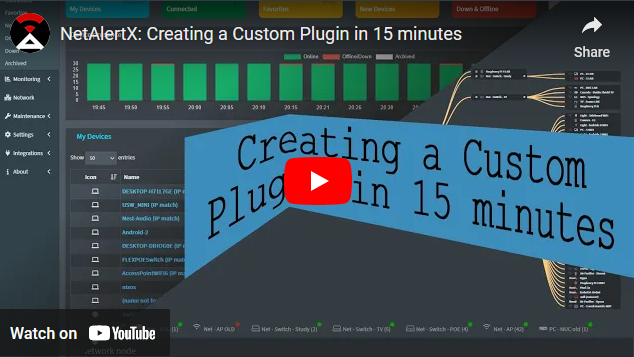
Build your own scanner, importer, or publisher plugin. See the Plugin Development Guide and included video tutorials.
📁 Recommended Guides
🛠️ Troubleshooting & Help
Before opening a new issue:
Let me know if you want a condensed README version, separate pages for each section, or UI copy based on this!